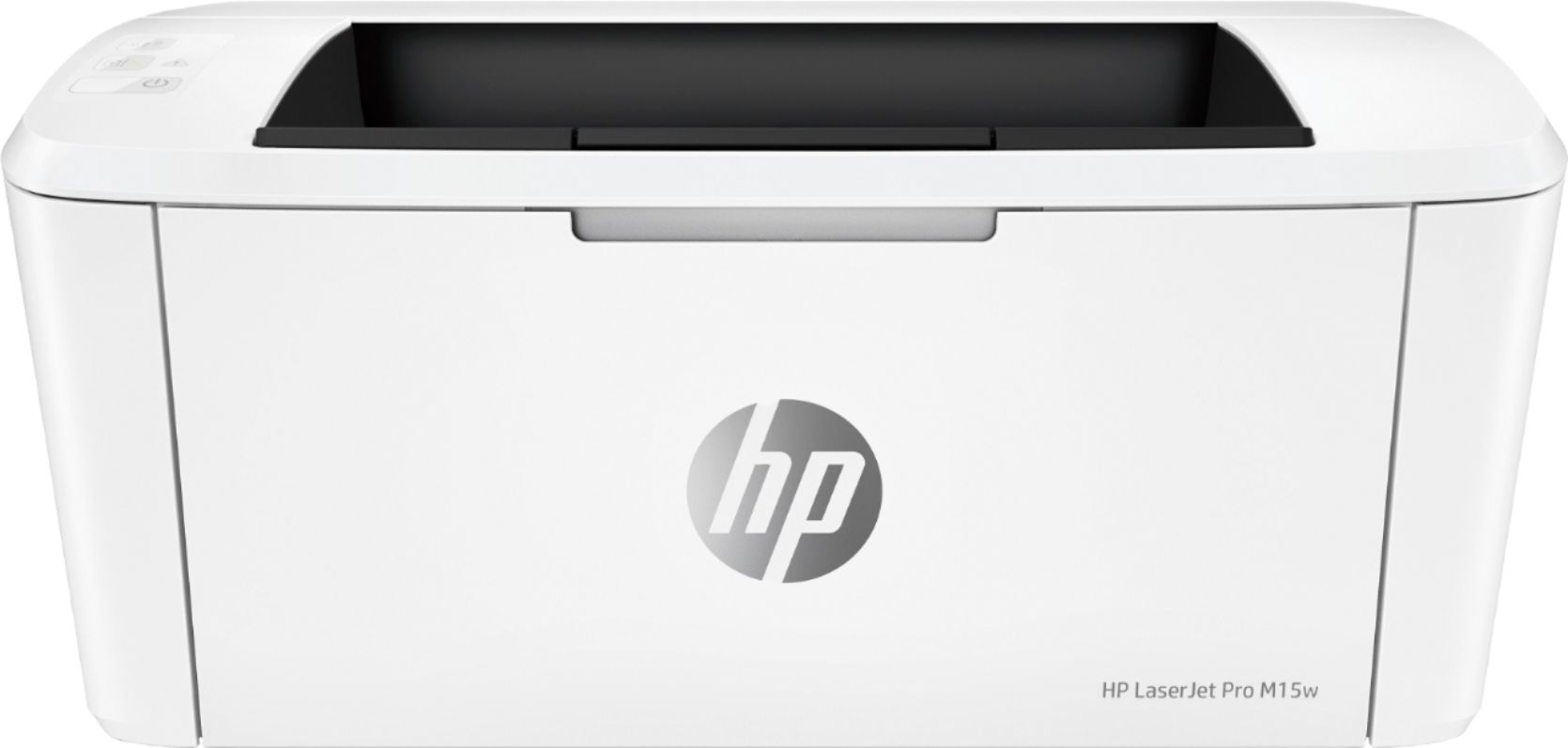
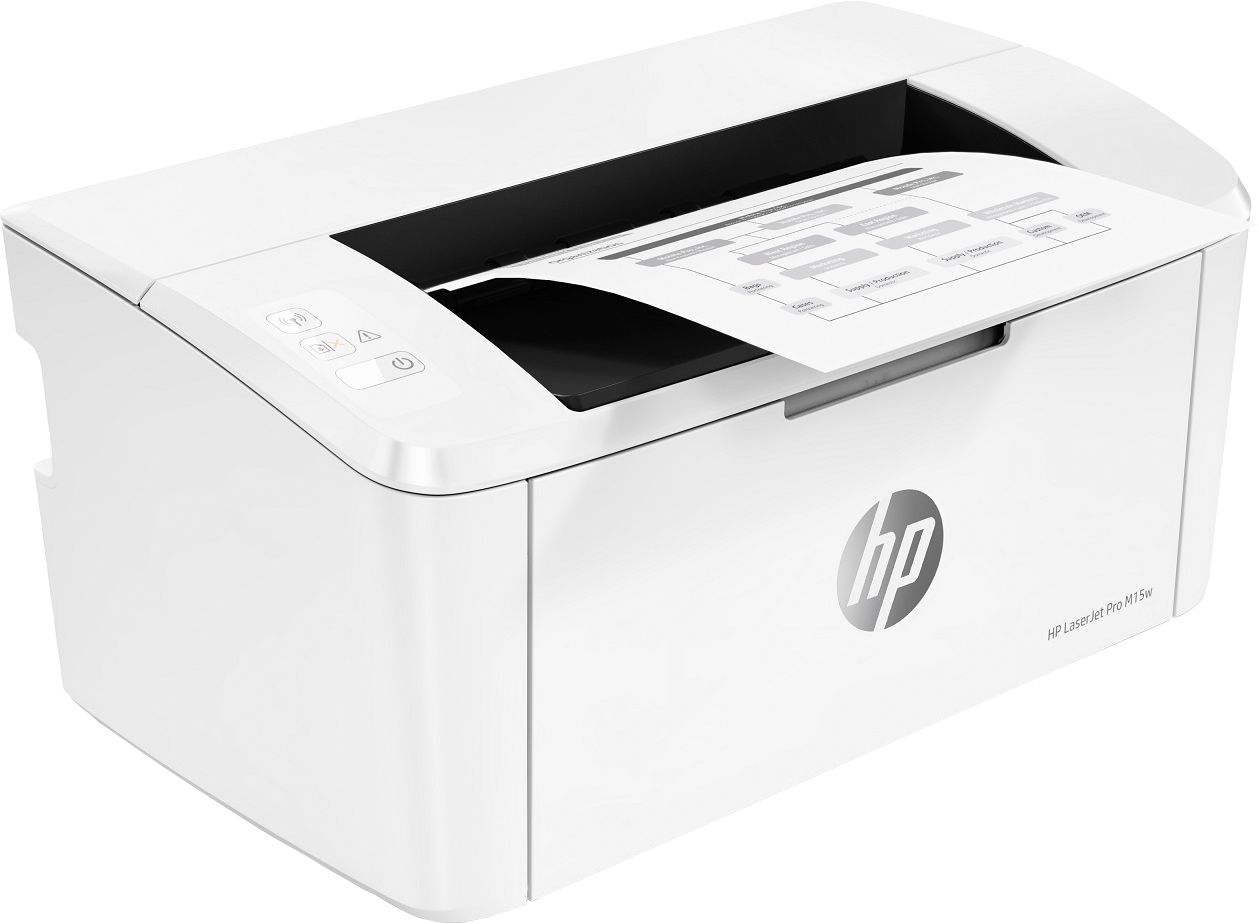
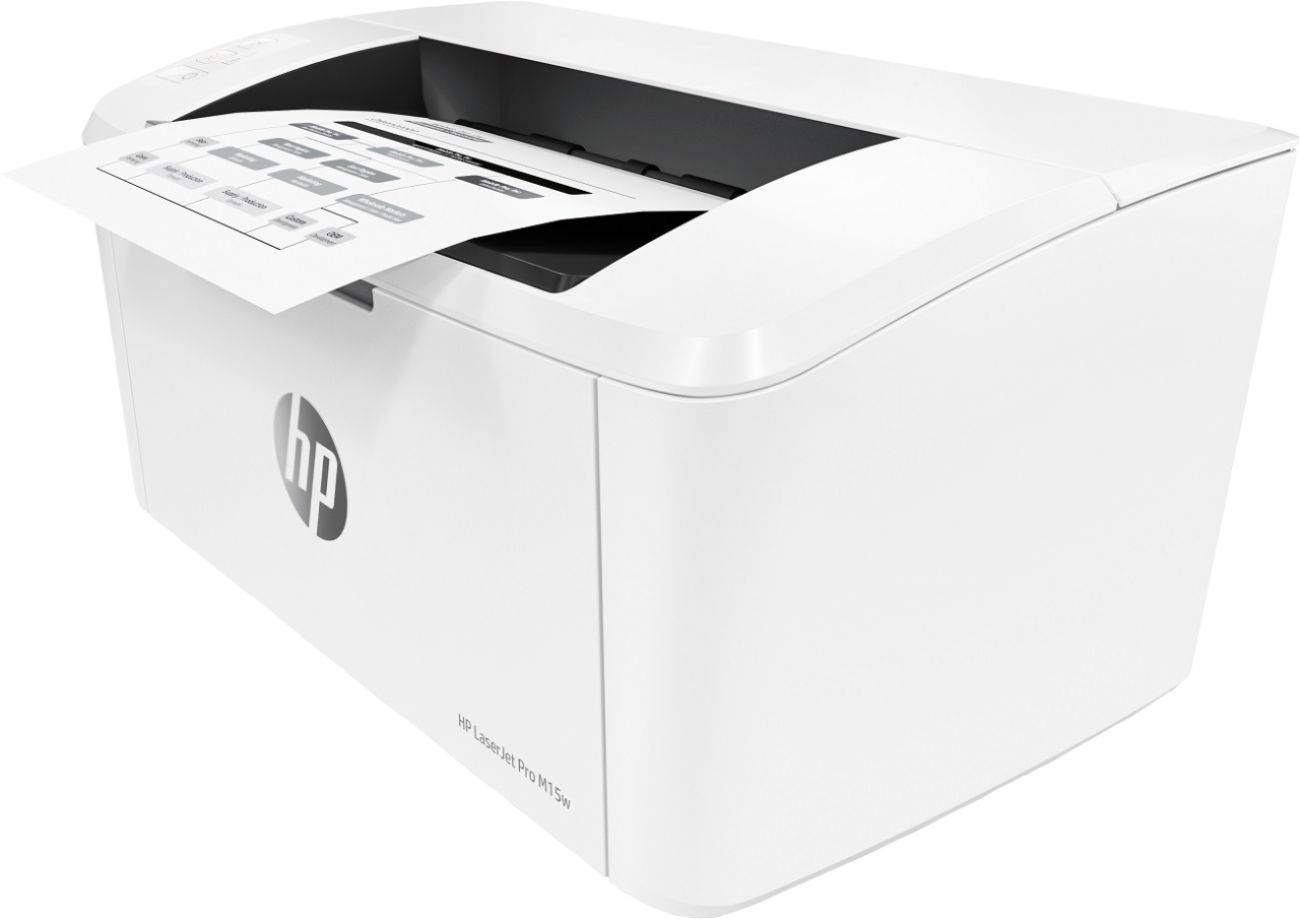
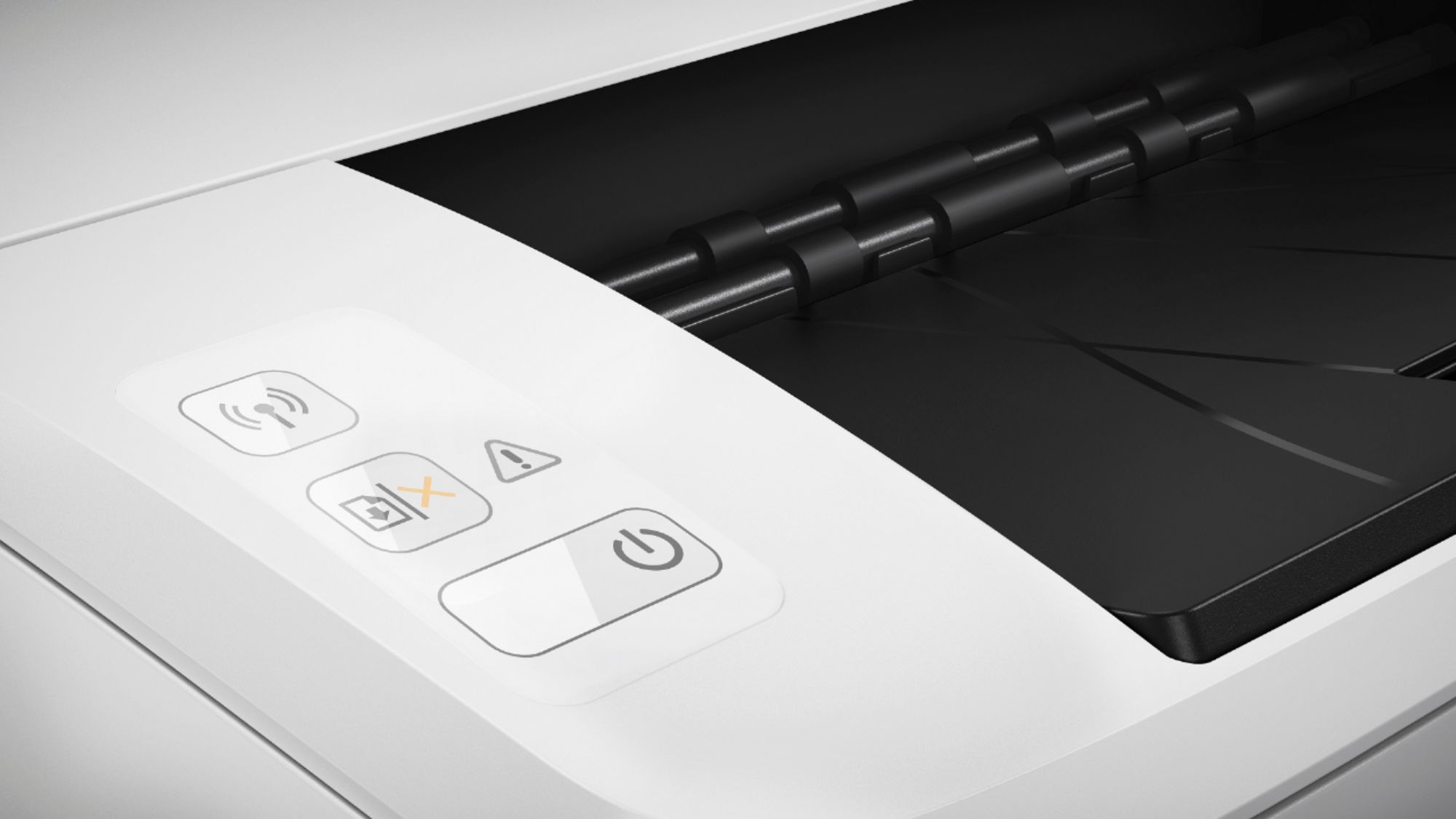
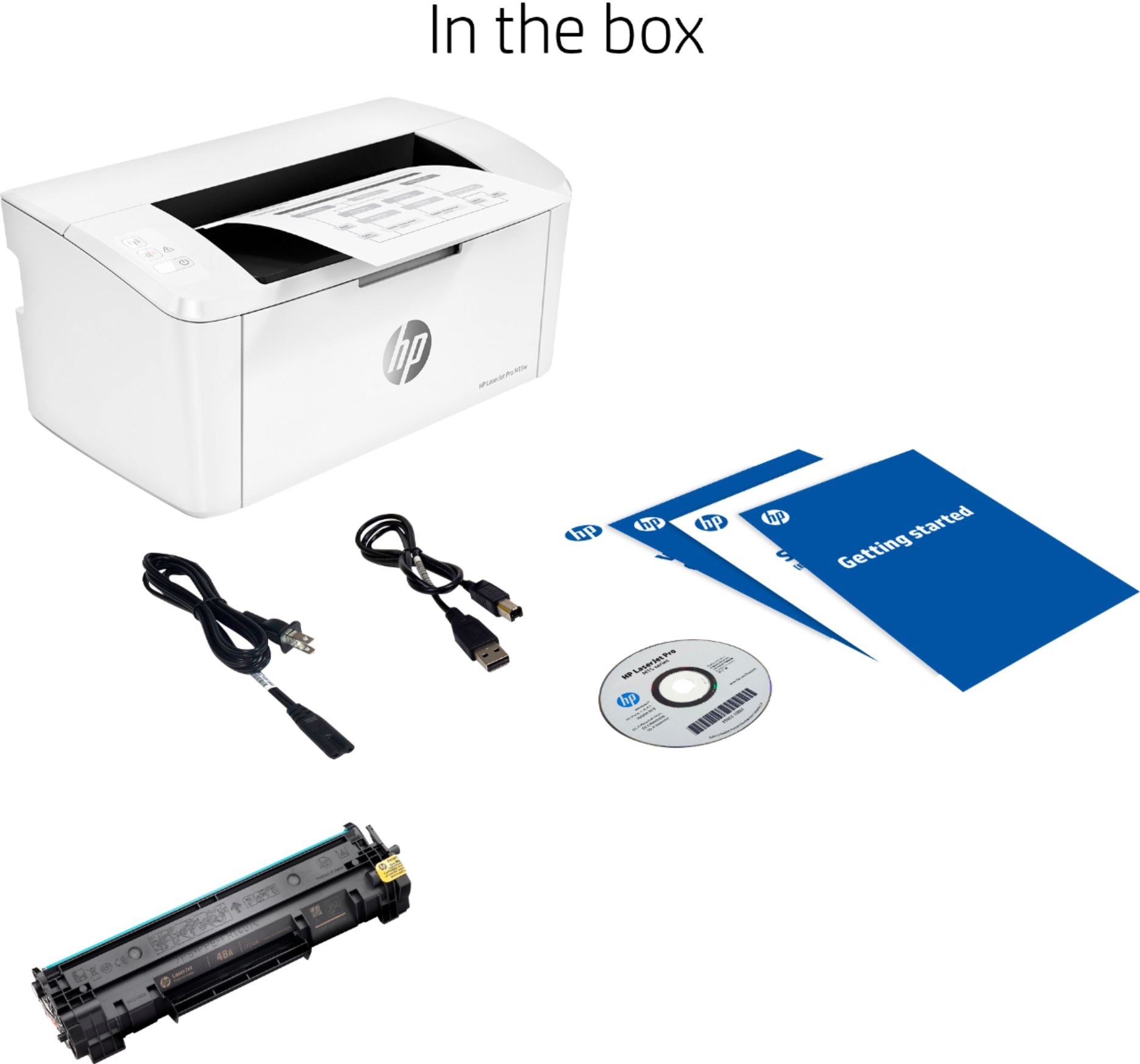
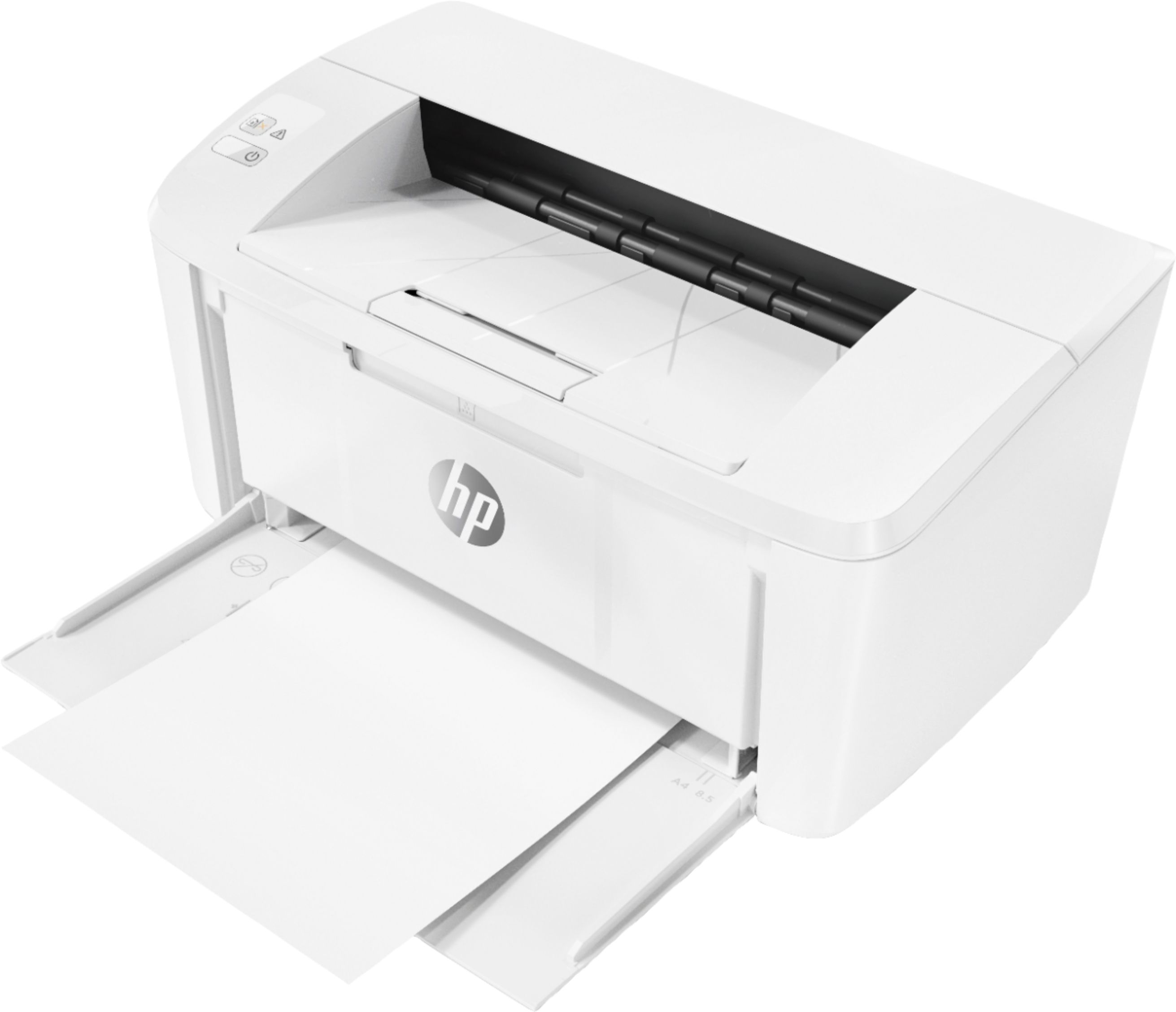
A:AnswerLaser printers have a brief surge of required power when they're first starting up or beginning to print. With the M15w, it will pull just shy of 600 watts for a couple of seconds in those situations, so the 500 watt inverter won't be quite enough.
A:AnswerSorry to hear that. Your best option at this point is to contact the HP support team. Depending on exactly where the jam occurred, they'll be able to walk you through how to get the paper out without damaging the printer.
A:AnswerUnfortuantely, it doesn't have a "bypass" slot, which is what you'd need to print a single sheet of checks. If the sheet of checks is smaller than 8.5x11, you can put the sheets in the regular paper tray.
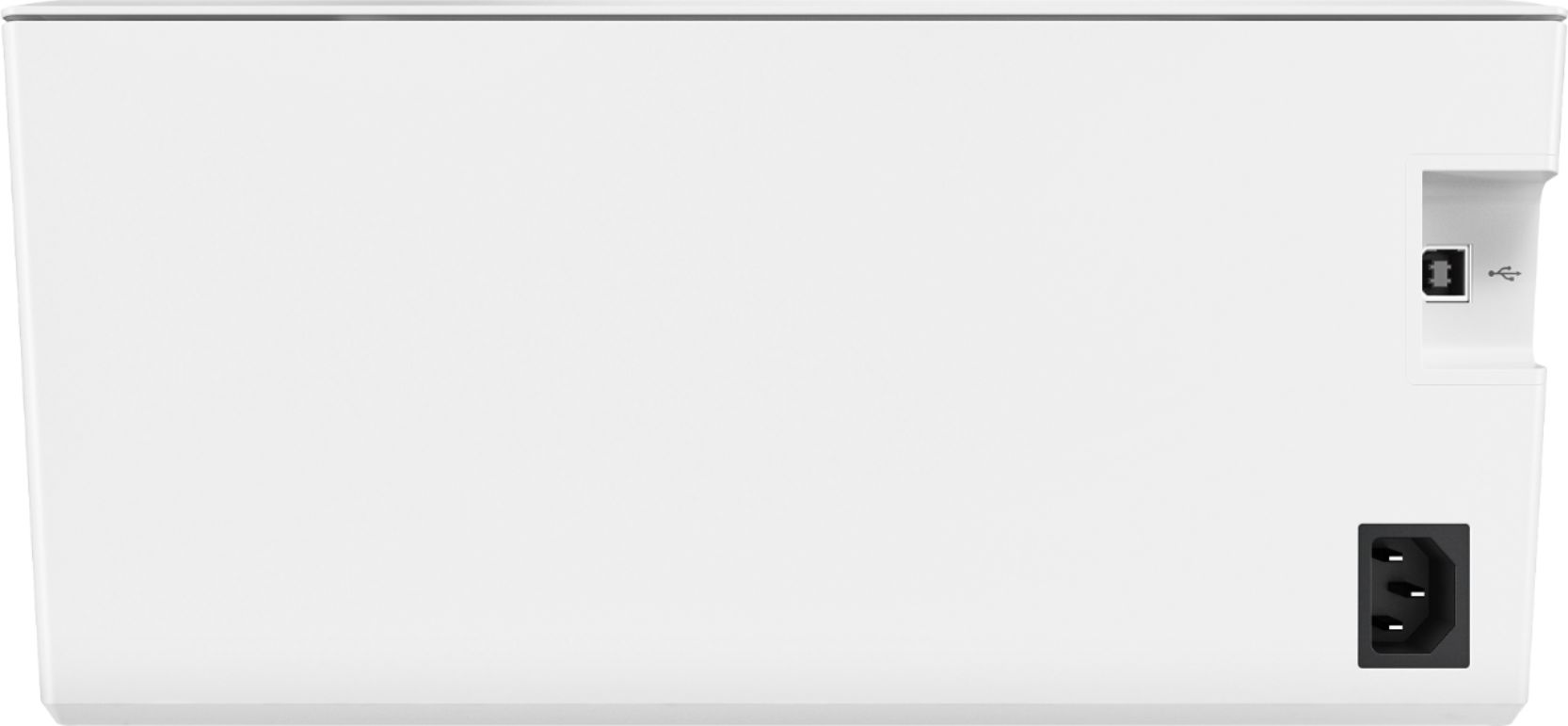
A:AnswerHello. Thanks for your question. This HP LaserJet M15w printer does not have an Ethernet port. We recommend using HP genuine toner for compatibility and consistent print quality.