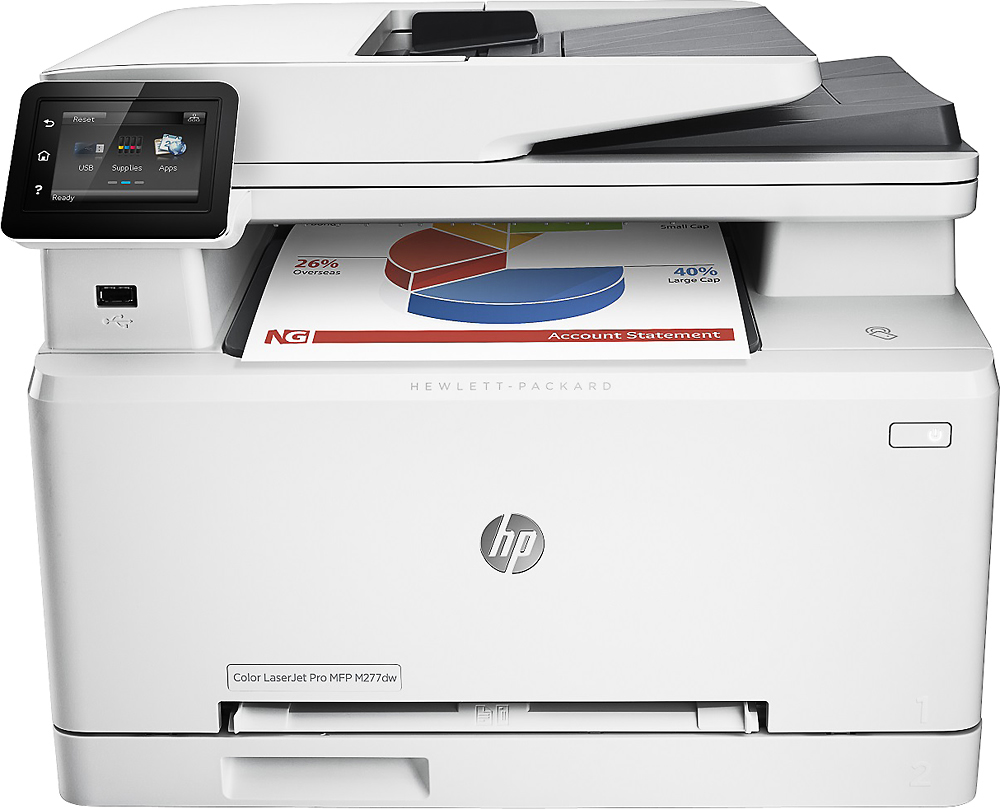
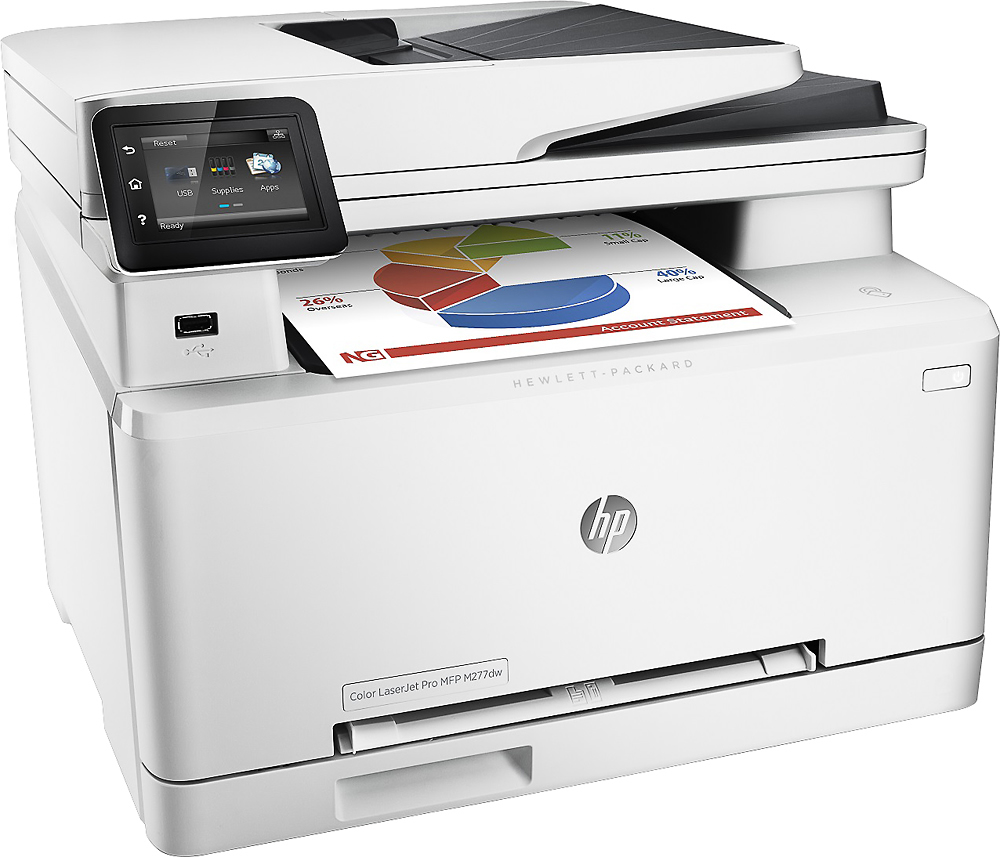
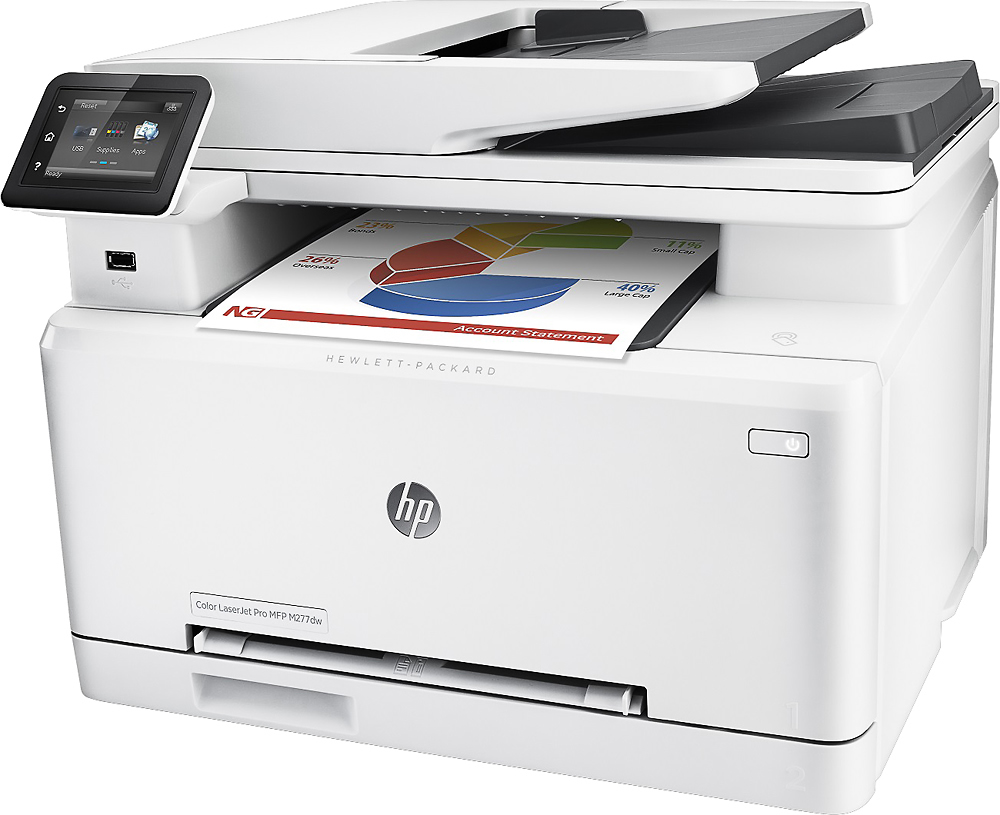
A:AnswerWe put cardstock in this printer and we didn't have any issues. It worked perfectly. Wife is happy that she can print almost anything out of it. Even pictures turn out great.
A:AnswerPhoto prints on standard paper are better than my last couple inkjet printers (one Canon and one Epson). I was concerned about photo quality but was pleasantly surprised with the quality. If it want a perfect glossy print, I'll send to Walgreens print service. But school work and customer handouts - it's perfectly fine.
A:AnswerThis printer will scan multiple pages through the self-feed tray. If your document is more than 15 or so pages, you will need to manually scan each page.
A:AnswerHas automatic duplexer for PRINTING, but for scanning you have to send the paper stack through the doc feeder to scan first side, then take the stack out of the exit tray & re-insert into the ADF to scan the other side. (do not flip the stack as you remove it from exit tray; just rotate stack clockwise 180 degrees & put it into the ADF)