A:AnswerIt is extremely easy setup. Actually, it felt like I should have to do more than I did to set it up. I use an IPad Pro as well as a regular desktop computer it connected to both seamlessly. A great product.
A:AnswerIt would be a good choice for scanning documents and photos, but not a particularly good one for printing photos. Inkjet printers have a higher resolution, and because a laser uses a "fuser" (basically, a heating element) to melt the toner into the paper, printing photos on a laser requires laser-specific photo paper.
On the cartridge cost, expensive cartridges tend to print more pages but are cheaper per page. Less expensive cartridges are less money up front, but you'll replace them more often. The right one to chose (and whether you want to go with an inkjet or a laser) is going to come down to _what_ you want to print and how many pages you'll print each month.
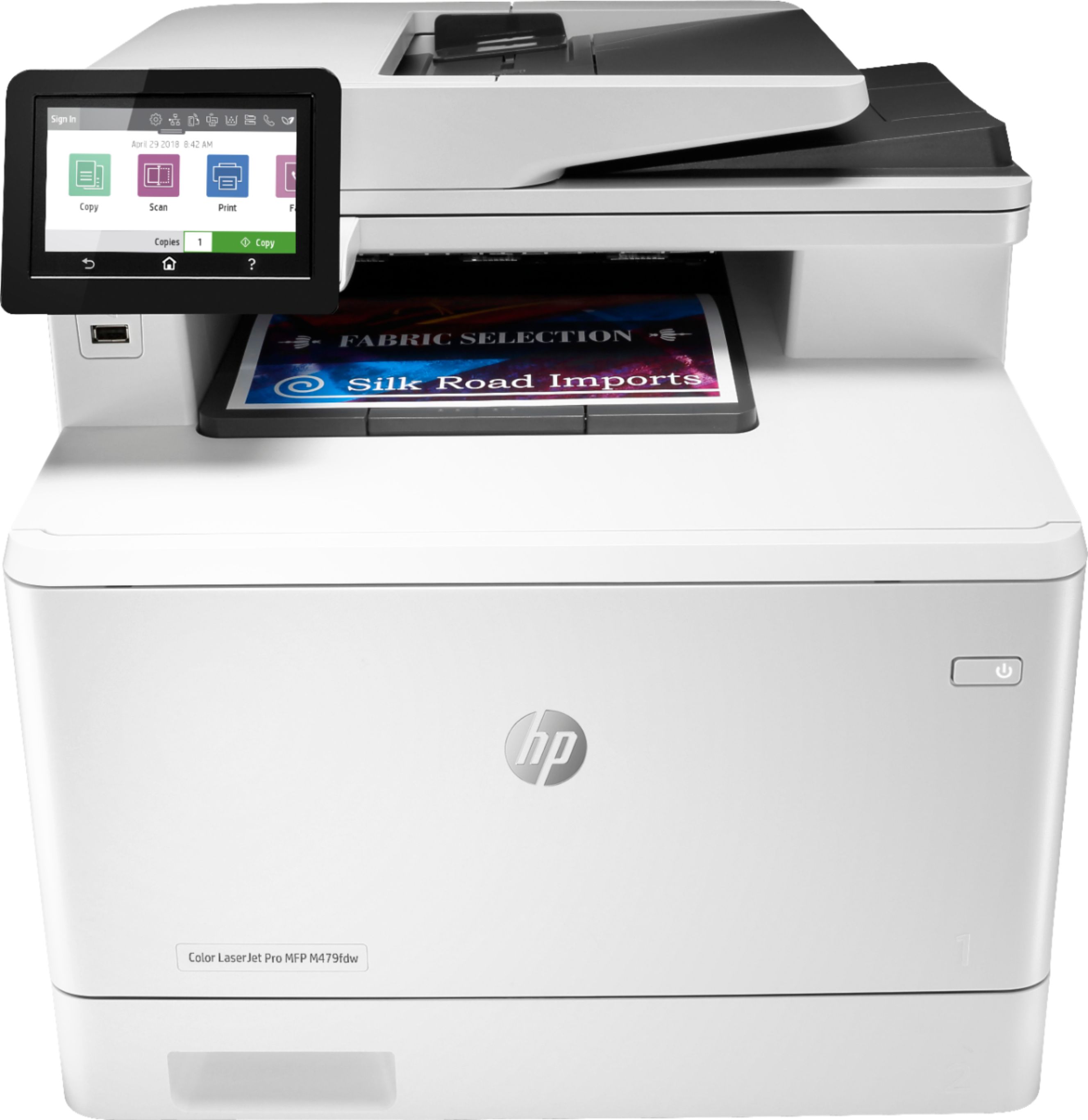
A:AnswerUnfortunately, off-the-shelf HP laser printers and toners are not MICR compliant since MICR check printing requires a MICR modified printer and MICR toner. HP does not support using MICR toner products in LaserJet printers that have not been modified. You can find more information here: https://support.hp.com/us-en/document/c03081484
A:AnswerHere is a link to the users guide. There are 2 methods of scanning to email - this is discussed beginning on page 75. http://h10032.www1.hp.com/ctg/Manual/c06320011