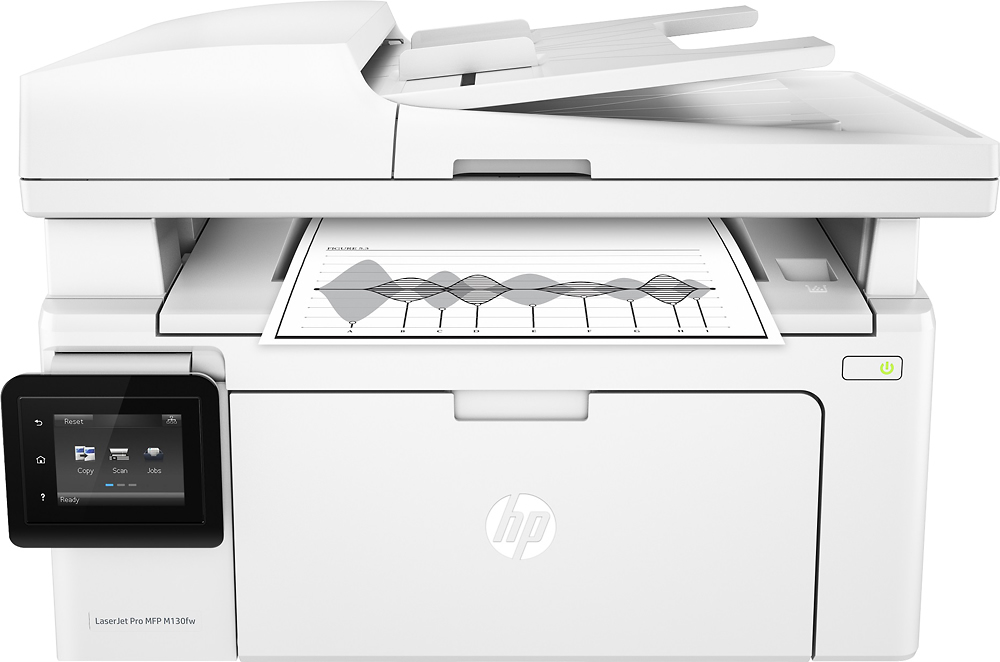
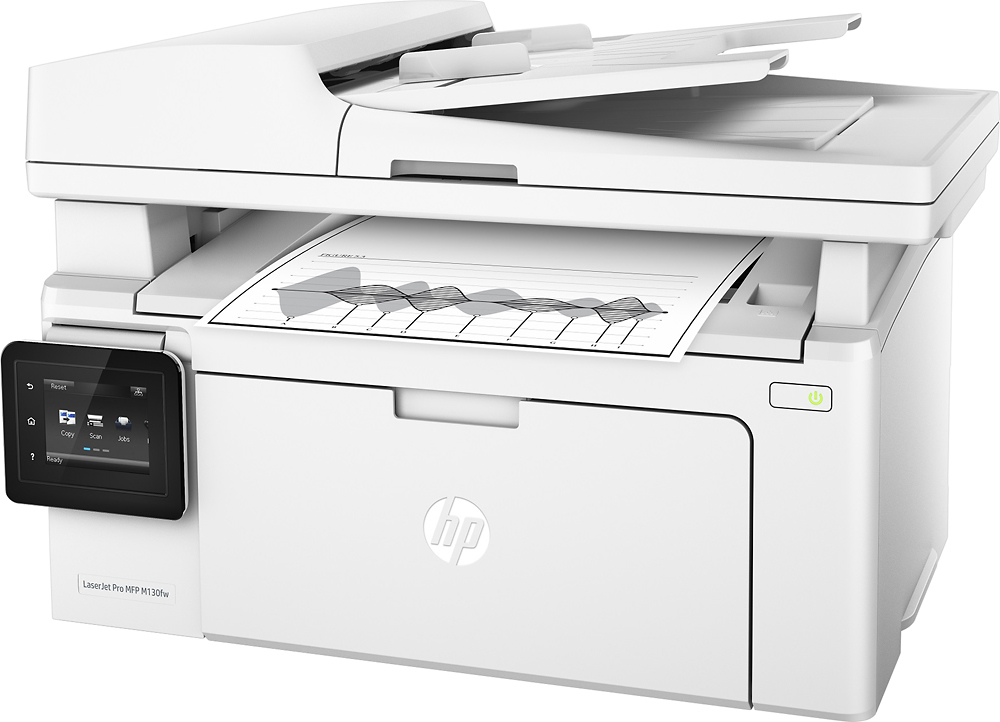
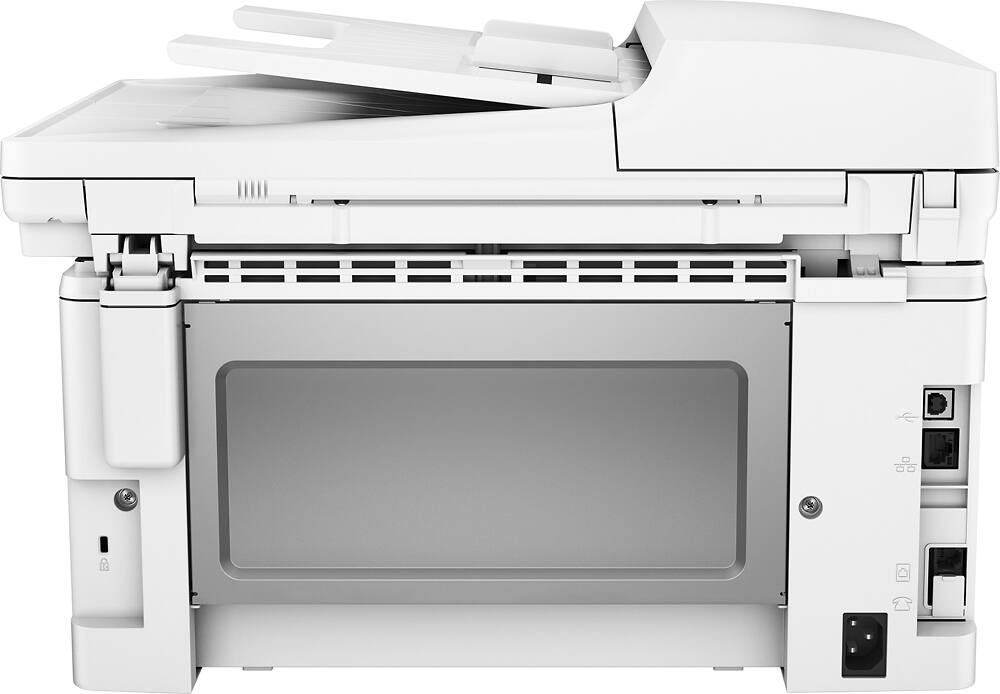
A:AnswerThe computer needs to be connected to the printer to secure wired printing option. If you are doing wireless then just have the printer connected to an outlet but make sure the computer and printer are communicating through the installation process. If you have issues you can call HP for technical support.
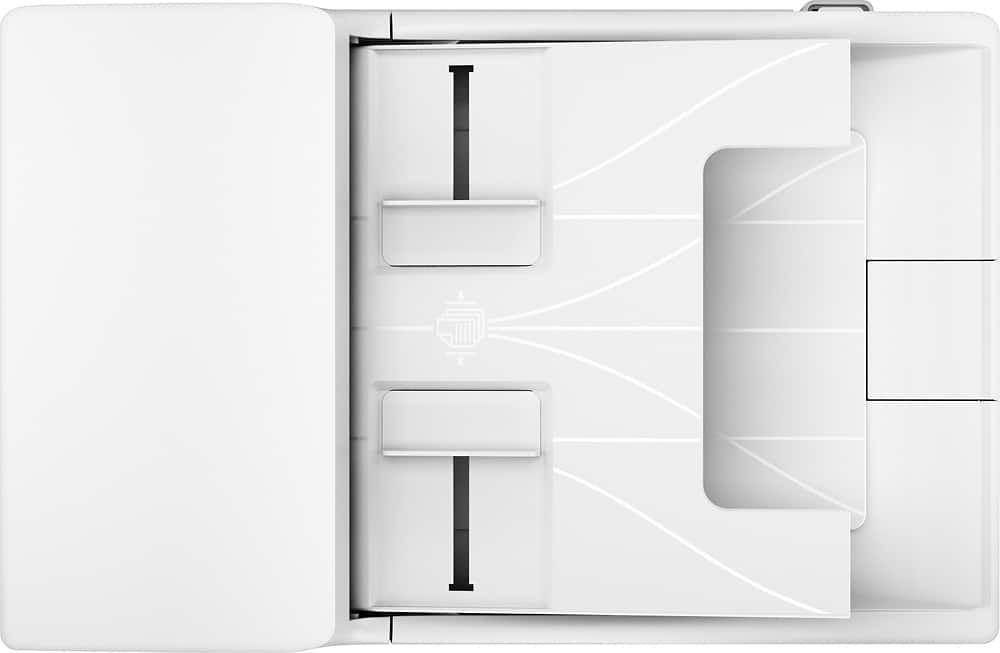
A:AnswerYes, you can use the document feeder or open the lid and put in a book but there is no sliding hinge. When copying from a large book you made need to add some cover to keep the outside light from shining on the glass.
A:AnswerYou can download the drivers from the HP website. You will not need to use the disk. https://support.hp.com/us-en/drivers/selfservice/hp-laserjet-pro-mfp-m130-series/9365370/model/9365374
A:AnswerAs far as I am concerned, this machine does as well or not better than the huge printers you see in most officers.
Little machine does the job of the Giants