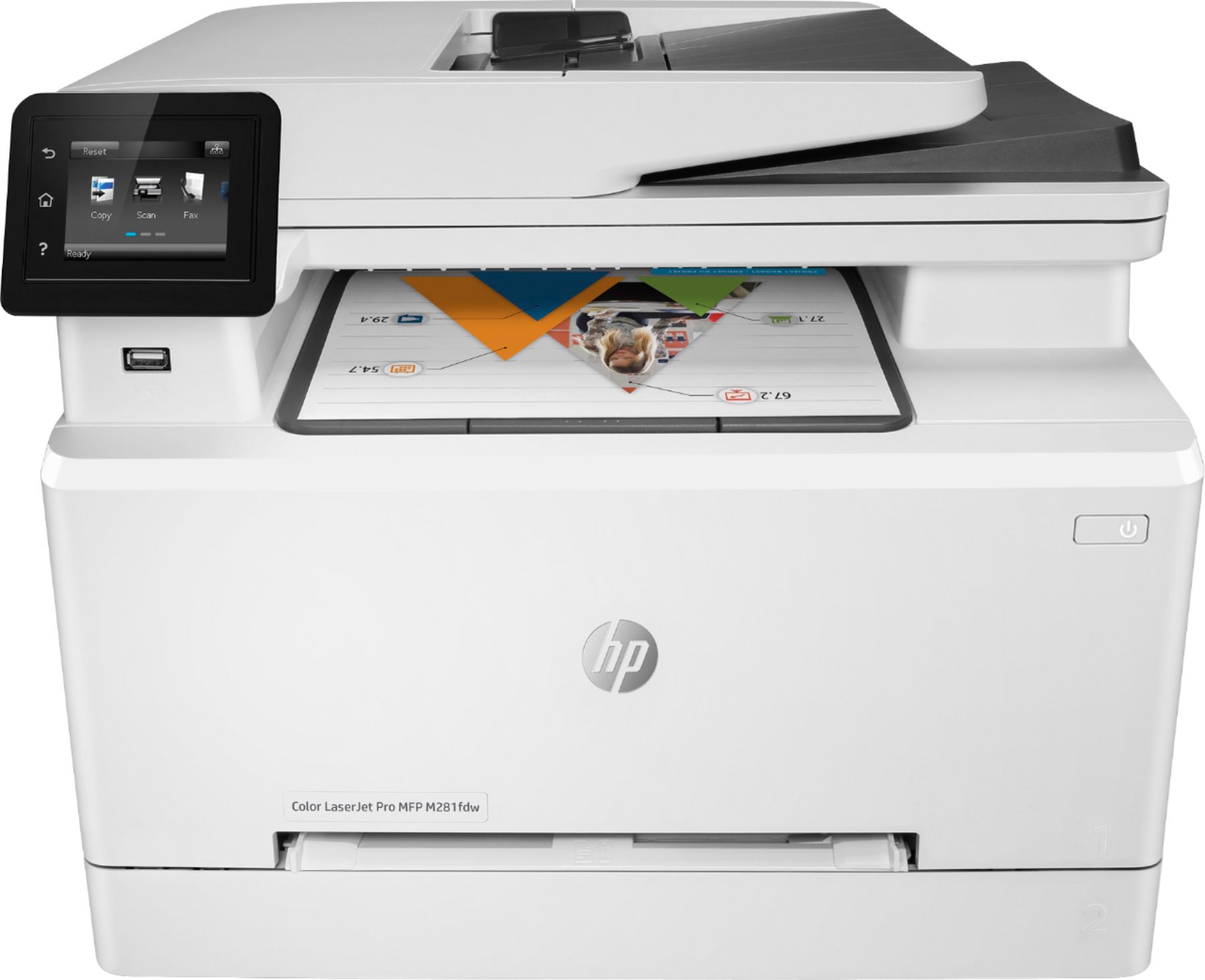
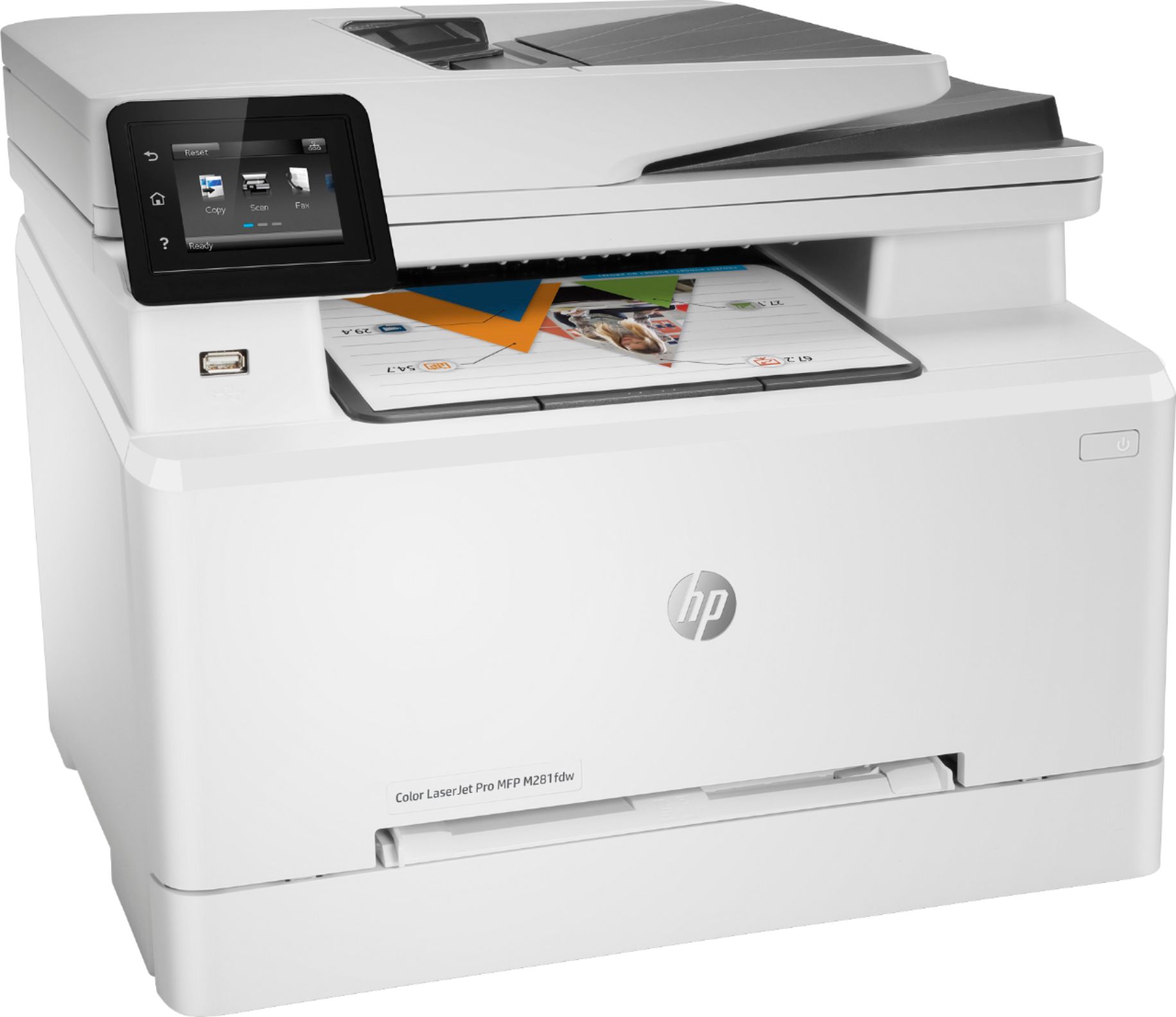
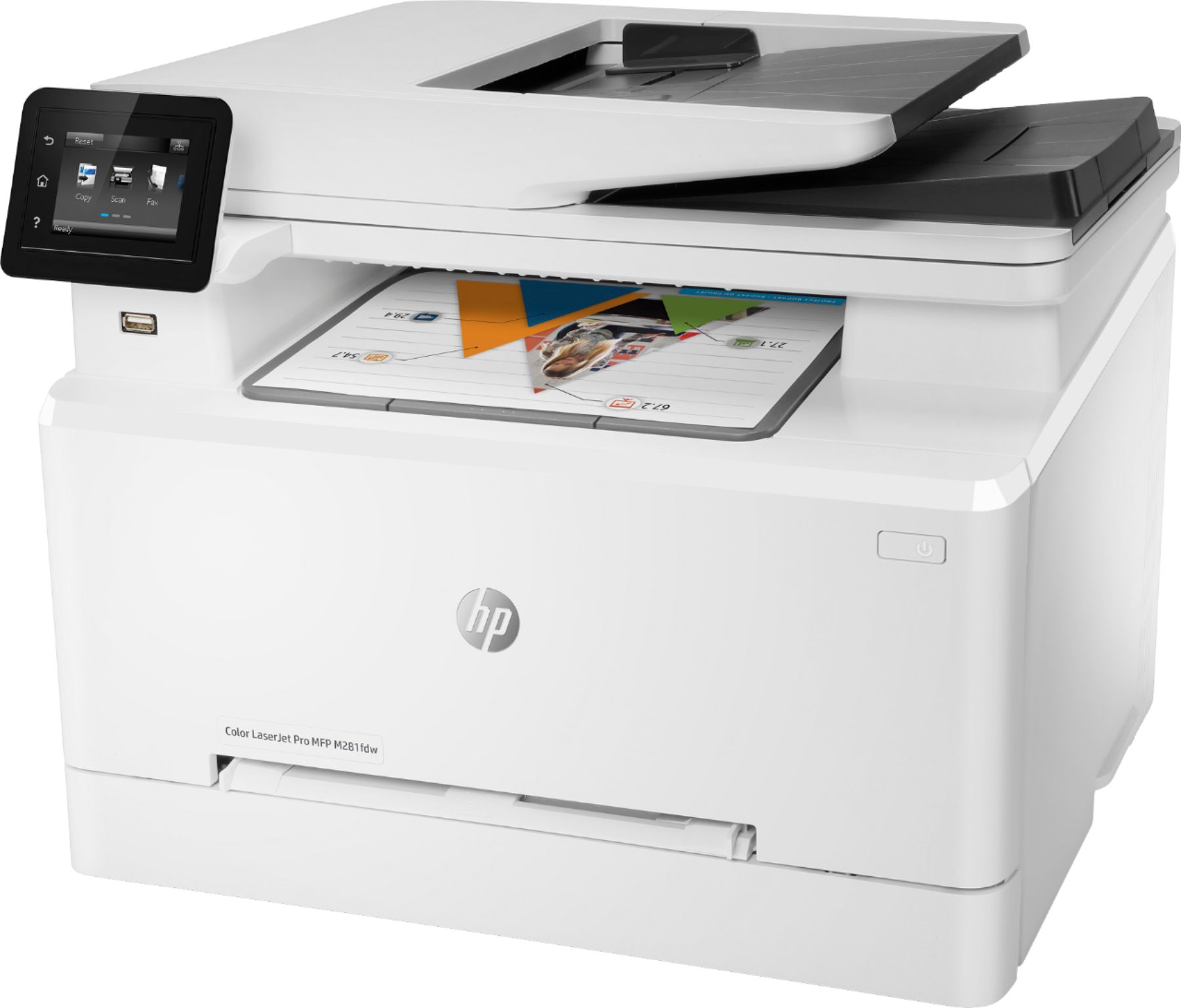
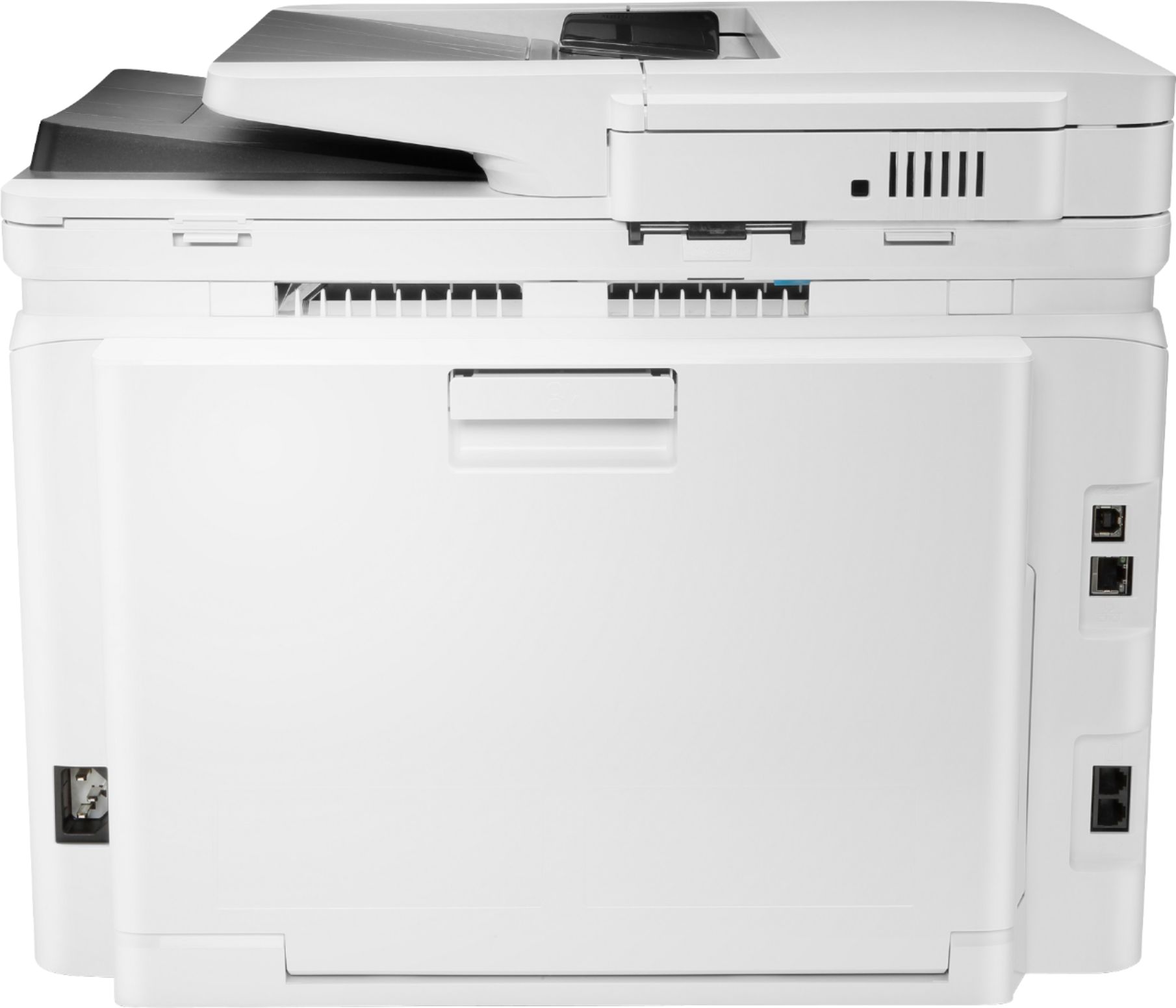
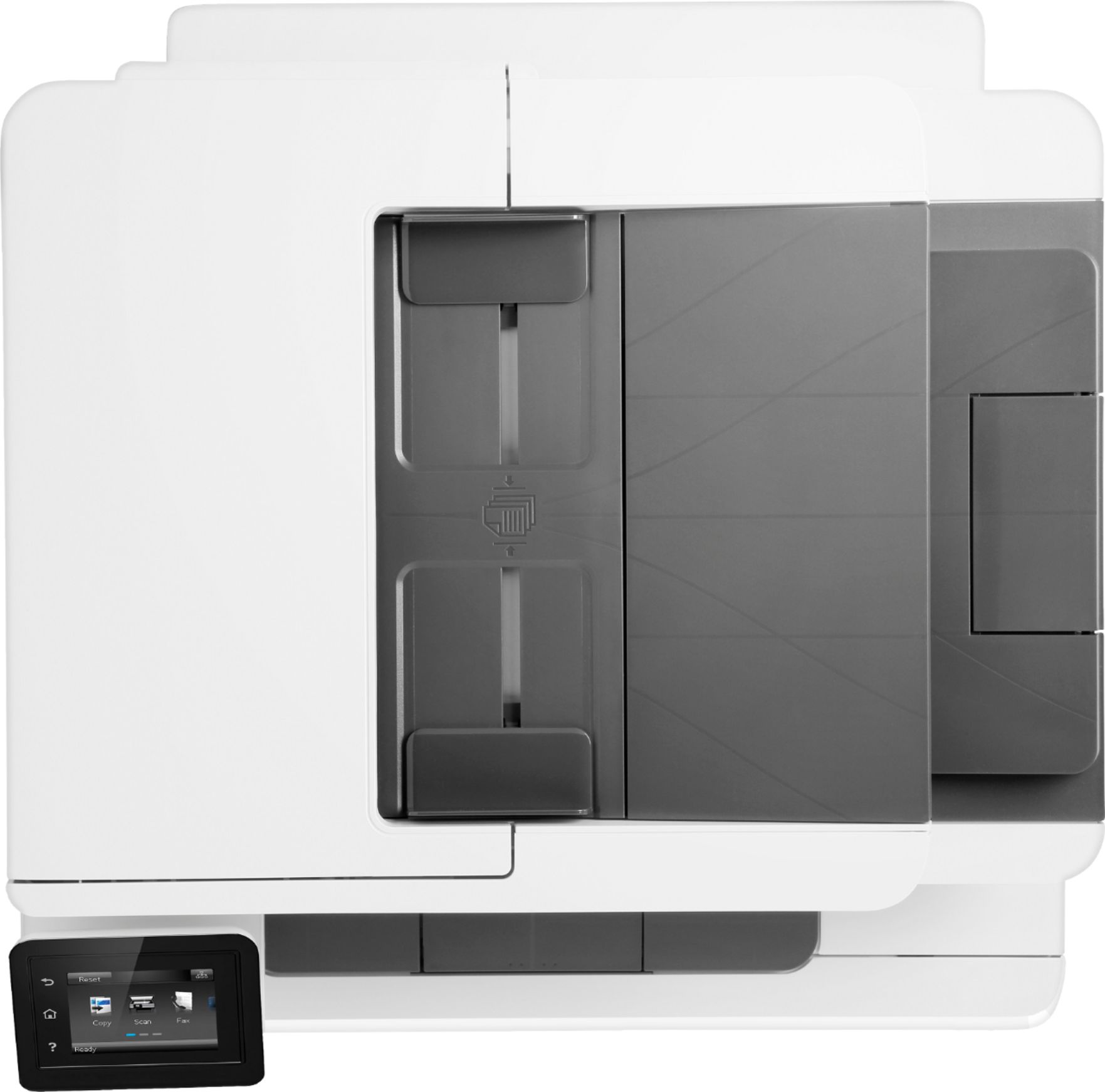
A:AnswerHello Again. To copy a legal size document on this printer, you would need to place the legal size documents on the auto document feeder on top and the blank paper in the paper tray. And then follow the instructions under "Select the paper size and type for copies" on this webpage: https://support.hp.com/us-en/product/hp-color-laserjet-pro-m280-m281-multifunction-printer-series/14142489/model/14142491/document/c03819735 For printing legal documents, here are some instructions for Windows: https://support.hp.com/us-en/product/hp-color-laserjet-pro-m280-m281-multifunction-printer-series/14142489/model/14142491/document/c04673480 and for Mac: https://support.hp.com/us-en/product/hp-color-laserjet-pro-m280-m281-multifunction-printer-series/14142489/model/14142491/document/c04420223
A:AnswerThe LaserJet Pro M281FDW uses the HP 202A Black, Cyan, Yellow, and Magenta toner cartridges. The Black 202A Toner yields 1,400 pages, and costs $64.99; each color 202A toner yields 1,300 pages and costs $76.99.
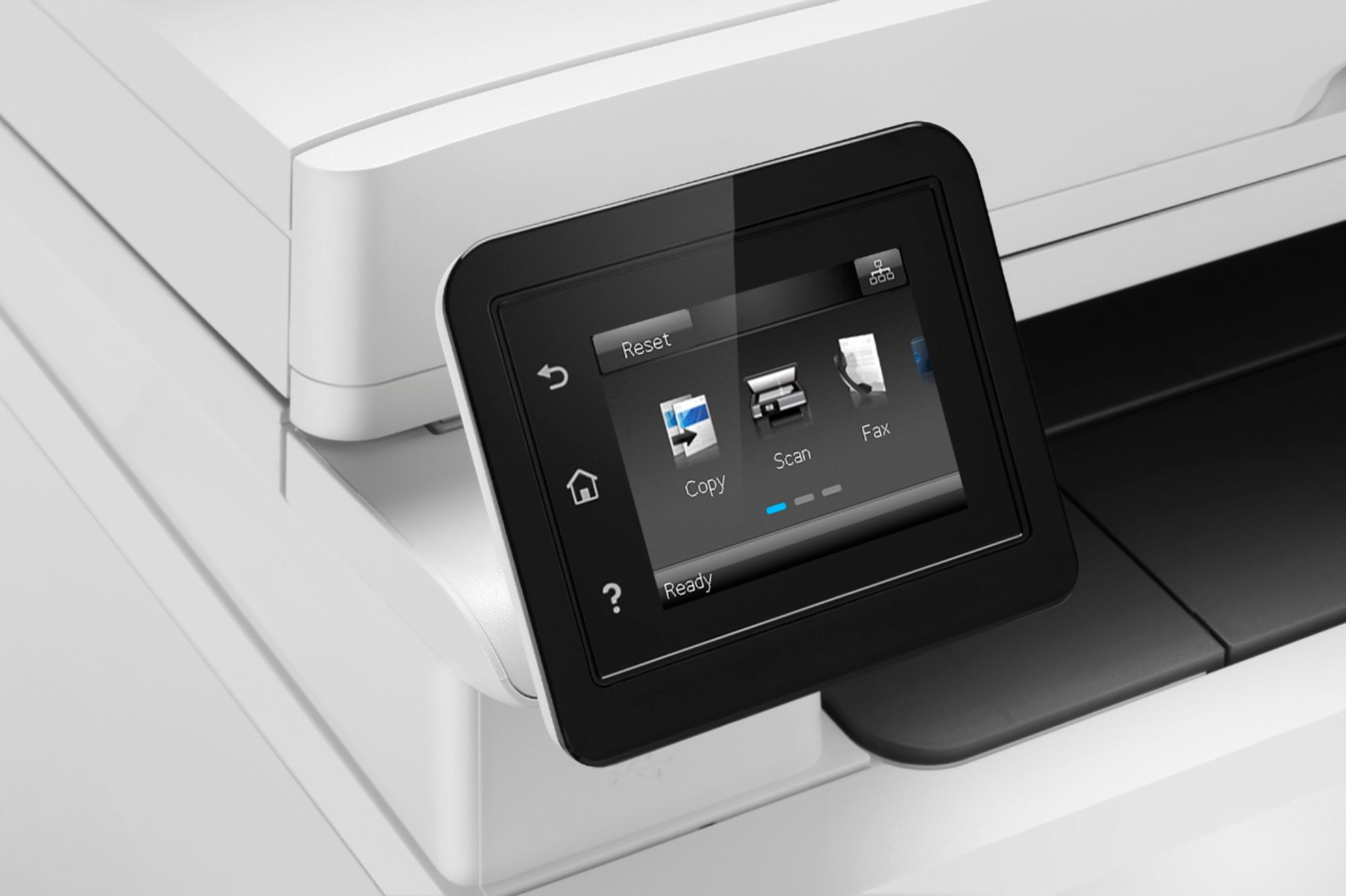
A:AnswerThe printer touch screen turns on initially. However, after about 20 seconds, it’s automatically turns off or goes into “sleep” mode. You have to press the power button slightly to turn it back on.
A:AnswerThat is a good question. Too bad the web publication reviewer didn't mention this in the review.
Anyhoo, for use in a "home" environment, I would hazard a guess of 6-10 feet from the unit is a "safe" distance for people working with it. However, I'd do some research regarding what the FCC says is a "safe distance" from a "Class 'A' RF Emitter".
If you really want "100% Safety" though, DISABLE the printer's WiFi and use a CAT5e or CAT6 cable to "hard-wire" the printer to a network router/switch.
Hope this helps...
A:AnswerThe US product has a nominal voltage rating of 117 vac @ 60hz.
The European product has nominal voltage rating of 230 vac @ 50 hz.
Neither product can be switched to the other voltage - an ADAPTER will not work and will most likely destroy the US product if used in Europe!!
The European product would likely survive the under-voltage if attempted to be used on 117 vac, but it will not function.
The use of a properly rated transformer for step-down or step-up is the only solution workable (both units will work fine at 50 or 60 hz frequency).
Non-transformer voltage changers should never be used for sensitive electronics such as this printer (they should only be used for things like motors).
A:AnswerDon't have a Mac, but setup was a hassle for PC. I guess it depends on your router, since my Sagecom (supplied by Spectrum cable) did not work well with it. I had to setup the printer with a static IP address. Otherwise, I would need to perform the setup every time the router designated a new IP. Once it was setup, I was able to link it with all my other devices (phones, iPad, and even a Linux machine). If it was an issue with the PC, I can only guess that the same issue would come up with a Mac.