Questions & Answers
- Model:
- Y5S53A#BGJ
- |
- SKU:
- 6238315
Highly rated by customers for: Print Quality, Ease of use, Size
Page Showing 121-140 of 363 questions
Q: QuestionCan it be setup with a usb?
Asked by matt.
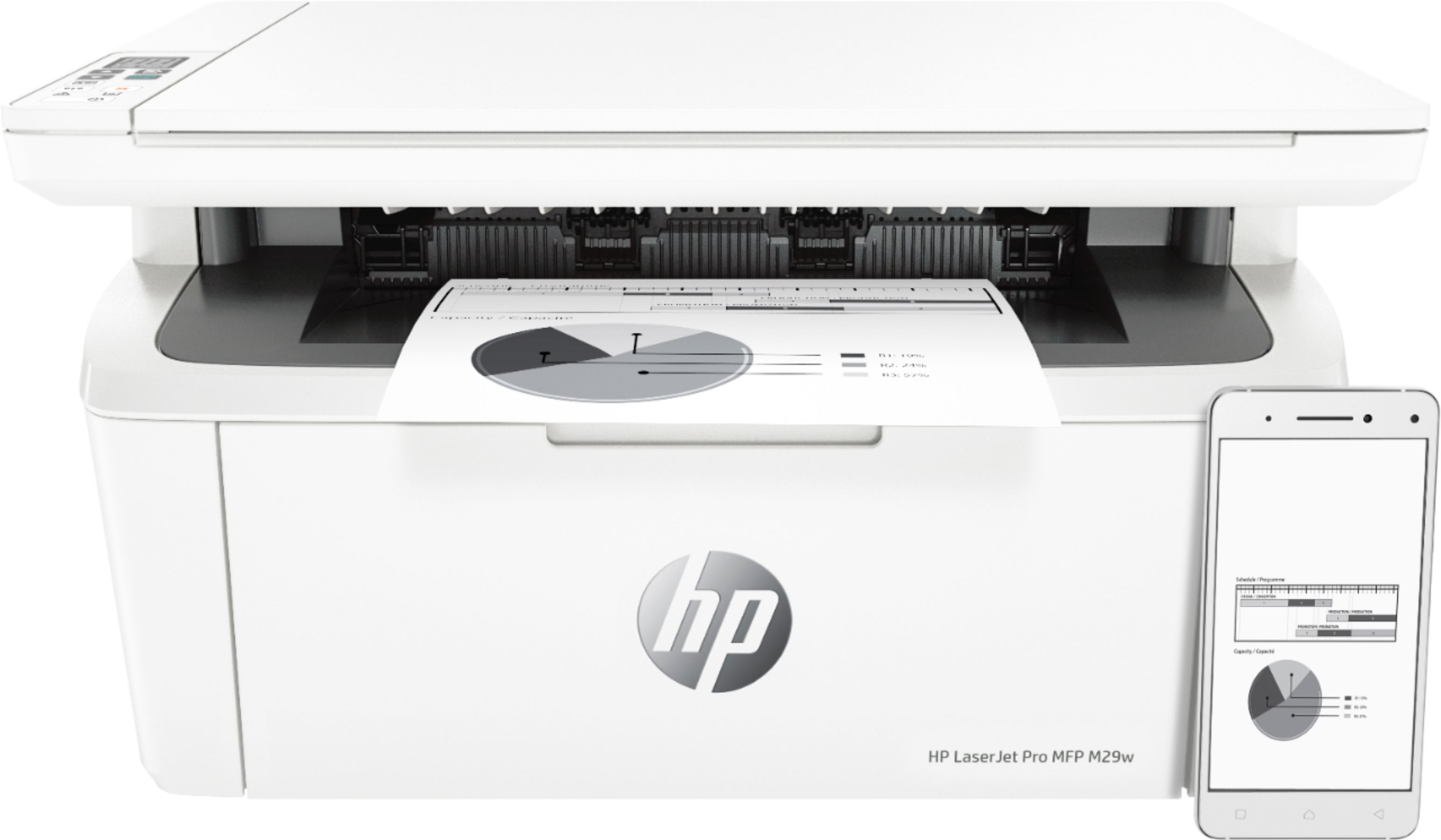
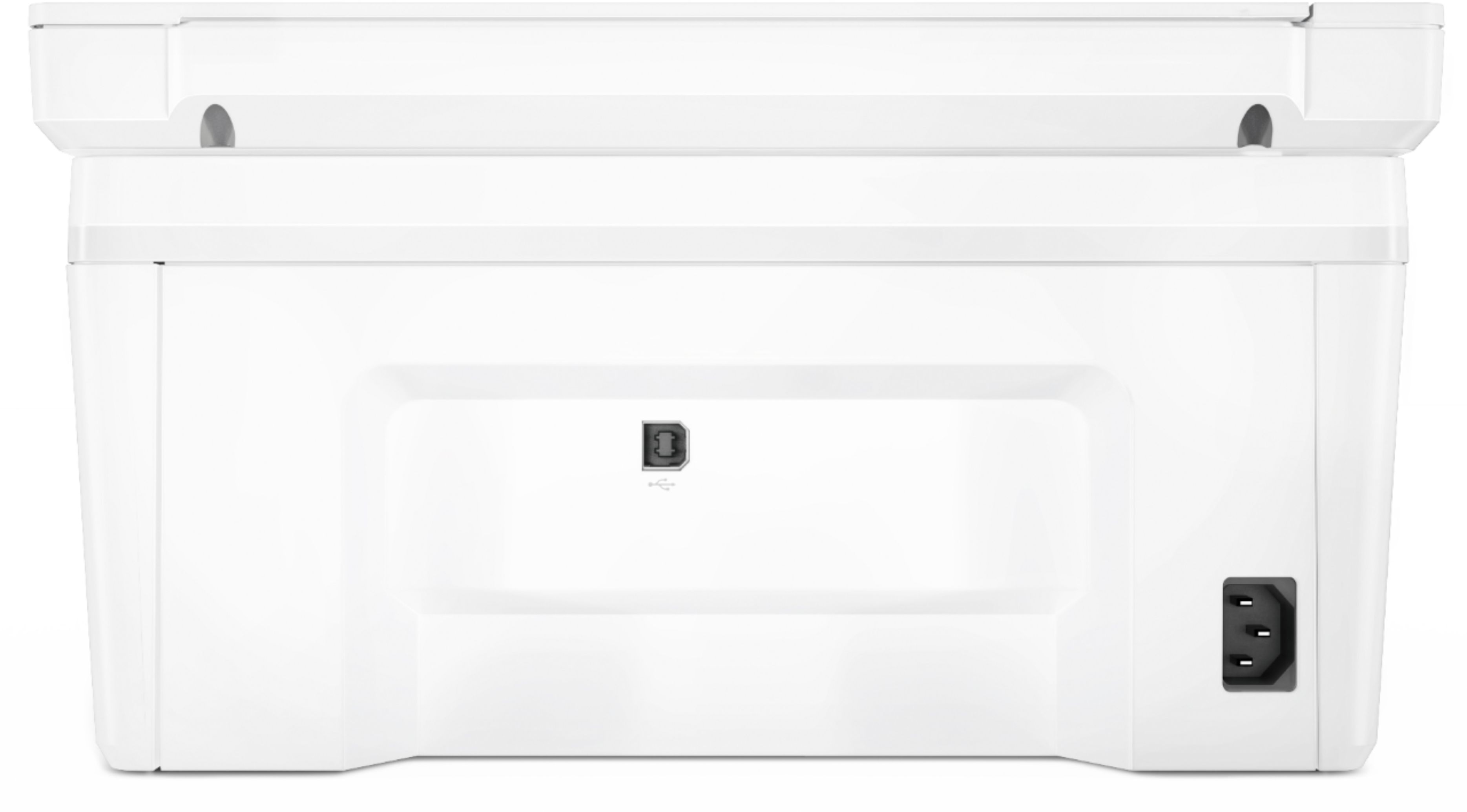
- A:Answer Hi Matt, thank you for the question. Yes, the LaserJet Pro MFPO M29w has a USB 2.0 port and a USB cable is included.
Answered by HP Team

Q: QuestionWhat is depth of printer? You only provide width and height. Thank you.
Asked by scg55.
- A:Answer I sent it back because the person who sold it to me gave me wrong information.
Answered by Anonymous
Q: QuestionIs this printer compatible with I Mac?
Asked by Anonymous.
- A:Answer Thank you for the question. Minimum system requirements for the LaserJet Pro MFP M29w (for Mac OS) are: Apple OS X EI Capitan (v10.11), macOS Sierra (v10.12), and macOS High Sierra, (v10.13).
Answered by HP Team

Q: QuestionCan I print pages in color? I’m buying it for my real estate business.
Asked by Olga.
- A:Answer This printer only uses black ink.
Answered by Tink
Q: QuestionWhat paper weight should I be using
Asked by Anonymous.
- A:Answer 20lb printer paper.
Answered by dpbennett
Q: QuestionMy Modem doesn’t have wps button. When I follow the instructions using hp smart app and connect to the printer network , it asks for password. Where do I find the password? It’s not accepting my network password
Asked by LA.
- A:Answer I did not use the app to set this up. I set it up with the on screen directions on my laptop first, which included wireless connectivity. Then it was discoverable from all devices not using the app.
Answered by dpbennett
Q: QuestionCAN THIS COPIER WORK W/O INTERNET CONNECTION
Asked by RJBUBBYV47.
- A:Answer Thank you for the question. Yes, either hard wired to the computer or as a stand-alone copier.
Answered by HP Team

Q: QuestionCan I print 11 x 17 transparencies on here ?
Asked by terry.
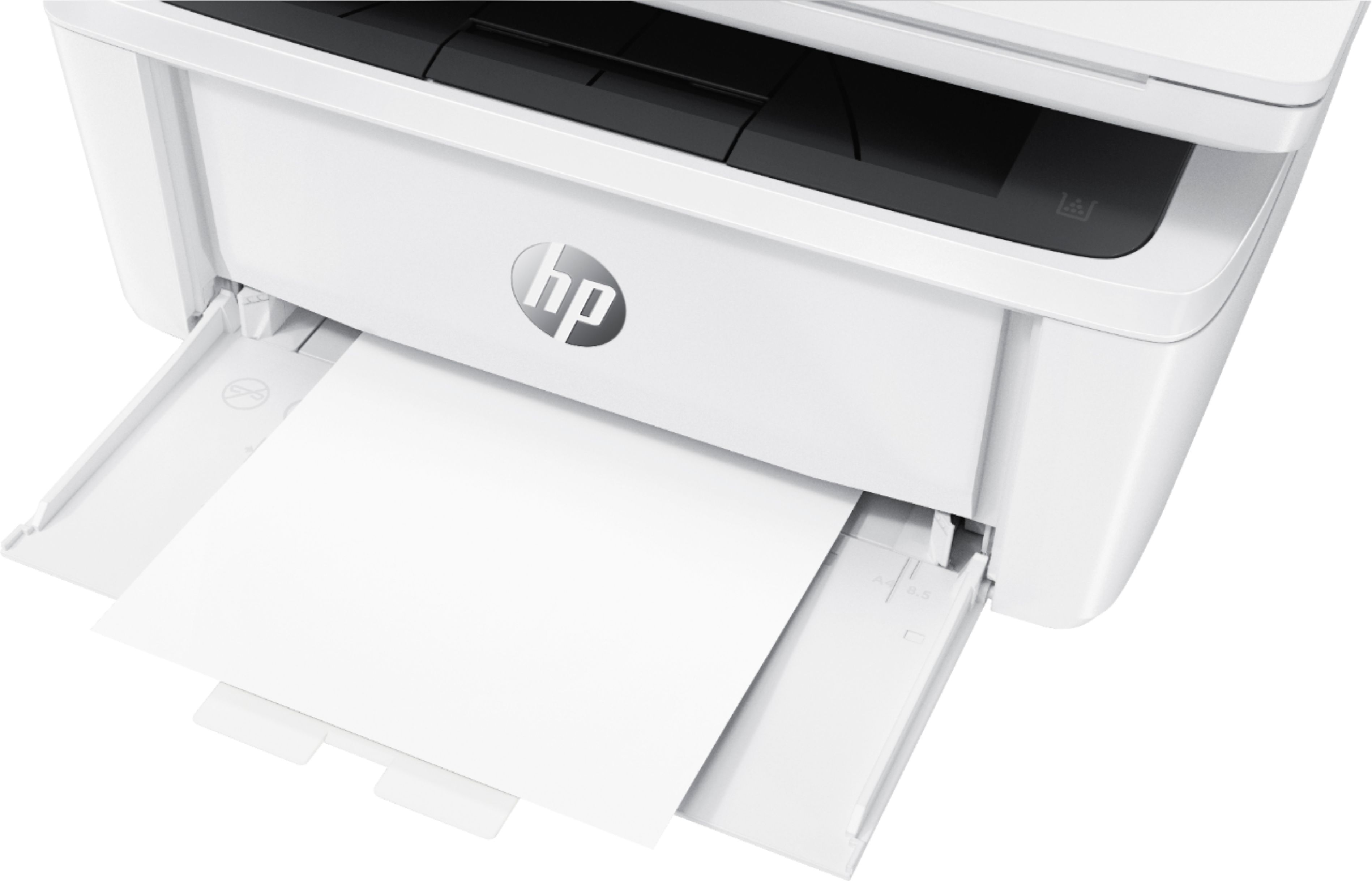
- A:Answer No, the LaserJet Pro M29W can accommodate paper up to 8.5x11" only.
Answered by HP Team

Q: QuestionWhere is PIN Number?
Asked by Ann.
- A:Answer Hi Ann, thank you for the question. See instructions for getting your WPS PIN here: https://www.youtube.com/watch?v=wvvonW6xIAA
Answered by HP Team

Q: QuestionMac OS Monterey 12.1 to the HP LaserJet Pro MFP M29W. Should it connect with USB cable? I have not been able to print.
Asked by Scott.
- A:Answer This printer comes with a USB printer cable included, so it can be used with either a wired or wireless connection (or both). There is no reason you should not connect with the USB cable. I use both the wired and wireless connections. If you have not been able to print, and there is no issue with your wireless connection, make sure you have the proper drivers for Mac OS installed. That said, the USB connection is certainly simpler.
Answered by DoubleG
Q: QuestionWill this Printer work with a Dell Inspiron 3647 running Windows 10? Does it come with a USB cable to connect to computer?
Asked by Fergus.
- A:Answer Yes, it works with Windows 10 & 11. I have used it with both. Yes, it does come with USB. Also prints wirelessly from multiple devices with a breeze.
Answered by dpbennett
Q: Questioncan I print from my ipad? How is that set up?
Asked by dan.
- A:Answer I don't know what kind of iPad you have but I can print from mine with no problem.. I believe all you have to do is go to the page you want to print and click on the icon you use to save a photo or to send a copy of it in a text, scroll all the way down, there should be a "print" option if so click on it, you may get a window asking you which printer to use, click on the printer you have. I hope that helps, good luck! Tink
Answered by Tink
Q: QuestionHow do you feed envelopes into the printer?
Asked by Wislndixie.
- A:Answer Hello, the envelopes are fed in through the base paper tray center vertically. Thank you for being an HP customer!
Answered by HP Team

Q: QuestionCan you use a usb cable to connect?
Asked by Anonymous.
- A:Answer Yes, you can use the USB printer cable that comes with this LaserJet Pro M29w to print from a computer.
Answered by HP Team

Q: QuestionDoes it enlarge?
Asked by Doc1.
- A:Answer Thank you for the question. Yes, the M29w is able to reduce/enlarge copies within a range of 25-400%.
Answered by HP Team

Q: QuestionIs the M29W connected also with USB cable?
Asked by chief.
- A:Answer Yes, you connect it with USB to set it up and you can print that way as well.
Answered by RetiringSoon
Q: QuestionIf this printer compatible with Google nest Wi-Fi?
Asked by Anonymous.
- A:Answer Hello. Thanks for your question. Yes, this HP Laserjet Pro m29w printer is compatible with the Google Nest WiFi.
Answered by HP Team

Q: QuestionMy printer will not recognize my Wi-Fi after I press the WPS button.
Asked by Susie.
- A:Answer Check and make sure you have allowed your printer access to your Wi-FI. If there's a password set up for your Wi-Fi you may have to add the printer manually within your internet management system.
Answered by James
Most-viewed items
- Ultimate Deal$299.00$299.00
- $449.99$449.99The price was $649.99
- $298.00$298.00The price was $349.00
- $1,149.00$1,149.00The price was $1,299.00