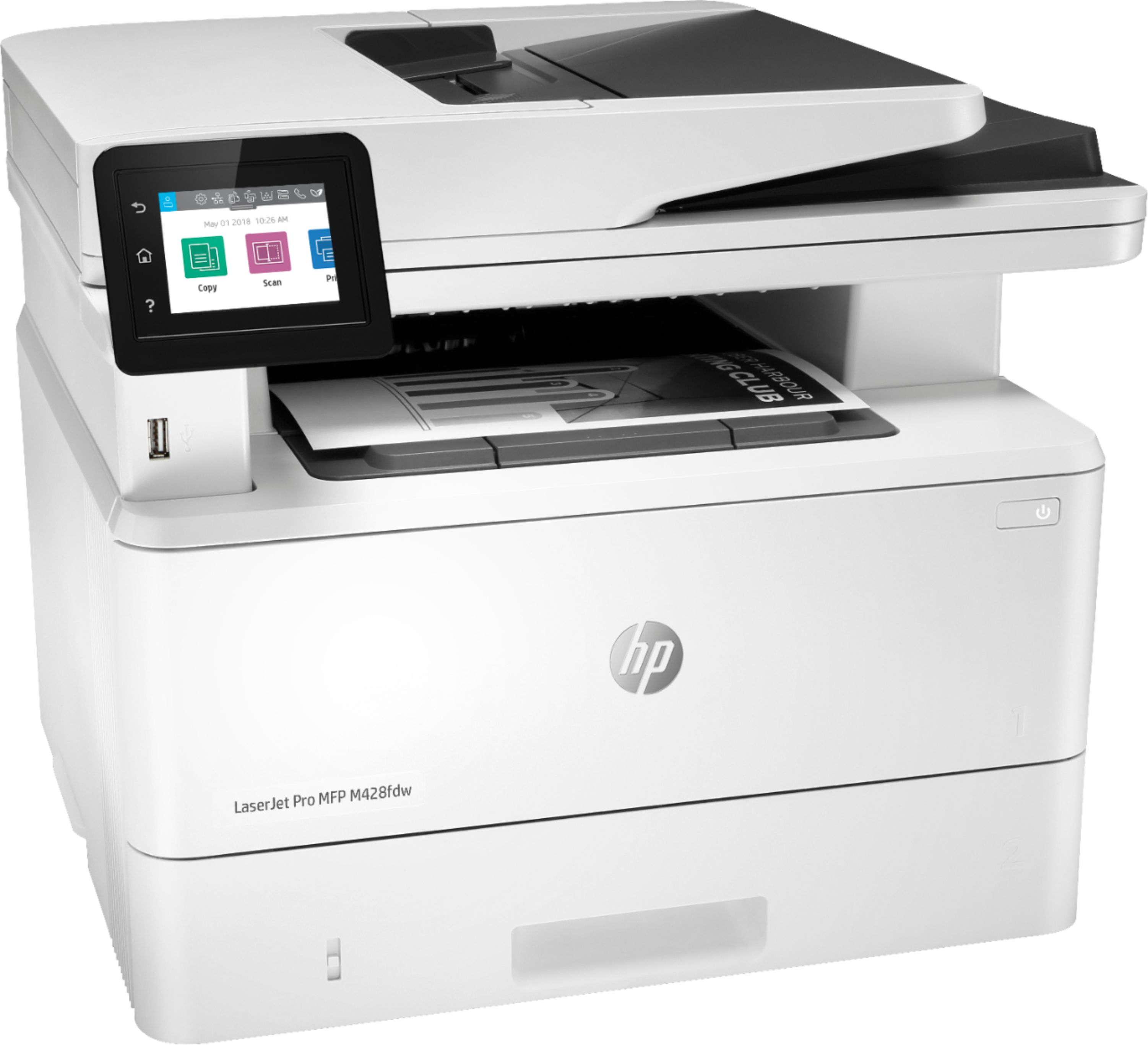
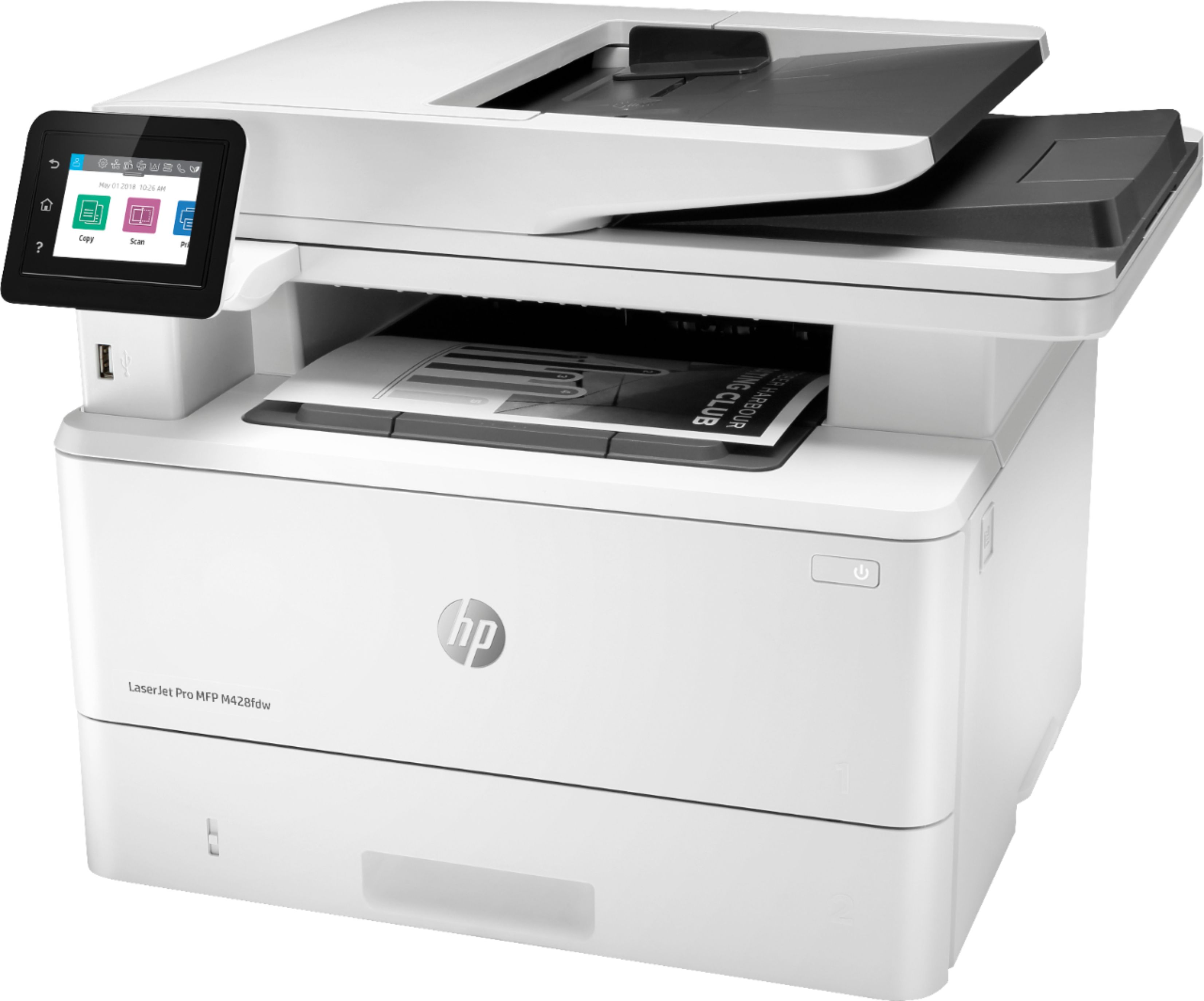
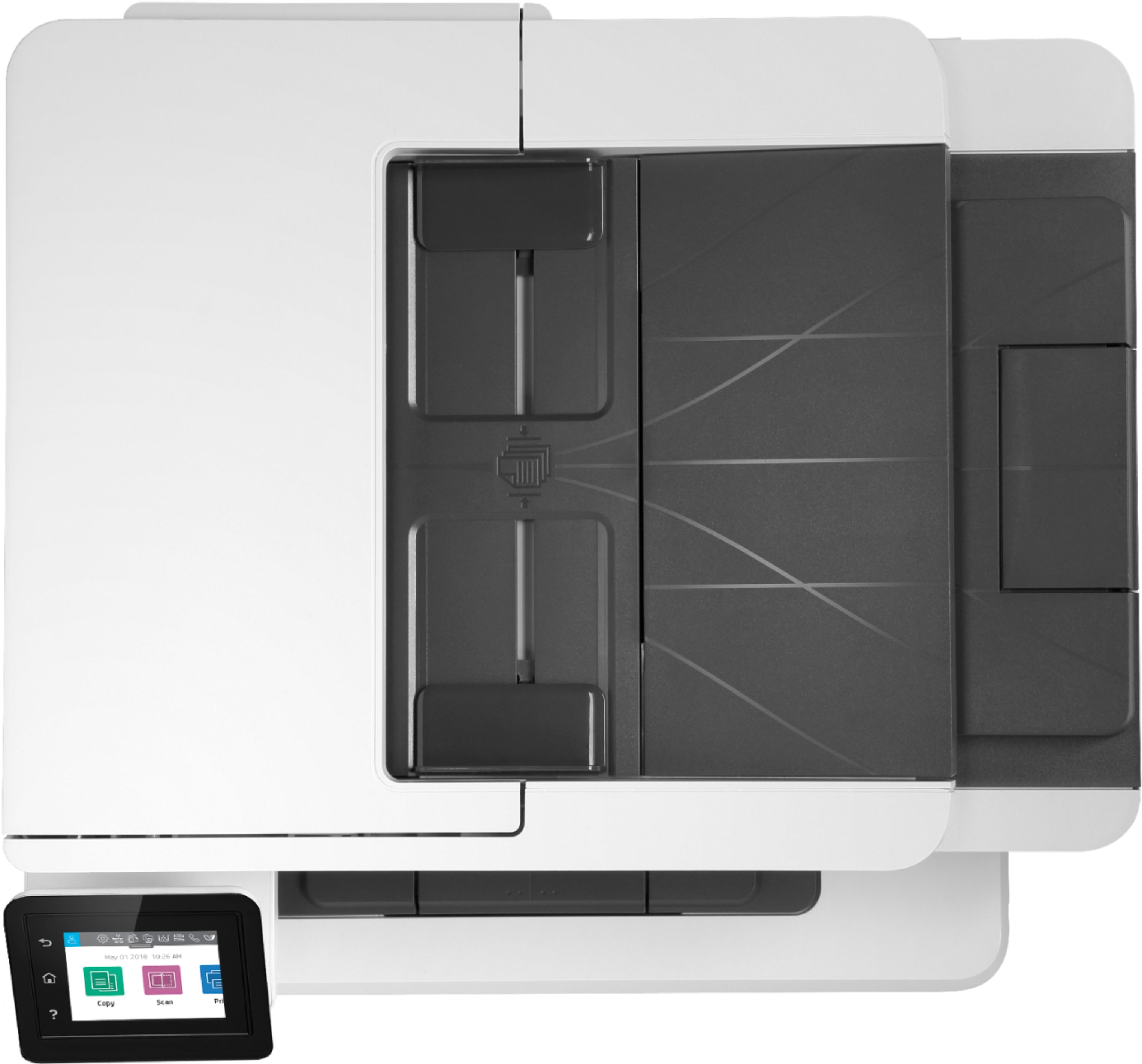
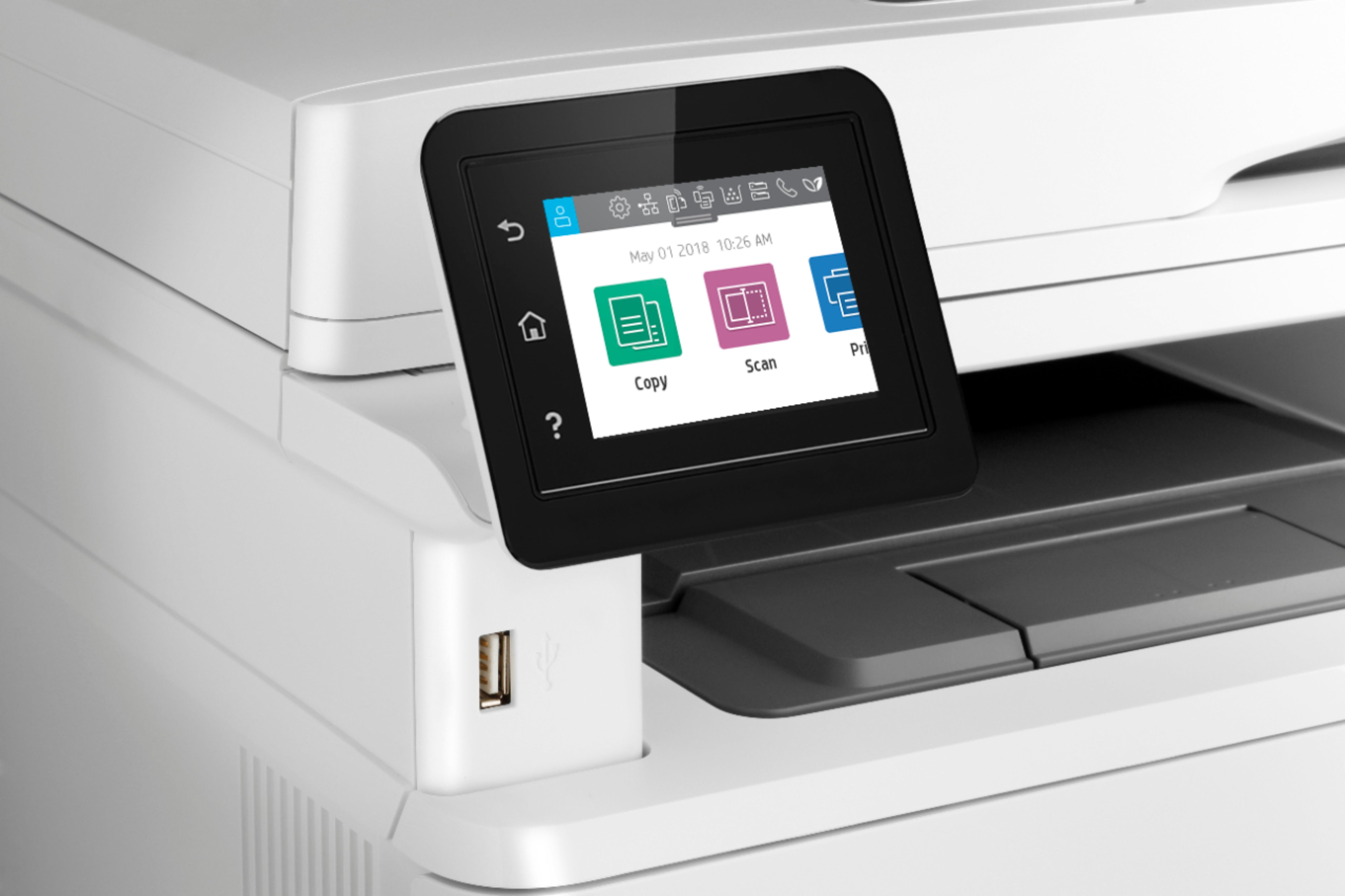
Questions & Answers
- Model:
- W1A30A#BGJ
- |
- SKU:
- 6348957
Q: QuestionWill a Non HP made Compatible injet cartridge work in this printer?
Asked by Wolfpack5.
- A:Answer Thanks for your question. This is a LaserJet and does not use ink, it uses toner. HP does not recommend using a "compatible" ink or toner cartridge. Most printing brands are transitioning to using non-refilled ink or toner cartridges. With HP, we specialize in our cartridges and develop the formula and manufacturing methods for our ink and toner from the ground up, so print consistency, vibrancy, longevity, etc. are all tested and brought to peak performance and capability. Using refilled/remanufactured cartridges removes this guarantee of quality printing, and could damage your printer in the long run.
Answered by HP Team

Q: QuestionWill this printer work with recycled toner cartridges from other manufacturers made for this printer?
Asked by Wolfpack5.
- A:Answer Thanks for your question. HP does not recommend using a "compatible" ink or toner cartridge in our printers. Most printing brands are transitioning to using non-refilled ink or toner cartridges. With HP, we specialize in our cartridges and develop the formula and manufacturing methods for our ink and toner from the ground up, so print consistency, vibrancy, longevity, etc. are all tested and brought to peak performance and capability. Using refilled/remanufactured cartridges removes this guarantee of quality printing, and could damage your printer in the long run.
Answered by HP Team

Q: QuestionDoes the HP- LaserJet pro MFP M428fdw have the capability to save faxes to a share network?
Asked by Anonymous.
- A:Answer Yes, you can use the HP Digital Fax on this HP LaserJet Pro MFP M428fdw printer to save faxes to a network folder or forward faxes to an email address.
Answered by HP Team

Q: QuestionIs this unit compatiable with Mac os big spur?
Asked by mac.
- A:Answer Yes, I have an iMac currently running Big Sur.
Answered by Diane
Q: QuestionCan this printer automatically switch from letter to legal paper when printing a document with mixed pages?
Asked by Jster.
- A:Answer No, only one size can be printed at a time. It will not switch between sizes when a print job is sent to the printer.
Answered by HP Team

Q: Questionhow does it print photo
Asked by goman.
- A:Answer It's really not geared toward printing photos for a couple of reasons: 1) It's a monochrome printer, so the pictures wouldn't be in color. 2) Laser printers generally aren't a good choice for photos-the resolution is lower than what you'd get on an inkjet and you need to use special photo paper designed for laser printers. The photo paper you normally get is designed for an inkjet printer and doesn't react well to the heat it's exposed to when going under the fuser (which melts the toner into the paper.
Answered by HP Team

Q: QuestionIf one of the color toners run out will it still print in mono black? my current HP inkjet will not let me print black text pages if the color is empty.
Asked by Anonymous.
- A:Answer yes switch to grayscale
Answered by Corey
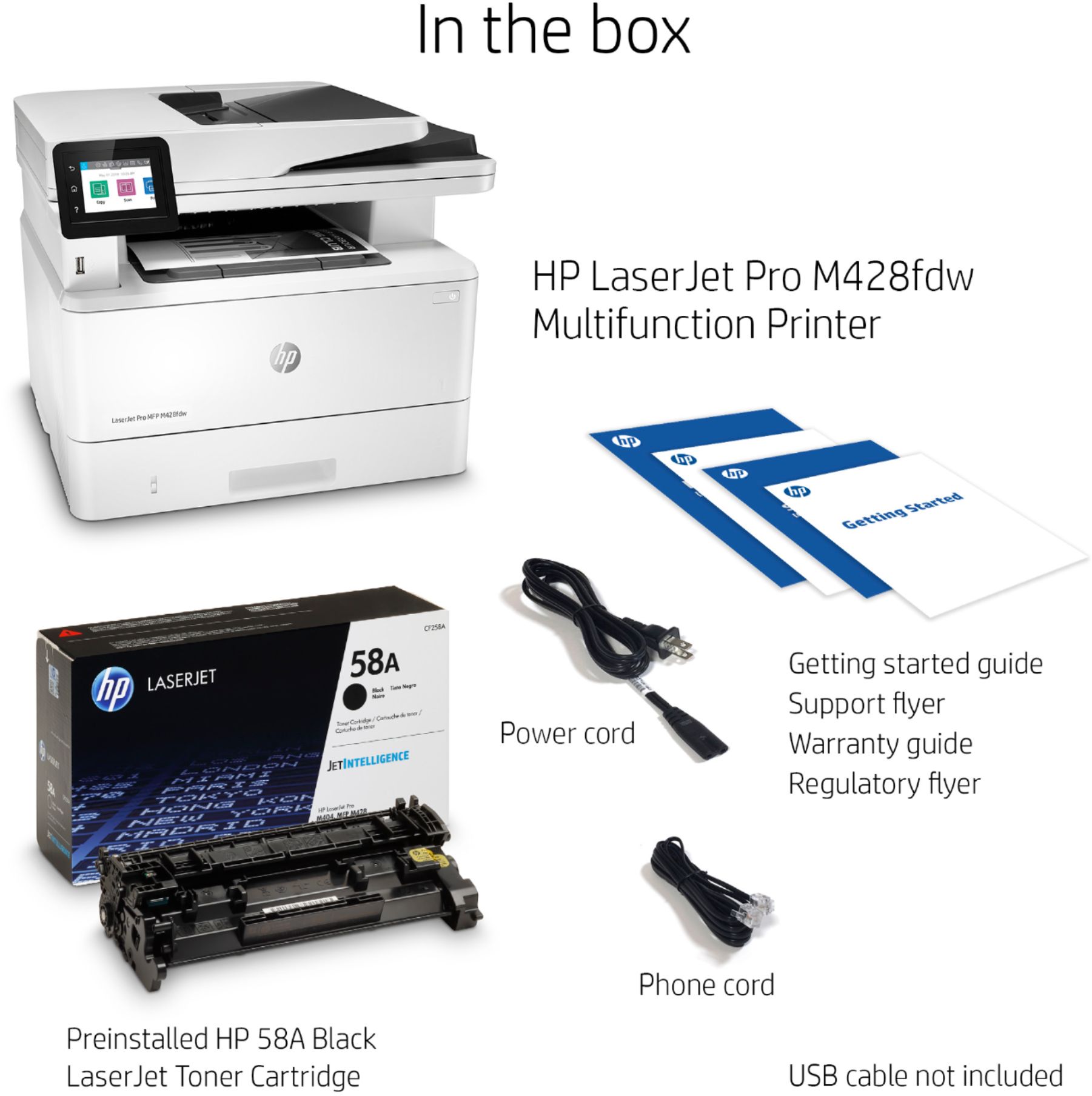
Q: QuestionDoes the printer come with toner
Asked by Jewels.
- A:Answer Yes, it comes preloaded with a 58A black ink toner cartridge. This should be good for about 3000 pages.
Answered by Diane
Q: QuestionDoes this machine print a transmittal summary sheet after each fax is sent? Thank you
Asked by FE.
- A:Answer Yes, but it has to be set up in the menu. Not to difficult to do.
Answered by Shutterlifep
Q: QuestionIs the HP LaserJet Pro MFP M428fdw printer compatible with a Mac computer?
Asked by Anonymous.
- A:Answer Yes it is I have I stalled it for a mac computer and iPad ios
Answered by Mario
Q: QuestionCan this printer print on cardstock paper?
Asked by Love.
- A:Answer Here are the supported media types and weight: Media types: Paper (plain, EcoEFFICIENT, light, heavy, bond, colored, letterhead, preprinted, prepunched, recycled, rough); envelopes; labels; Supported media weight: Tray 1: 16 to 46.6 lb; tray 2, optional 550-sheet tray 3: 16 to 32 lb
Answered by HP Team

Q: QuestionCan this print on 11x17
Asked by printerquestionasker.
- A:Answer yes but I haven't tried it since I don't need that often. Looks like its pretty simple.
Answered by combsmarkc
Q: QuestionDoes this printer only have one laser cartridge that prints only in black?
Asked by Anonymous.
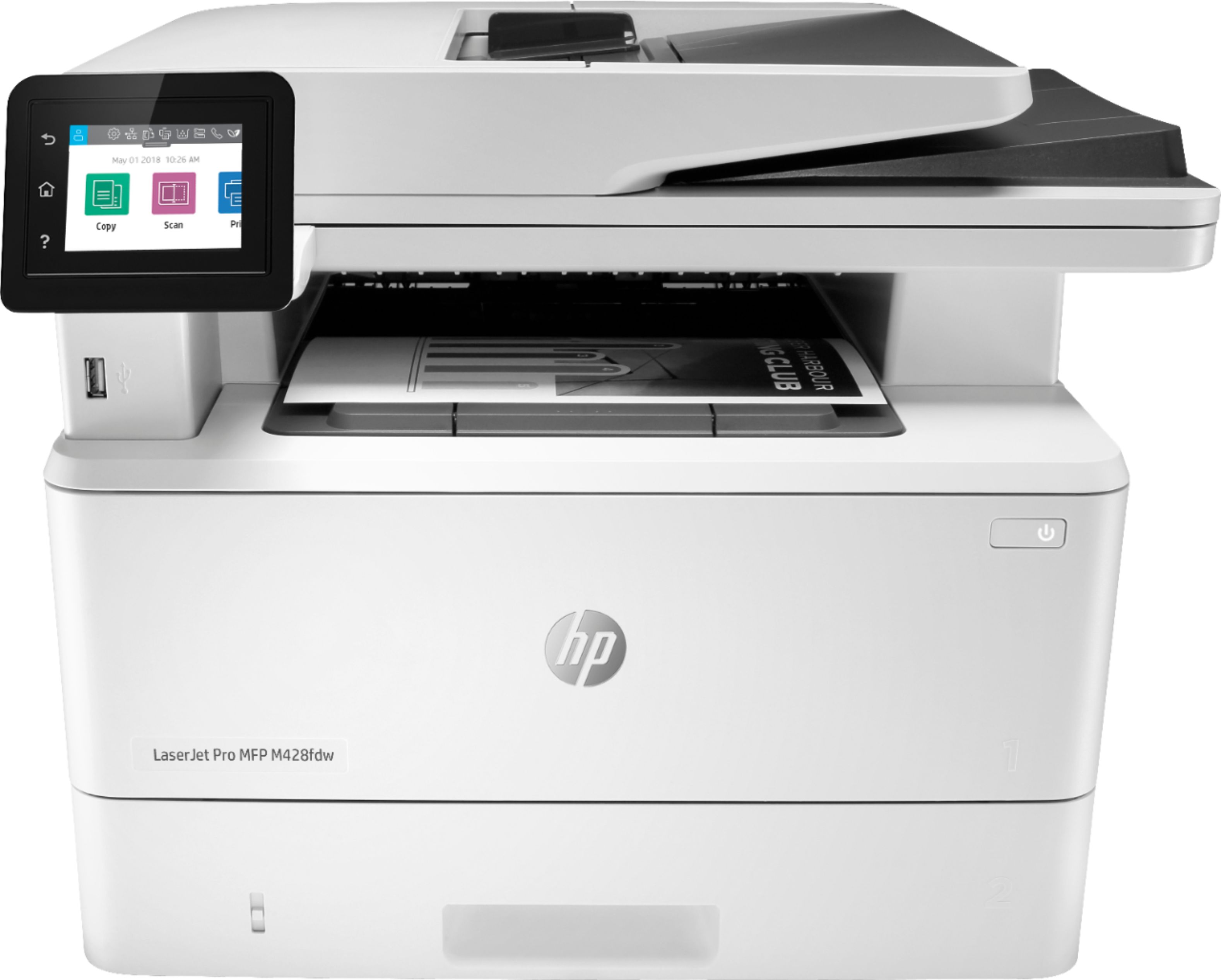
- A:Answer Yes. This is a mono printer so it only prints in black and white. It is set up with a black toner cartridge.
Answered by Boomchicaboomboom
Q: QuestionCan I use this printer without computer
Asked by Doggies4m.
- A:Answer Maybe this photo of the outside of the box can answer your question.
Answered by Boomchicaboomboom
Q: QuestionDoes this printer print in color?
Asked by Nick.
- A:Answer No. It's a mono printer. Not color.
Answered by Boomchicaboomboom
Q: QuestionI have this printer, I can Fax out but I cannot receive faxes. When someone try to fax itome they get an error message No Answer. How canI fix this. Thanks.
Asked by Jackie.
- A:Answer Here are some troubleshooting steps you can try: https://support.hp.com/us-en/product/hp-laserjet-pro-mfp-m428-m429-f-series/19202524/model/19204098/document/c06468284 and here is info on how to troubleshoot error codes: https://support.hp.com/us-en/product/hp-laserjet-pro-mfp-m428-m429-f-series/19202524/model/19204098/document/c03264948 If you need further assistance, visit https://support.hp.com
Answered by HP Team

Q: Questiondoes this printer come with partial toner or a full toner.
Asked by Sbraz.
- A:Answer It comes with one full standard cartridge, as opposed to the high capacity cartridge.
Answered by Angie
Q: QuestionI need laser printer with scanner and fax, wireless compatible with macs ....black and white multi side print
Asked by Anonymous.
- A:Answer The HP MFP M428fdw will work with Macs on a wireless network. HOWEVER, it cannot work using simultaneous wired and wireless connectivity.
Answered by JJP001
Q: QuestionCan this printer scan to file on a mac desktop?
Asked by Mac.
- A:Answer Yes, you can scan from the Mac desktop using the HP Laserjet Pro M428fdw printer, then you can choose where to save your scanned file, i.e a folder on your desktop.
Answered by HP Team

Most-viewed items
- $109.99$109.99The price was $199.99
- $209.99$209.99The price was $439.99
- $249.99$249.99The price was $379.99
- $329.99$329.99The price was $469.99
- $199.99$199.99The price was $349.99
- $99.99$99.99The price was $129.99
- $159.99$159.99The price was $309.99