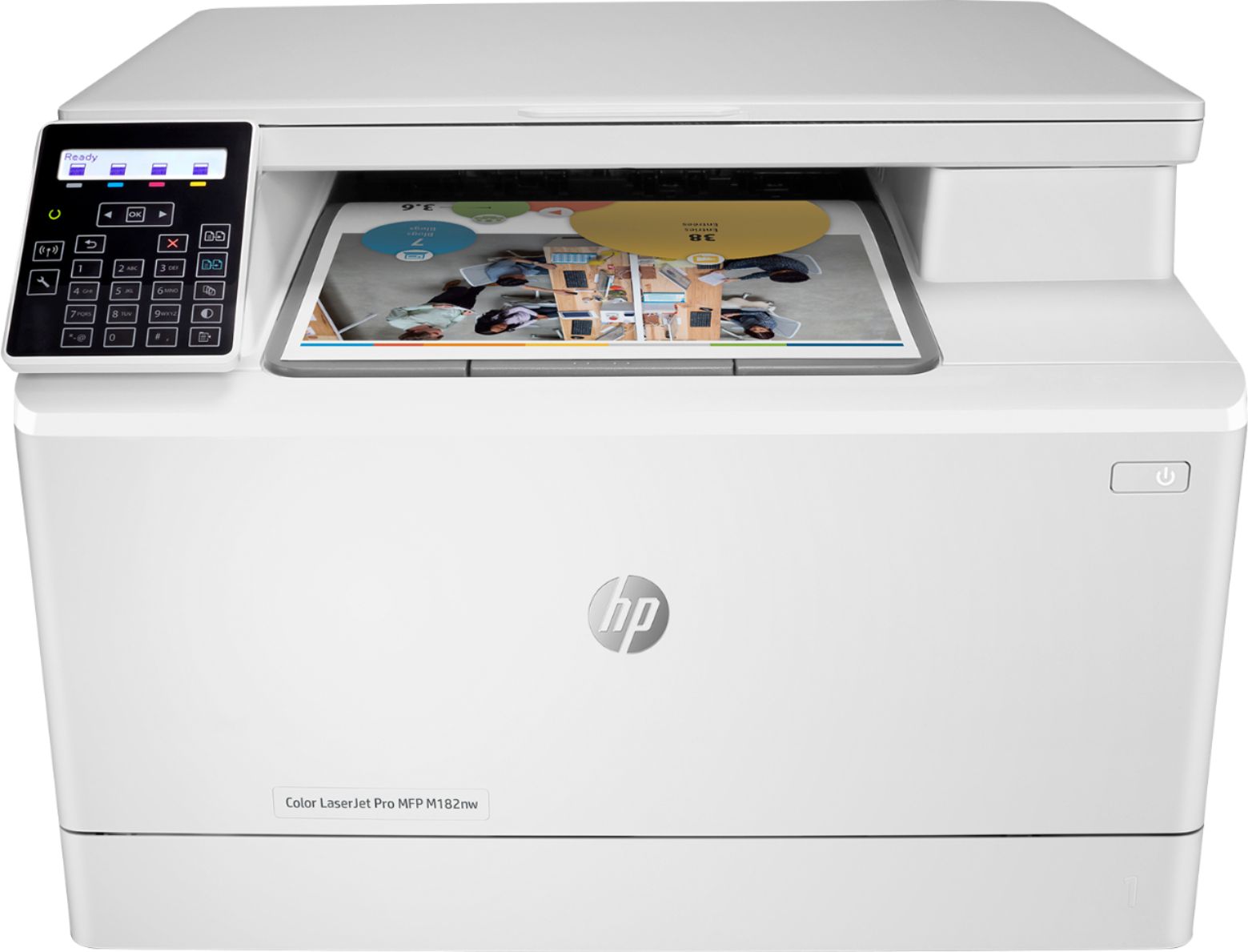
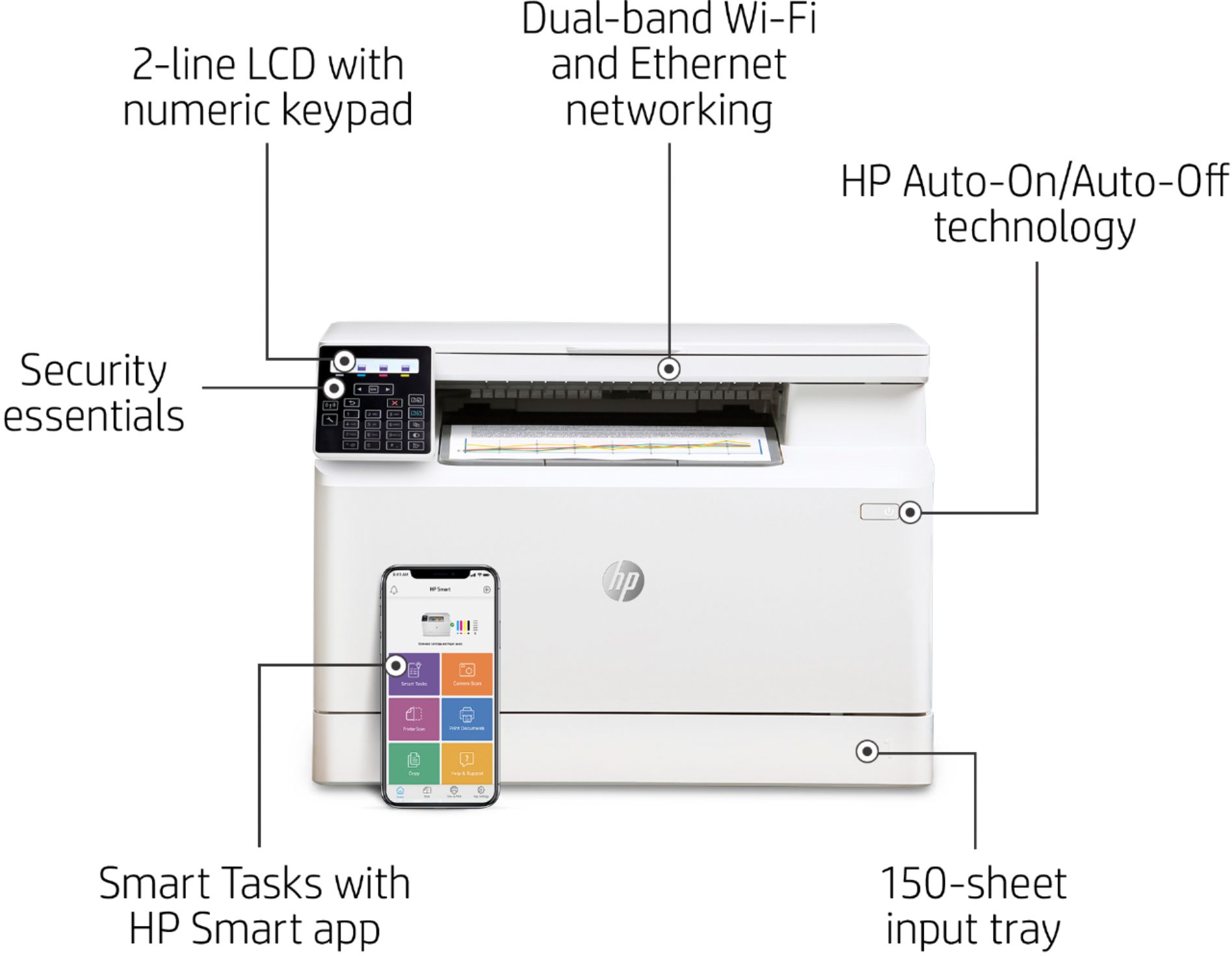
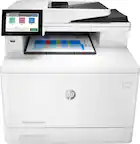
A:AnswerThe HP - LaserJet Pro MFP M182nw Wireless Color All-In-One Laser Printer does not have an auto document feeder for scanning several pages. There is only a flatbed scanner on this printer for scanning and copying. For a color laser all in one printer that has an auto document feeder for scanning several pages, I would recommend looking at the HP Laserjet Pro M283fdw (sku: 6401096) or the HP Laserjet Pro M479fdw printer (SKU:6348956). The HP Laserjet Pro M479fdw printer can scan and copy both sides on the auto document feeder in one pass.
A:AnswerYes, it's also a scanner. Lexmark makes good products, but I would say that the scanner on this is comparable to the scanner on similar Lexmark printers
A:AnswerThere are many LaserJet printers that still have the built-in fax feature. You will want to look for one with an "f" after the model number. i.e. M283fdw or M479fdw.
A:AnswerThanks for your question. Yes the HP LaserJet Pro MFP M182nw is compatible with Chromebooks. Here is a link with a little more information: https://support.hp.com/us-en/document/ish_2059279-1992970-16
A:AnswerYes, you can print without the Google Cloud Print. There is a different setup process. Here are some instructions on how to set up the printer on the Chromebook: https://support.hp.com/us-en/document/c04122530 and a YouTube video: https://youtu.be/Mf6LUKTMw9c