A:AnswerHi! The HP OfficeJet 8025 meets all of these requirements. Here is a link to the printer:
https://www.bestbuy.com/site/hp-officejet-pro-8025-wireless-all-in-one-instant-ink-ready-inkjet-printer-gray-white/6335311.p?skuId=6335311
A:AnswerYou can use one of the Instant Ink plans for 6 months. When HP sends you new ink, they also send a pre paid shipping return box for the ink cartridges. You can find out more about how Instant Ink works at this link https://instantink.hpconnected.com/us/en/l/
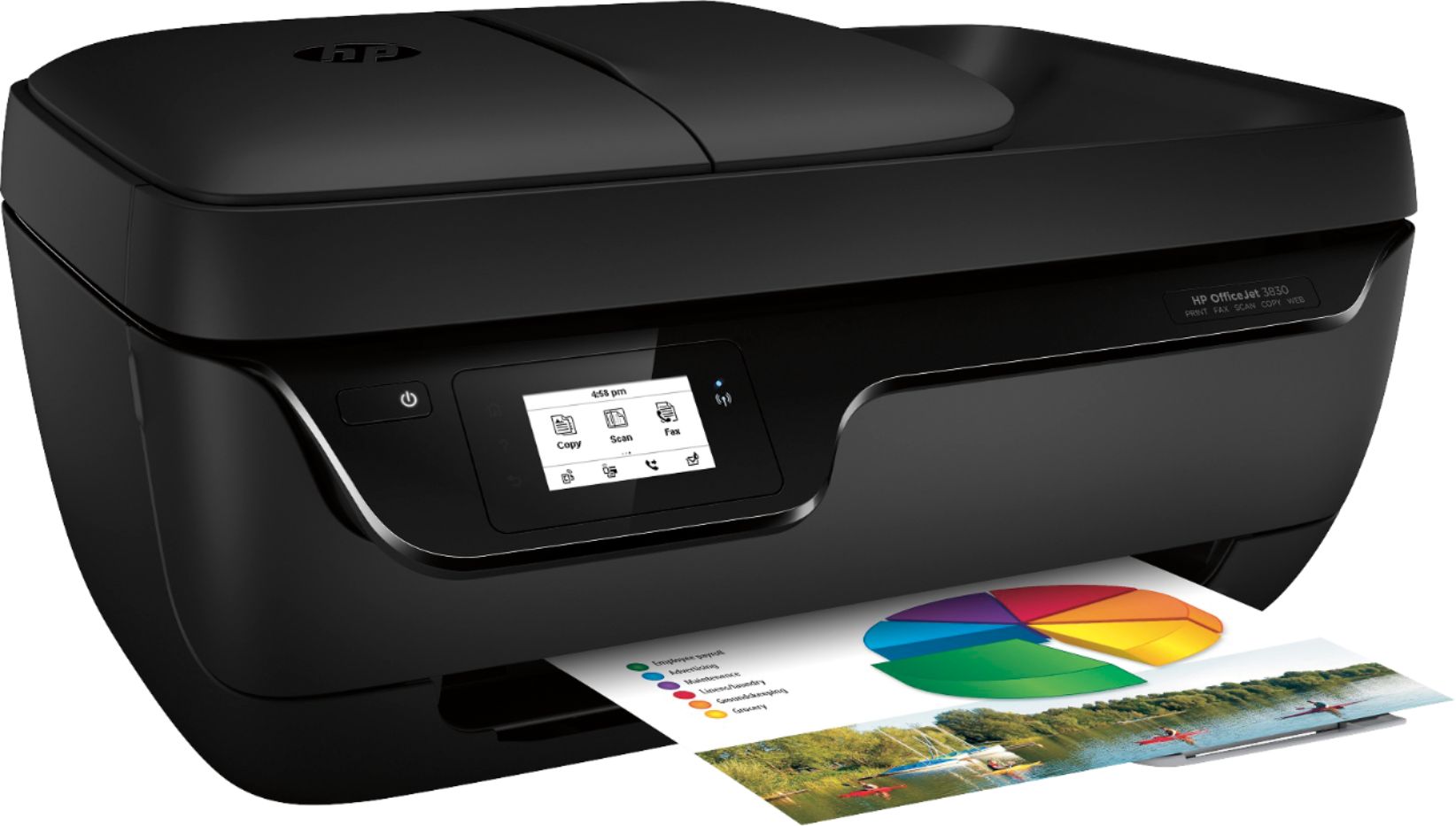
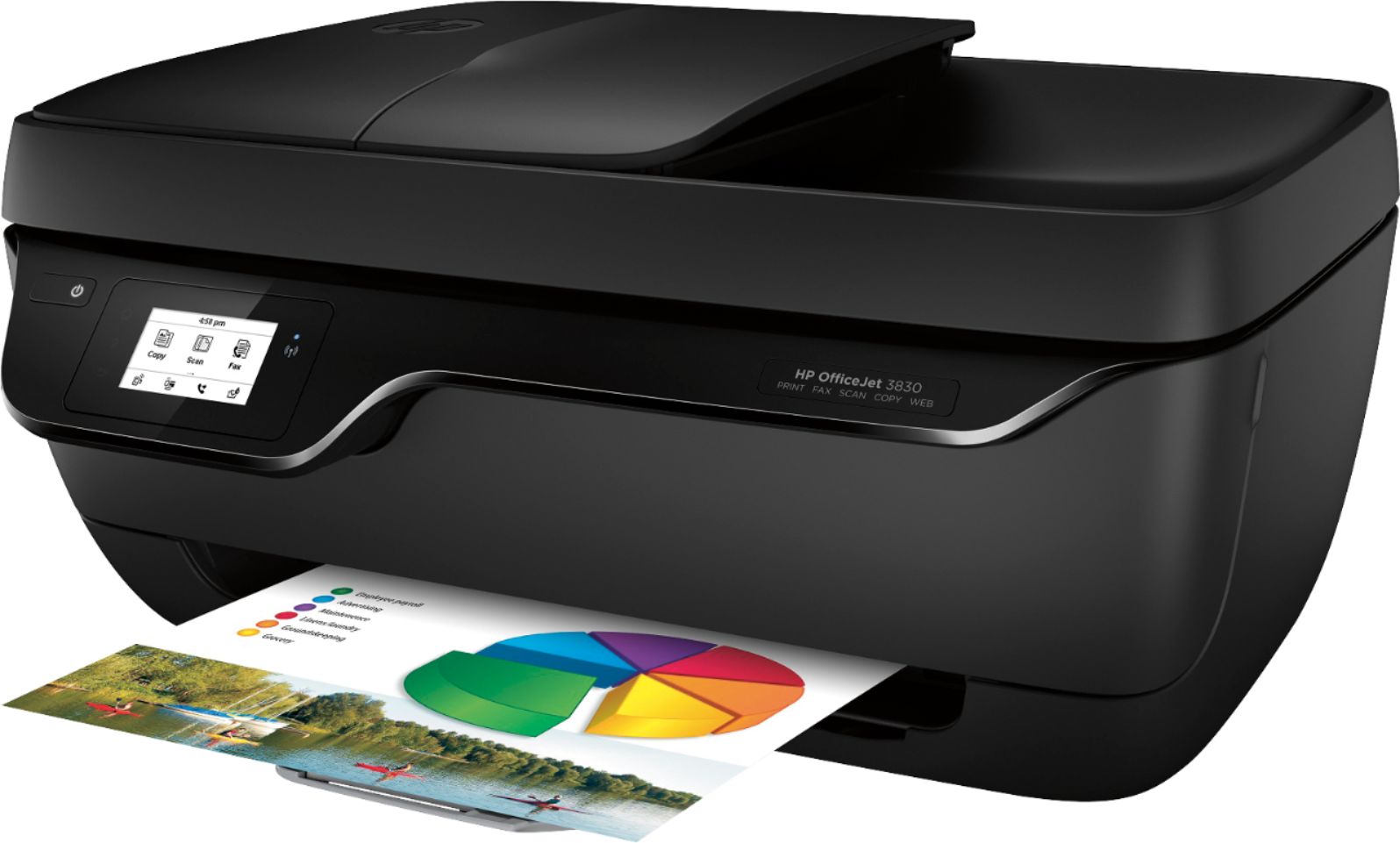
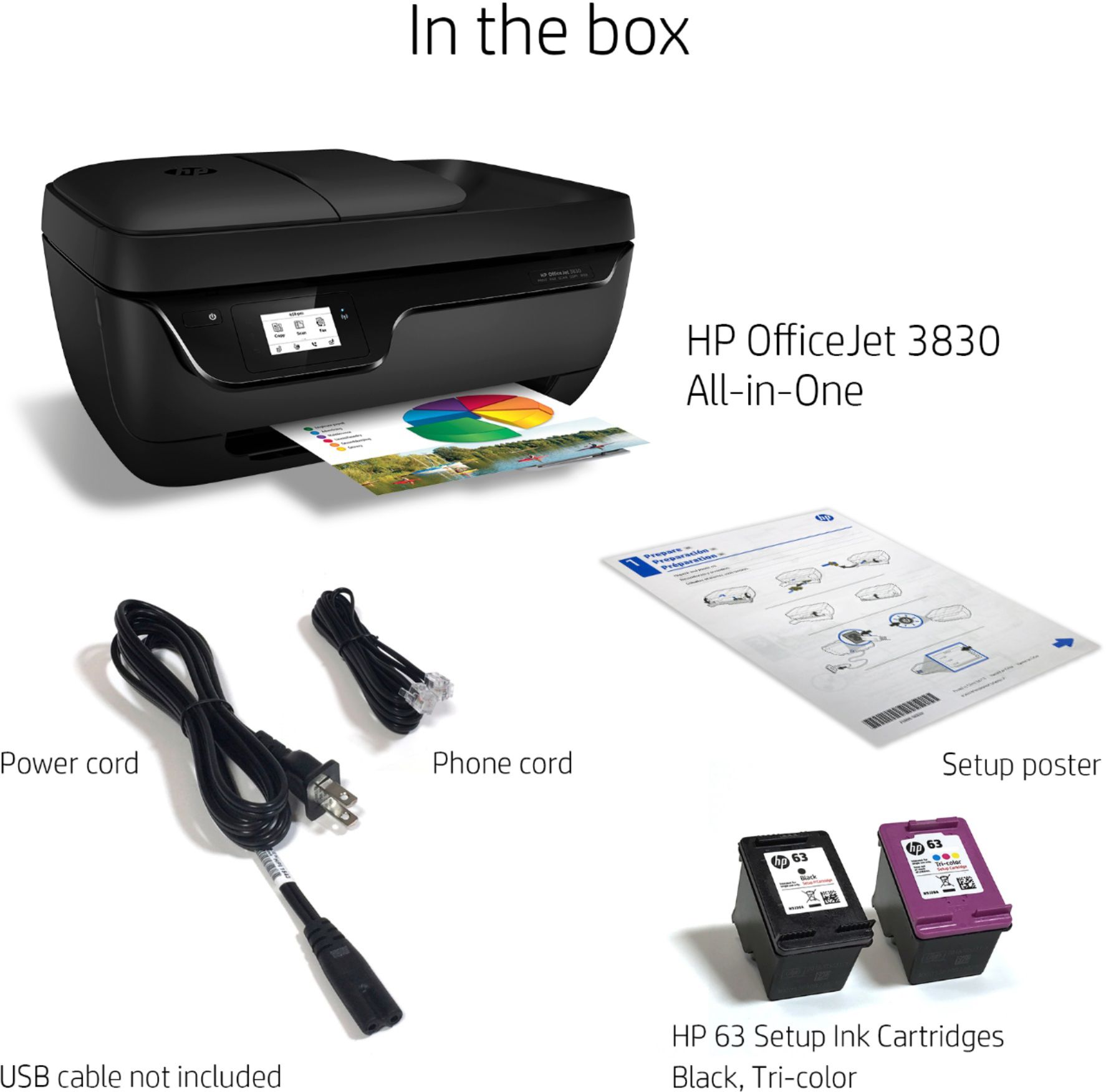
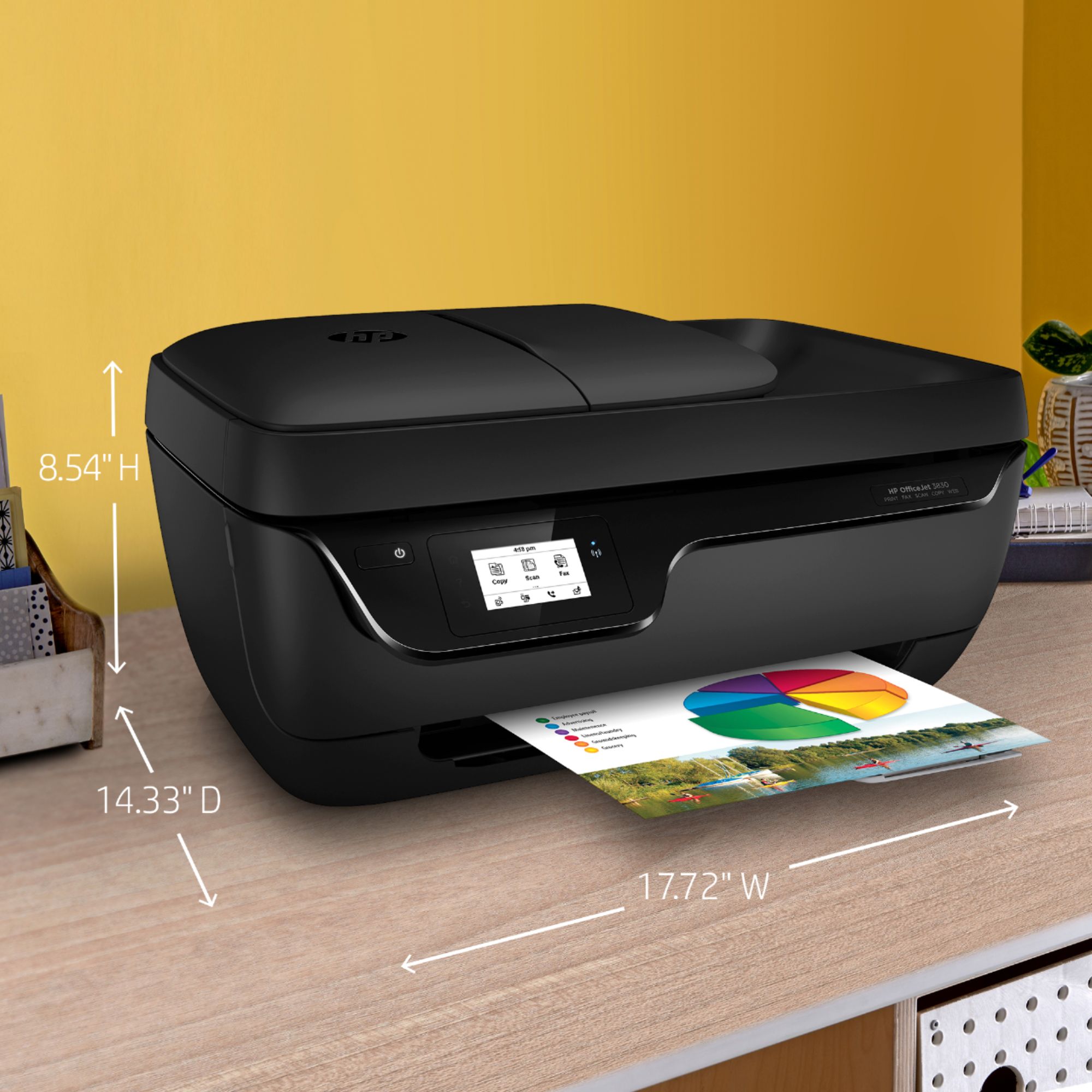
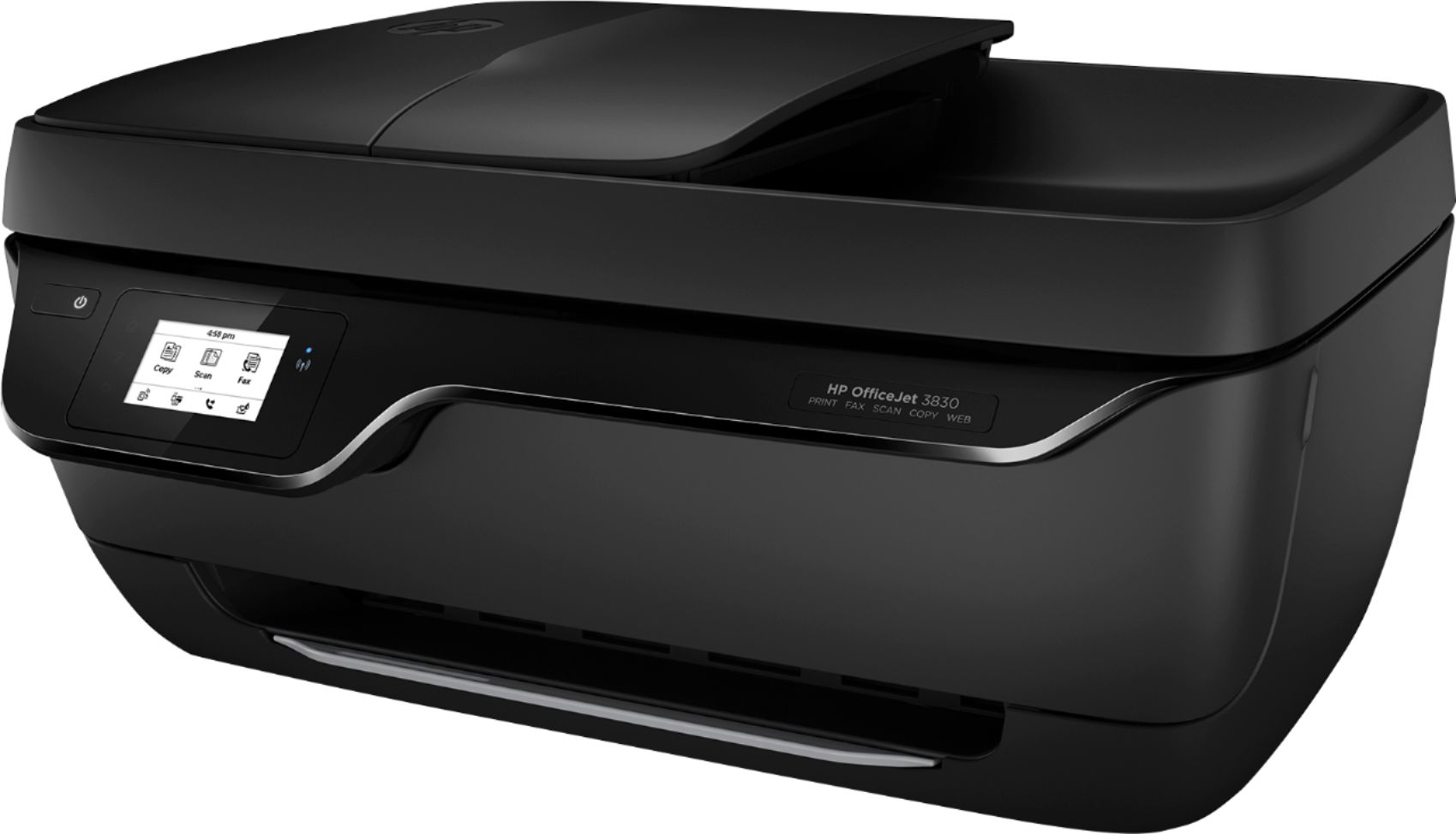
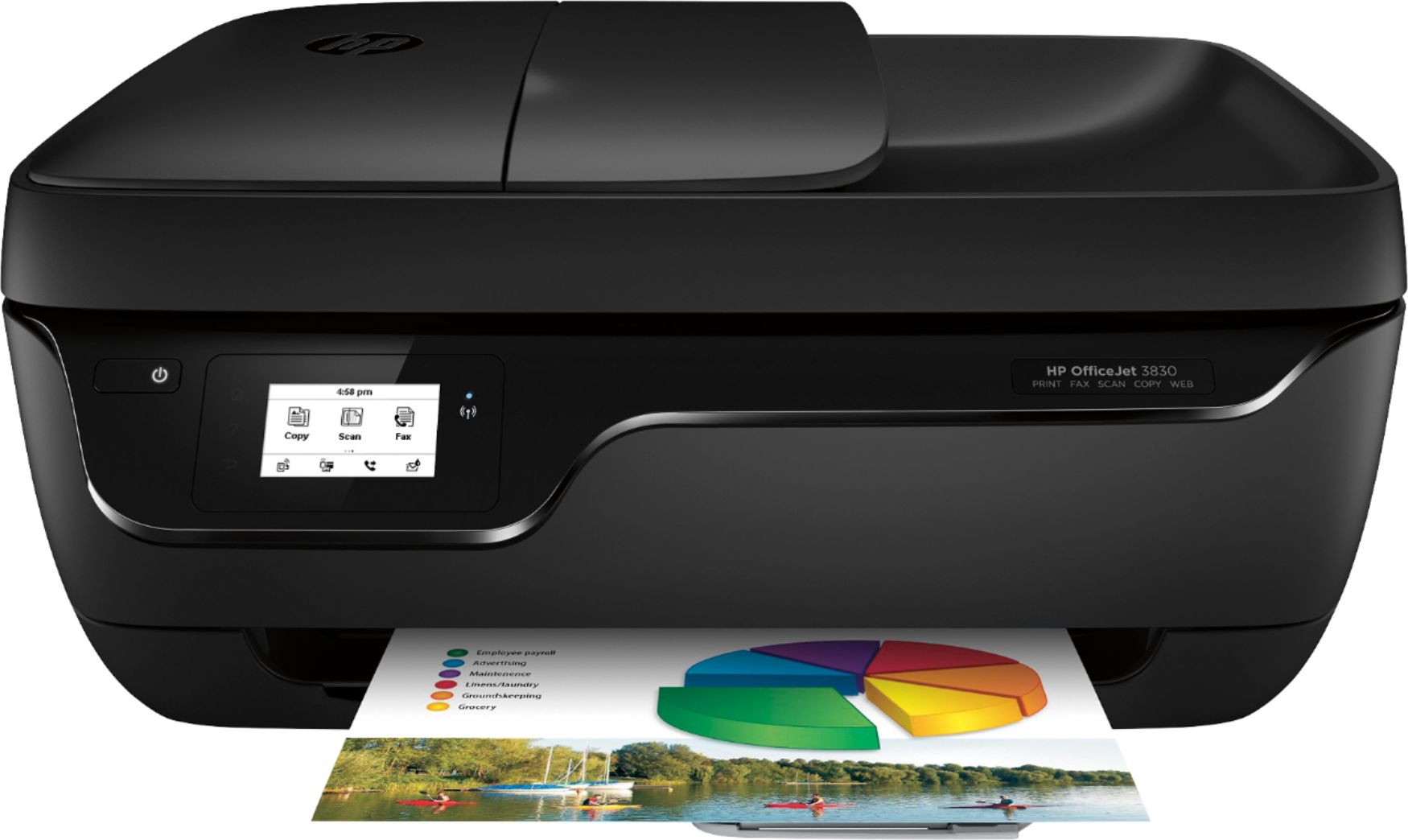
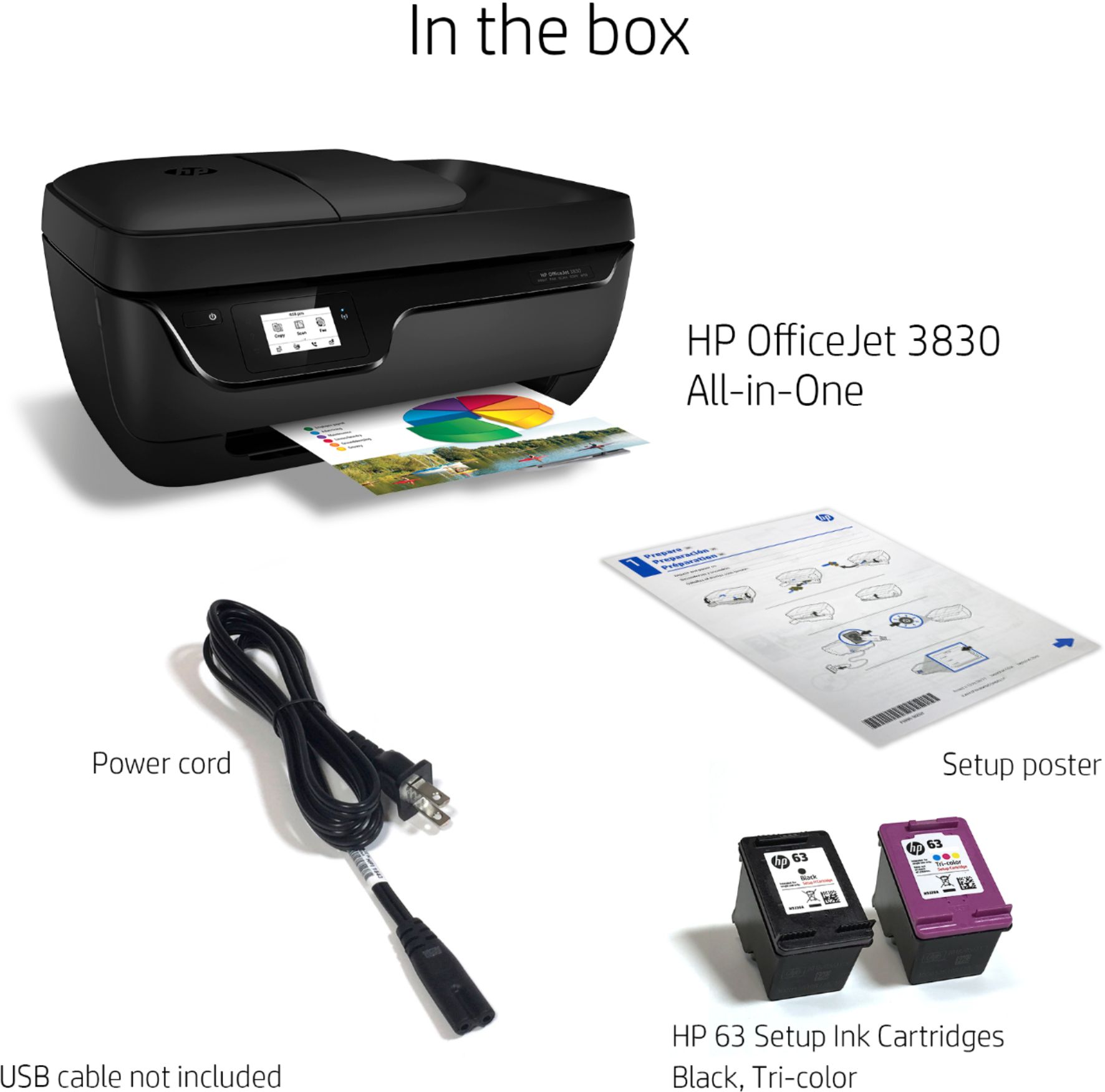
A:AnswerYes the OfficeJet pro 3830 printer has a 35 page automatic document feeder for copies, scans, and faxes. You can scan double sided pages manually. This has a simplex scanner (one sided)
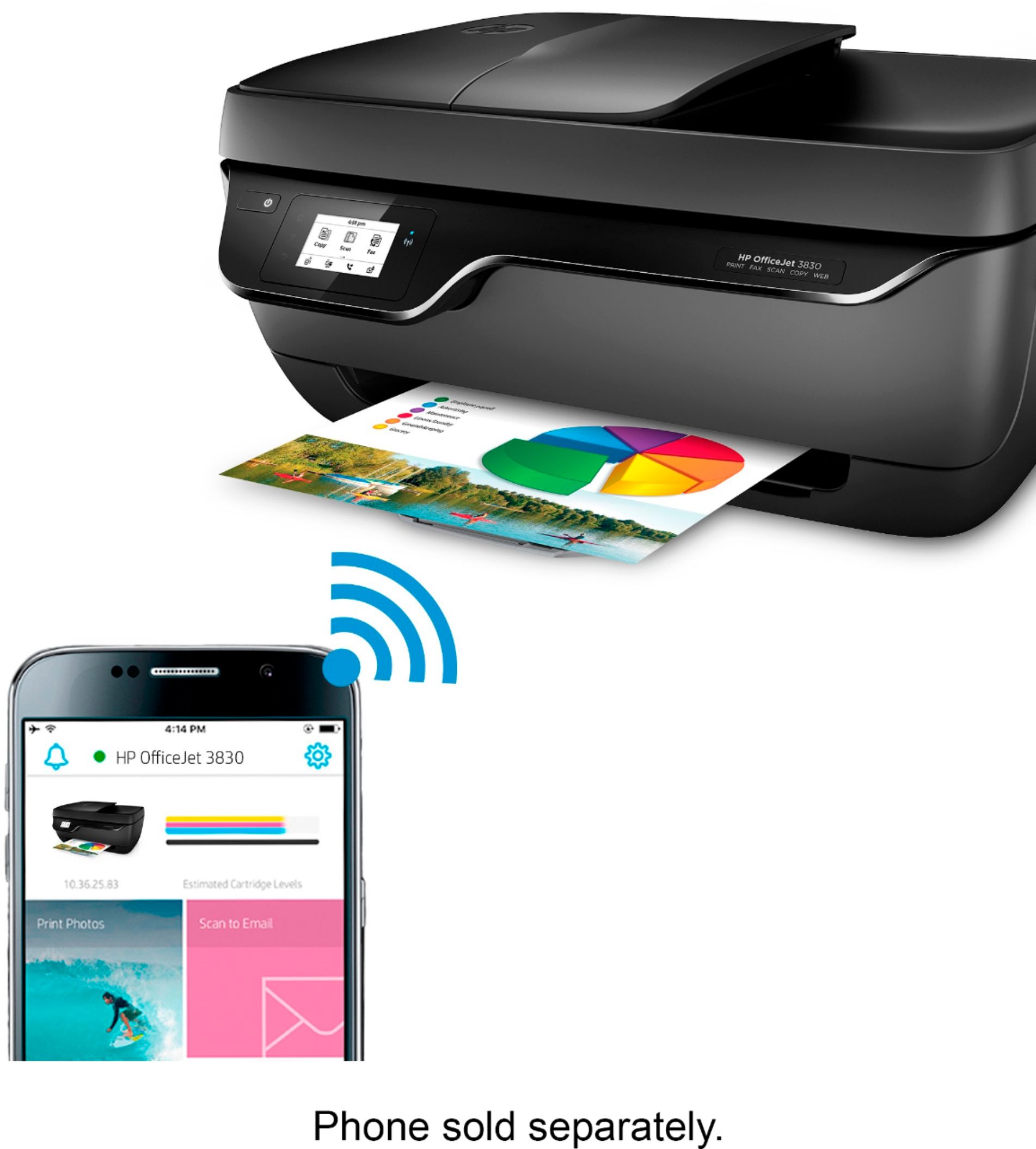
A:AnswerYou cannot scan to email from the HP Officejet 3830 printer. The only way you can scan to email is through the HP Smart app either on a smartphone, tablet, and computer. You would scan the document or photo, then choose to Share the photo (jpeg) or document (PDF) via email. In the HP Smart app, you can set up a Smart Task to make it easier to scan to email. In other words, if you constantly are scanning documents to a particular email address all the time. You can automate that task so that it is just a click away each time. Here are more details on using Smart Tasks on the HP Smart app: https://support.hp.com/us-en/document/c06211157
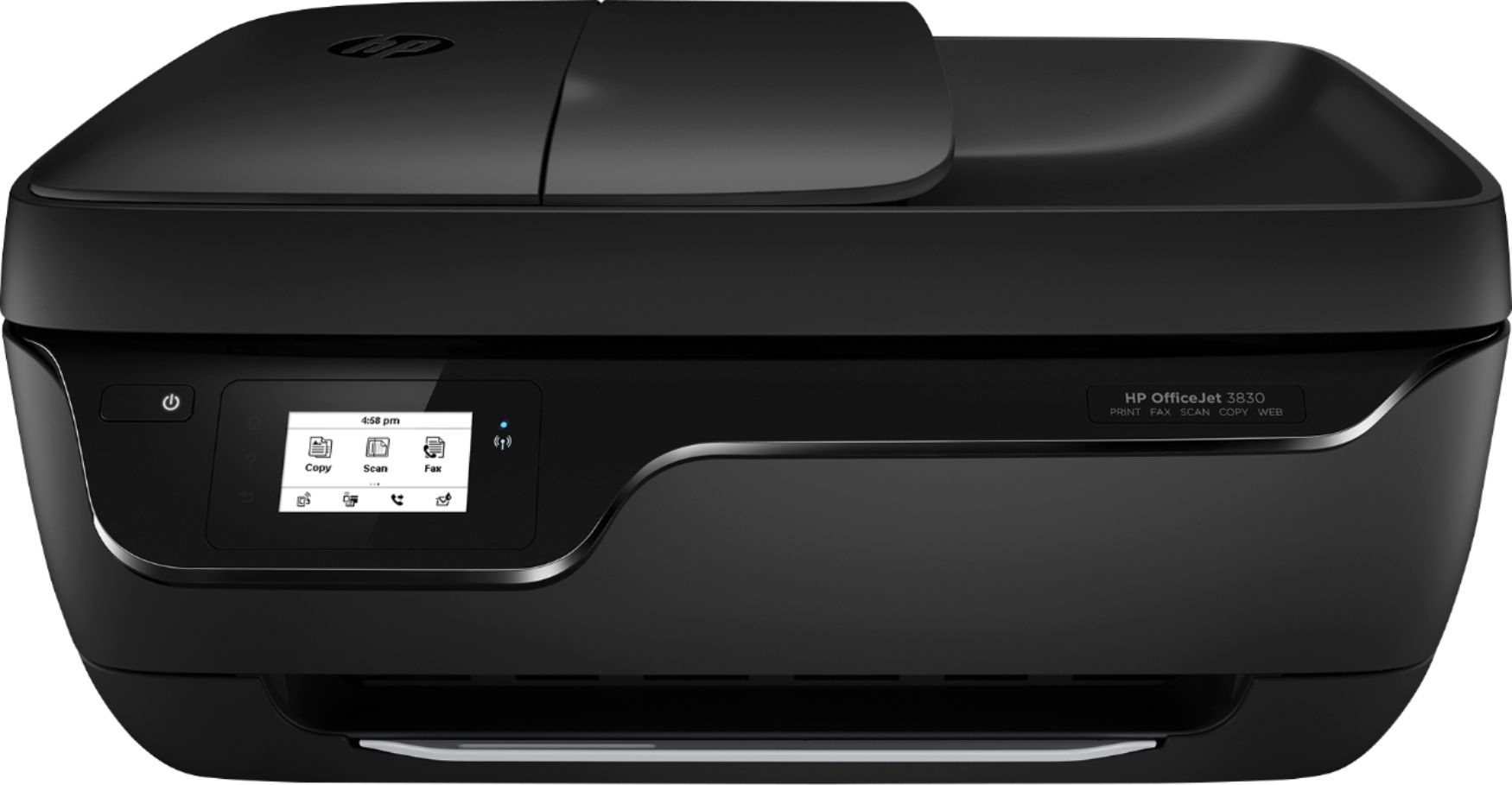
A:AnswerUnfortunately, it's not dual band WiFi compatible, so it won't connect on the 5GHz WiFi band. However, the OfficeJet 5255 is a newer model, and it is dual band WiFi. https://www.bestbuy.com/site/hp-officejet-5255-all-in-one-instant-ink-ready-printer-black/6191400.p?skuId=6191400