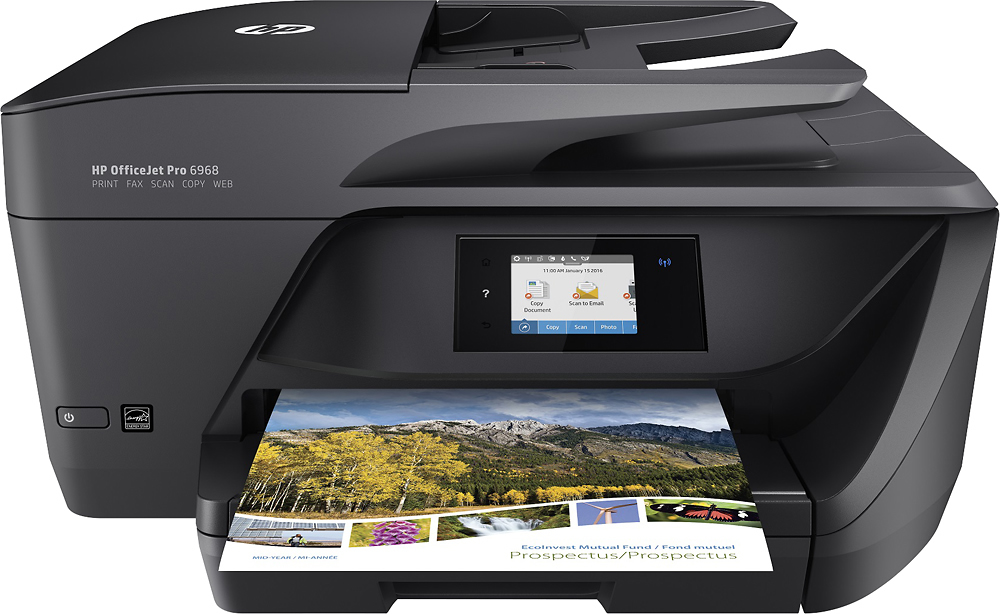
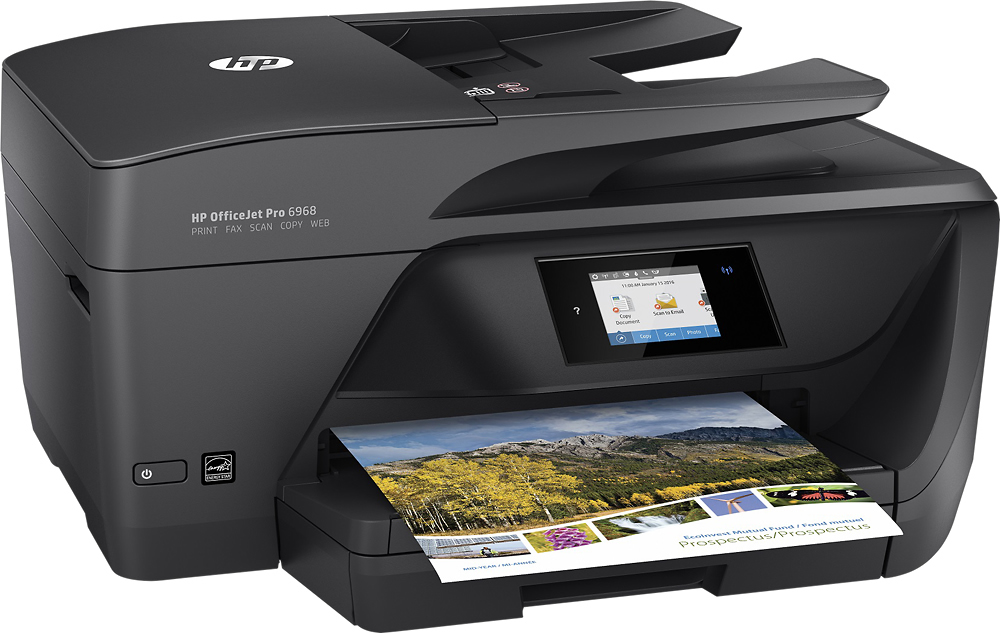
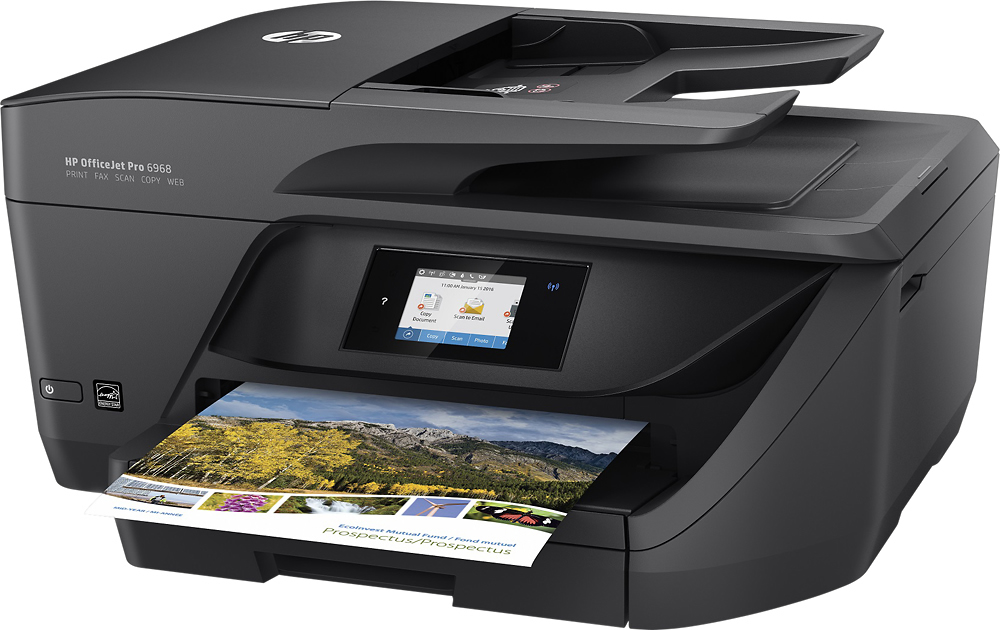
A:AnswerThe slot to lift the cover to expose is on the right side toward the front of the printer, lift with your fingers in the slot and it will raise, and you will see the cartridges.
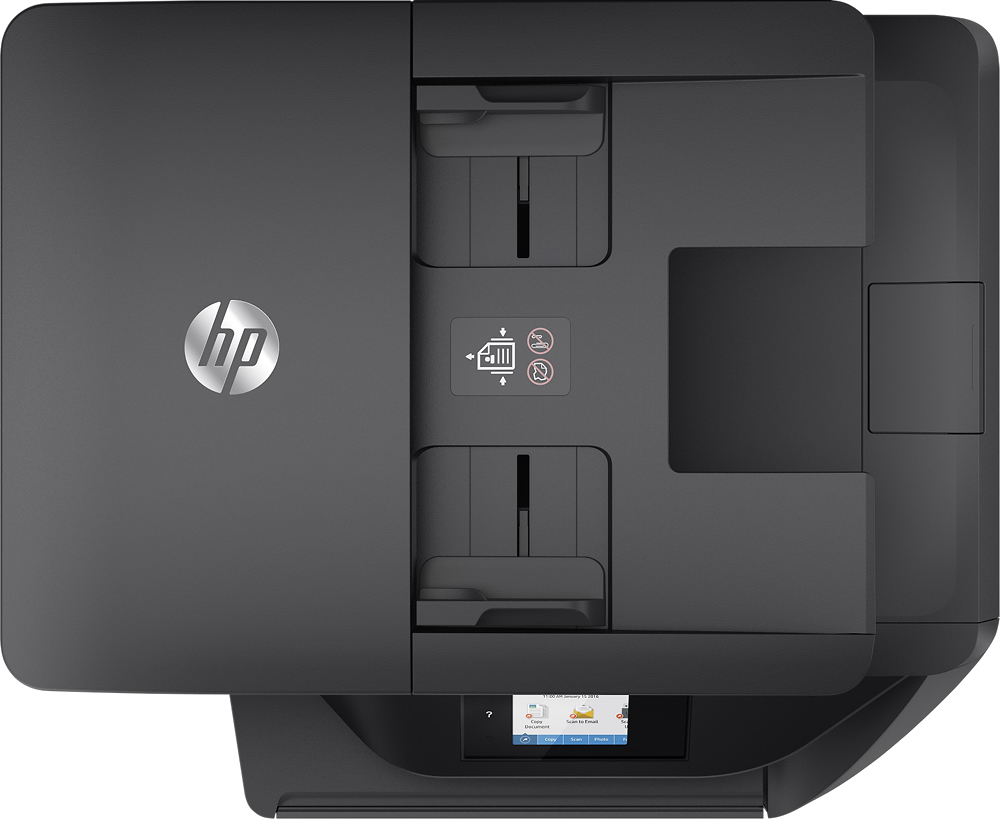
A:AnswerGood question. yes, this printer can scan multiple pages at once. You have to use the auto document feeder on top of the printer. I hope this helps.
A:AnswerYes, you can! We recommend using the HP Smart app for convenience, but you can also print directly out of your camera roll and other connected apps!
A:AnswerThe ink will average $75 per set, but you can choose HP Instant Ink instead, in which case you don't pay for ink -- only an allotment on the number of things you print. This will be much more cost-effective for photo printing.
HP Photo Paper starts at $10.99 for a pack of 100 4x6 photos.