Questions & Answers
- Model:
- M9L74A#B1H
- |
- SKU:
- 5623289
Q: QuestionCan this product print card stock and if so where from?
Asked by Renee.
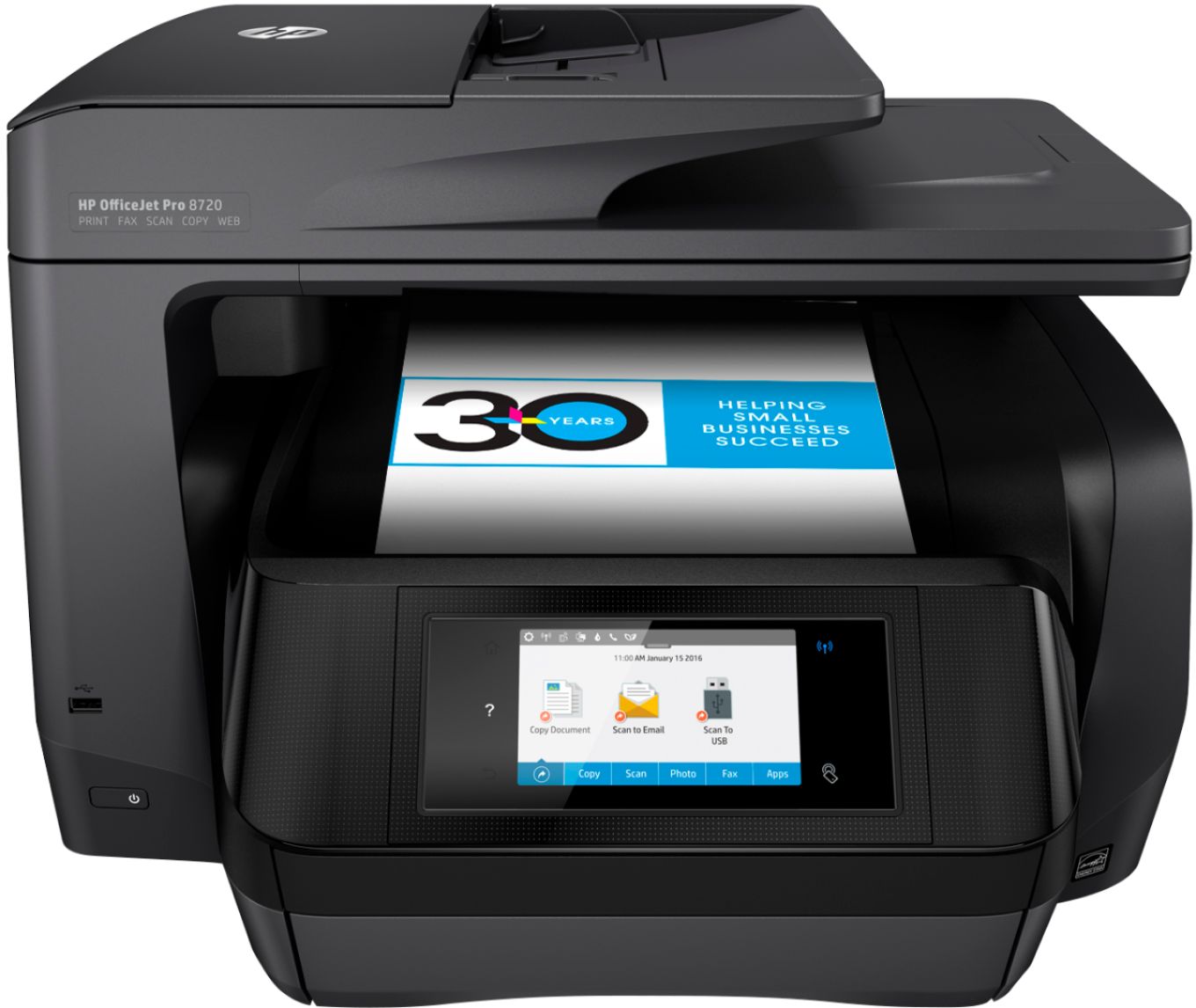
- A:Answer I have tried everything...settings, loading only cardstock, loading one sheet at a time, prayer, pleading, crying...nuthin'. This is a beautiful printer and does so much, but it will NOT print on card stock or even photo paper that is very heavy. It either jams or only prints half the page when it does finally get a page past the back roller. The specs said it prints up to 110 lb. cardstock. NOT TRUE!
Answered by Peggy
Q: QuestionCan I hook up any computer to this printer or does it only handle wireless?
Asked by JR.
- A:Answer It is connected directly to my HP Envy desktop but I use the wireless connection for ipad and iphone printing.
Answered by Aussie
Q: QuestionCan this printer handle 11 X 17" paper?
Asked by Anonymous.
- A:Answer No, this printer can not handle 11" x 17" paper.
Answered by CommunityAnswer
Q: QuestionCan I scan to PDF with this printer ?
Asked by Anonymous.
- A:Answer yes, you can scan with this printer
Answered by ktnurse
Q: QuestionDoes this printer work well for greeting cards? Adding photos etc.
Asked by Edgewater.
- A:Answer We bought this to print our Christmas cards this year. The cards were printed on Avery 3379 card stock. Each card had 3 pictures on it. 2 photos and 1 verbiage. The printer worked great in printing the cards.
Answered by David
Q: QuestionWhat is the maintenance ink use for this machine?
Asked by bap.
- A:Answer This depends on a variety of factors. If you switch your printer off after every use, it will use more maintenance ink because it goes through a maintenance routine every time you restart the printer. If you leave the printer on, it uses less ink to keep the ink from drying out. I hope this helps.
Answered by HP Team

Q: QuestionDoes the paper print on both sides without my not having to turn the papers over so it will pint on the back of the paper?
Asked by Annie.
- A:Answer Yes it does. Set this up when you click print through the program you are using. There is a check box for two sided printing. Click that and it works flawlessly. Plus you save a ton of trees but cutting your paper usage in half.
Answered by Carsandguitars
Q: QuestionDoes this print or copy legal size paper
Asked by Brat.
- A:Answer Yes, the printer does print and copy legal size paper.
Answered by CommunityAnswer
Q: QuestionI have LOTS of pictures to scan (trying to get rid of old albums). How does this printer work for scanning in pictures?
Asked by momchew.
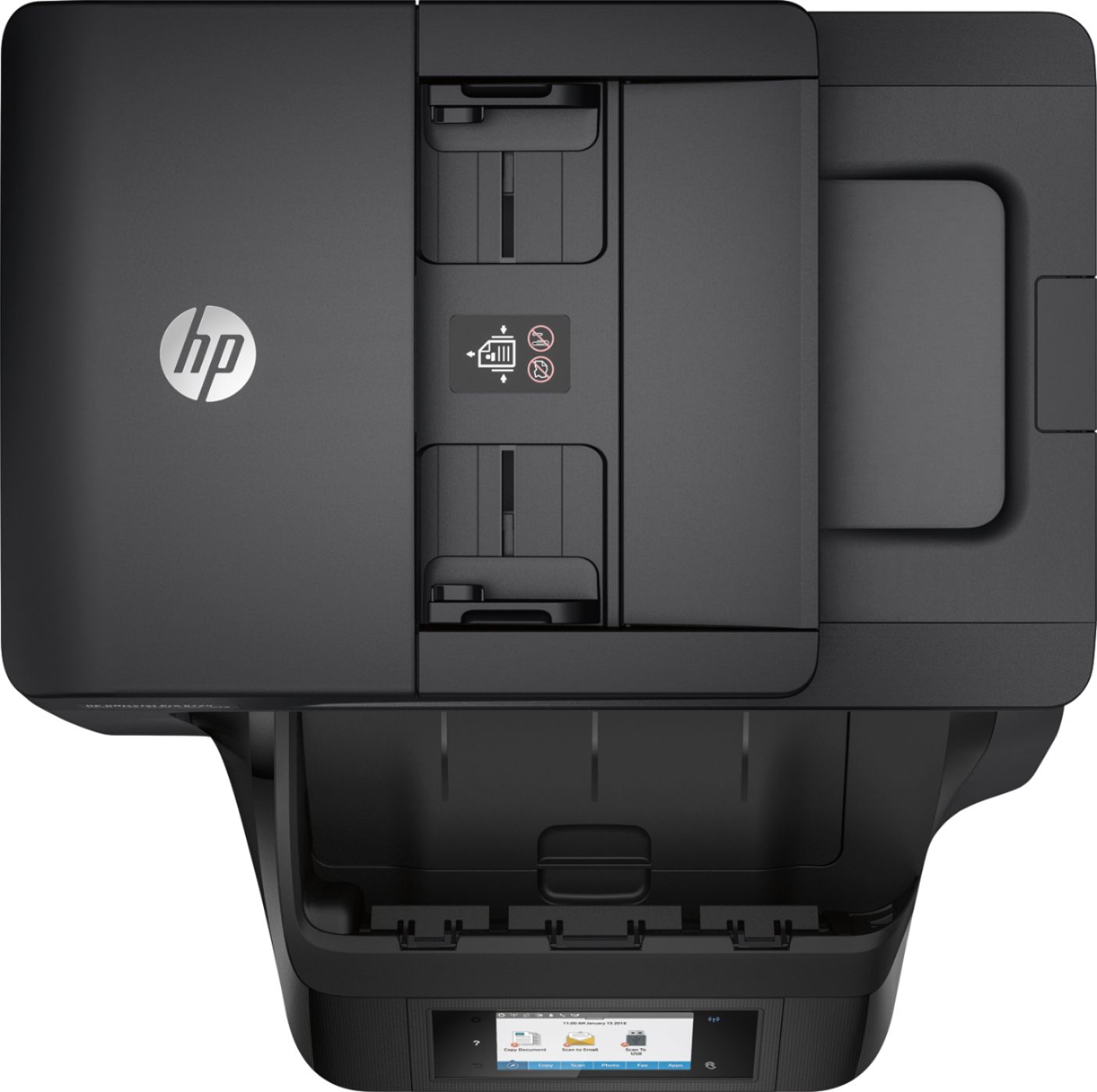
- A:Answer This printer has an auto document feeder so you can stack multiple pictures into the document feeder for faster scanning times. I hope this helps.
Answered by HP Team

Q: QuestionWhat are the measurements of the scanner service?
Asked by Anonymous.
- A:Answer Good question. This printer has a scanning bed that takes up to legal size papers. The auto document feeder also takes up to legal size pages. I hope this helps.
Answered by HP Team

Q: Questiondoes the black model require instant ink contract or only the white model allows choice
Asked by pumpkin.
- A:Answer You should be able to by pass the instant ink offer. You don't have to buy it.
Answered by Cyndi
Q: Questionwhat is the demensions of this printer? I'm limited on space
Asked by cebrown.
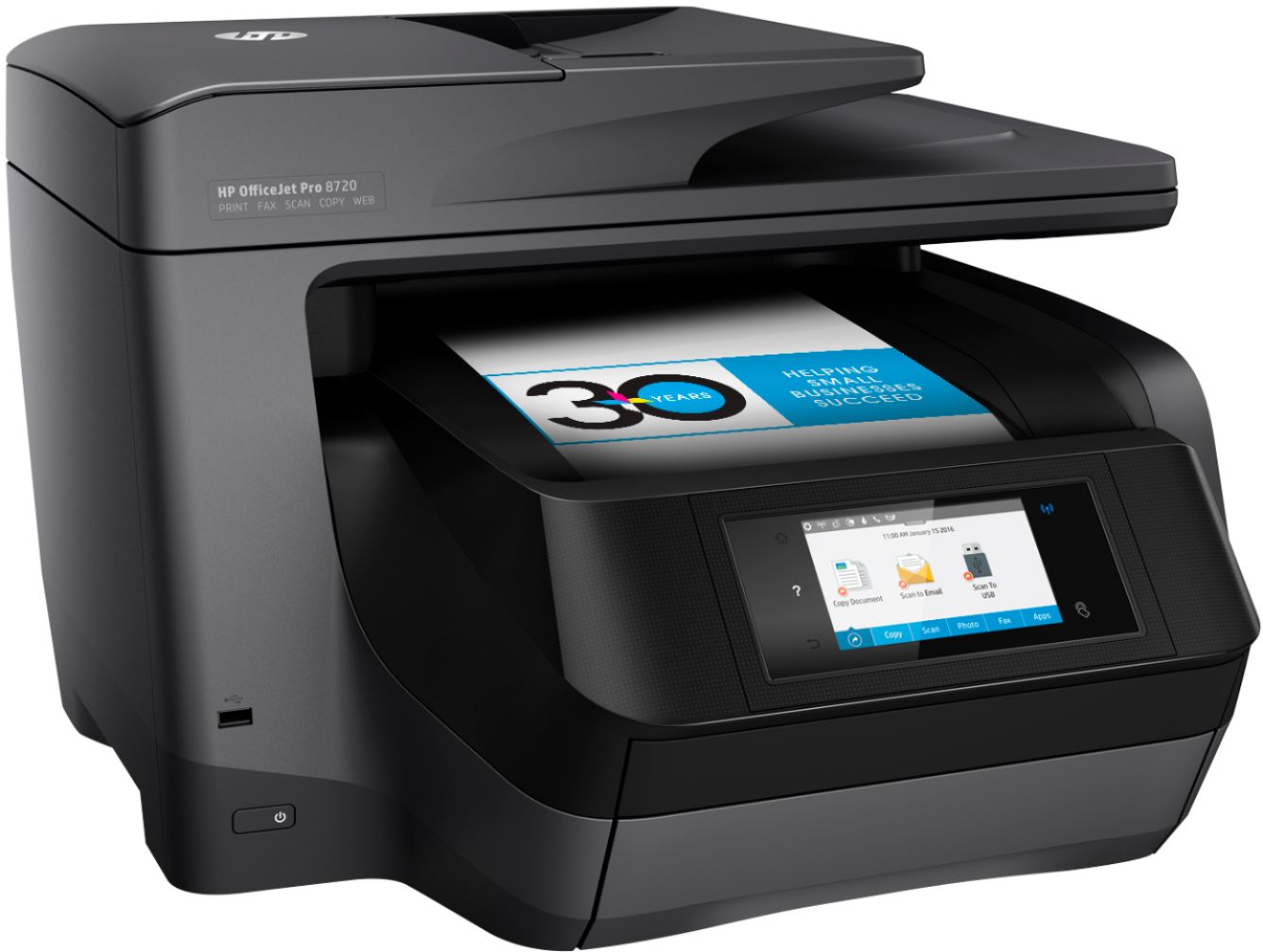
- A:Answer About 20w X 22d and 13h, You will need 23 inches of clearance in order to open the lid all the way and also keep it 3 inches out for the back wall.
Answered by doggone
Q: QuestionDOES THIS PRINTER HAVE A SEPARATE PHOTO PAPER TRAY?
Asked by ROD.
- A:Answer No, you just take out the paper and adjust the tray to your paper size
Answered by Cyndi
Q: QuestionDoes it accept SD photo card?
Asked by GusGus27.
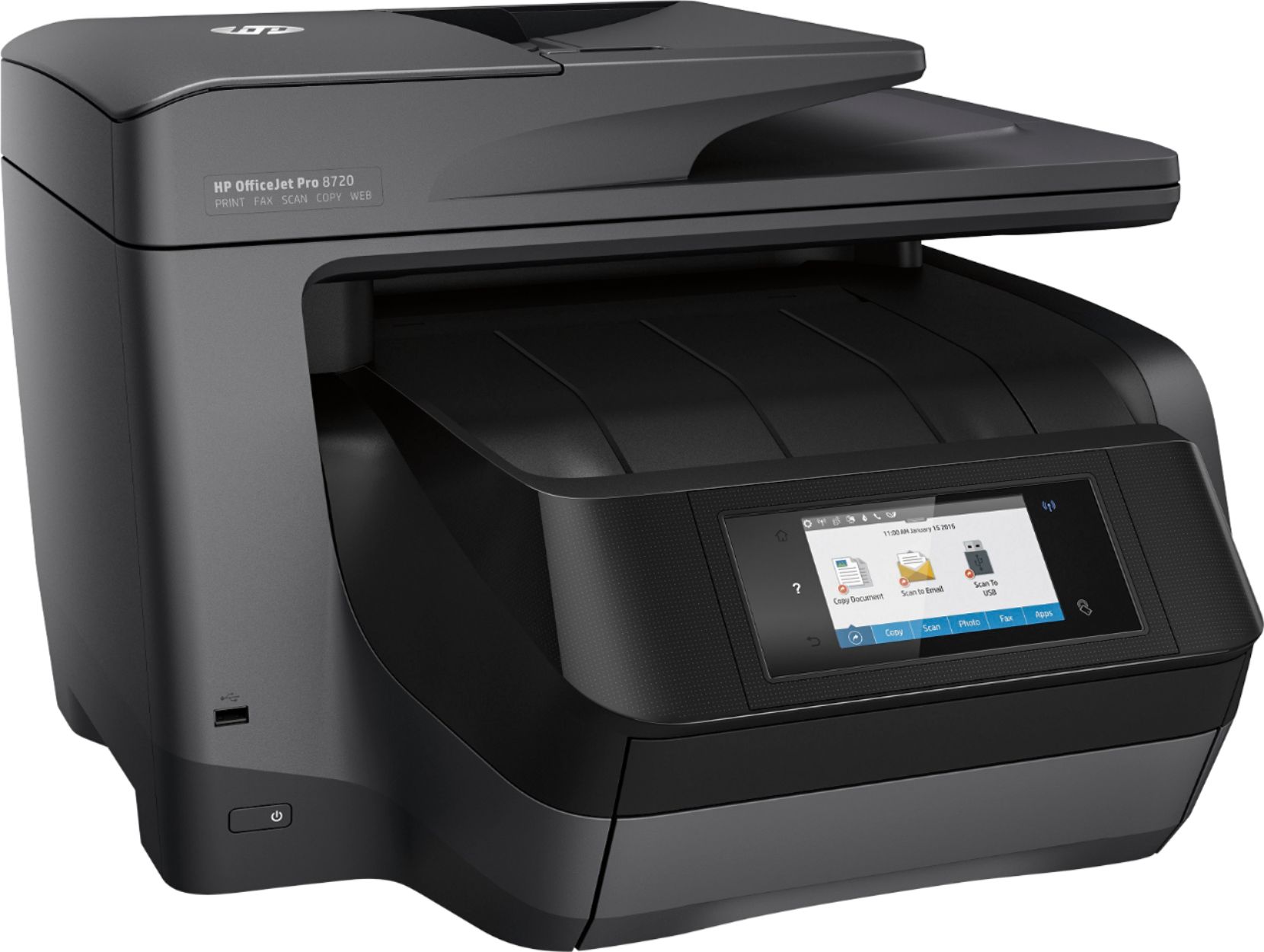
- A:Answer No, the printer does not have a memory card slot.
Answered by CommunityAnswer
Q: QuestionHow is it printing cardstock or a heavier paper?
Asked by Farmer.
- A:Answer my 8720 has problems printing two sides on index card, paper jams. it also can't duplex statement or half legal. I had no such problem with the 8600 I am very disappointed because the redesign duplex is not nearly as good as the older model
Answered by thor
Q: QuestionIs this printer relatively quiet while printing?
Asked by cdhuds.
- A:Answer Compared to my HP 7410, this printer is 2-3 times faster and much quieter while printing documents
Answered by Berner
Q: QuestionCan you scan up to 30 pages at one time?
Asked by LadyO.
- A:Answer Great question. Yes, you can actually scan up to 50 pages in the auto document feeder. For detailed specifications, please visit the following link: http://www.bestbuy.com/site/hp-officejet-pro-8720-all-in-one-wireless-all-in-one-printer/4974400.p?id=bb4974400&skuId=4974400&cmp=RMX I hope this helps.
Answered by HP Team

Q: QuestionIs it laser printer
Asked by David.
- A:Answer No. It's an inkjet.
Answered by NewHPPrinterUser
Q: Questionwhat no hp ink cartridges does this model use?
Asked by scorpiojim.
- A:Answer 952
Answered by JimmyP
Q: Questionwill the 8720 scan to a word document that can be edited?
Asked by remna83.
- A:Answer By using the "Select Save as Editable Text (OCR) and click Scan" an editable document is created, which can then be opened in Word and Saved as a Word document. Then all of the features of Word can be used to modify the document.
Answered by Anonymous
Best-selling Best Buy
- $299.99$299.99The price was $349.99
- $59.99$59.99The price was $99.00
- $199.99$199.99The price was $349.99
- $14.99$14.99The price was $19.00
- $24.99$24.99The price was $29.99
- $14.99$14.99The price was $19.00
- $139.99$139.99The price was $149.99