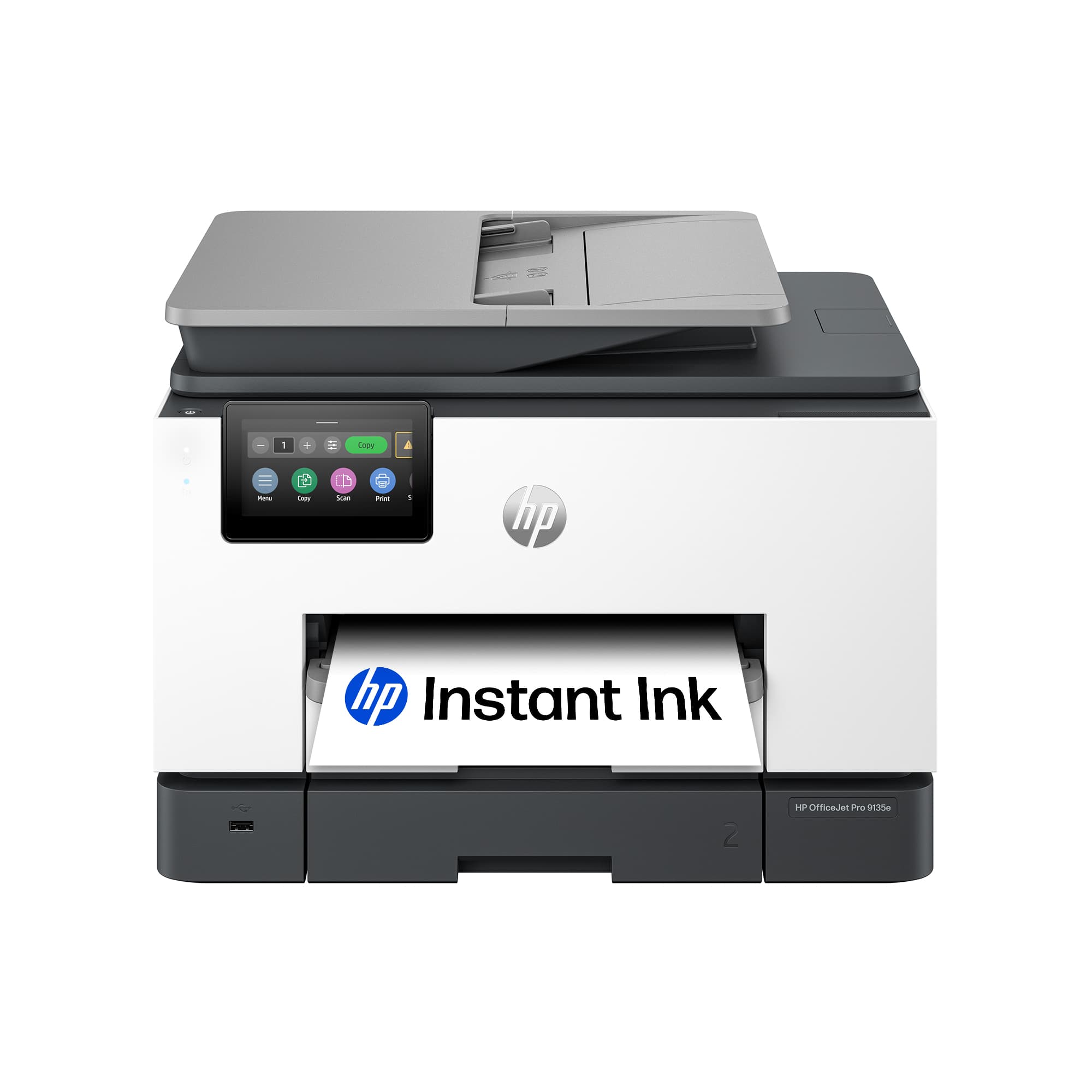
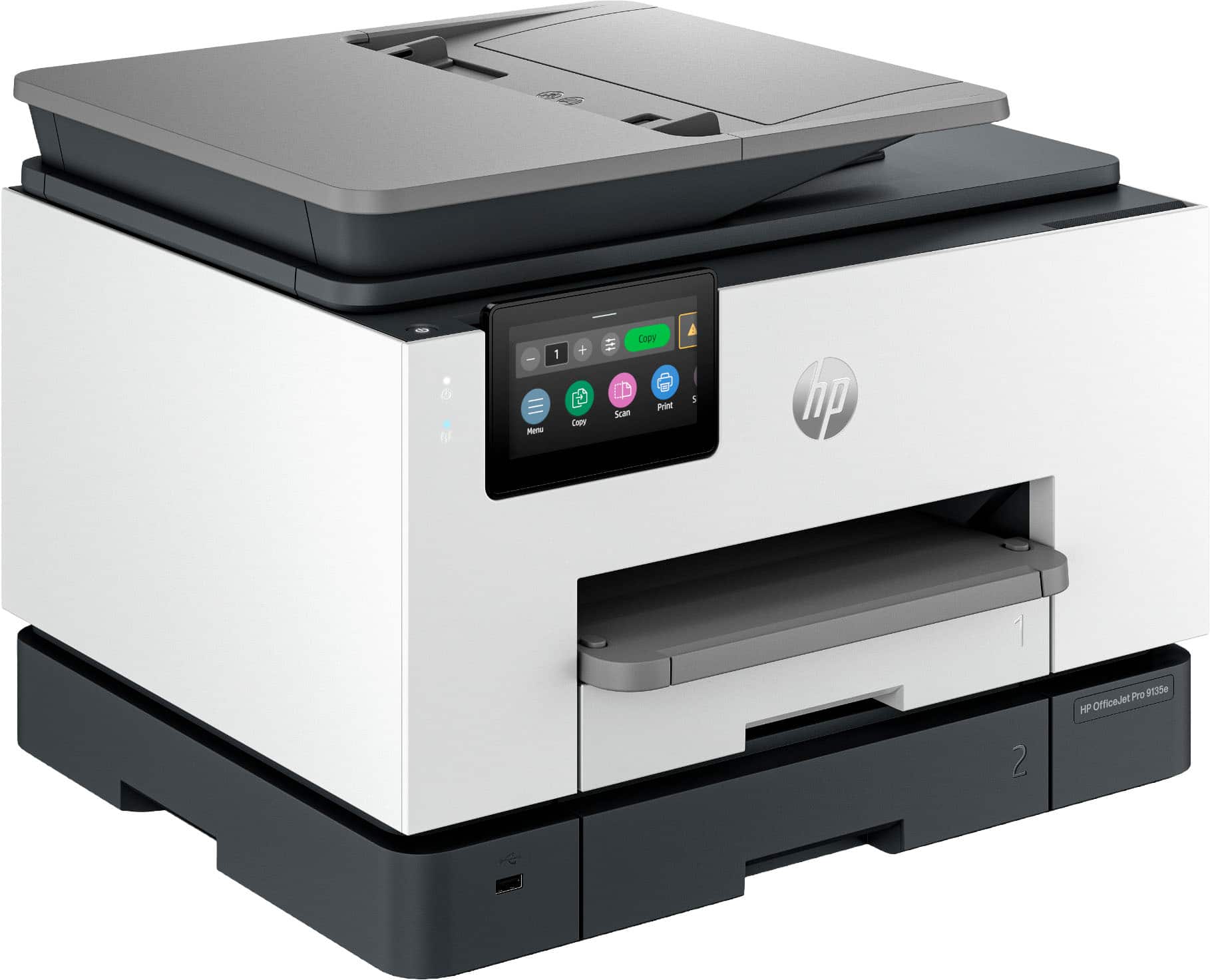
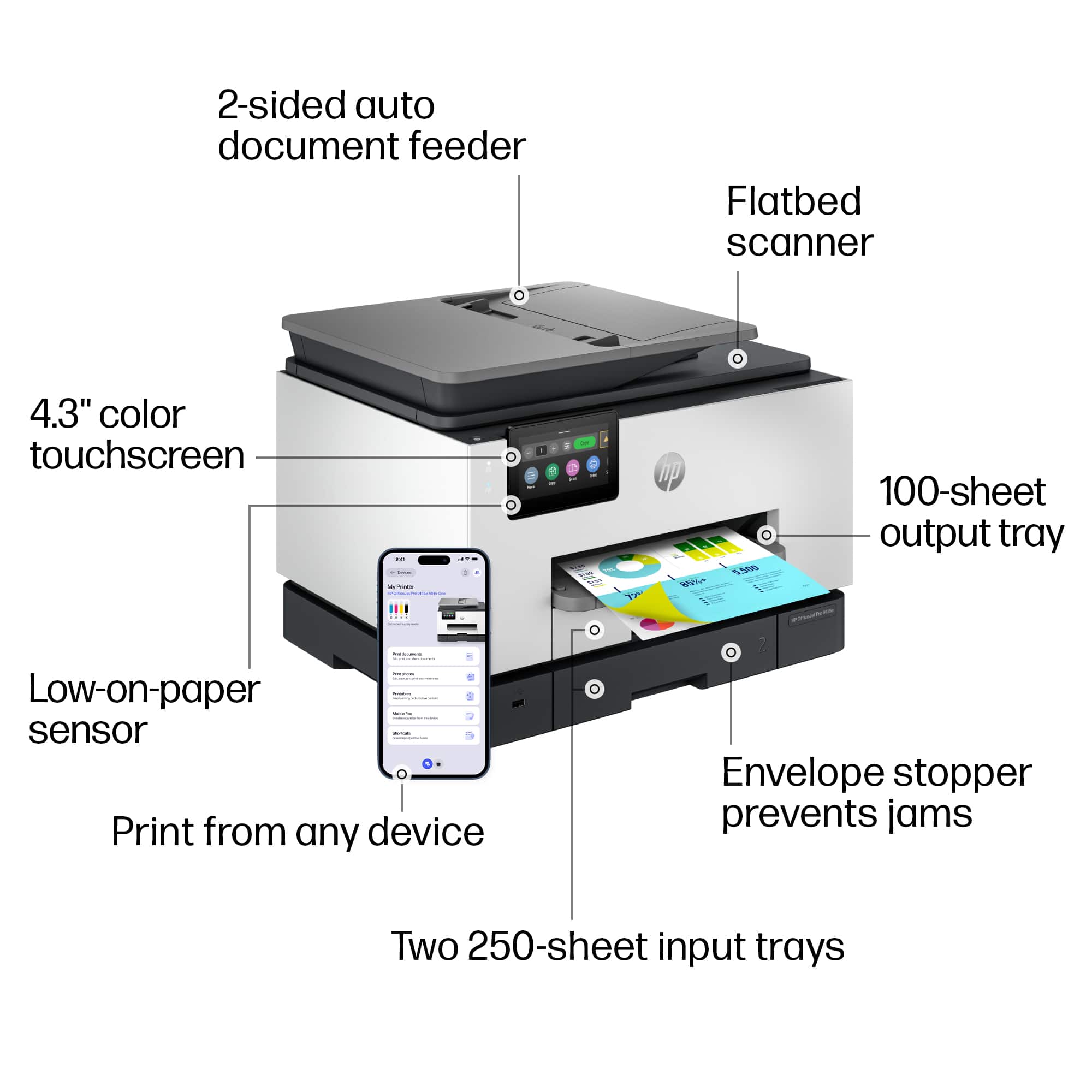
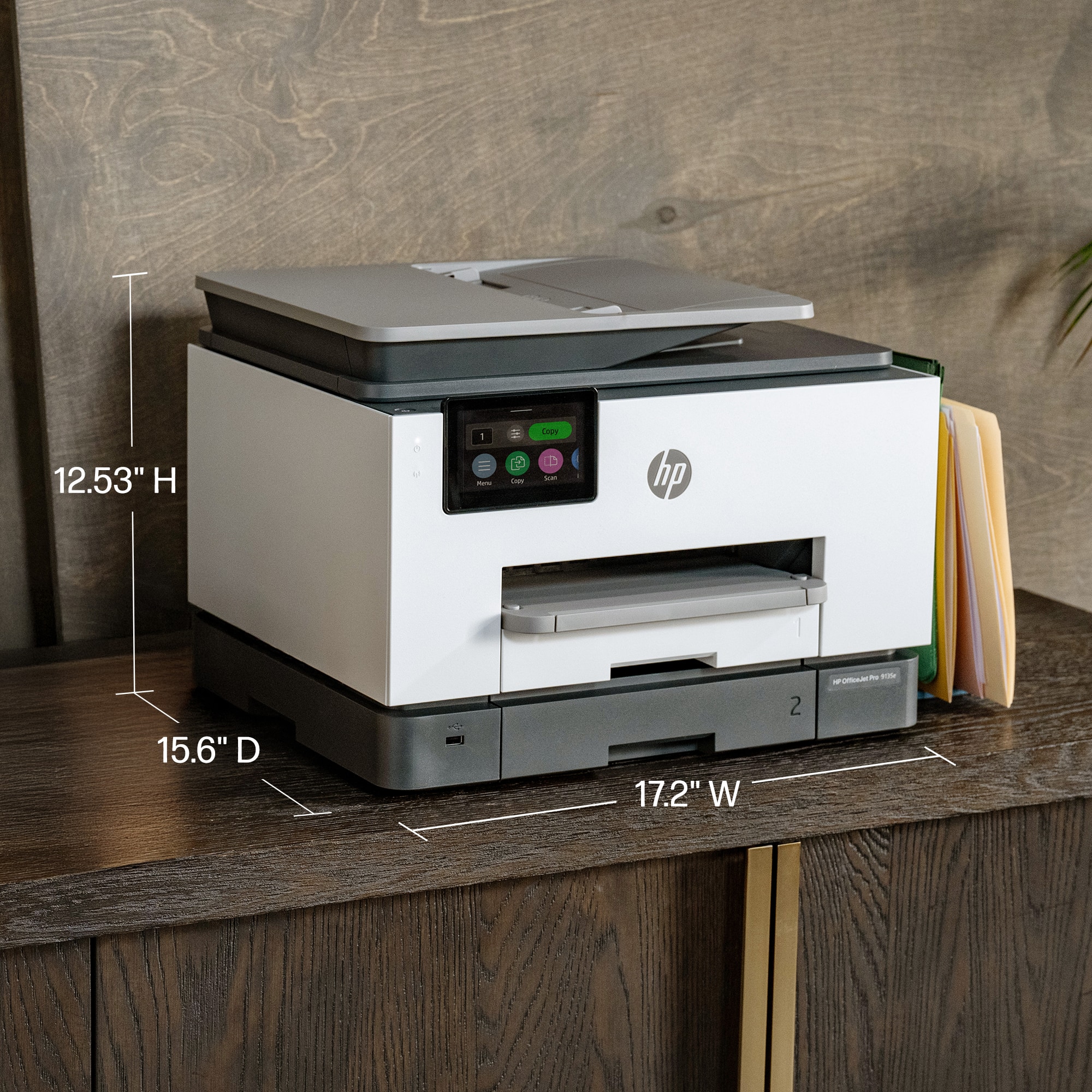
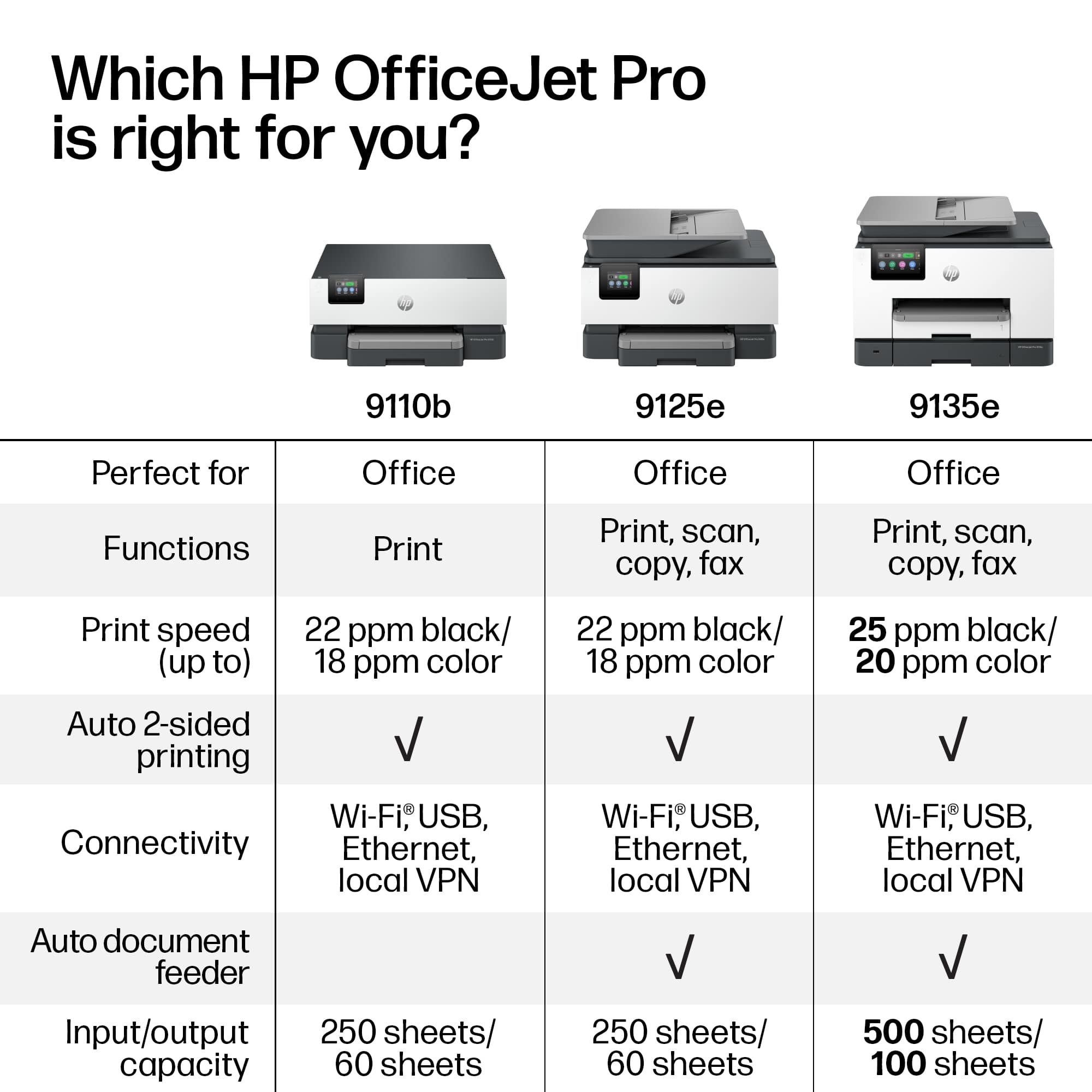
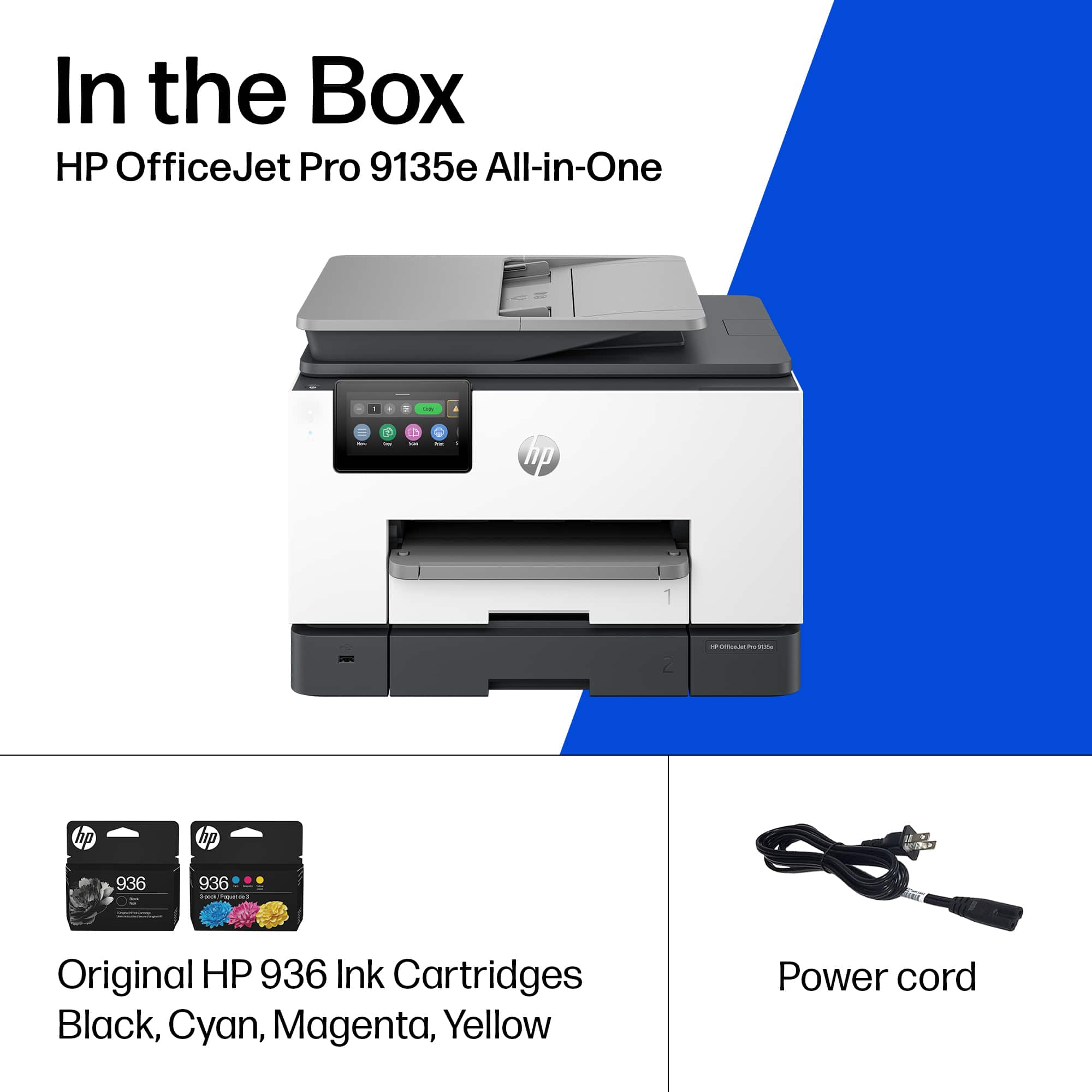
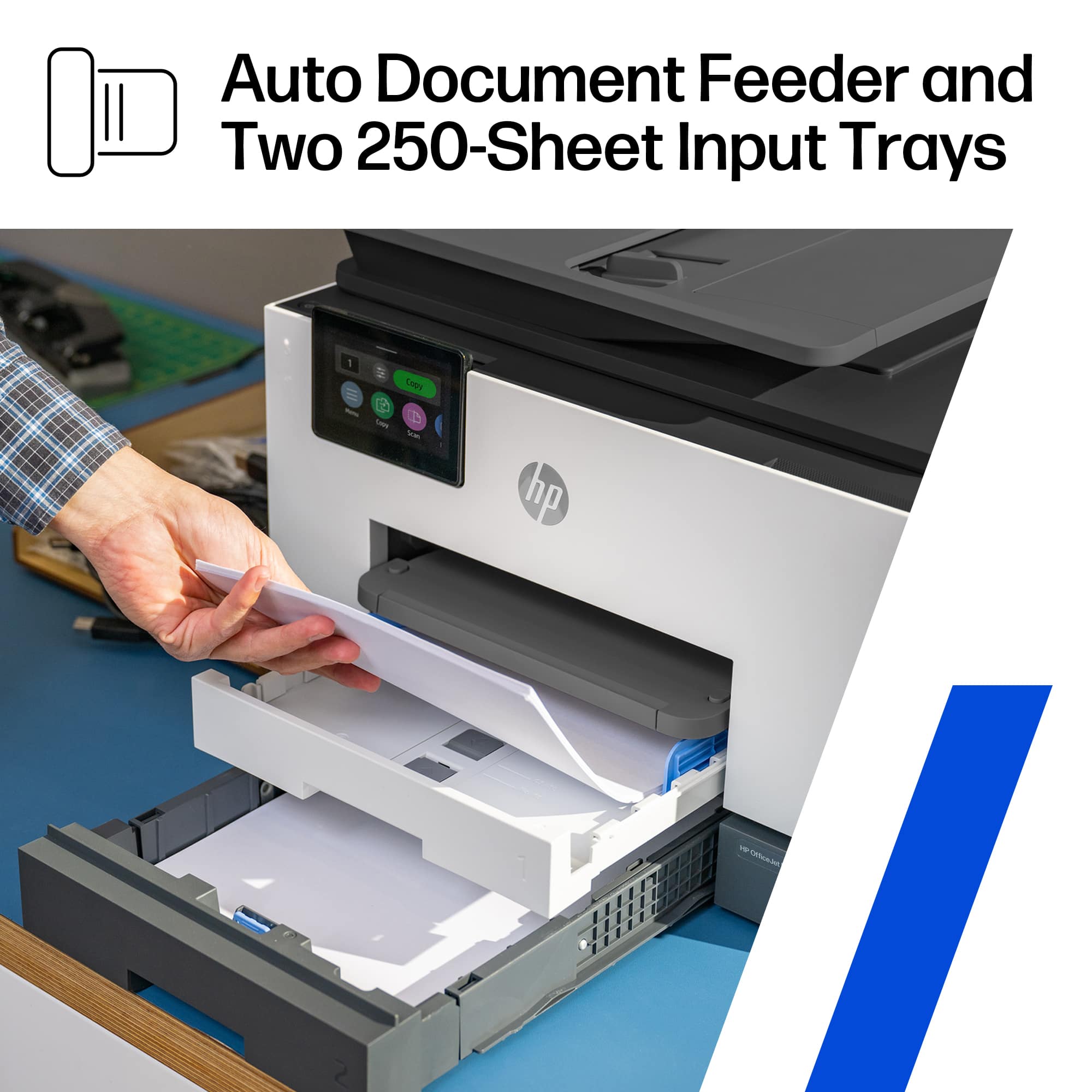
A:AnswerThank you for inquiring about replacing your OfficeJet Pro. The 9135e has a smaller footprint and lower height than the 8720, so it will fit into the travel case with more room to spare.
A:AnswerSlightly but not necessary worth the upgrade. Yes can motivation to upgrade when your printer is doing everything you need to do no need. Volume of printing not great stay where you are at. In theory Both printer are excellent choices. In reality 9135e much bigger than 9015e but basically the same. Not a major difference just improvement.
A:AnswerThank you for choosing HP for your printing needs! The OfficeJet Pro 9135e is one of the successor products to the OfficeJet Pro 8600 Plus and offers the same levels of access to the internet. The wireless technology has also improved since that generation.
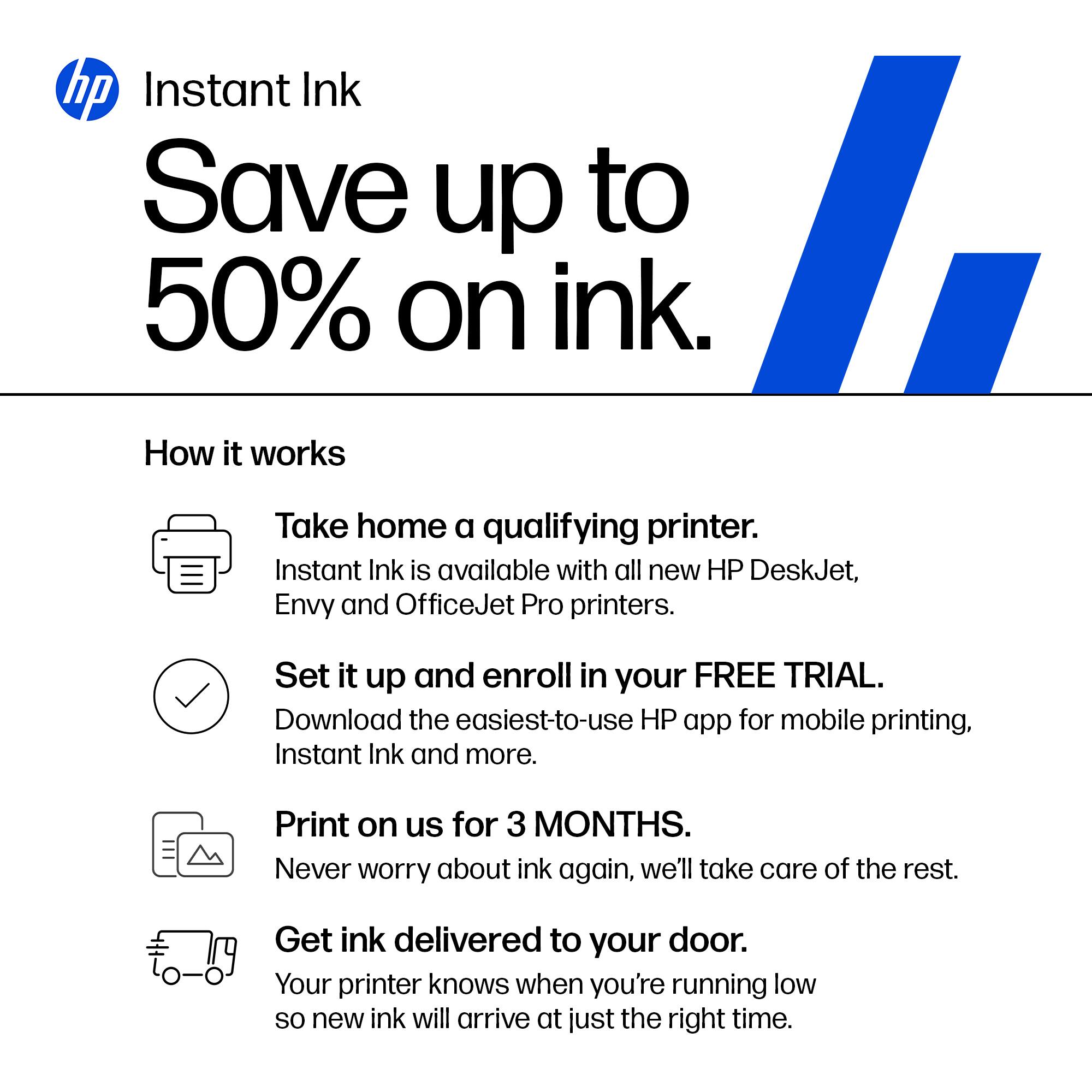
A:AnswerI just got this printer and will not be signing up for Instant Ink. I will choose to purchase cartridges as I need them unless I find out that the cost is less for instant ink.
A:AnswerHello and thank you for the question! The HP OfficeJet Pro 9025e printer is rated for Card Stock paper up to 90-110lbs. The paper is pulled from the tray, fed through the feeder internally, and then output on the output tray. If you are running into any issues with the printer, we would suggest speaking with the I.T. specialists at your local Best Buy's Geek Squad to have the printer checked out, as we are unable to provide full assistance through a Question and Answers forum.
A:AnswerThank you for the question. You'll need to indicate the paper type before printing the document. Plain paper settings using card stock will not yield the desired results.
A:AnswerThe OfficeJet Pro 9135e is compatible with any computer running the Windows 11 operating system. Be sure to download the free HP Smart App that contains all of the software you'll need.
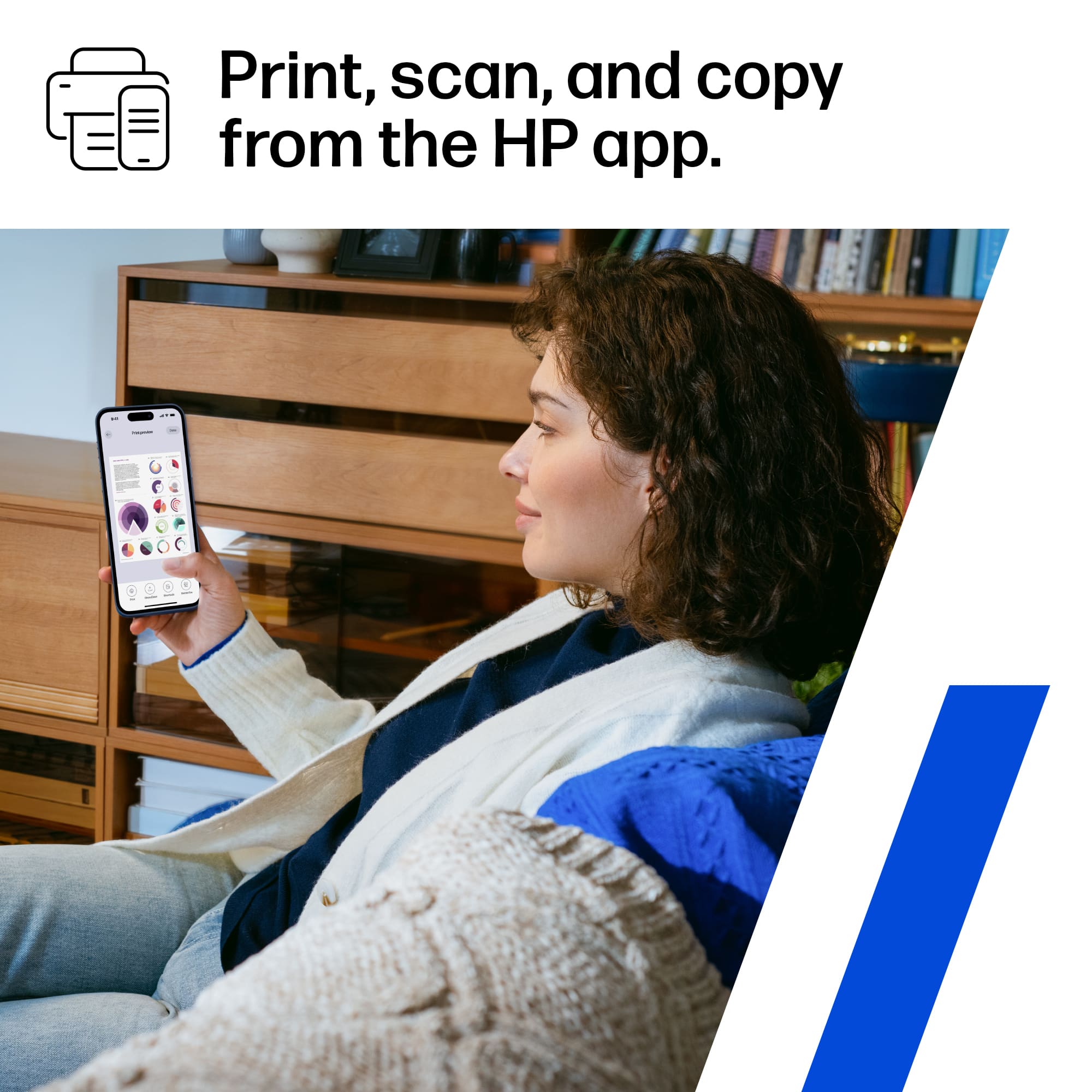
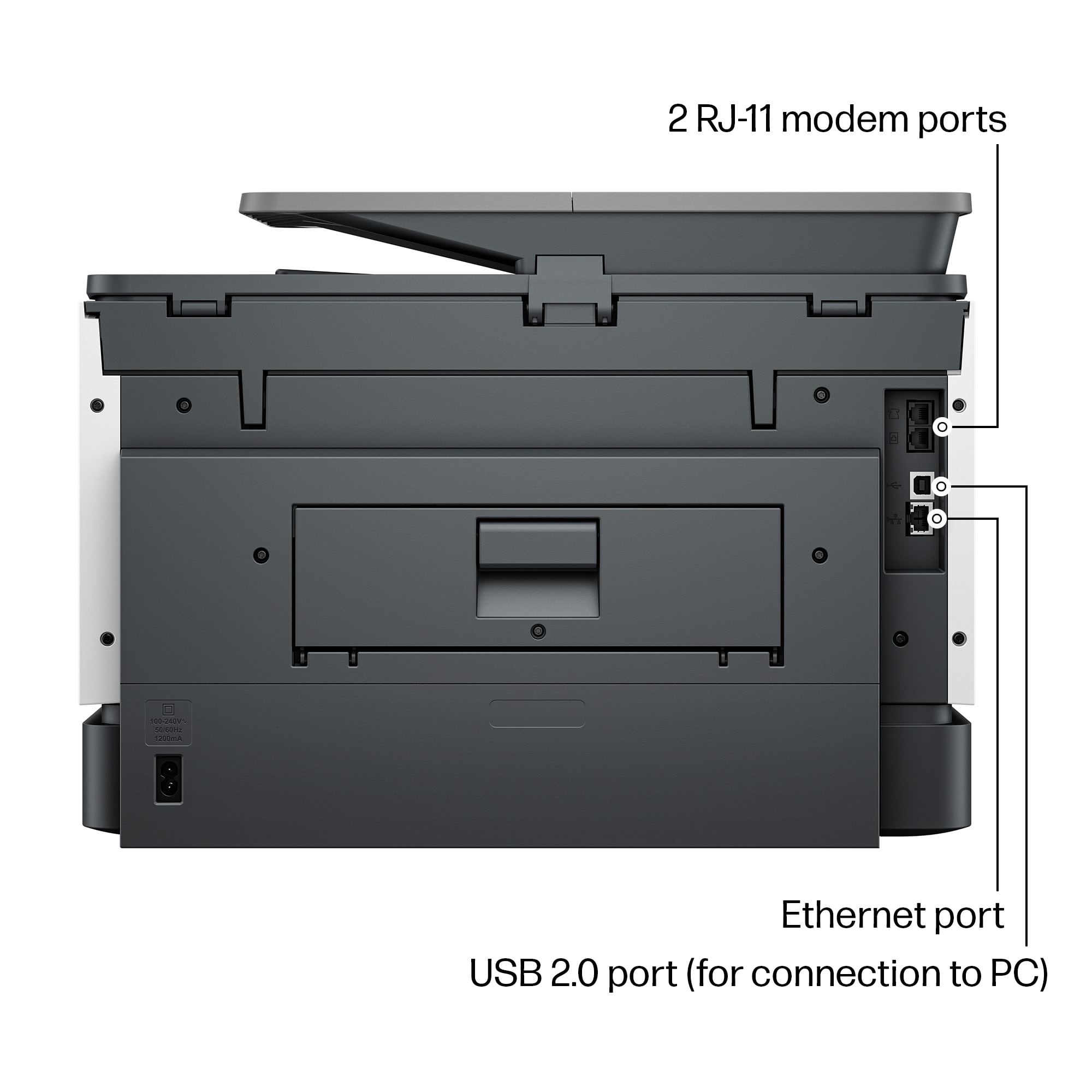
A:AnswerThanks for your question about this HP OfficeJet Pro 9135e! You can send faxes out through the HP Smart app that you can download to any compatible Android or iOS phone or tablet, or Mac or Windows computer.
A:AnswerHi Cutty, thank you for asking. Yes, the OfficeJet Pro 9135e prints double-sided in sizes up to 8.5 x 11". You'll want to set up the print job using "custom size".