A:AnswerYou can undervolt it to run slower. However, first contact the HP support team who can troubleshoot the issue and determine if it's something in the configuration or a hardware problem.
A:AnswerThe data I'm seeing is not definitive, but it appears to be the 115w version. The HP support team should be able to provide a definitive answer.
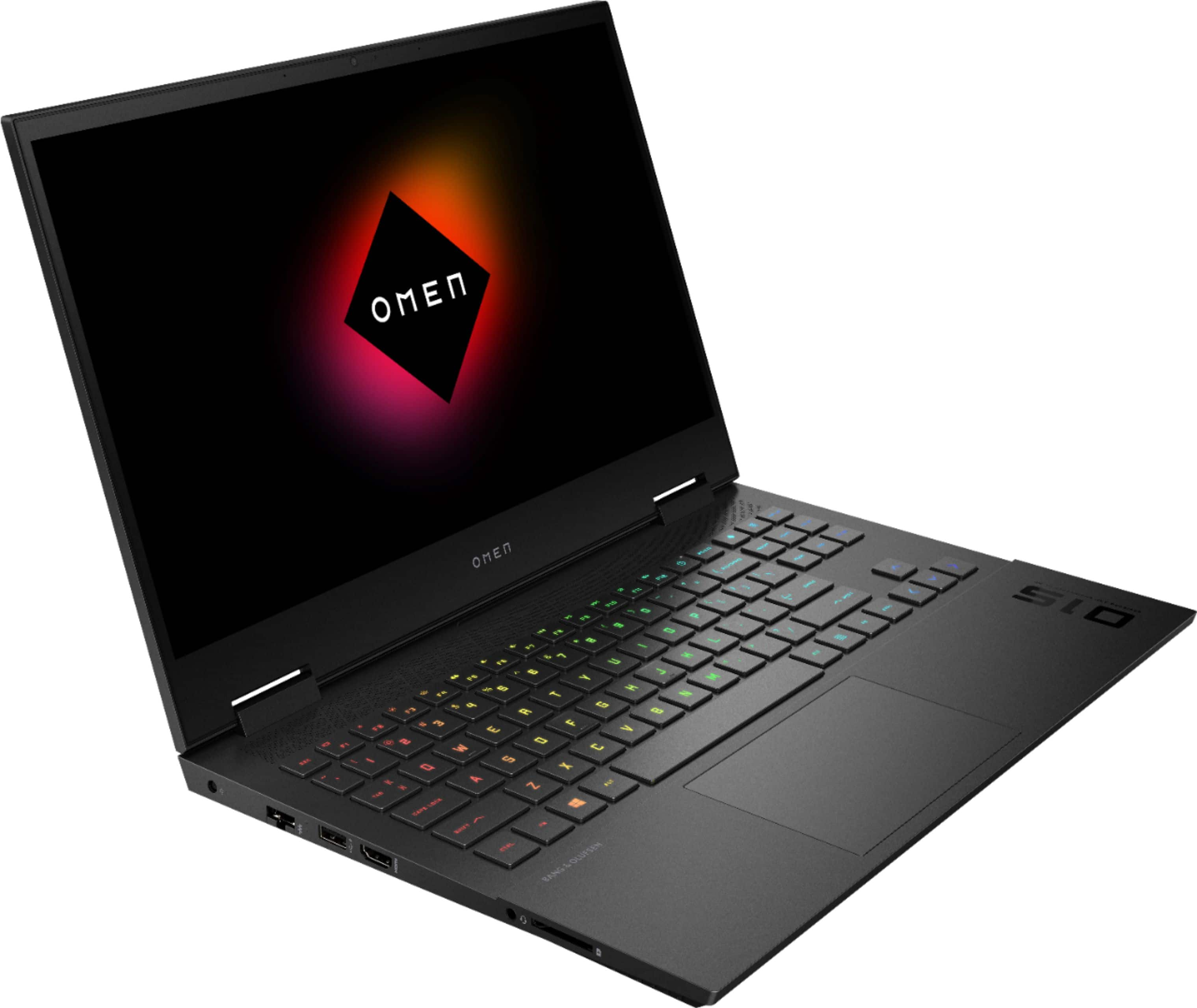
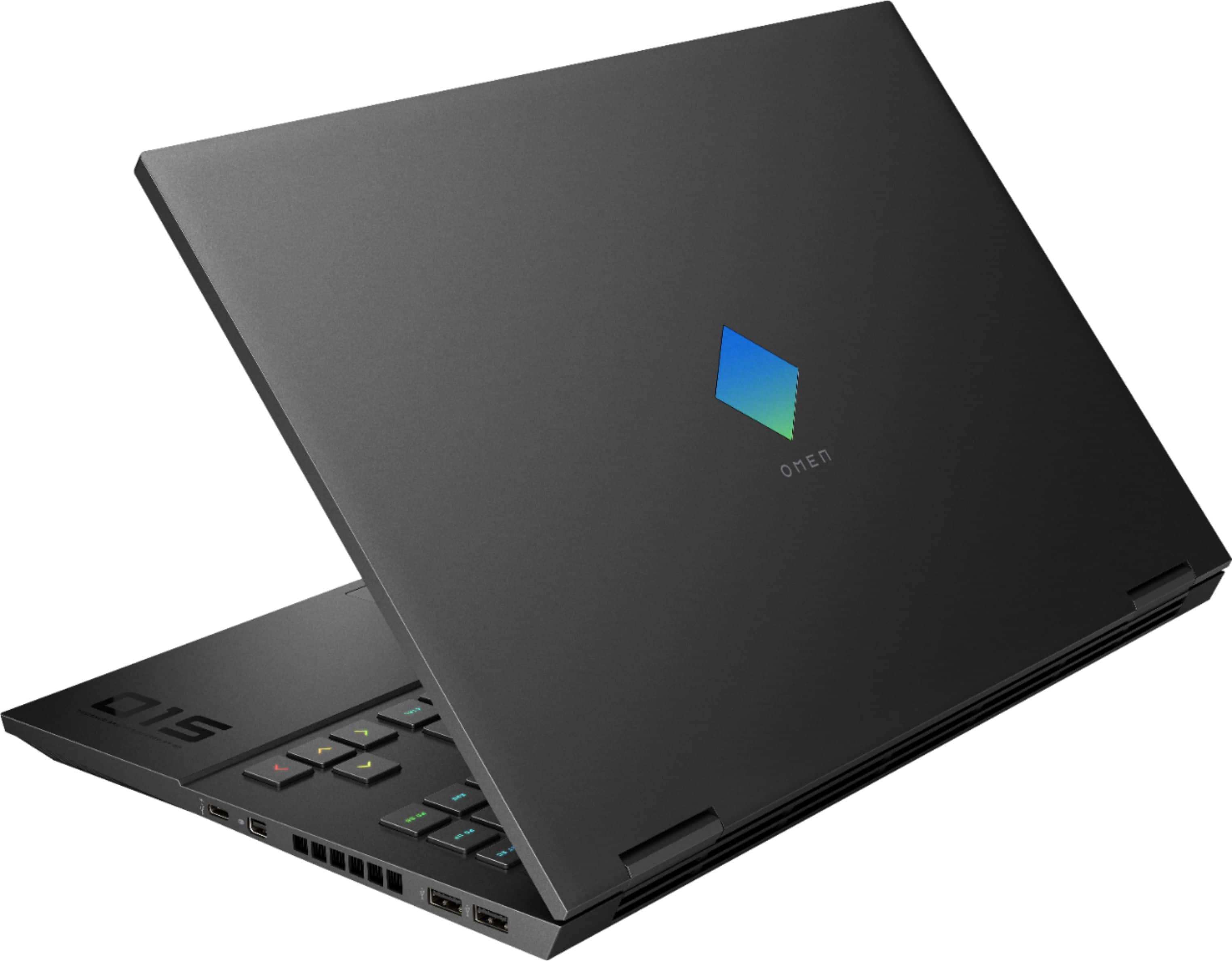
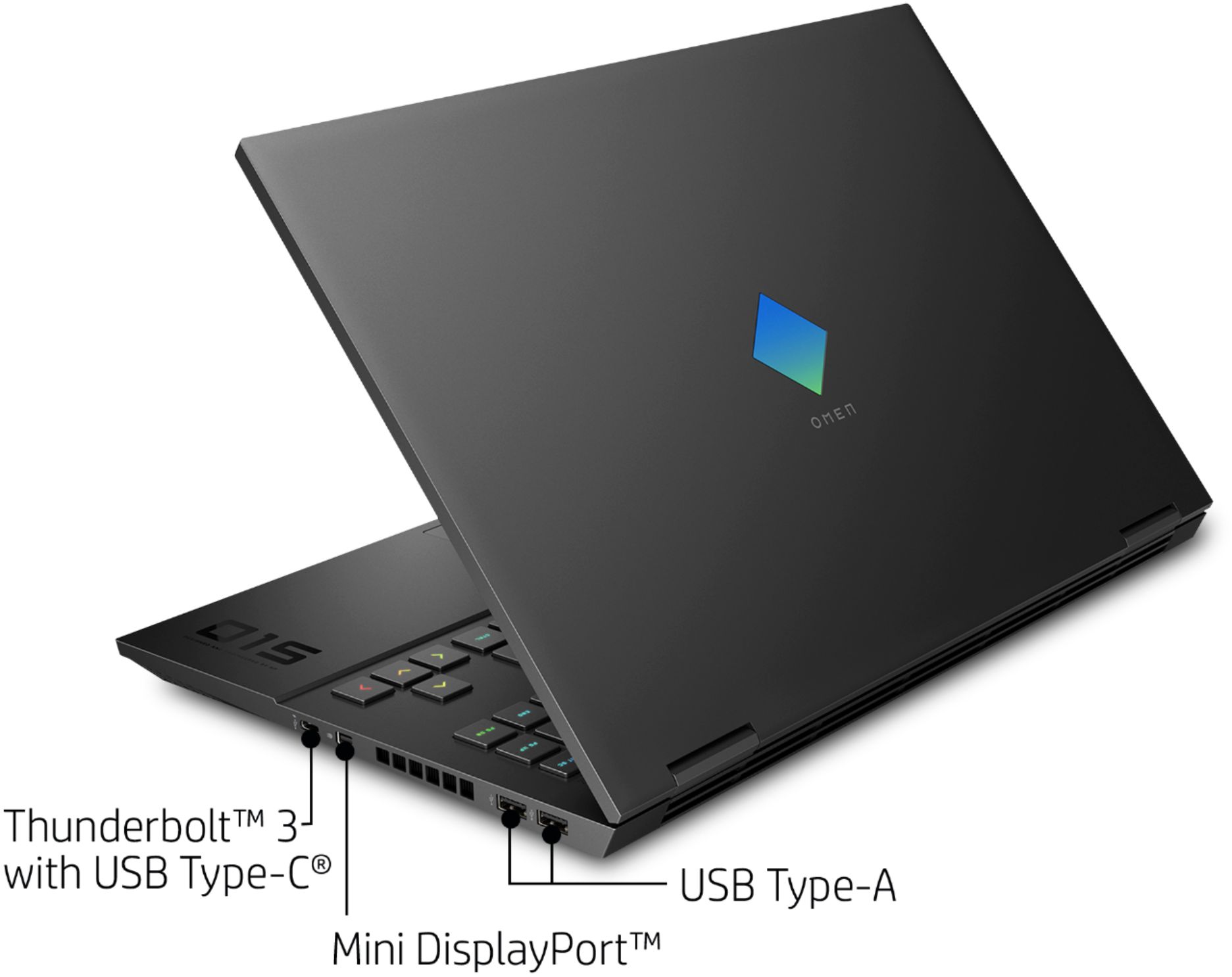
A:AnswerUnfortunately, it does not support charging through the Type C port. However The charger that comes with the computer does support fast charge.
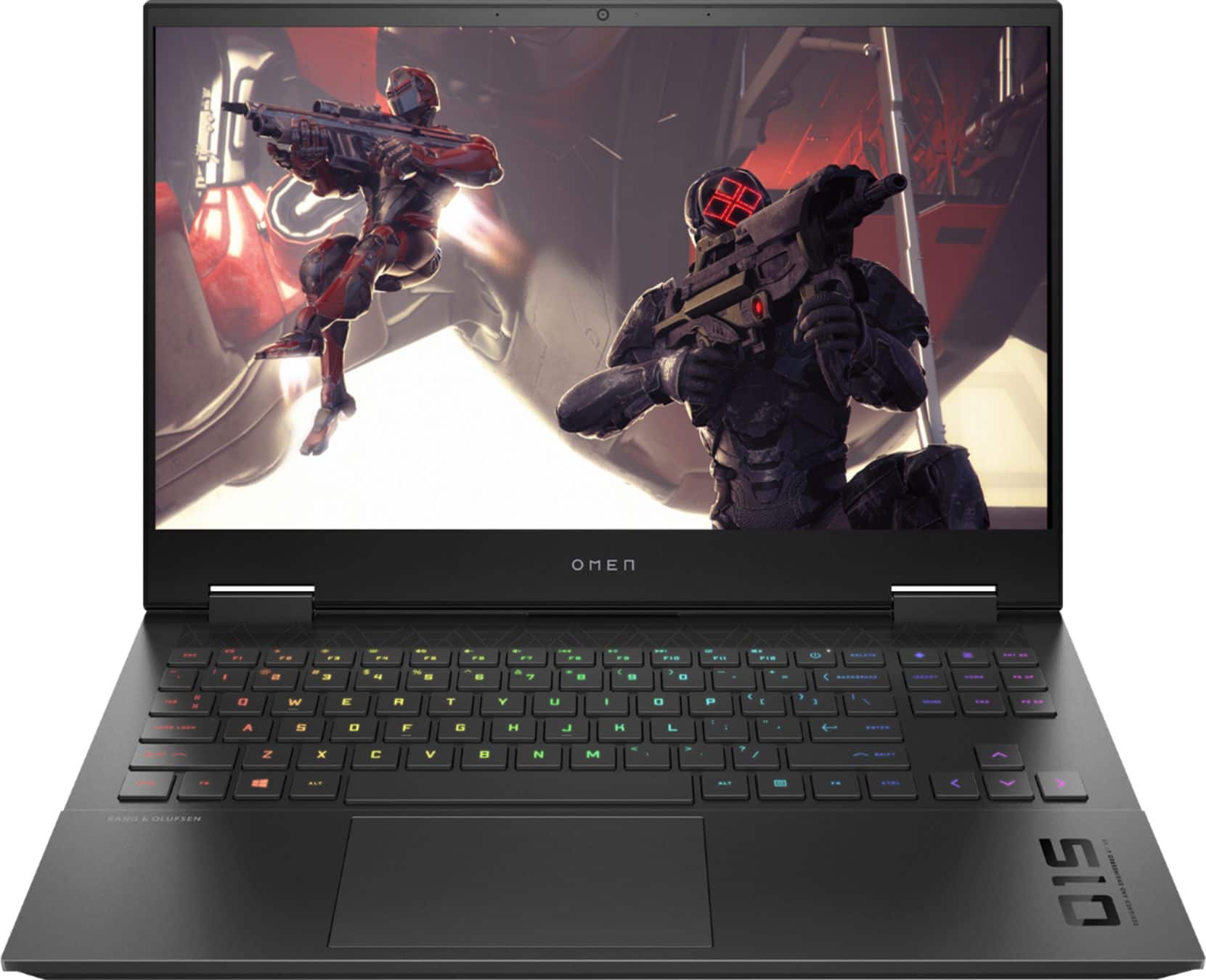
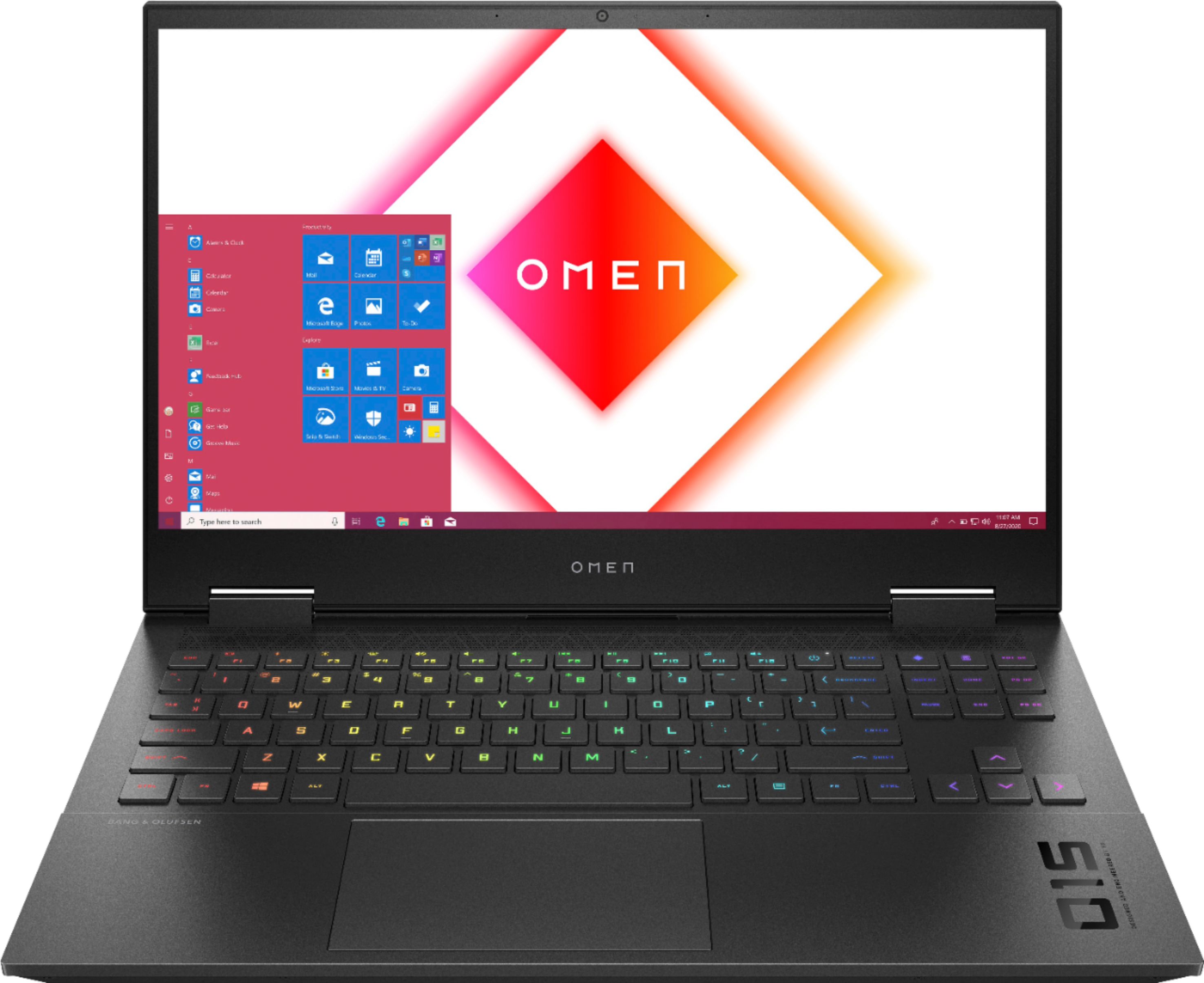
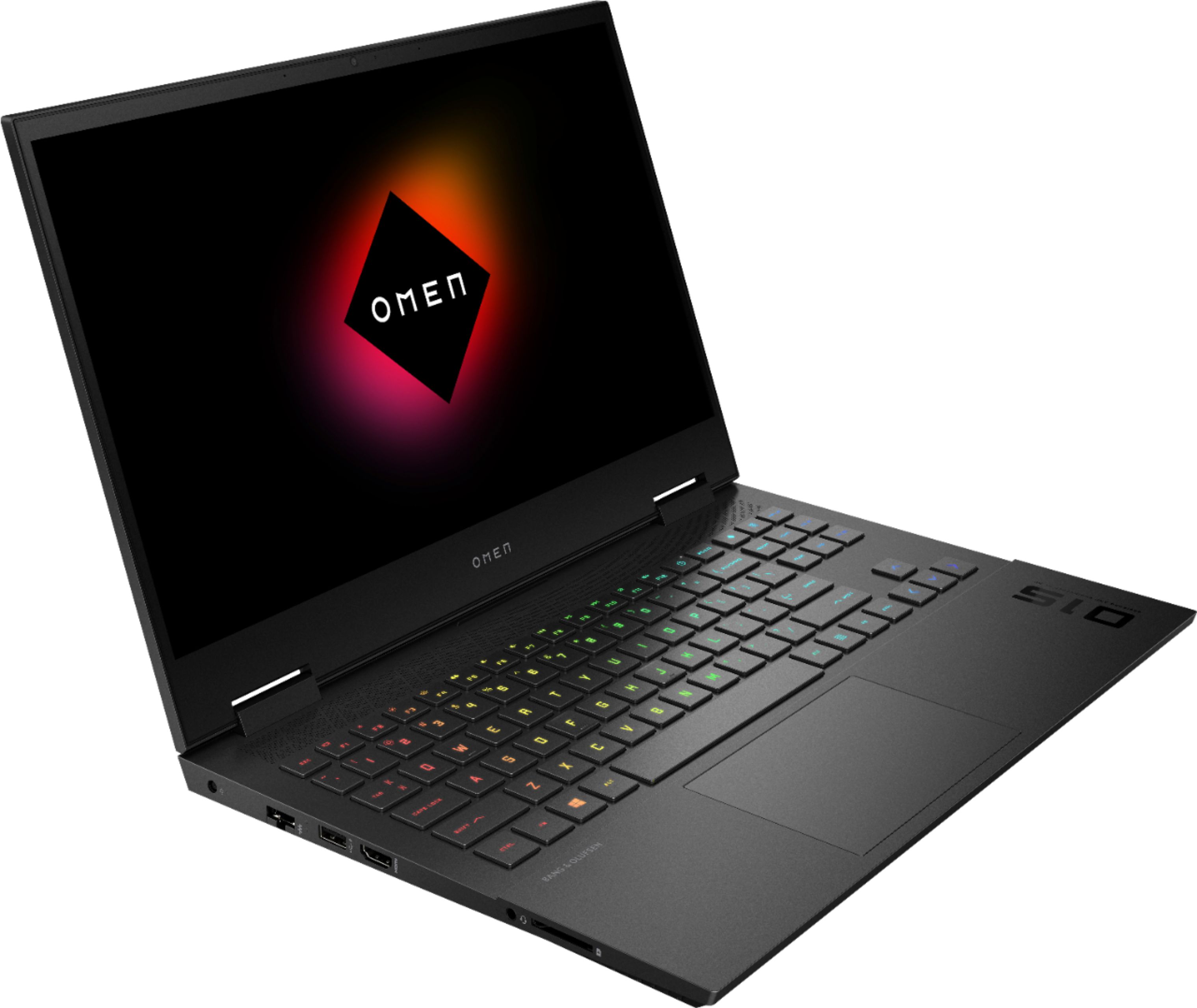
A:AnswerYes, this laptop does have a 4-zone RGB backlit keyboard. Here are the details on the keyboard for this laptop: Full-size, island-style, 4-zone RGB backlit, shadow black keyboard and 26-Key Rollover Anti-Ghosting Key technology
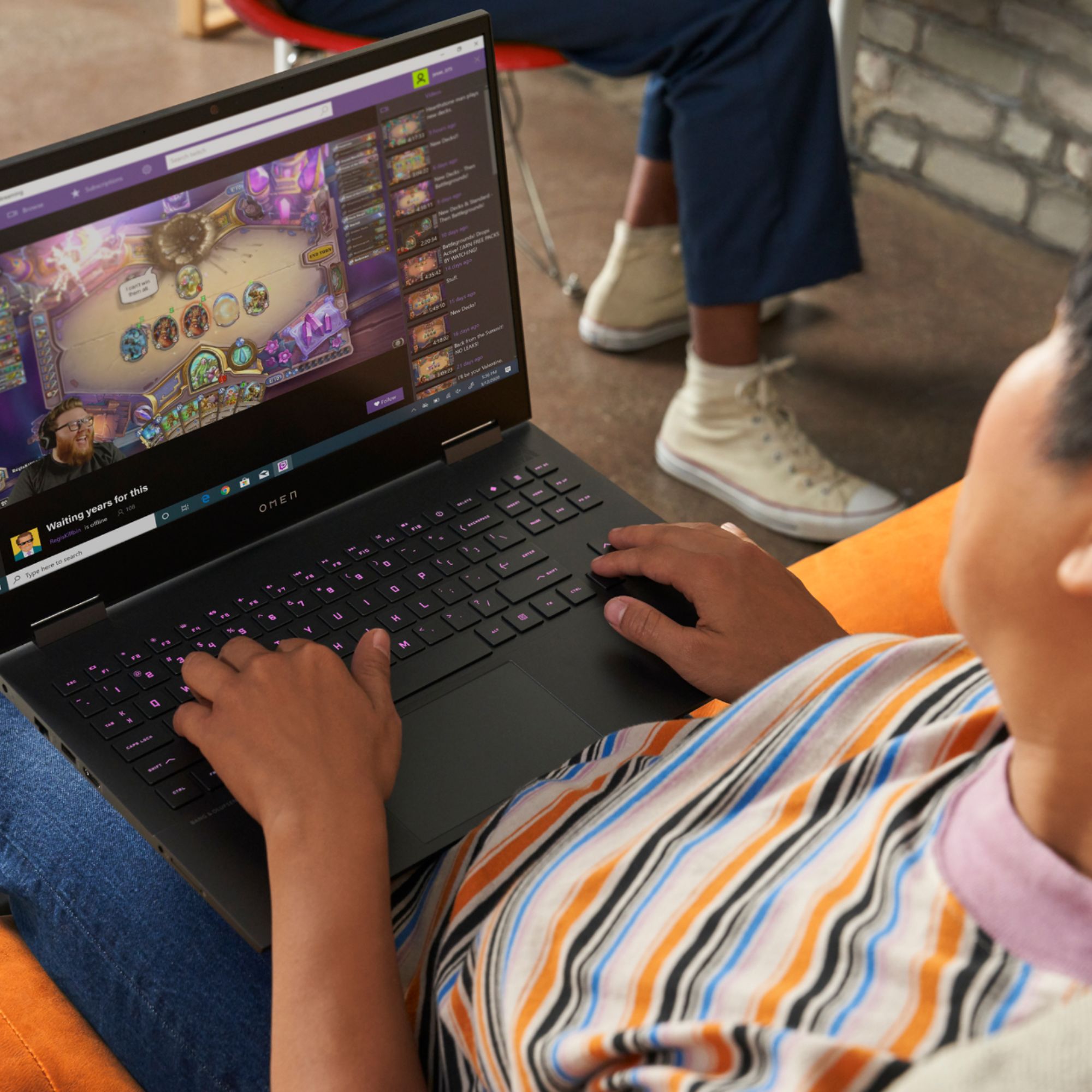
A:AnswerYes-the computer has more than enough power to do high quality streaming. Any bottleneck would almost certainly be the speed of your network connection, which is independent of how fast the computer is.
A:AnswerI have not opened the laptop to check components but I wouldn't recommend this laptop with the intension of upgrading it. There is no panel for adding additional RAM and with the air intake for the fans being on the bottom the the work would be very difficult if possible at all.
A:AnswerHonestly just get this laptop... Its insane, last laptop I had would reach 70'C and with this one I get 30 to 40'c. This laptop fans' are literally so fast, although its way too loud.
A:AnswerNot sure what the HP support was talking about. This Omen has 2 M2 slots. One is filled with the 512GB and the other is open. I just added a 1TB Crucial SSD M2 and it works as a secondary HD where I install all my games to. Its actually much faster then the installed 512GB too.
A:AnswerYou should be able to get more battery life than 2 hours. I would check you Windows 10 power settings. This link has more info on how to do that. https://support.microsoft.com/en-us/help/4027067/windows-10-how-to-adjust-power-and-sleep-settings