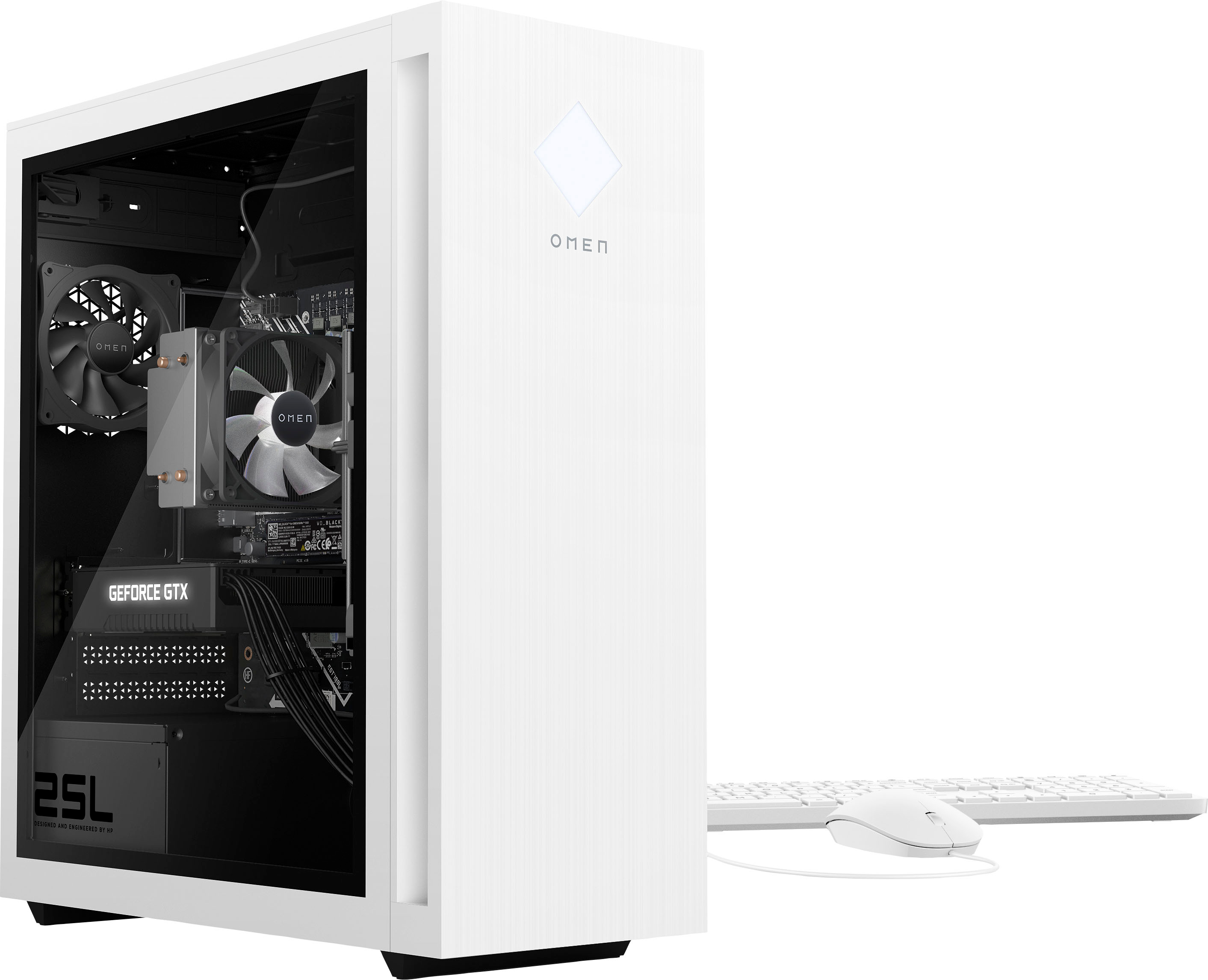
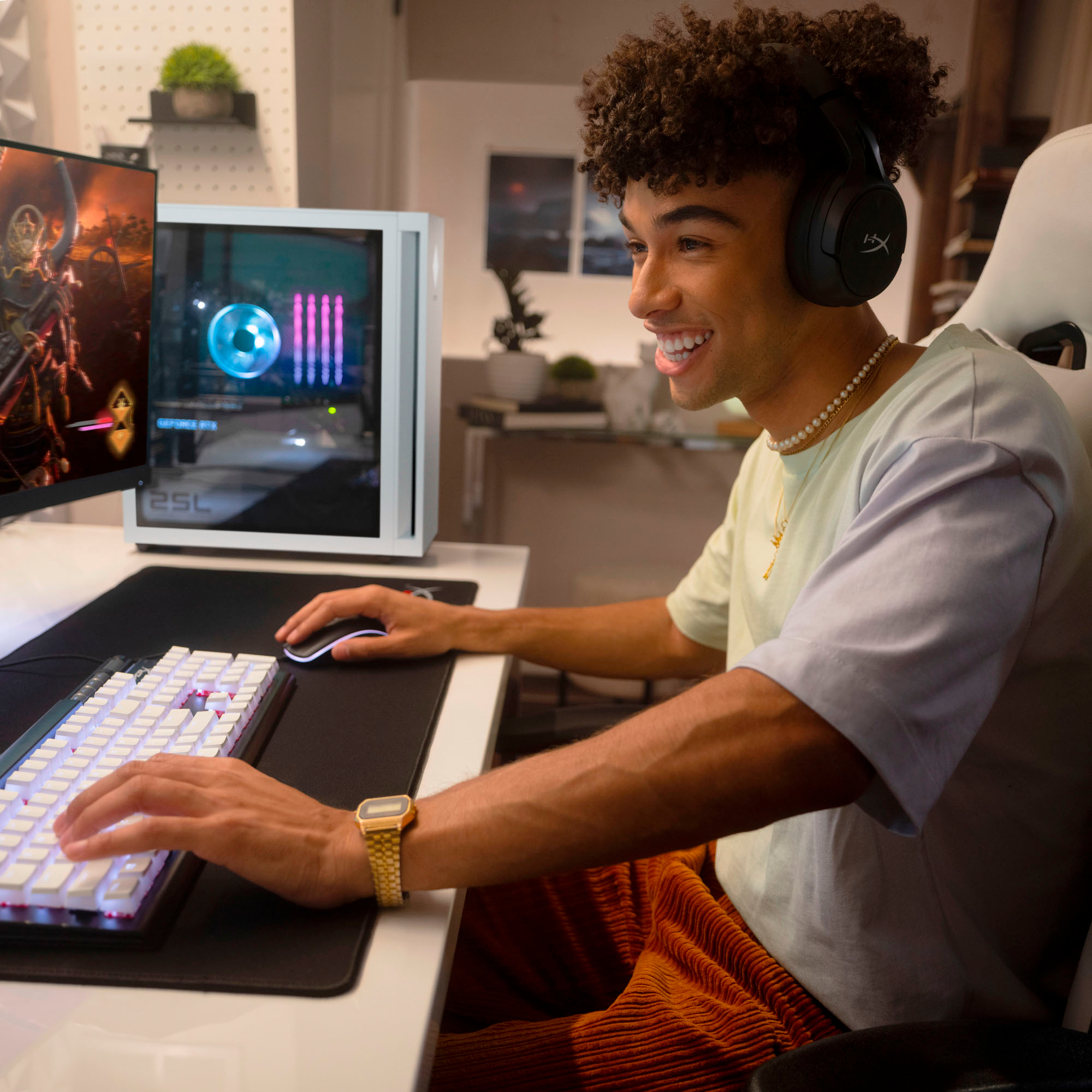
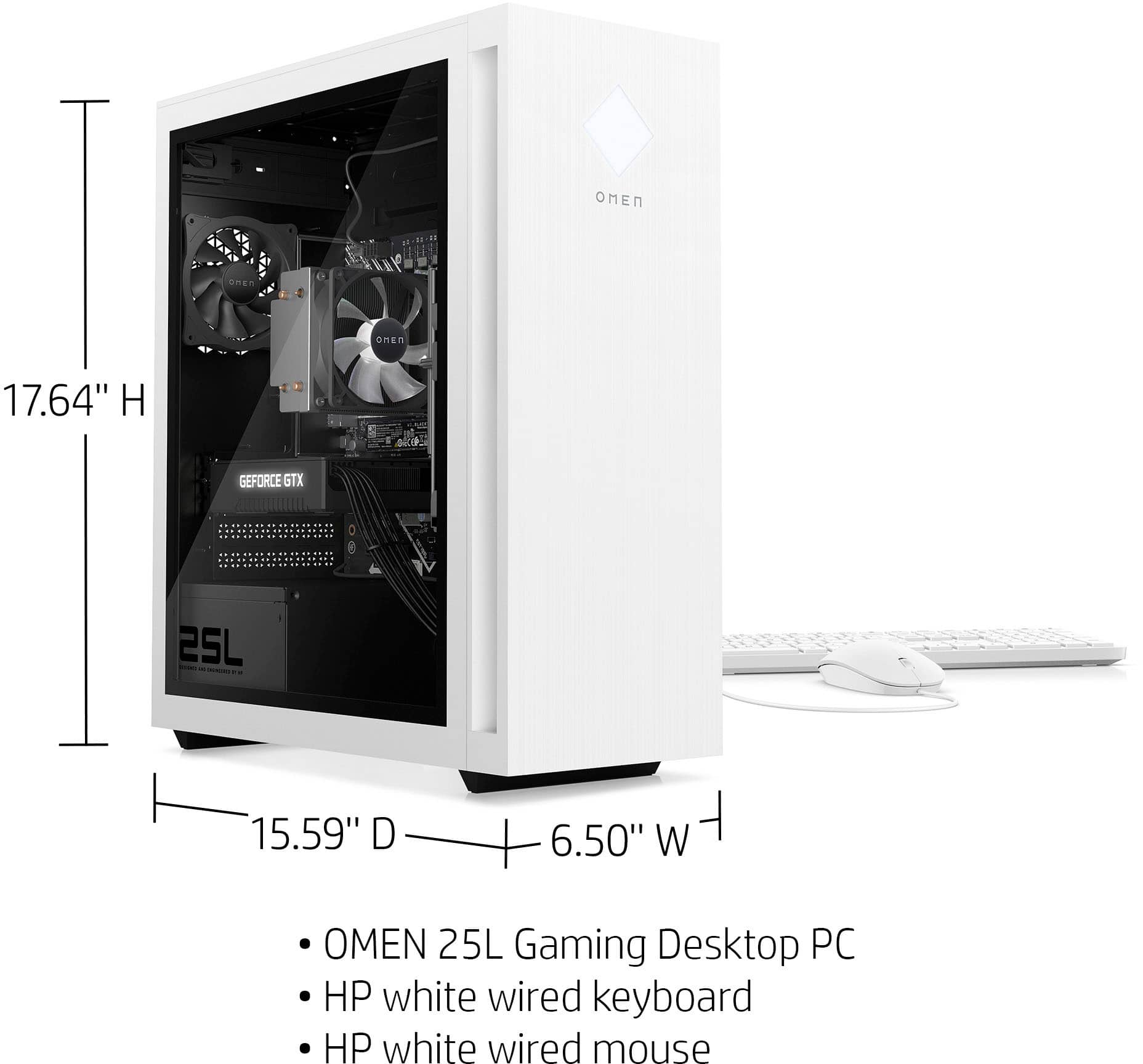
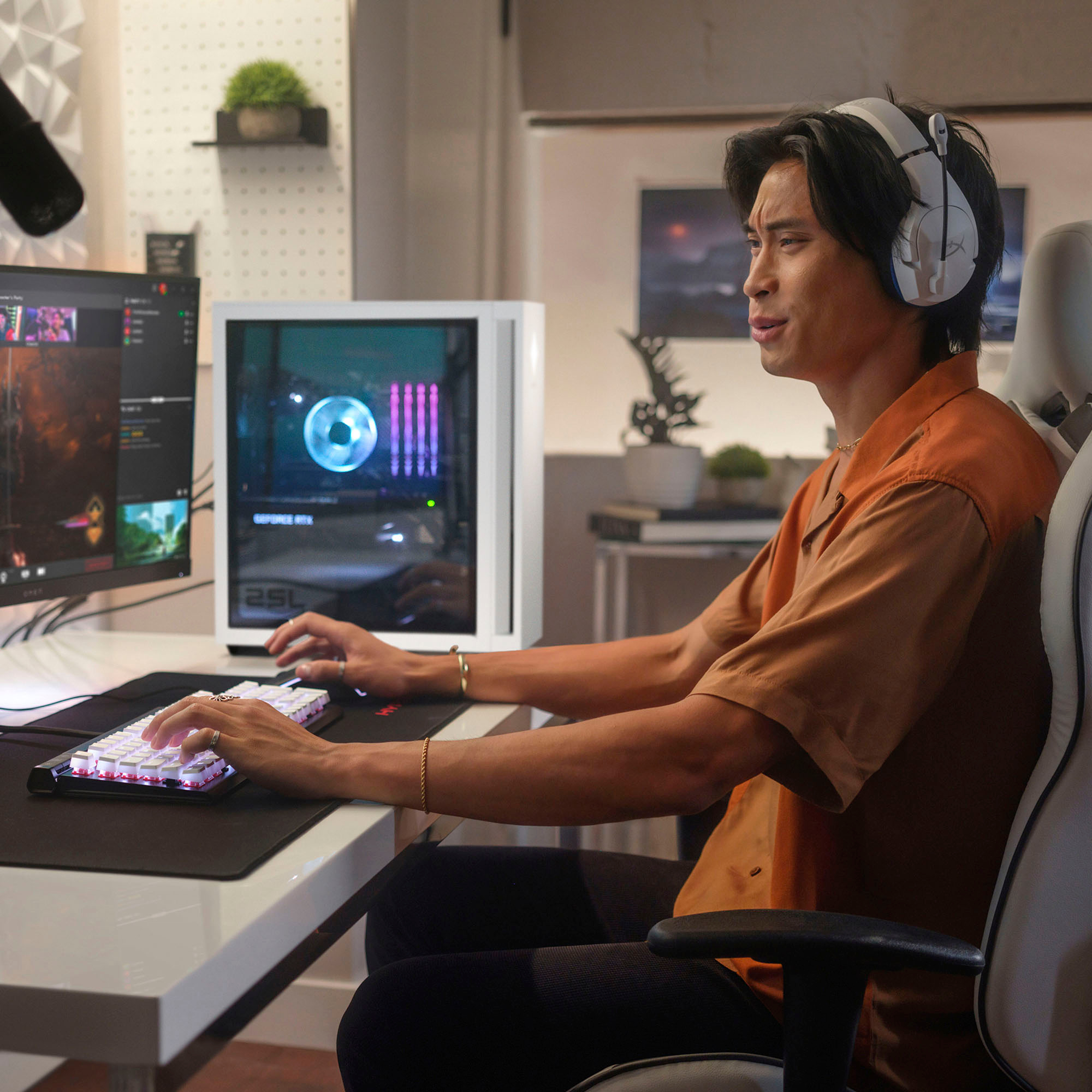
A:AnswerIf you're looking to just watch videos, yes you can. If you're looking to run games on several of them, it may not be able to handle those 4 monitors at an acceptible frame rate.

A:AnswerThank you for the question. It appears that the M22 is no longer available, however, other models are, and will fit. See the Omen 25L service manual and the HP Support references for disassembly instructions.
A:AnswerThank you for the question. Yes, the GPU in the Omen 25L GT15-0304 supports 4K. If you are doing rendering, you might want more RAM than the 8GB included.
A:AnswerThank you for the question. If other devices connected to your network are working, it is very likely a settings issue. The desktop is not picking up a WiFi signal from your router, or the signal is not robust - make sure you are within the router's range. Check your PC's settings to be sure that WiFi is enabled. Please reach out to Support.HP.com if this issue persists after the stated suggestions.
A:AnswerRealistically, it can handle up to three screens with the GTX 1660 Super-1 HDMI, 1 DisplayPort, and 1 DVI-D. However, if you're using all three for gaming, complex games may well become laggy as you're trying to drive them at a high frame rate.