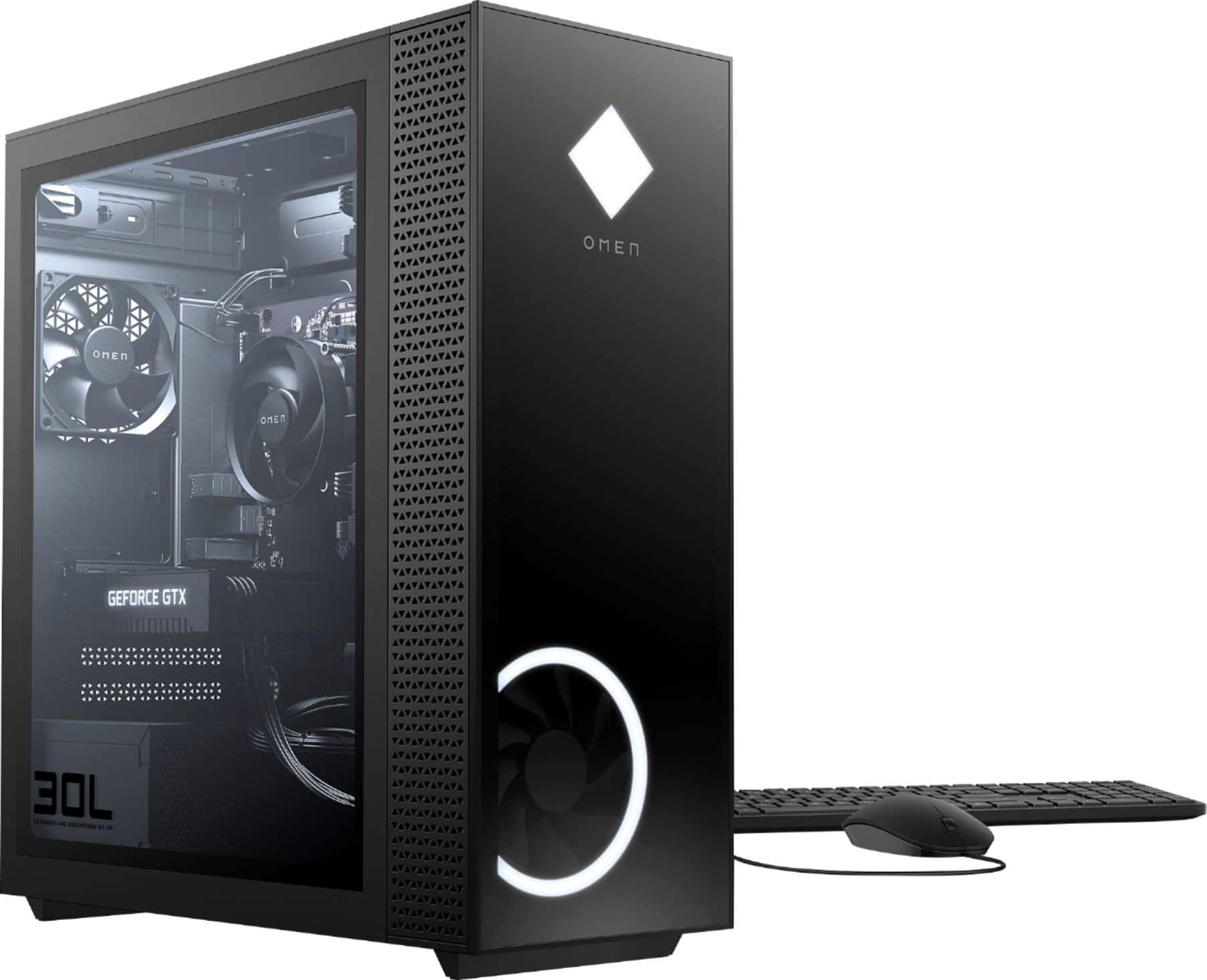
A:AnswerUnfortunately the computer is a [completely plug n play] computer so you won't be able to control anything but the boot sequence or the time and date on the bios
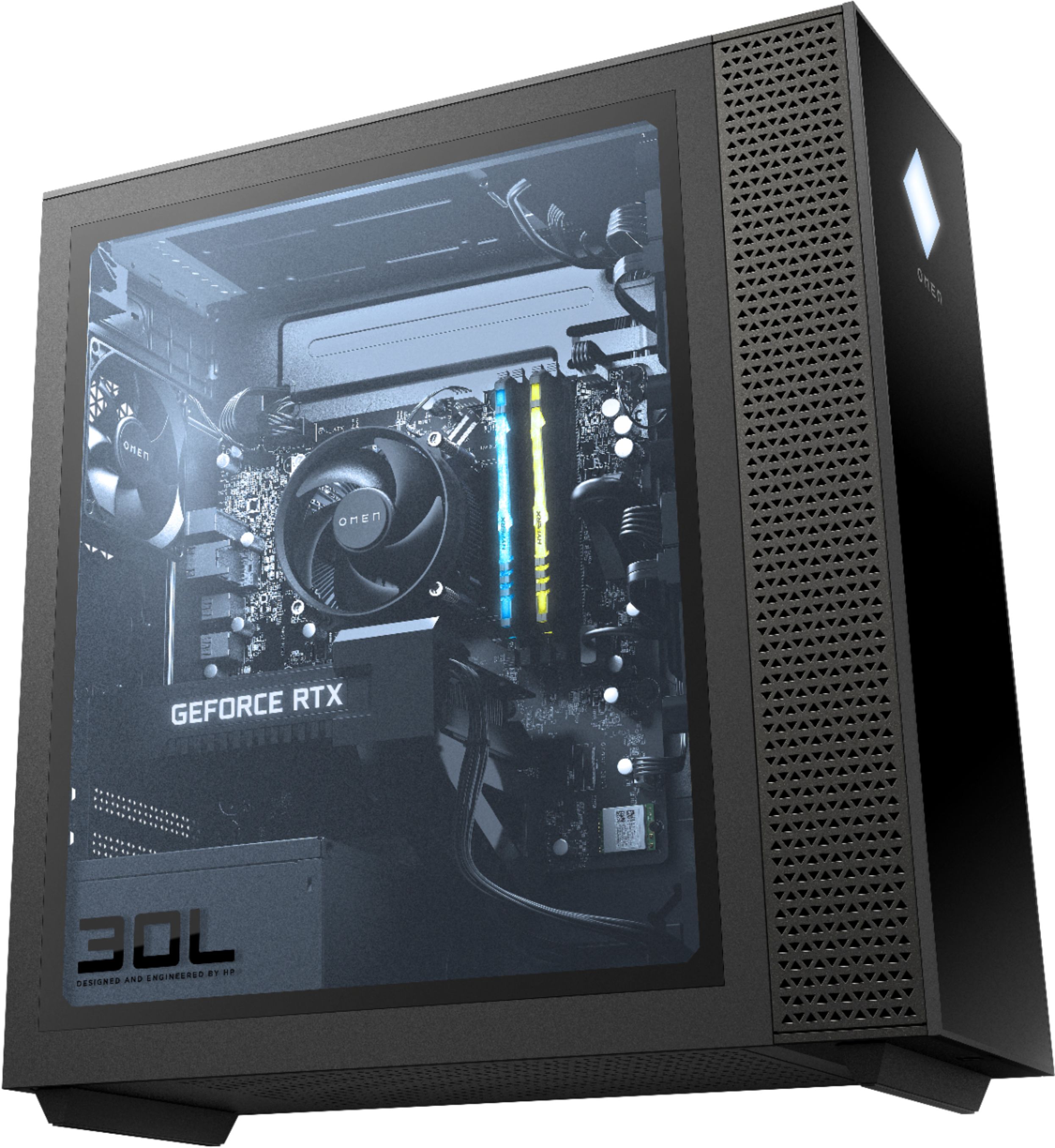
Fortunately i did find that HyperX does have a (32g 16x2g) RGB @ 2666Mhz (2666Mhz being their highest plug n play units) but for some reason the RGB can't be controlled so it defaults to rainbow
I only know this because thats what i have in my computer
A:AnswerHP has the option to upgrade this computer to the Ryzen 9 on their website. I personally swapped out the Ryzen 5 it came with for the Ryzen 7 3700X and reused the heatsink/fan and it is running like a champ. The Motherboard is a B450 series motherboard so it should be compatible with the Ryzen 9. When I first booted up the computer there were all kinds of Windows and driver updates downloaded including a BIOS update so it is now running the latest Bios.
A:AnswerThere are ports on the top of this desktop. The top ports are: two USB 3.2 Gen 1 Type-A ports, headphone/microphone combo jack, and a microphone jack.
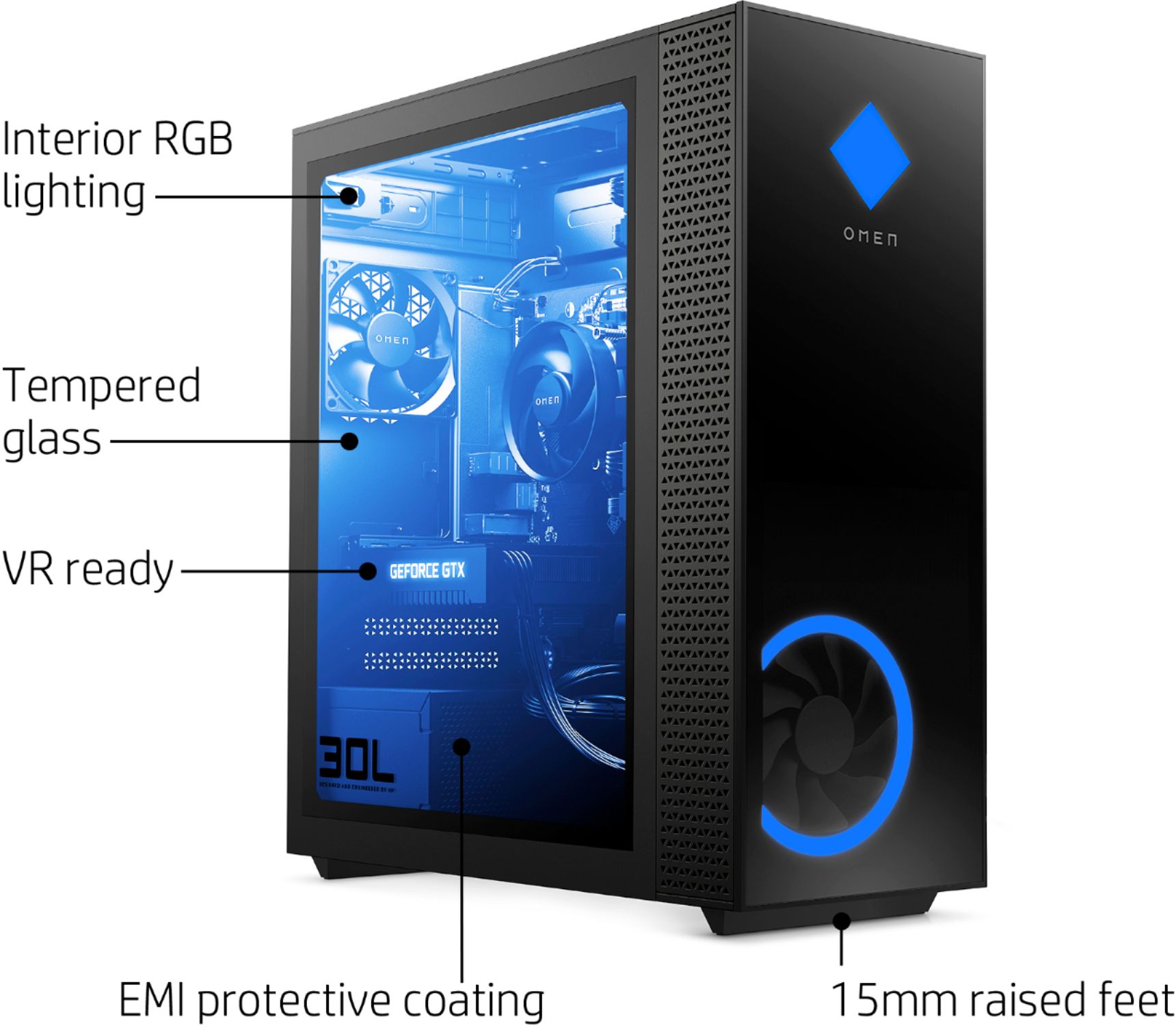
A:AnswerSo on your desktop, go to OMEN Command Center. After you get through with the initial setup you will see a tab on the left side that says “lighting”. From there you can choose whether or not you want your lights off or on. What colors you want, and other stuff. Just make sure you click APPLY for each individual part of the pc.
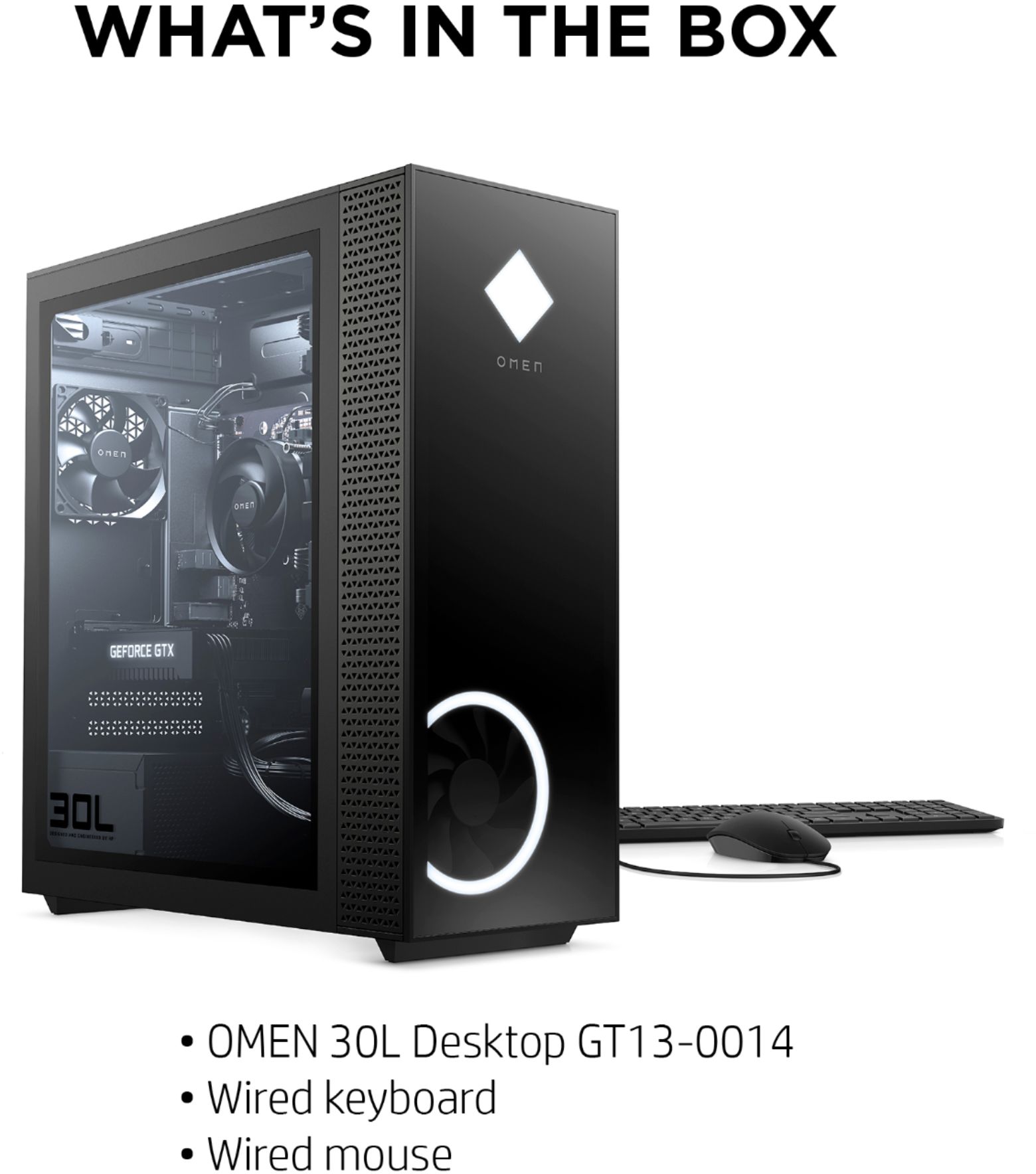
A:AnswerThe keyboard and mouse that came with it would have been attached by USB so there are those available.
In total, this desktop comes with 8 USB ports.
6 SuperSpeed USB Type-A 5Gbps signaling rate,
1 SuperSpeed USB Type-A 10Gbps signaling rate, and
1 SuperSpeed USB Type-C® 10Gbps signaling rate