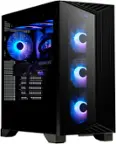
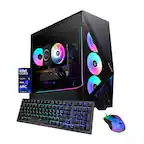
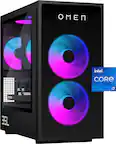
A:AnswerGemini states that yes you can replace all three since omen uses the standard size motherboard. Just make sure the motherboard formfactor fits in the case.
A:AnswerGemini states that if your fans are not working it could be a connection issue, The second cause could be a issue with the fans controller or with the software that controls the RGB lighting. When trouble shooting always restart the device. See if there are any updates to the fan software and last course of action reinsall the fan software. If still no solution call Geek Sqaud
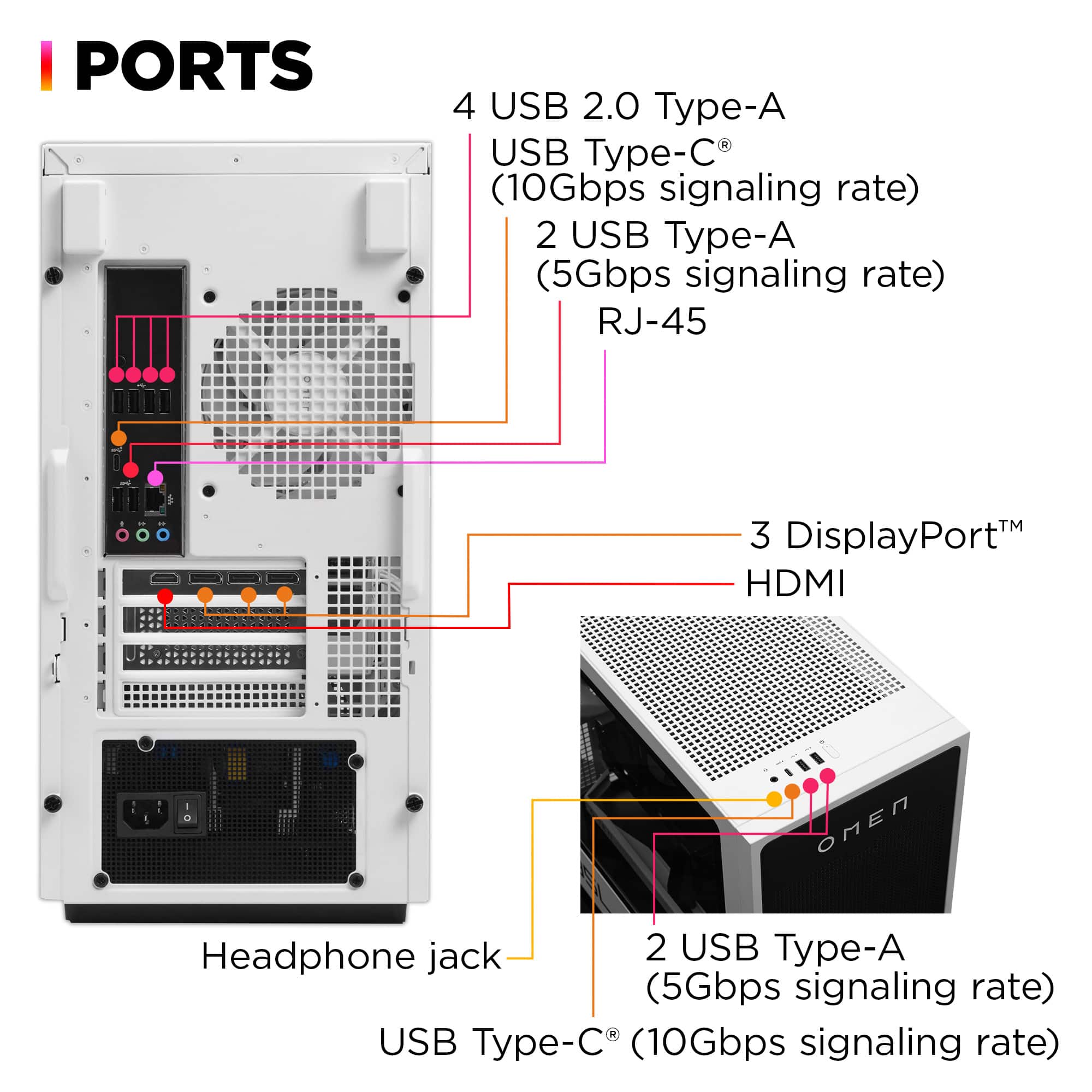
A:AnswerGemini states that this can be tricky, generally whether a thunderbolt card works means specifically on your motherboard in your computer based on the headers on the motherboard because some have the needed to support thunderbolt and others do not. SO KNOW YOUR EXACT MODEL OF THE MOTHERBOARD.
A:AnswerAre you connecting the headphones via USB? Right-click the speaker icon in the system tray (bottom-right corner of the screen) and select "Sounds." Navigate to the "Playback" tab. If your headphones appear in the list, right-click on them and select "Set as Default Device."
Click "OK" to apply the changes. If this solution does not work, please reach out to HP Support for assistance.
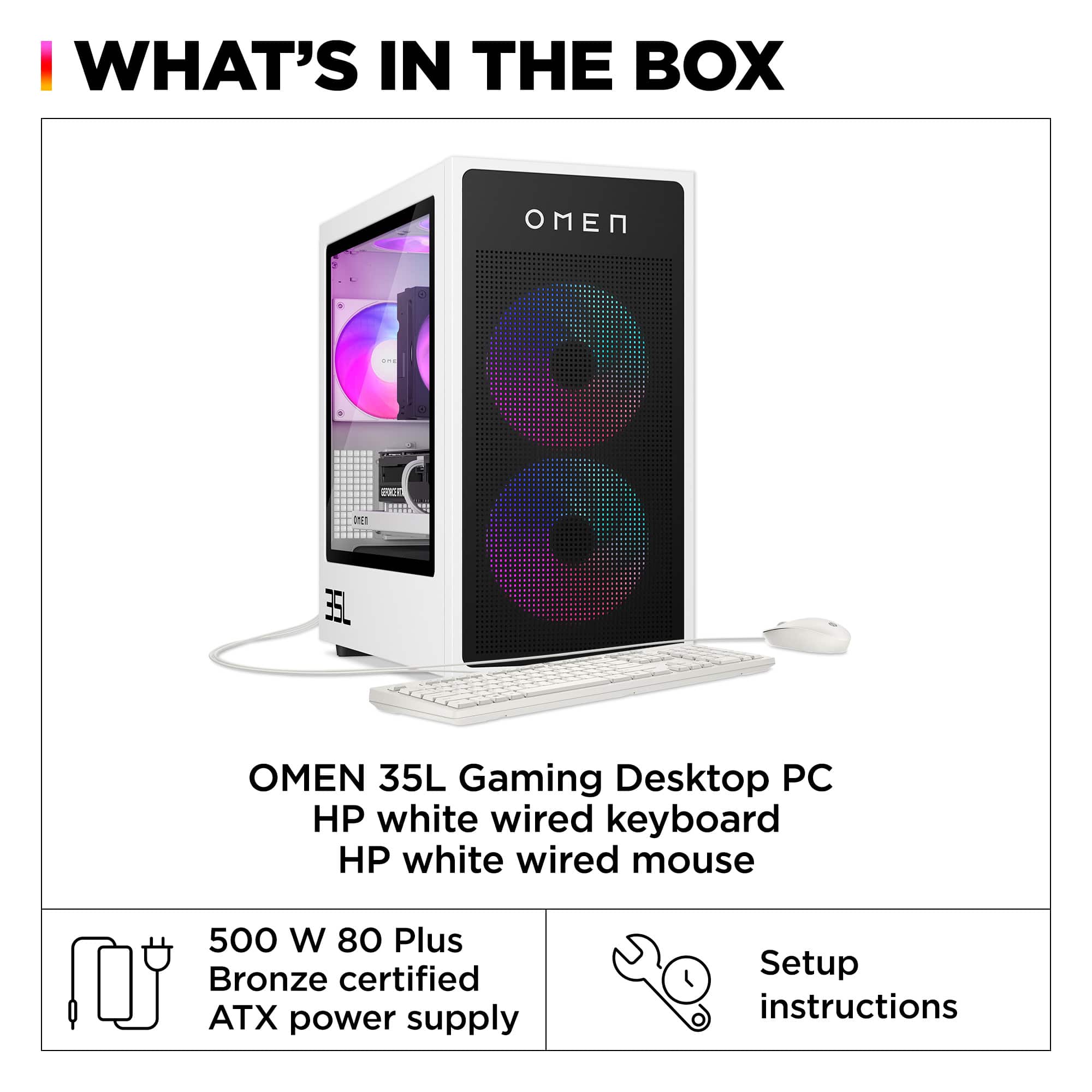
A:AnswerThank you for your question about this HP Omen gaming desktop! It is equipped with a 500W power supply from the factory. If you have no plans for upgrading the graphics card on this, then this will work for you.
A:AnswerAlex, thank you for your question about this HP Omen 35L gaming desktop! You will be able to upgrade the card in this to a 4070 as long as you upgrade the power supply to at least a 650W unit.
A:AnswerHello! Thank you for the question on the HP OMEN 35L Gaming Desktop (model GT16-0014)! You can check the requirements for the software you would like to use by looking up the system requirements for it from the publisher's website. You will want to make sure that the device you want to use it on meets the minimum requirements. Updates and modifications can impact what settings you can run the software on or if you can use the software at all.
A:AnswerWhen I put my serial number into the HP support website, I received the following information on my PC:
Memory
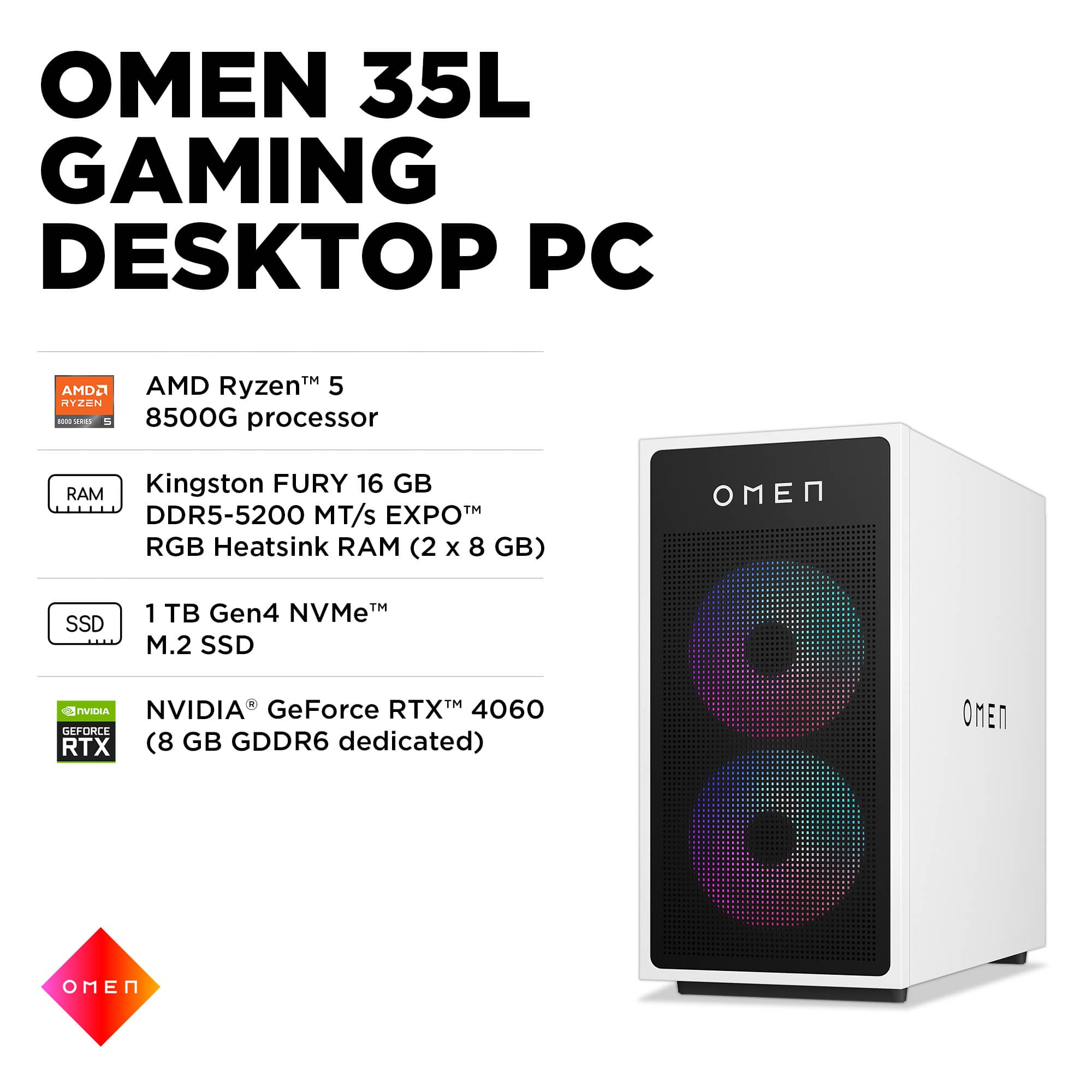
Kingston FURY 16 GB DDR5-6000 MT/s EXPO™ RGB Heatsink (2 x 8 GB) Transfer rates up to 6000 MT/s. 2 x 8 GB
Also the following:
Four DDR5 UDIMM (288-pin) sockets
Supports EXPO up to PC5-51200 (DDR5-6400)
Supports PC5-28800 (DDR5-3600) to PC5-41600 (DDR5-5200) on select models
Not sure what to believe and how to proceed if I want to upgrade.
Any suggestions as to what speed RAM I can use?
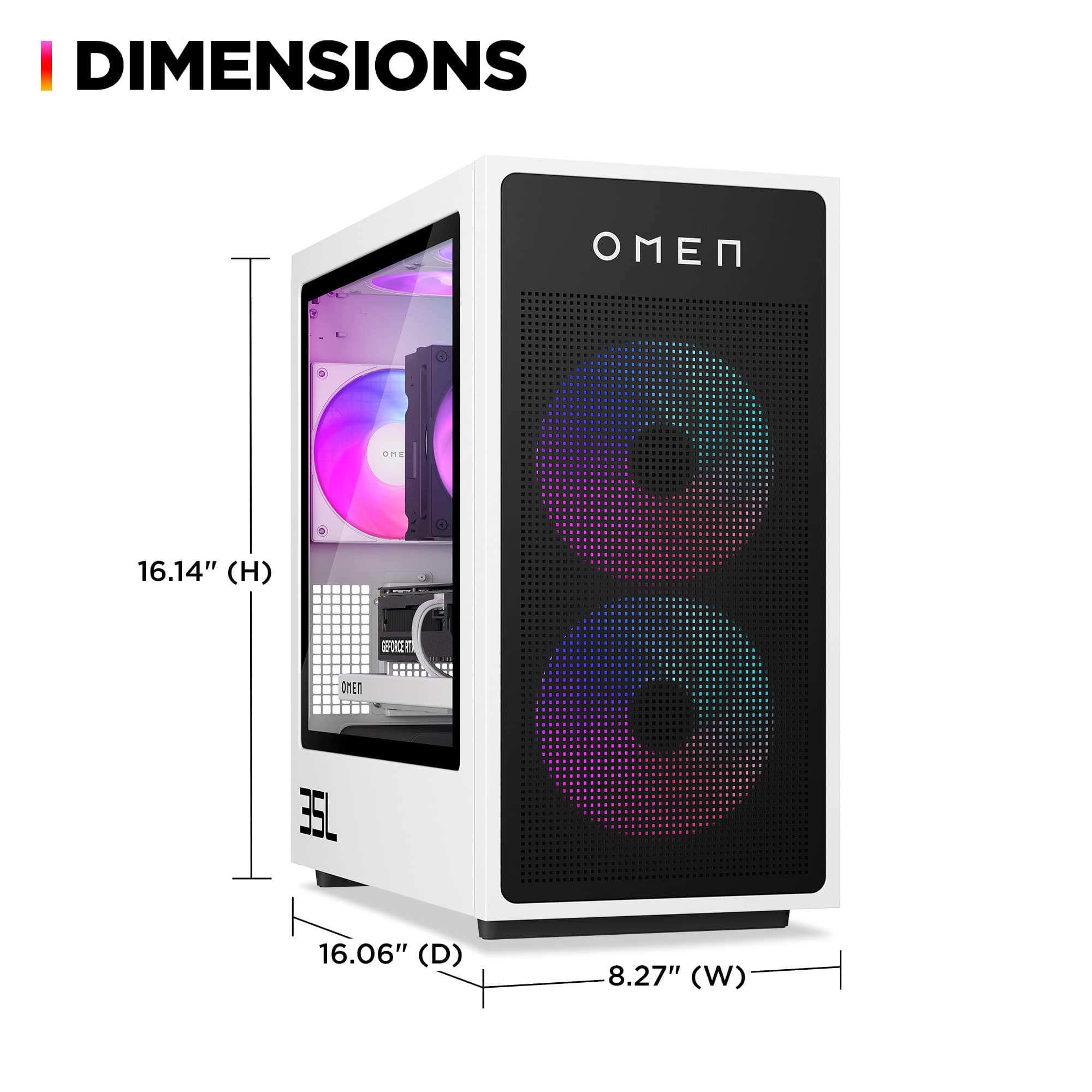
A:AnswerThank you for your question about this HP Omen gaming desktop computer! This uses the HP Wolant system board, which is a standard MicroATX form factor board. This board does not support any AMD Ryzen 9 processors.
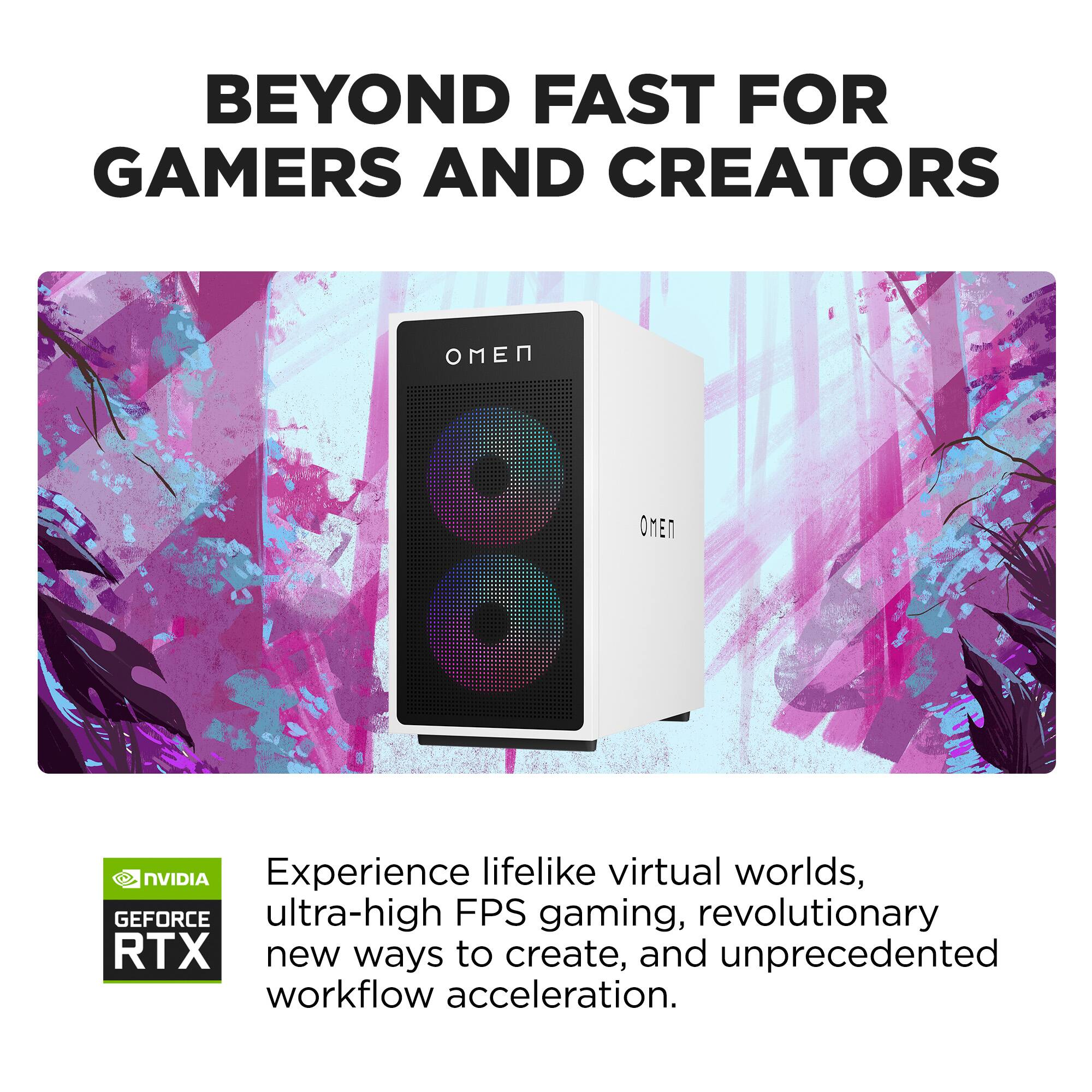
A:AnswerMatthew, thank you for your question about this HP Omen running Fortnite! According to an FPS calculator, the framerates are between 104 and 471 FPS at full HD depending on map and settings. Your experience will be seamless!