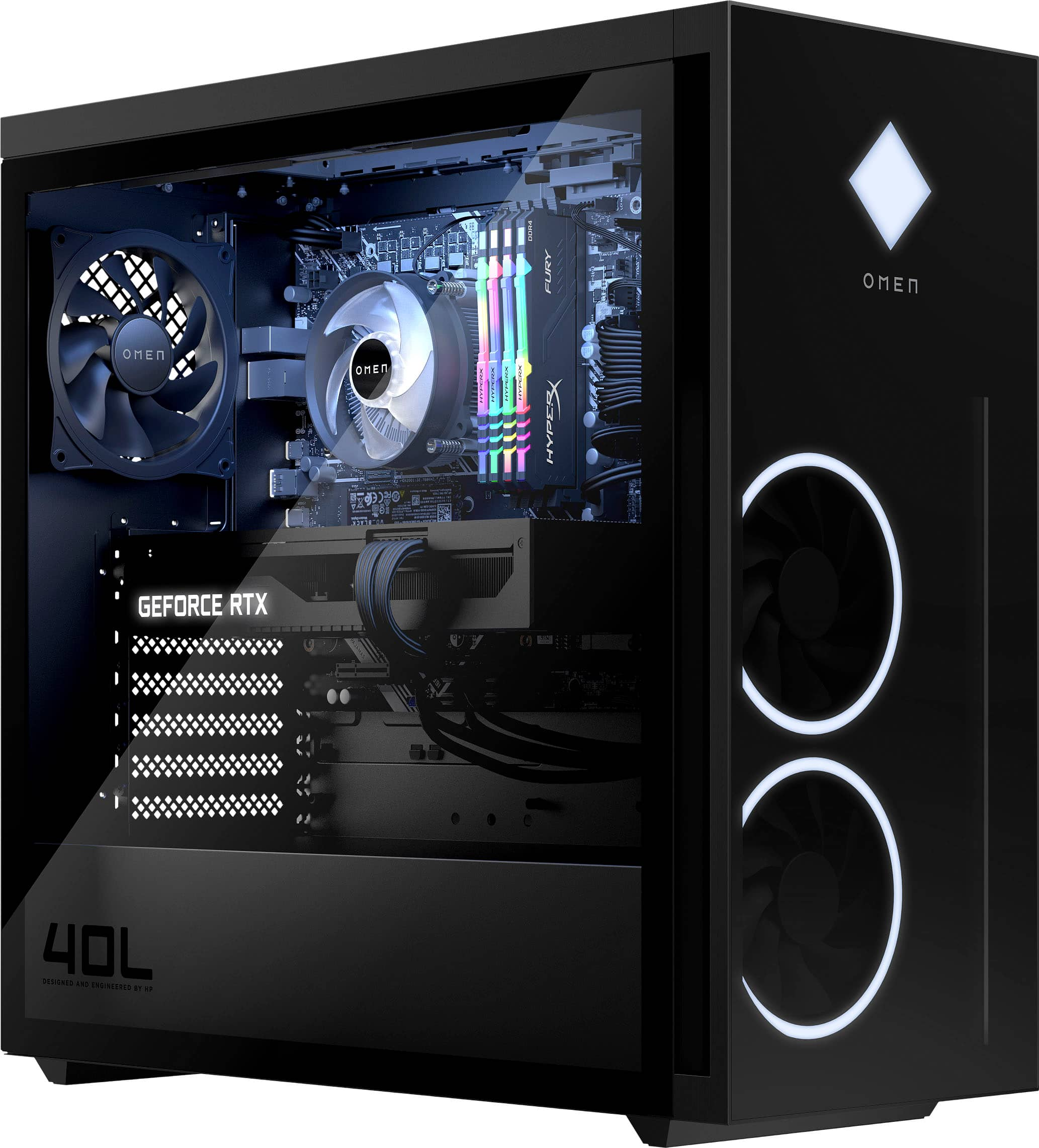
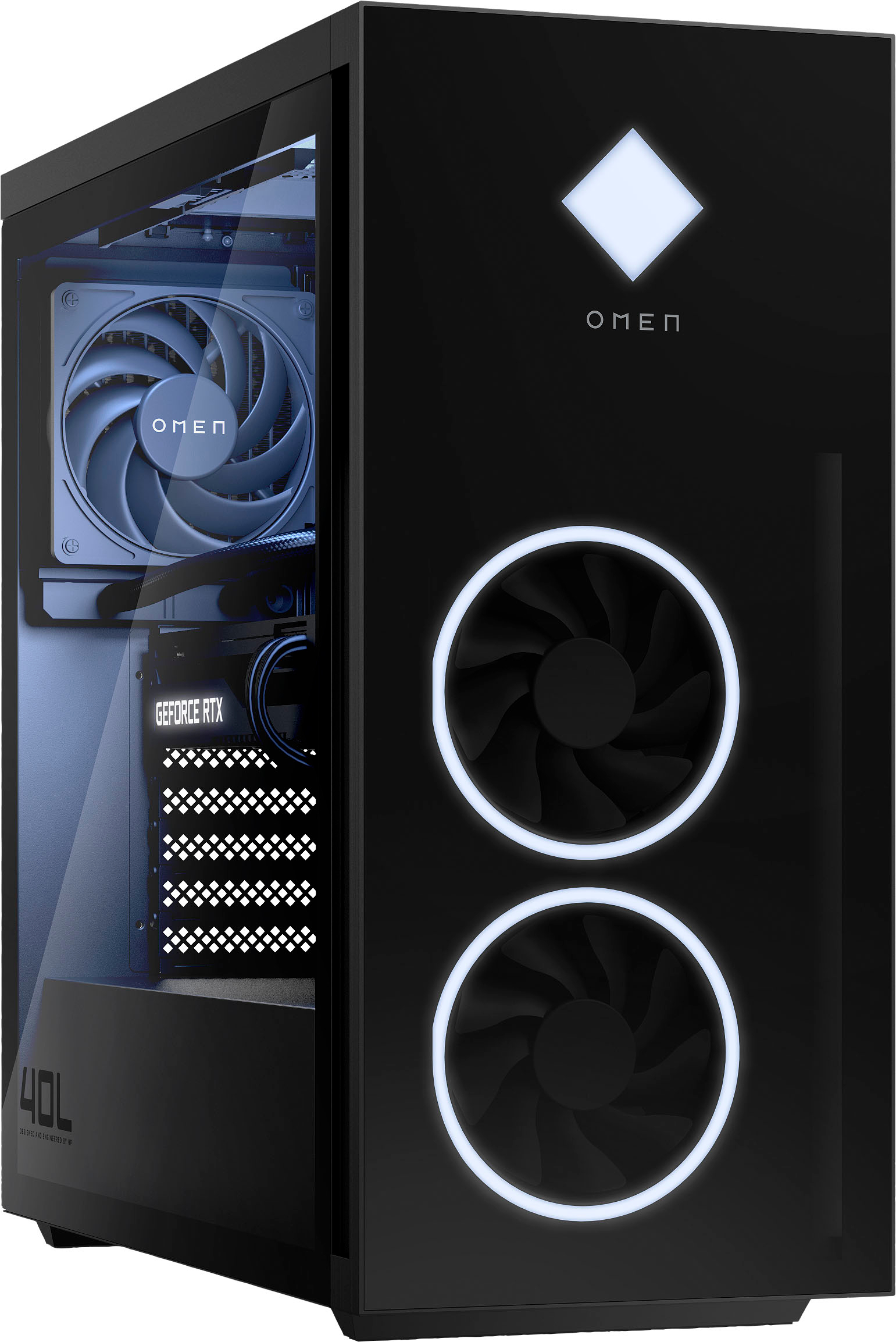
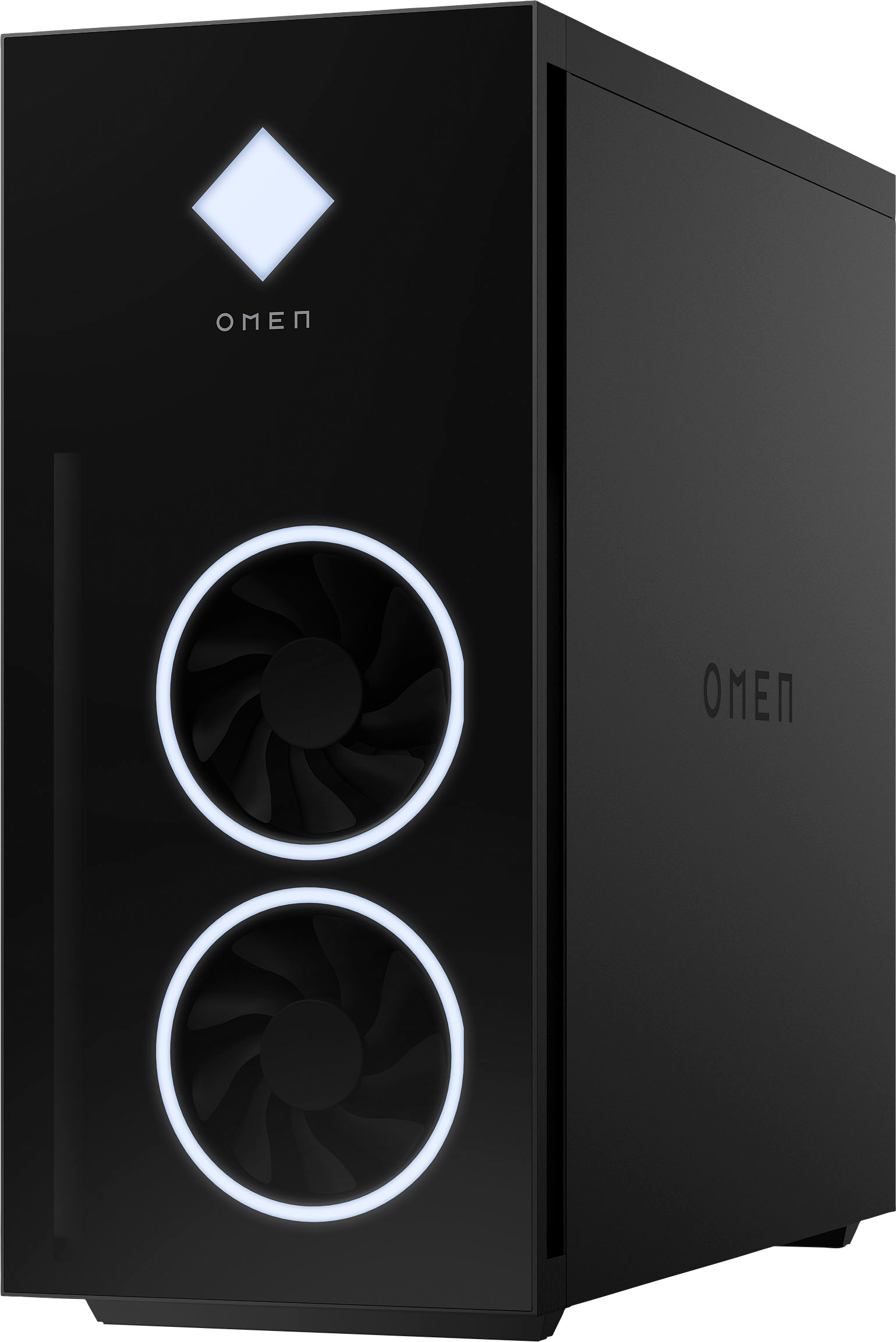
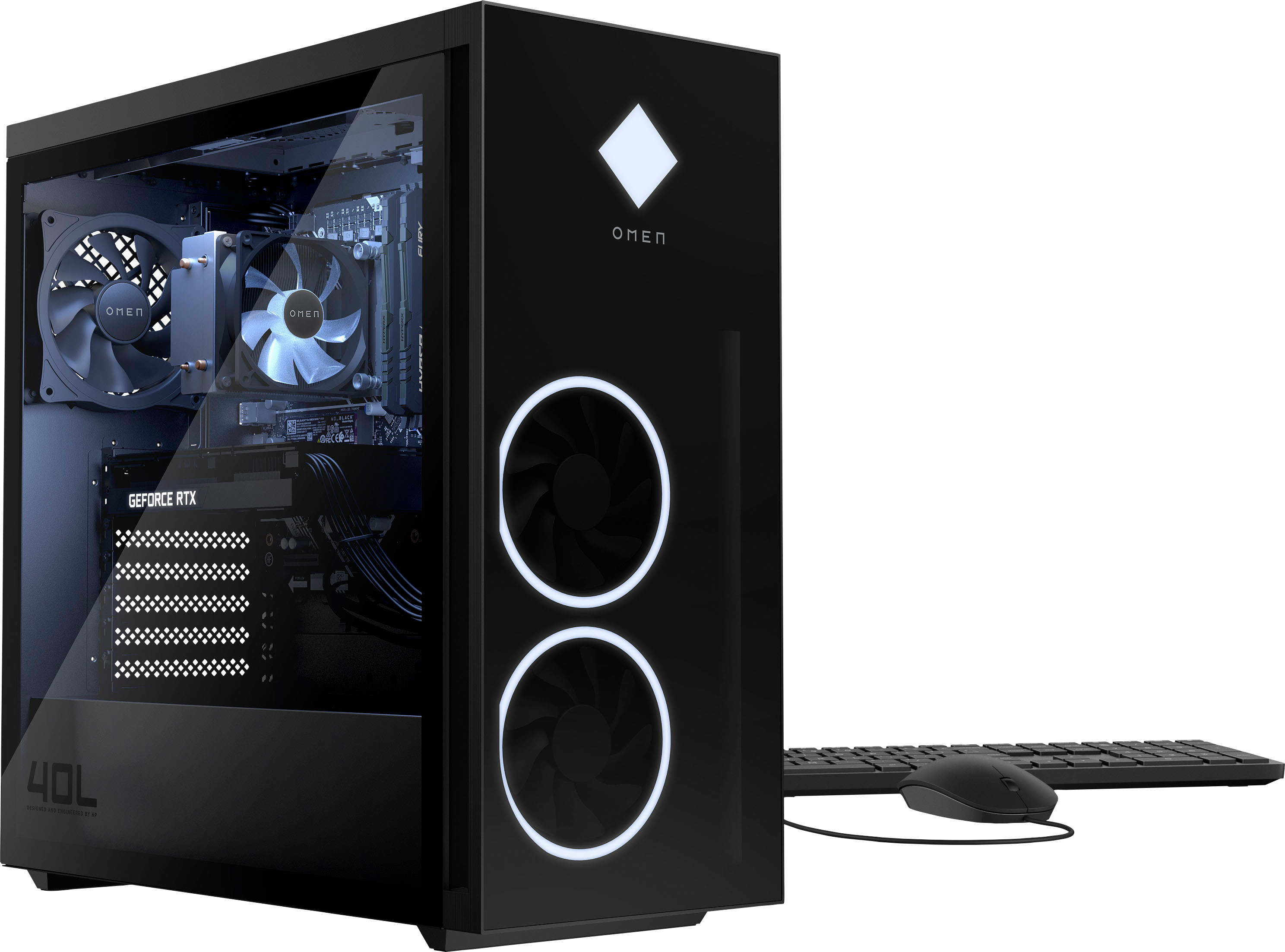
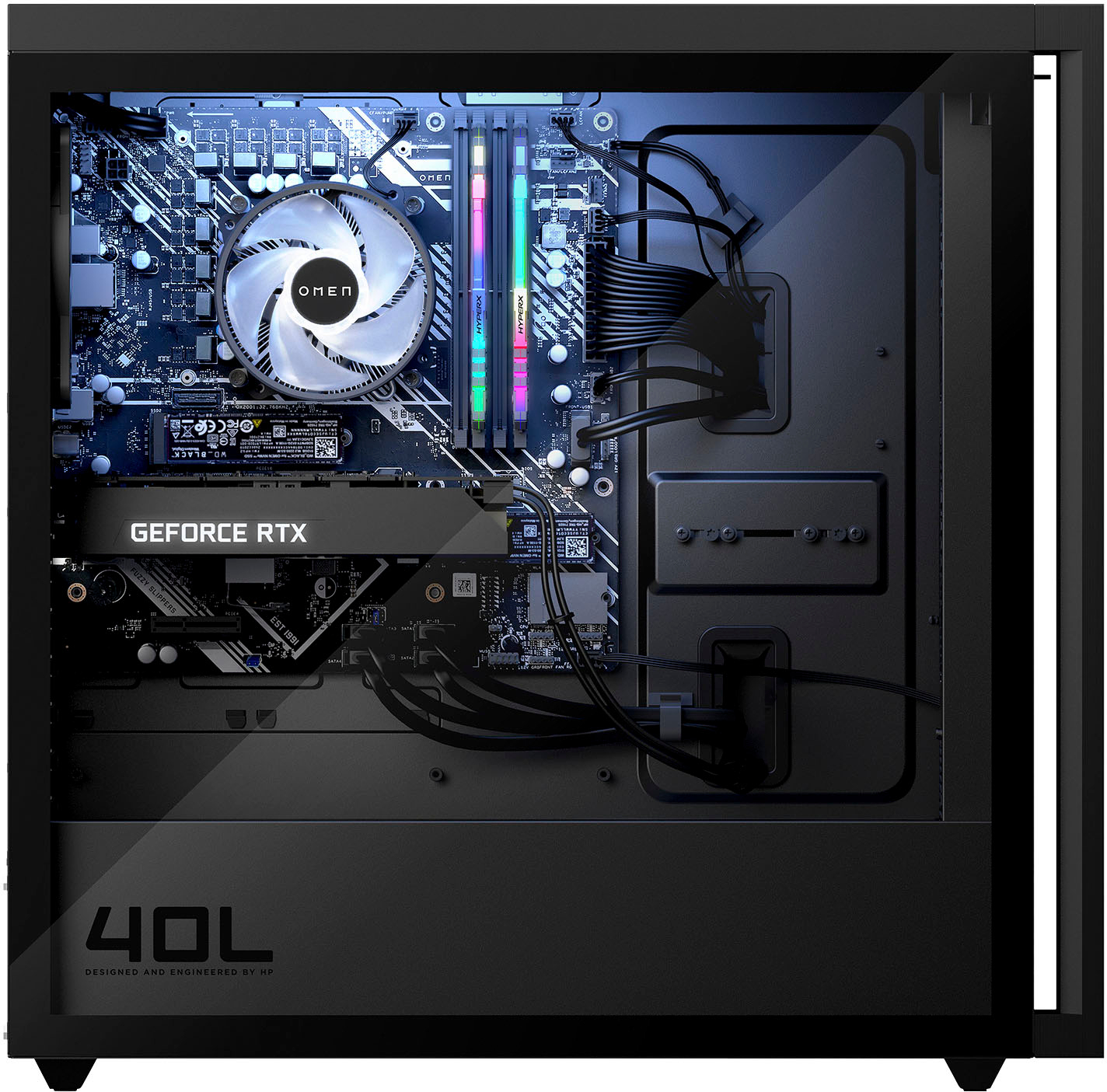
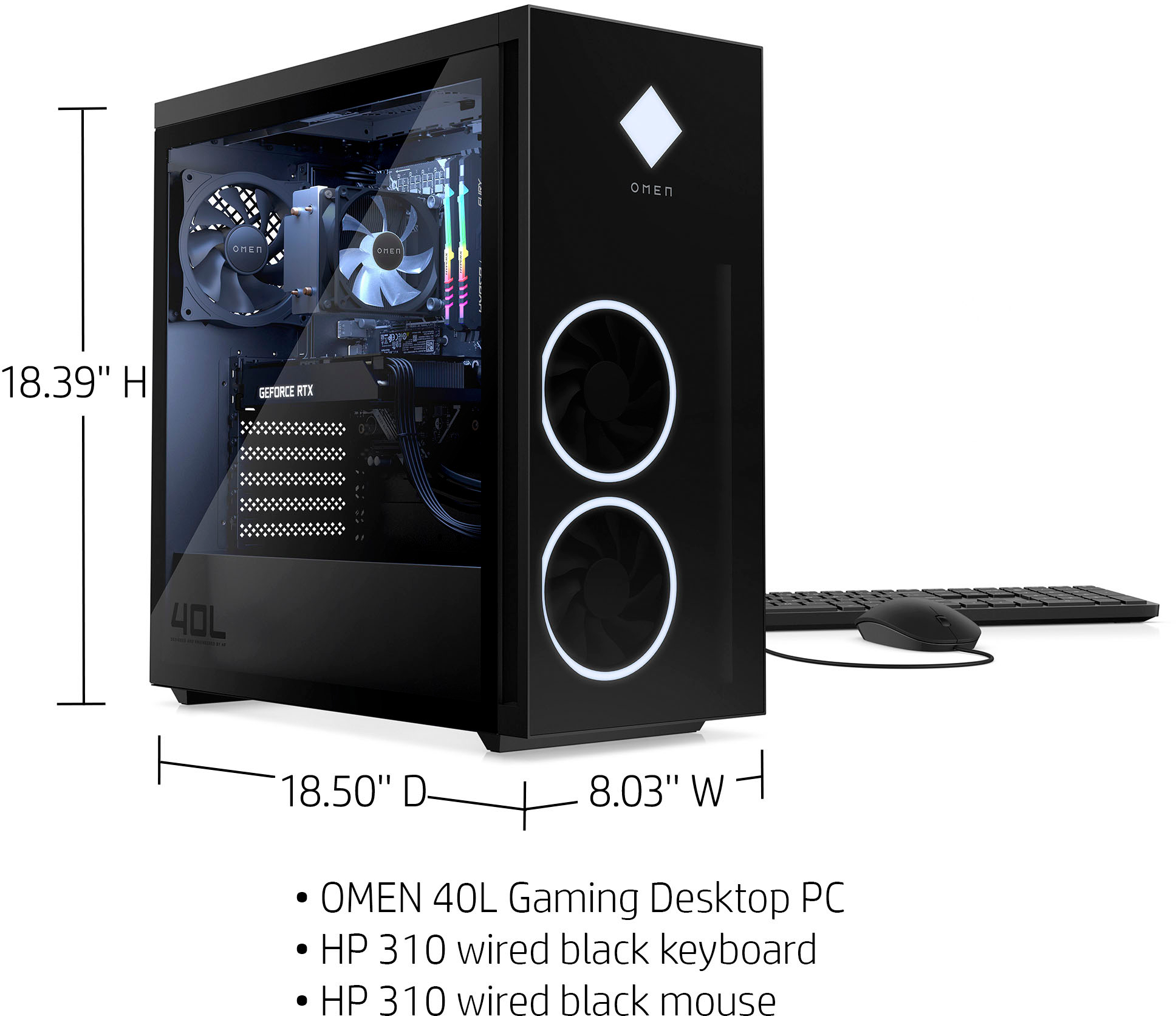
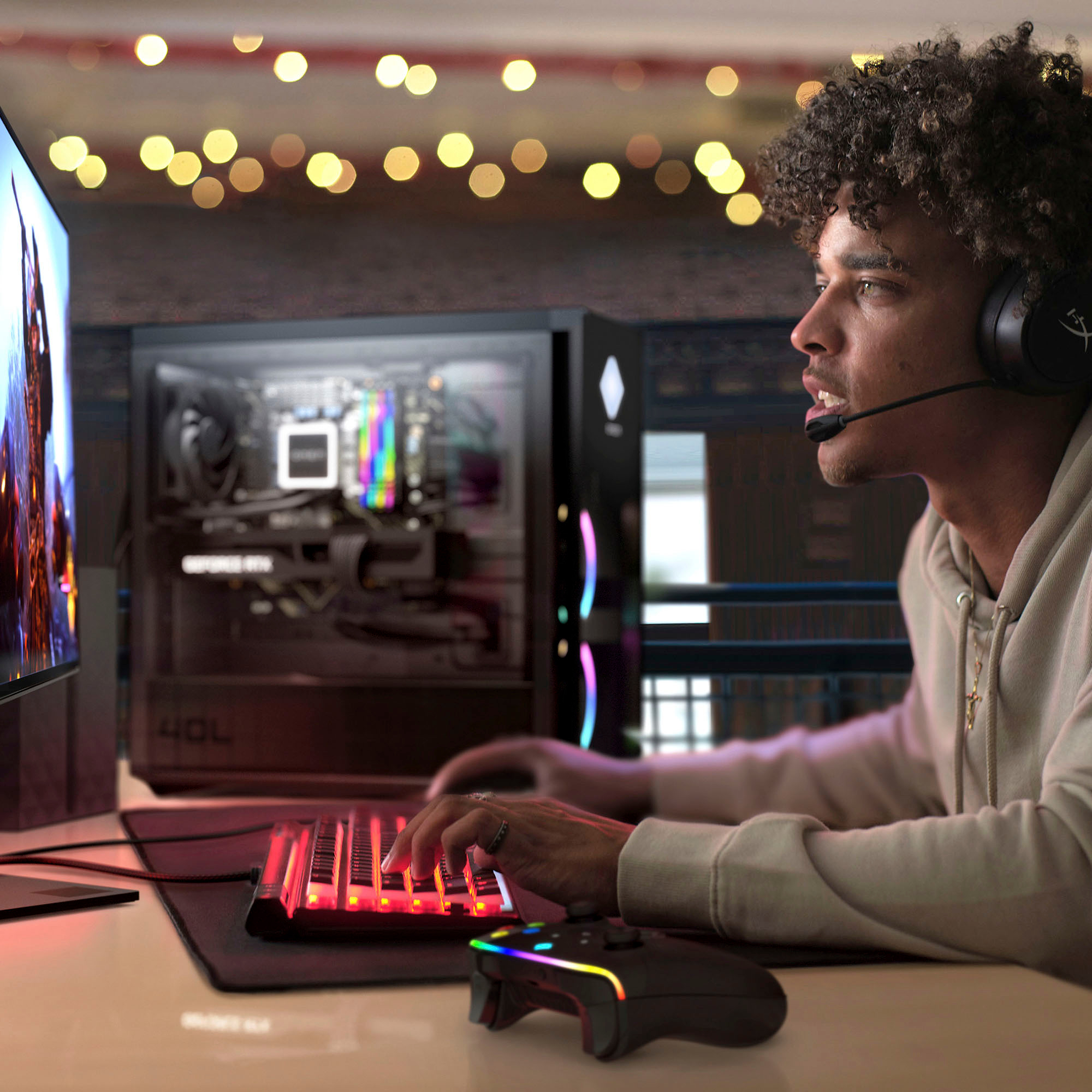
A:AnswerHello, if you access the HP Omen Control Panel, there is an LED brightness slider. Move that to 0 and the all lights will be off. Thank you for being an HP customer!
A:AnswerThere are far too many variables to give you a number that's any more than a guess. But given the processor, video card, and installed RAM, the framerate should be quite good.
A:AnswerHello. Thanks for your question. We don't have access to FPS data. We can tell you that this HP Omen desktop computer meets the recommended requirements to play Fortnite.
A:AnswerIf you're swapping out the motherboard, the fact that the motherboard currently in the computer supports an i9-12900k doesn't matter. You'll need to check the motherboard you want to add to see if it can handle the processor.
A:AnswerThere are way too many variables to give you a specific framerate that's anything other than a guess, but given the processor and video card, you should end up with a fast frame rate.
A:AnswerThank you for the question. Yes, the Omen 40L was built for gaming and the 12th generation i5 processor uses performance cores and efficiency cores so that rendering/editing in the background while you work in the foreground will be very productive.