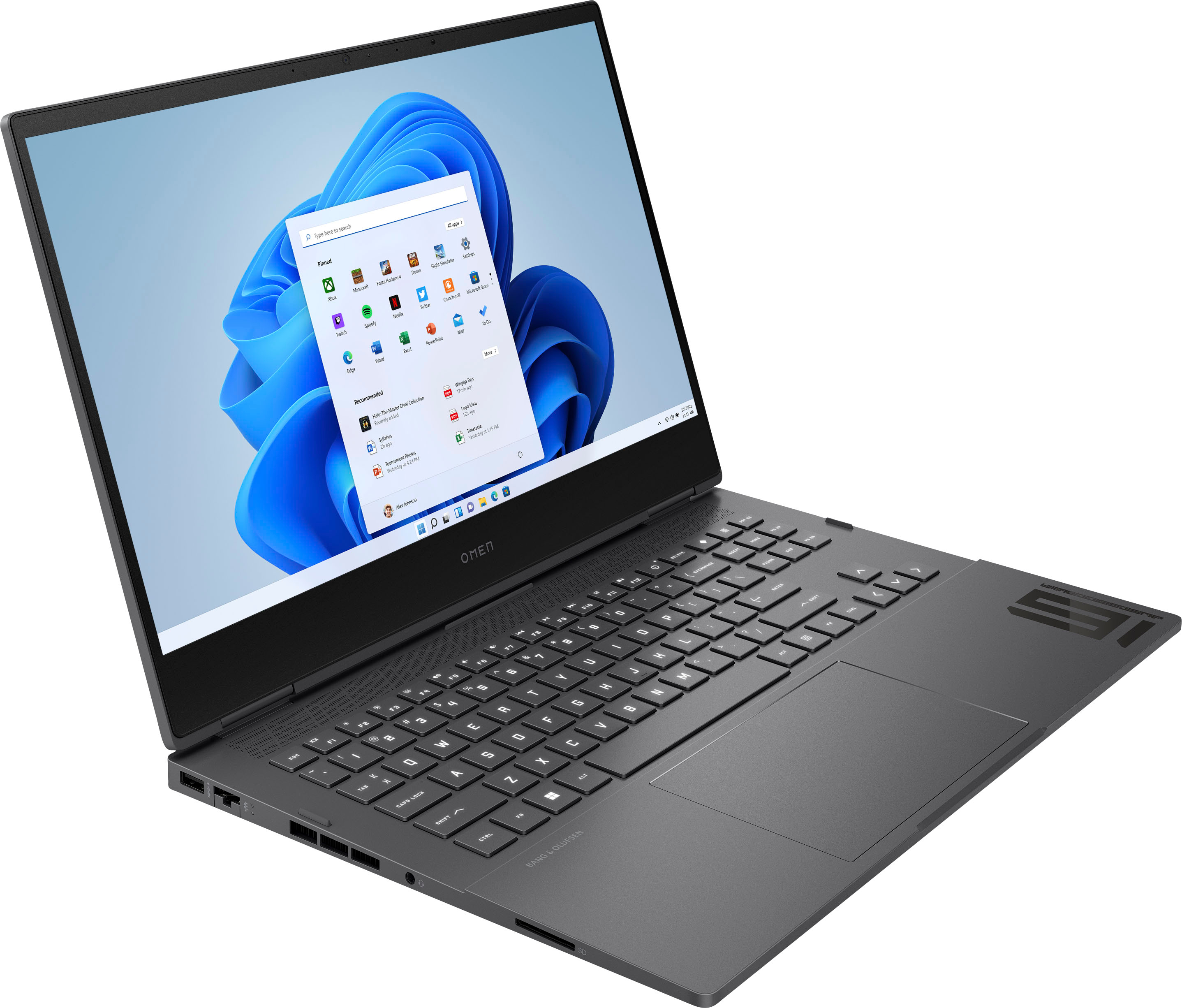
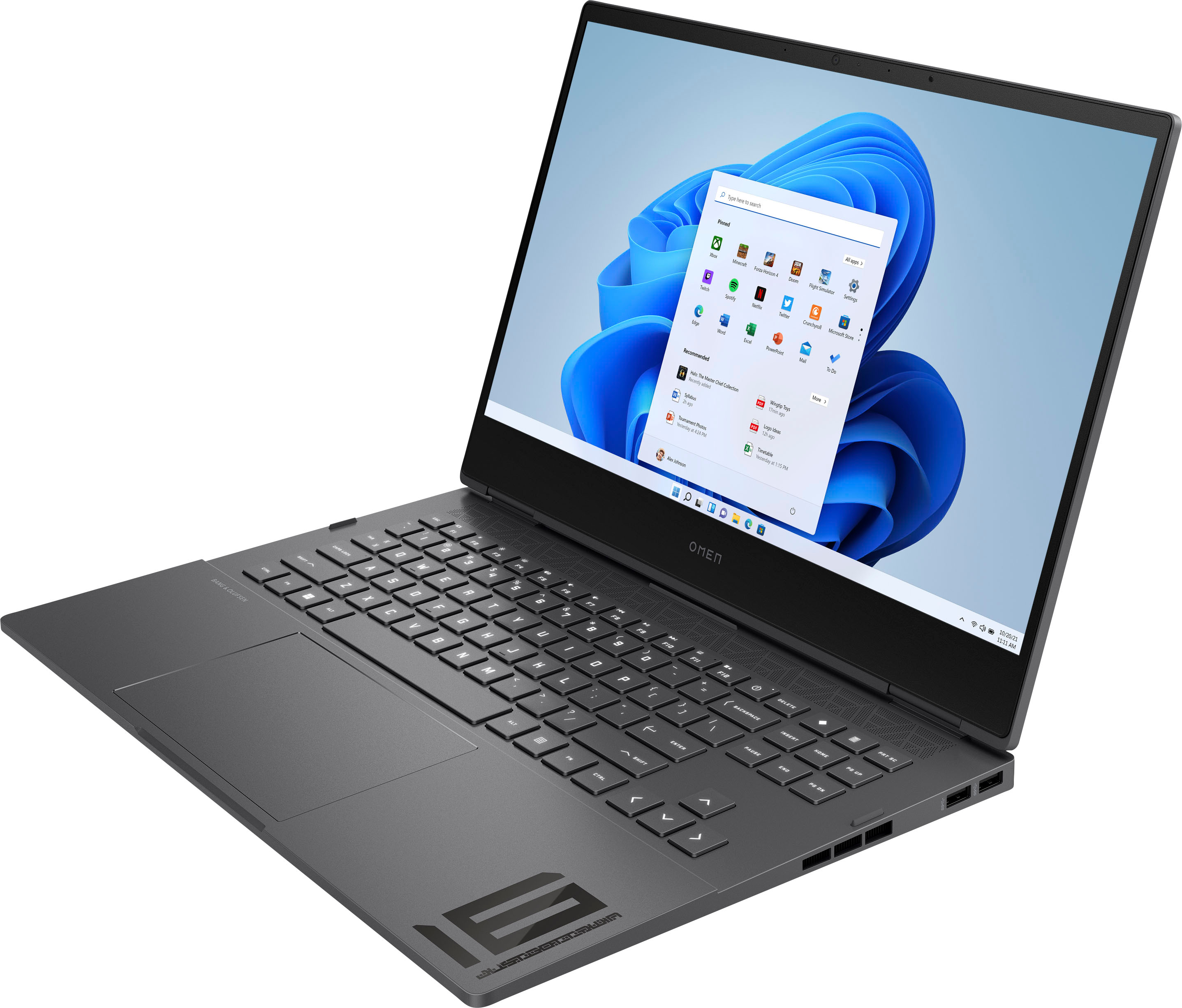
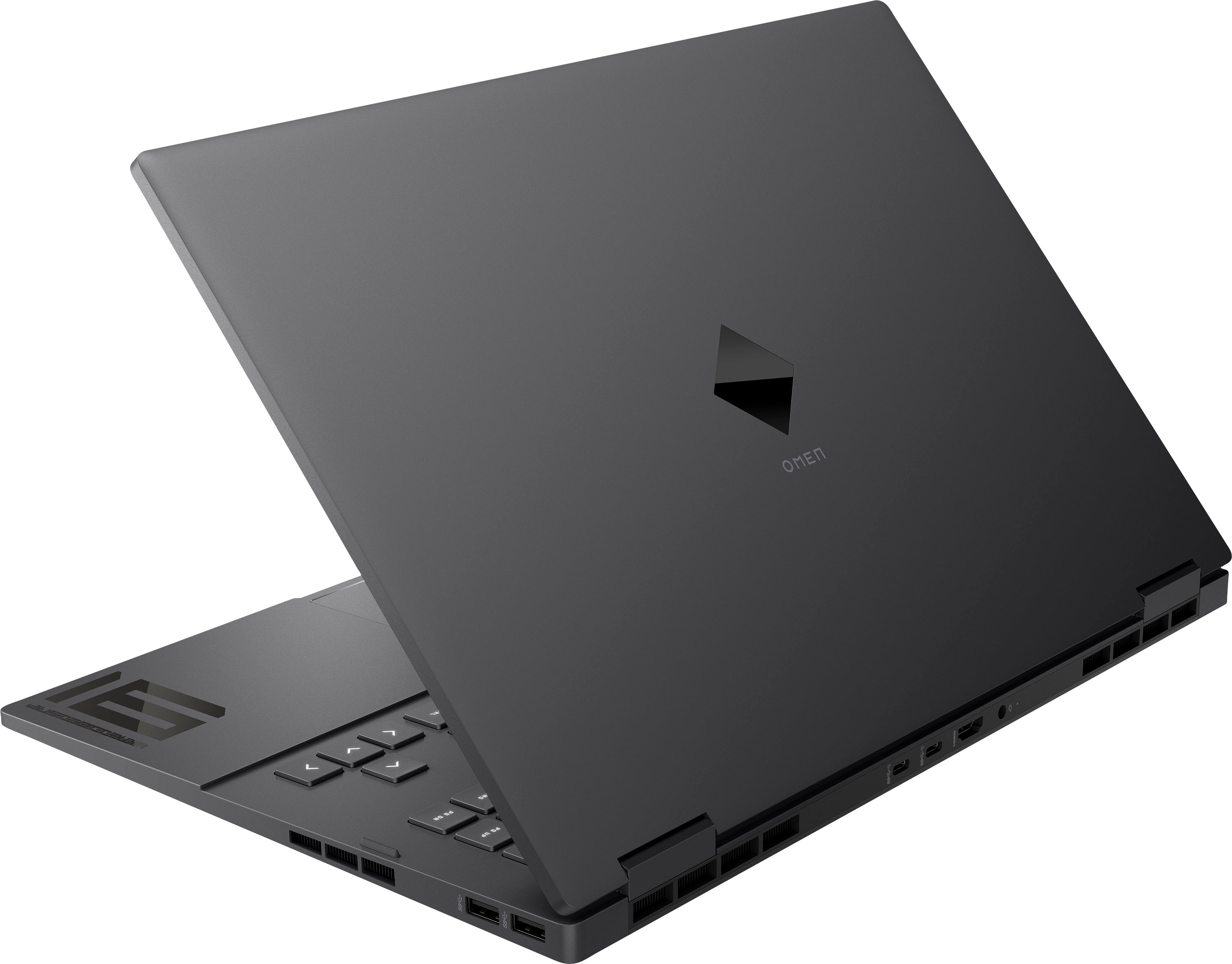
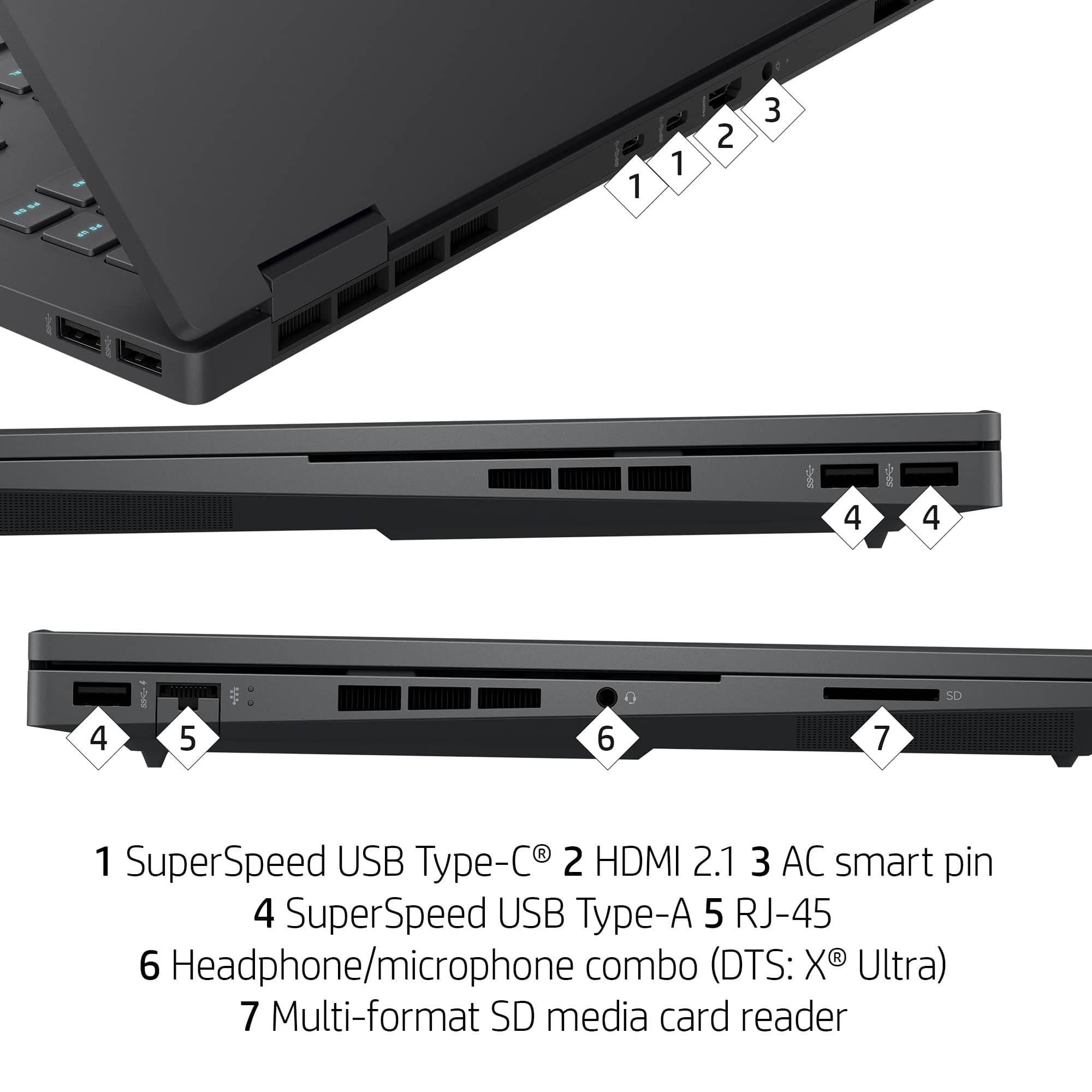
A:AnswerThank you for the question. You can connect up to three external monitors without using a dock. The 16-n0033dx has one HDMI port and 2 SuperSpeed USB-c ports (that support DisplayPort.
A:AnswerIf you’re going for larger why stop at 22 because I would go straight to 32 . I never would have thought of that and I have plenty of spare monitors hanging around .
A:AnswerThank you for the question. Users can upgrade the RAM themselves, but due to the Li-ion battery user access is officially unsupported. We typically suggest that the upgrade be made by a trained technician.
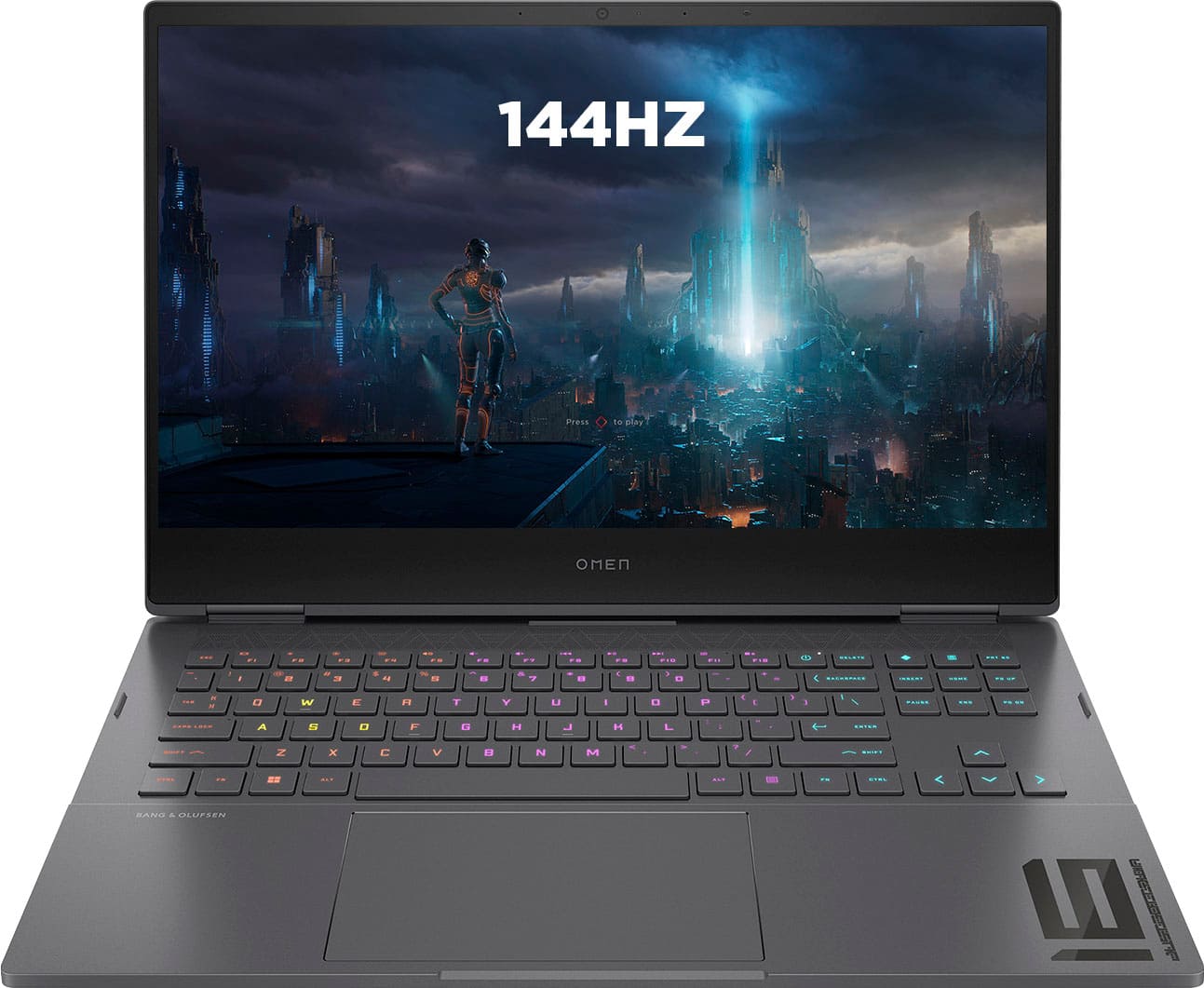
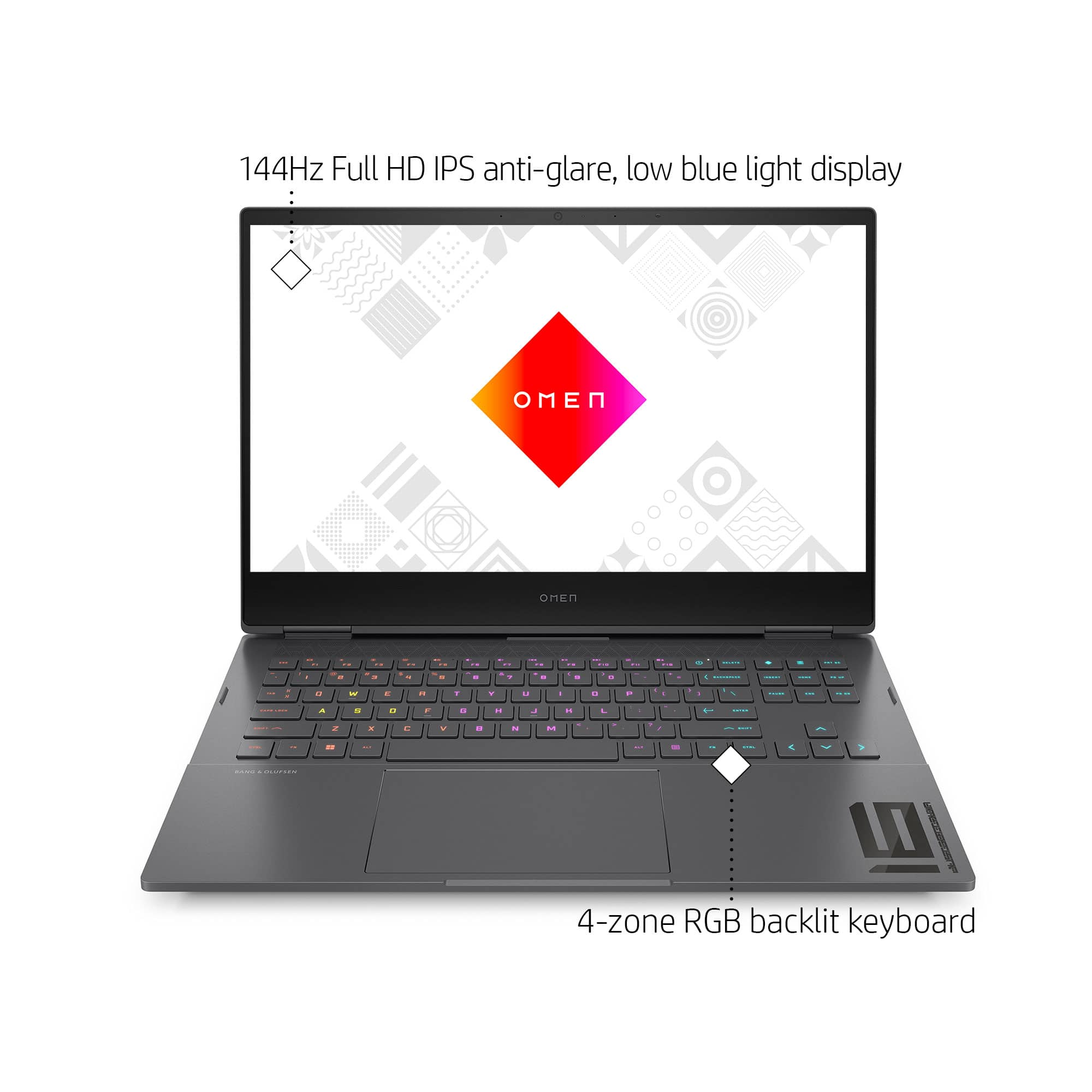
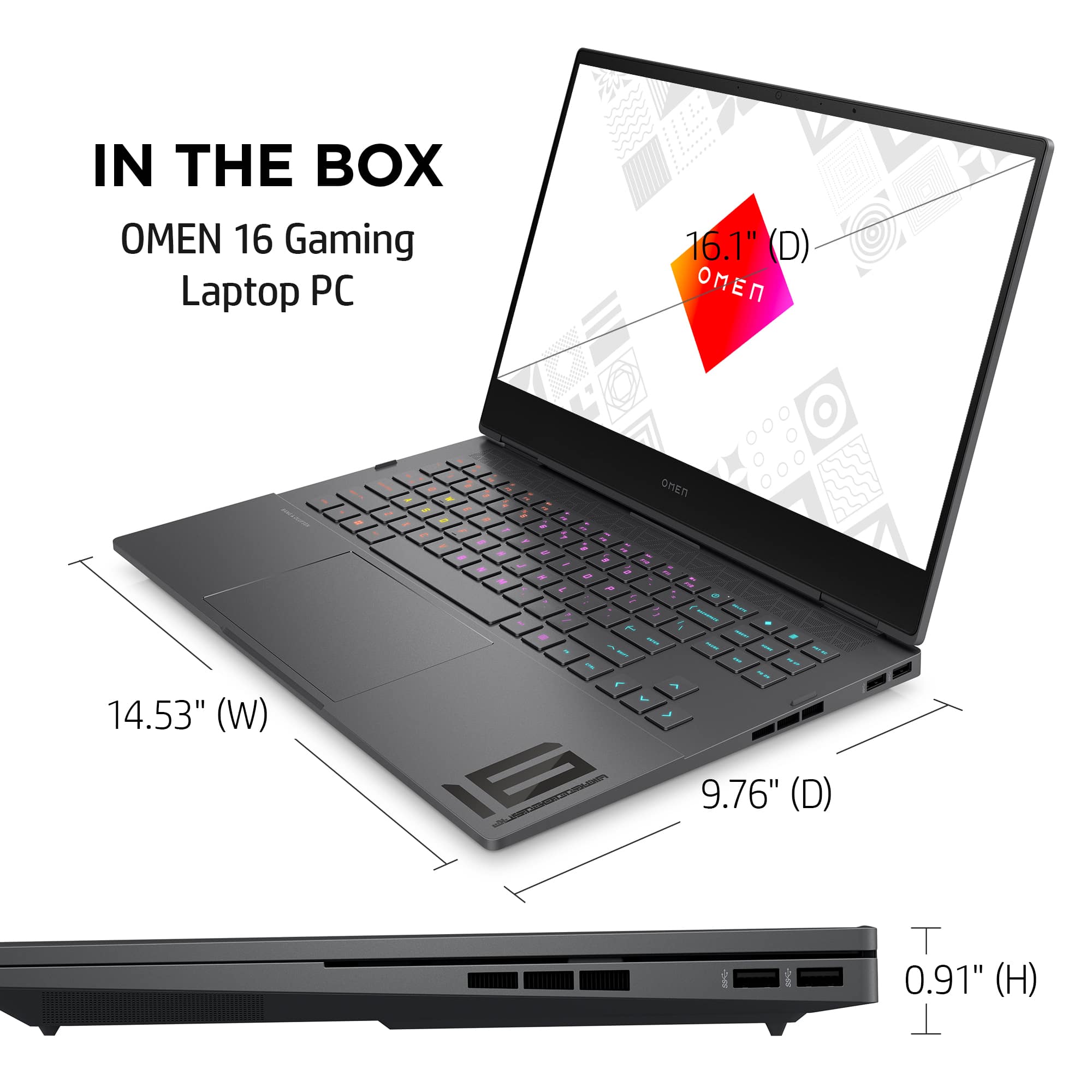
A:AnswerThe display on this OMEN Gaming Laptop is a 16.1-inch diagonal, FHD (1920 x 1080), 144 Hz, 7 ms response time, IPS, micro-edge, anti-glare, Low Blue Light.
A:AnswerIt doesn't have a physical switch, but with the RX 6650M card installed, the computer will automatically use that for video output and not the video system built into the motherboard.
A:AnswerThank you for the question. In the BIOS there would be an "advanced" tab. If the "advanced" tab is hidden from you, it means that HP does not recommend making any changes in the BIOS, and that the laptop has already been configured and tested for optimum performance.
A:AnswerThis laptop has (2) SSD M.2 slots. I just dropped a 2TB SSD in the 2nd slot giving me a total of 3TB of storage.
HP your answer to this question almost made me not purchase this laptop. Please fact check yourself.
A:AnswerThe two USB Type-C ports on this computer can be used as displayports. If you are having difficulties with your laptop, don't hesitate to reach out to HP Support or your Best Buy Geek Squad for more assistance.
A:AnswerThe only possible hangup would be that the system requirements list a minimum of 1 gigabyte of dedicated video memory, which this computer doesn't have. Your best option would be to contact Mastercam directly and see if that's a hard requirement given the rest of the specs on this computer.