A:AnswerIt is at the office but I checked the hp com website:
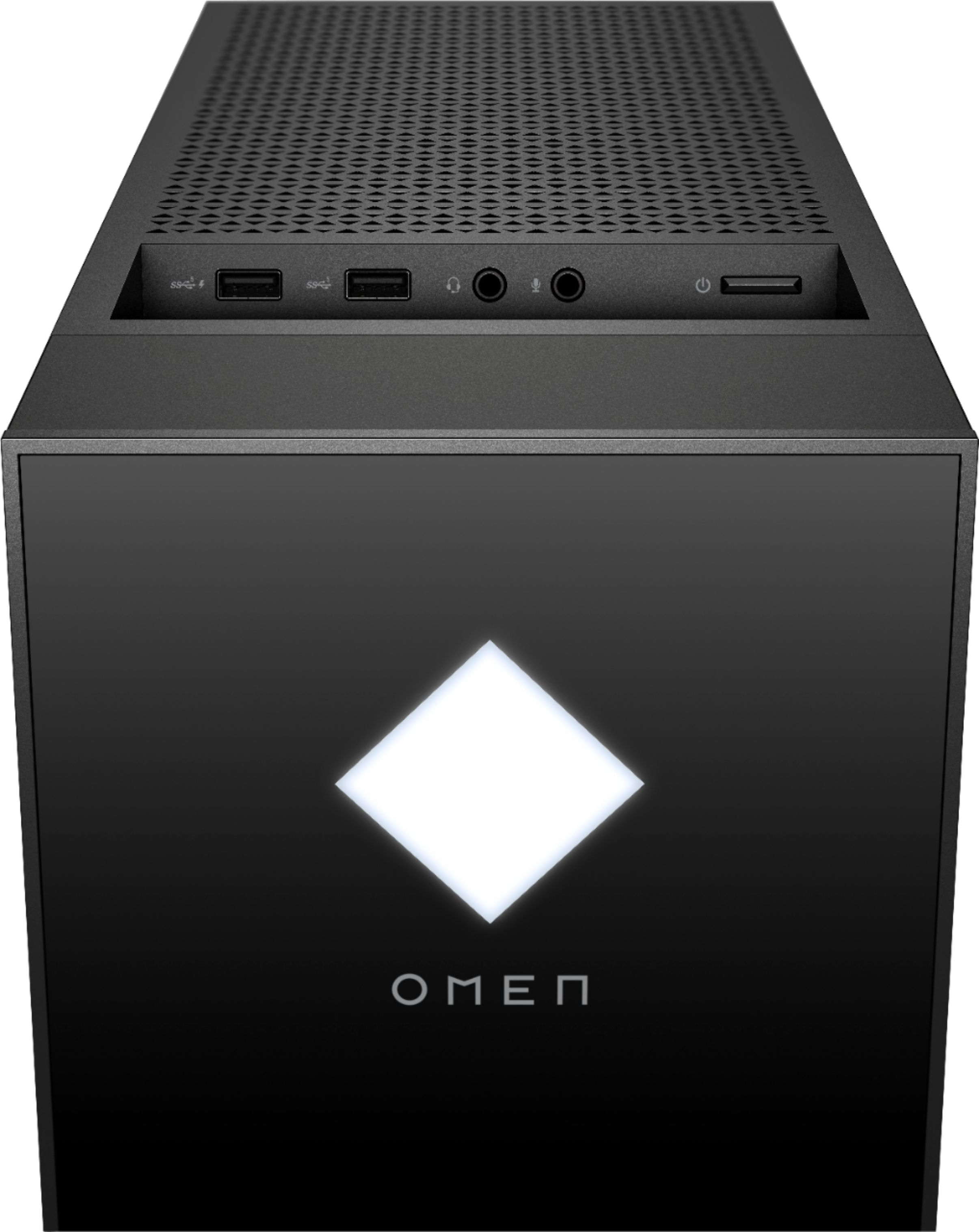
Top:2 SuperSpeed USB Type-A 5Gbps signaling rate
Rear:1 SuperSpeed USB Type-C® 10Gbps signaling rate
1 SuperSpeed USB Type-C® 5Gbps signaling rate;
1 SuperSpeed USB Type-A 10Gbps signaling rate;
1 SuperSpeed USB Type-A 5Gbps signaling rate;
2 USB 2.0 Type-A
A:AnswerThanks for your question! However, due to changing manufacturer requirements on gaming please refer to the Product Support Page for their latest hardware system requirements.
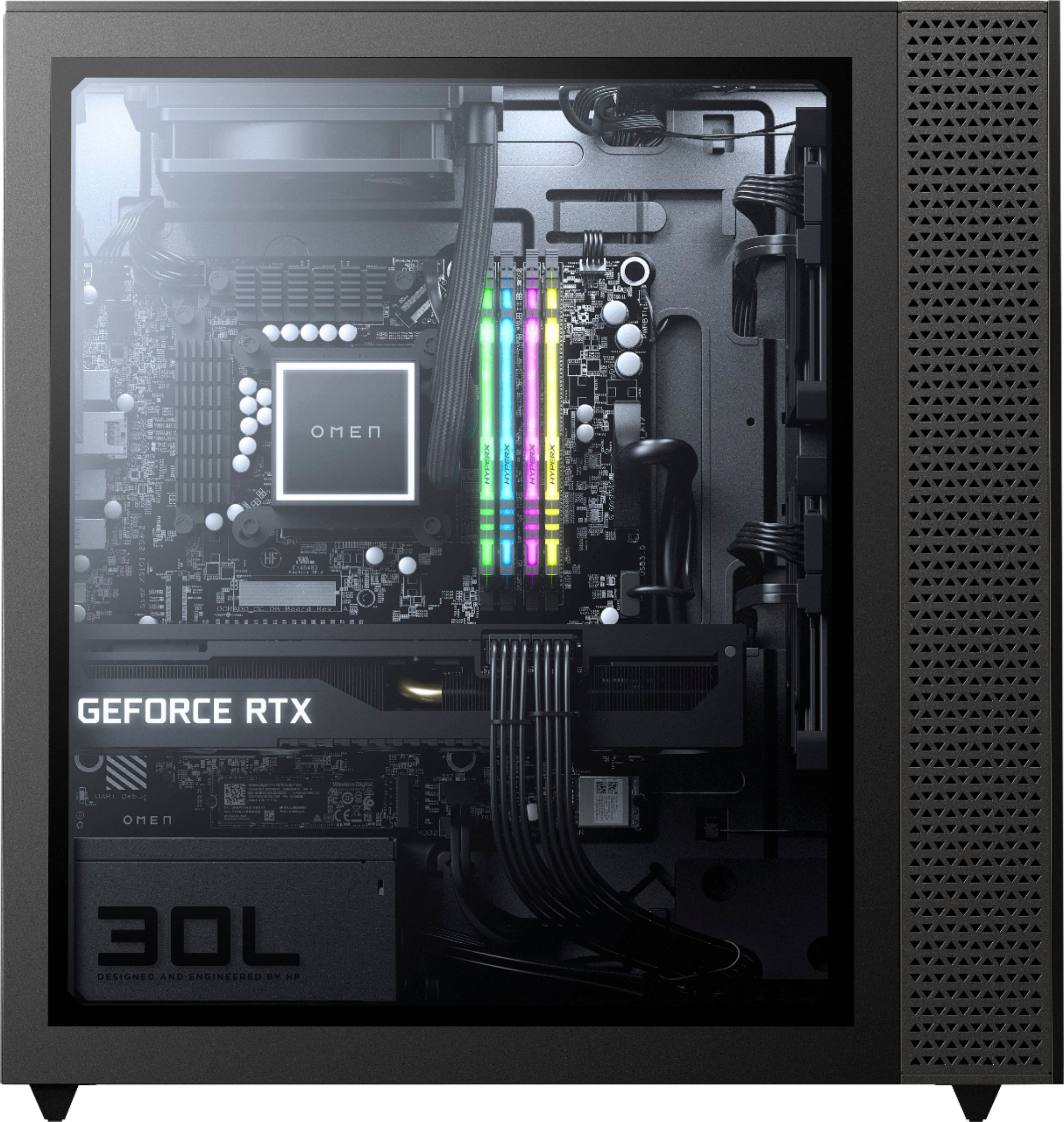
A:AnswerThe motherboard is a standard mATX size. It's fairly easy to change out the motherboard or CPU cooler, but one oddity is the mount on the motherboard and AIO is not a standard AM4 cooler mount. You cannot use other AM4 coolers on this motherboard, and you cannot use the AIO with other AM4 motherboards.
A:AnswerYes, the motherboard is mATX sized. If you change the motherboard, you will likely need to change the CPU cooler as well, since they use a non-standard mount for AM4
A:AnswerThe outputs are HDMI and Displayports. As long as it matches the inputs on your monitor it'll be supported. If your monitor has none of these ports and has a DVI for example, you would have to get an adapter or a cable with two different ends such as an HDMI to DVI cable.
A:AnswerThanks for your question! However, due to changing manufacturer requirements on gaming please refer to the Product Support Page for their latest hardware system requirements.
A:AnswerSuggest updating the software drivers using the MyHP app. Also check using another 3.5mm audio output to make sure it's that device or cable. If none of these work, you have a hardware issue with the motherboard onboard audio 3.5mm plug and need to return it. If you are open to getting around it, you can buy a dedicated audio card and put it in the open pcie x4 slot located below the m.2 ssd drive.