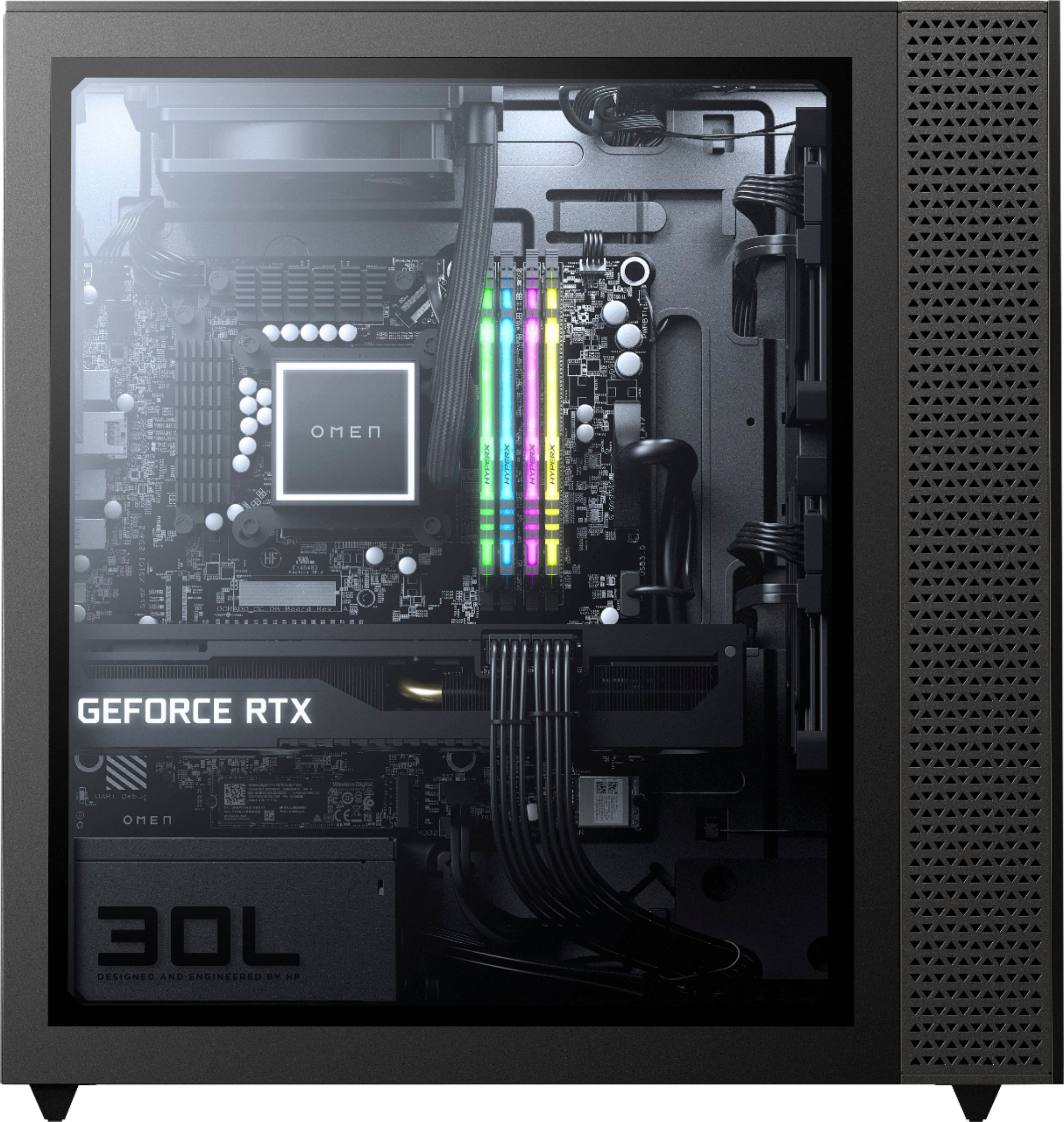
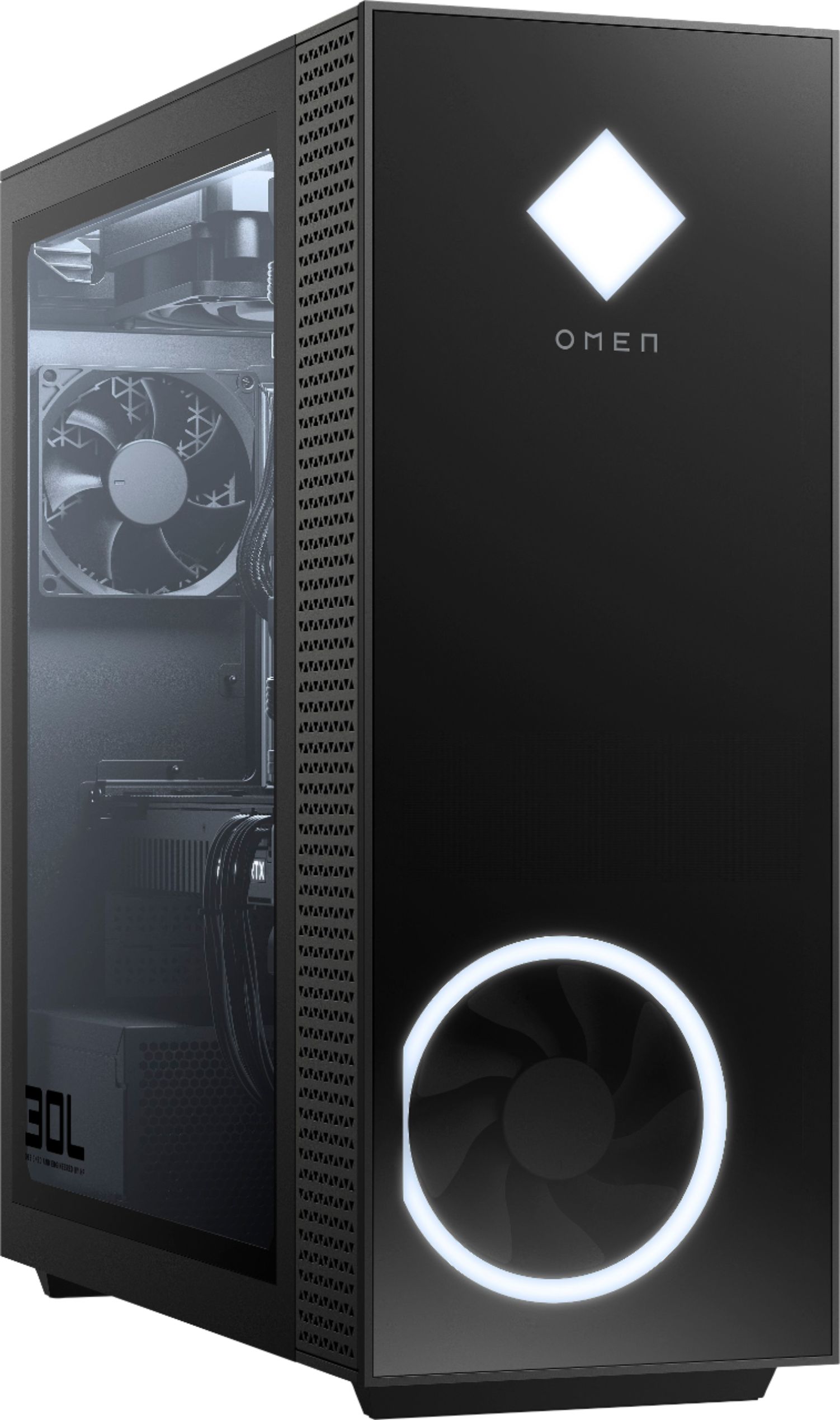
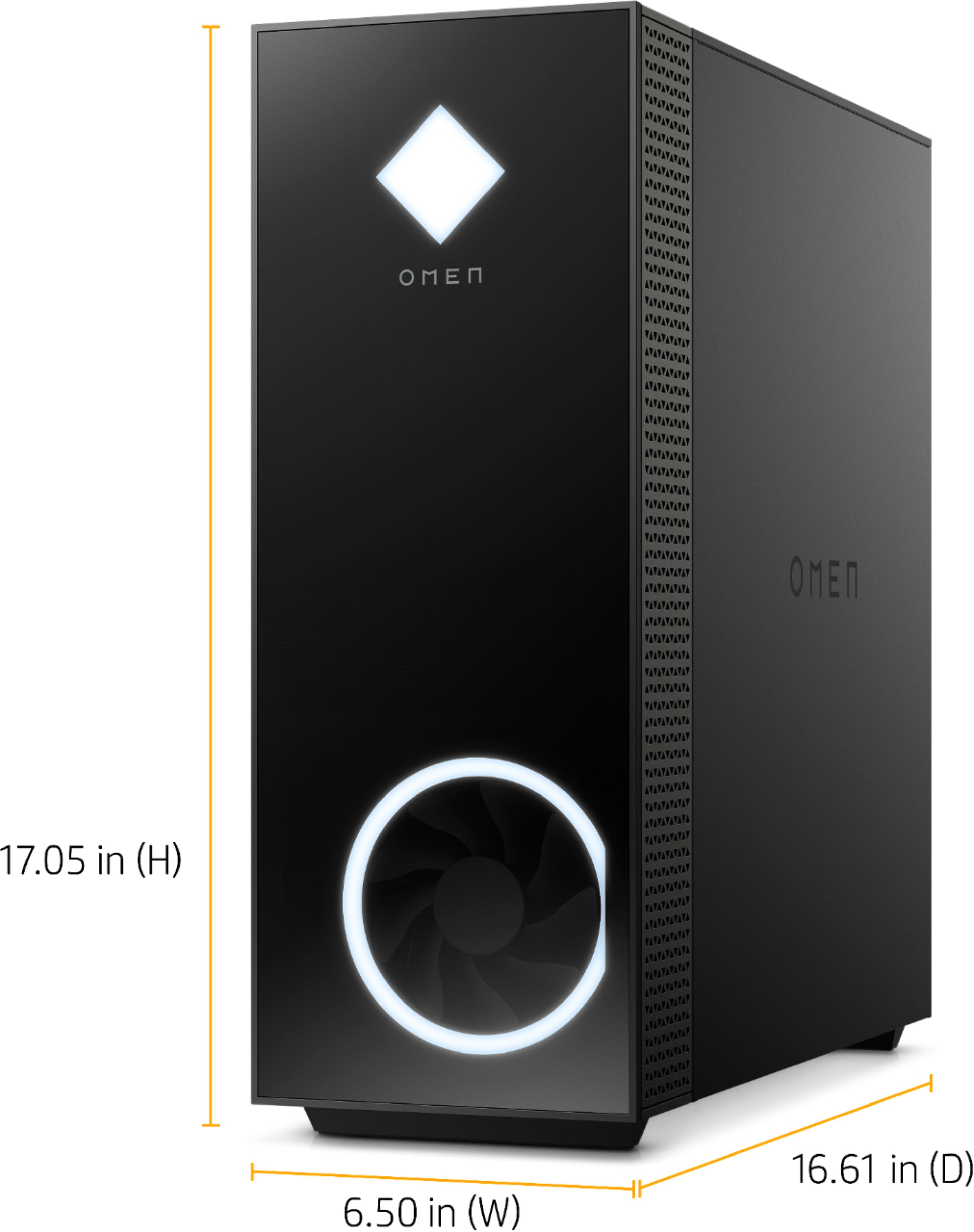
A:AnswerFor most of the parts, yes. The CPU cooler however does not use a standard AM4 mounting kit so you will need a different cooler if you use a different motherboard
A:AnswerNo there is one mount for the 120 mm fan. However you can place a 120 intake on the bottom. There's no mount for it. I let mine sit there. It's held in place using electrical tape.
A:AnswerBelieve 92mm is the only size that fits, I added 2 120mm case fans inside, replaced the rear fan, and the cpu radiator.
Also recommend underclocking the cpu and gpu.
A:AnswerThanks for your question! However, due to changing manufacturer requirements on gaming please refer to the Product Support Page for their latest system specifications.
A:Answerkeeping the side panel dramatically reduces temperatures on mine, I also undervolted the GPU and CPU they Idle between 35C - 45C and at their heaviest load the Gpu might hit 60-65C and CPU at 100% will hit 75-80C but under 75% will stay under 75C. Also make sure nothing is touching your GPU mine came with wires hitting the fan.
A:AnswerYes, you can. If you want to use all the same parts, find a case that fits an mATX motherboard and an ATX power supply. Putting this in a different case will also greatly help airflow and lower temperatures
A:AnswerYou have to buy it as soon as it gets restocked. I believe restock quantity is limited and sells out within minutes (sometimes within hours). Keep on checking as often as you can.
A:Answer3200 Mhz. You need to use Ryzen Master to set the correct RAM speed if you intend to install third party RAM b/c it defaults to 2333Mhz. HP locked the bios and RAM settings.