Questions & Answers
- Model:
- 16-ar0013dx
- |
- SKU:
- 11916750
$712.00
Save $137.99
Comp. Value: $849.99
Page Showing 101-120 of 134 questions
Q: QuestionDoes this computer have safe mode?
Asked by Anonymous.
- A:Answer Yes it does
Answered by TerenceD
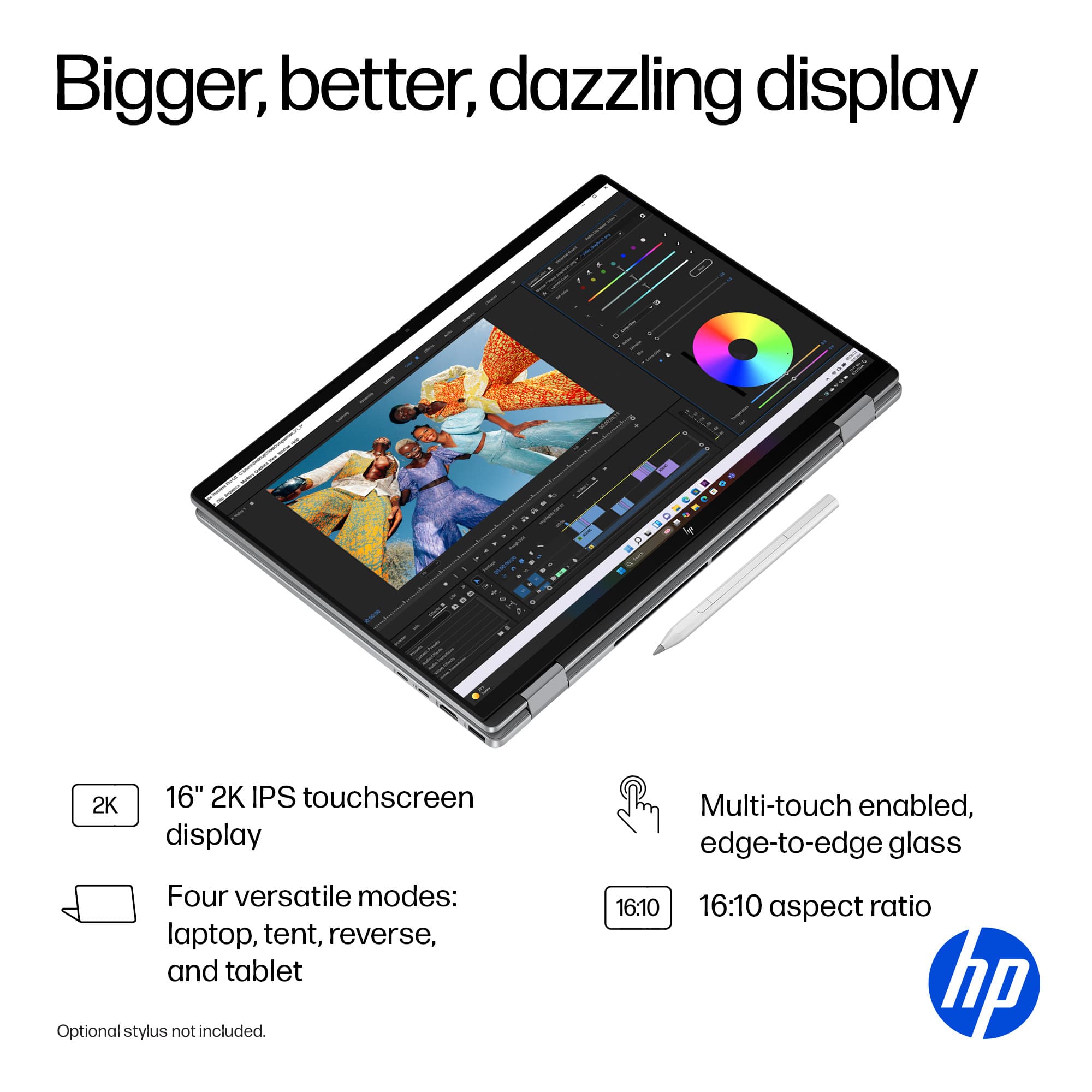
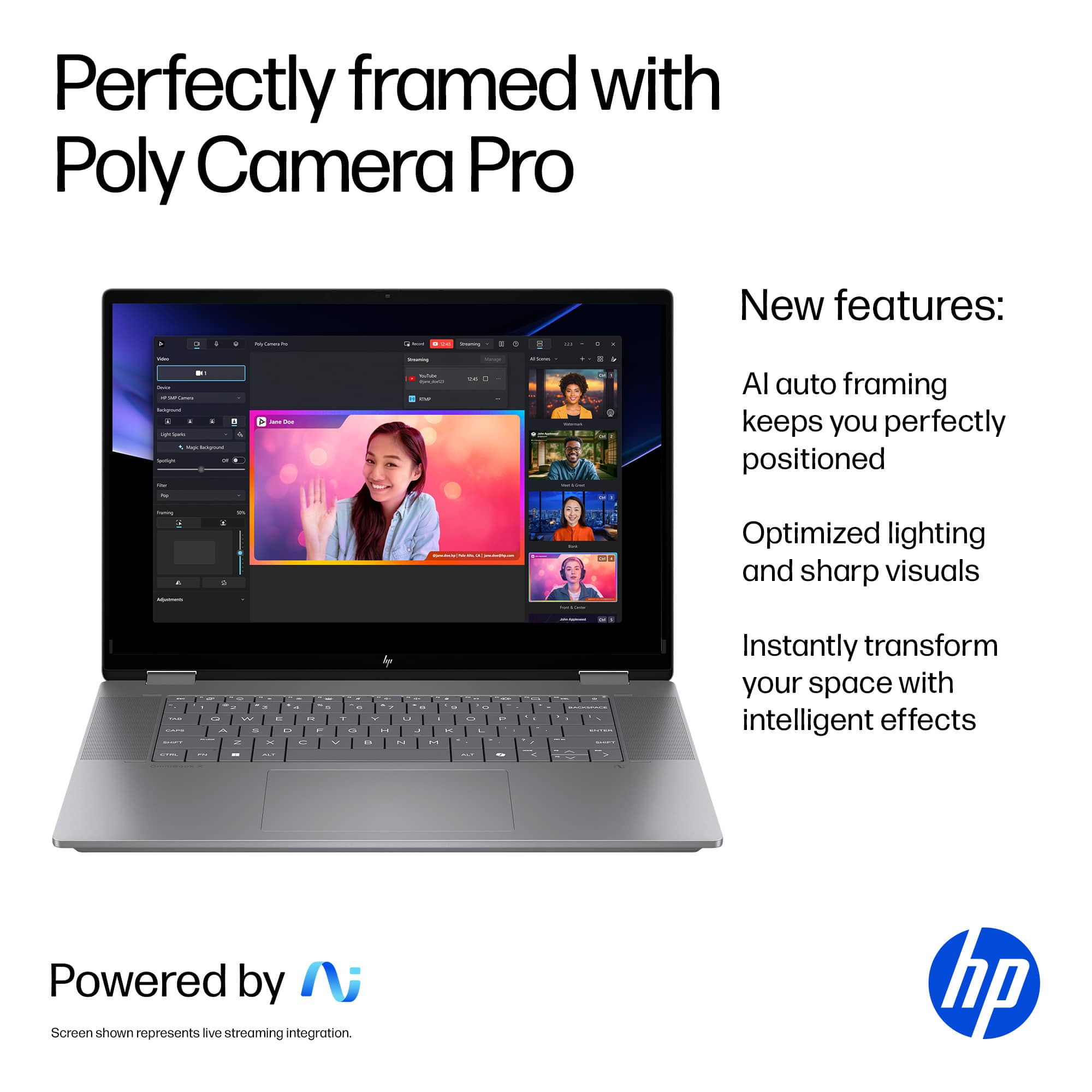
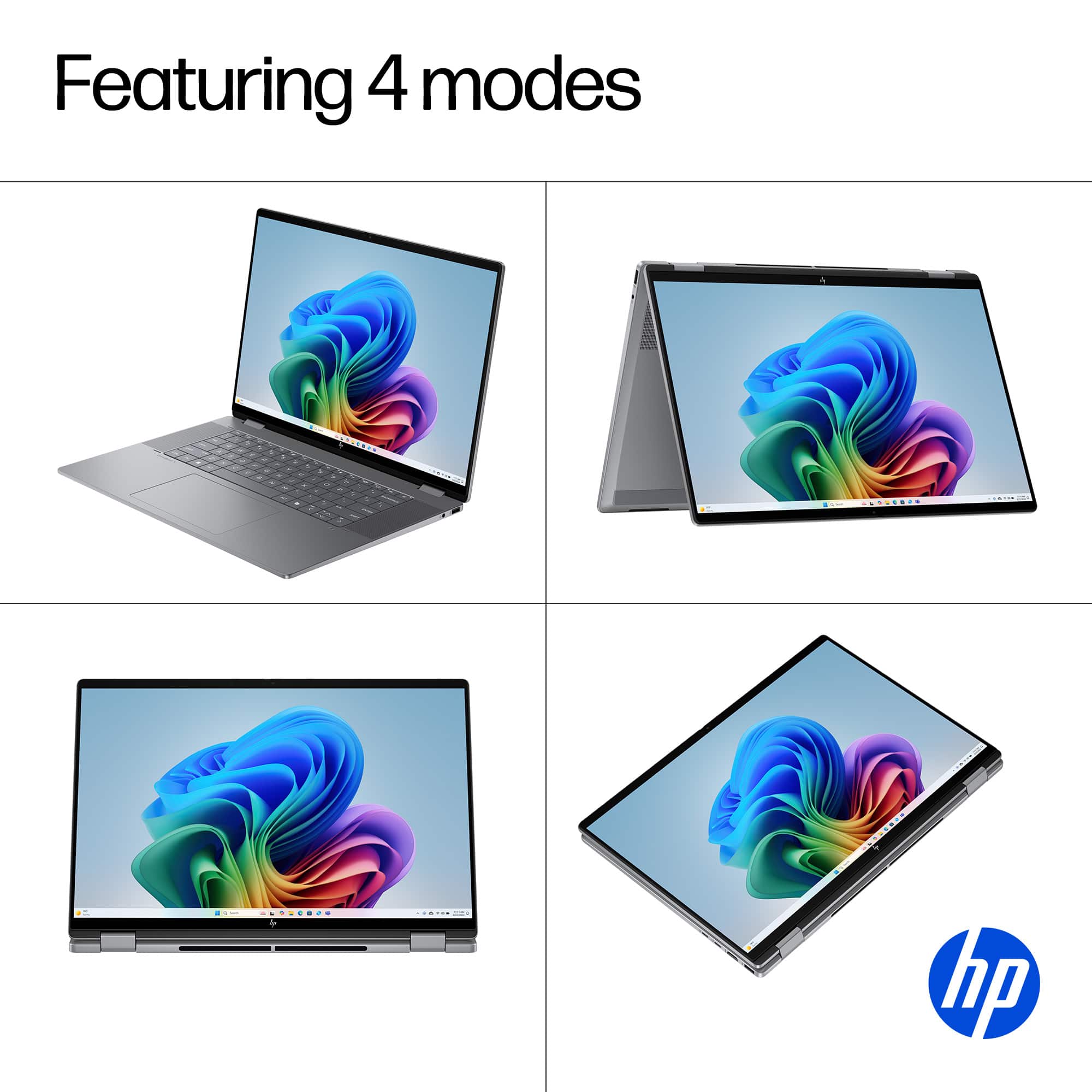
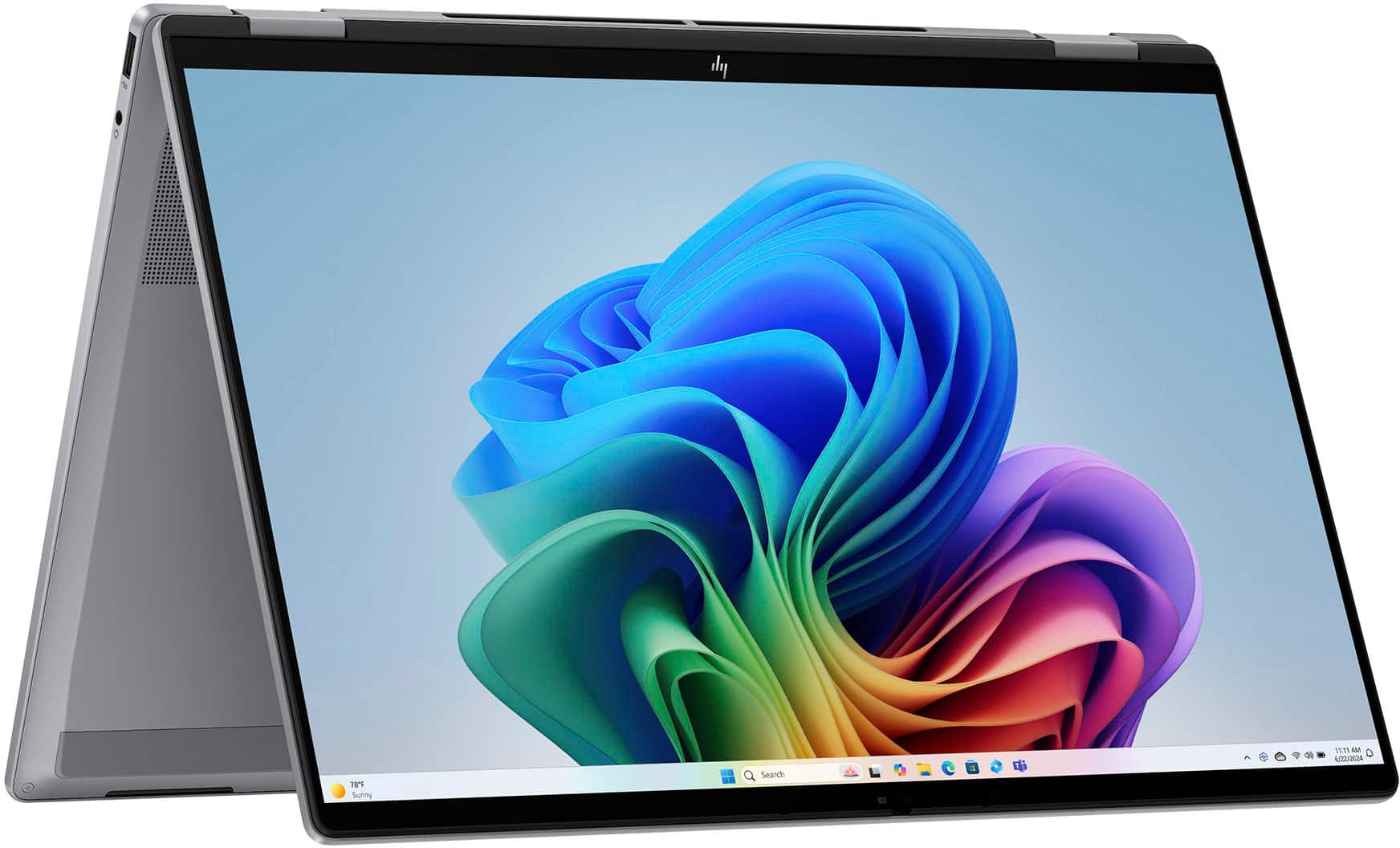
Q: QuestionIs this easy for teaching online college courses?
Asked by Sam1.
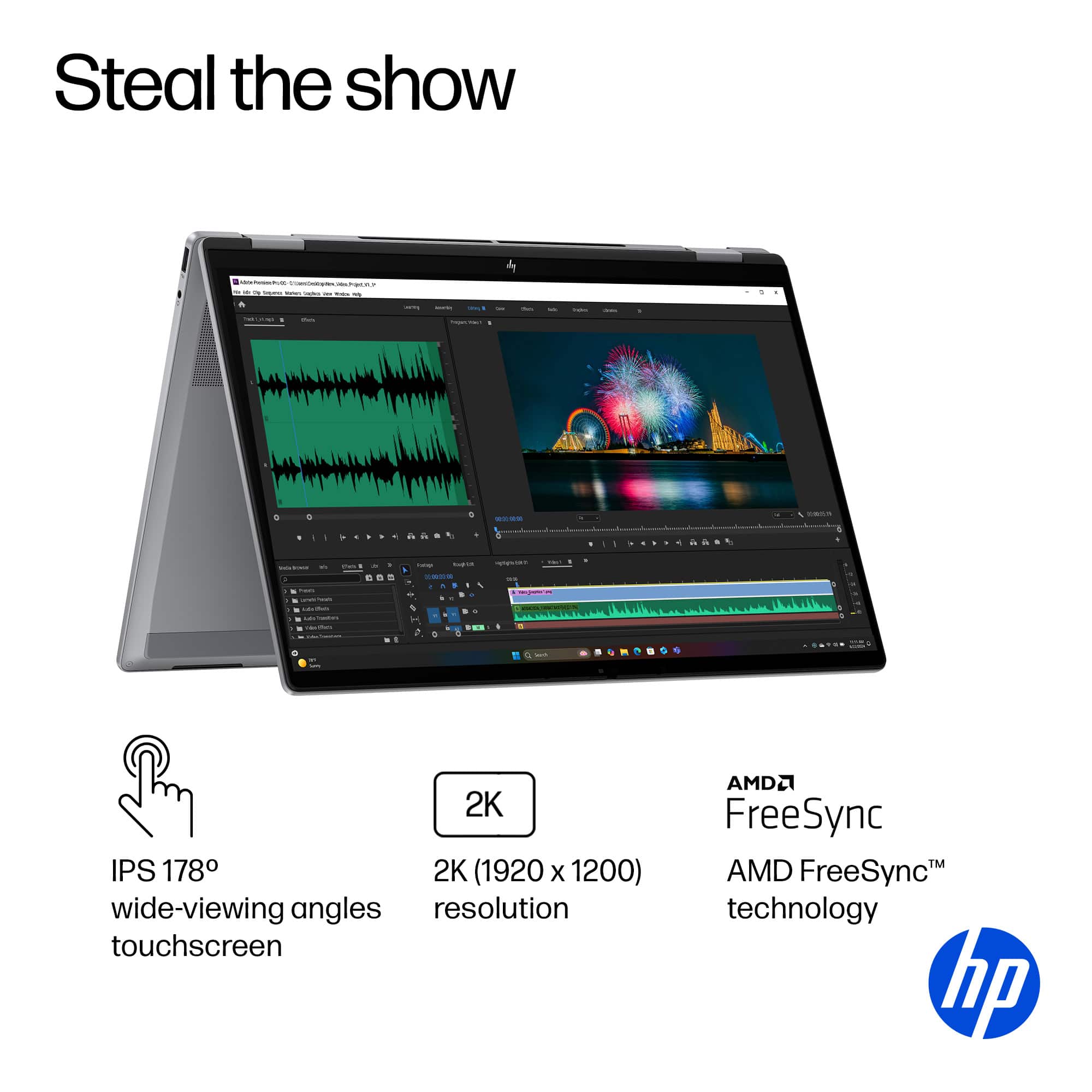
- A:Answer Yes especially with the Tent Mode or casting to whatever screen you are using for class
Answered by TerenceD
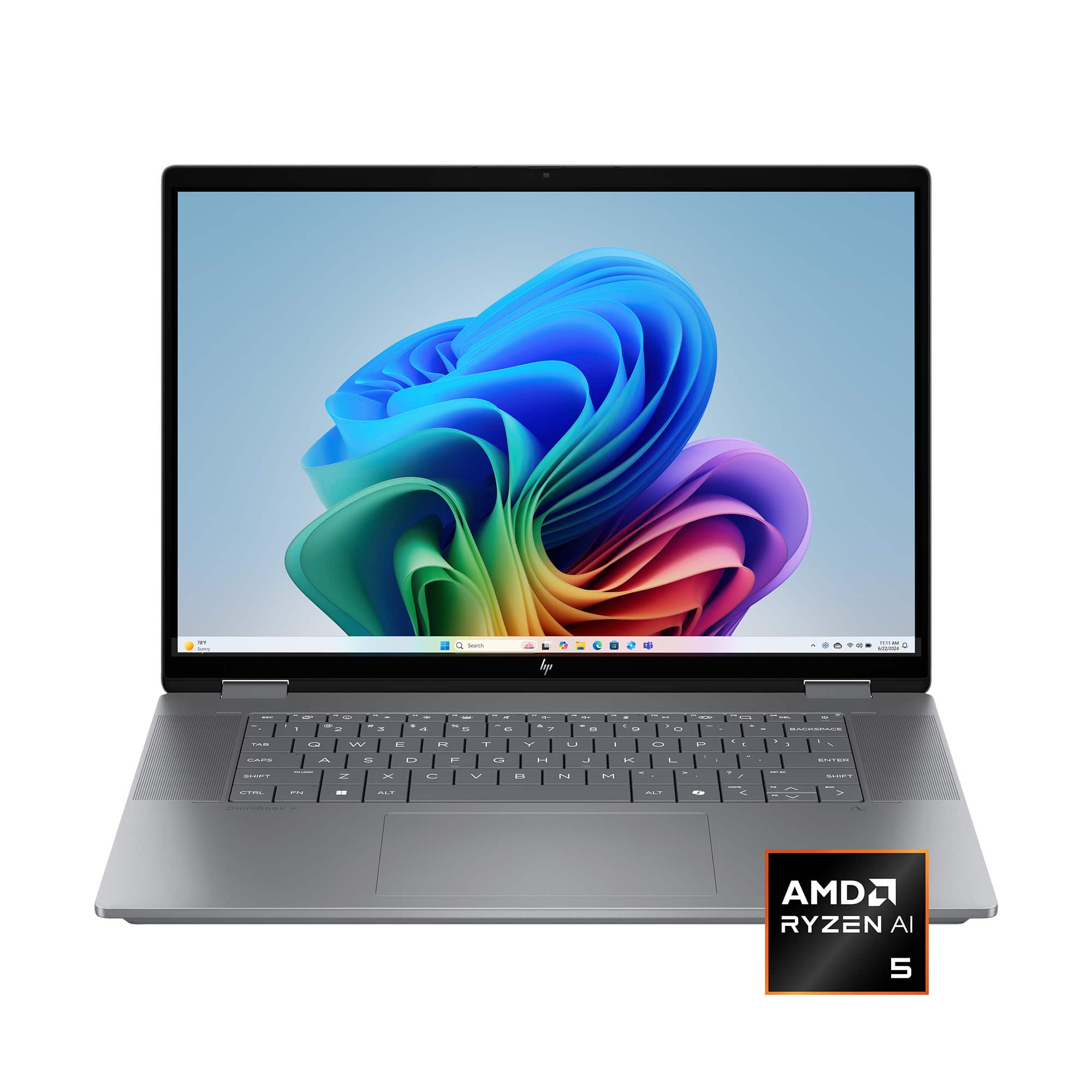
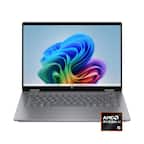
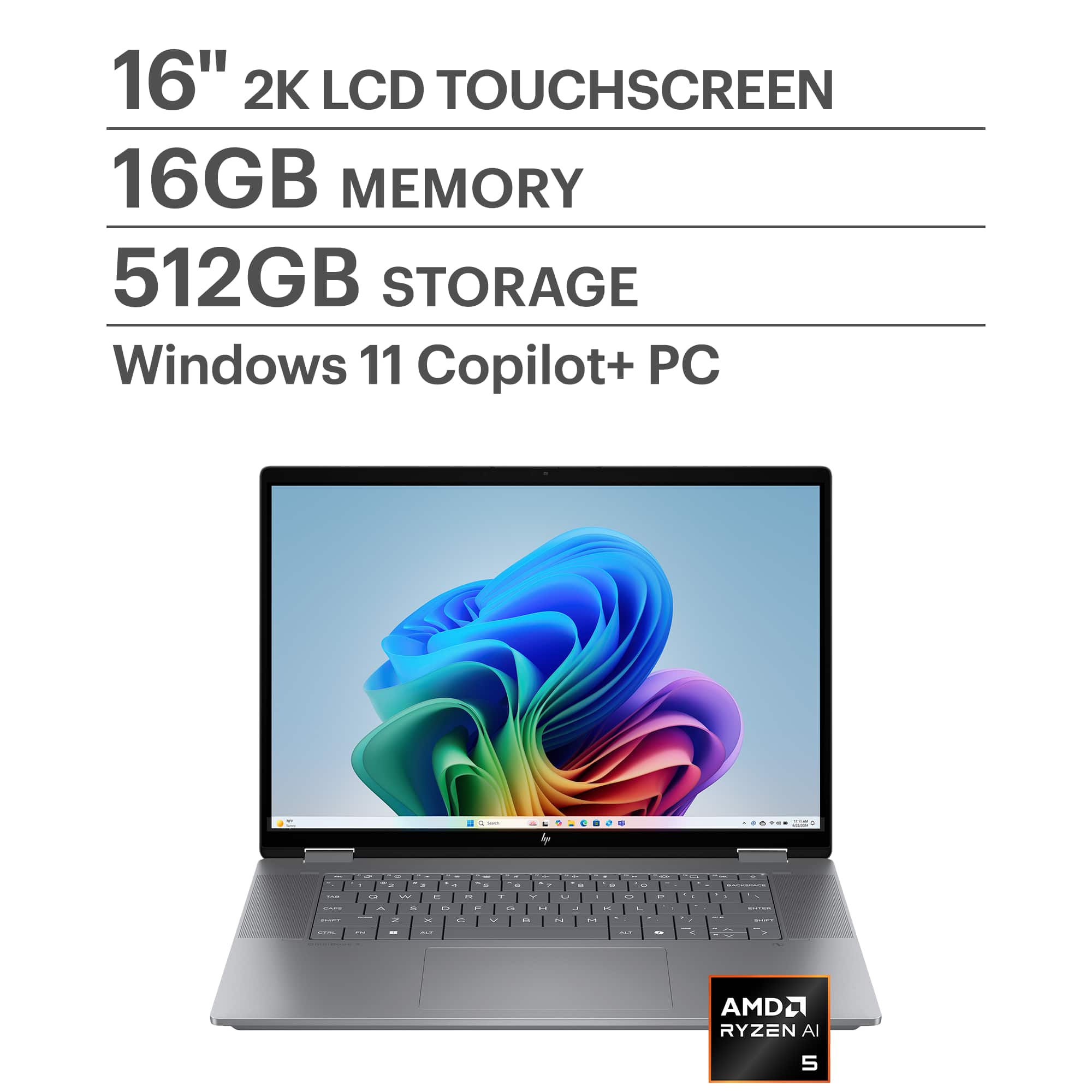
Q: QuestionCan you use a stylus with this laptop (HP - OmniBook X Flip 2-in-1 - Copilot+ PC - 16" 2K Touch-Screen Laptop - AMD Ryzen AI 5 - 16GB Memory - 512GB SSD - Meteor Silver)?
Asked by Darryl.
- A:Answer Yes, you can use a stylus. I use this for nomad sculpt.
Answered by Twistedhalo
Q: QuestionCan this laptop handle Virtualization? BIOS settings?
Asked by CesarF.
- A:Answer Yes, the HP OmniBook X Flip 2-in-1 Copilot+ PC with an AMD Ryzen AI 5 340 processor can handle virtualization, but there are a few details to check: Virtualization Support The AMD Ryzen AI 5 series supports AMD-V (AMD Virtualization) technology, which is required for running virtual machines (VMs) in software like Hyper-V, VMware, or VirtualBox. With 16GB RAM and 512GB SSD, your hardware is sufficient for most virtualization tasks, including running multiple lightweight VMs. BIOS Settings To enable virtualization: Restart your laptop and enter BIOS/UEFI (usually by pressing Esc, F2, or Del during boot). Look for: SVM (Secure Virtual Machine) or Virtualization Technology under Advanced or CPU Configuration. Enable the setting and save changes. After reboot, confirm virtualization is active by: Opening Task Manager → Performance → CPU (Windows) and checking if Virtualization: Enabled. Additional Notes If you plan to use Hyper-V, ensure you have Windows 11 Pro or Enterprise (Home edition does not include Hyper-V). For AI workloads or GPU passthrough, check if BIOS also has IOMMU or SR-IOV options. Do you want me to give you step-by-step instructions for enabling virtualization in BIOS for HP laptops, or a guide for setting up Hyper-V/VMware on Windows 11? Provide your feedback on BizChatYou said: yesCopilot said: CopilotHere’s a clear guide for both steps you asked for: Enable Virtualization in BIOS (HP OmniBook X Flip) Restart your laptop. As soon as the HP logo appears, press Esc repeatedly, then select F10 for BIOS Setup. In BIOS: Go to Advanced → System Options (or CPU Configuration). Find Virtualization Technology (SVM). Enable this option. Press F10 to Save and Exit. After reboot, confirm: Open Task Manager → Performance → CPU. Check Virtualization: Enabled. Set Up Hyper-V on Windows 11 Check Edition: Hyper-V is available on Windows 11 Pro/Enterprise (not Home). To check: Settings → System → About → Edition. Enable Hyper-V: Press Win + R, type optionalfeatures, hit Enter. In Windows Features, check: Hyper-V Management Tools Hyper-V Platform Click OK, restart when prompted. Create a Virtual Machine: Open Hyper-V Manager (search in Start). Click New → Virtual Machine. Follow the wizard: Assign memory (e.g., 4GB for light VMs). Choose Generation 2 for modern OS. Attach ISO for OS installation. Start your VM and install the OS. For VMware or VirtualBox: After enabling virtualization in BIOS, just install the software and create VMs normally. Hope this helps! Merry Christmas! John A.
Answered by jwakers23
Q: QuestionDoes this come with a stylus pen
Asked by Elly.
- A:Answer It does not. You can buy a whole can but a whole pack of pens for a couple dollars
Answered by Twistedhalo
Q: QuestionIs the graphics upgradable?
Asked by Askalot.
- A:Answer It’s not upgradable. But the graphics are very good for the price
Answered by Twistedhalo
Q: QuestionDoes this computer come with word and excel? If not can I install Word and Excel that doesn’t require a subscription?
Asked by Kyan.
- A:Answer No. It has a free 1 month trial with both.
Answered by JohnJ
Q: QuestionDoes this have an anti-glare screen?
Asked by Ronnie.
- A:Answer Yes. It is a very nice clear and vibrant screen.
Answered by JohnJ
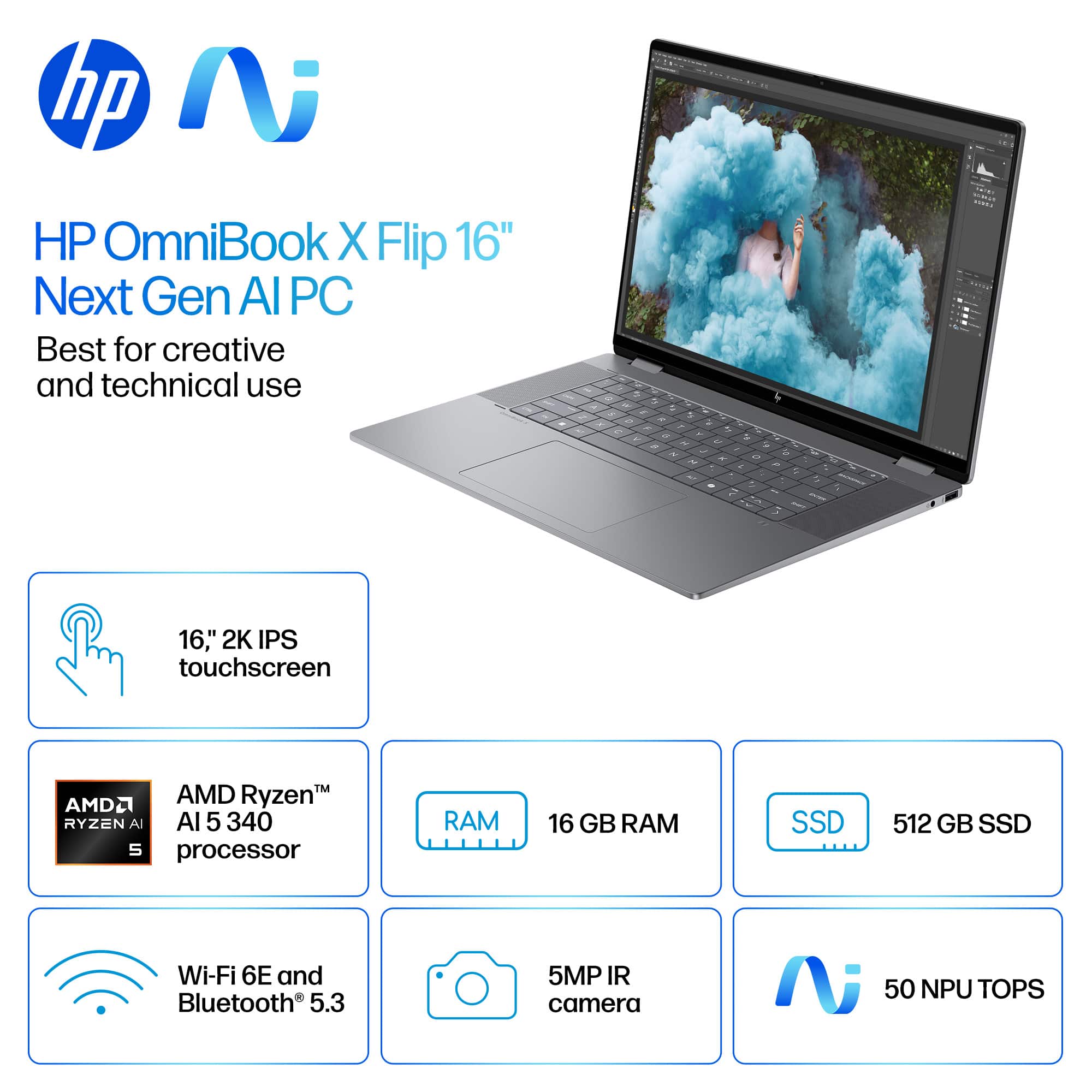
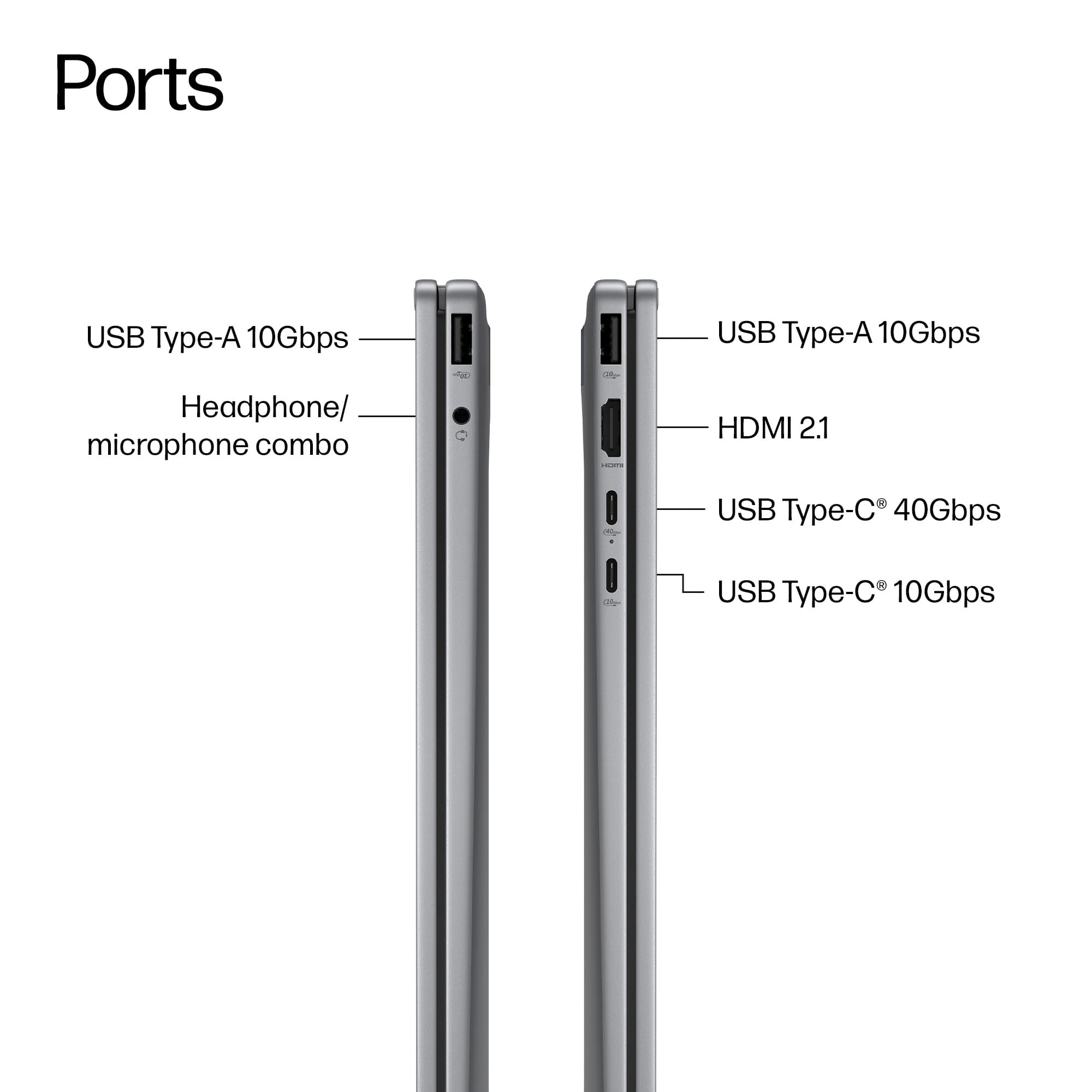
Q: Questionwhy it doesnt have bluetooth connectivity? how do I connect external speaker/s.
Asked by kayjay.
- A:Answer It does have Bluetooth capability
Answered by Twistedhalo
Q: QuestionCan you upgrade the GPU?
Asked by ACTexas.
- A:Answer You can not upgrade this computer. But the computer runs great right out of the box. Great computer for the price
Answered by Twistedhalo
Q: QuestionWhat operating system does it come with?
Asked by dave.
- A:Answer Windows 11 Home
Answered by Jeff
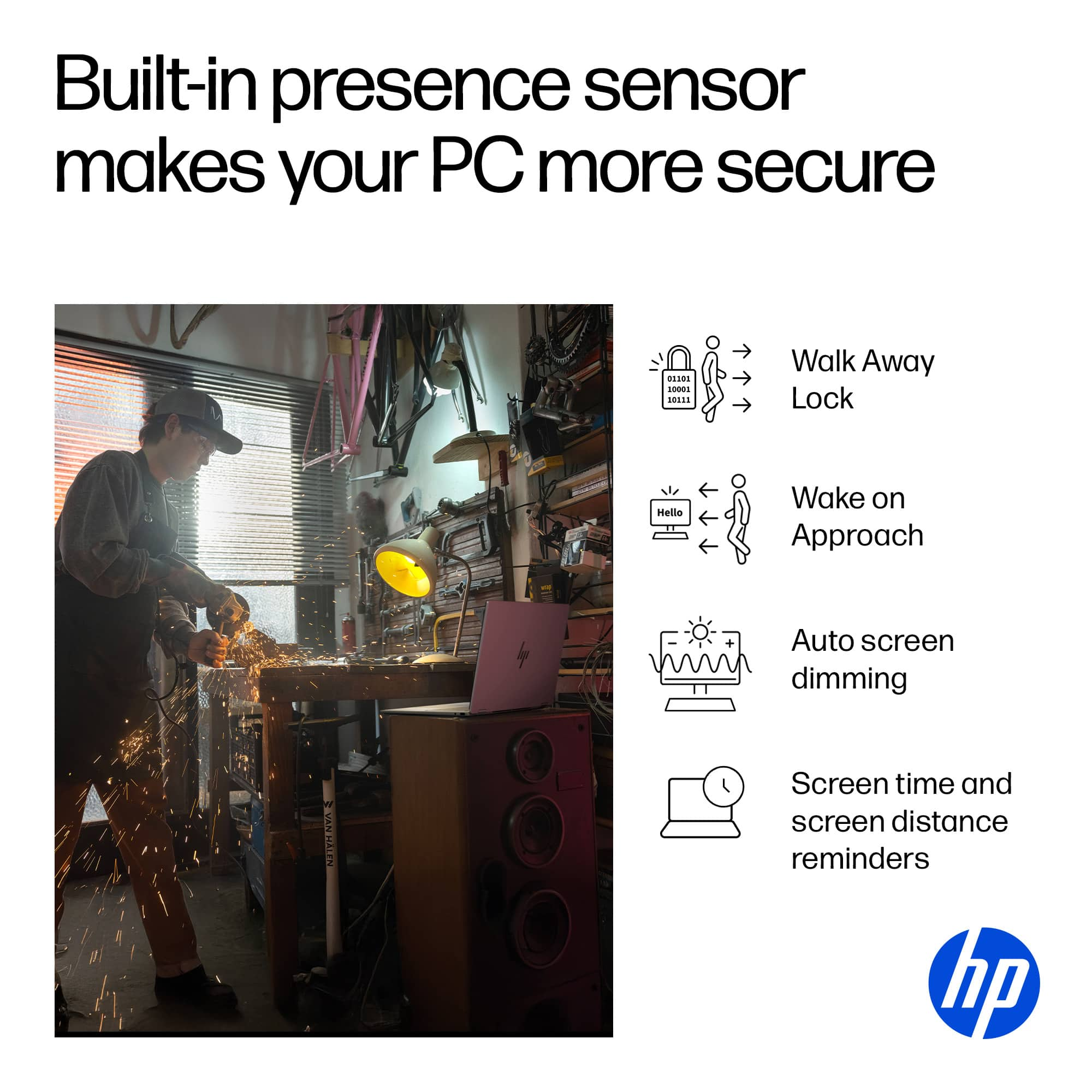
Q: QuestionDoes this have a fingerprint sensor?
Asked by CrazyCMTLady.
- A:Answer No, it does not have a fingerprint reader built in. You could buy and use an external one, or you could log in with the facial recognition on the camera, but it does not come with a built in fingerprint reader.
Answered by Anonymous
Q: Questioncan i upgrade the ssd
Asked by Texchino.
- A:Answer Yes, but I believe the limit is 2TB SSD. Merry Christmas! John A.
Answered by jwakers23
Q: QuestionIs it correct that there is no restocking fee for any new laptop that has been opened as long as it is returned within 15 days for non-elite members? Also, for a pickup order, is the 15-day counter started on the pickup date? Thanks.
Asked by CuriousABC.
- A:Answer I believe so yes
Answered by CASS
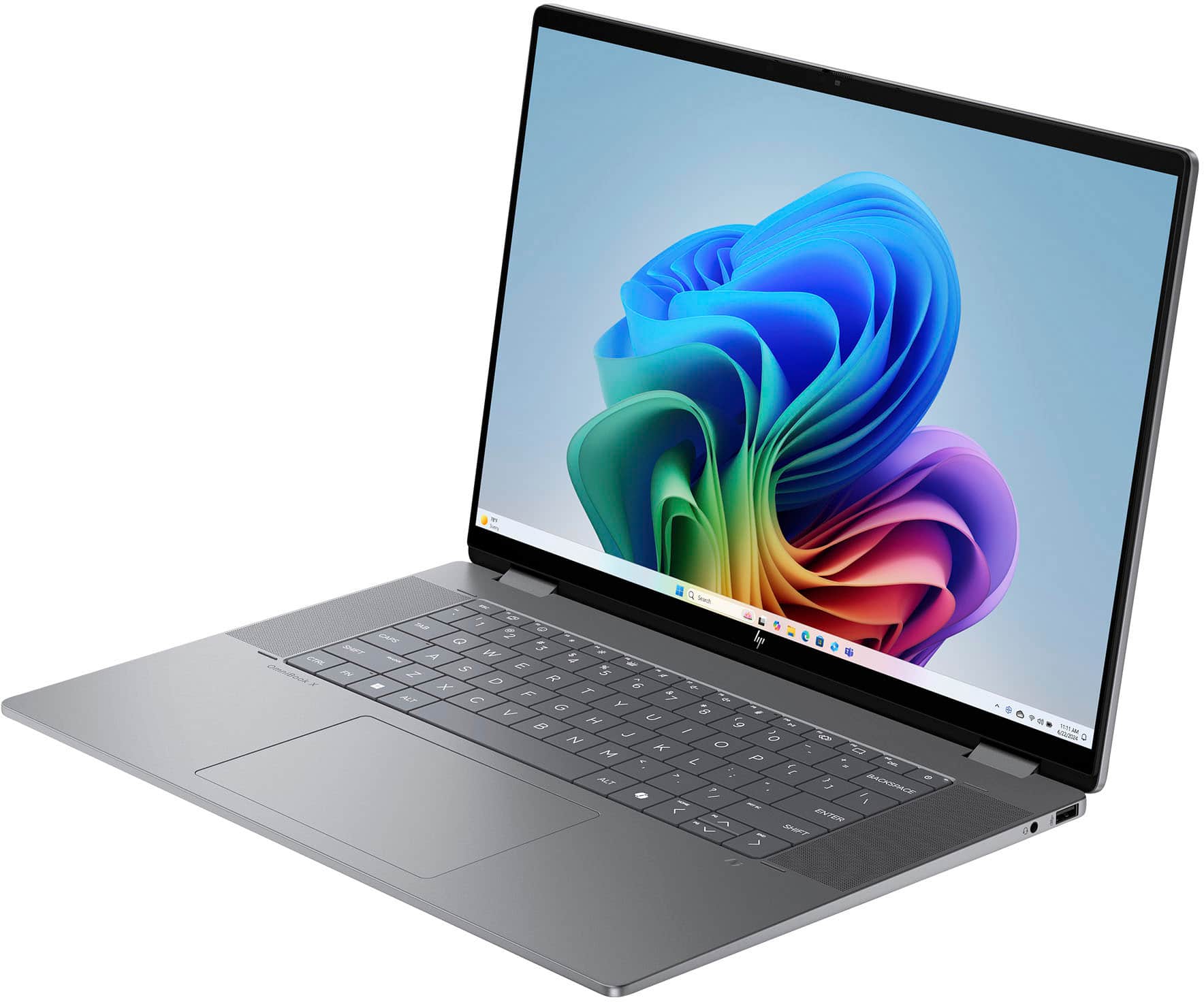
Q: QuestionDoes this laptop USB-C support video or docking stations/power delivery?
Asked by Antrex.
- A:Answer This computer does have usb-c support for both video and docking station.
Answered by Twistedhalo
Q: Questiondoes this laptop come with a stylus pen inside the box?
Asked by stylus.
- A:Answer No, there is no stylus pen.
Answered by Baron8181
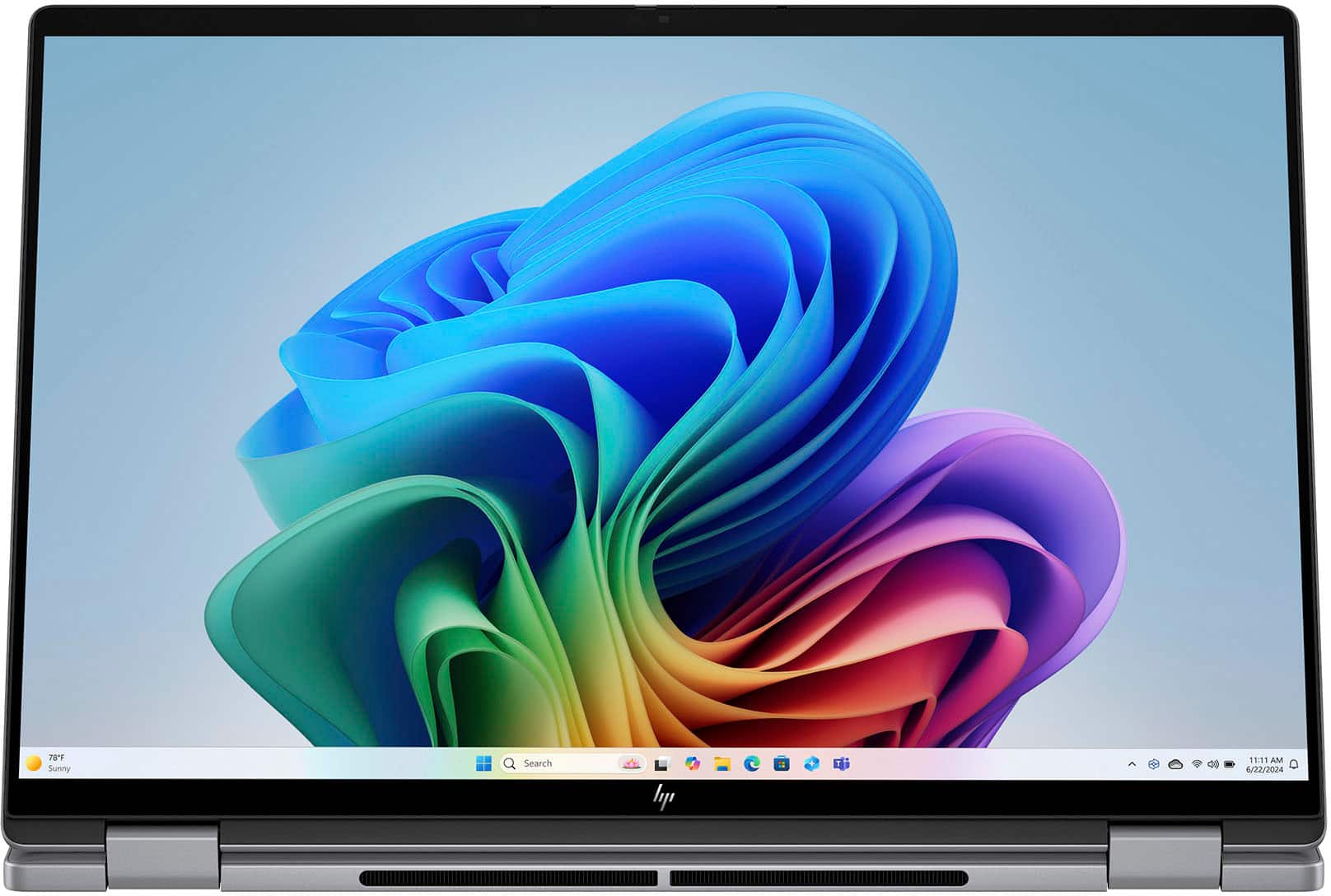
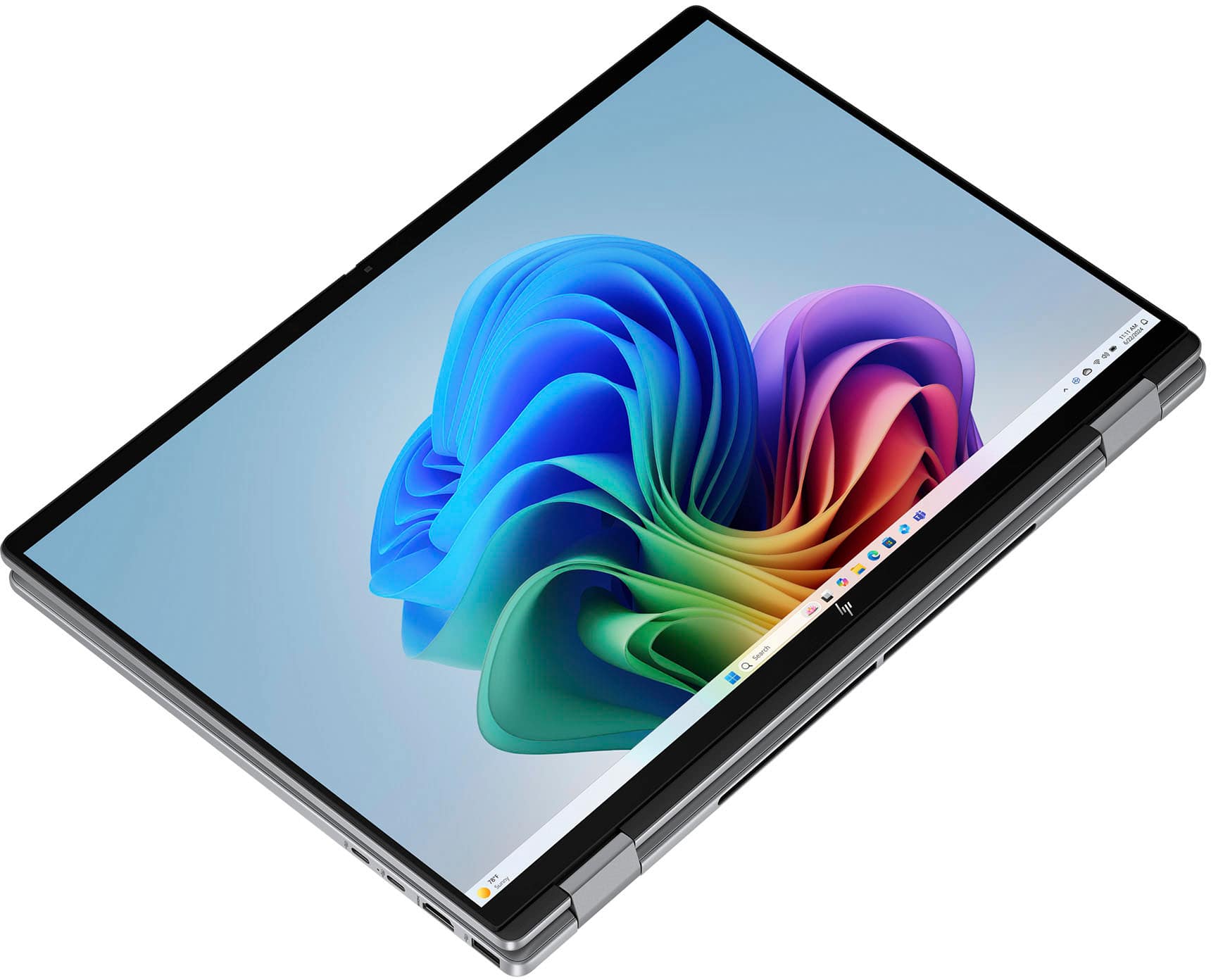
Q: QuestionWhat is a flip laptop
Asked by Robert.
- A:Answer It folds around to turn into a tablet, and the keyboard is neutralized and you get a touchscreen keyboard just like an iPad. I love it.
Answered by JohnJ


 for registration status and tier levels by country. ENERGY STAR and the ENERGY STAR logo are registered trademarks of the US Environmental Protection Agency.](https://pisces.bbystatic.com/image2/BestBuy_US/images/products/528679fa-c5a1-4feb-bbc5-6eed3cb9cfad.jpg;maxHeight=54;maxWidth=54;format=webp)