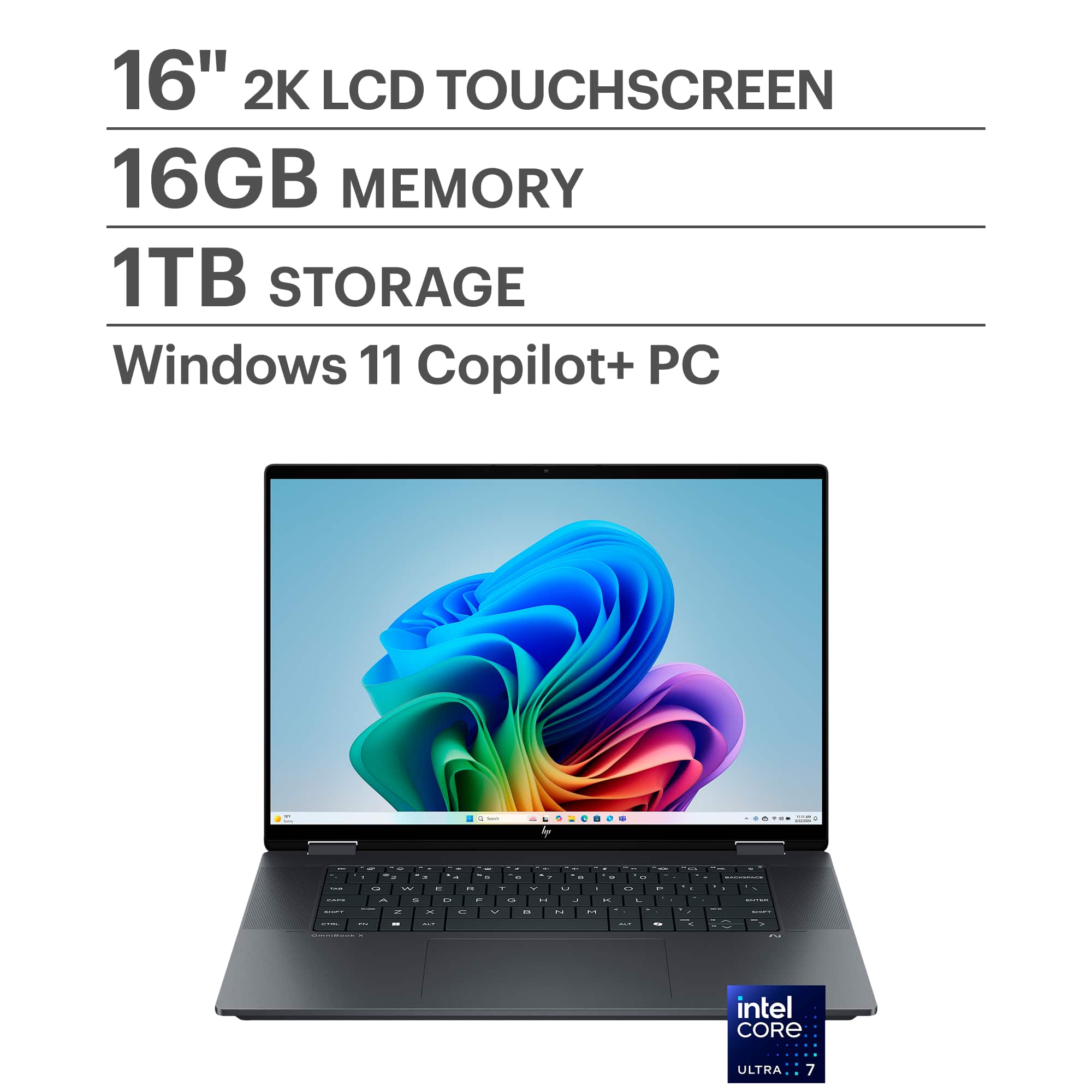
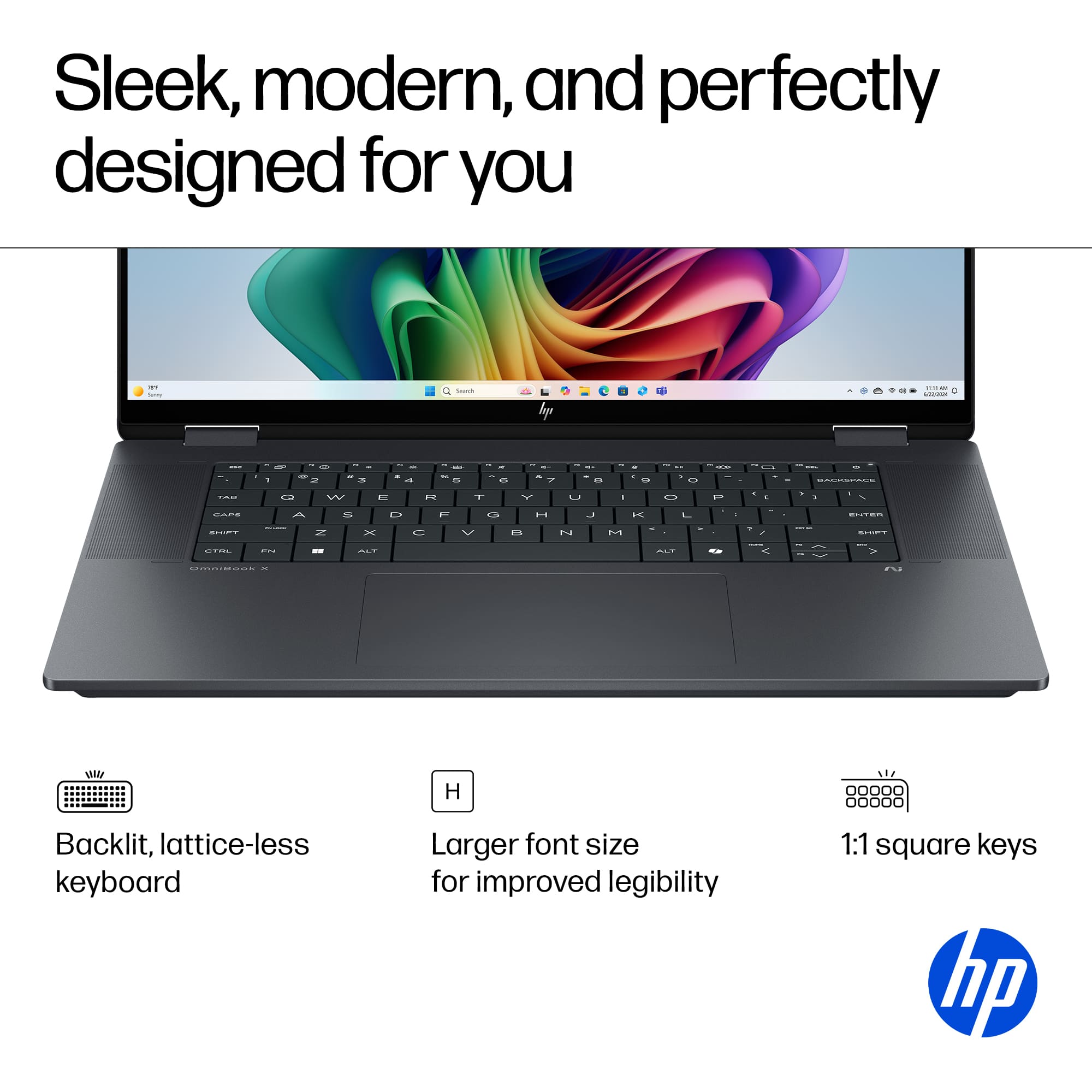
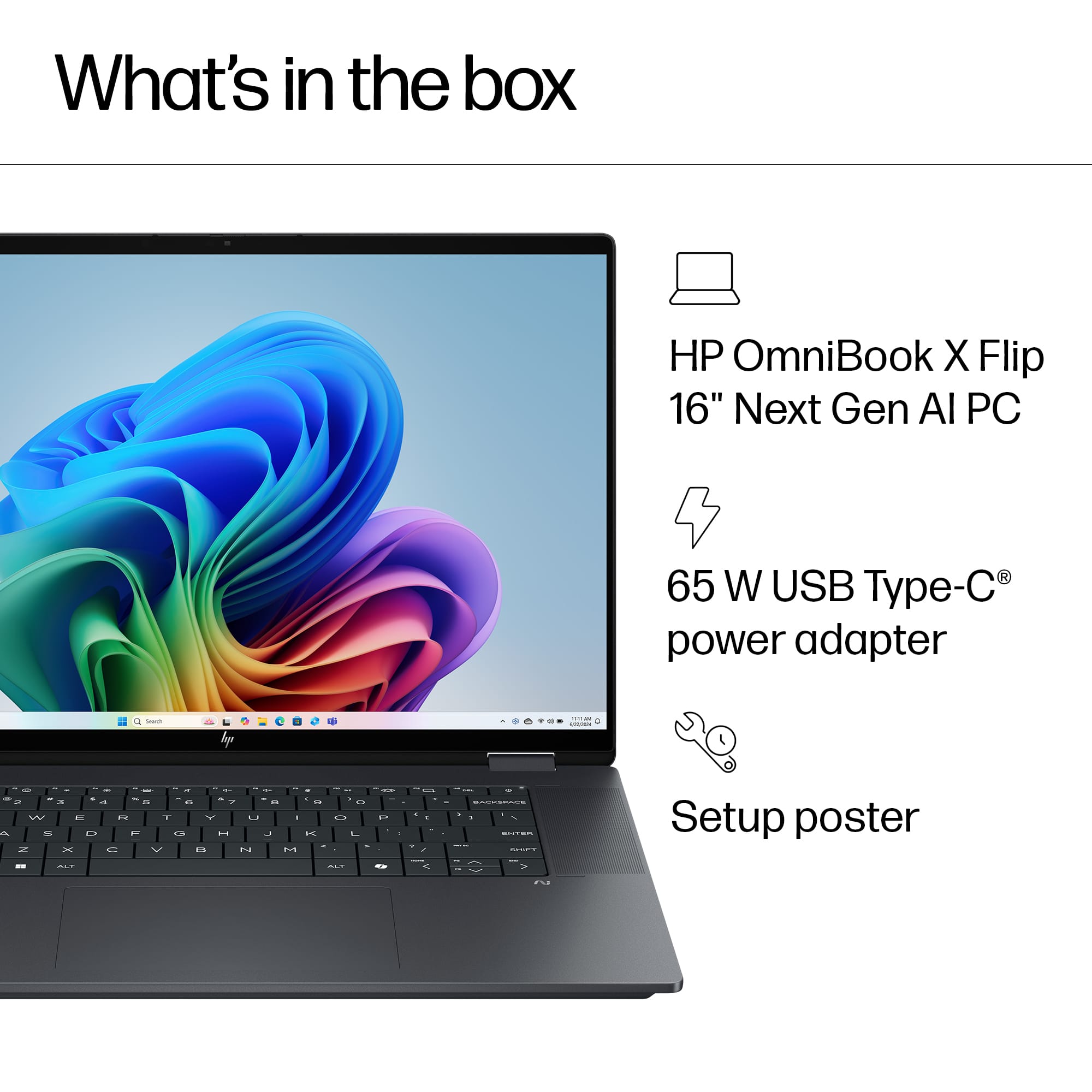
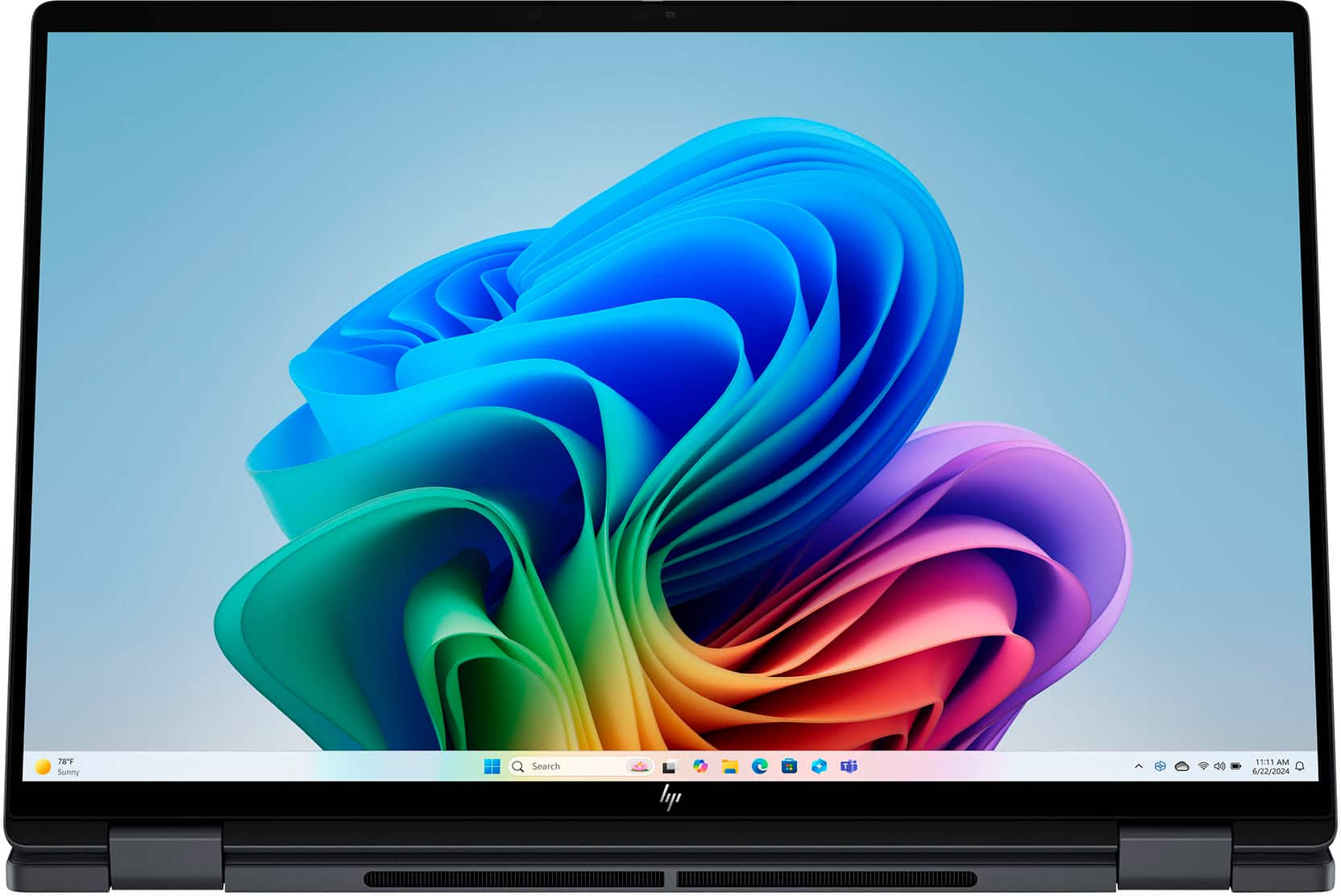
A:AnswerClick on the windows icon in the button tool bar "the four blue squares that when you hoover over the word start comes up"
Once you click start a smaller window will pop up. At the button of that pop up you will see a icon with your name and directly across from that you see a circle with like an explanation point (!) at the top of it, if you hoover it the word power will pop up. Click on that and you have lots of option with shutting down or restart as two of them. If all fails, you can long press the power icon tab at the top right corner of your keyboard (just remember that is not the proper way to shut your computer down and should only be used when you no other choice) Hope this helps you.