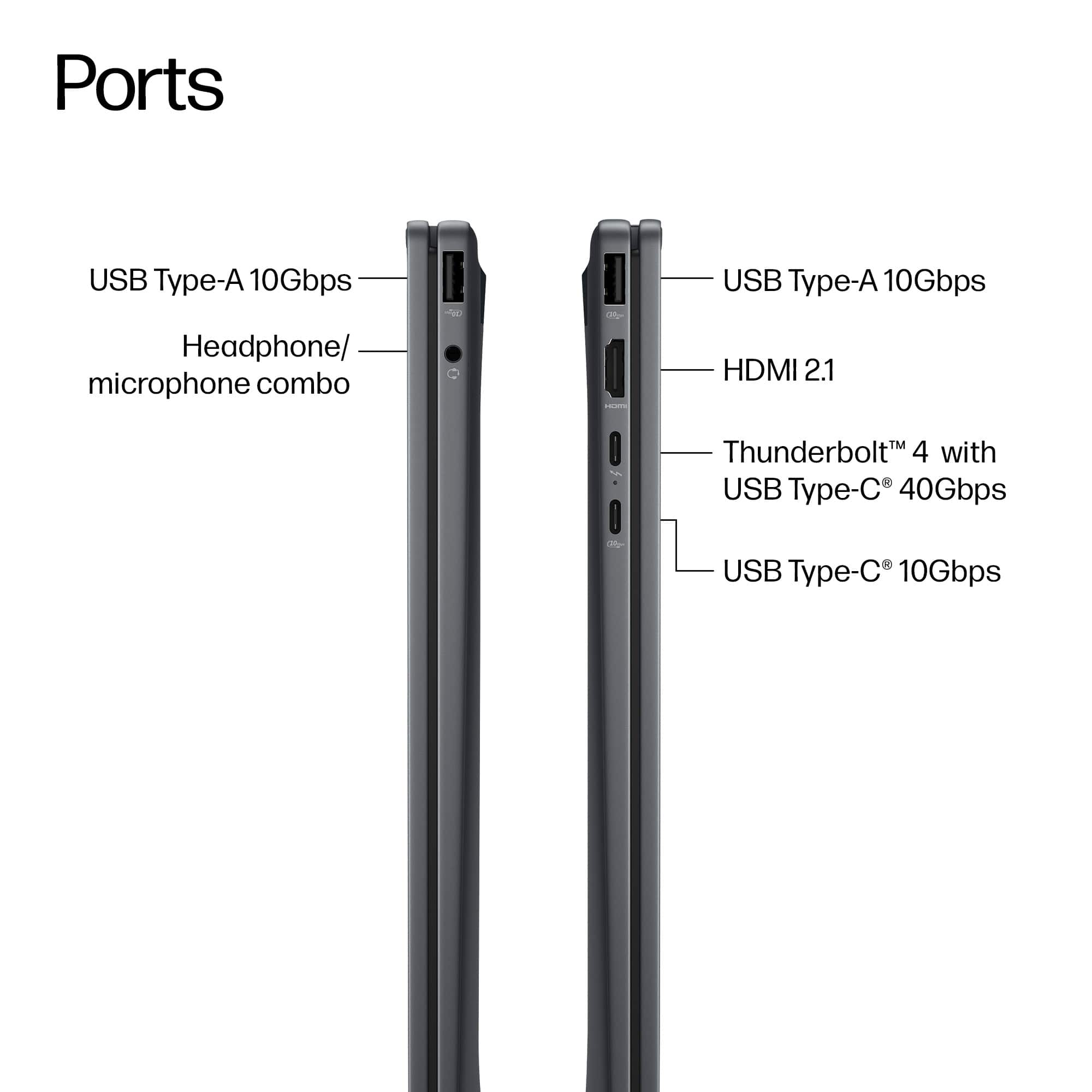
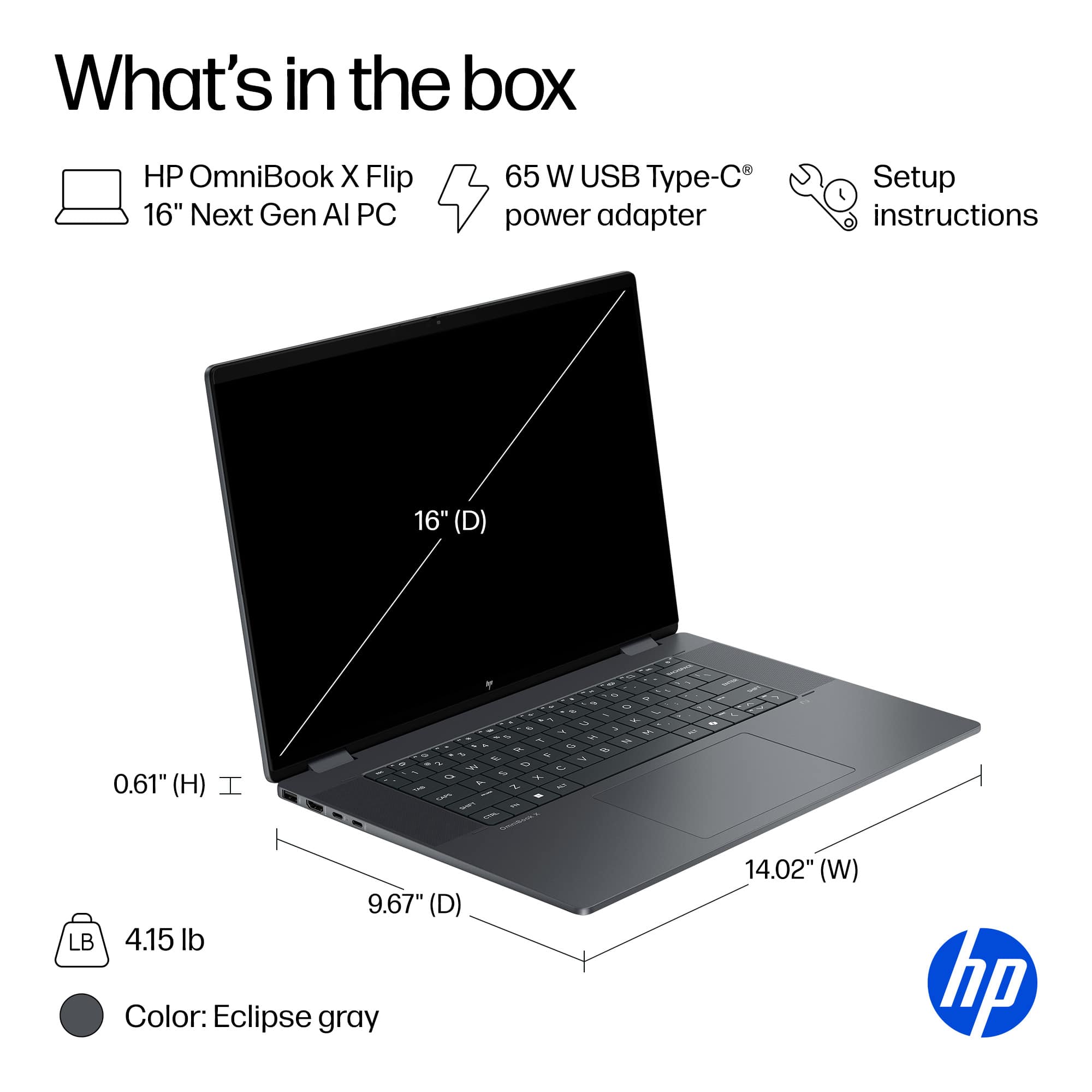
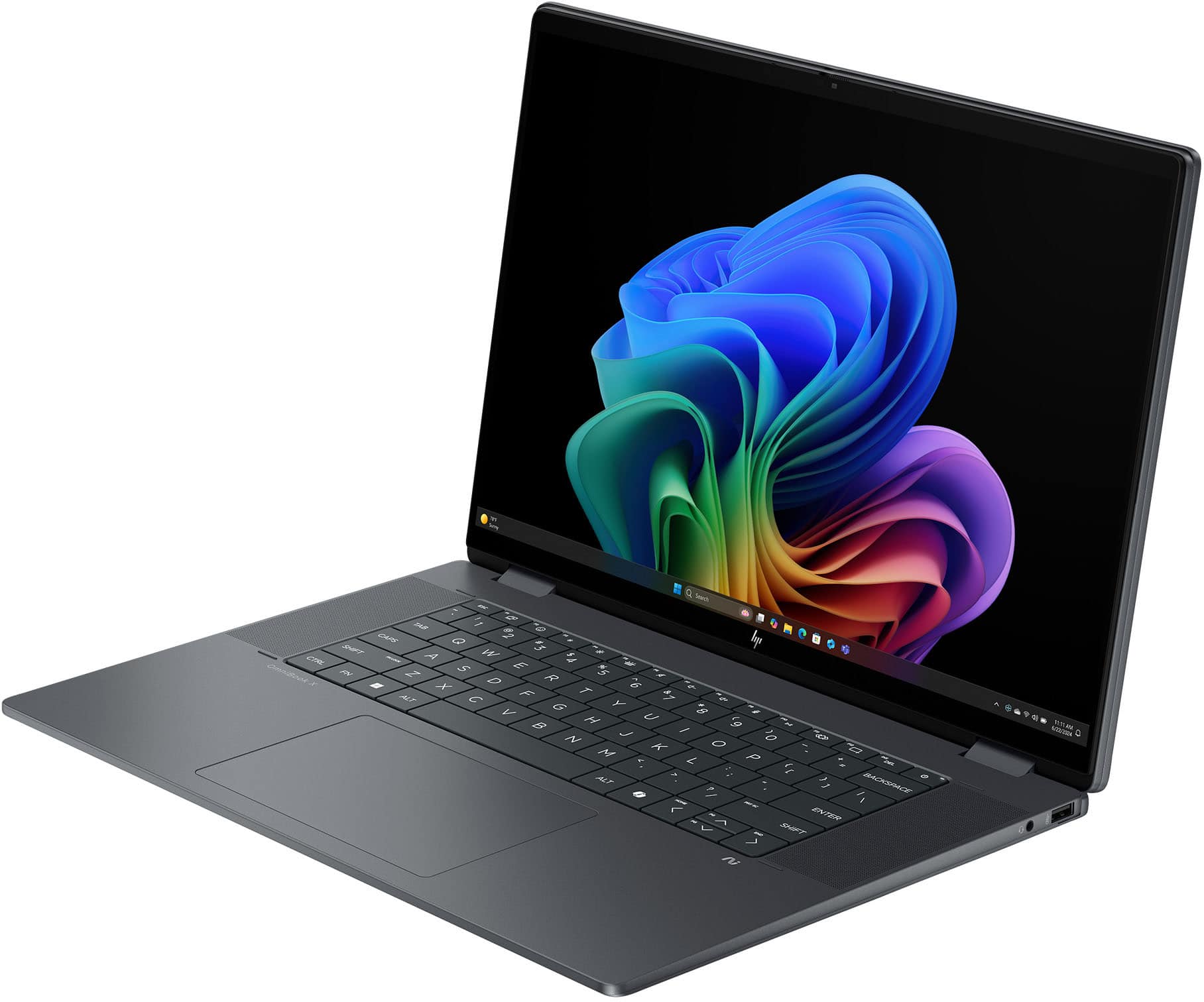
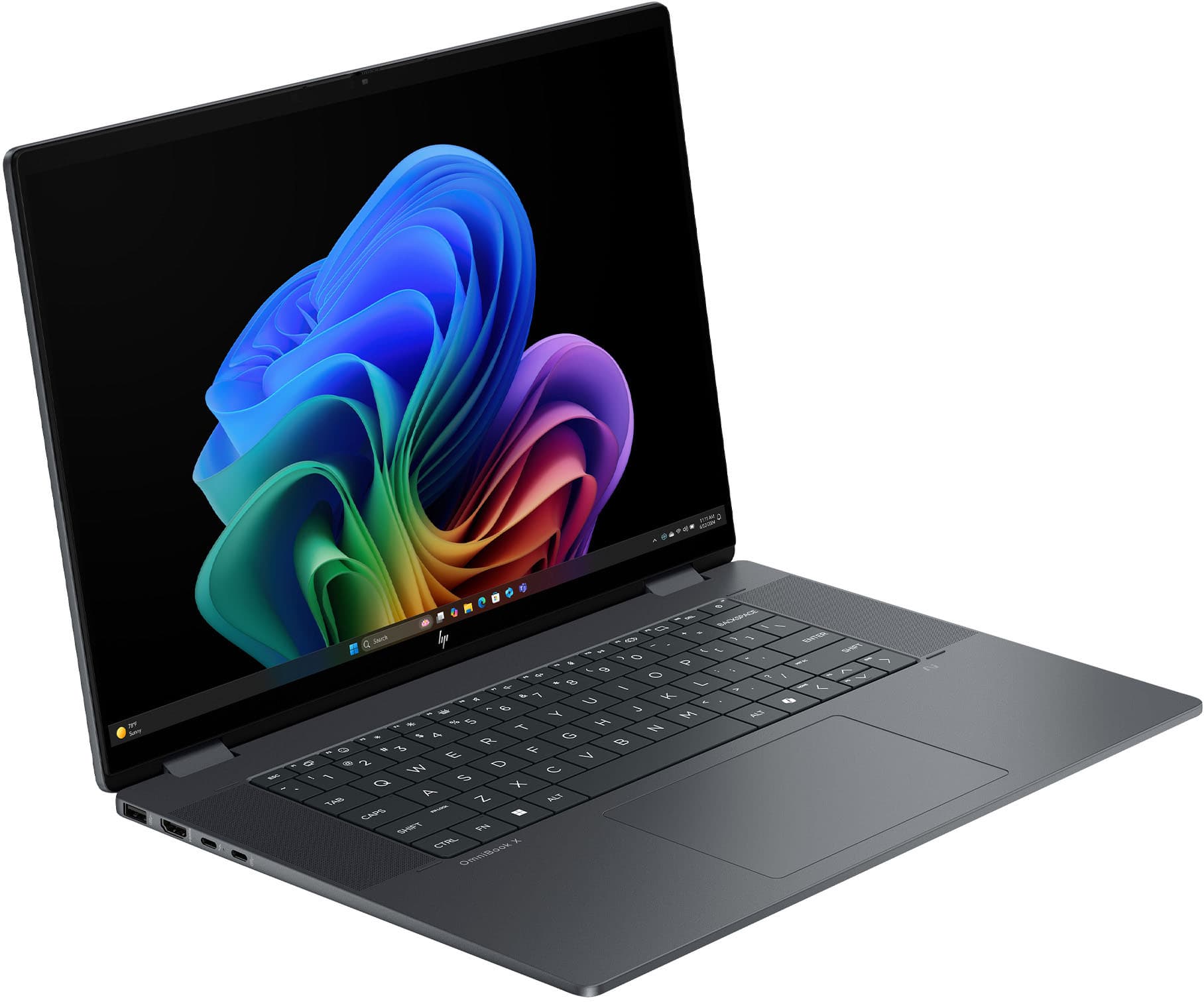
A:AnswerYes it can be added. However, it would need to be added externally. There is no room within the laptop to hold space for one to be added inside.
External burners can be thin and be carried along with the laptop.
A:AnswerYes they can hear you. You need to make sure that your mic is set to use the Bluetooth headset and not the built-in mic. Normally the computer does this automatically when you connect the Bluetooth device. If it hasn't been done, you can check by going to the icon in the system tray on the right side of the task bar. Click on the little speaker and go to troubleshoot. Follow those instructions.
You can also check on this by right clicking on the same icon and checking out sound settings.
A:AnswerOf course. I'd recommend doing a clean install. Download the iso from Microsoft, use a program such as the free edition of NTLite to remove certain undesirable features, then do the install.
A:AnswerDistribution is not directly from the factory to you, but it's in its original packaging and not opened by some third party to make any modifications.