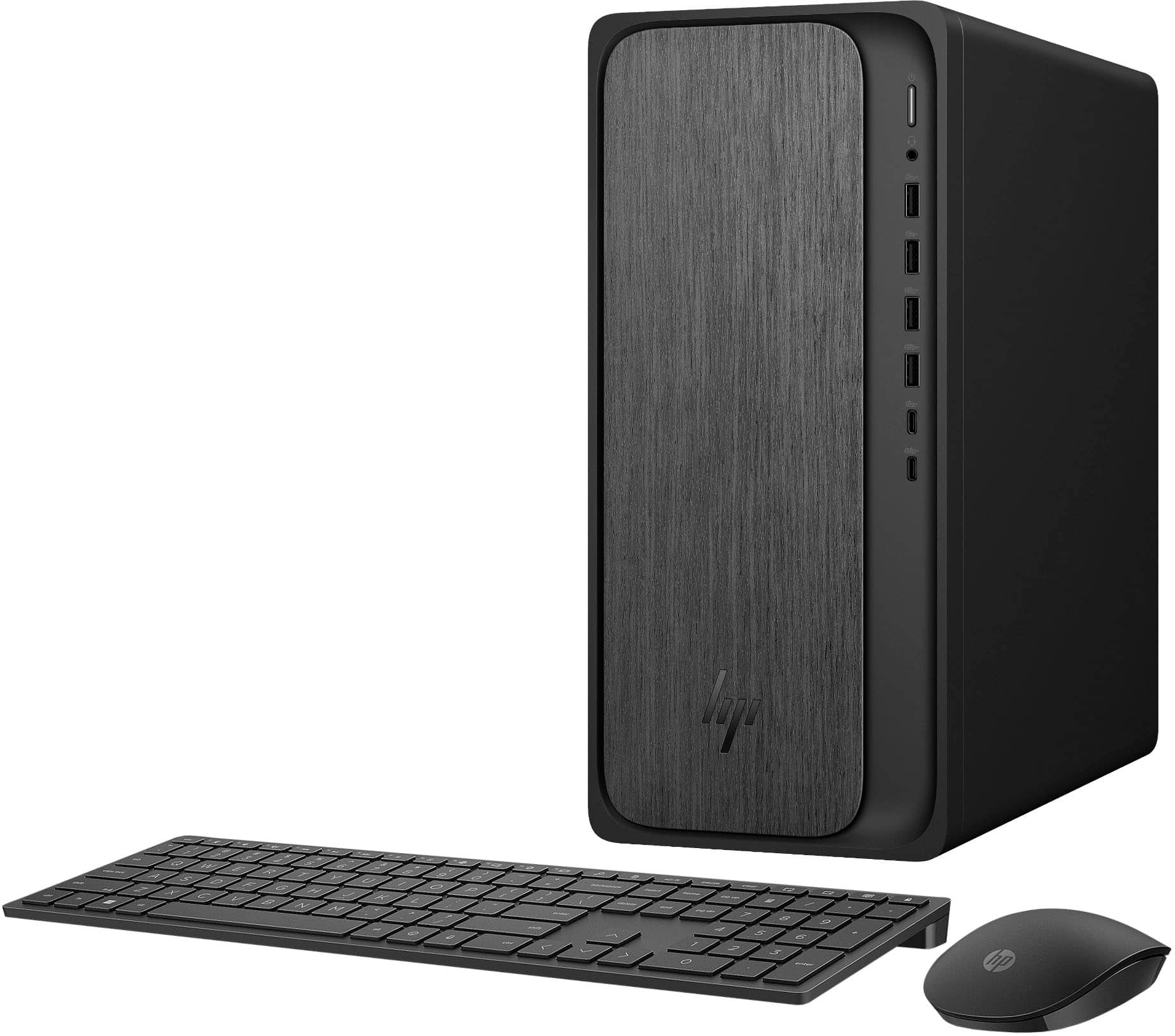
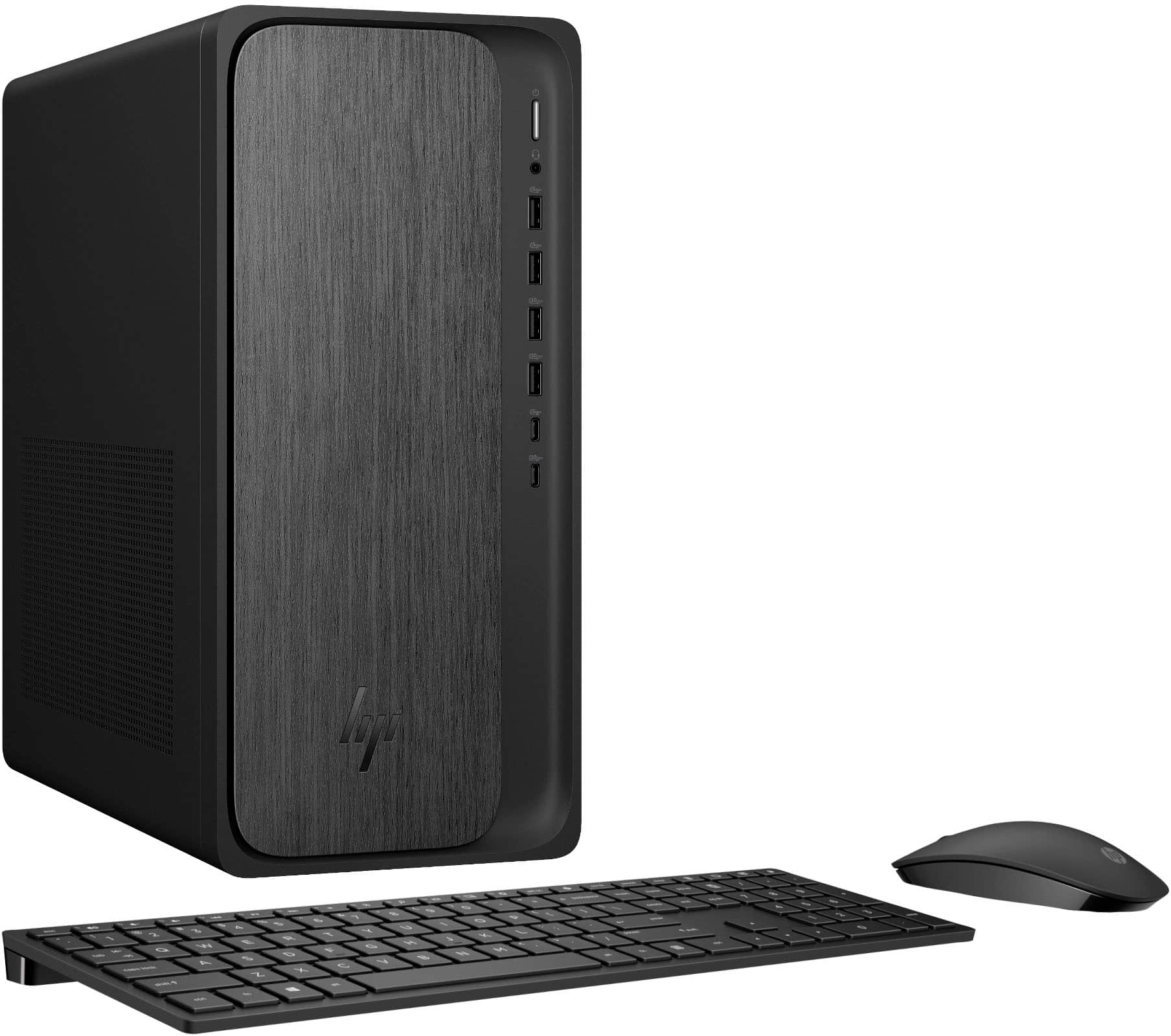
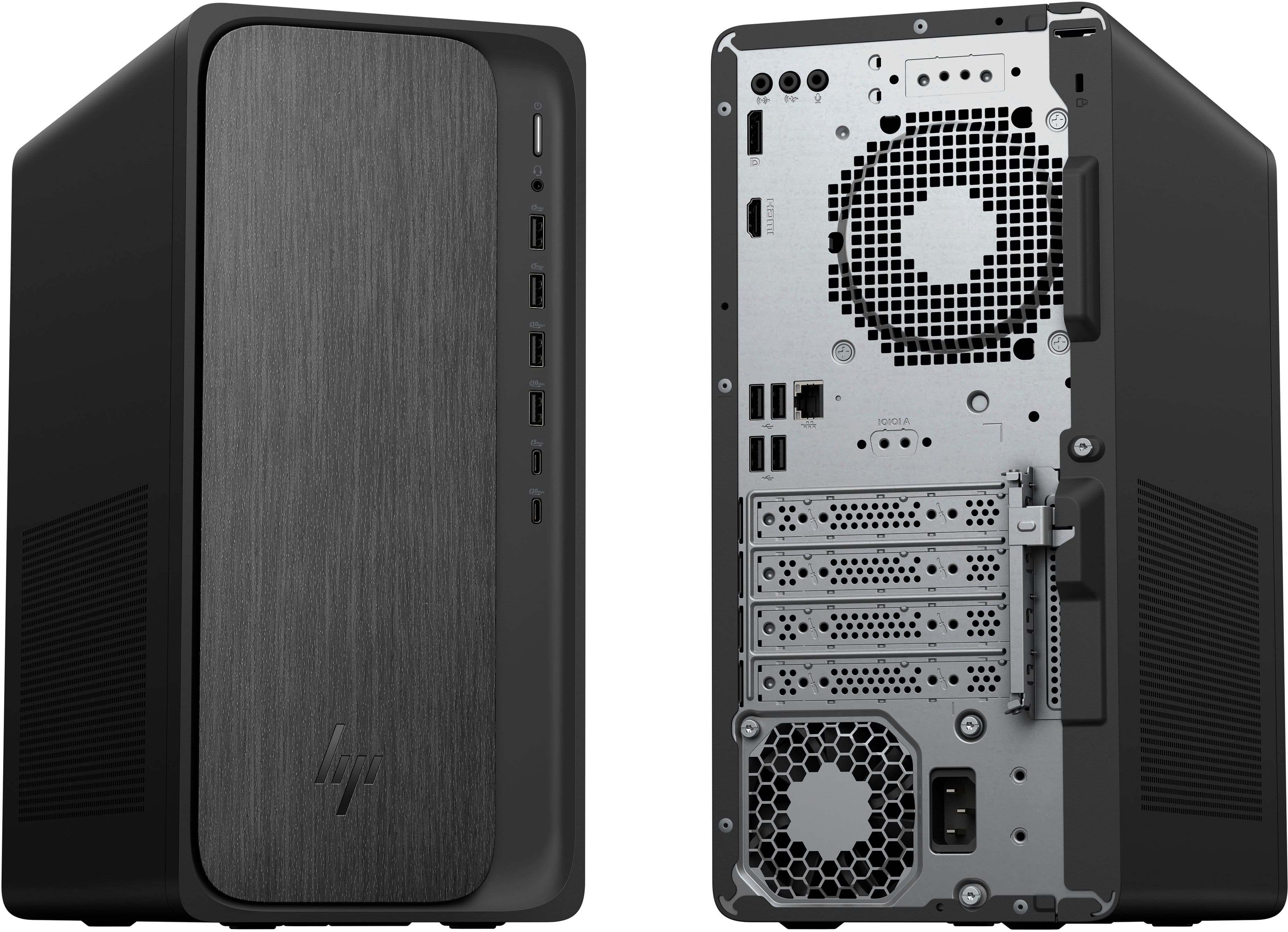
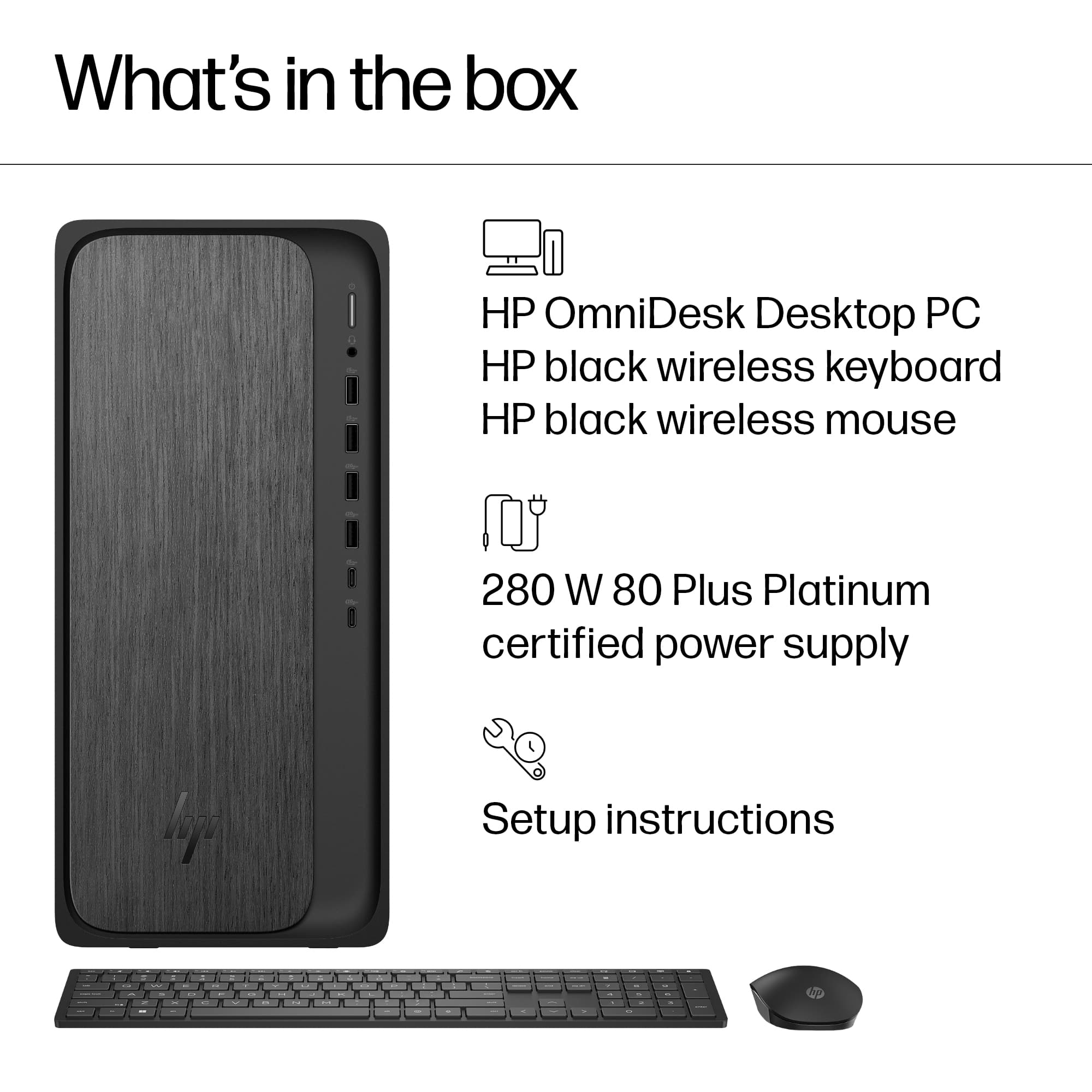
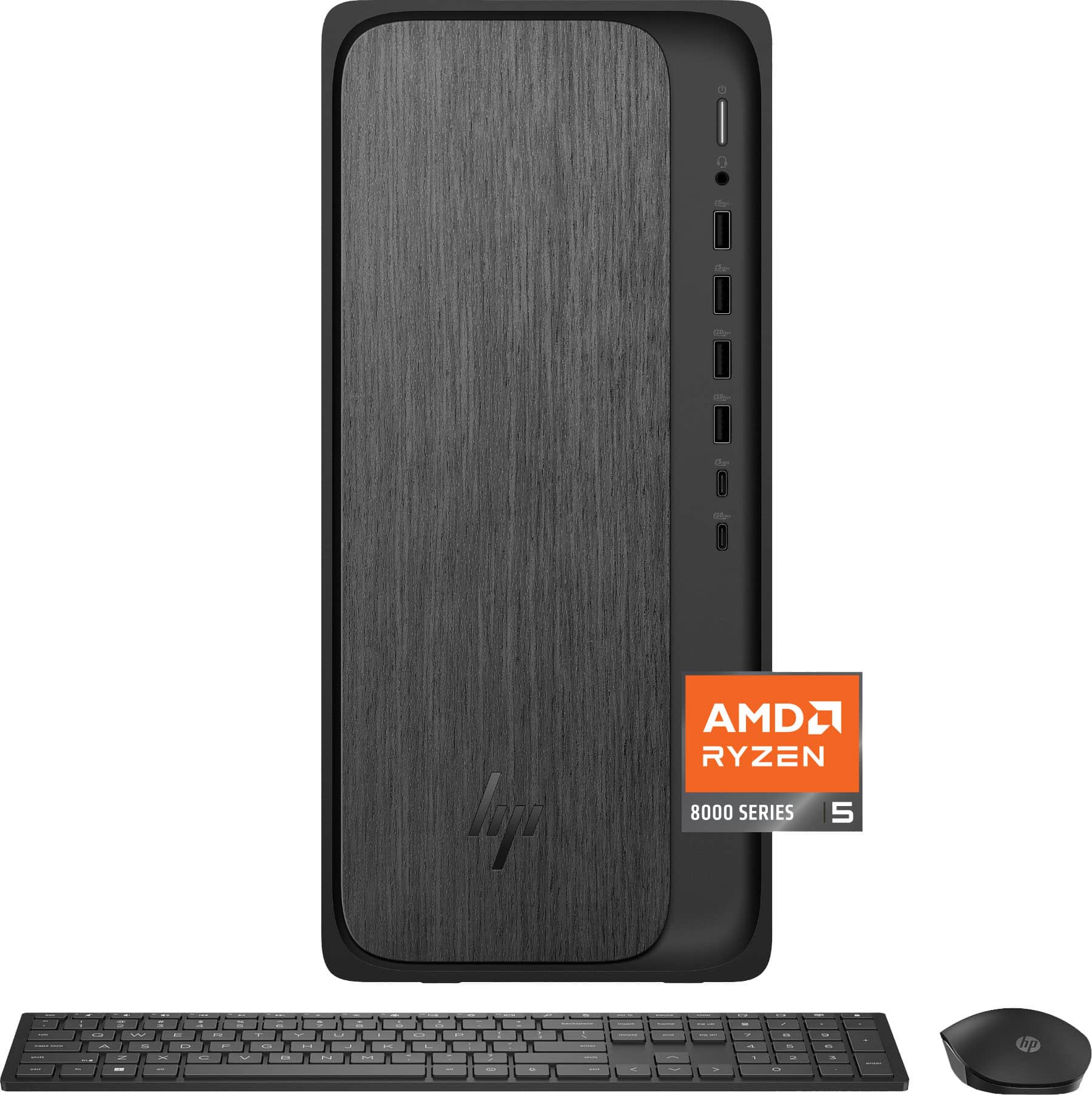
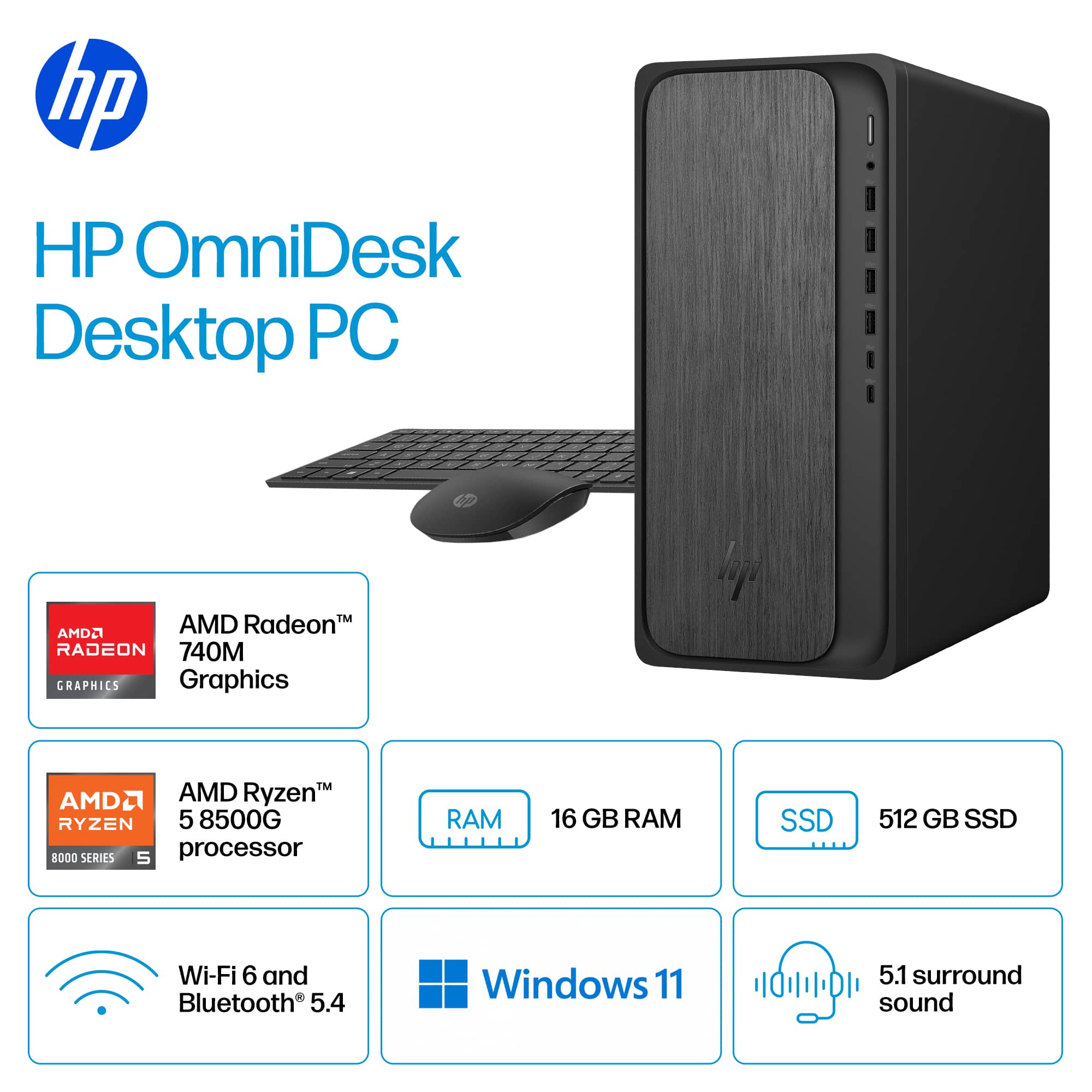
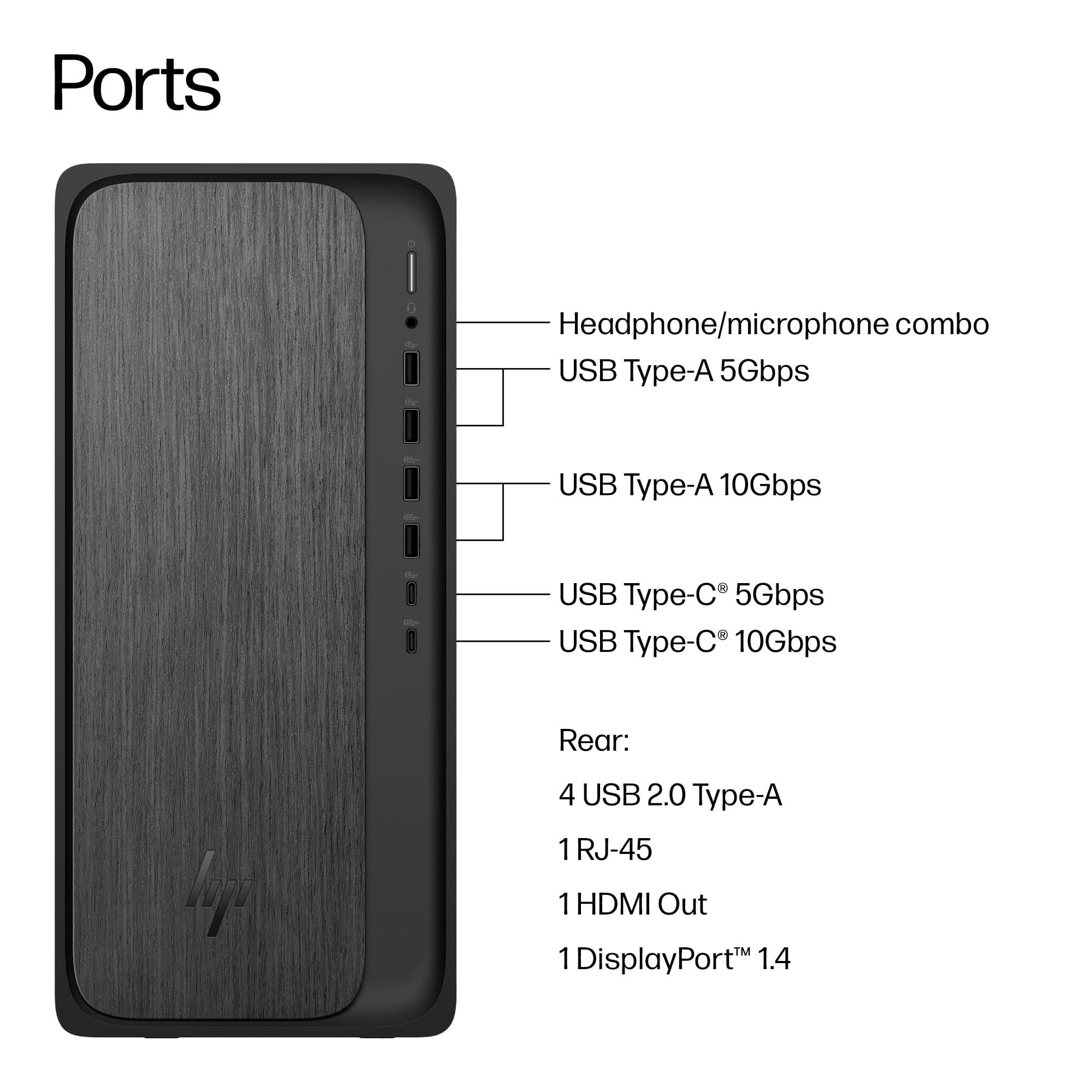
A:AnswerThere is an open PCI-E X16 slot open on the board, but there is not an open M2 slot, so you need an adapter to add an additional drive. I added a 2TB extra drive to mine using an adapter I purchased from a store named after a river in south America.
A:AnswerI would think it would work fine, The quality will not be as good as a newer monitor but should be ok for normal computer use and web browsing.
 for more information.
* ENERGY STAR and the ENERGY STAR logo are registered trademarks of the US Environmental Protection Agency.
* HP](https://pisces.bbystatic.com/image2/BestBuy_US/images/products/992baeef-17dc-4428-82f4-0f0c2de9f557.jpg)