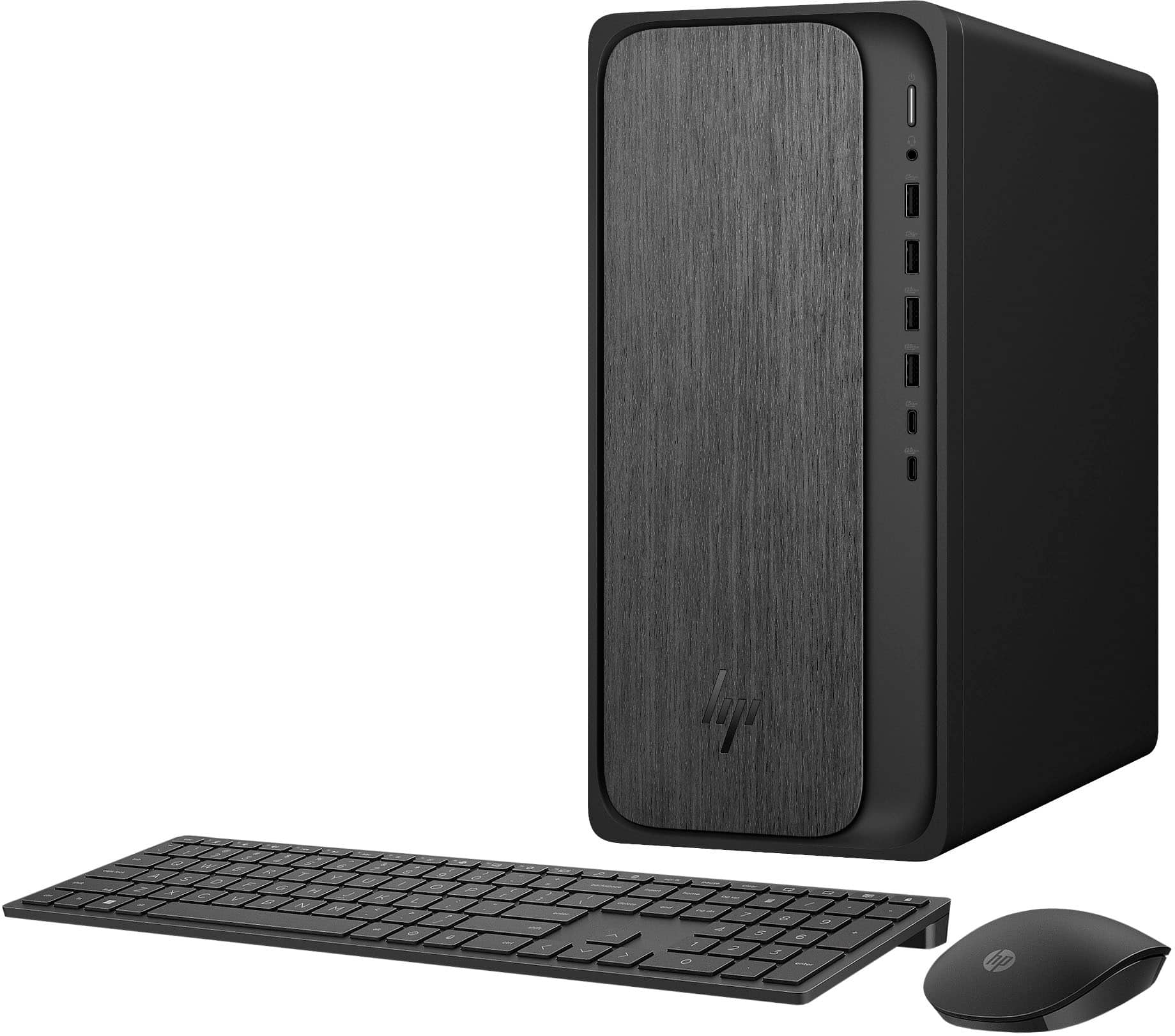
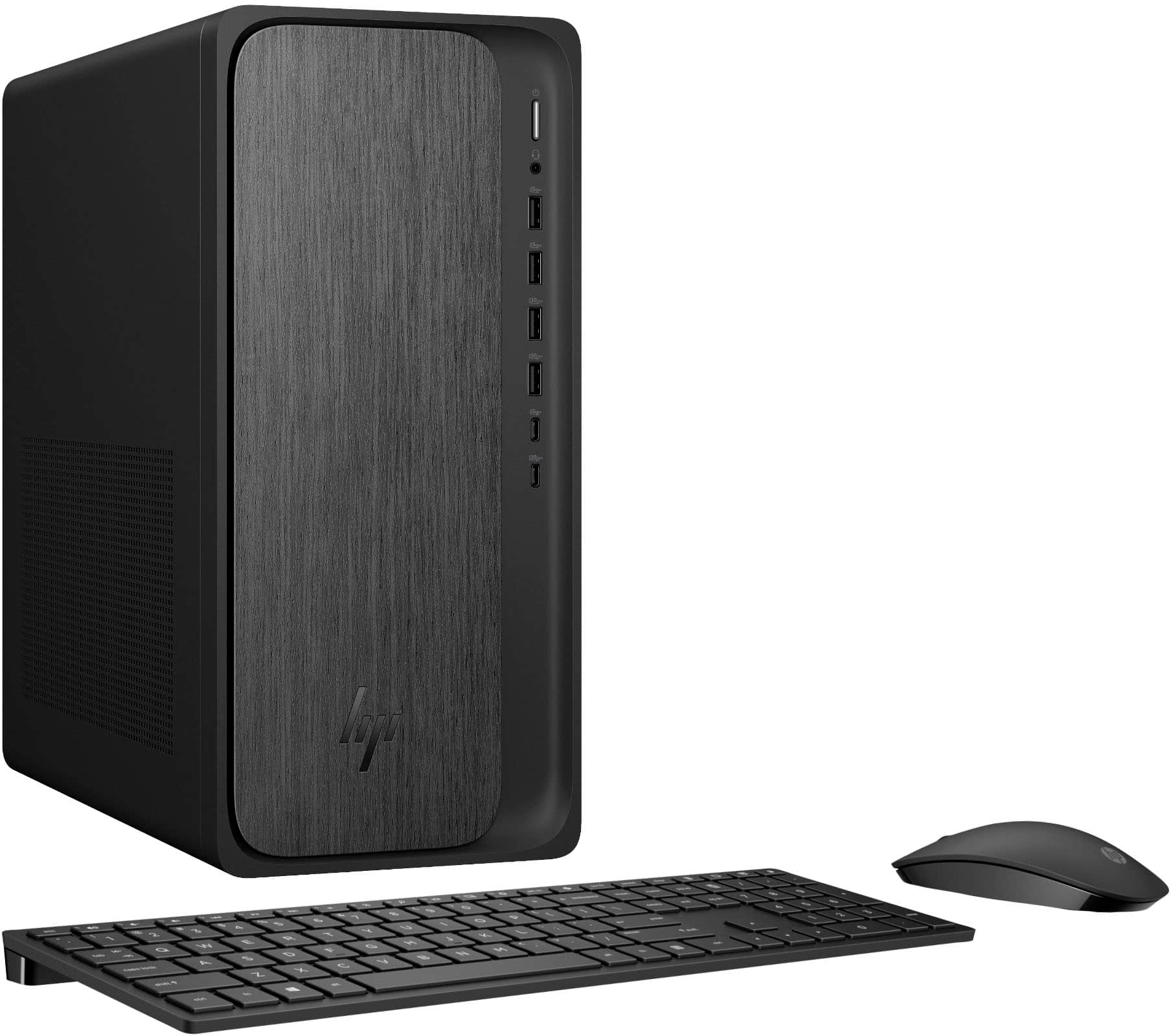
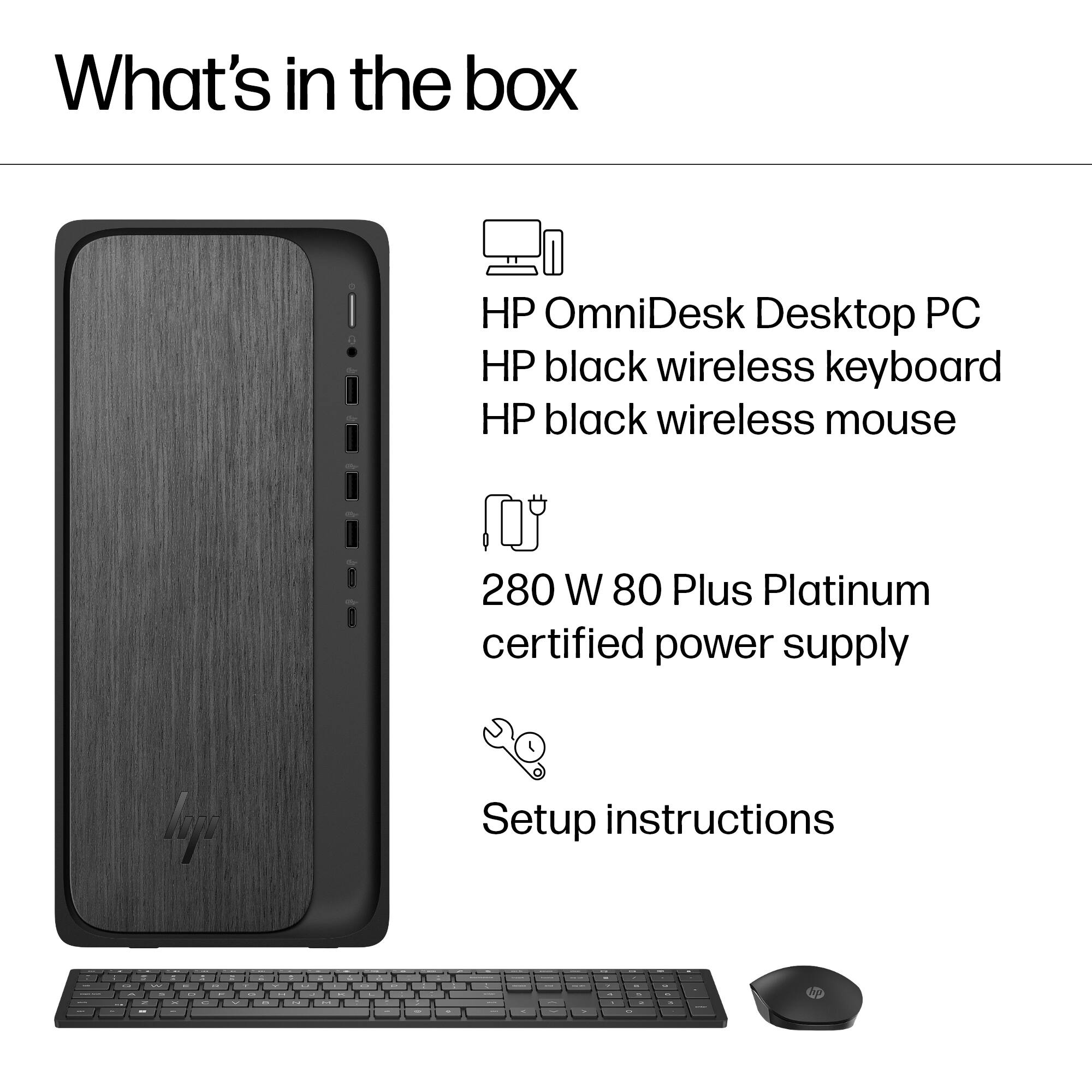
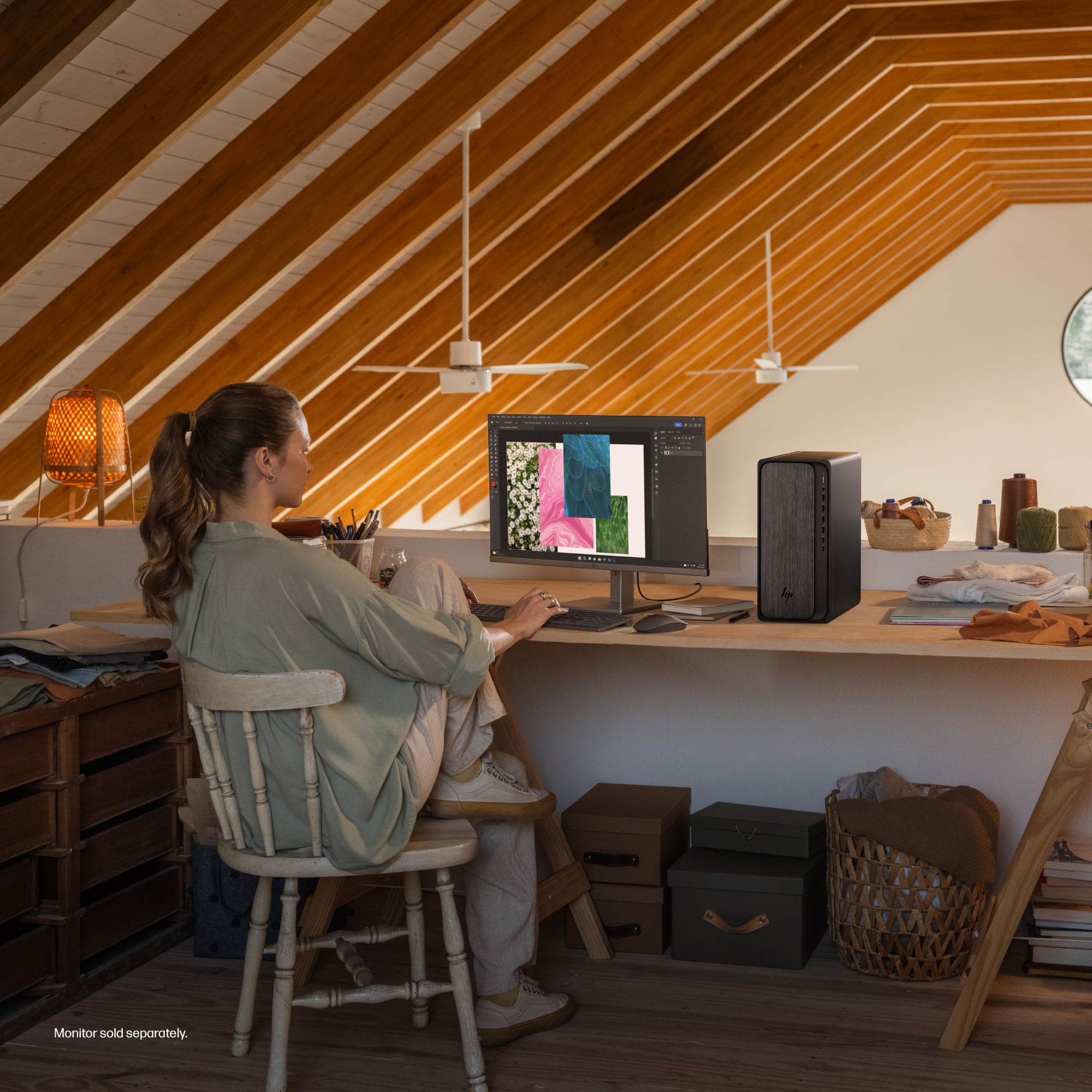
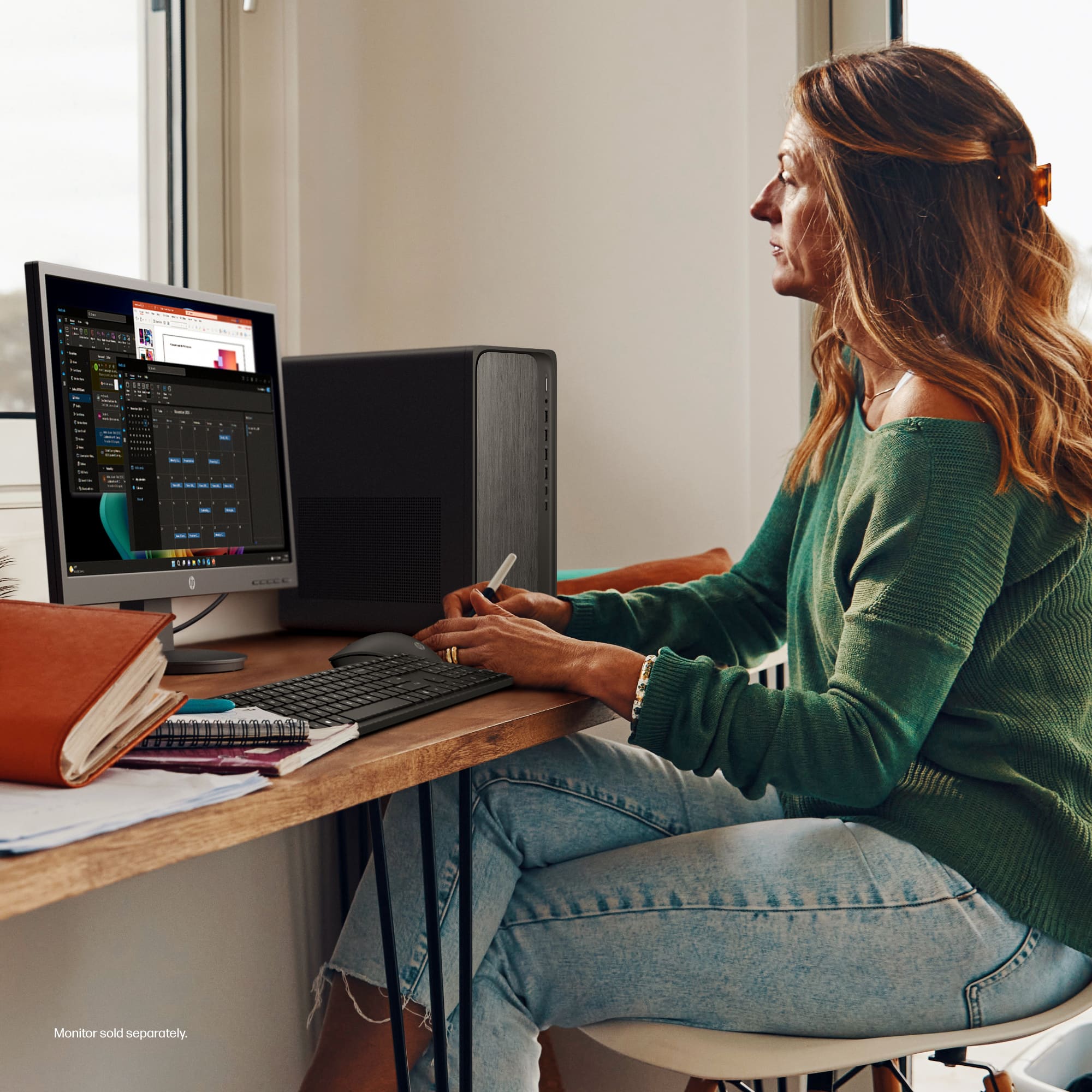
A:AnswerThe desktop has a cooling fan and heat sink to protect the CPU. I own this computer and have had no problems with overheating - but then, again, I live in Minnesota!
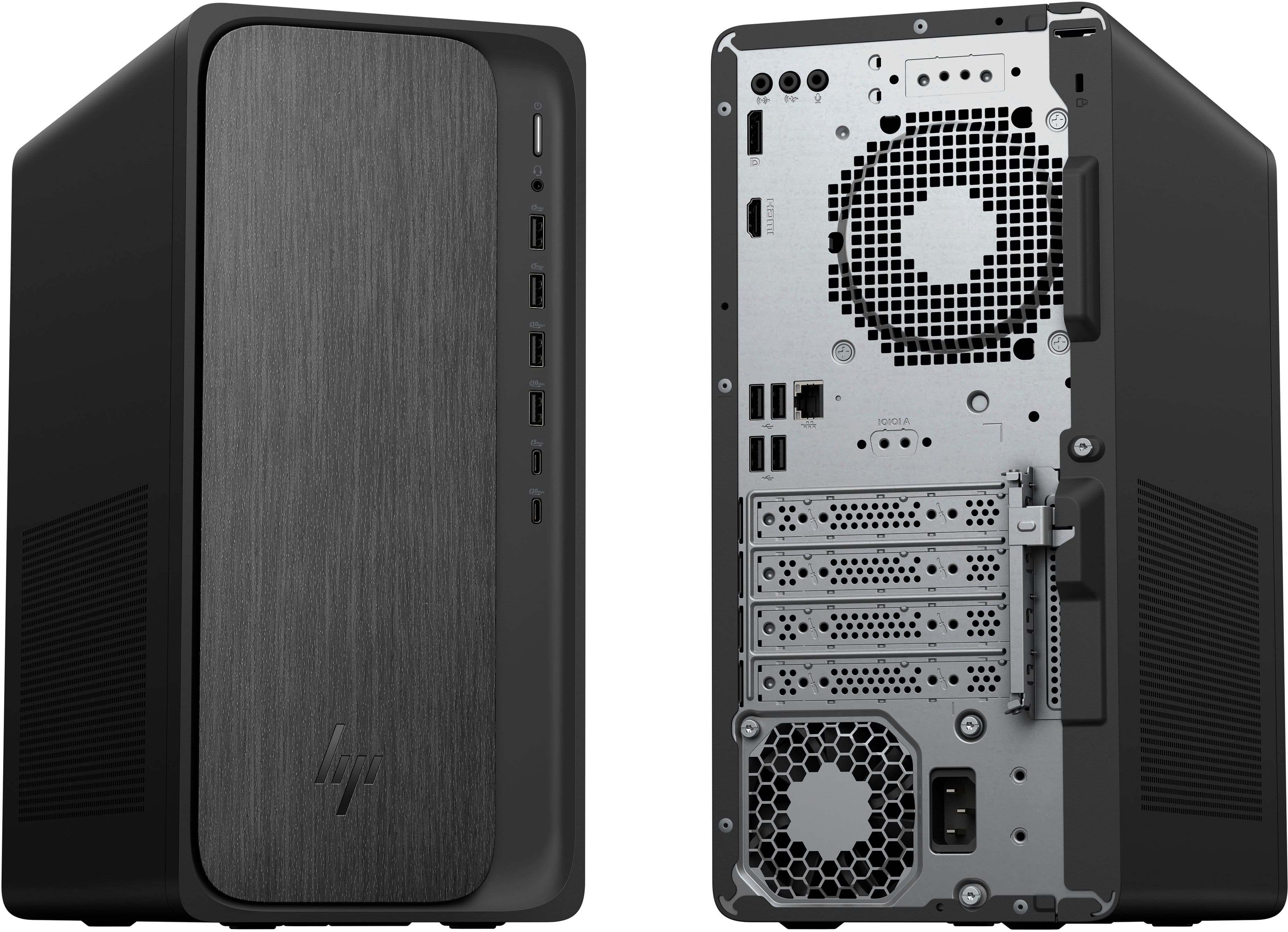
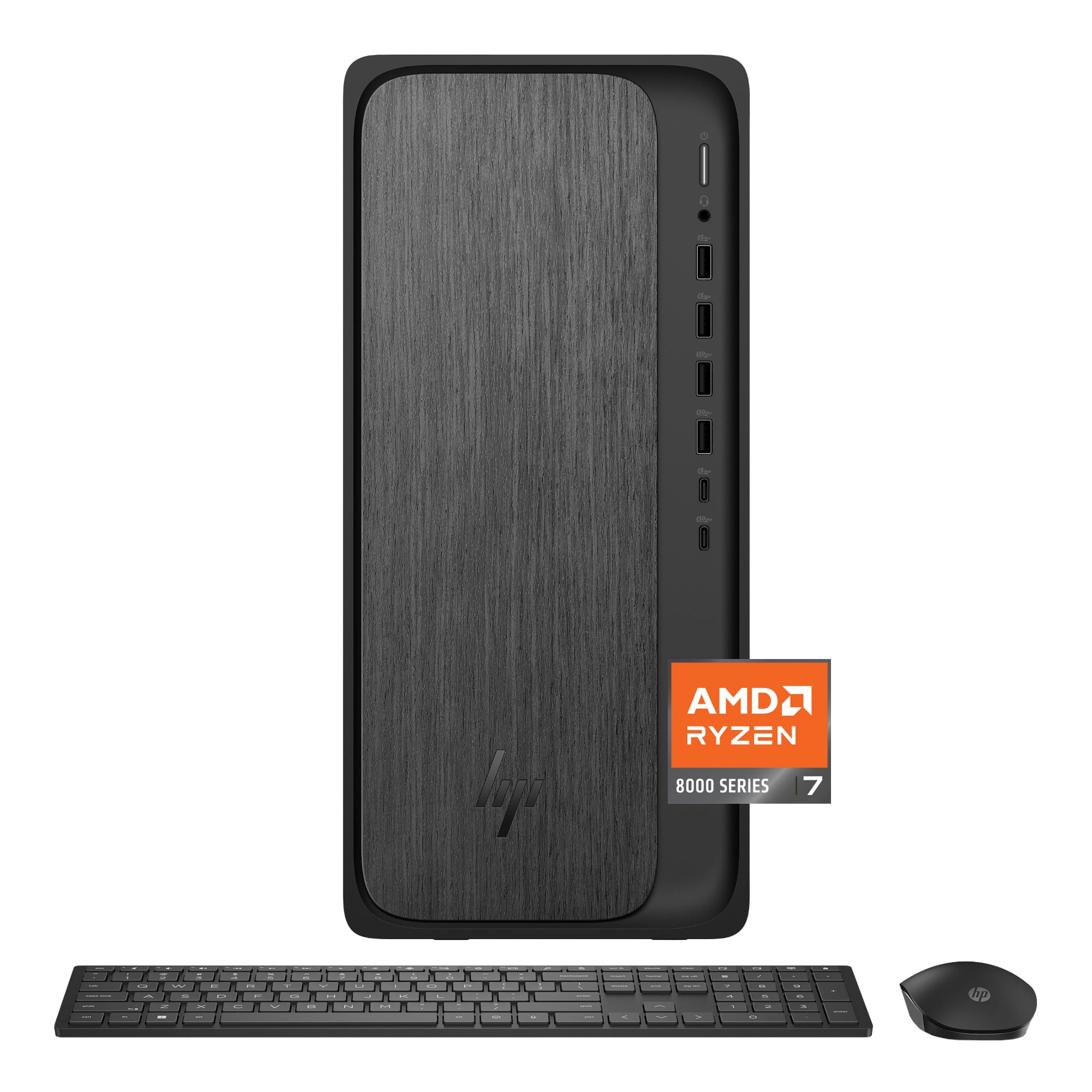
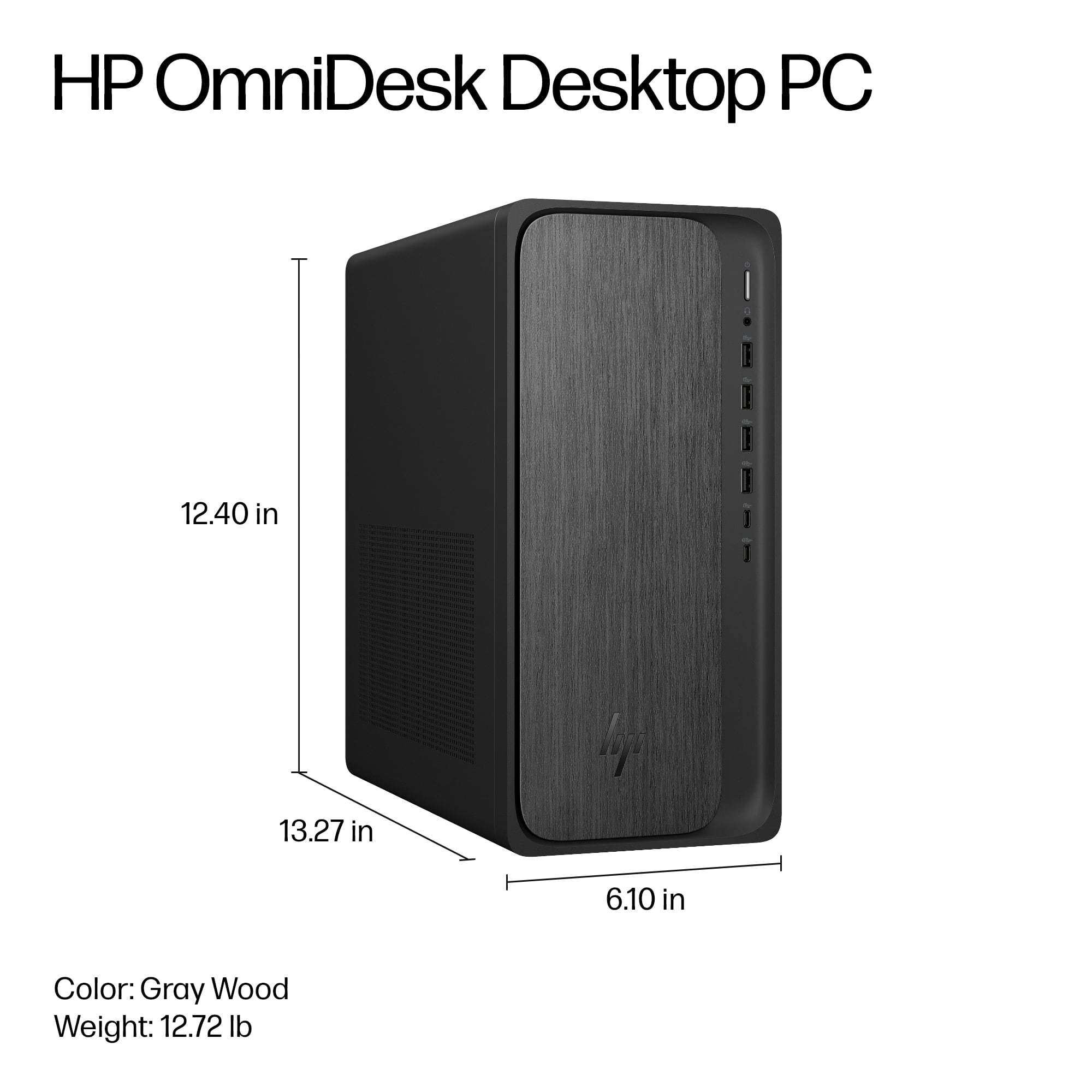
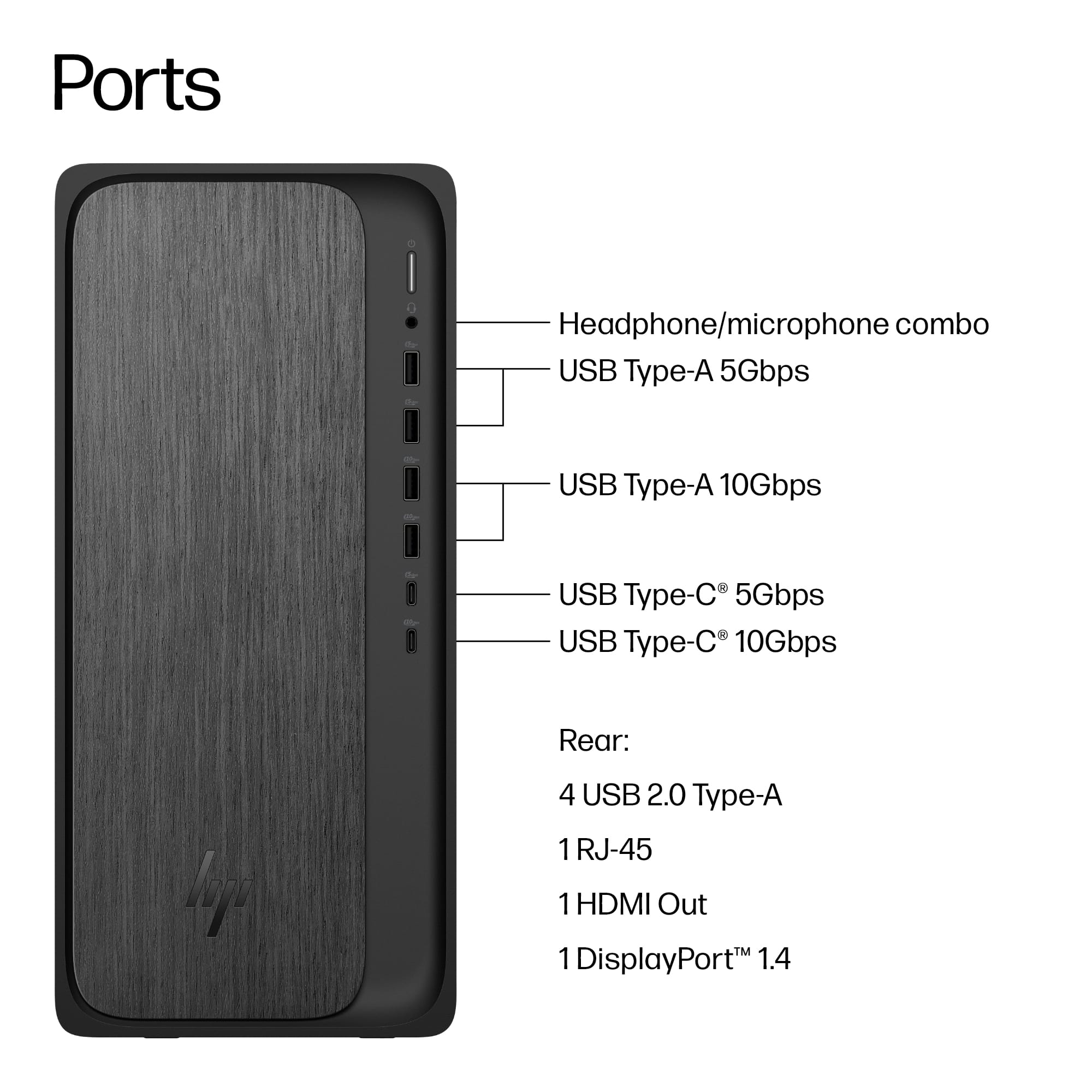
A:AnswerGeorge, I was going to give you a smart a-- answer to read the manual, until I read mine. I don't know why manufacturers don't show pictures of the ports, front and back but for some reason they don't seem to.
The answer to your question is:
Key Audio/Peripheral Details:
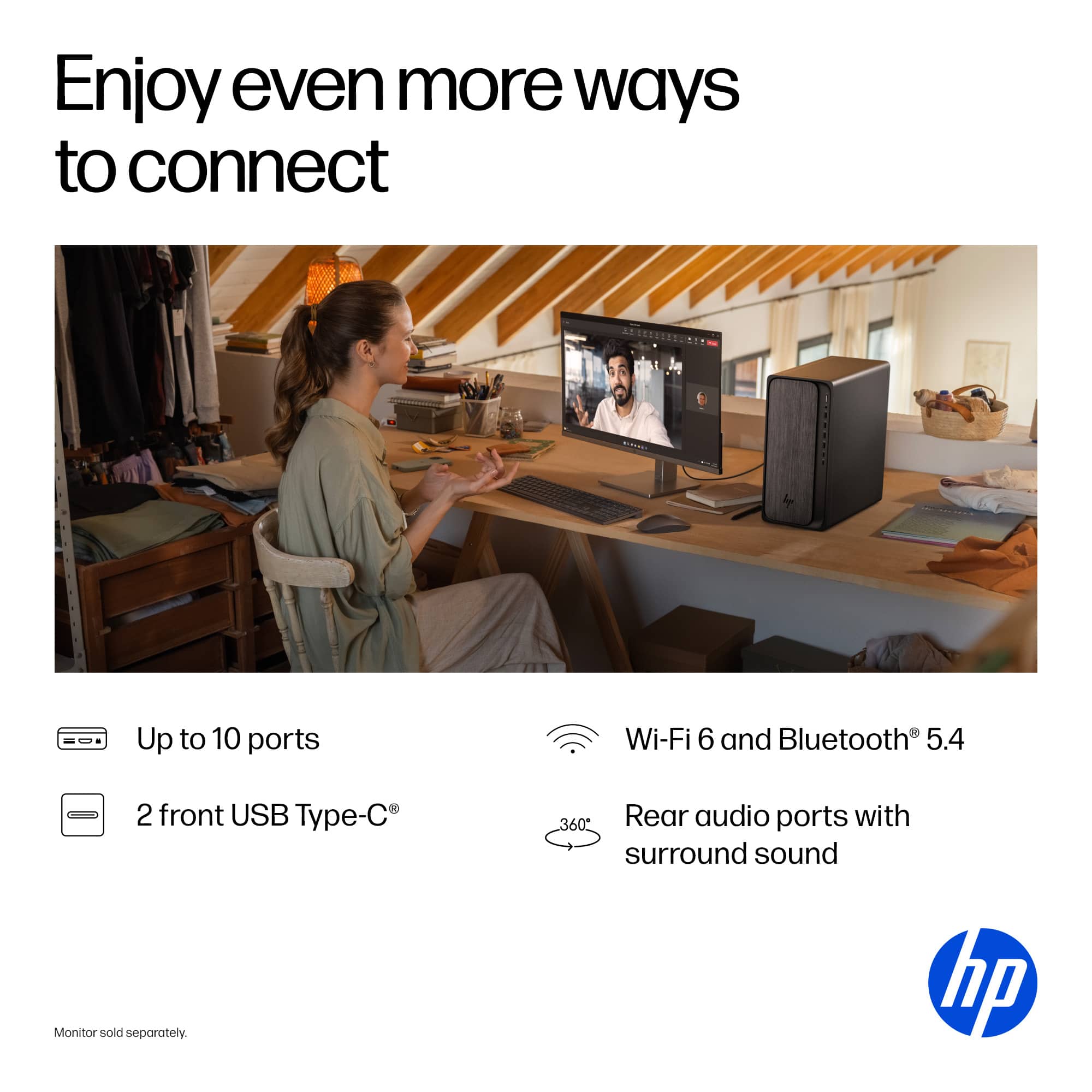
Rear Ports: 3x 3.5 mm audio jacks (input, output, microphone).
Front Ports: 1x headphone/microphone combo.
I have my speakers (mid-level computer speakers with a sub-woofer) connected through these rear ports and it works fine.
I found that you can also connect USB speakers to any of the 3 USB A 2.0 ports on the back of the computer as well.
Sorry you had to ask.
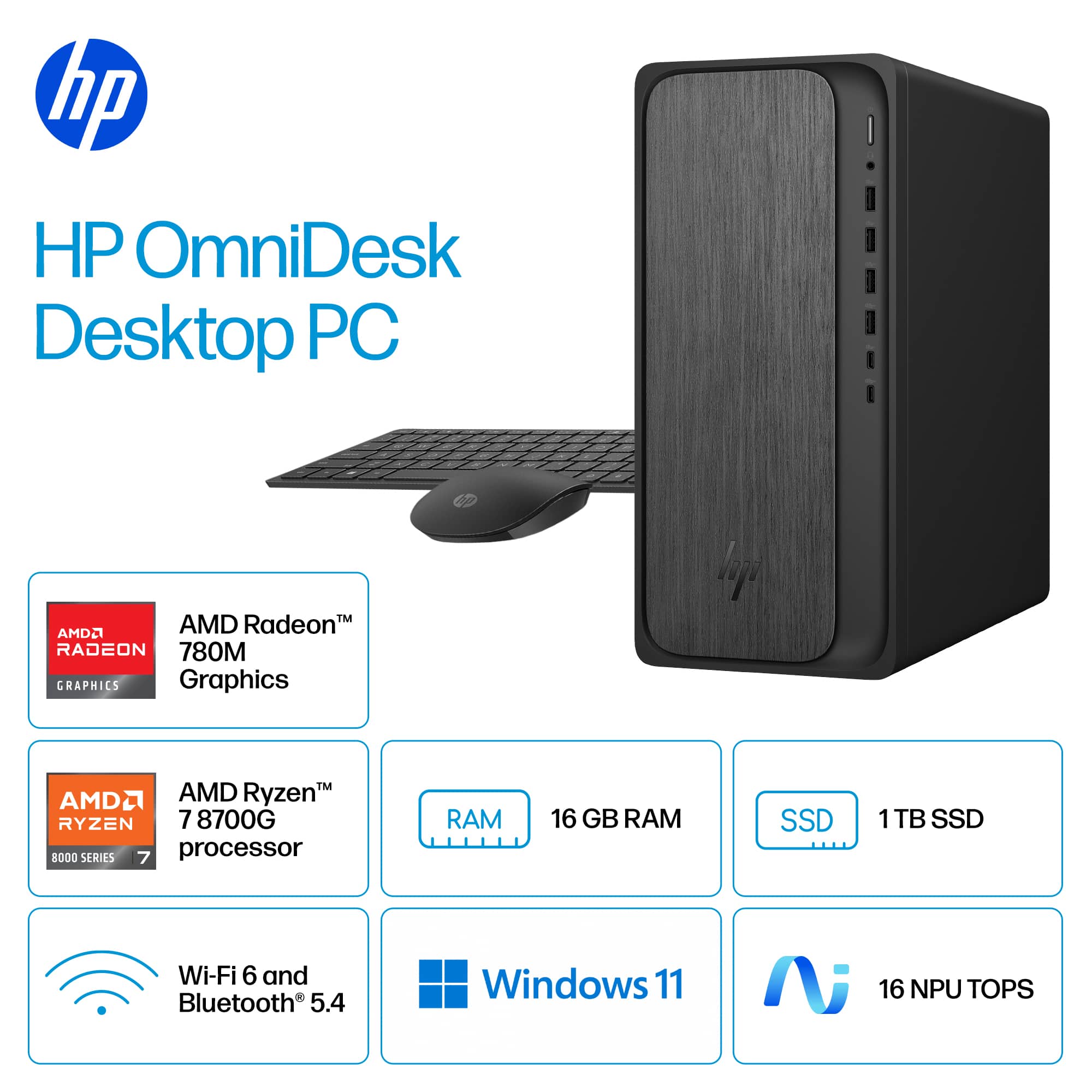
A:AnswerYes, Windows 11 Home. When you first start, it updates you to the latest version over the internet. It asks you about a Microsoft Account, but you don't really have to have one.
A:AnswerAs of February 2026 my OmniDesk Desktop is running Windows 11 Home 25H2, but I believe the version will depend on whether you're consistent in updating your computer when Windows updates.

 for more information.
* ENERGY STAR and the ENERGY STAR logo are registered trademarks of the US Environmental Protection Agency.
* HP](https://pisces.bbystatic.com/image2/BestBuy_US/images/products/fe31c4de-facf-49b7-a9b7-f2242fa35e32.jpg)