




Questions & Answers
- Model:
- 27-CS0014
- |
- SKU:
- 6589859
Highly rated by customers for: Processor Speed, Screen Size, Ease of use
Page Showing 1-15 of 15 questions
Q: QuestionCan I connect to a monitor using an HDMI cable?
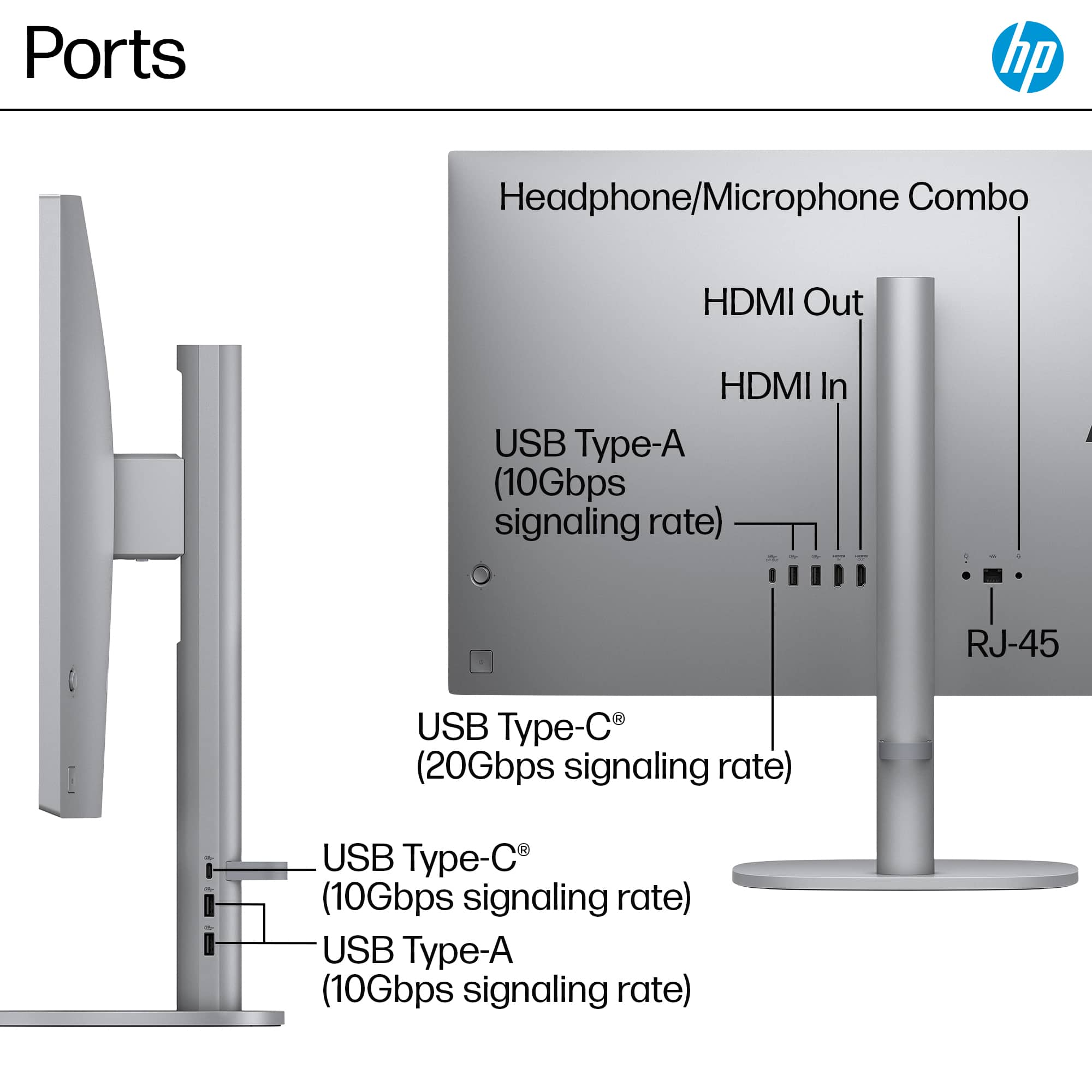
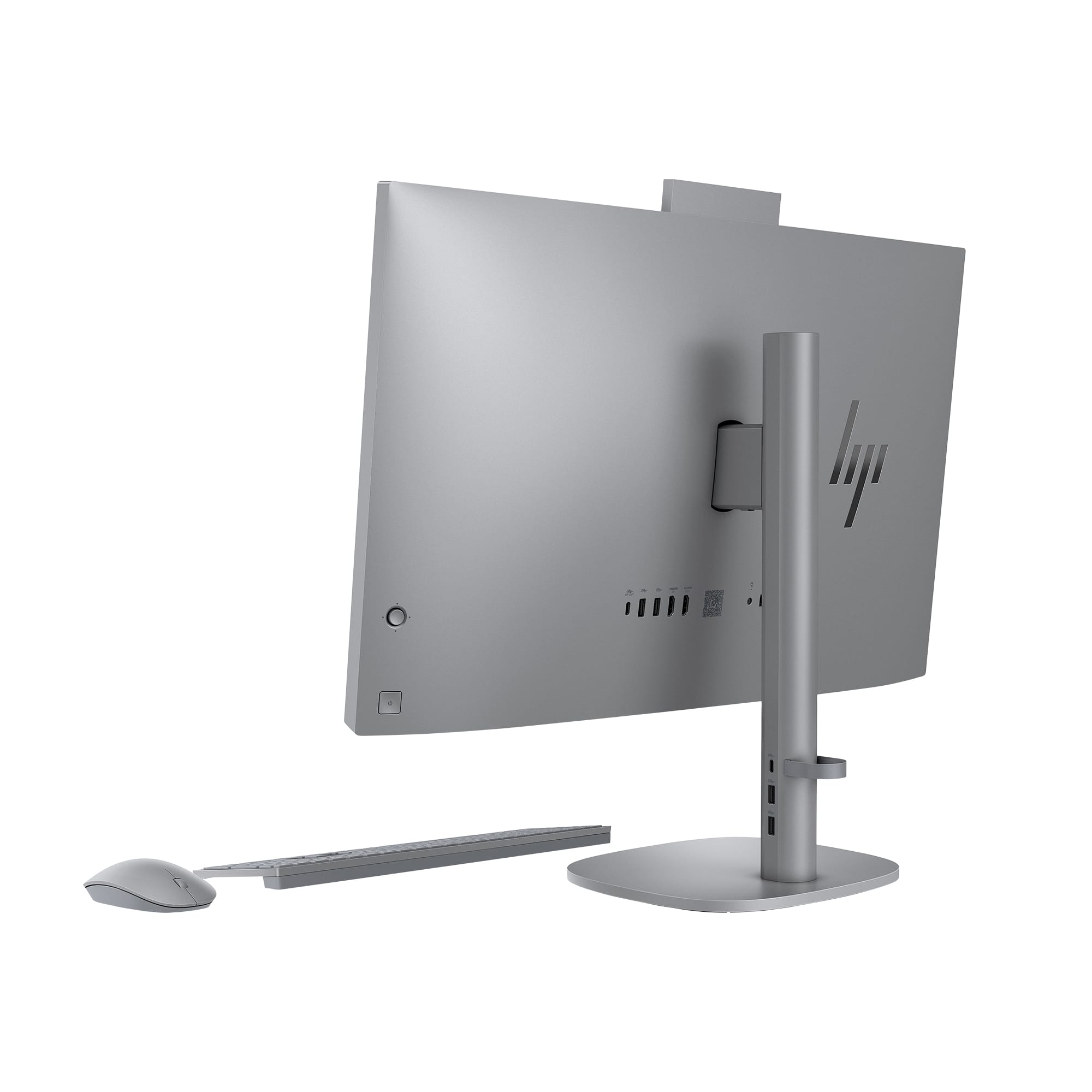
- A:Answer Yes, you can connect to an external display with the HDMI out port.
This question and answer was generated by AI based on customer and product data.Q: QuestionHow much RAM does this HP computer have?
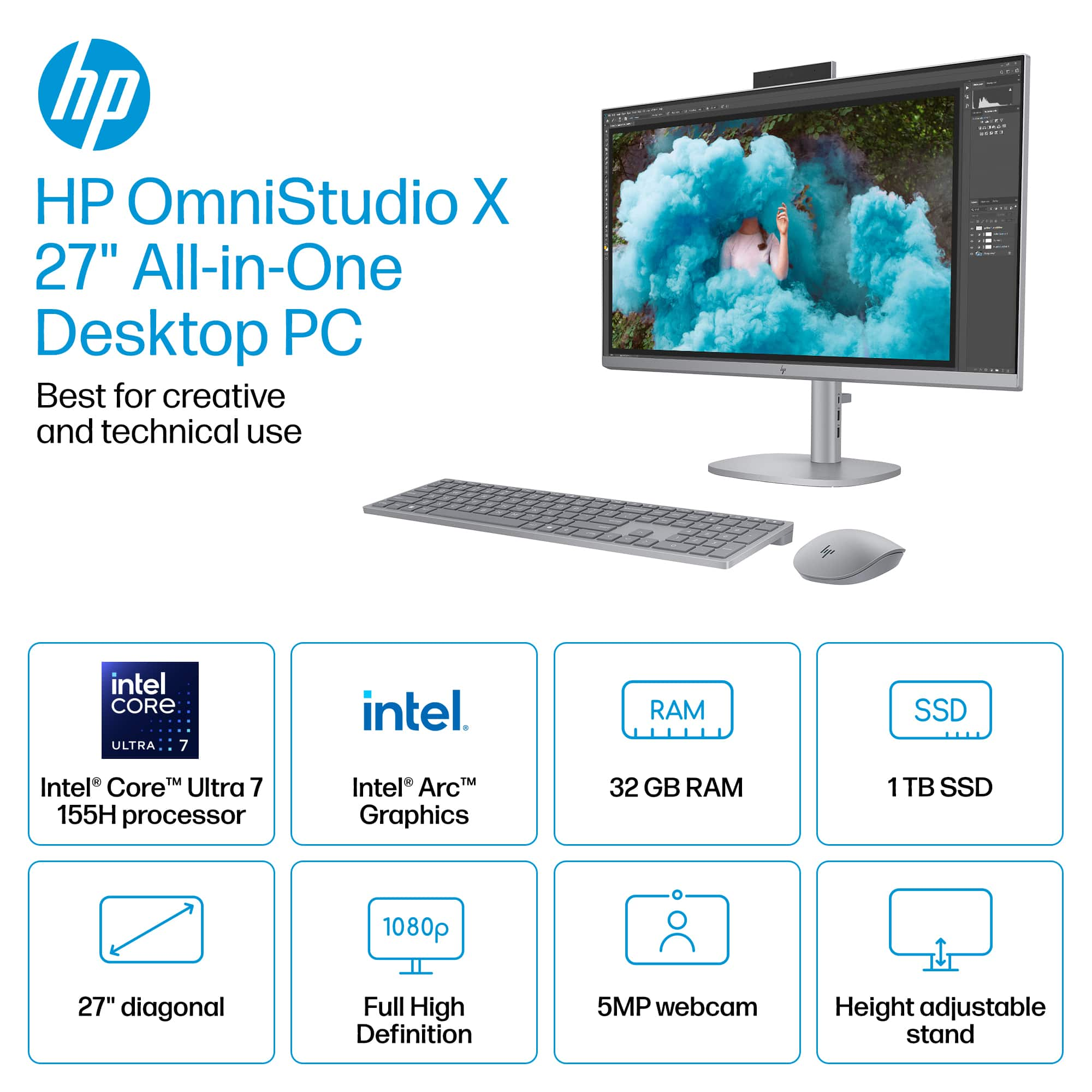
- A:Answer This computer comes equipped with 32GB of DDR5 RAM.
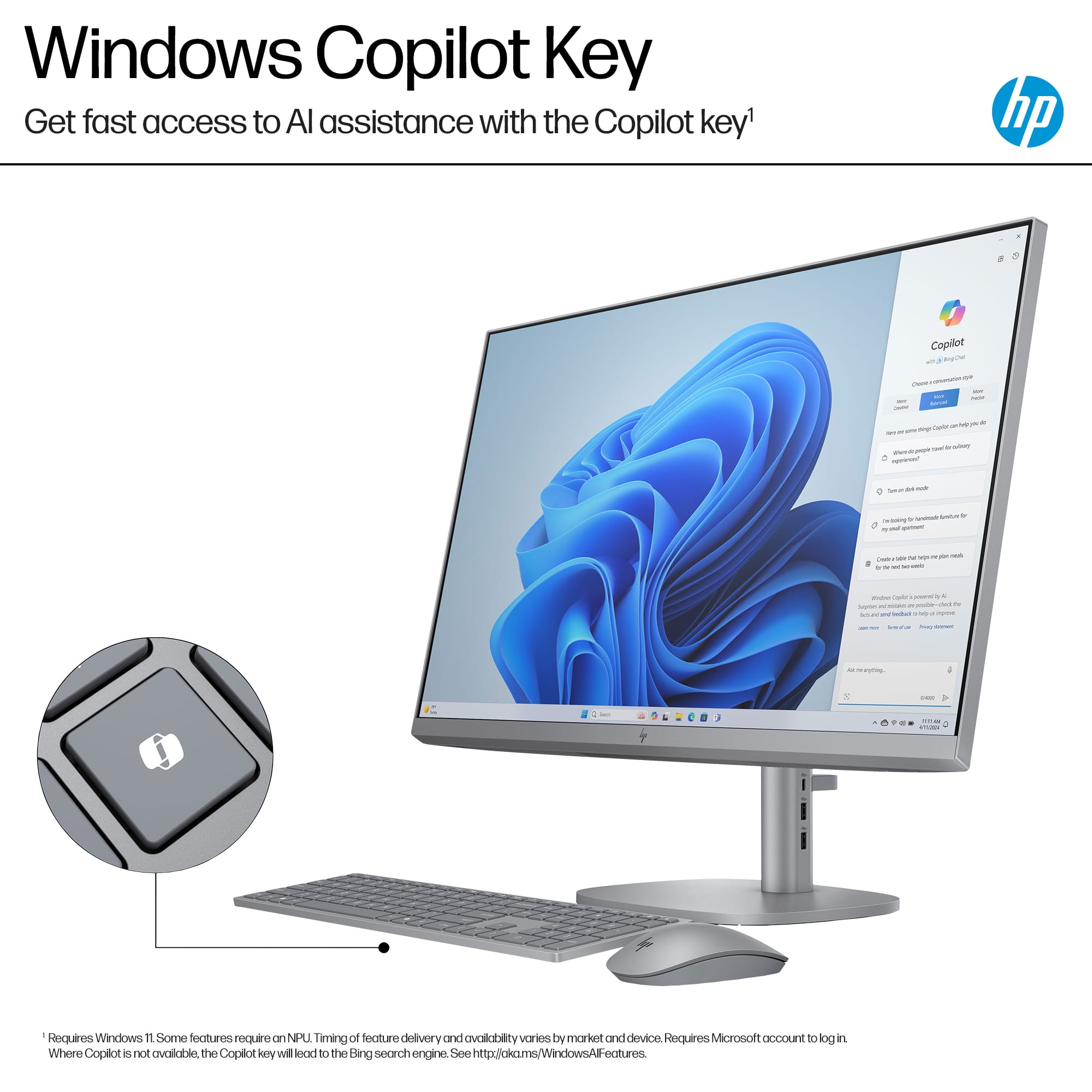
This question and answer was generated by AI based on customer and product data.Q: QuestionDoes this HP computer come with a camera?
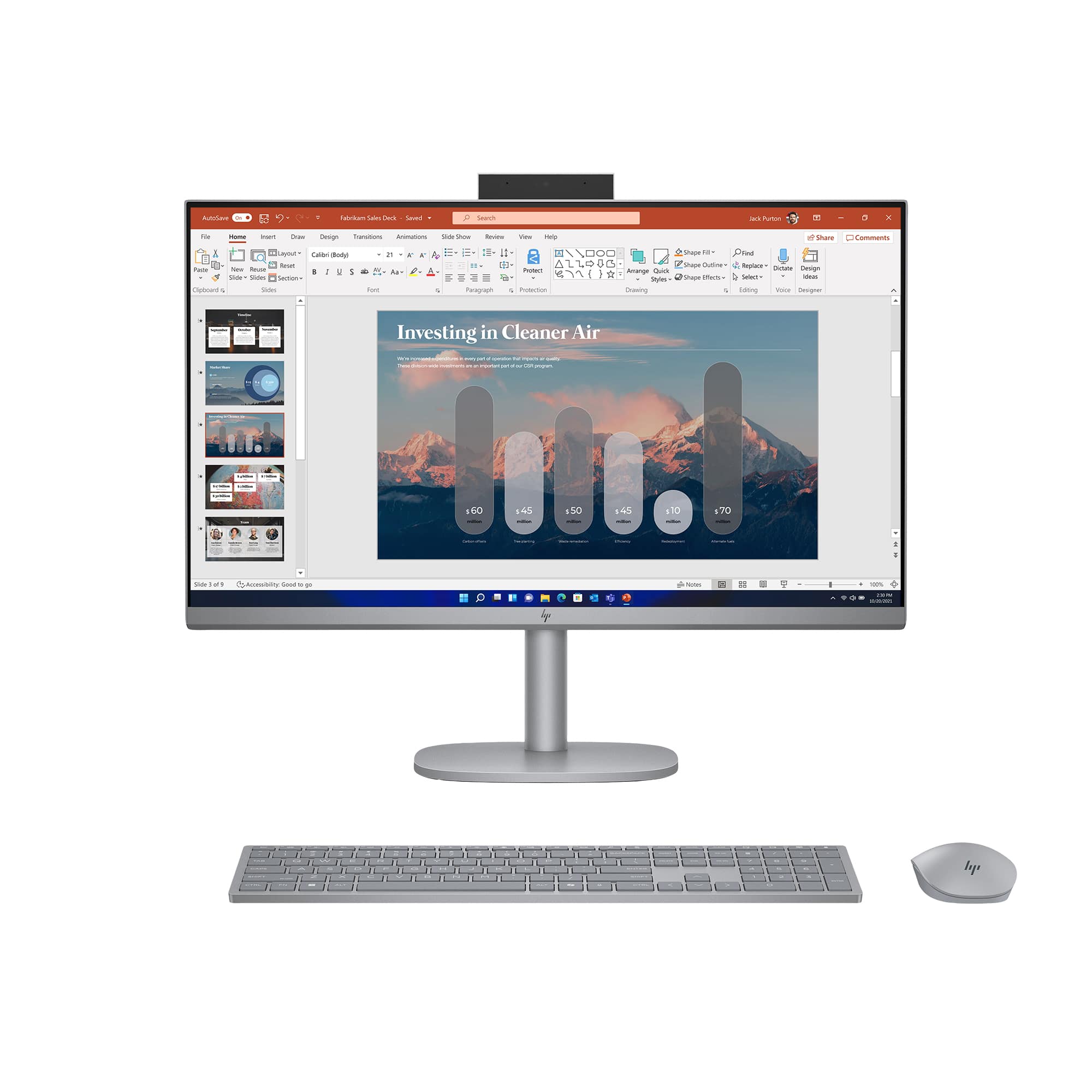
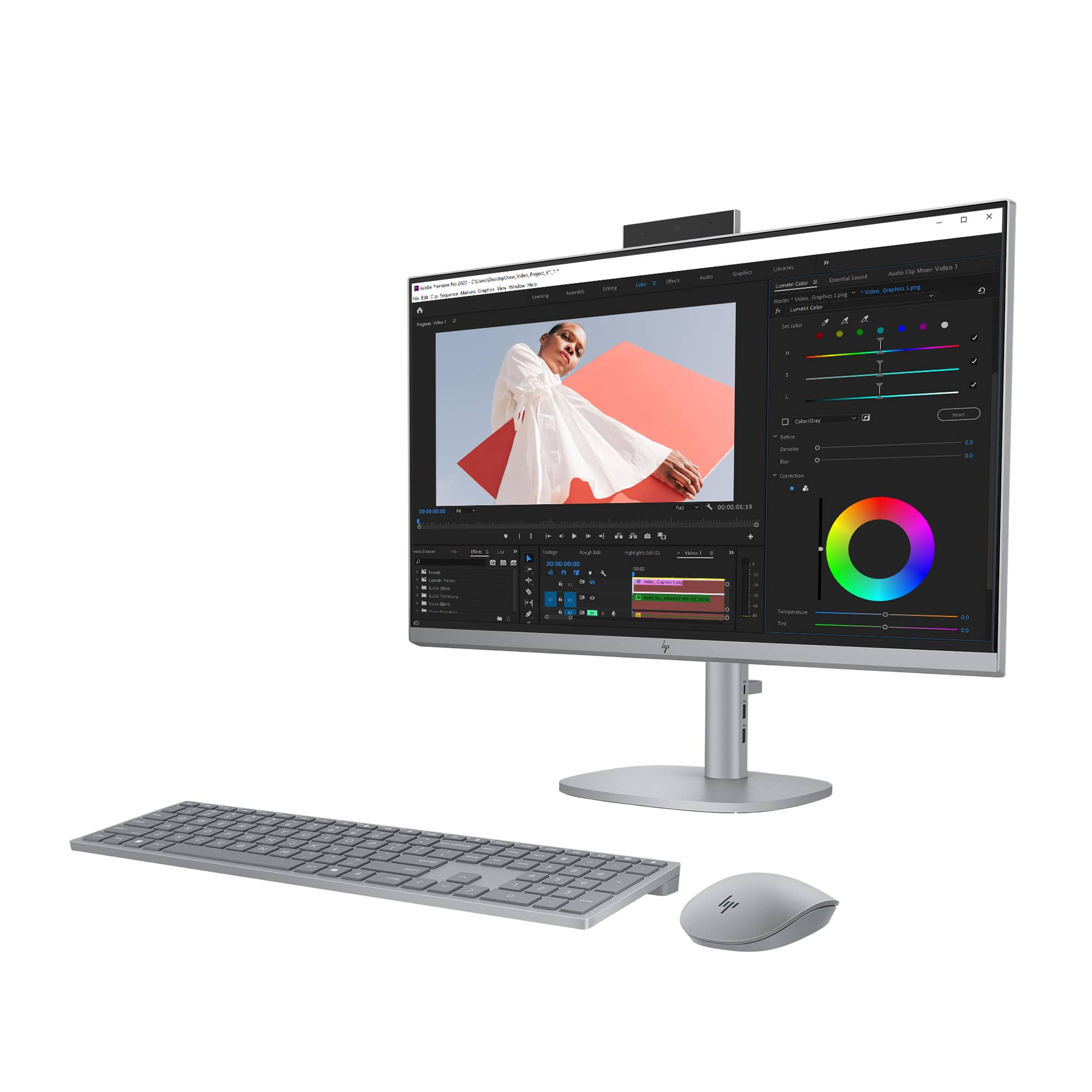
- A:Answer Yes, this computer has a front-facing 5MP camera with HDR switch capabilities.
This question and answer was generated by AI based on customer and product data.Q: QuestionWhat type of graphics card does this HP computer have?
- A:Answer This computer uses the Intel Arc graphics card.
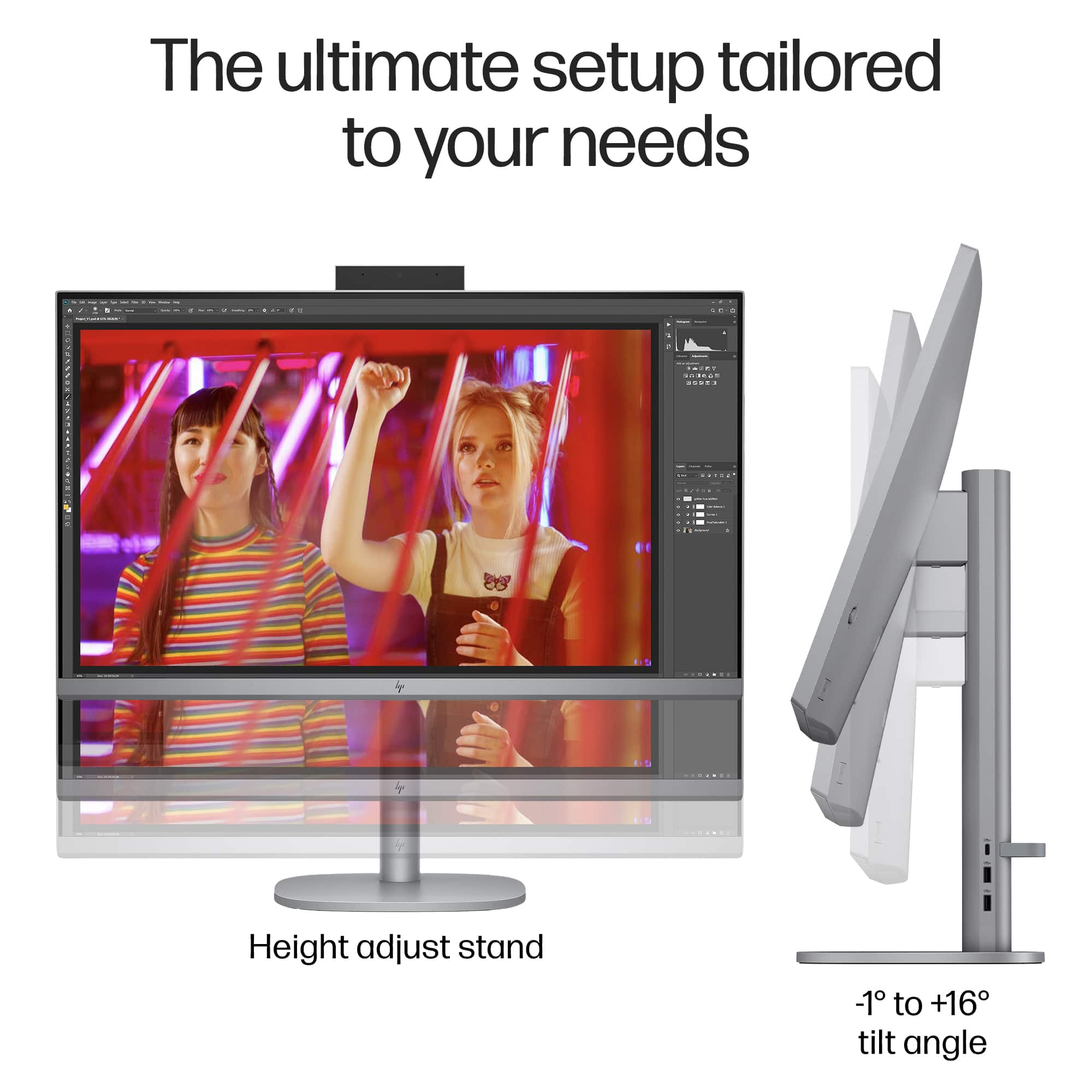
This question and answer was generated by AI based on customer and product data.Q: QuestionWhat is the monitor height dimensions from lowest setting to highest setting?
Asked by alube.
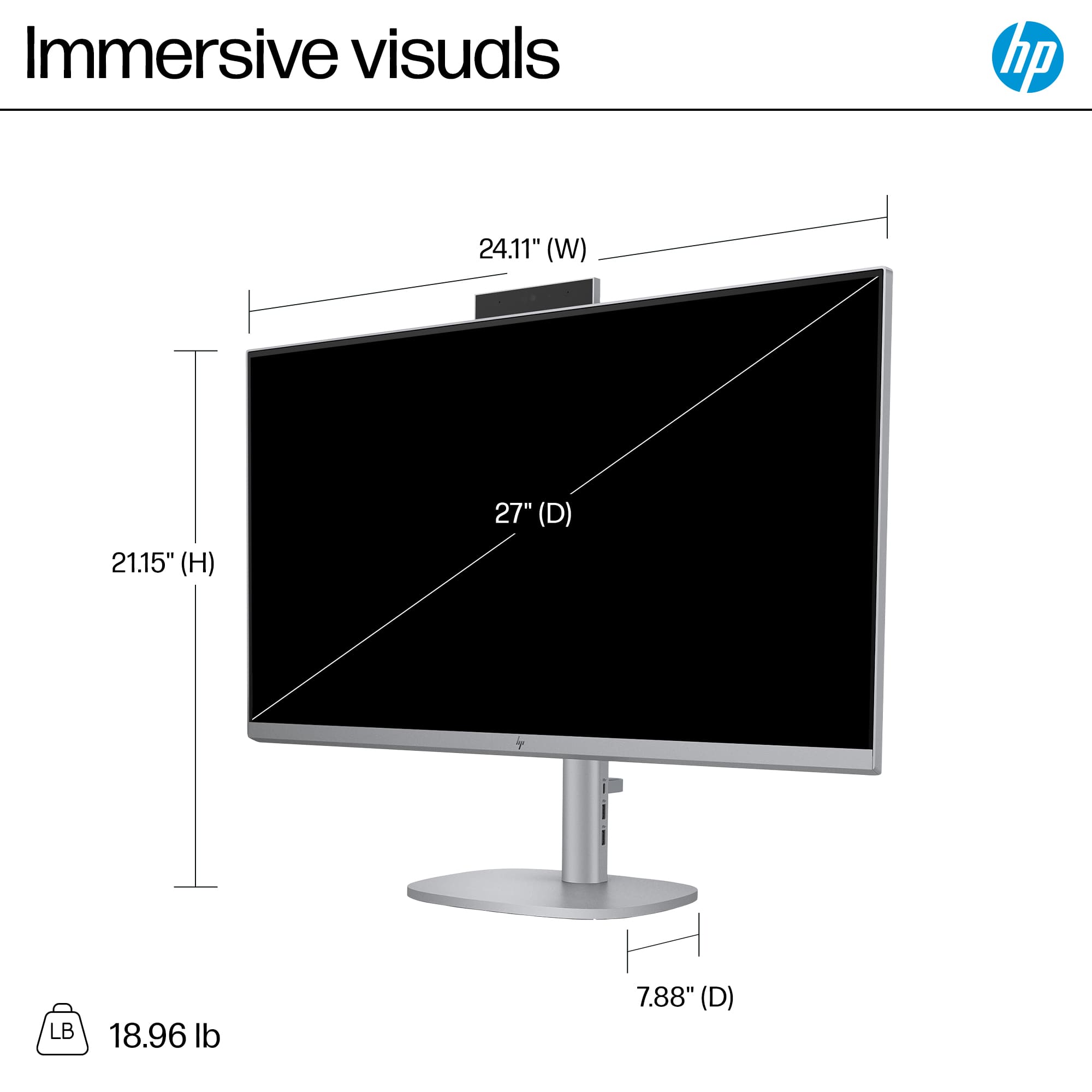
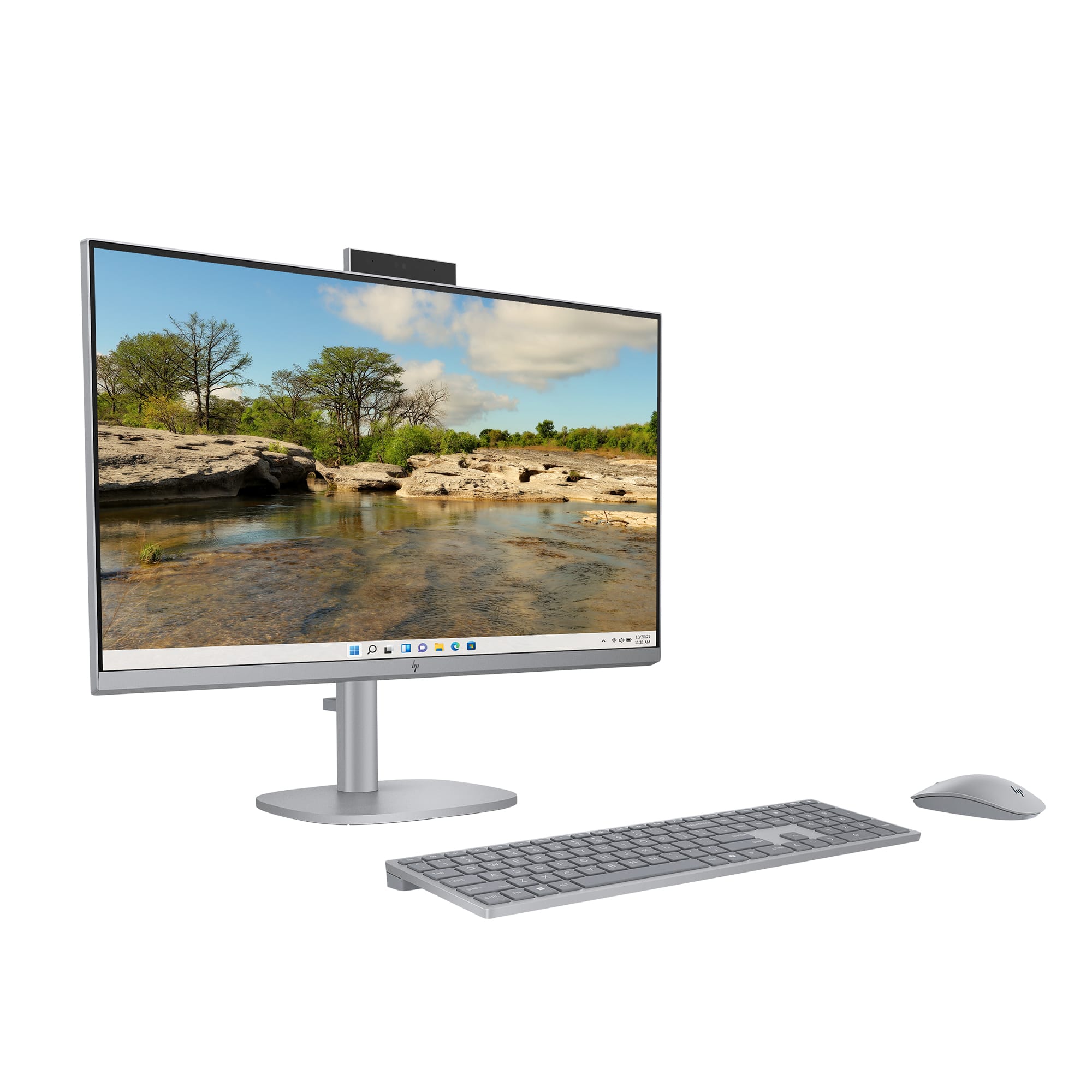
- A:Answer Thank you for the question. The OmniStudio X 27-cs0014 has an adjustment range of 5.1 inches. The maximum height is 21.15 inches, and the lowest is 16.05 inches.
Answered by HP Team
Q: QuestionIs there an SD slot?
Asked by desjd.
- A:Answer Thanks for your question. This HP OmniStudio X model does not have an SD card slot. You can use the USB ports on this model to connect a USB hub with an SD card slot.
Answered by HP Team

Q: QuestionCan you add memory to bring to more than one terabyte.
Asked by Yolanda.
- A:Answer Hi, Yolanda. No, it's not possible to bring the memory up to 1 terabyte. That's 32 times the amount of memory currently in the computer (which is 32 gigabytes), and the motherboard isn't designed to take that amount of RAM. Plus, that much RAM runs about $7000 dollars. Thank you for asking the question.
Answered by HP Team

Q: QuestionDoes the wireless keyboard have backlighting?
Asked by squarebomb.
- A:Answer NO
Answered by Joanne
Q: Questioncan you install a cad program on this computer
Asked by Ching.
- A:Answer Thank you for the question. Yes. Please review the system requirements for your CAD program to confirm.
Answered by HP Team

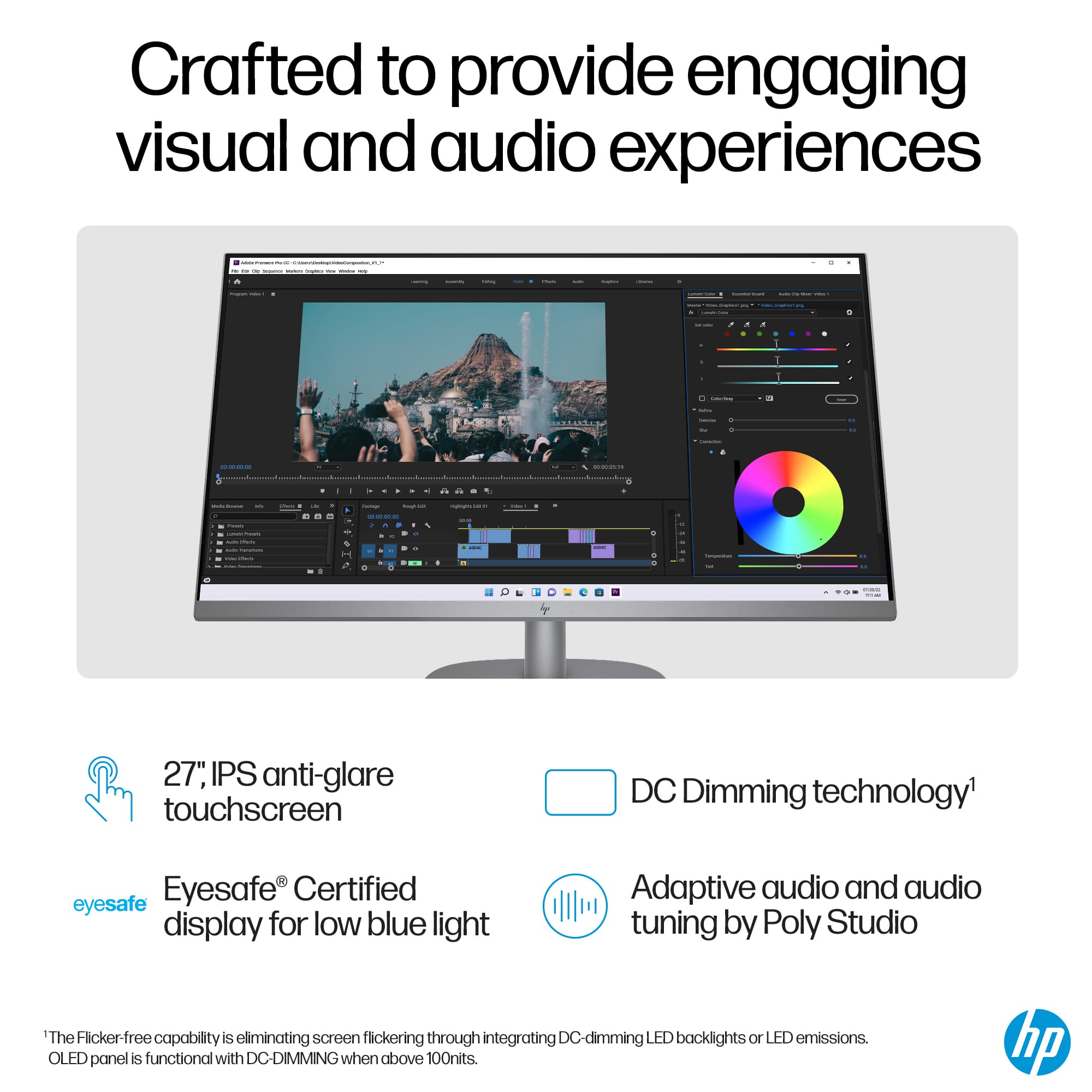
Q: QuestionWhat's the brightness of the display? 250 nits or 300 nits!
Asked by Rajeev.
- A:Answer Thanks for your question. This model's display is 300 nits. Here are the full specs for the display: FHD (1920 x 1080), touch, IPS, three-sided micro-edge, antiglare, 300 nits, and covers 99% sRGB.
Answered by HP Team

Q: QuestionCan i have a dual monitor set up? Which wire/ Outlet would I use and which monitor would you suggest? My goal is to do art tutorials, have the photo on one screen, and listen to tutorials on the other. I have separate Speakers would you recommend?
Asked by Sue.
- A:Answer Hi Sue! The OmniStudio 27-cs0014 is a great choice for the tasks you've described. You can select a monitor of your choosing (size, features will vary), and connect it via HDMI. Most monitors will include the HDMI cable. The Best Buy associates will be happy to assist you in selecting a monitor. You can connect separate speakers via the headphone jack, or USB. You may find that the OmniStudio's speakers are sufficient, though.
Answered by HP Team

Q: QuestionIs the touch screen compatible with the HP stylus for drawing and writing?
Asked by Samuel.
- A:Answer Thank you for your question, the 27-cs0014 only supports the use of passive pens not active pens.
Answered by HP Team

Q: Questionwhat height dimensions are possible with the adjustable height on the computer
Asked by frankjohnkupferer.
- A:Answer It does go up and down from high to regular.
Answered by Joanne
Q: QuestionDoes this system have built in speakers for sound?
Asked by 1898.
- A:Answer Thank you for the question. Yes, the OmniStudio X All-in-One 27-cs0014 Desktop PC has dual Poly Studio speakers.
Answered by HP Team

Q: QuestionHow do you change the height?
Asked by Newuser.
- A:Answer Im having an issue lifting and lowering it. The 1st model i bought that was the lower end touch screen was EASY to lower and ruse rhe screen. This one not so much. I mean just grasp the left and right side to do this, That didnt work for me. Aksi why is the part that holds the monitor un place cheap plastic, i hope i put it on base properly as i did NOT hear a click.
Answered by Lynna
Page 1, Showing 1-15 of 15 questions
Top Rated
- $1,199.00$1,199.00The price was $1,629.99