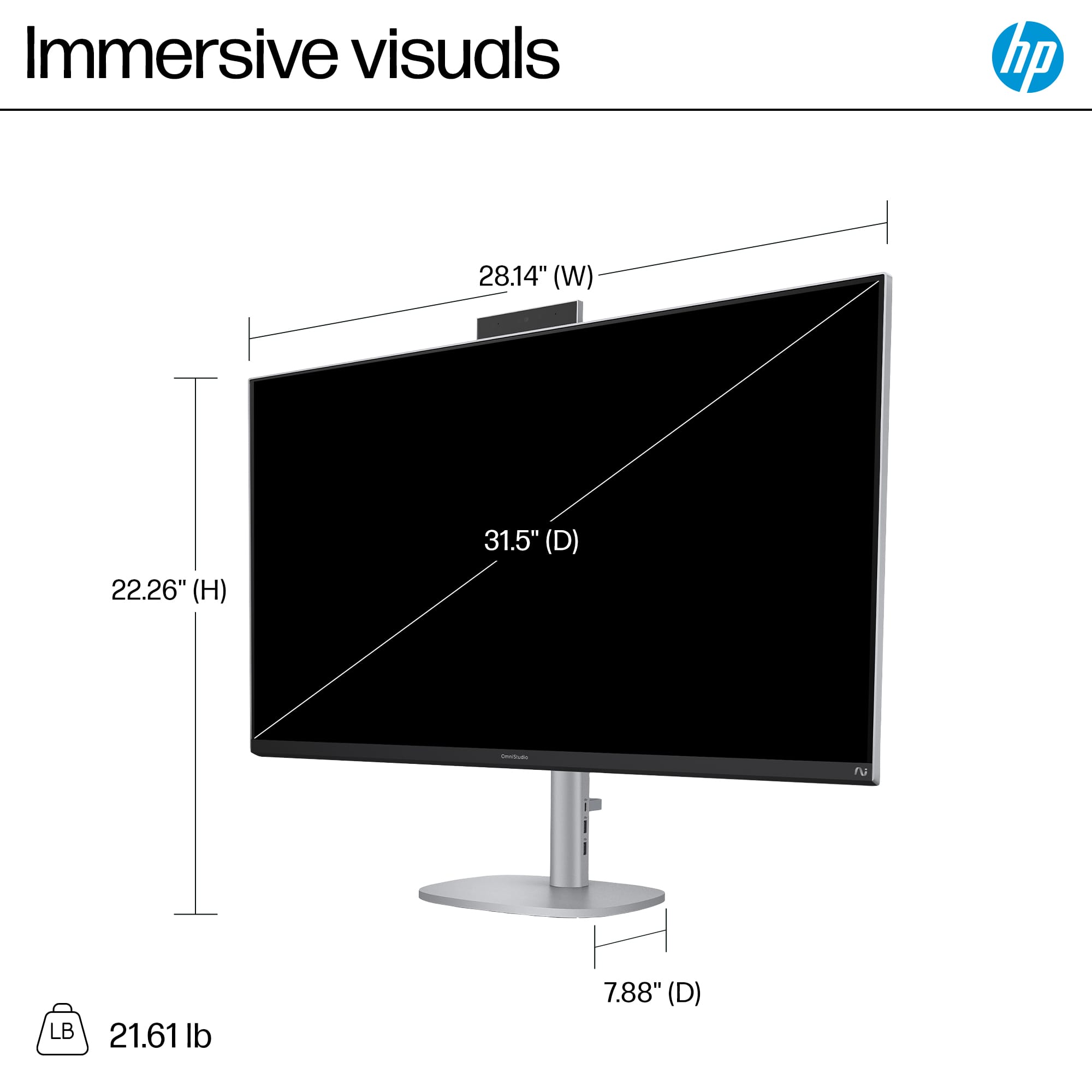
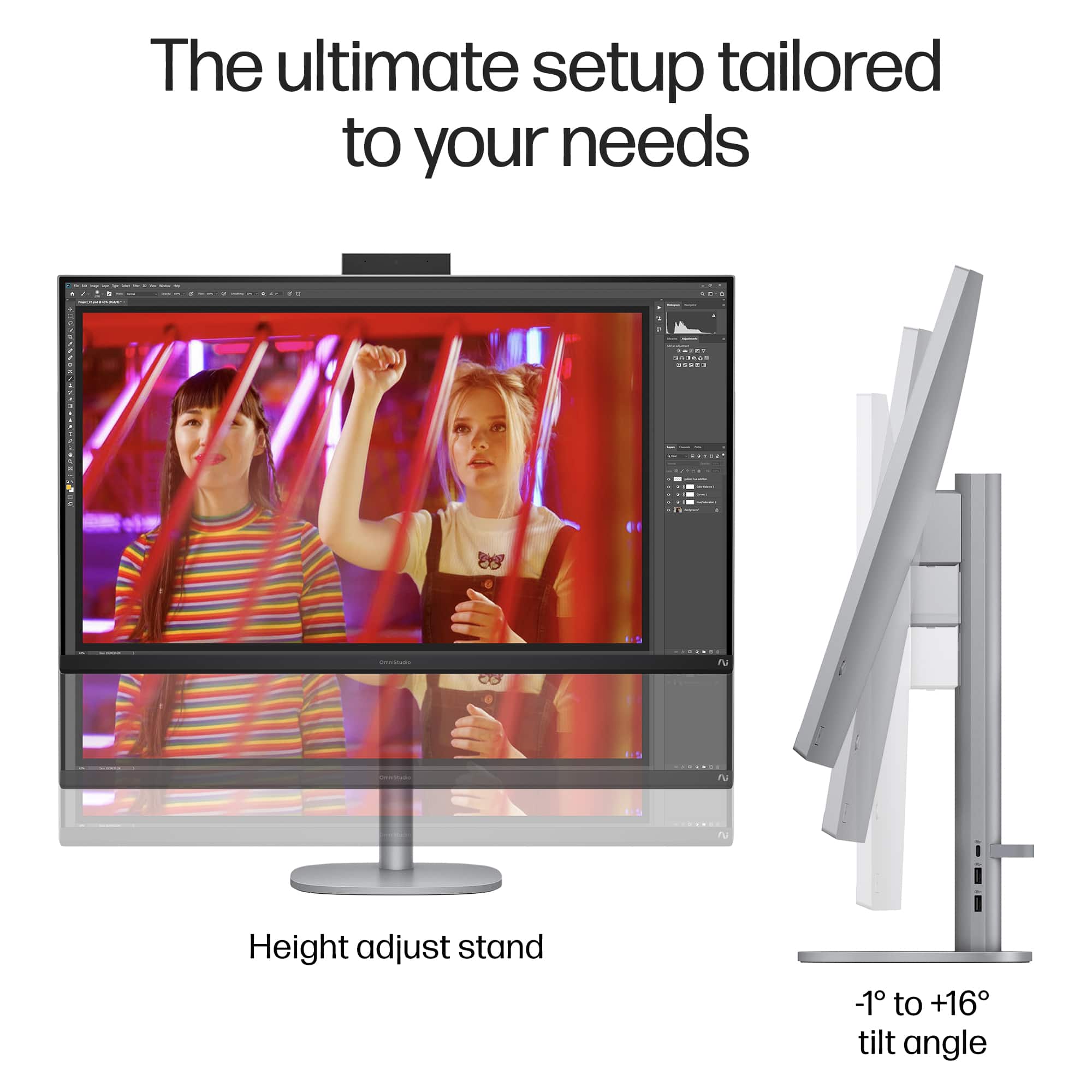
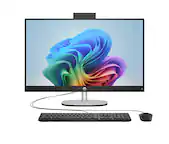
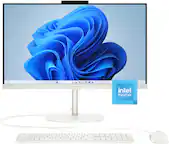
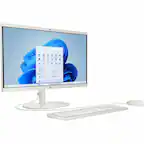
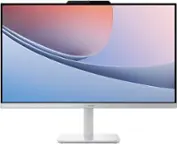
A:AnswerBob from the flat surface of my desk, the range is 18.5 to 22" high maximum to the top of the screen hope this helps.
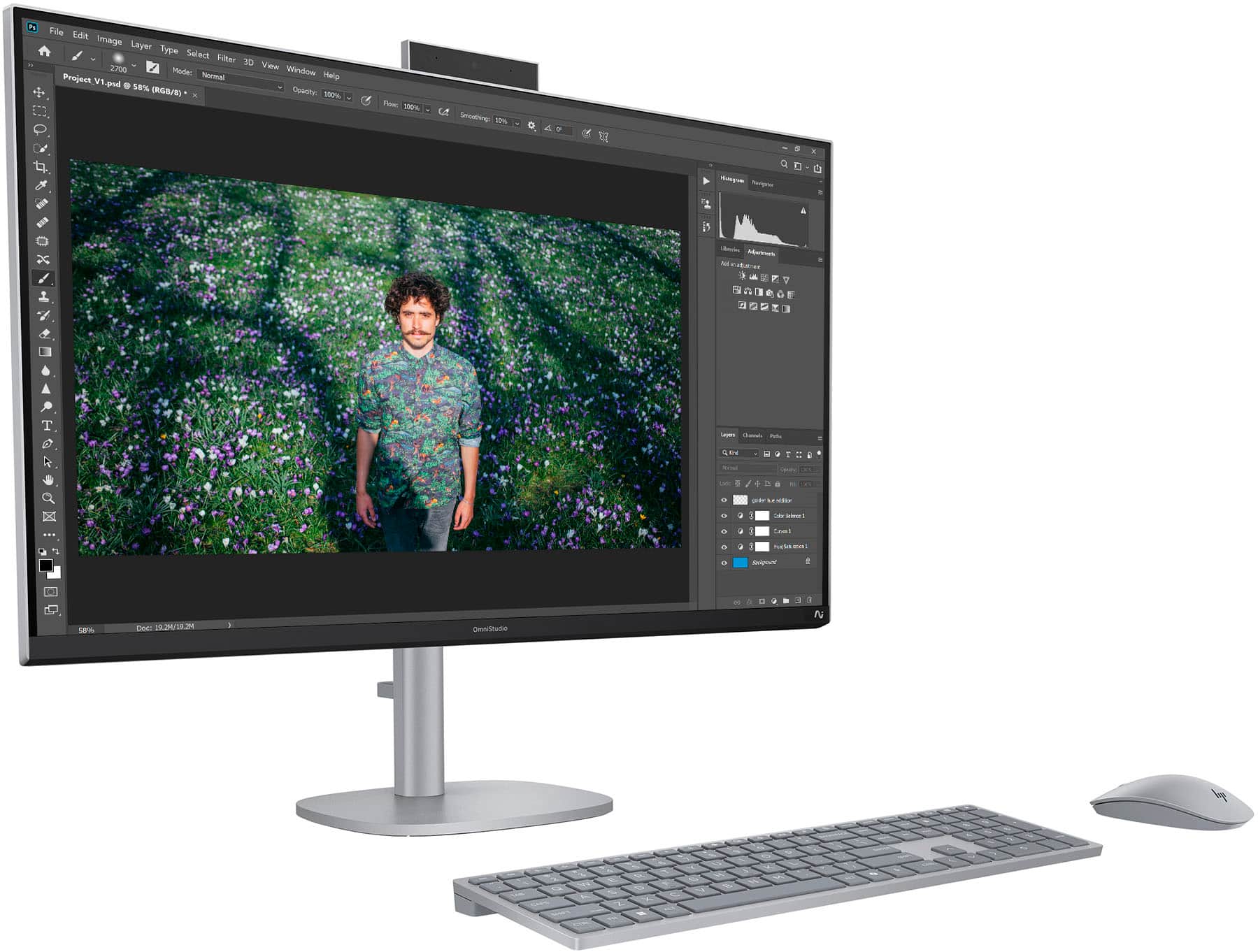
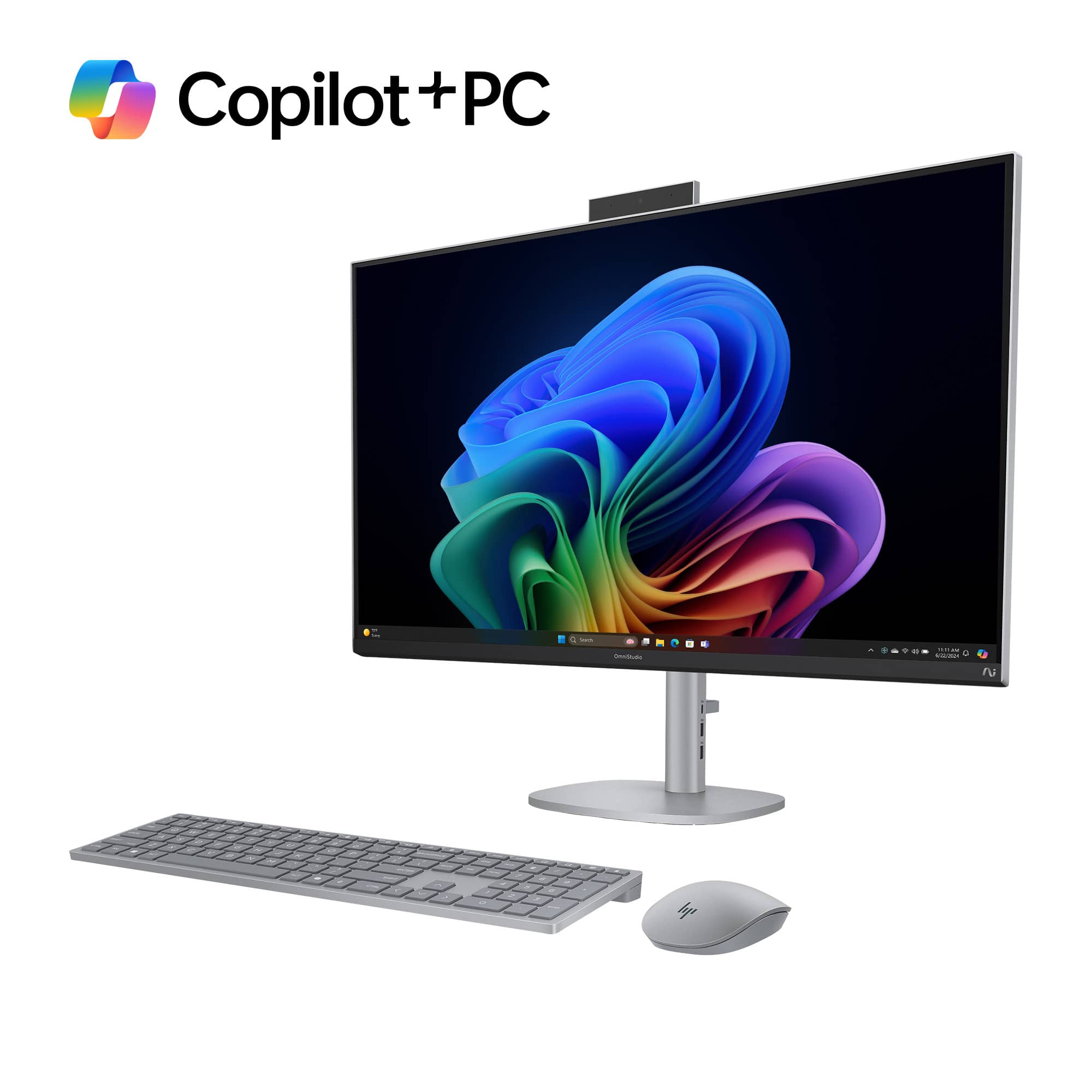
In lowest setting at desk surface, as in photo it gives you 2" of clearance; highest setting 6" of clearance
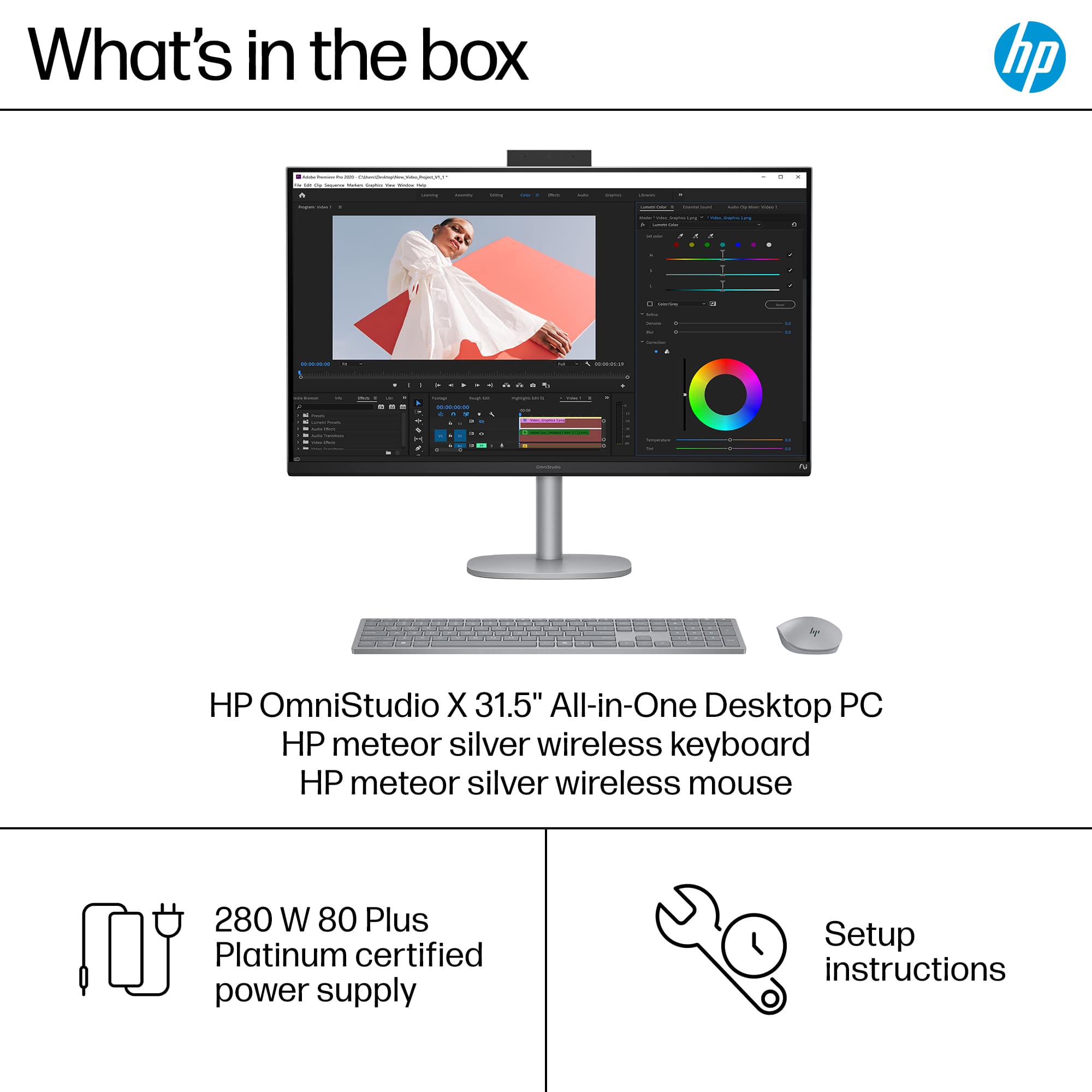
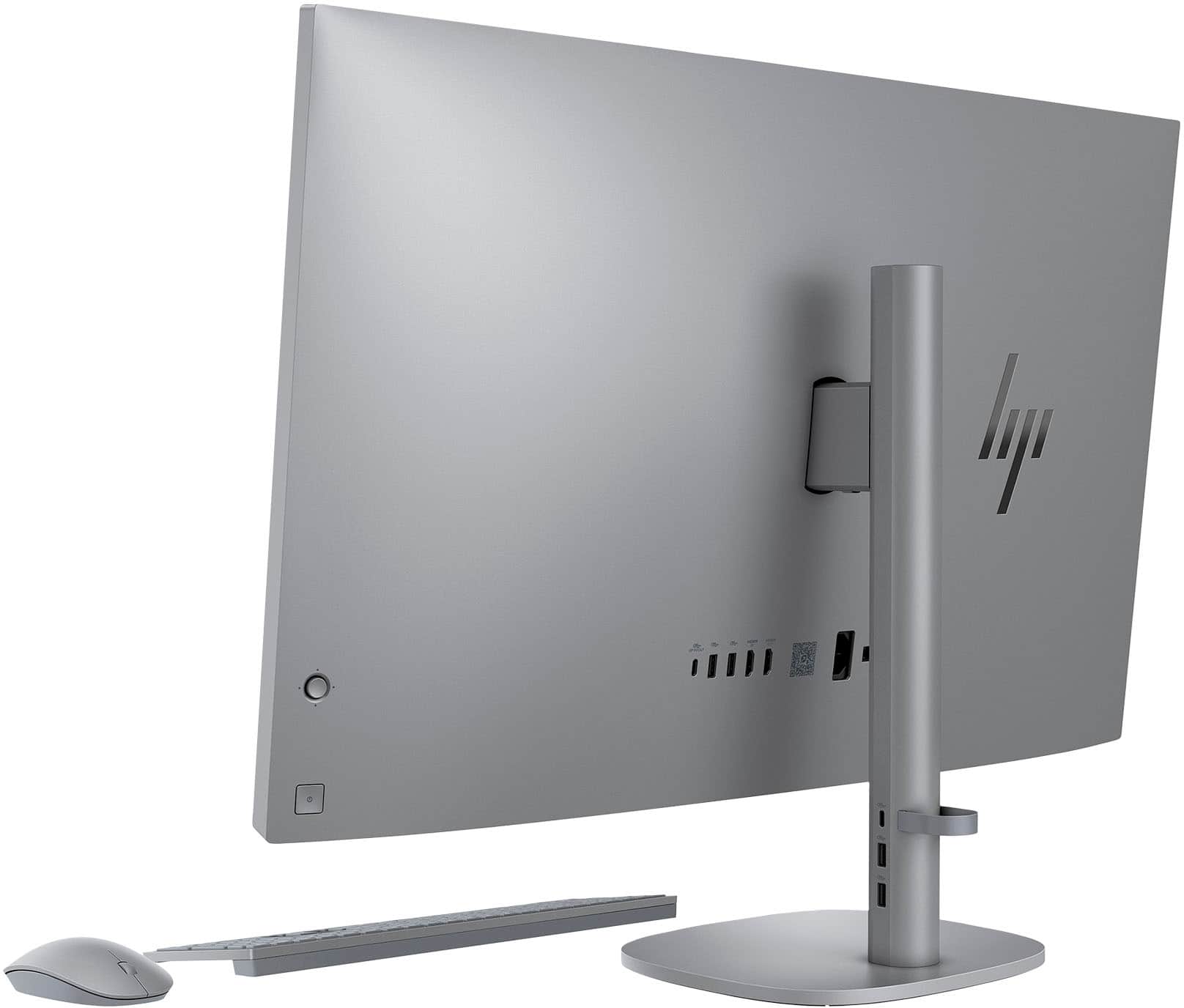
A:AnswerBased on available information, a VESA-compatible adapter is generally not included in the box with the HP OmniStudio X 31.5-inch All-in-One PC.
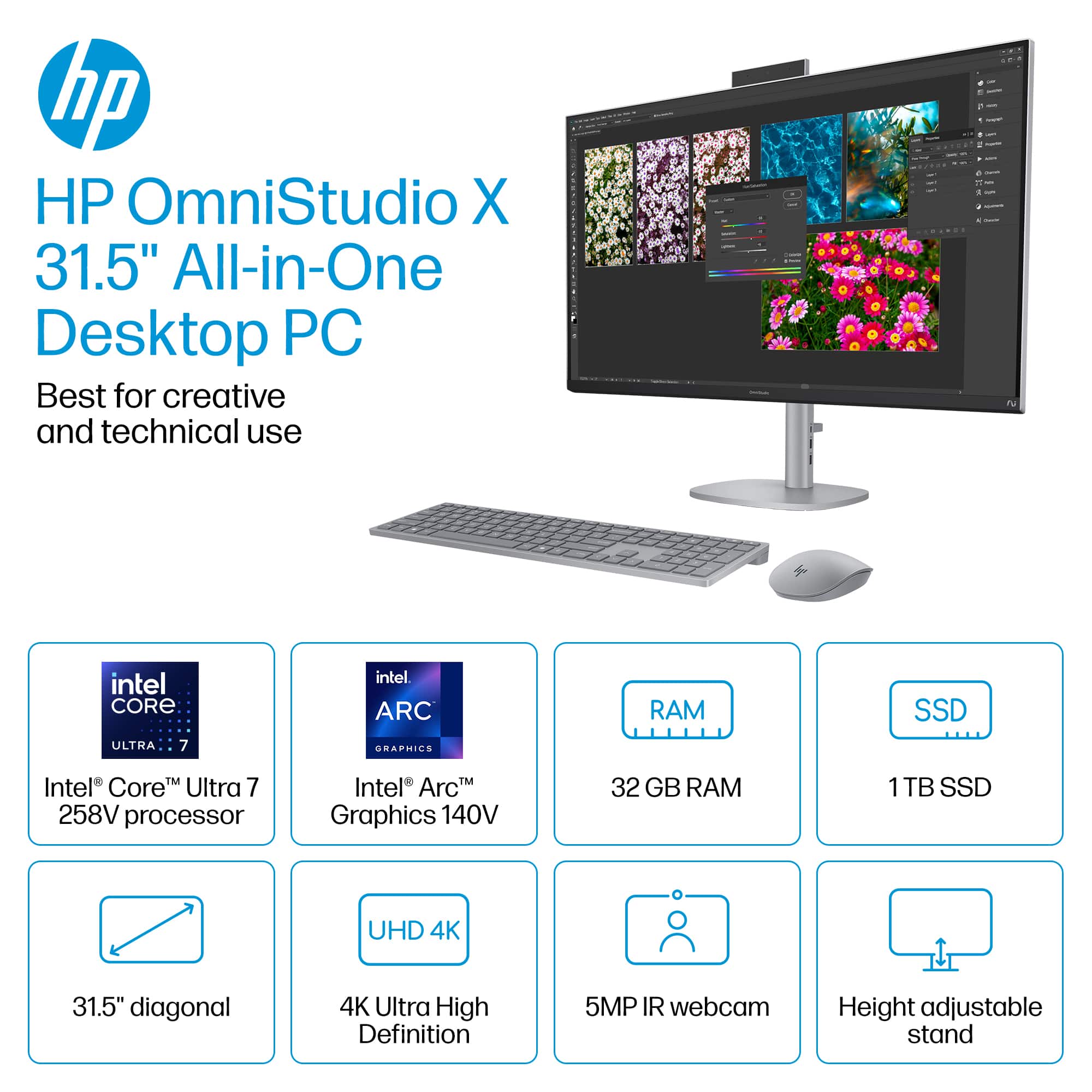
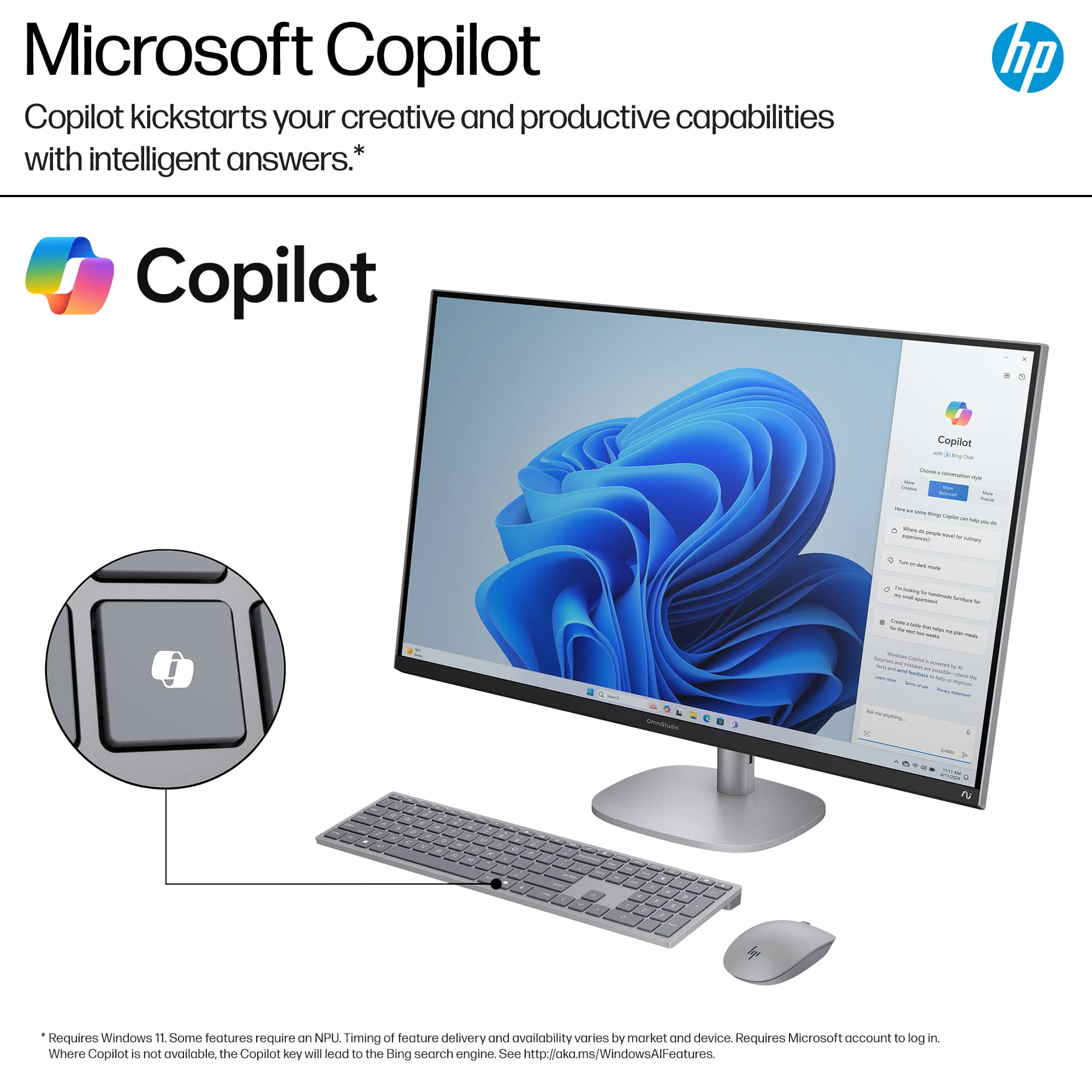
A:AnswerThe HP OmniStudio X 31.5" 4K Copilot+ PC typically comes with Windows 11 Home/Pro, Copilot in Windows with Copilot key, McAfee LiveSafe (30-day trial), and a 1-month trial of Microsoft 365. Preinstalled software also includes HP utilities like myHP, HP Support Assistant, and HP Connection Optimizer, along with Poly Camera Pro for AI-enhanced video calls.
A:AnswerYes, you can add an extra M.2 SSD to the HP OmniStudio X 31.5-inch All-in-One PC. While some configurations may only have one drive installed, the system generally includes a second M.2 slot for storage expansion, specifically supporting M.2 2280 PCIe Gen4 x4 NVMe SSDs.
A:AnswerBased on your experience, the HP OmniStudio X 31.5" 4K Copilot+ PC is a high-performing device, and sharing your feedback is a great way to help others. Because the official HP site sometimes makes it difficult to submit reviews directly on product pages, here are the best ways to submit your review.
A:AnswerNo it is not, but the touch screen on my old computer was often more of a problem than a help. A kid would come up and point to something on the screen and say, "what is that?" What ever I was doing disappeared. The only time it was helpful, was when something went wrong with the computer and you needed to reboot or the mouse battery went dead.
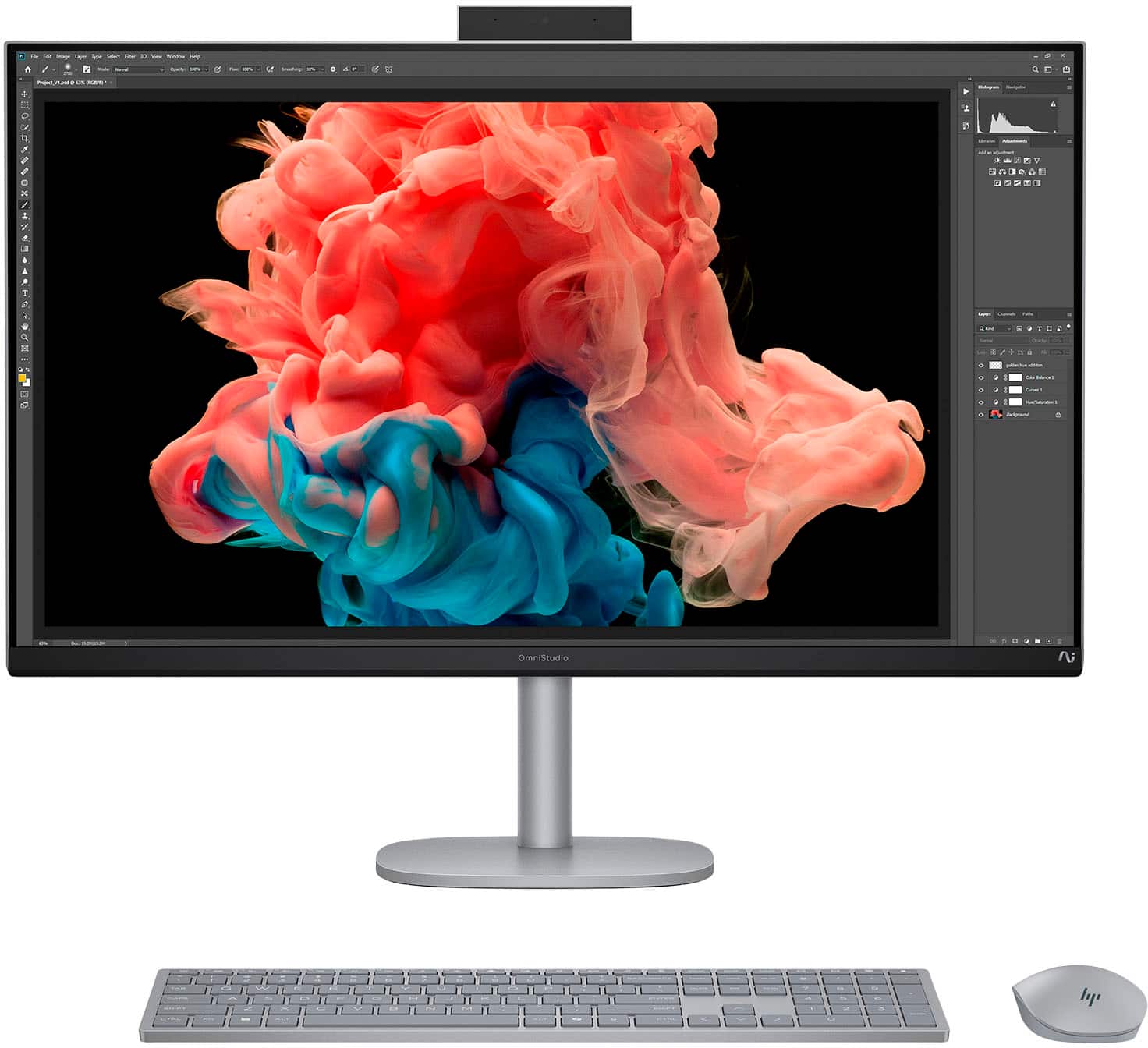
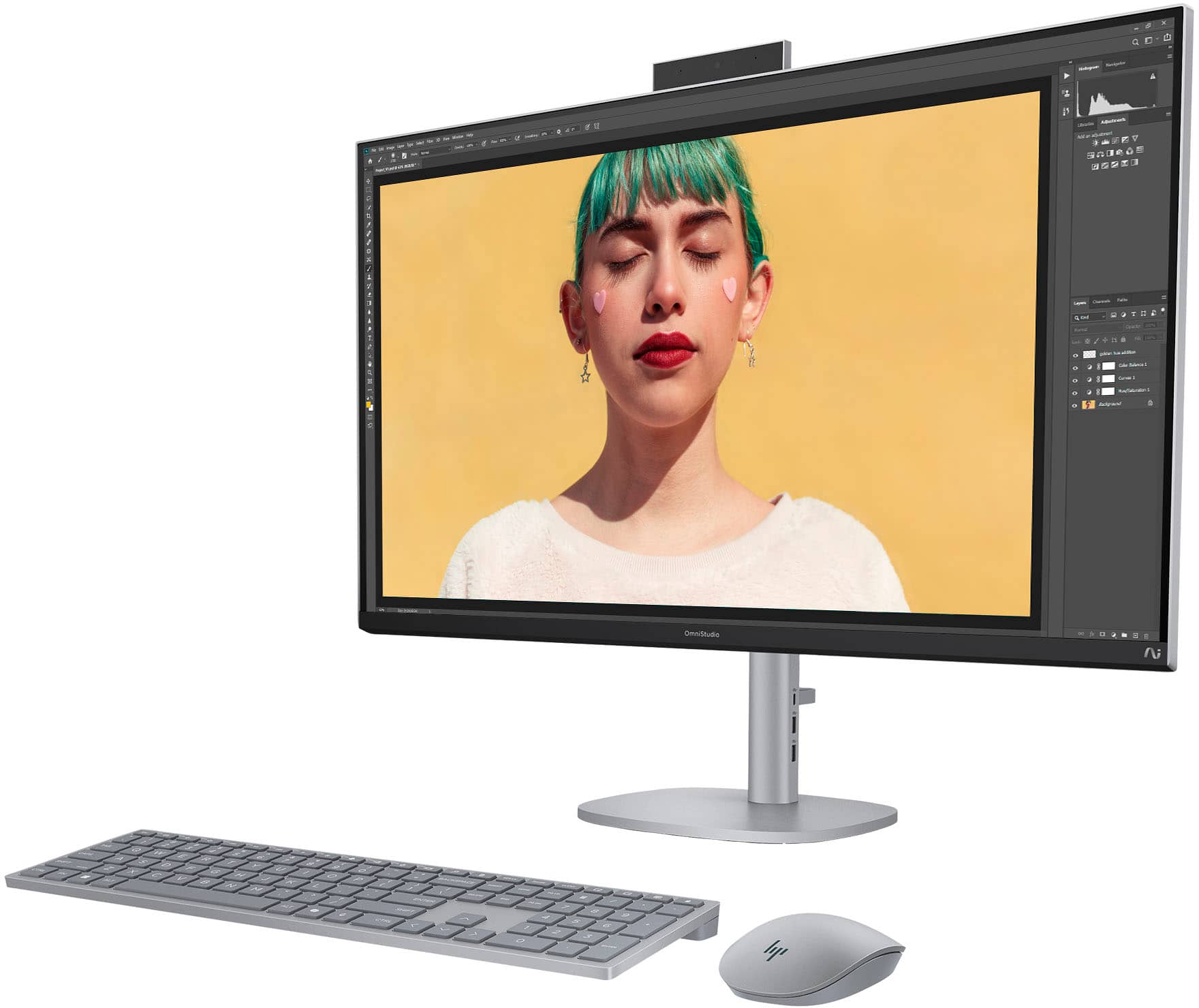
A:AnswerThe HP OmniStudio X 31.5" 4K All-in-One PC has approximate dimensions of 28.14 inches in width, 7.88 inches in depth (with stand), and a height that adjusts between 18.33 inches (min) and 22.26 inches (max). It has a weight of 21.61 pounds. These dimensions are based on models with the height-adjustable stand.
A:AnswerThank you for your question about this HP OmniStudio! Yes it is possible to upgrade it to Windows 11 Pro as Best Buy sells the upgrade licenses in the store. However, none of the components are accessible or upgradable.