Questions & Answers
- Model:
- D3Q20A#B1H
- |
- SKU:
- 4973203
Highly rated by customers for: Print Speed, Ease of use, Ink Life
Page Showing 61-68 of 68 questions
Q: QuestionDoes this copier scan to email and if so does it store email addresses for faster access?
Asked by Niko.
- A:Answer Yes to both :-)
Answered by HP Team

Q: QuestionWhat is the size of the platen glass. Can I put a bound legal document on the glass and make a copy from it?
Asked by Anonymous.
- A:Answer Yes, you can put a legal document on the platen glass.
Answered by PruD
Q: QuestionHow do you scan a legal document. How do you change the setting?
Asked by Bonnie.
- A:Answer You can feed it through the document feeder or lay it on the flatbed. Go into your copy settings, and make sure you're set to "legal size"
Answered by HP Team

Q: QuestionHow does this print labels?? Do you have to take the paper out every time or is there a separate tray?
Asked by Kmont.
- A:Answer There is 1 tray in the printer, and 1 feeder slot on the side of the units that can take sheets. I'm just not sure if you can do a stack of paper from that side feed.
Answered by magneeto
Q: QuestionWhy does this printer keep printing double sided? does this printer prints a group of paper single sided?
Asked by Anonymous.
- A:Answer The PageWide Pro 477dw can be set to automatic 2 sided printing or automatic single sided printing. You can find this in the print driver. In any application you can select print > more settings > 2 sided printing - turn it on or off.
Answered by HP Team

Q: QuestionCan you print from phone using Bluetooth?
Asked by Kristin.
- A:Answer Yes, I can send the attachment that I want to print via Bluetooth to the printer.
Answered by TheNinja
Q: QuestionDoes this printer print on card stock without getting jammed?
Asked by Morales.
- A:Answer Here are the media specs (paper): Media types Plain paper (light, intermediate, mid-weight, heavy, extra heavy, prepunched, recycled, bond, other inkjet plain paper), photo (glossy, gloss, soft gloss, satin, matte, other inkjet photo), envelopes, labels, cards, specialty papers (glossy brochure, matte brochure, tri-fold brochure, Hagaki, greeting cards, other inkjet specialty paper) Recommended media weight 16 to 32 lb (plain paper); 33 to 80 lb (photo); 20 to 24 lb (envelope); 32 to 48 lb (brochure); 90 to 110 lb (card) Supported media weight Tray 1: 16 to 32 lb (plain paper); 33 to 80 lb (photo); 20 to 24 lb (envelope); 32 to 48 lb (brochure); 90 to 110 lb (card); Tray 2: 16 to 32 lb (plain paper); 33 to 66 lb (photo); 20 to 24 lb (envelope); 32 to 48 lb (brochure); 90 to 110 lb (card); Tray 3: 16 to 32 lb (plain paper); 33 to 66 lb (photo); 32 to 48 lb (brochure); 90 to 110 lb (card)
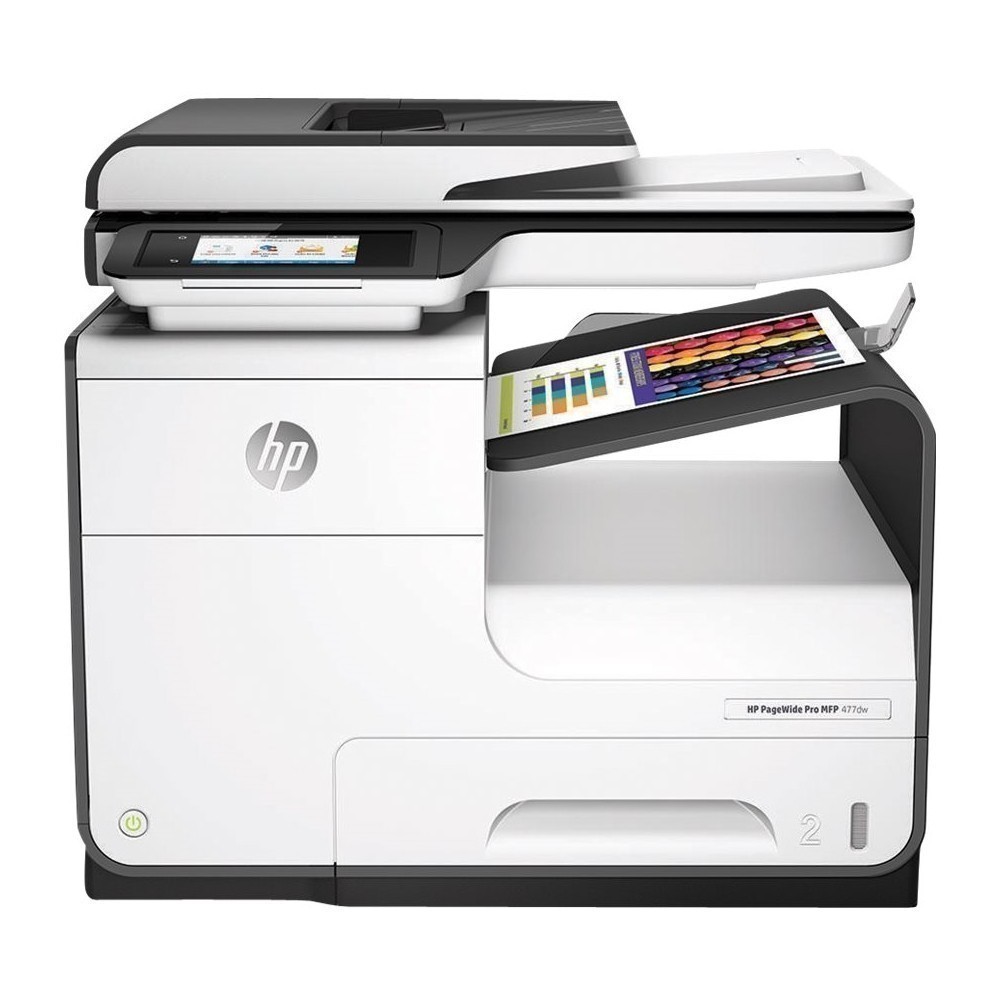
Answered by HP Team

Q: QuestionThis is also a LaserJet printer?
Asked by Melissa.
- A:Answer NO. This a ink printer, NOT a Laser printer.
Answered by Eddy
Top Rated
- $329.99$329.99The price was $469.99
- $299.99$299.99The price was $349.99
- $139.99$139.99The price was $149.99
- $122.00$122.00The price was $129.99
- $449.99$449.99The price was $649.99
- $279.99$279.99The price was $329.99
- $1,299.00$1,299.00The price was $2,799.00
- $79.00$79.00The price was $99.99














