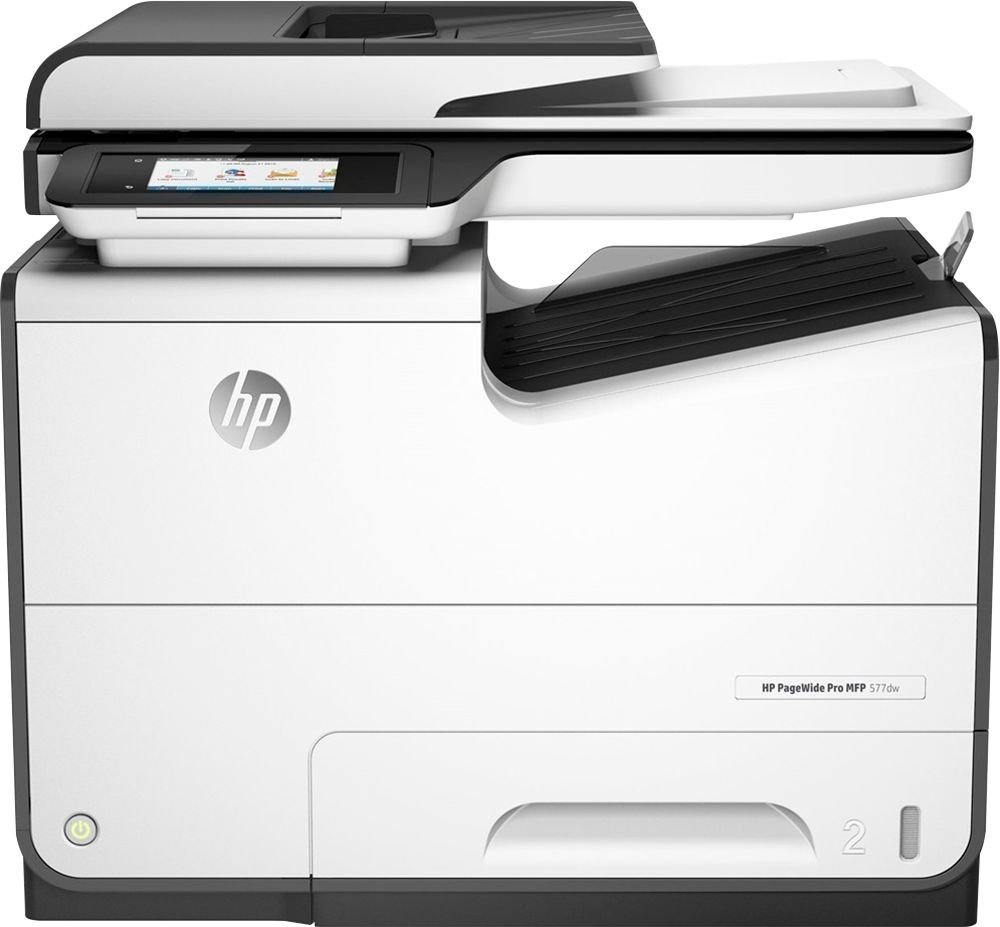
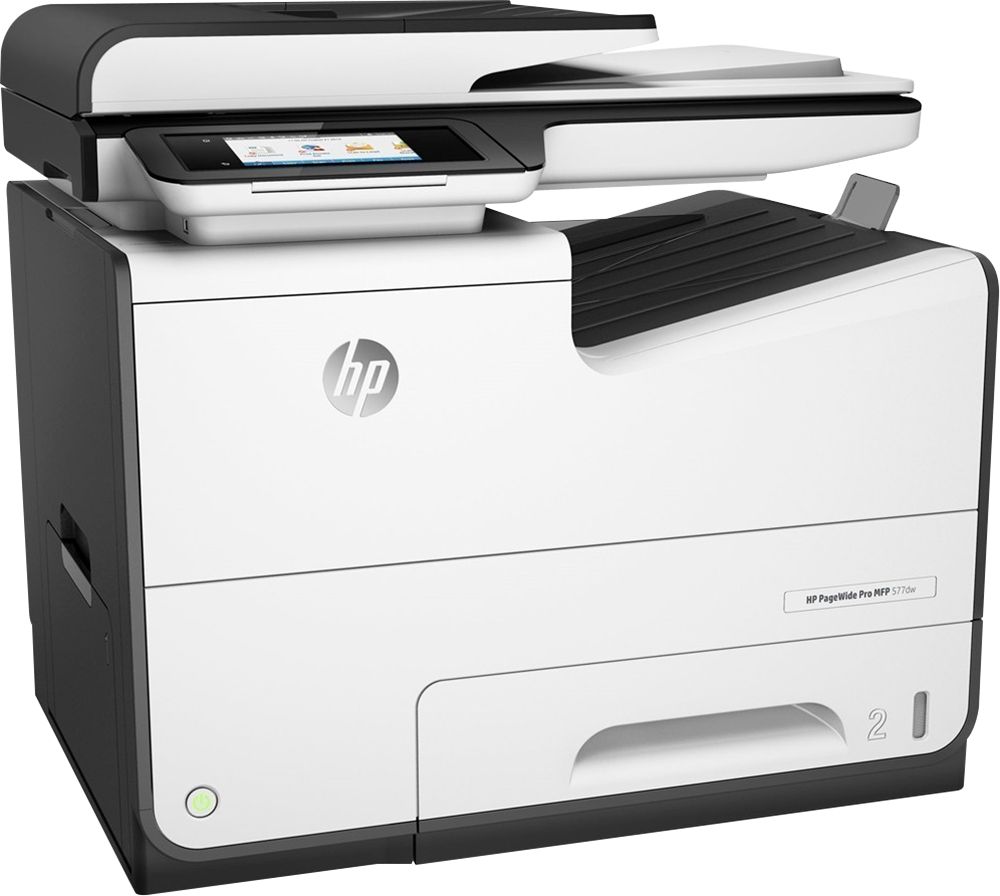
A:Answer4 total ink cartridges. 3 color 1 black.
https://store.hp.com/us/en/SearchFinderView?pageSize=pageSize&inkTonerCategoryId=88341&pageView=grid&catalogId=10051&grid=grid&SkuId=1243169&beginIndex=0&langId=-1&associationType=INK%2CPAPER&storeId=10151&Supplies=true
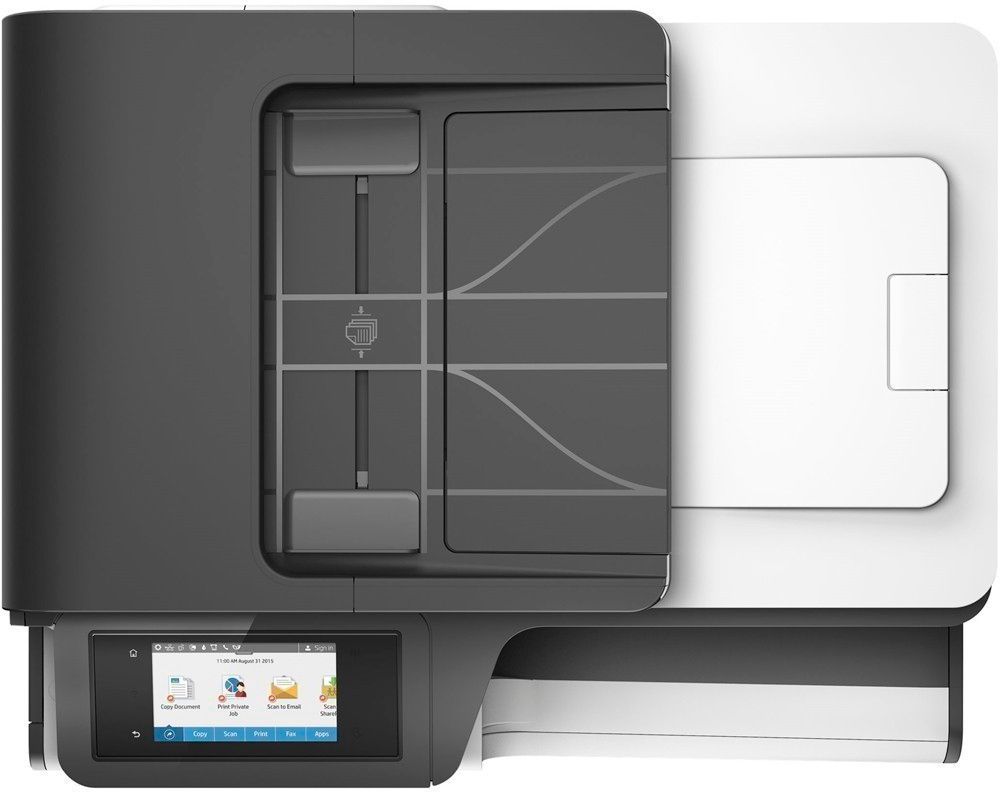
A:AnswerWhen you scan multiple sheets at a time, it will save as one file. If you want separate files/documents, then you have to scan each of the documents to make a single document. You would have to use software like Adobe Acrobat Pro DC to Split a PDF into multiple smaller files.
A:AnswerThe Pagewide series printers are made to do a lot documents. If you want to do photos, I would recommend looking at the HP Envy Photo or HP Officejet Pro printers. The dots per inch (dpi) on these printers is greater than what the Pagewide printers have.
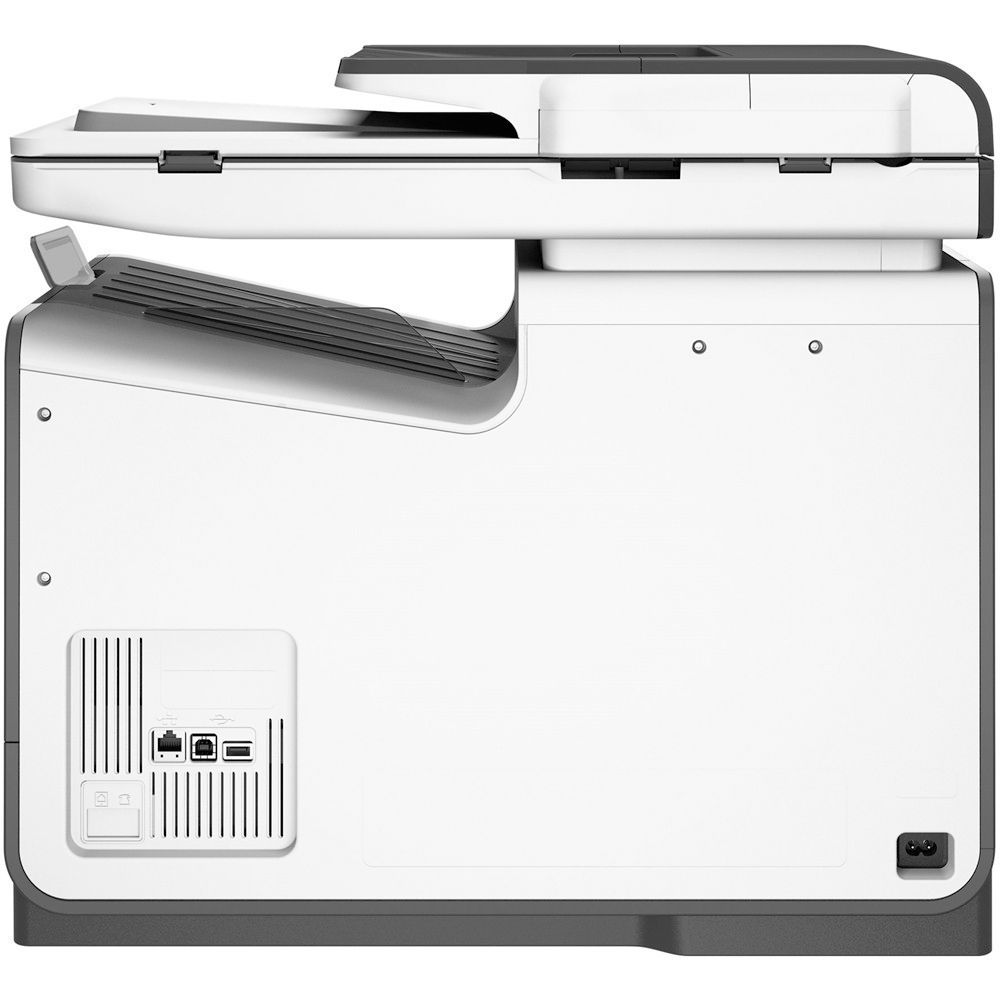
A:AnswerIt has a 1 year manufacturers warranty which covers defects. The printer weighs 48.83 lb. It can print wireless and wired and could print checks, but not MICR. It is compatible with Windows 10 and this is an InkJet printer. It is different than most as it has a printhead which is "PageWide" so it is able to print at super fast speeds compared to other inkjet or most laser printers. Full specifications for this printer can be found here: https://store.hp.com/wcsstore/hpusstore/pdf/d3q21a.pdf
A:AnswerYou can have letter-size in the main tray and legal in the bypass tray. Once programmed into the printer menu screen you just need to select the appropriate size when you print.