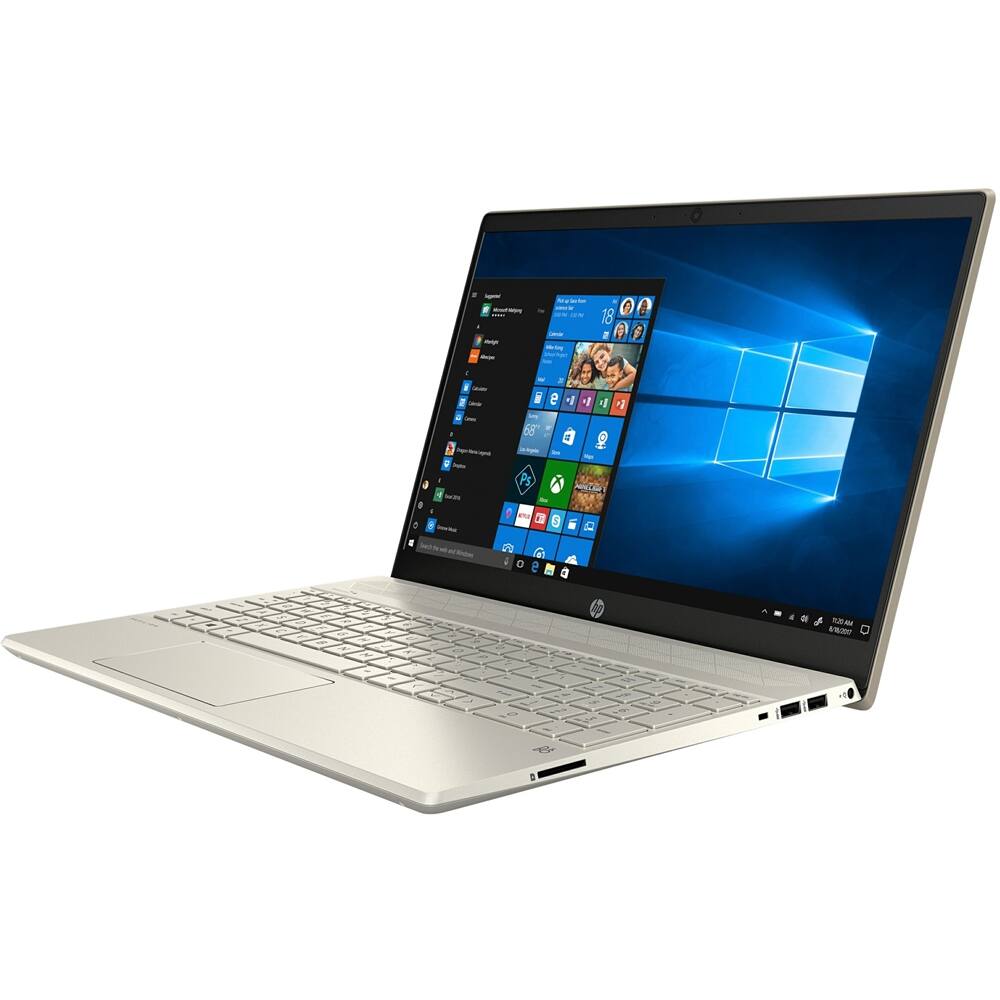
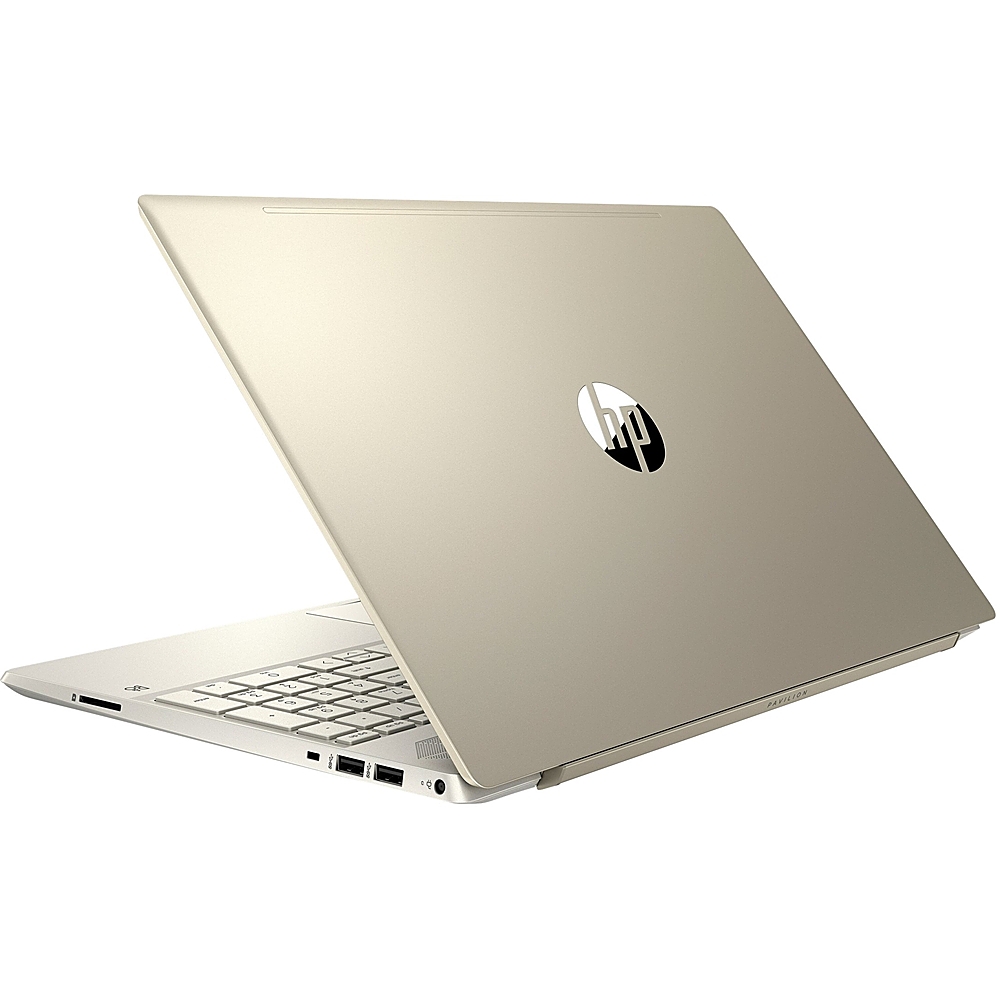
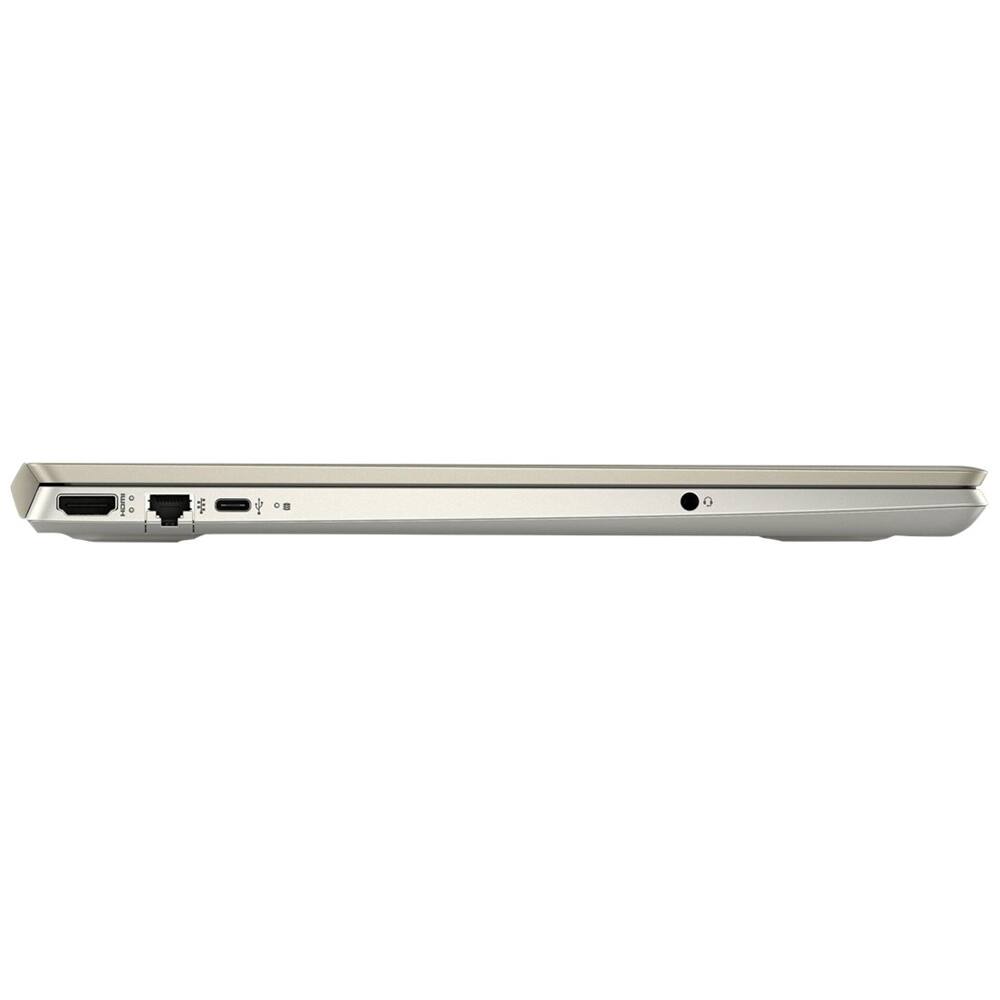
Questions & Answers
- Model:
- 15-CW1074NR
- |
- SKU:
- 6414518
Highly rated by customers for: Easy to use, Price, Dungeon master
Page Showing 1-12 of 12 questions
Q: QuestionDOES IT HAVE A DVD DRIVE
Asked by RON.
- A:Answer no, my only drawback, but i did purchase an external drive, a little cumbersome, but it works
Answered by OldDinosaurGuy
Q: QuestionIs the battery integral to the laptop. or does it have a replacable battery pack?
Asked by Anonymous.
- A:Answer The laptop battery is built-in to the laptop. It is replaceable by an authorized service provider.
Answered by HP Team

Q: QuestionWhat is the resolution of the camera
Asked by lk.
- A:Answer The camera has a resolution of 1280×720
Answered by HP Team

Q: QuestionHow do I turn the backlight on. The f5 does not have the 3 little dot thing on it to indicate that there is one.
Asked by Clover.
- A:Answer I'm very sorry, but this model does not have a backlit keyboard. The specification on the Best Buy page are wrong, and I have notified HP and Best Buy about the issue.
Answered by HP Team

Q: QuestionCan you multitask on this computer? Also can you edit photos? Get on zoom?
Asked by Ksmithers.
- A:Answer This model will work for all of those tasks.
Answered by HP Team

Q: QuestionDoes it have a built in microphone?
Asked by Ellen.
- A:Answer Yes, this laptop has a built-in microphone.
Answered by HP Team

Q: QuestionHow long does the battery last? Can you hook up an external hard drive for a CD rom
Asked by SQB.
- A:Answer The HP Pavilion Laptop 15-cw1074nr gets up to 9 hours and 15 minutes of battery life. You can connect an external optical drive to use a CD.
Answered by HP Team

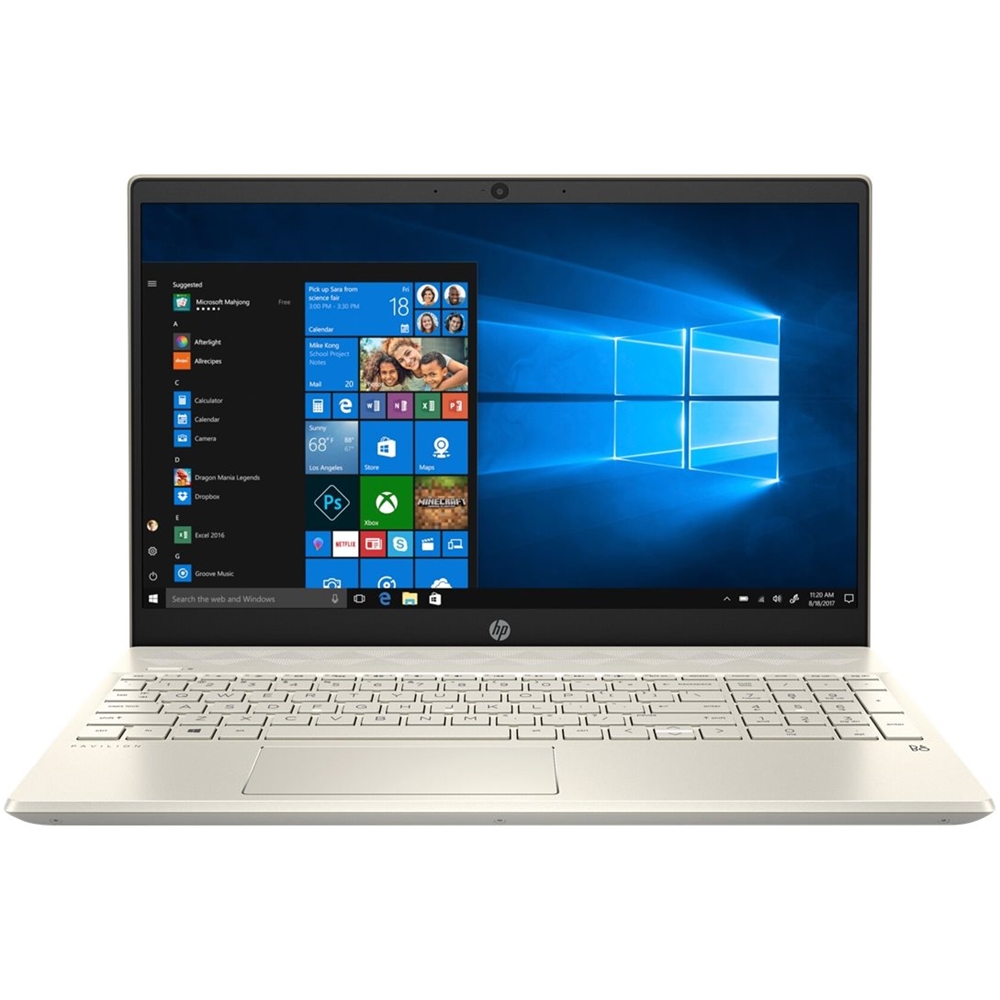
Q: QuestionDoes it have S mode?
Asked by Anonymous.
- A:Answer It has the regular version of Windows 10 Home. As of July 2020, Microsoft has not provided a way to switch a regular Windows 10 version to S mode.
Answered by HP Team

Q: QuestionAre the speakers located above or below the keyboard?
Asked by Kaitlin.
- A:Answer The speakers are located "above" the keyboard, between the keyboard and the screen.
Answered by HP Team

Q: QuestionHow do you turn on the back light for the keyboard? This is advertised as such and I can’t figure it out. I read the other response and it says to look for a function key with 3 dots & I don’t see it.
Asked by Shantelle.
- A:Answer How long is the mfg warranty?
Answered by SQBa
Q: QuestionHow do you turn on backlit key board?
Asked by Anonymous.
- A:Answer One of the function keys should have three small squares on it, that will be the key to turn on the backlit keyboard.
Answered by HP Team

Q: QuestionHow do I turn on the keyboard backlight??
Asked by SnowFlake.
- A:Answer It doesn’t work w f5.
Answered by Clover
Page 1, Showing 1-12 of 12 questions
Top Rated
- $329.99$329.99The price was $469.99
- $139.99$139.99The price was $149.99
- $299.99$299.99The price was $349.99
- $1,099.99$1,099.99The price was $1,299.99
- $279.99$279.99The price was $329.99
- $949.00$949.00The price was $1,099.00
- $1,499.00$1,499.00The price was $2,799.00
- $449.99$449.99The price was $649.99