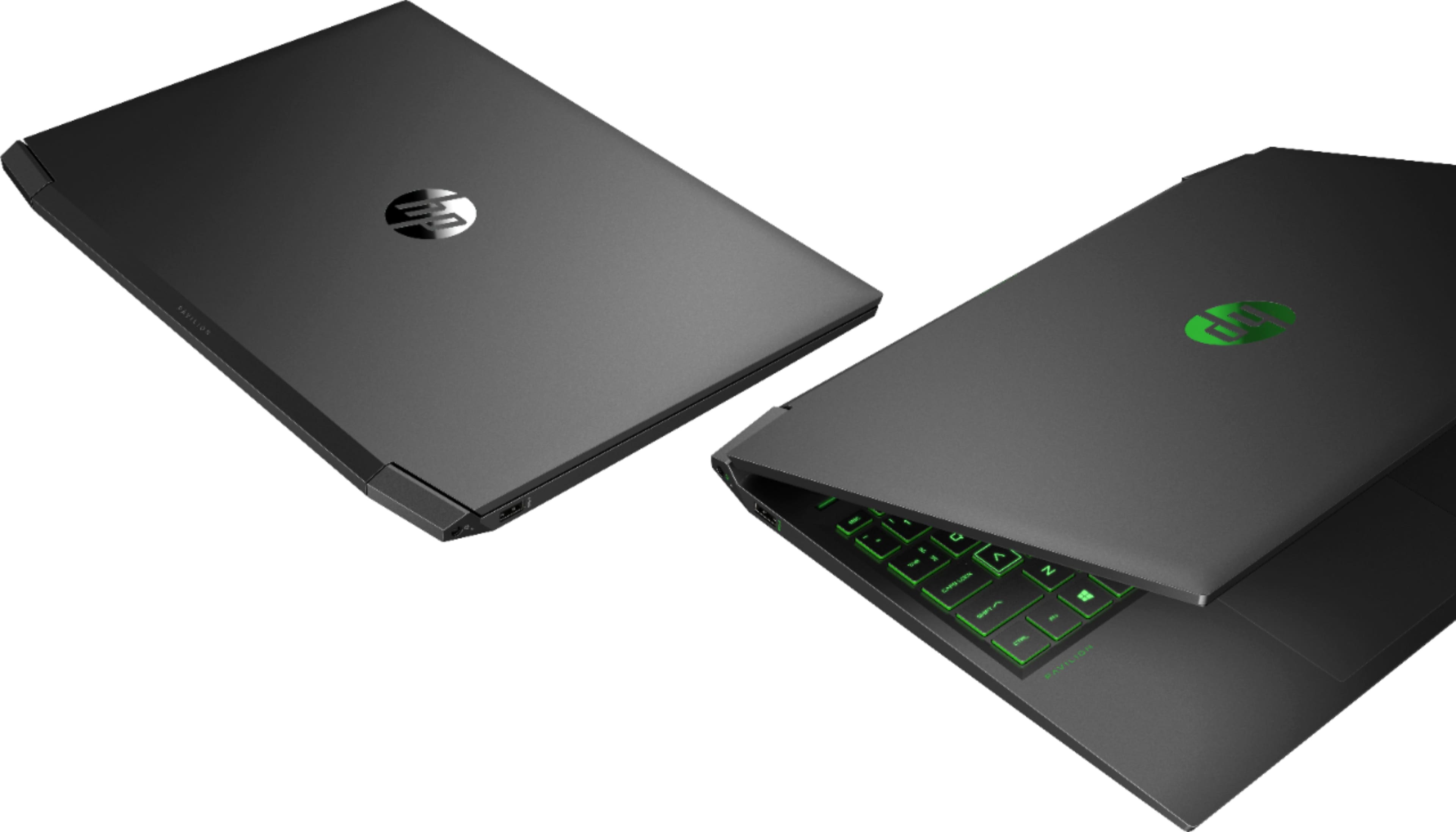
A:AnswerYou would need to disable the Optane Memory through the Bios in order to use the M.2 slot with a solid state drive. Refer to the "How do I enable or disable the Intel Optane memory in system BIOS?" on this webpage: https://support.hp.com/us-en/document/c05591811
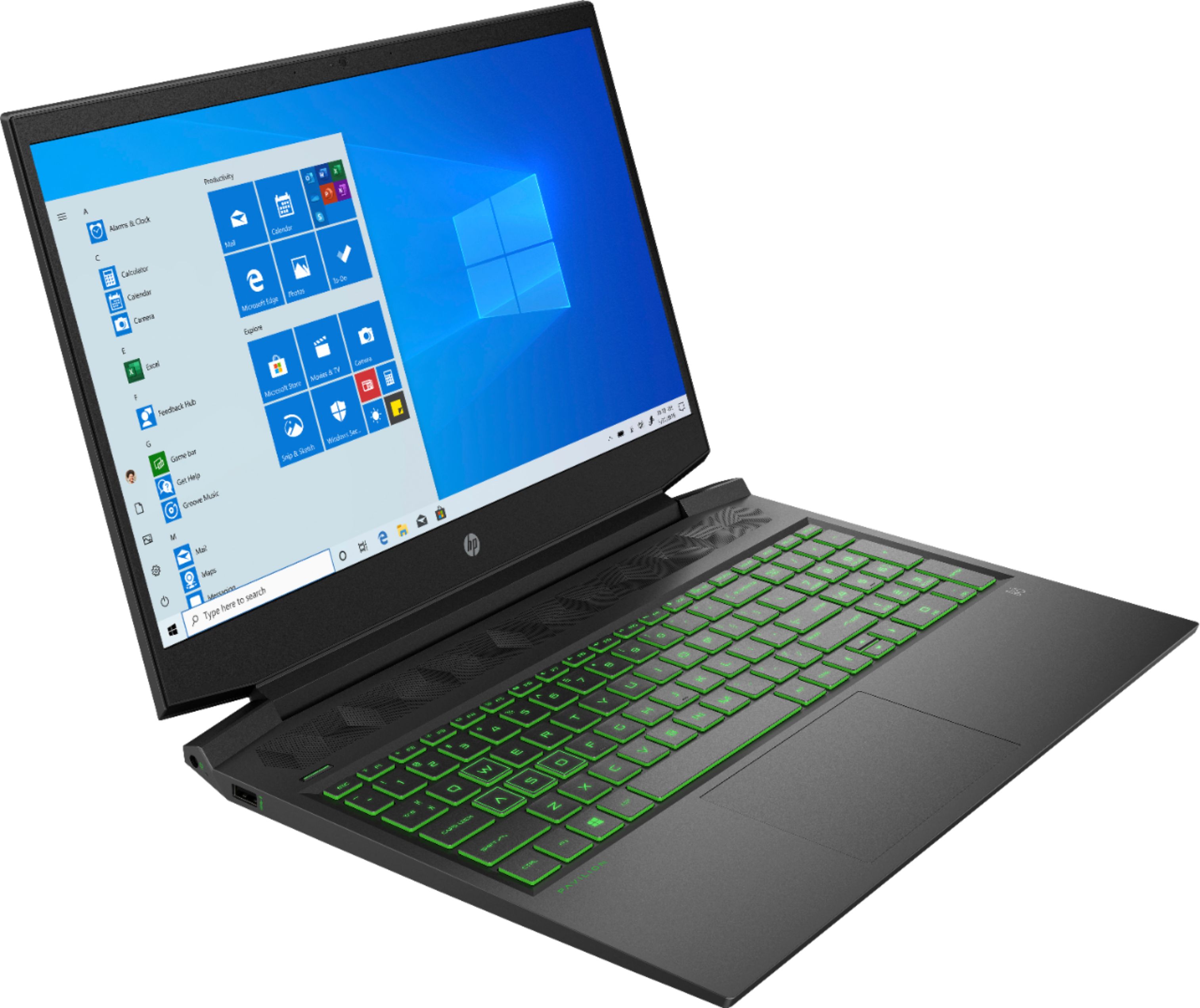
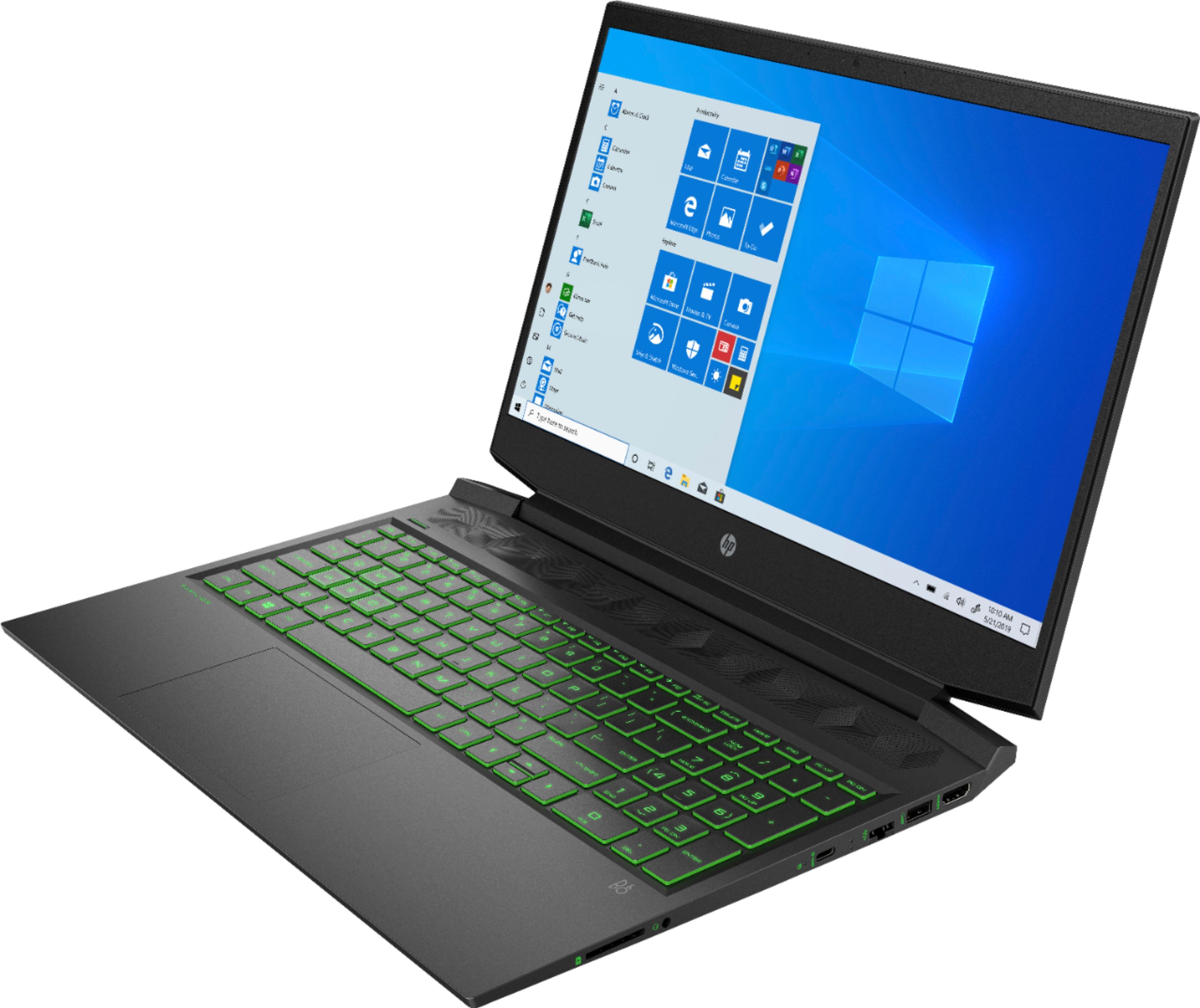
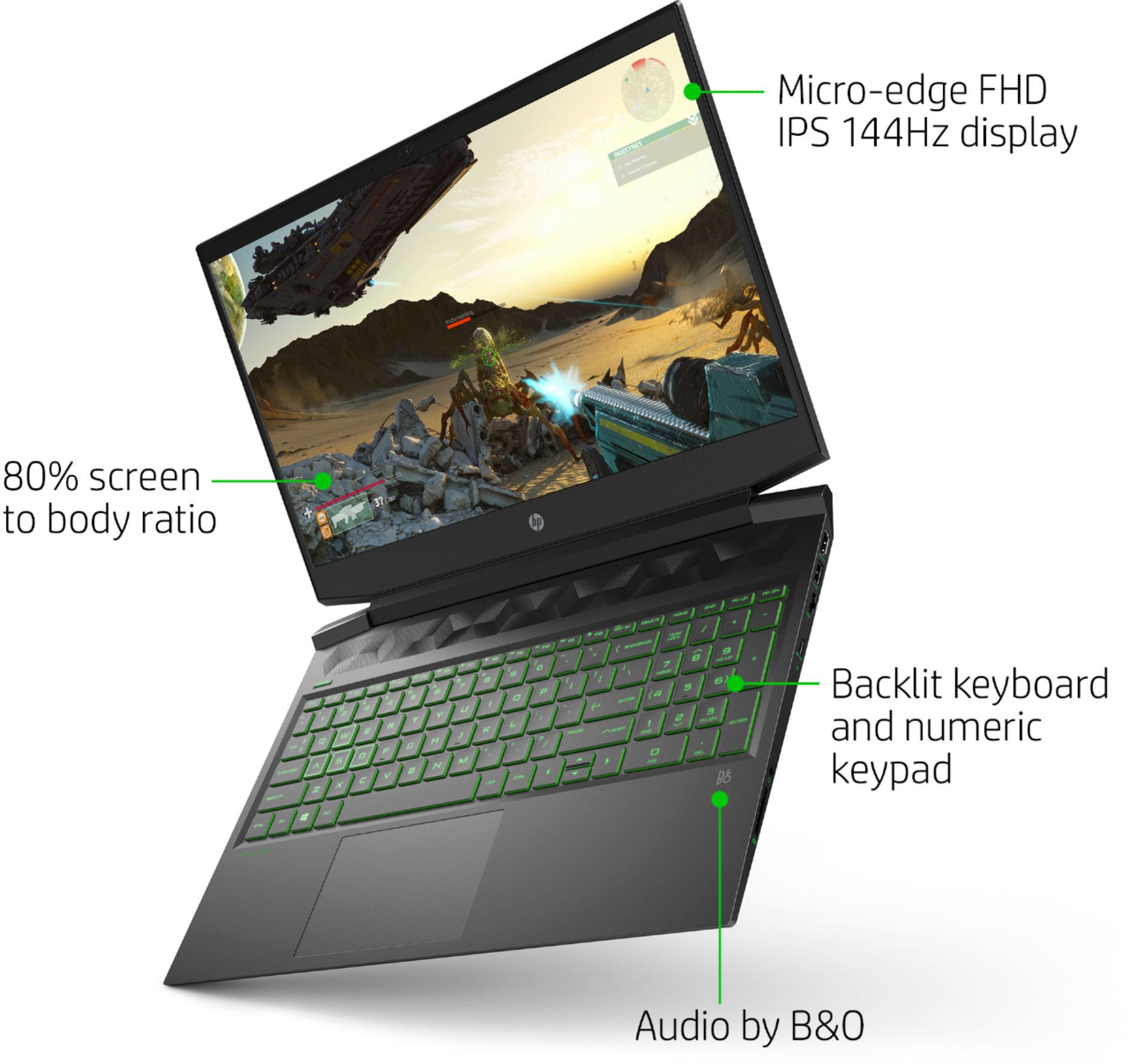
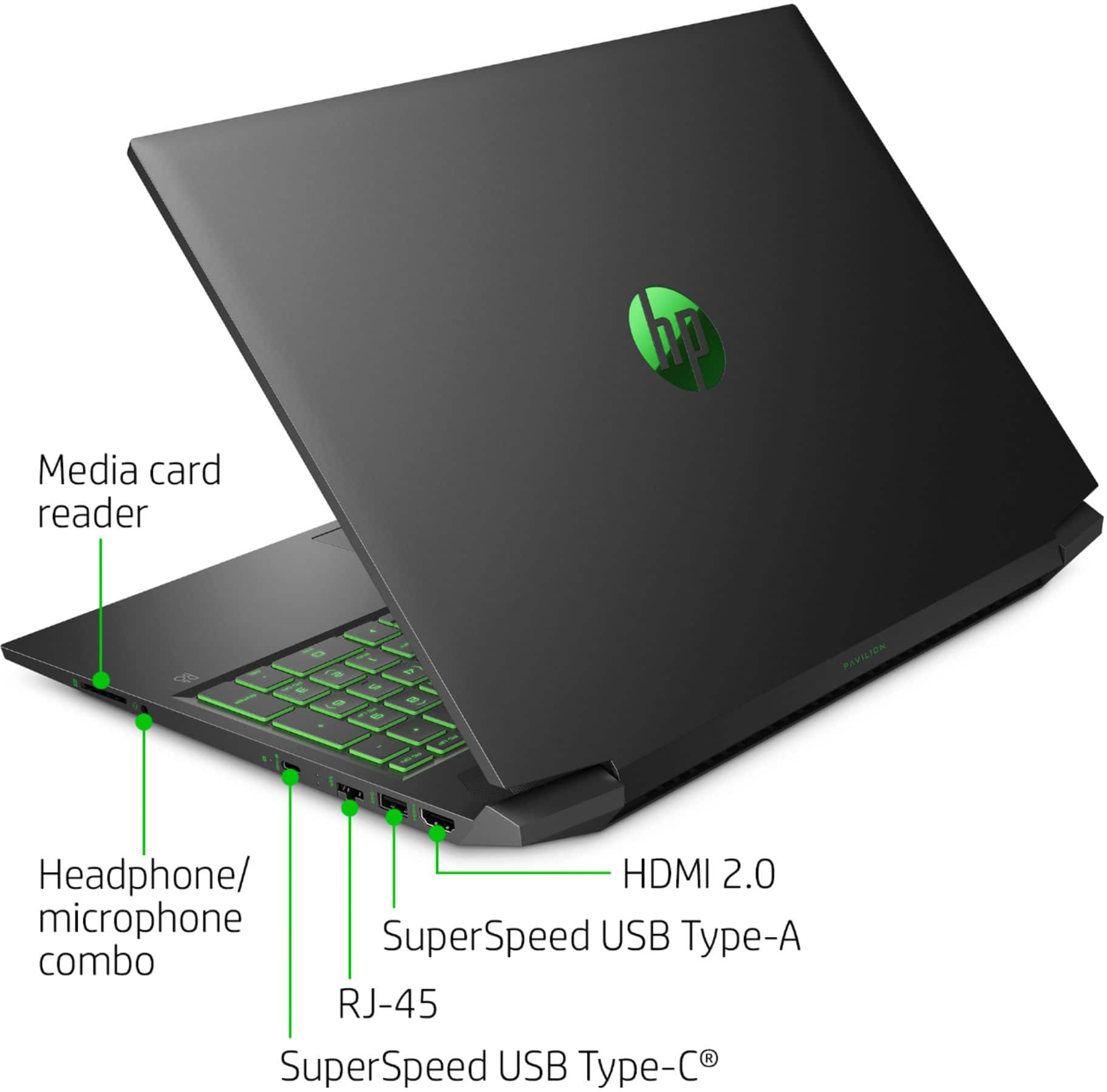
A:AnswerYes this laptops screens runs at 144hz and you can plug in an external 144hz monitor into the USB-C, if you buy the proper quality cable. USB-C to DisplayPort or USB-C to Dual Link DVI.
A:AnswerThe HP team answer is incorrect, surprisingly. The optane and SSD the machine comes with is a single unit. There’s a blank spacer in the 2.5” bay. You absolutely can add a 2.5” drive to this machine.
A:AnswerIt does process video, if you have the correct cables. You can hook an external monitor up using a USB-C to DisplayPort, USB-C to HDMI, USB-C to Dual Link DVI, or possibly a usb-c hub.
A:AnswerPhotoshop recommends 16 gigabytes of RAM, which you can upgrade this laptop up to. This laptop currently has 8 GB DDR4-2933 SDRAM (2 x 4 GB). Then, you will be able to use Photoshop on this laptop.
A:AnswerEhhhhh you could try it but you may want something with a bit more ram. You could also buy this then upgrade the ram. That may actually be cheaper but you should look around first
A:AnswerMicrofiber cloth and pure distilled water. Make sure it's pure with NO minerals. You want the lab grade stuff. Pure h2o. Side note don't drink it. It tastes horrible
A:AnswerNope I've had it for awhile and hp did a very good job with the cooling system in this one the fan is quite powerful and because of that can be quite loud
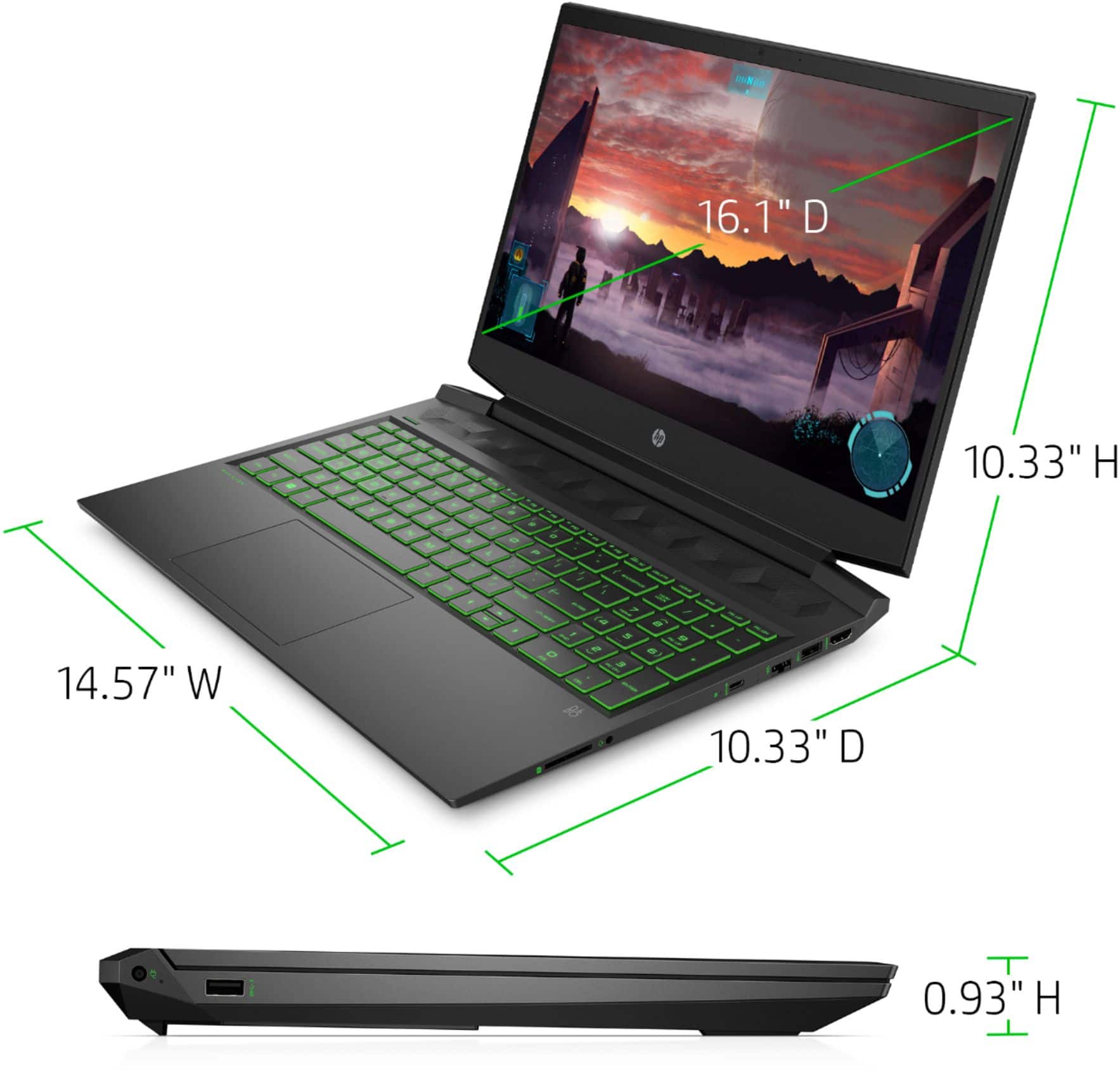
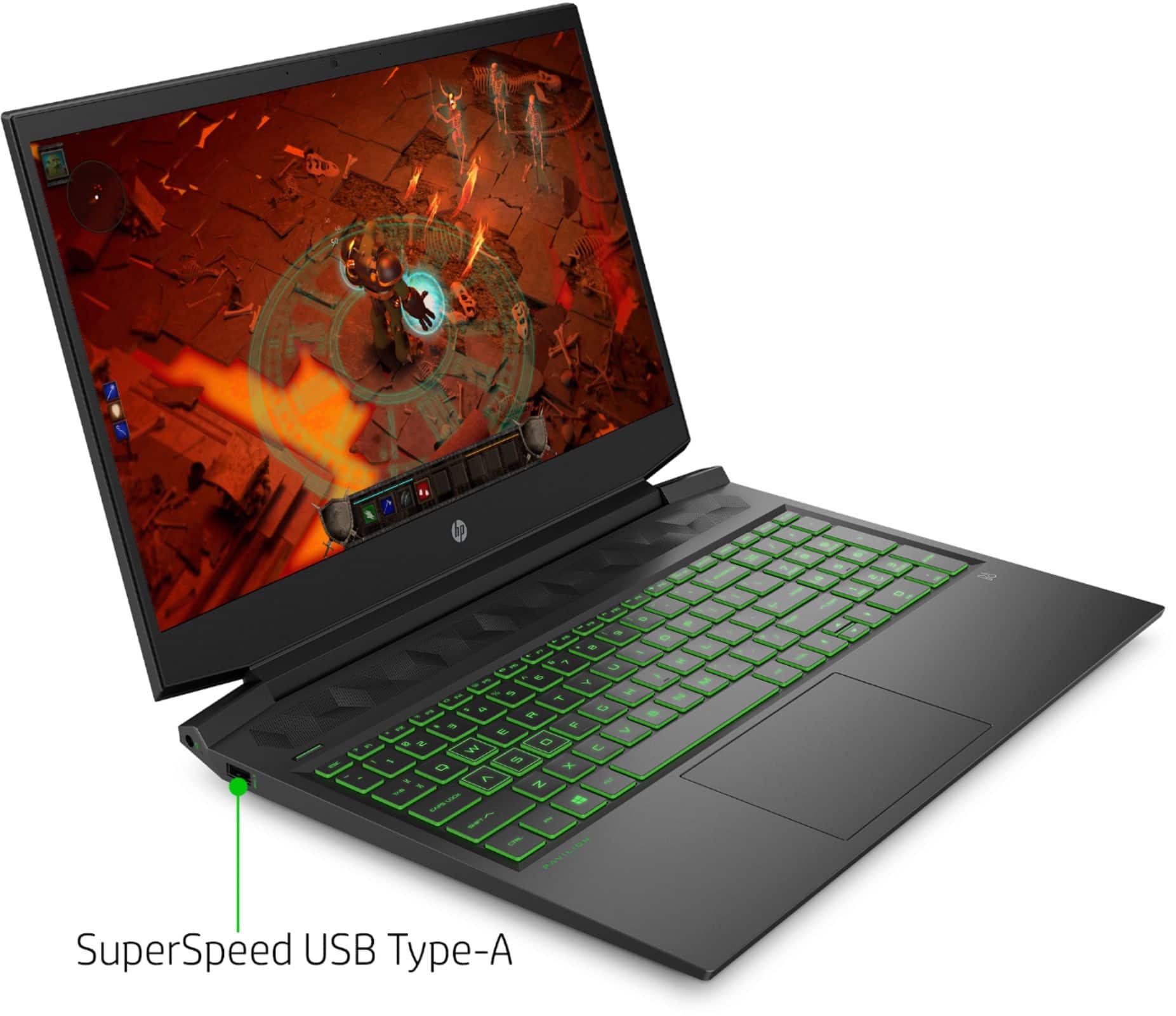
A:AnswerThis has 16 inch screen or if this helps 14 inches horizontally and 8 inches vertically. These are all abouts they may be off by 1/10 of an inch