A:AnswerThese machines are considered non-upgradeable and it would be recommended that any upgrades be done by a certified expert. If you are curious about upgrading this machine, you can contact HP Support or Geek Squad. If Geek Squad does the upgrades, it does not void the warranty of the machine, but HP will not cover the new parts.
A:AnswerThanks for your question! For help with answers to these questions please contact Best Buy Geek Squad. They offer services that will can address these needs and answer these questions.
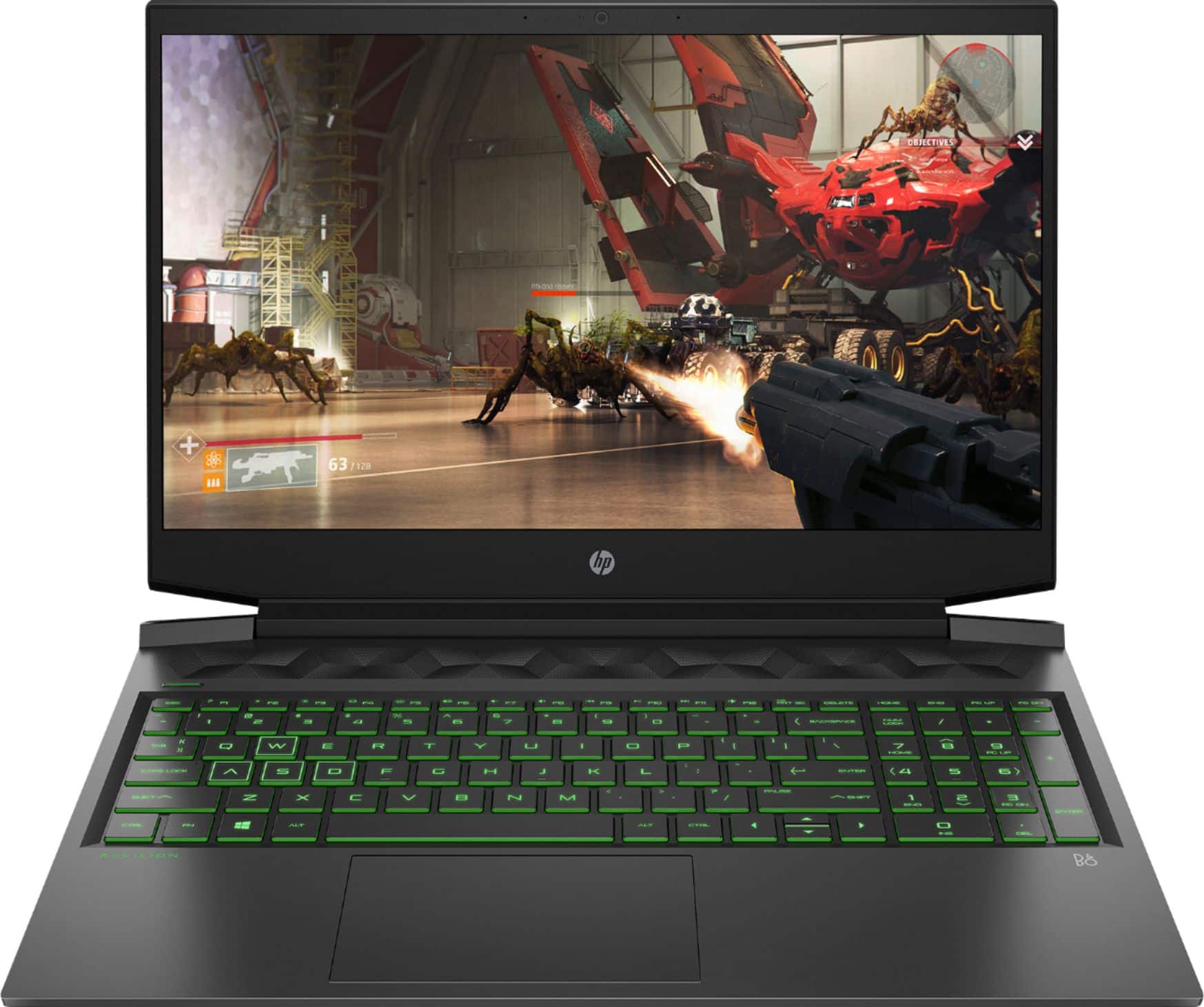
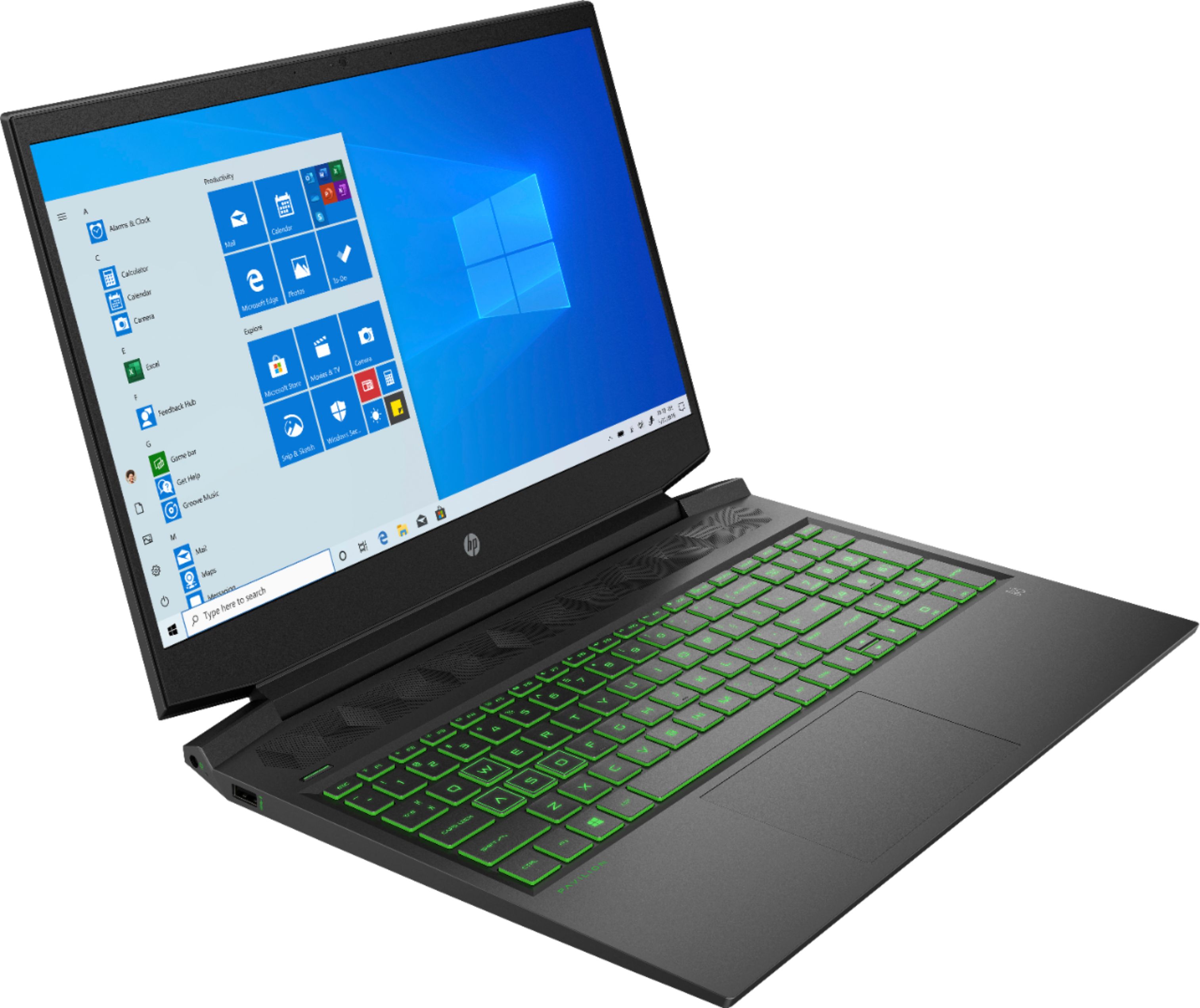
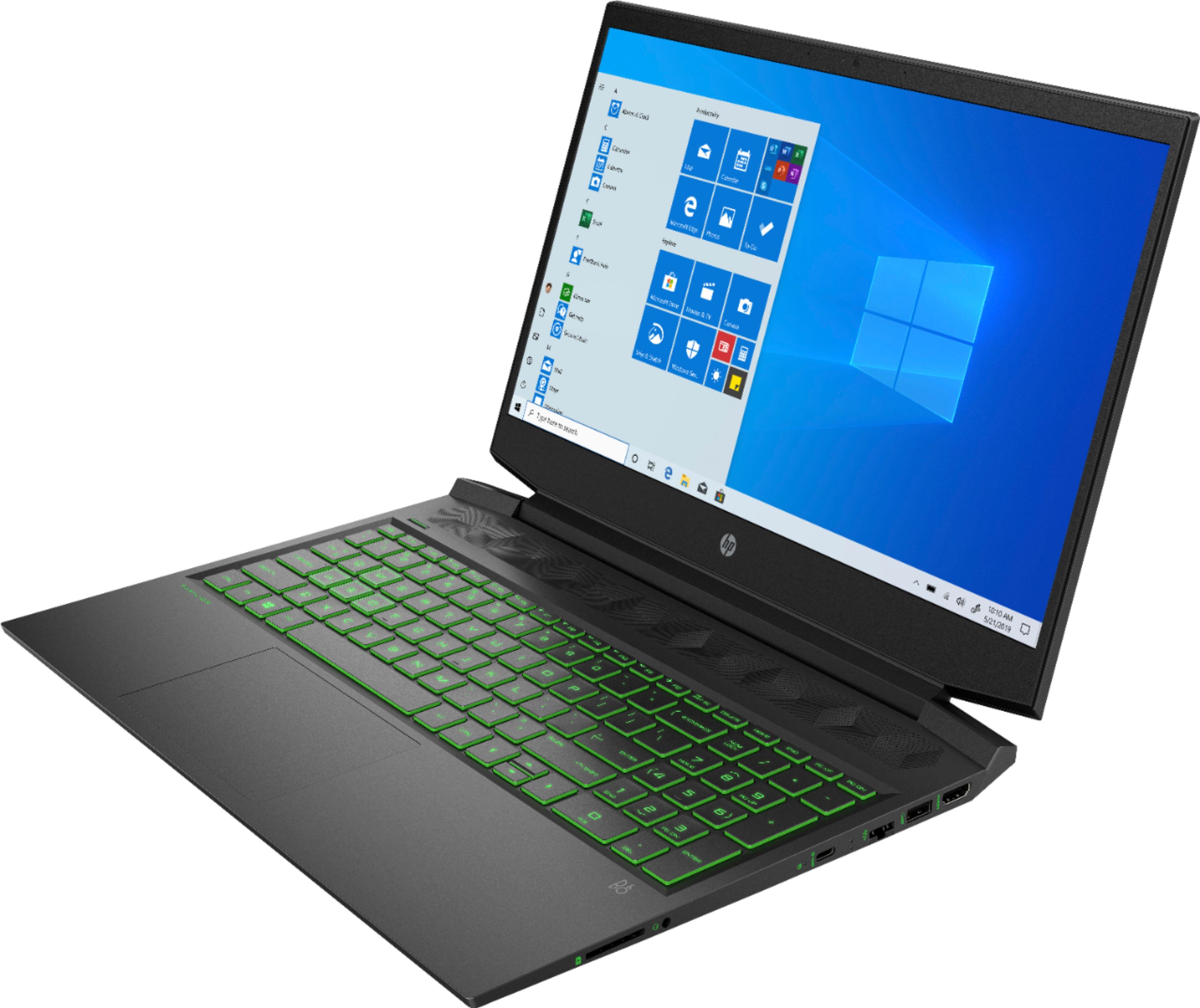
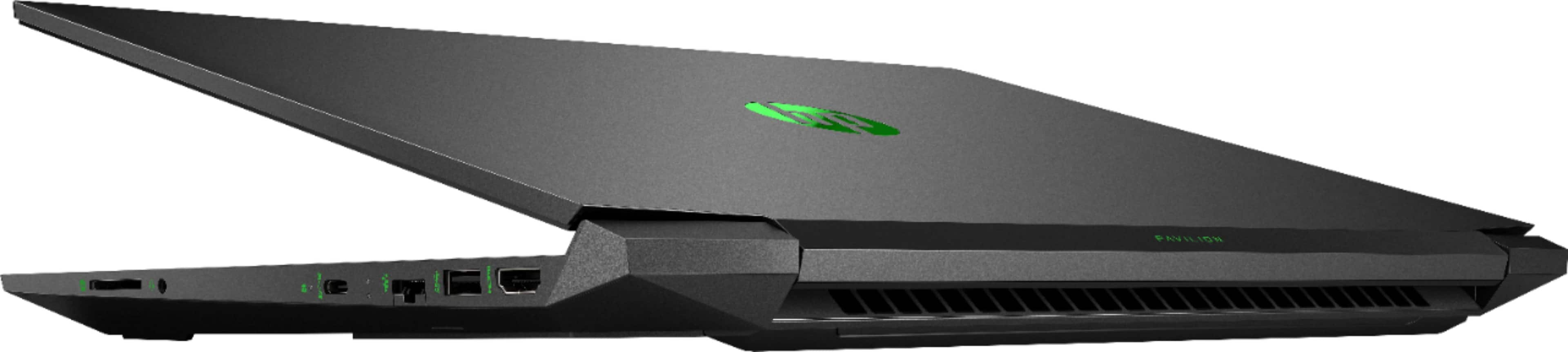
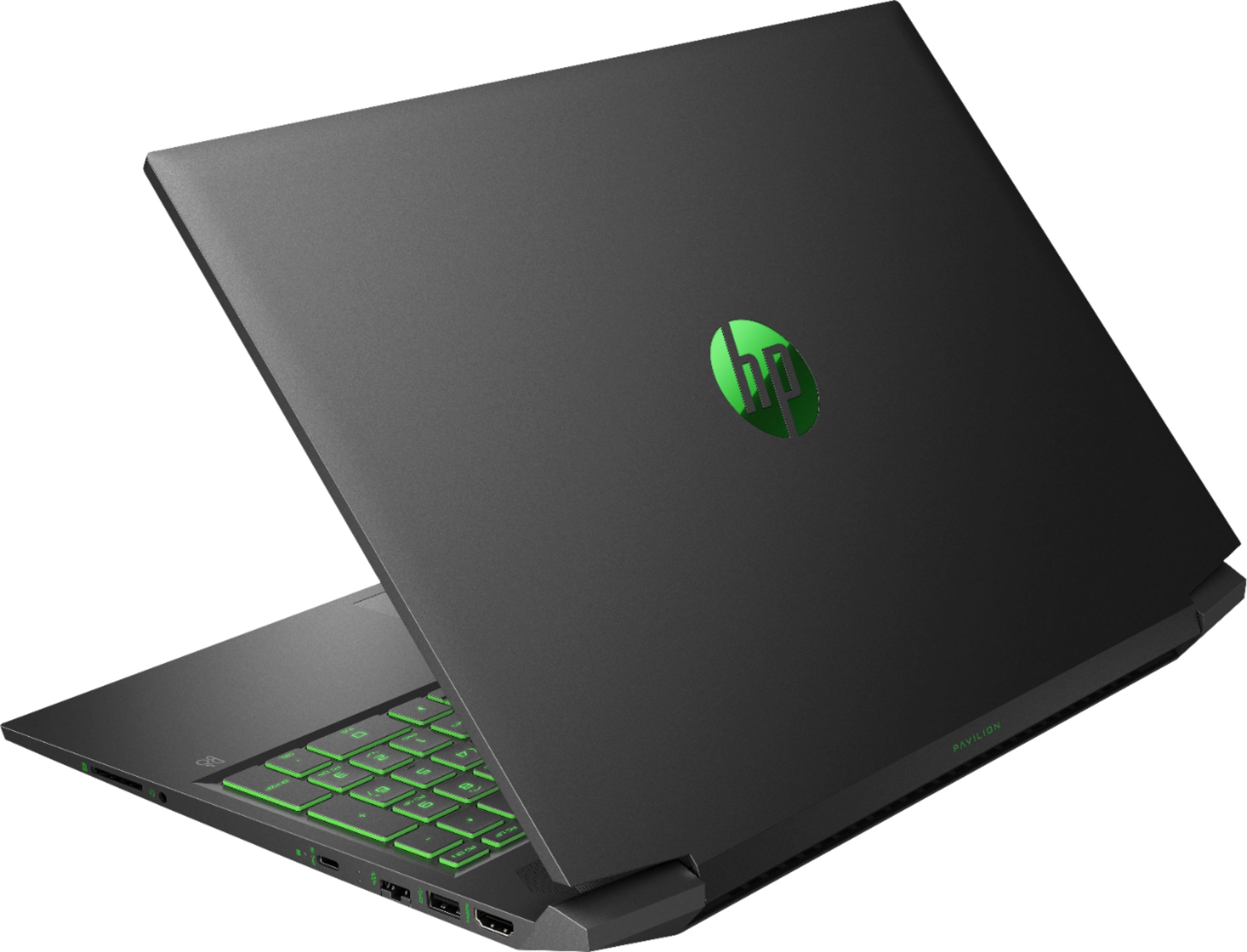
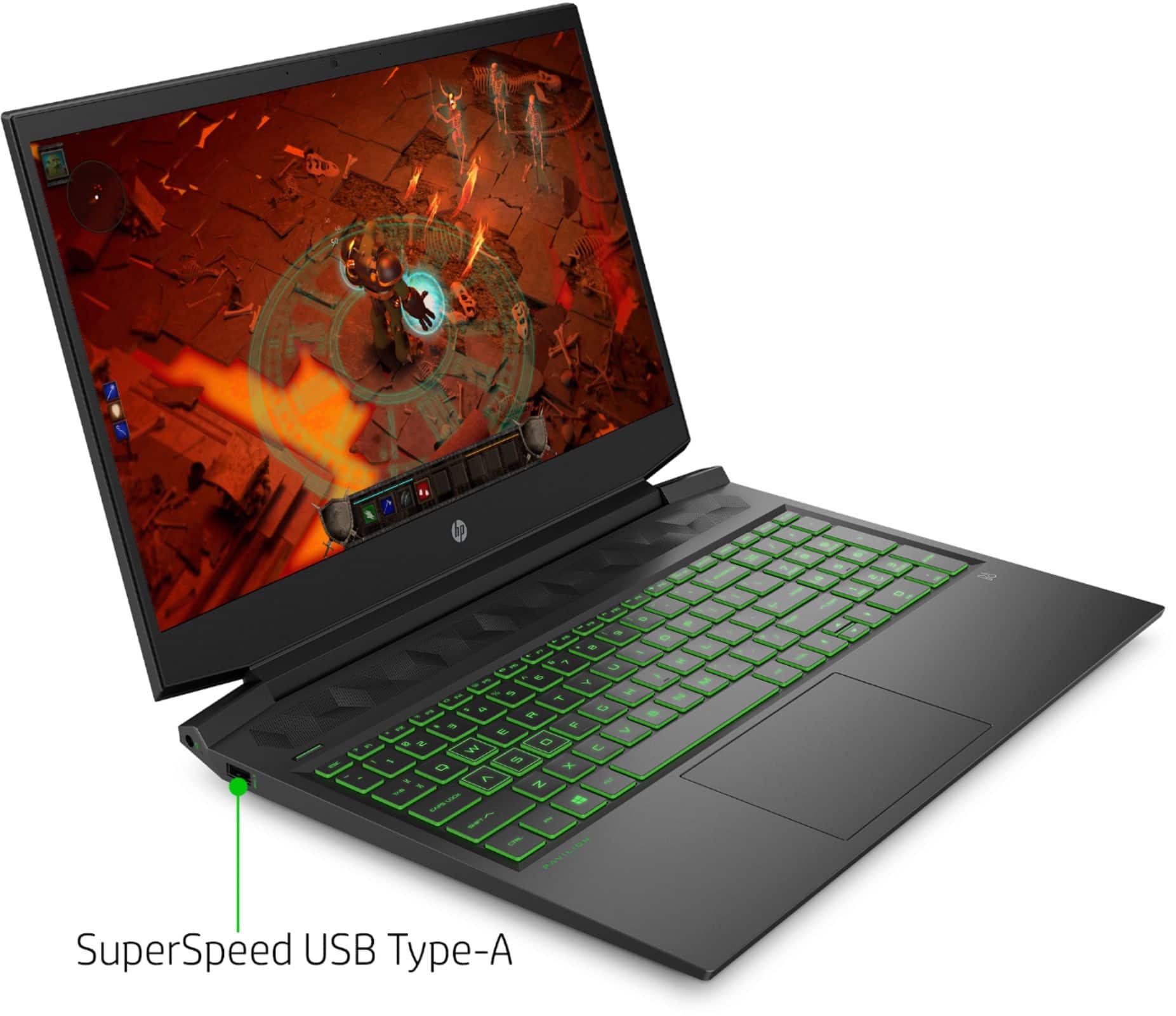
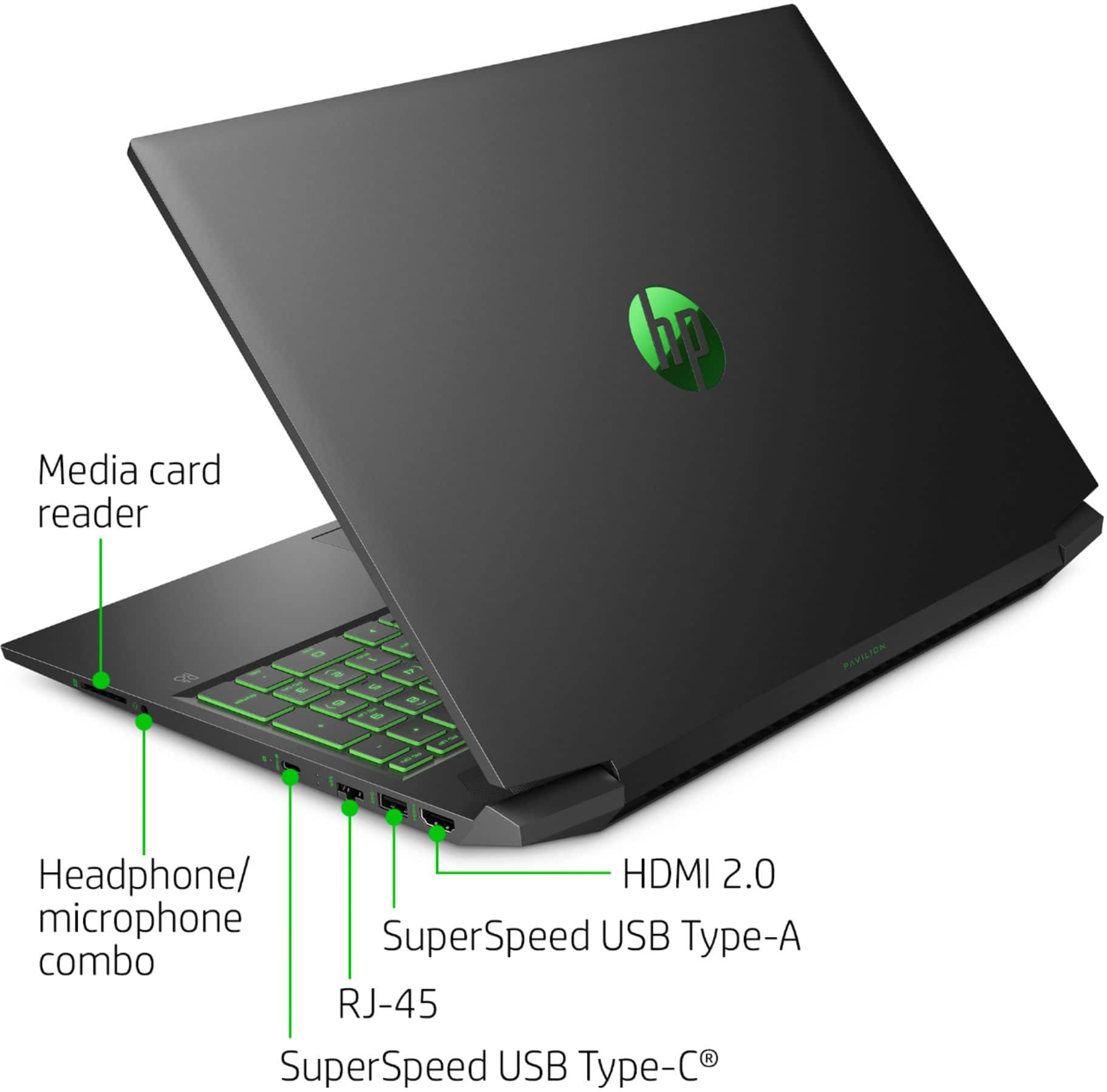
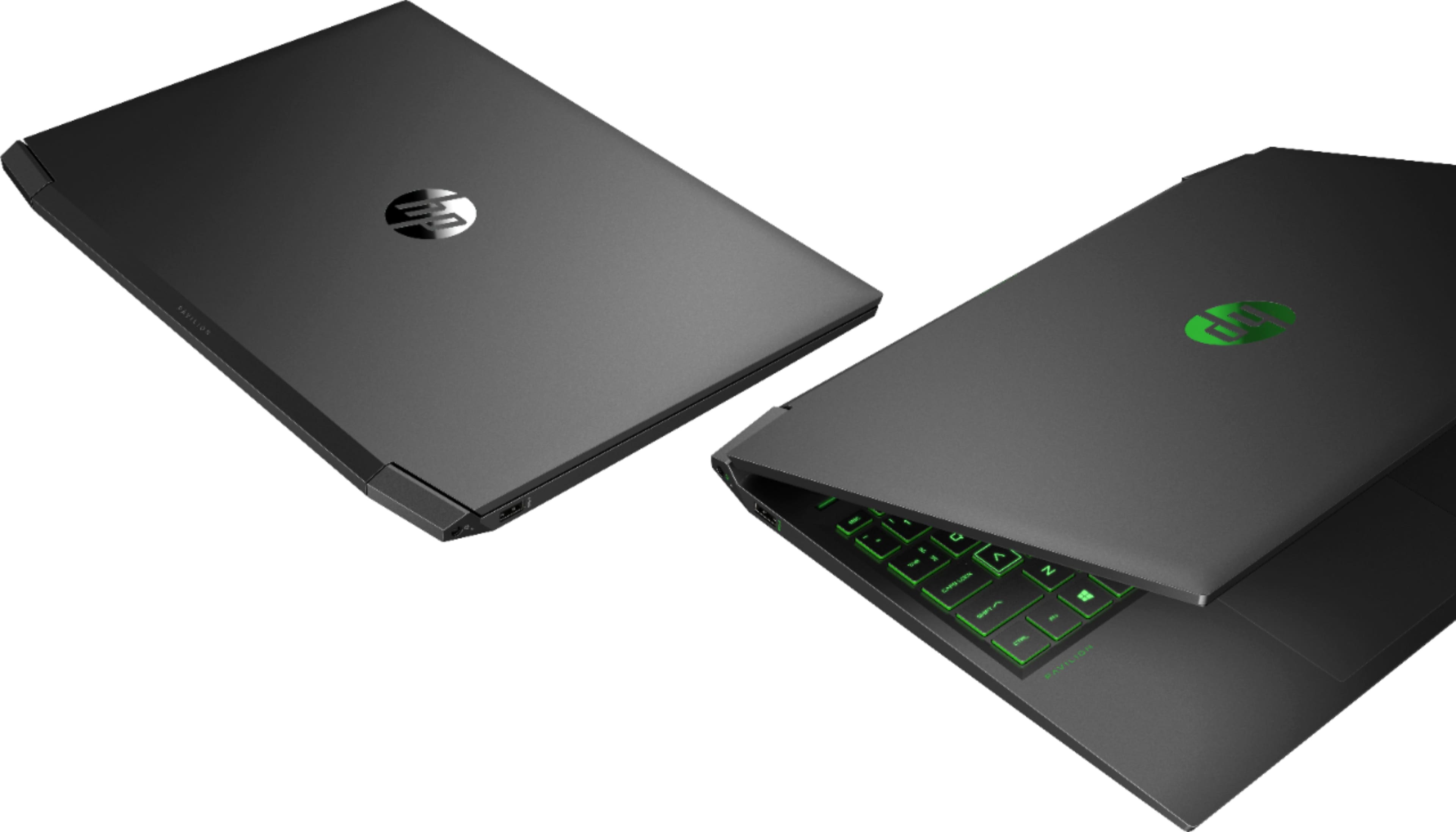
A:AnswerHello, Melannie. This HP Pavilion Gaming Laptop - 16-a0032dx has an SD card reader. You can use a microSD card adapter with the SD card reader. There is also 1 HDMI port, built-in camera, and microphone on this laptop. There are 2 USB ports that you can plug USB flash drives into.
A:AnswerHi and thanks for your question! We recommend visiting the software manufacturer's website for the most current PC System Requirements for compatibility.
A:AnswerAs suggested by "HP Team", checked Windows settings, specifically Windows Mobility Center (per additional Internet research). Didn't find any Windows settings for this model to adjust timing of keyboard backlight. So no.
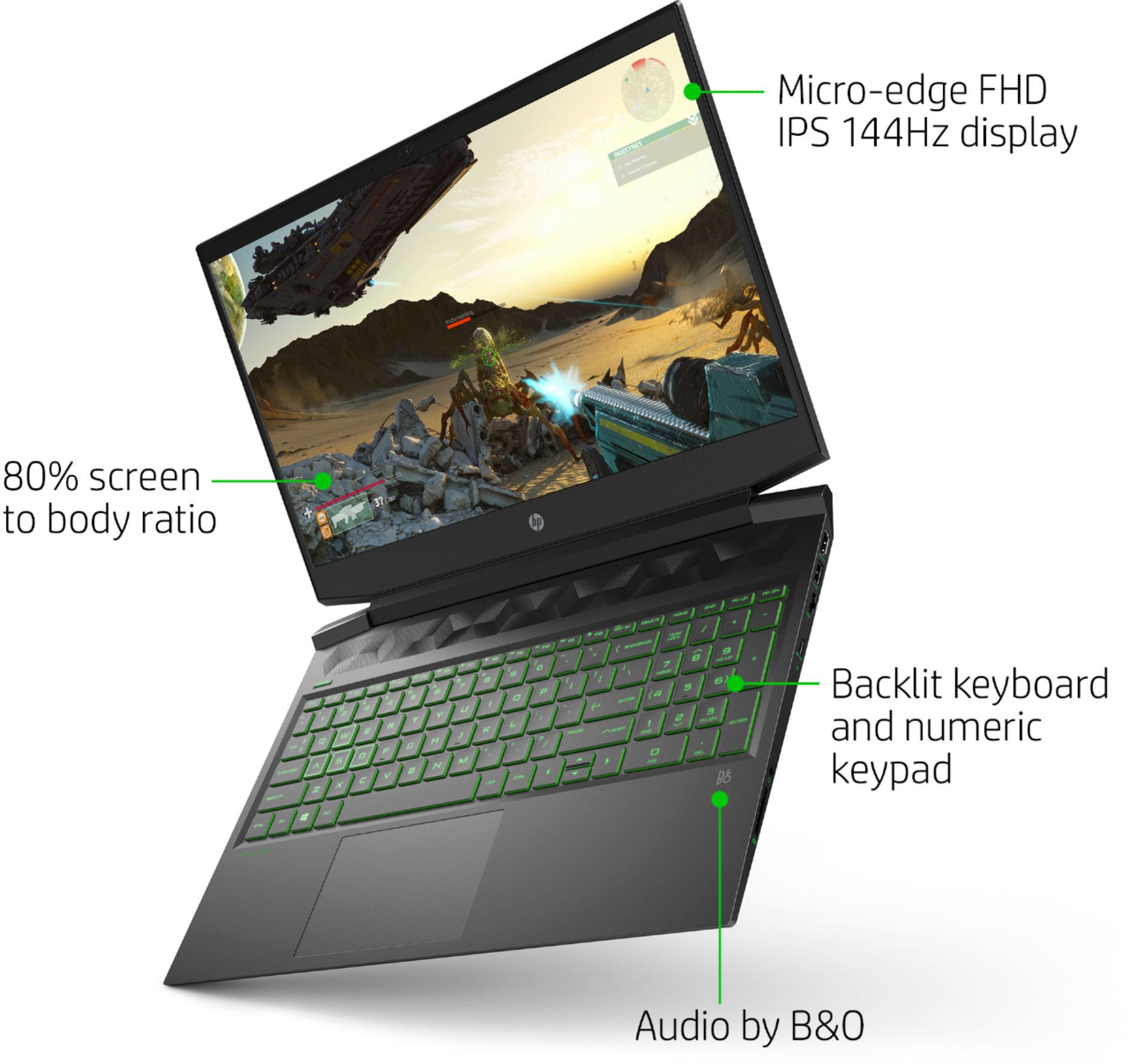
Fortunately, the contrast on the keys is good enough that the screen display illumination makes it possible to make out the bottom 3 or 4 rows of the keyboard in the dark.
A:AnswerYou would have to remove the bottom cover to access the motherboard where the RAM is. To get the full 16 gigabytes, you would only need 1 - 8 GB DDR4-2933 RAM stick to get the full 16 GB. Right now, Best Buy does not have the 8 GB DDR4-2933 (PC4-23466) RAM stick.
A:AnswerThis HP Pavilion Gaming laptop 16-a0032dx can only be upgraded up to 16 gigabytes GB DDR4-2933 SDRAM. You only need 1 - 8 GB DDR4-2933 RAM stick to get the full 16 GB. Right now, Best Buy does not have the 8 GB DDR4-2933 (PC4-23466) RAM stick.
A:AnswerHi Henry. Yes it can. The HP Pavilion 16-a0032dx laptop has a SuperSpeed USB Type-C® 5Gbps signaling rate (DisplayPort™ 1.4). You would need a USB-C to mini-DisplayPort adapter to connect to the Oculus Rift S.