A:AnswerThis product has a super multi DVD/CD burner that reads and writes to a wide variety of media formats, including DVD+R/RW, DVD-R/RW, CD-R/RW, DVD-RAM and double-layer DVD.
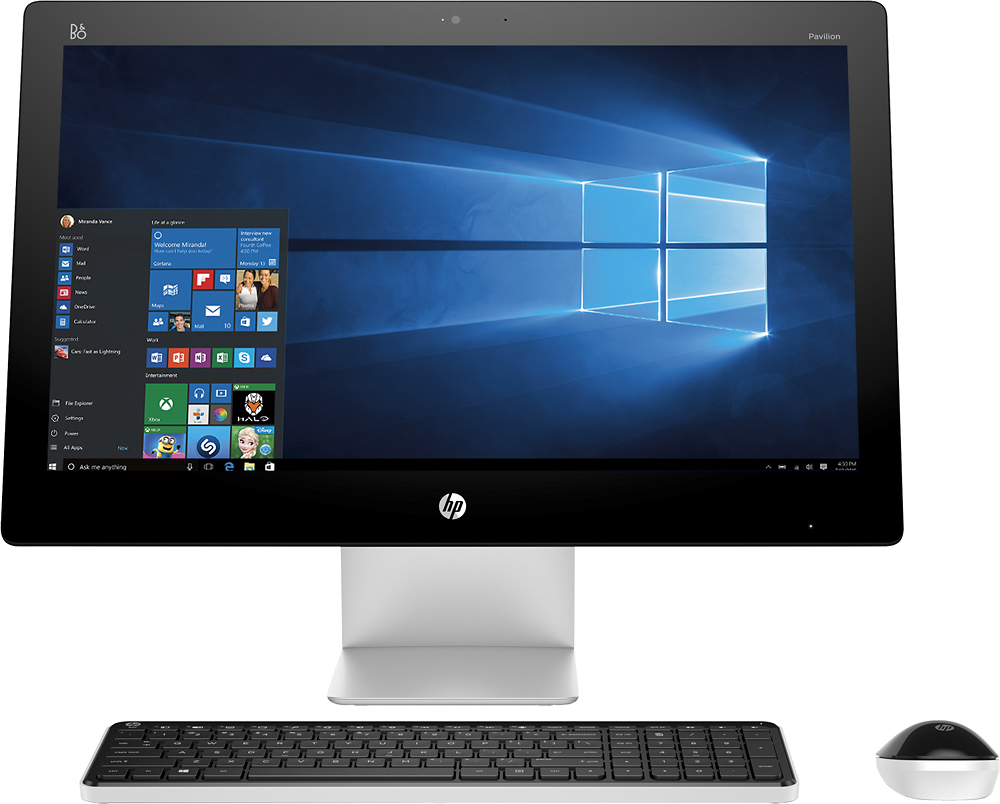
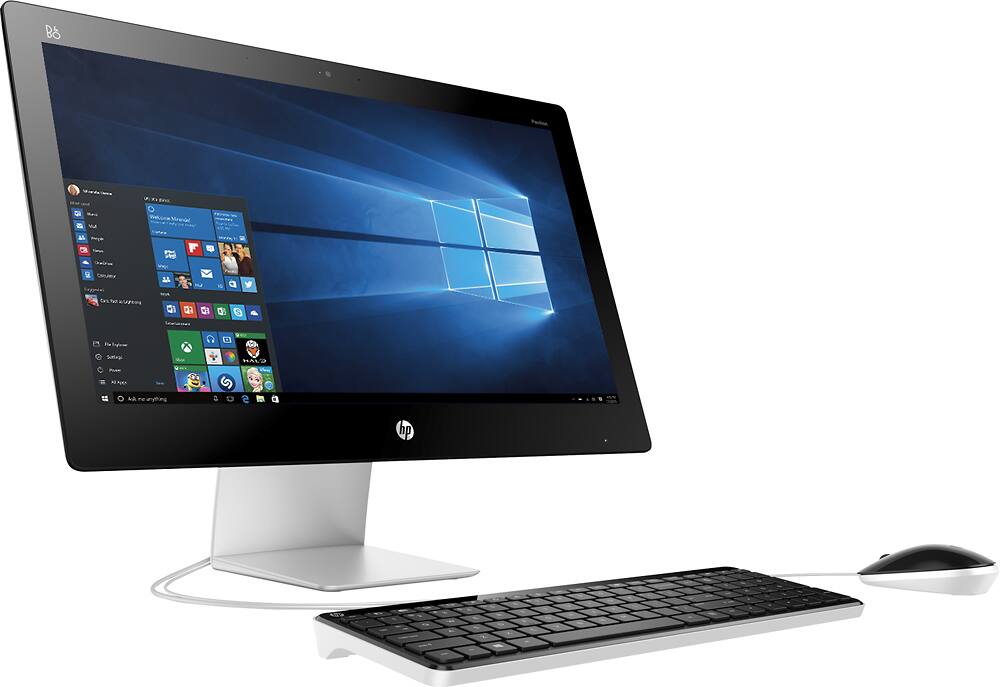
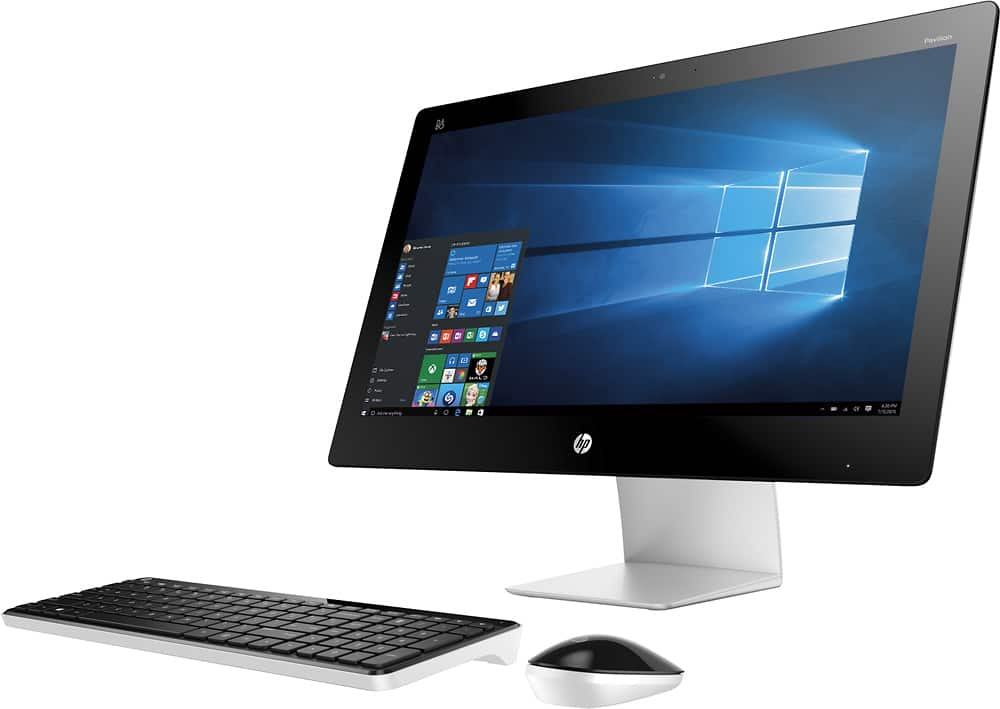
A:AnswerGood question. Yes a keyboard can be added to this desktop. The desktop already comes with a keyboard and mouse, but if you wish to use a different one, you can. They keyboard will hook up with the USB port. They can be wireless or wired.
I hope this helps.
A:AnswerIt comes with a MS Office trial for 30 days, but a 1 year subscription to Office 365 was purchased when we got the computer for $49. If you didn't buy it when you purchased the computer, you can get it for $69. Well worth it!
A:AnswerGood question. You cannot use this desktop as a TV because it only has an HDMI out port. You would need it to have an HDMI in port to use it as a display for the PS4.
I hope this helps.
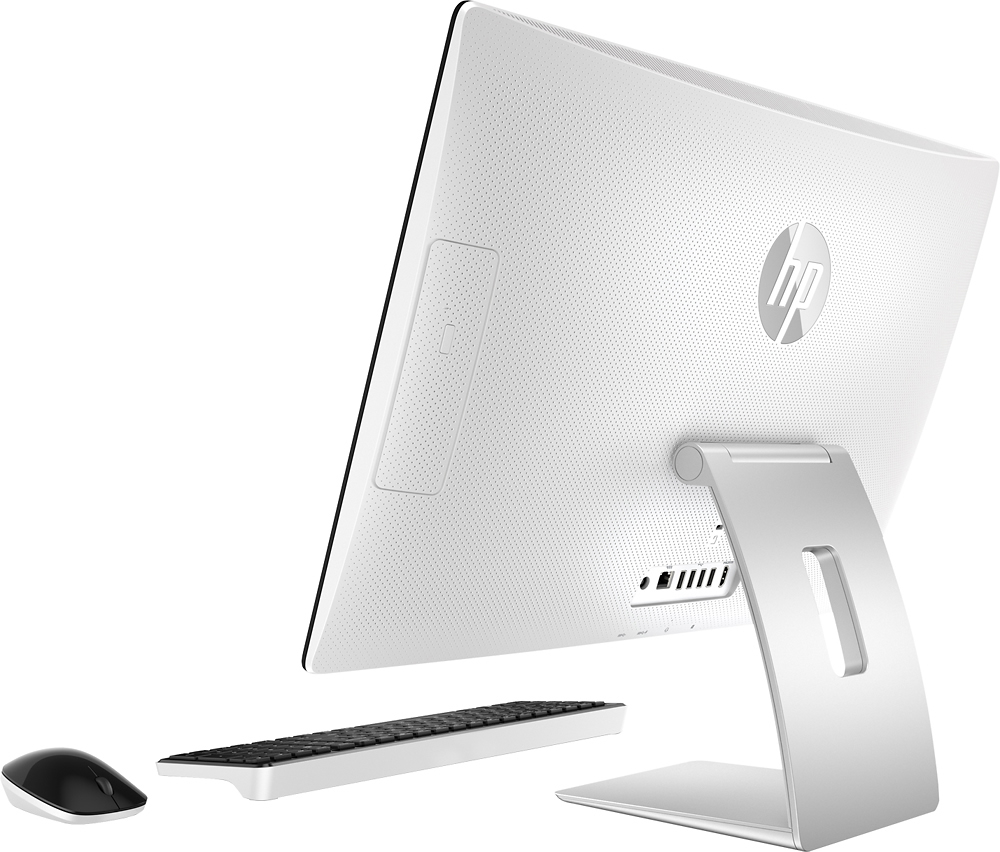
A:AnswerGood question. This PC is compatible with any USB and Bluetooth device because it has 6 USB ports and has Bluetooth capabilities. To answer your questions about programs, that depends on what program you are speaking of. I advise you to look at the system requirements of the specific programs you want to run and comparing them to the specifications on the PC.
I hope this helps!
A:AnswerGood question. You can't turn off the touch screen feature. You don't have to use the touch screen on the computer. You can use the mouse and keyboard that comes with the computer.
I hope this helps.
A:AnswerGood question. The wireless mouse and keyboard connect to the computer via USB. You can insert it into any of the USB ports on the computer. This should automatically install the drivers for the mouse and keyboard. If it is not working, make sure the mouse and keyboard has batteries inserted.
Here is the link to the user manual for the computer: http://h10032.www1.hp.com/ctg/Manual/c04843029
I hope this helps.
A:AnswerGood question. This computer does have a glossy finish so it will reflect light. However, this display is IPS so it will maintain the color even at different angles unlike the narrow viewing angles in a traditional display.
For more information on this PC, please visit the following link: http://store.hp.com/wcsstore/hpusstore/pdf/t4a02aa.pdf
I hope this helps.