A:AnswerHi Mary. This is a privacy setting that can be changed. Open the Settings app and go to Account. Select the Sign-in options tab and scroll all the way down to the Privacy section. Here, you’ll see an option ‘Show account details (e.g. email address) on sign-in screen. Turn it off and your email will be hidden from the login screen.
A:AnswerThank you for the question. Yes, and you can snap (split screen) up to four windows. Learn more here: https://edu.gcfglobal.org/en/windows10/tips-for-managing-multiple-windows/1/
A:AnswerGenerally, the batteries will last 18 months to 2 years, although it's going to depend on what batteries are used and how much the keyboard and mouse are used. Heavy use will reduce their lifetime.
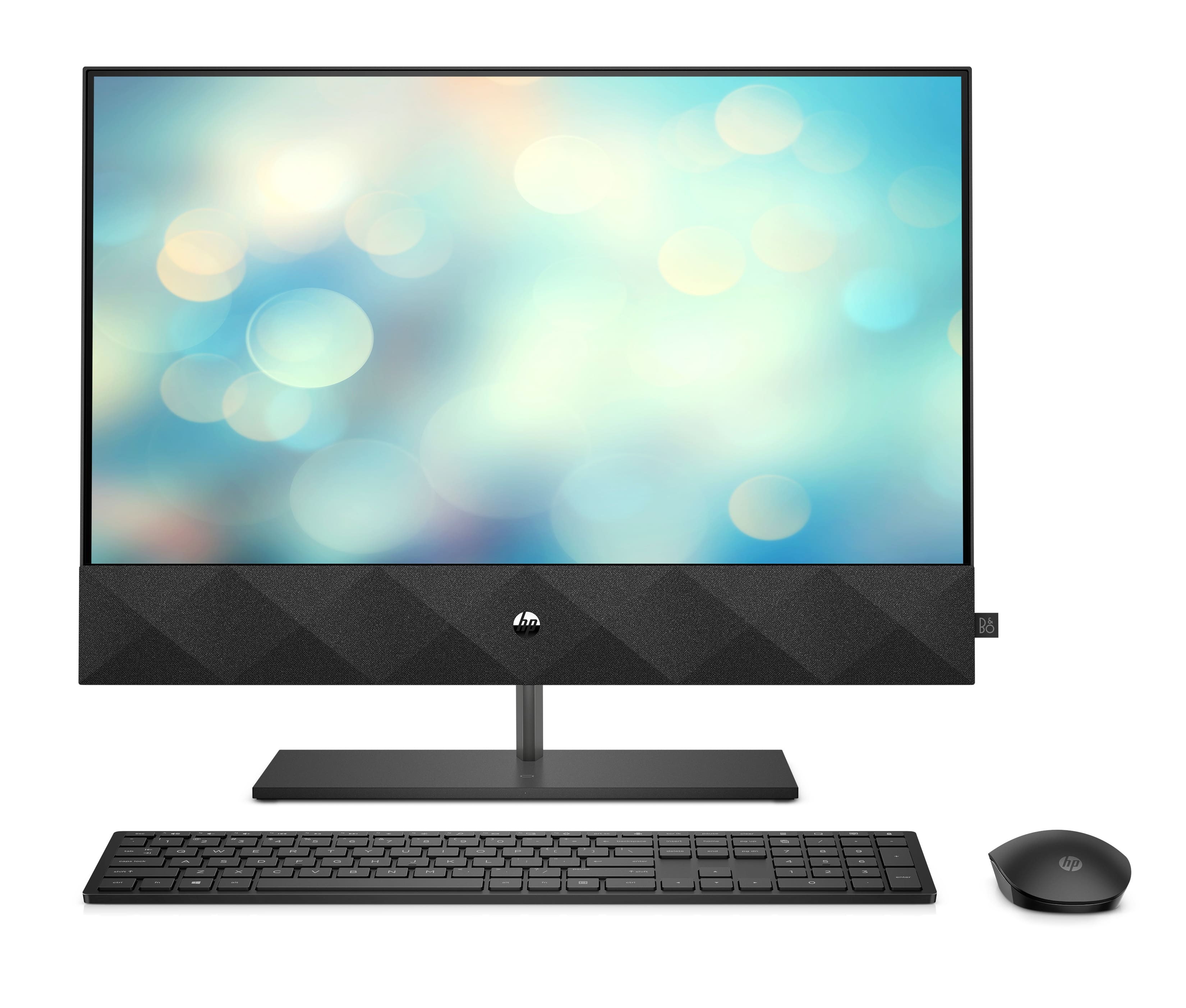
A:AnswerHello, it appears that Best Buy loaded the same model all in one but in white to the website. The keyboard and mouse are showing that they are black which signifies the monitor is also in black. We will send out a correction notice to Best Buy! Thank you for notifying us of this error and thank you for being an HP customer!
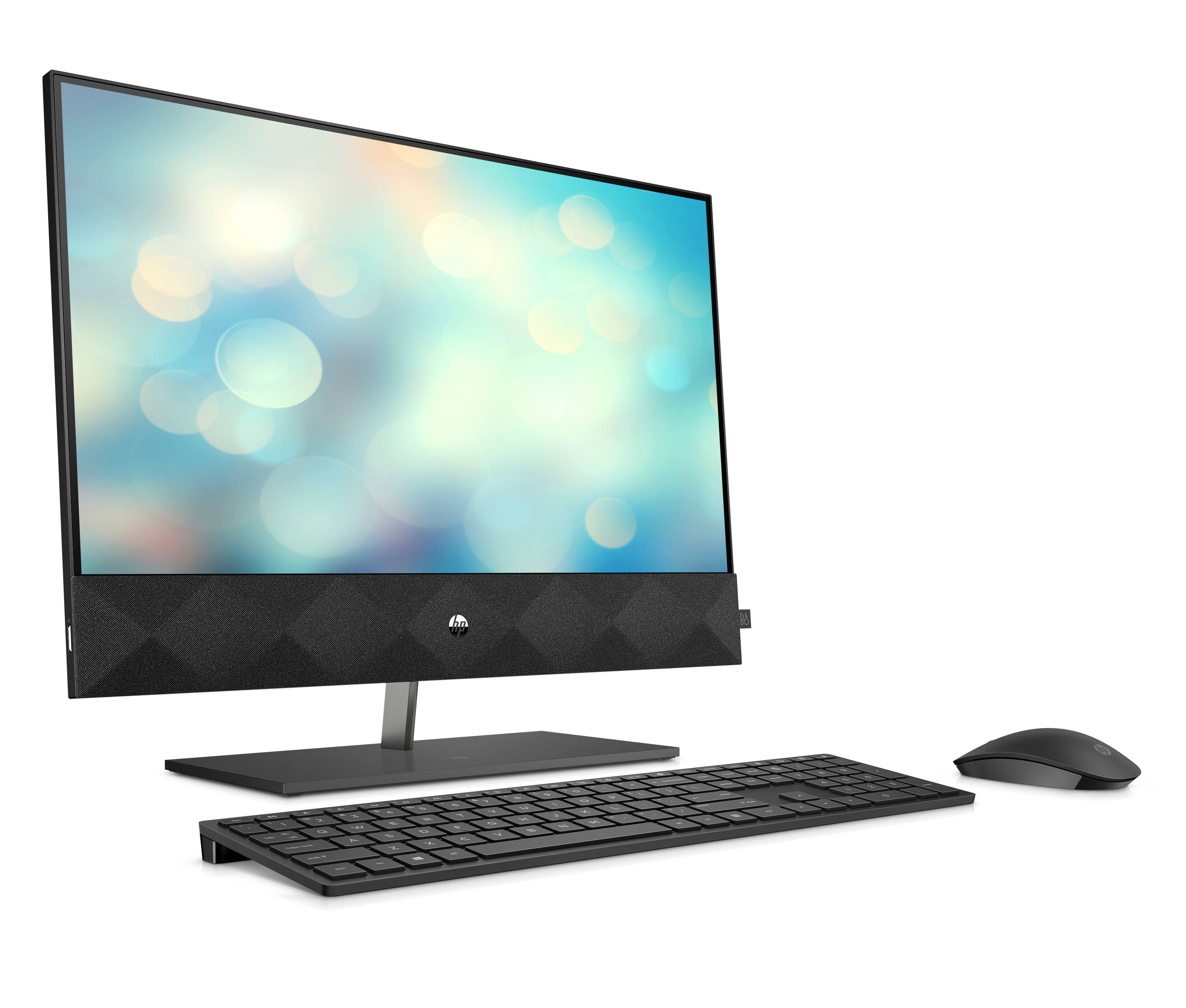
A:AnswerThis All-in-One has wireless charging built right into the base of the stand. Just place any compatible smartphone onto the base for completely cord-free charging.
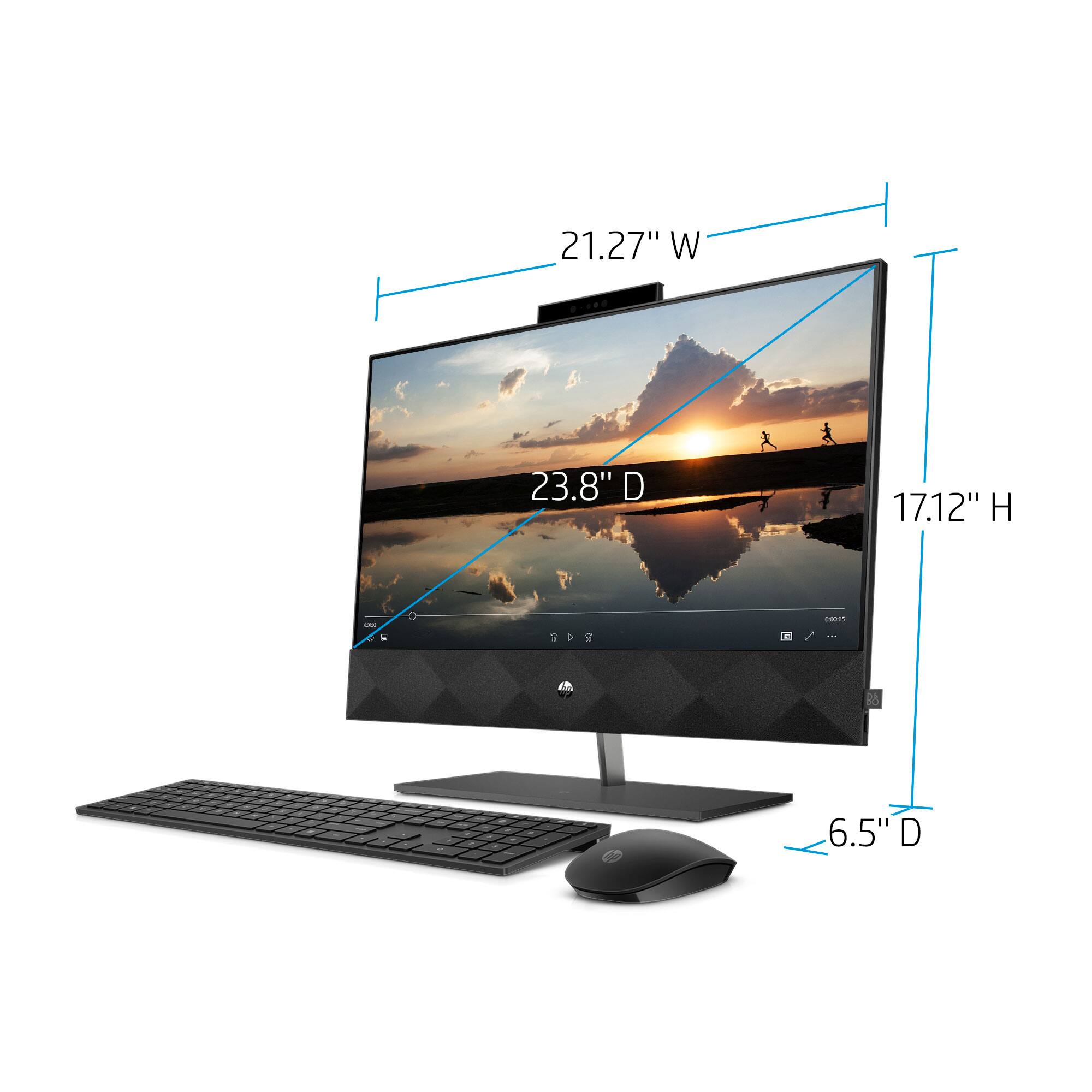
A:AnswerThank you for the question. The 24-k0234 All-in-One desktop does not have slots to accept mounting hardware, however, there may be compatible third-party mounts on the market. Note the location of inputs/ ports in the center on the rear.
A:AnswerThank you for your question! I recommend reviewing the software developer's website or game manual for the list of minimum and recommended system requirements for each of the games you play in order to find a computer that meets those specifications.
A:AnswerThank you for reaching out. Click Start, All Programs, HP, and select HP Camera from the resulting list. Or, if the HP Camera icon is displayed on the desktop, double-click HP Camera to start. When the program starts, the image from the webcam is displayed. The video settings can be adjusted to change the size and quality of the image. If you continue to have issues, please reach out to Support.hp.com for assistance.