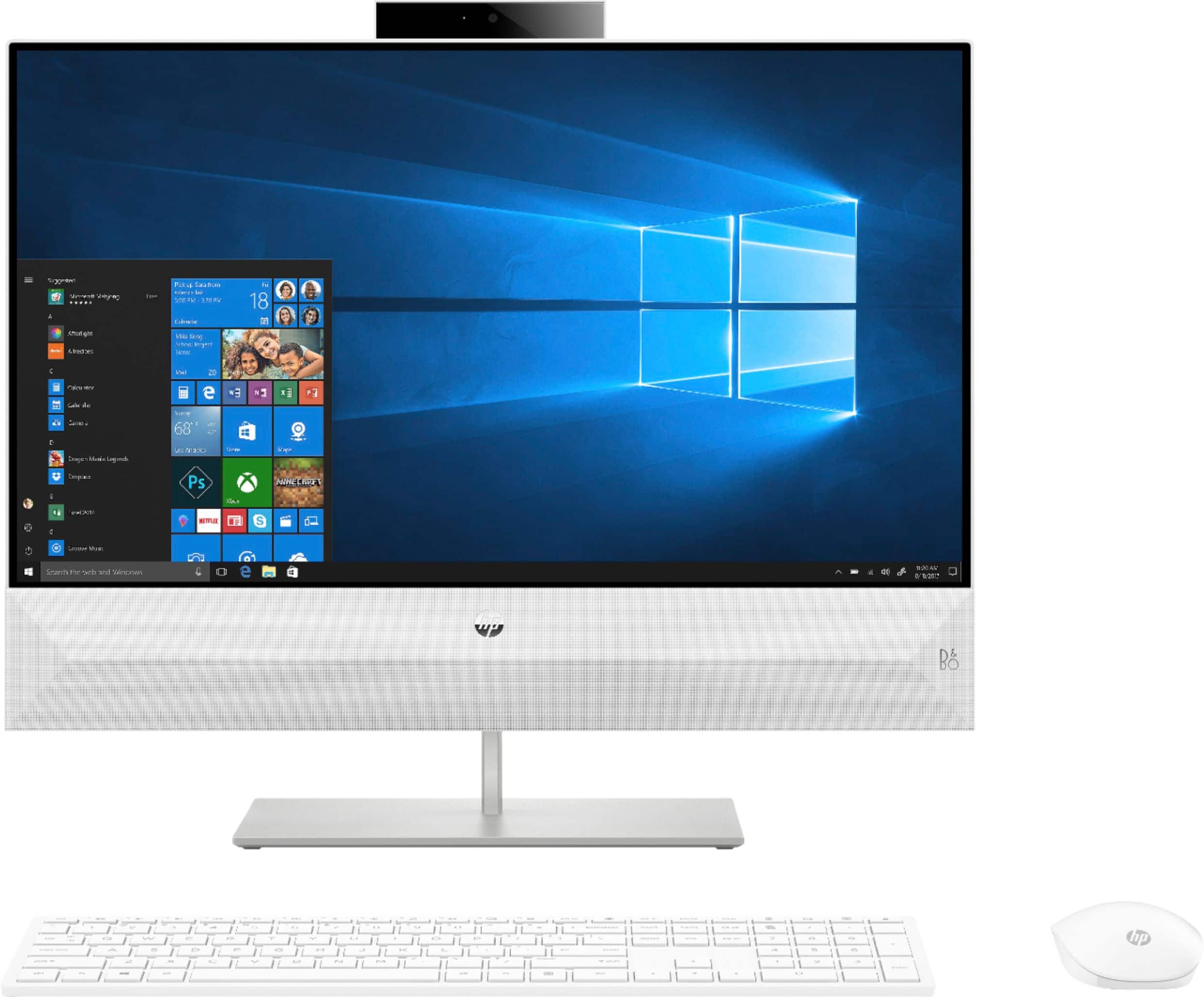
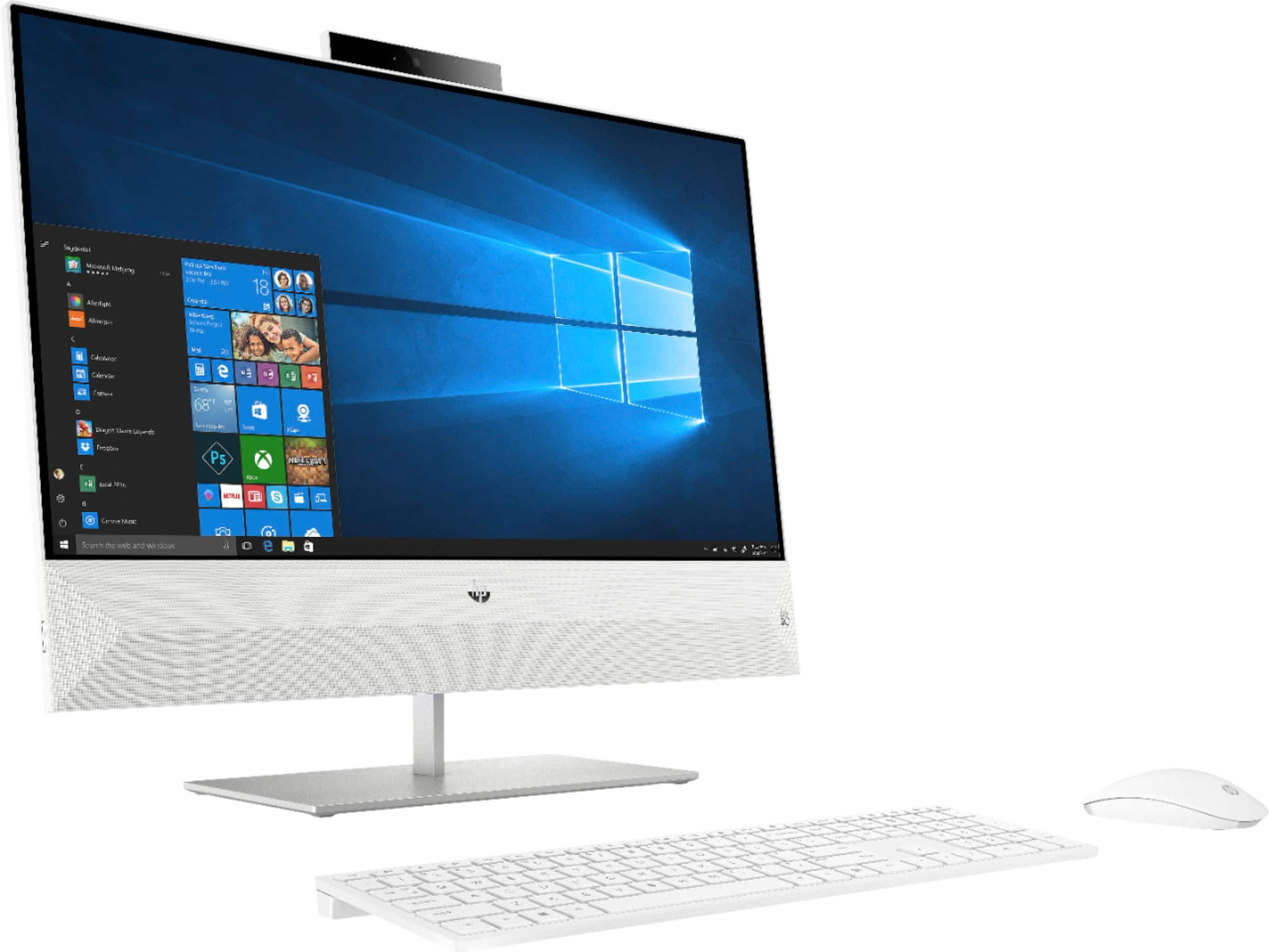
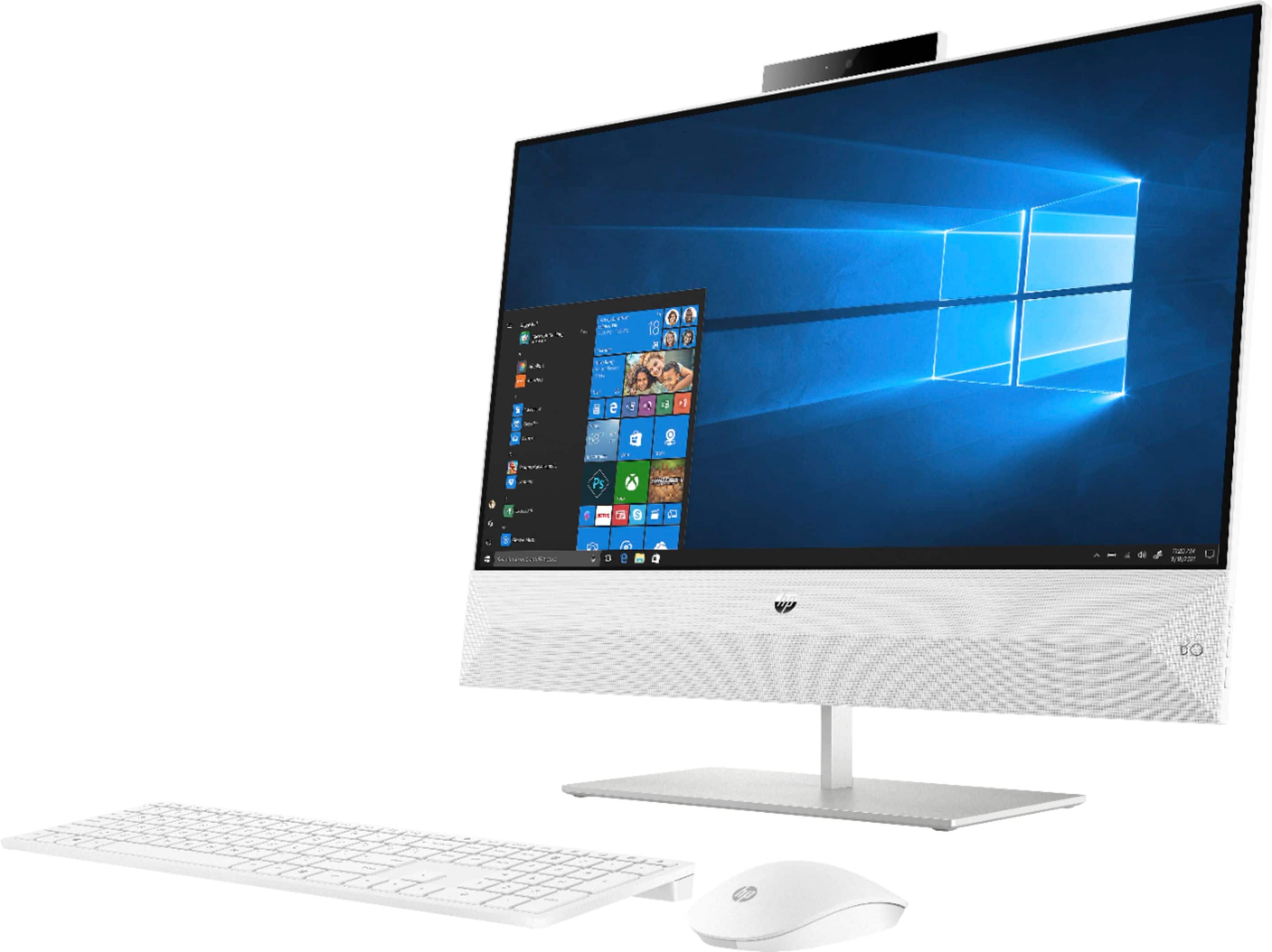
A:AnswerYou can check with Best Buy to see what a replacement screen will cost. You can also use the HP part search website to find the part number for your screen. You will need the serial number from your computer.
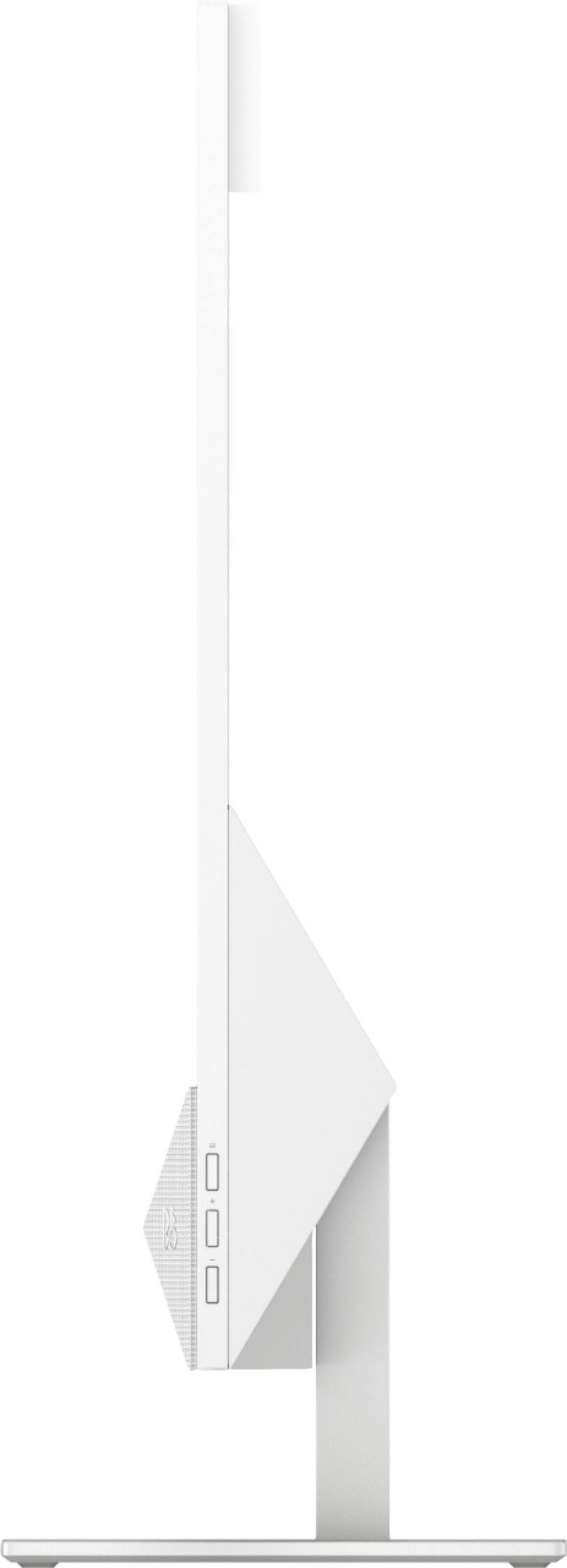
A:AnswerThat is a menu button for display settings. Usuall there a menu for the display - the + or - buttons activate the menu and scroll through the settings. There is also usually a 3rd button for OK or select.
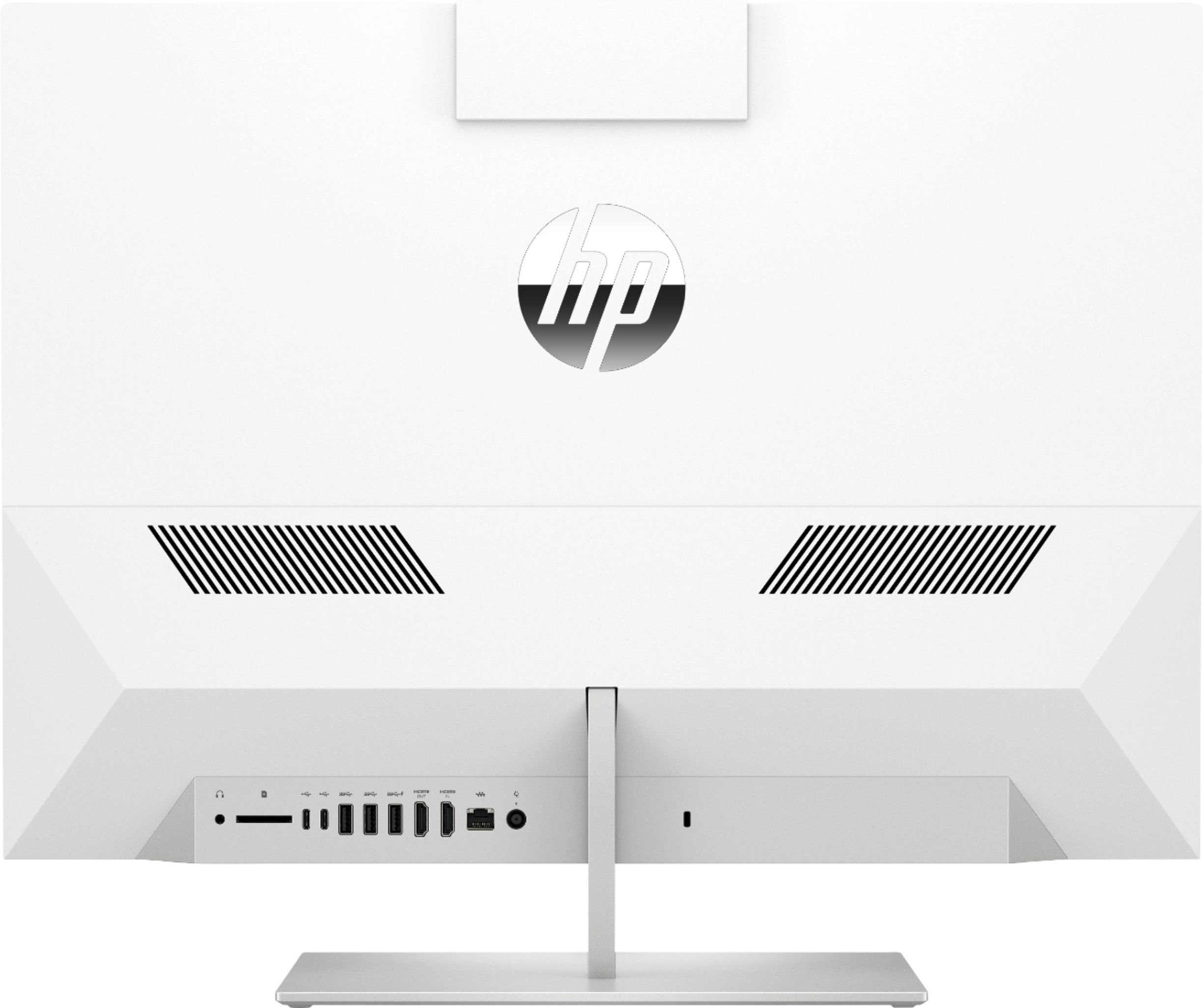
A:AnswerYou can only connect one additional monitor to the HDMI out port on this HP all in one computer. The HDMI in port is used to connect a DVD player or gaming console to the computer to use it as a screen for the movie or games.
A:AnswerThis HP Pavilion All-in-One - 24-xa0024 computer comes with Windows 10 Home 64 bit. You can upgrade to Windows 10 Pro through the Microsoft Store on the computer or by buying the upgrade from Best Buy.
A:AnswerThis computer can be connected to the internet via wifi or an Ethernet cord. I have mine connected via wifi from my router at home. In order to use for virtual class, you can connect via the internet browser or download the app for the class platform (i.e Zoom, Microsoft Teams or Google Classroom). I teach class via Microsoft Teams and I have the app downloaded. Hope this helps.
A:AnswerNo, it is not. You can remove and replace the existing SSD module or there is room to add a hard drive or SSD to the sata drive space.. Here is the maintenance and service guide:
http://h10032.www1.hp.com/ctg/Manual/c06111214
A:AnswerTook it out of the box- plugged it in- logged in all of my sites and starred them- good to go- I now have a cannon printer with a cord to plug in and have had no problems at all
A:AnswerI also use it for zoom. Depending on your bandwidth, it works perfectly. The microphone is internal and there are options in your zoom app menu and/or computer settings. By the way, the video is very clear.