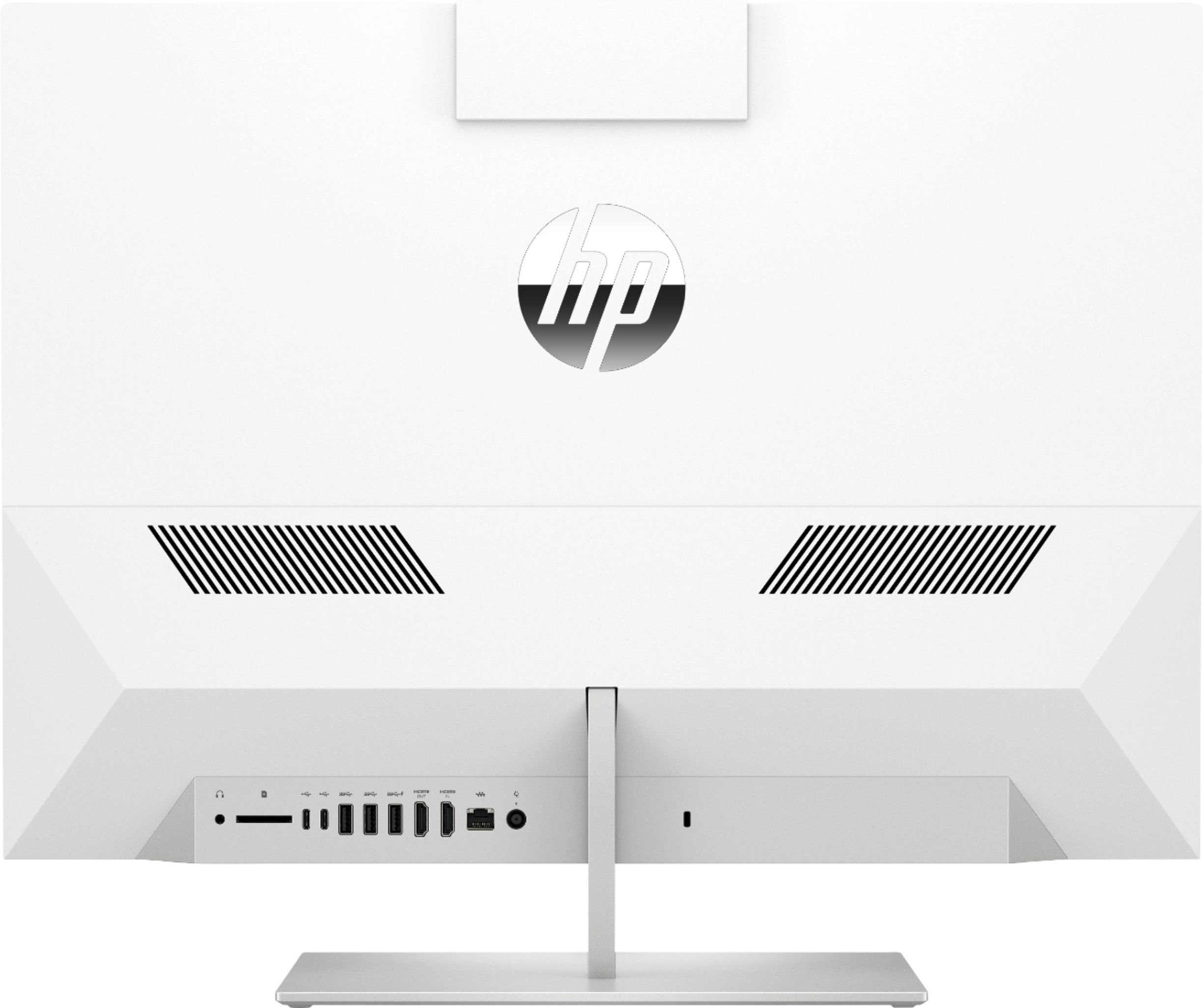
A:AnswerYou don't need a HDMI cable to set this up. You only need a HDMI cable for a second monitor and just a plain HDMI cable that you can buy anywhere will work.
A:AnswerYou've got a fast enough processor, plenty of memory, and more than enough storage to run AutoCAD. Whether it will also run "other softwares" depends on what those other programs are.
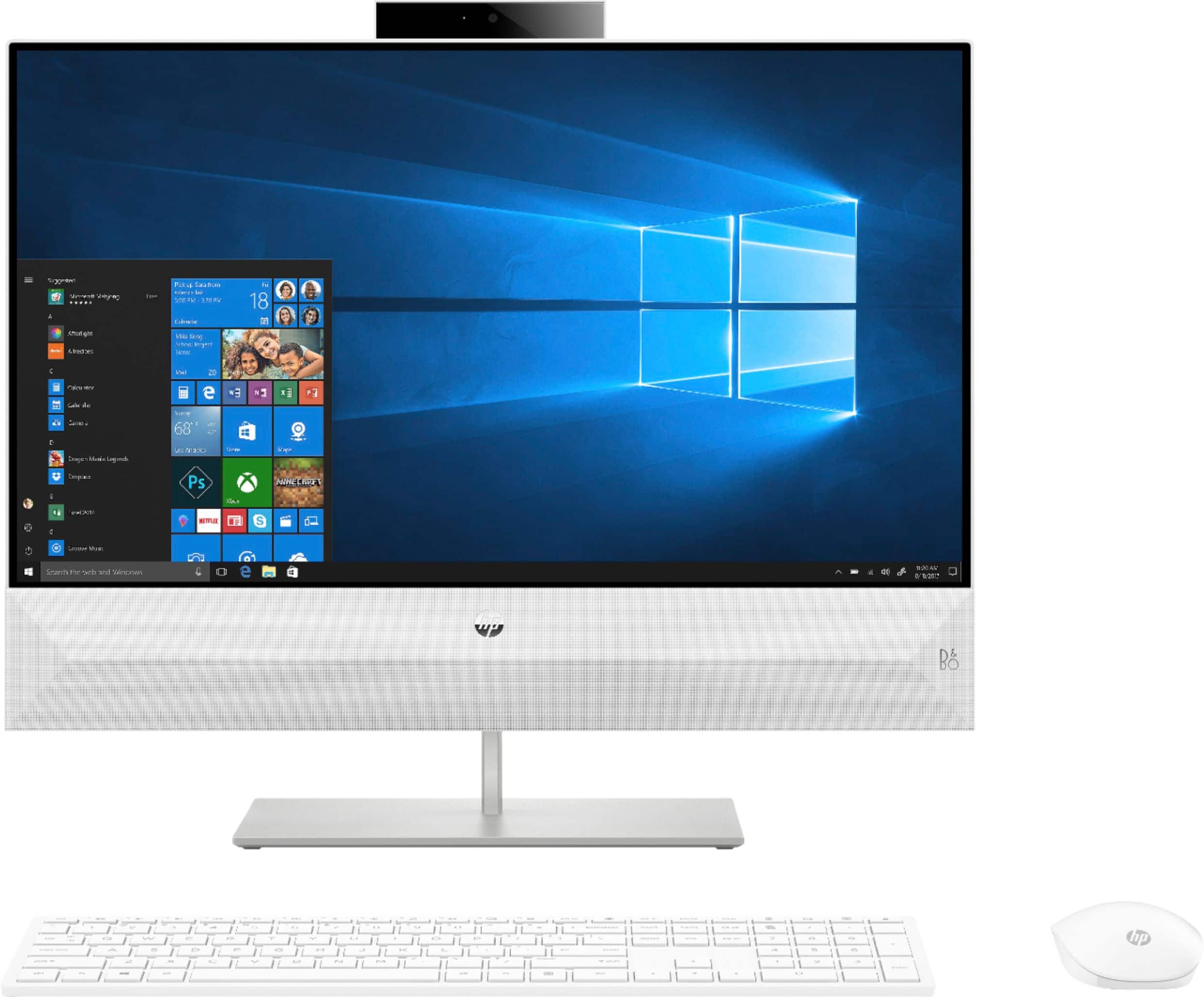
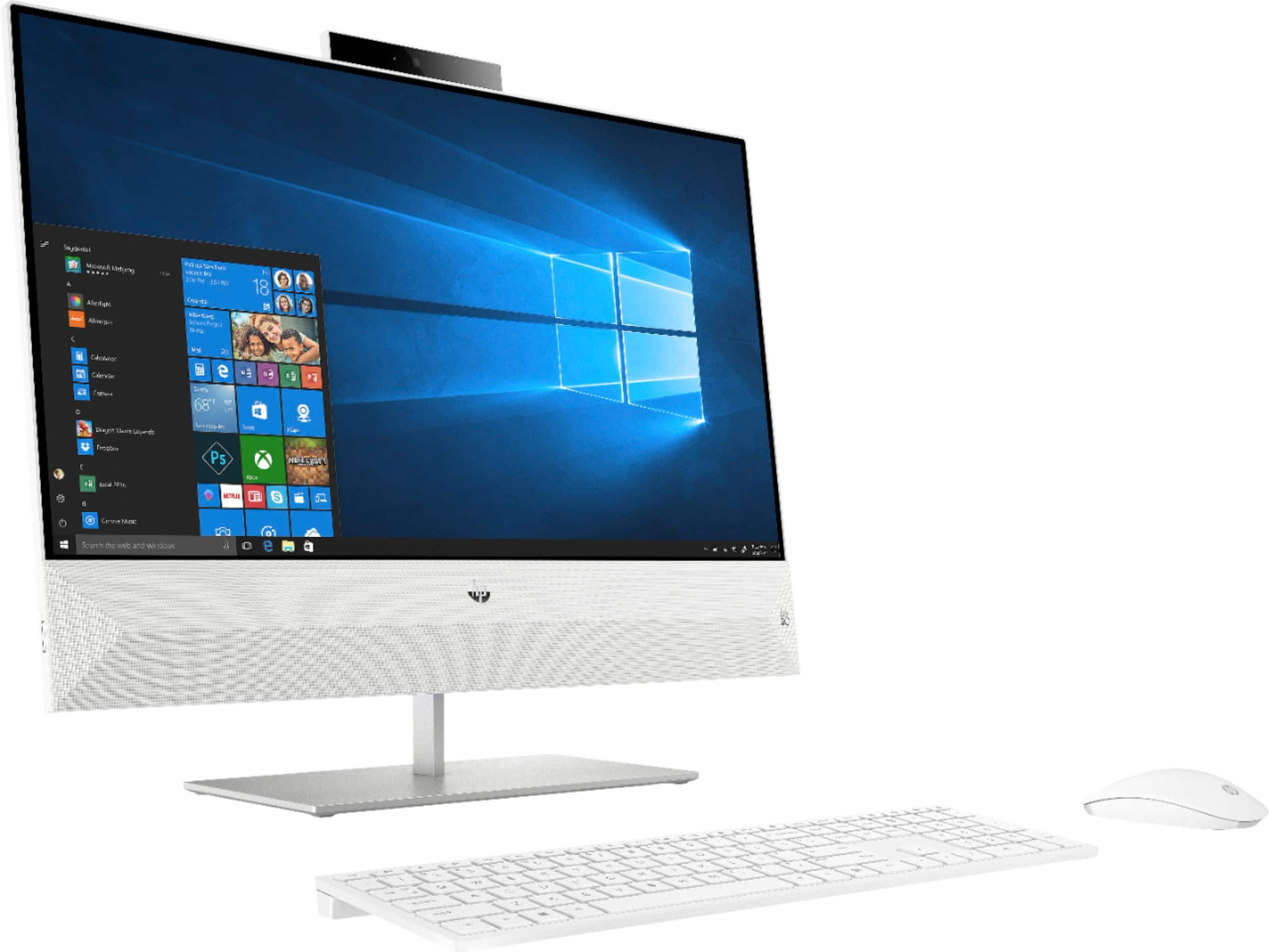
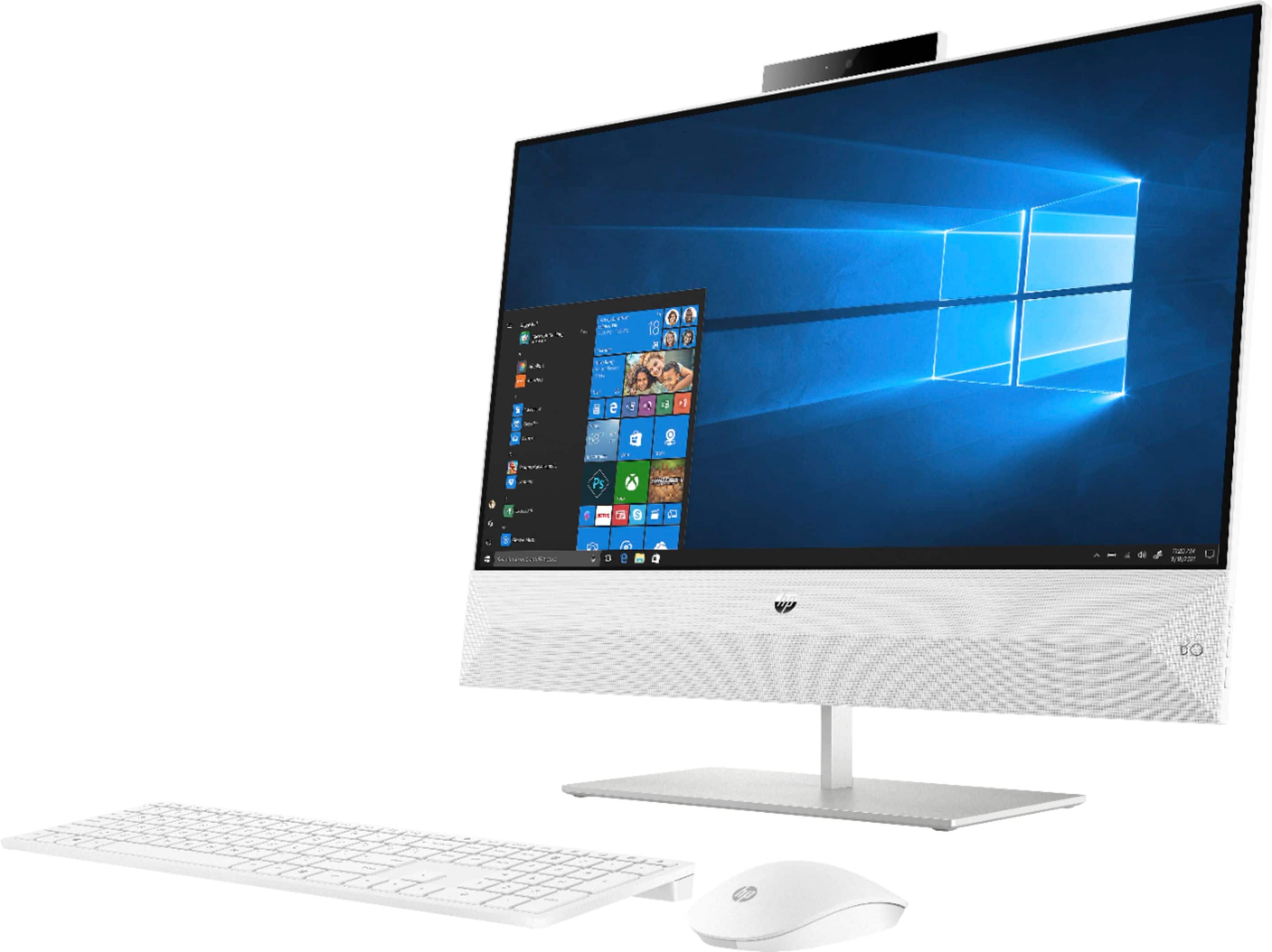
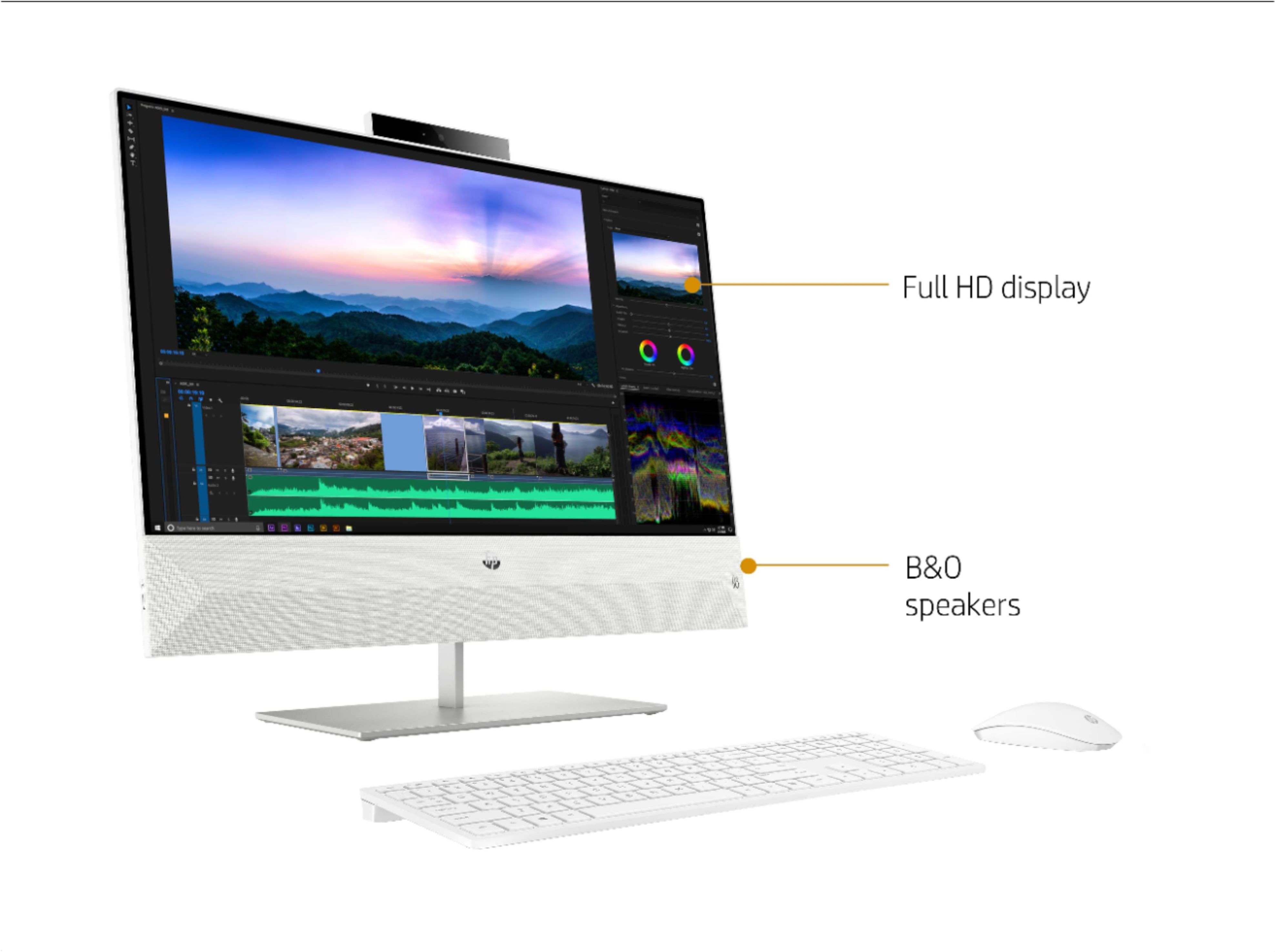
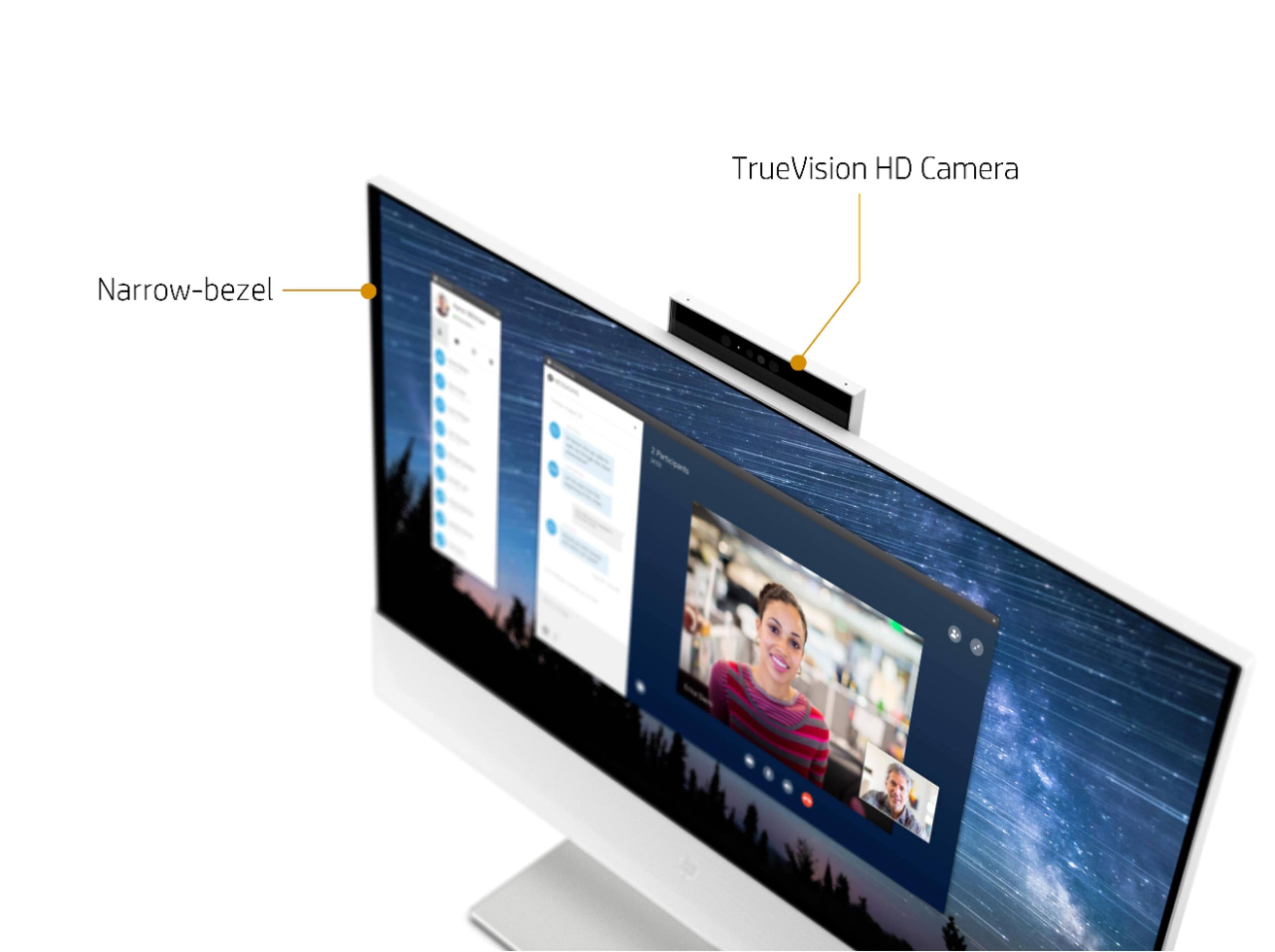
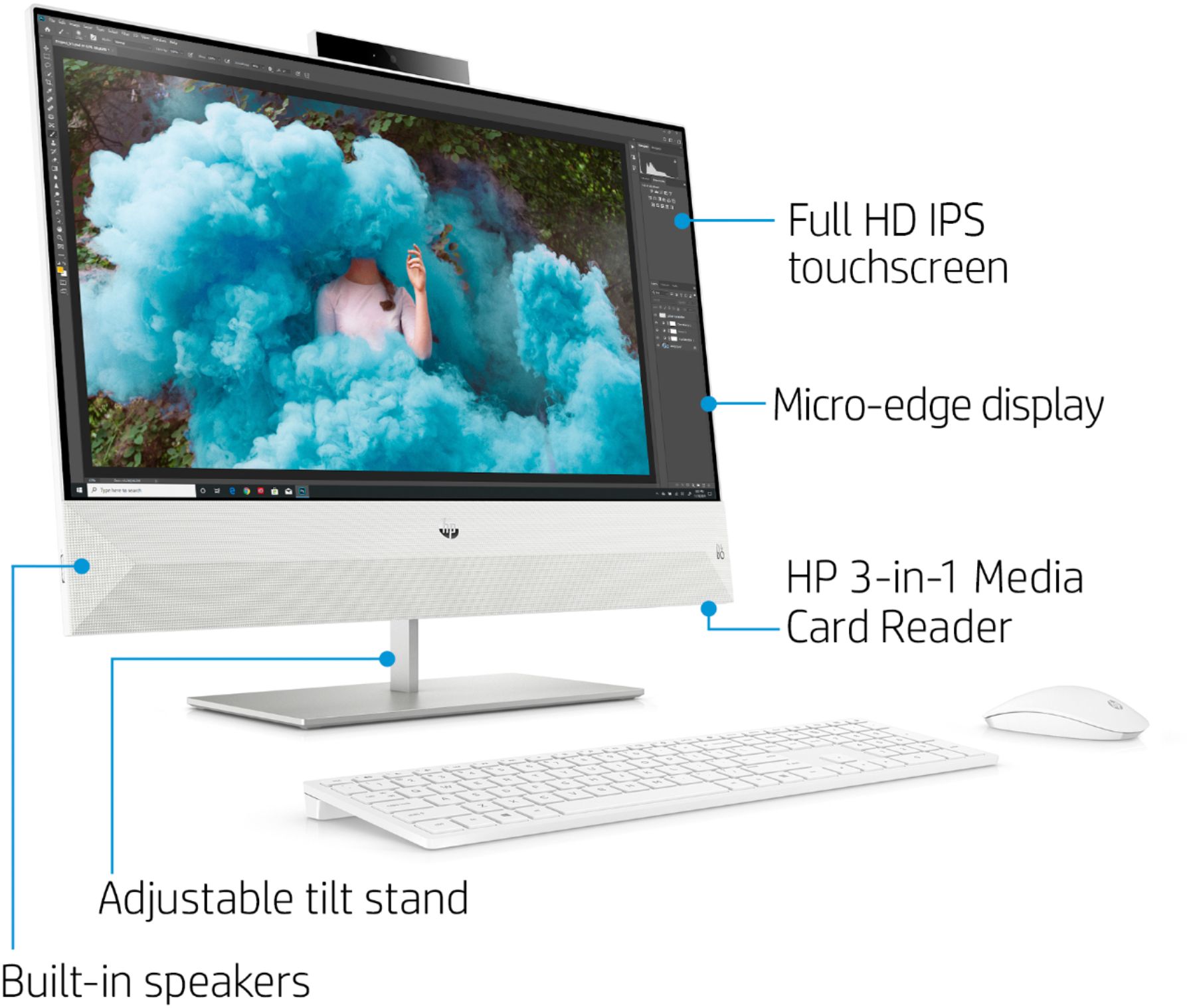
A:AnswerYes, it's got a pop-up camera on the top of the computer. Push it down and it will pop up so you can use it. Push it down again and it stays down and turned off.
A:AnswerApologies for the lateness in responding. All we have to do is move the mouse and the computer wakes up and we are good to go. We have two all-in-ones and have never had to turn off/on. You may want to check with Geek Squad for advice. Good luck!
A:AnswerYes, you can. You would plug the HDMI cable into the HDMI port on the Nintendo Switch dock and the other end would go into the HDMI in port on the computer. Then, you would change the input on the screen to the HDMI in port. That will allow you to use the screen on this computer with your Nintendo Switch.