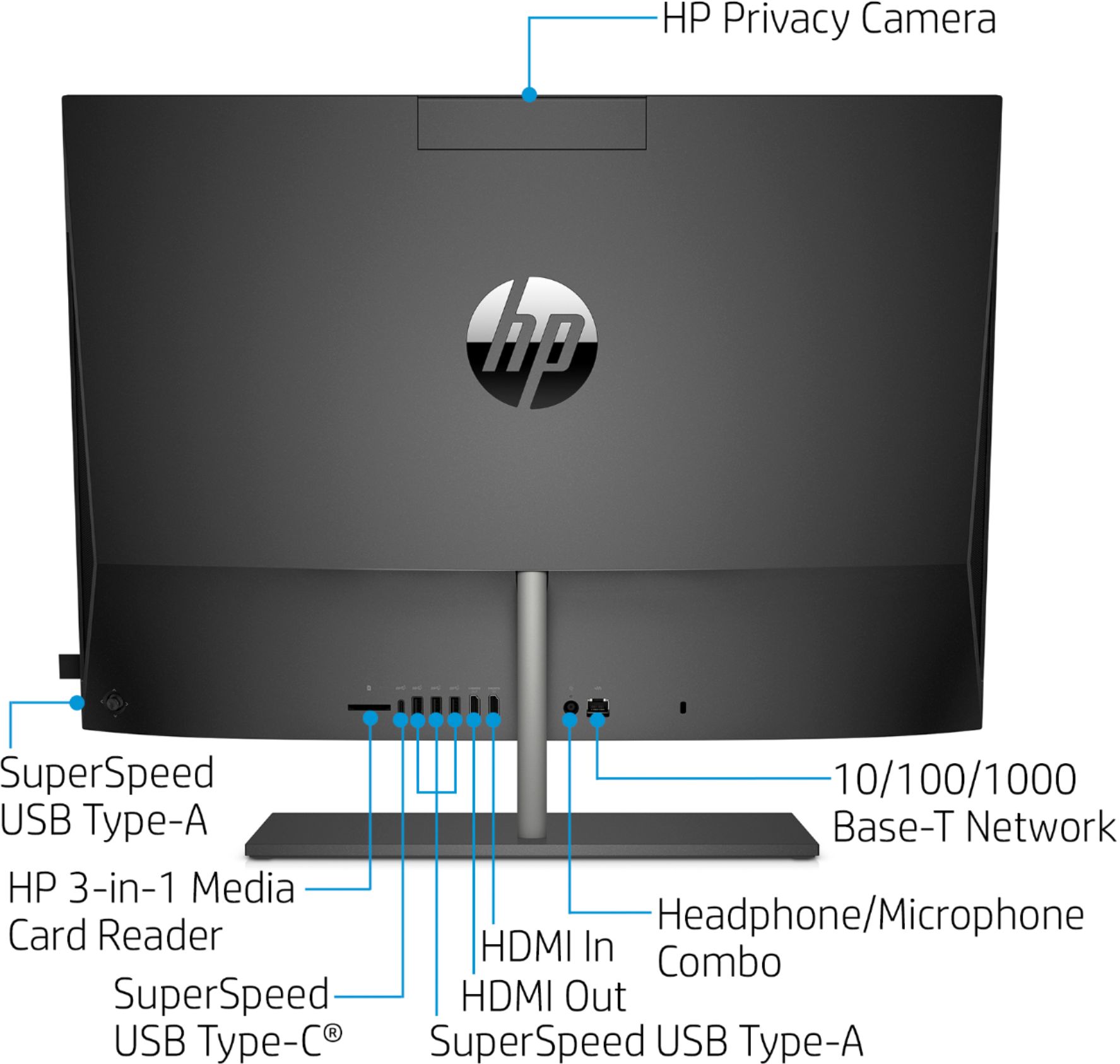
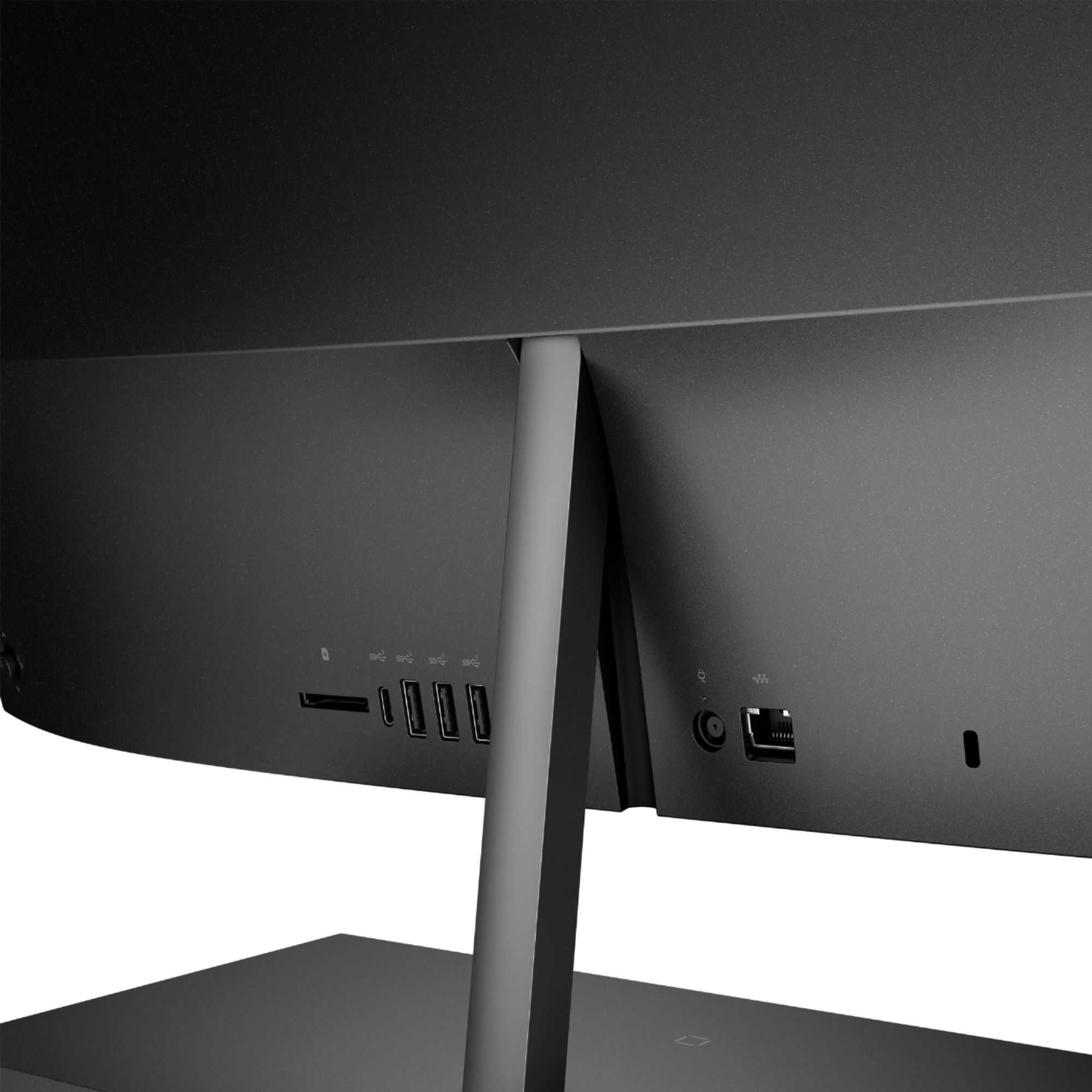
A:AnswerYou could connect your Nintendo Switch to the HDMI in port on this computer to use this as a bigger screen. Then, you would need to change the input so you can see your console.
A:AnswerHola Tonio. Esta no es una computadora para juegos y carece de una GPU dedicada. Es posible que estos juegos se ejecuten lentamente con la configuración de gráficos más baja. Si bien puedes jugar algunos juegos en cualquier computadora, los juegos modernos como Minecraft, Fortnite y la mayoría de los otros títulos populares requieren mucha potencia. Por esta razón, recomendaría un modelo con una Unidad de procesamiento de gráficos (GPU) dedicada para juegos de PC.
A:AnswerNo it is not. Here is how Microsoft suggests doing it:
https://www.microsoft.com/en-us/windows/transfer-your-data
Also it is a service provided for a price by Geek Squad. Here is a link to Geek Squad:
https://www.bestbuy.com/site/services/geek-squad/pcmcat138100050018.c?id=pcmcat138100050018
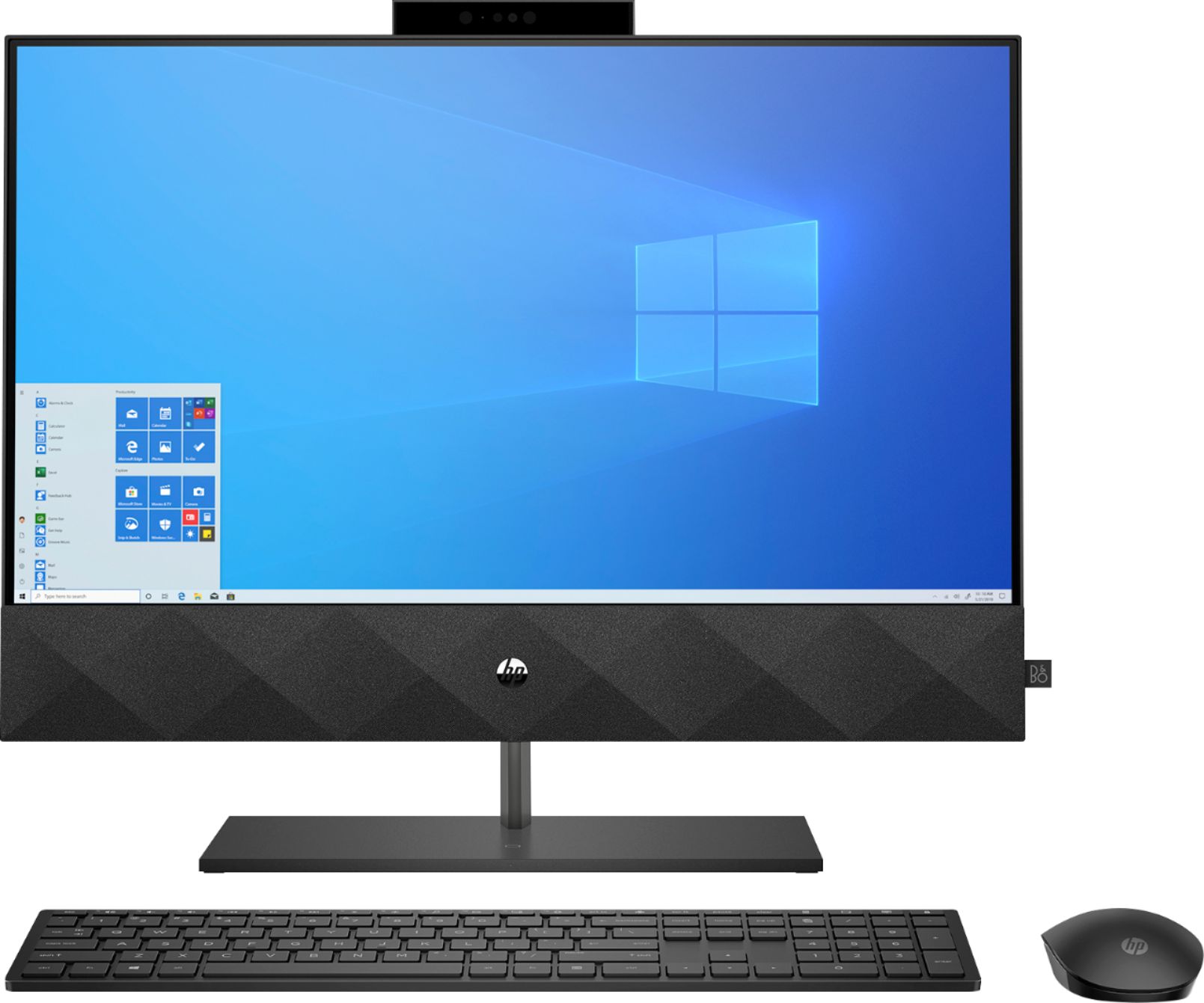
A:AnswerThe computer doesn't have the necessary VESA mounting points for it to be wall mounted. Yes, you can install a Linux distribution, although because of the capacity of the SSD, it isn't suitable for a dual-boot Windows/Linux configuration. And it does have an HDMI output, so you could connect a second monitor to the computer.
A:AnswerThat is an option with Geek Squad services. Here is a link to them:
https://www.bestbuy.com/site/services/geek-squad/pcmcat138100050018.c?id=pcmcat138100050018
A:AnswerYes, you can connect your laptop to this computer by connecting a HDMI cable to the HDMI in port. Then, you will be able to use this computer as a bigger screen for your laptop.
A:AnswerJust pop up the tab on the top of the computer. Zoom will take care of the rest. It's a nice safety feature because no one can record you when it's down.

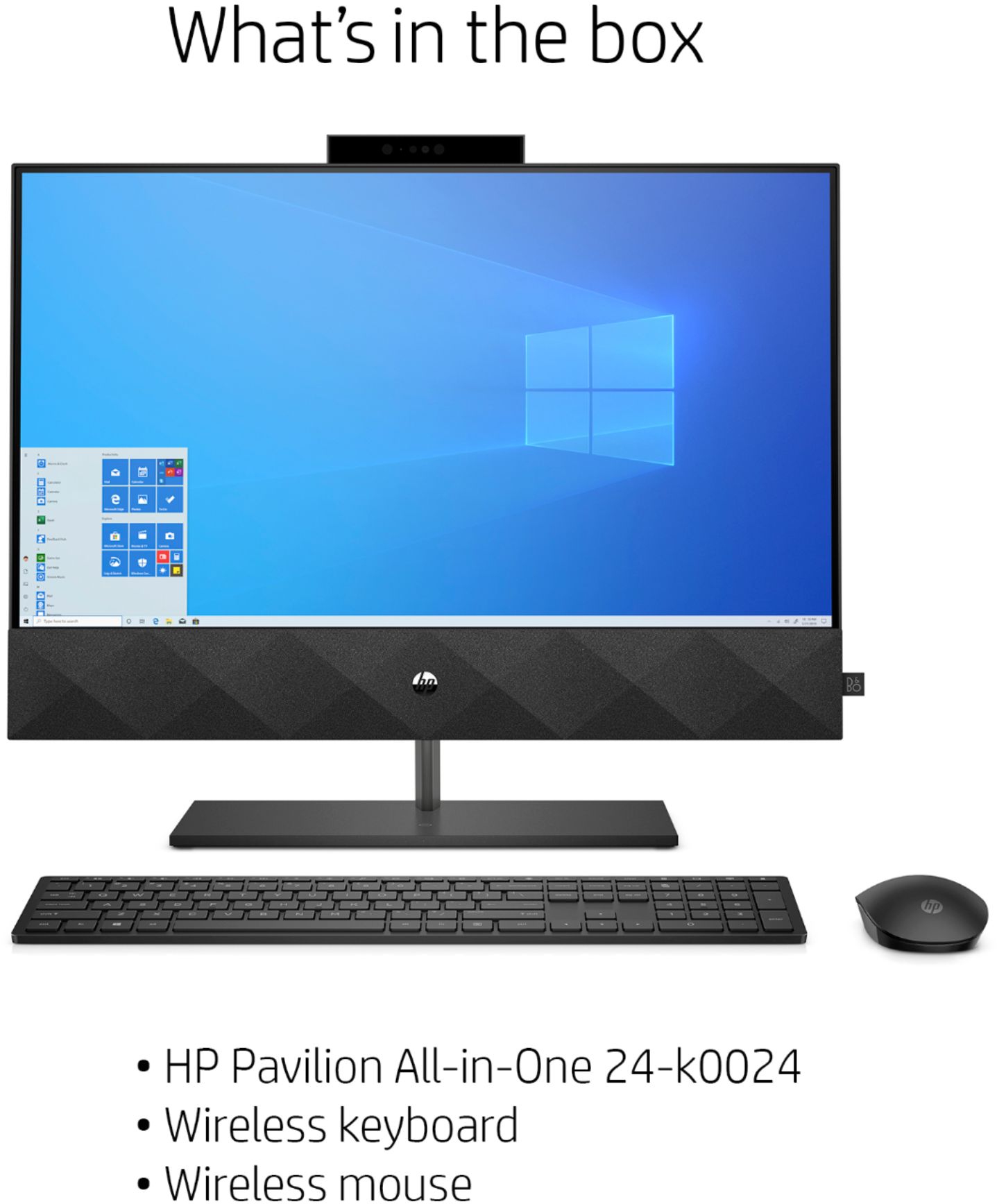
A:AnswerYES...they are built into the lower 1/5 cabinet below the 24" monitor screen! Their design is from B&O (Bang & Olufsen Audio) and has a wonderful high end fidelity balanced sound!!!