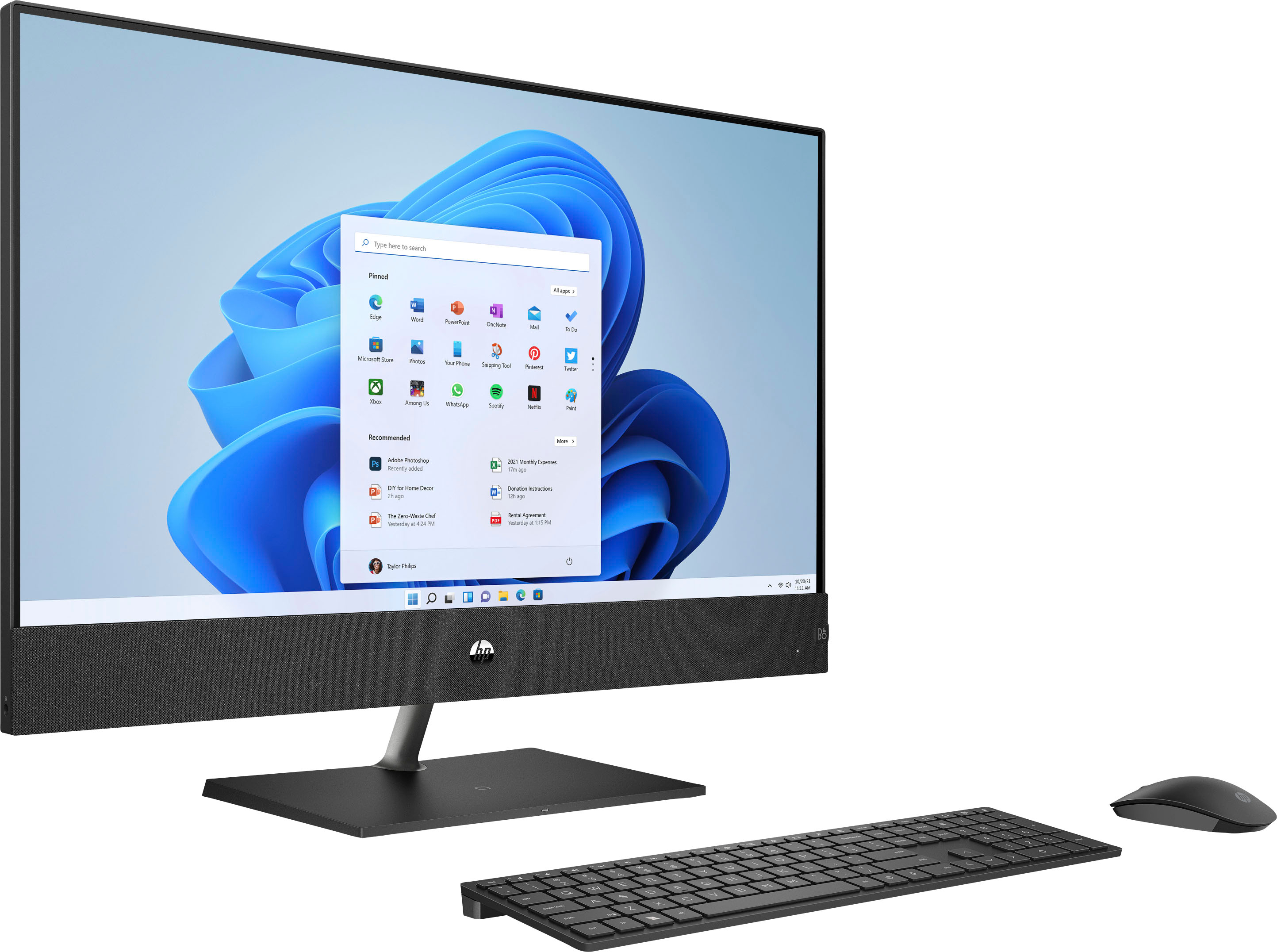
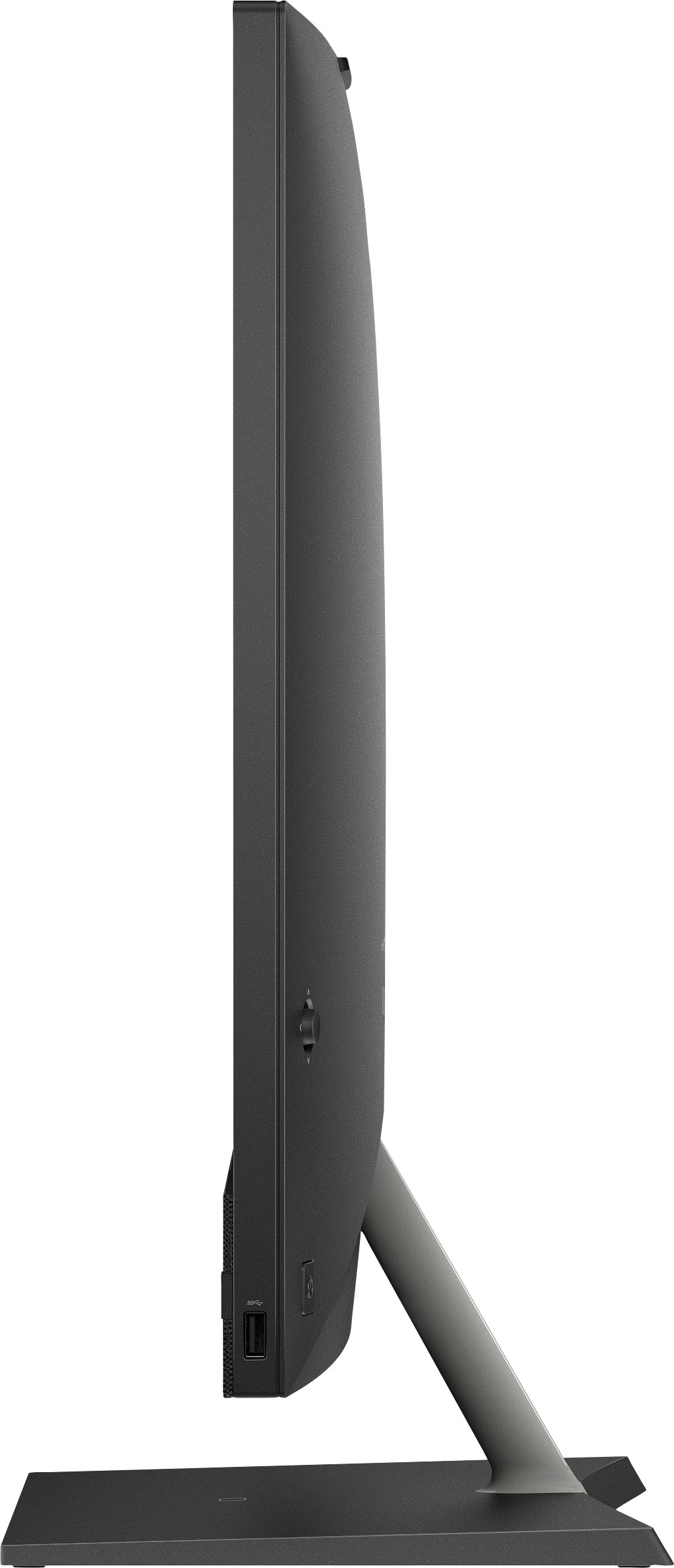
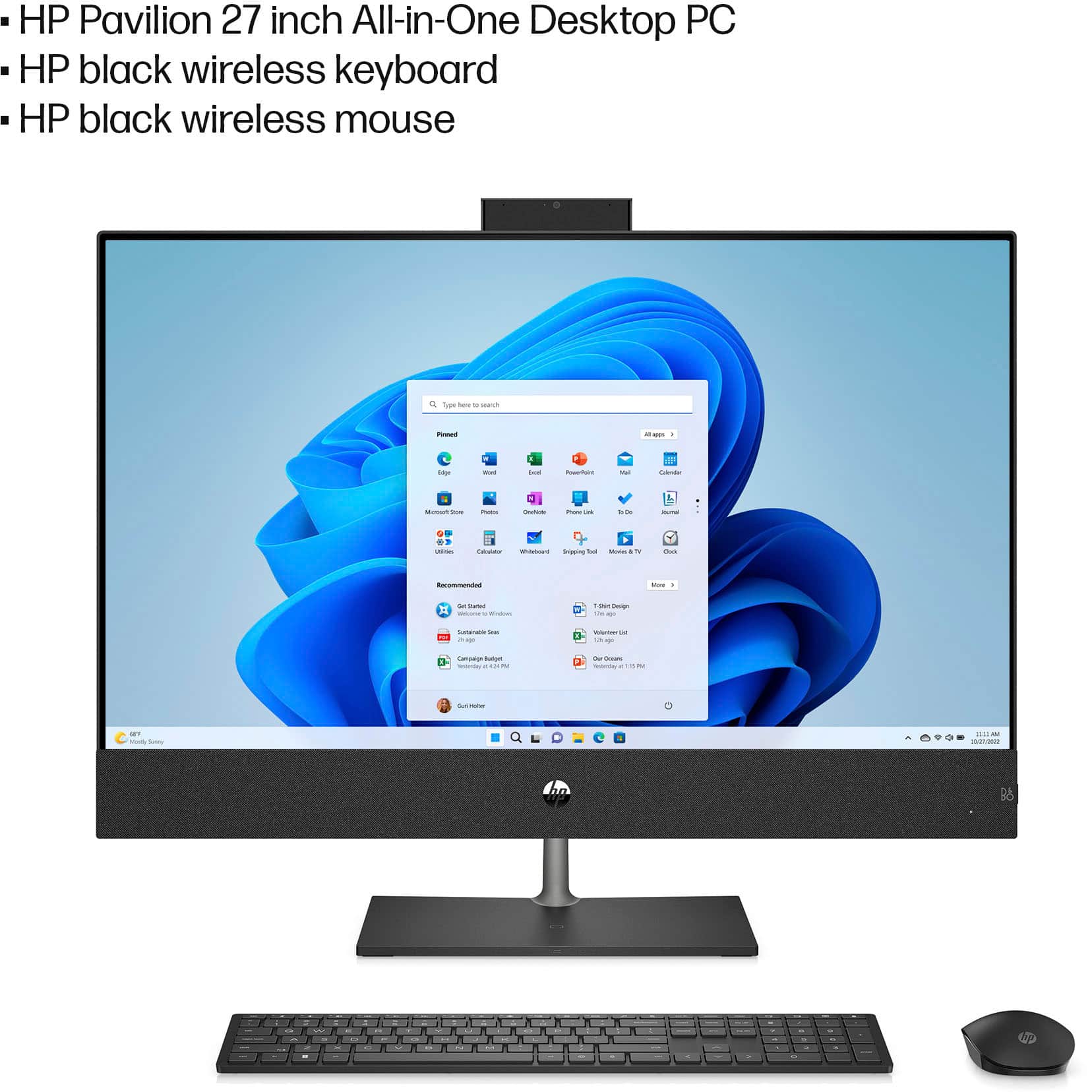
A:Answer There is a button that juts out somewhere at the top of the power button for the PC. Press it and it will give you a small cross menu on the bottom right. Press it again and it will give you a menu with a bigger window. Use that button to navigate the menu (you can push in the up, down, left, and right directions on it). You will want to go to Power, then to Wireless Charging, then to On and select it by pushing on the button.