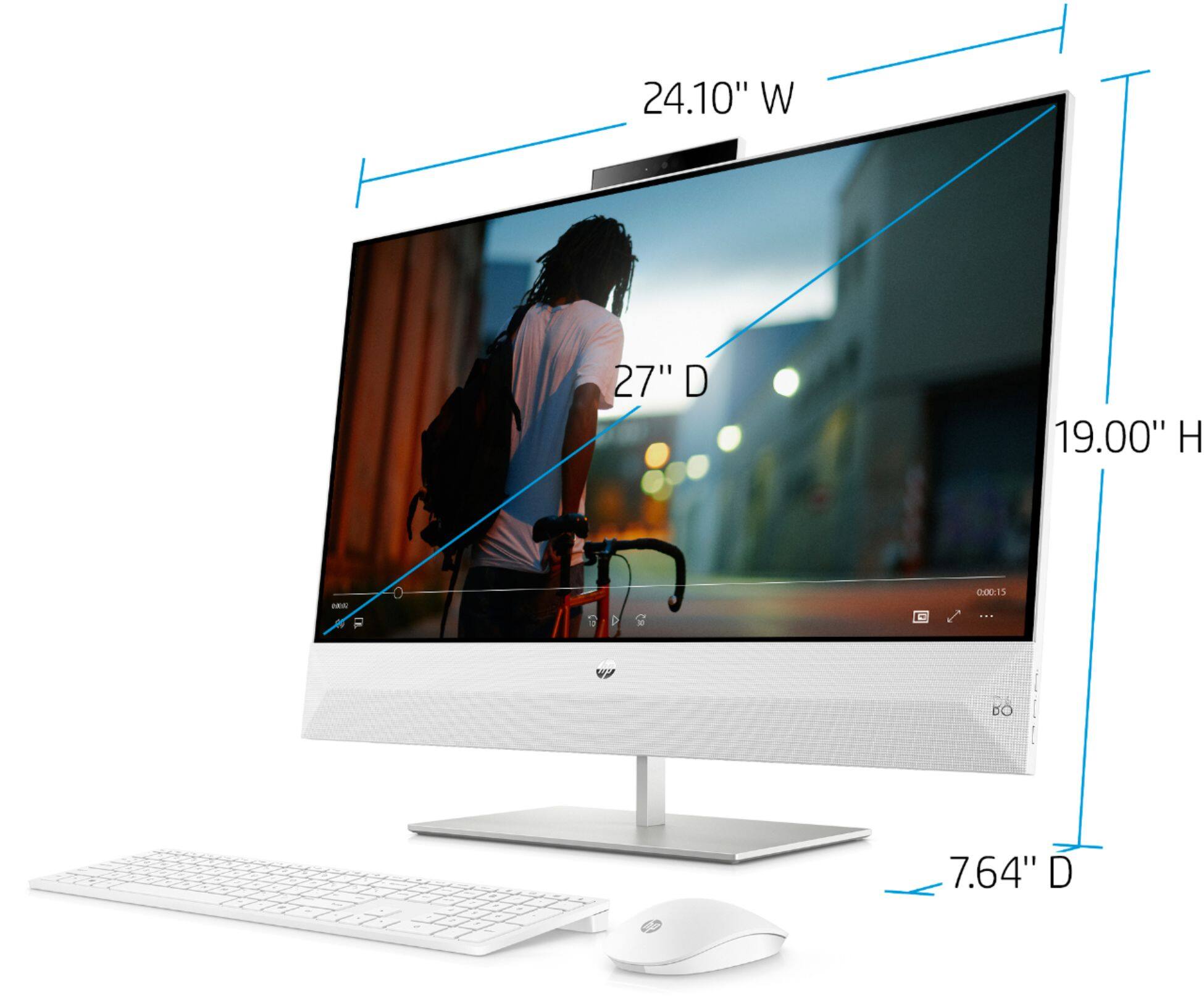
A:AnswerUnfortunately, the maximum volume isn't listed on the available spec sheets. You might want to contact the HP support team to see if they have more complete information.
A:AnswerThe comment "no good for gaming" is likely about first-person action gaming. This all-in-one does not have the graphics support for intense scenery and fast action. The poker games that you enjoy will play very well on this all-in-one, because it has ample processing power and the integrated graphics will perform well for you! The Intel UHD Graphics 630 is the integrated graphics that this computer has.
A:AnswerHi Stephanie, there is no way to add a graphics card to the All-in-One models. Your best option is going to be to find a model that already has a graphics card installed.
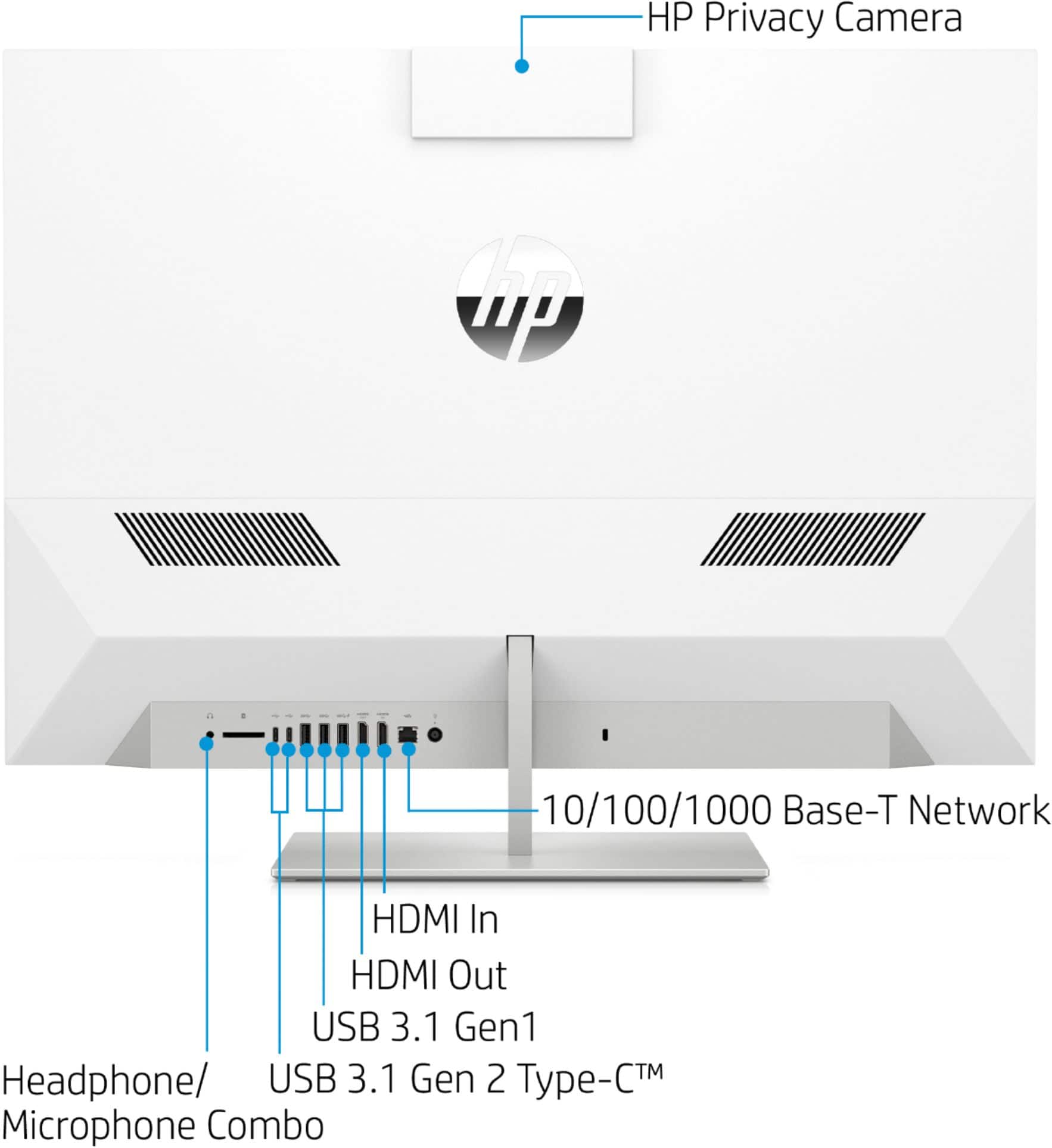
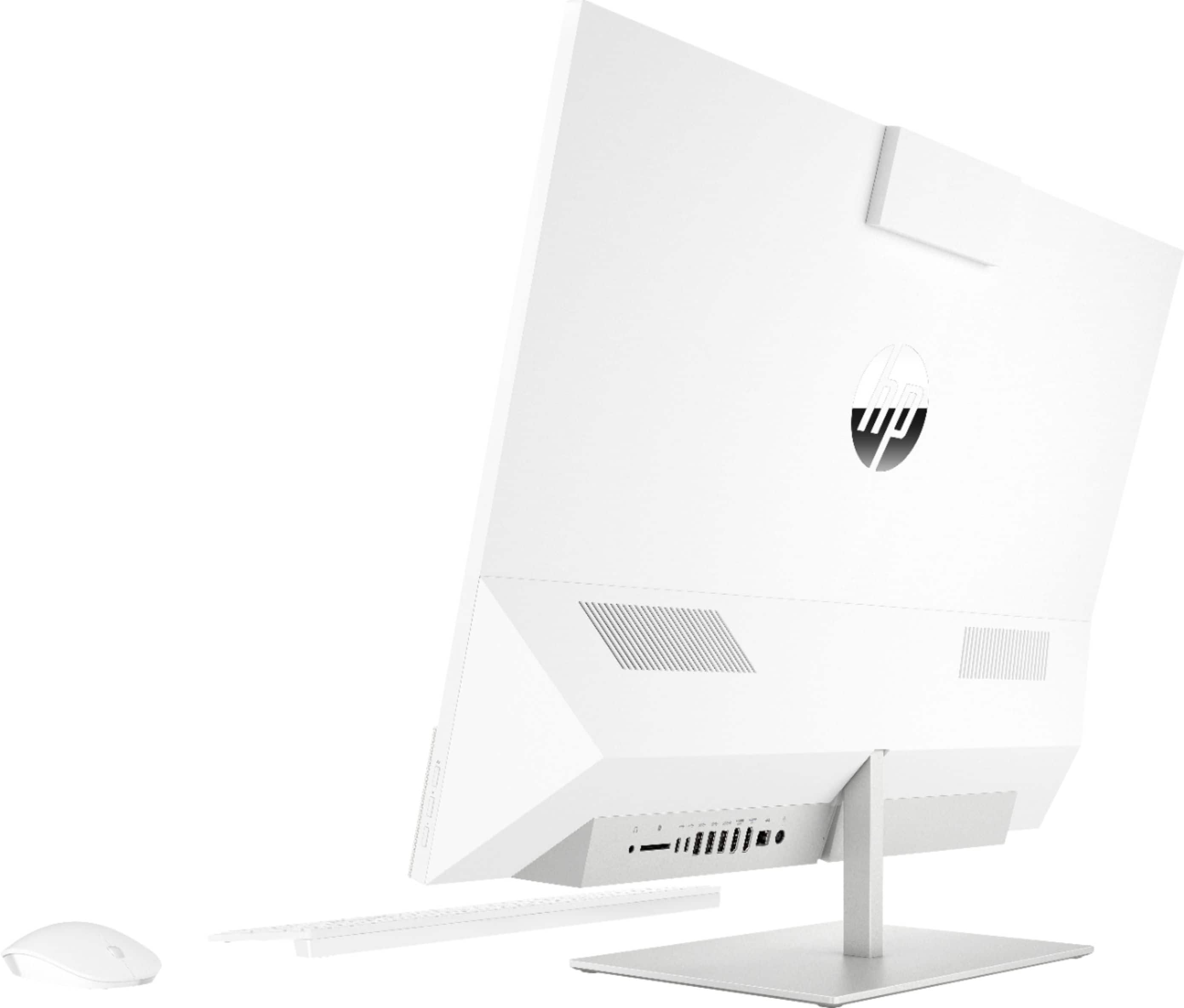
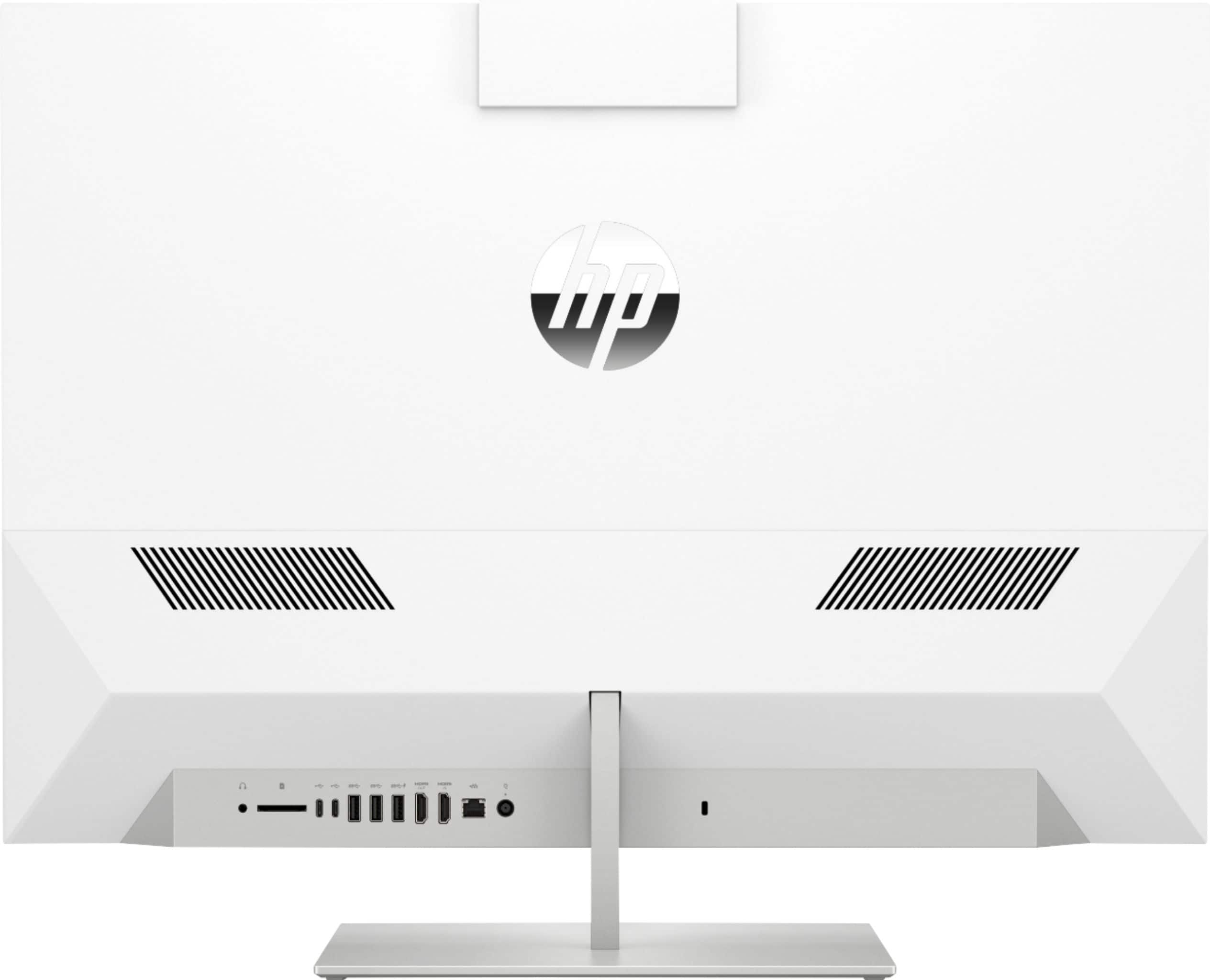
A:AnswerThe only time you need to connect an HDMI cable to the HDMI out port on this all in one computer is when you want to add a second monitor. Or you want to connect a gaming console or a DVD player to the HDMI in port to use the screen on this all in computer. Otherwise, the computer can function on its own without the HDMI cable. It does have its own screen built into the all in one computer.
A:AnswerI think this one is a good choice. It has similar colors and bezel width.
https://www.bestbuy.com/site/hp-27f-27-ips-led-fhd-freesync-monitor-natural-silver/6219205.p?skuId=6219205
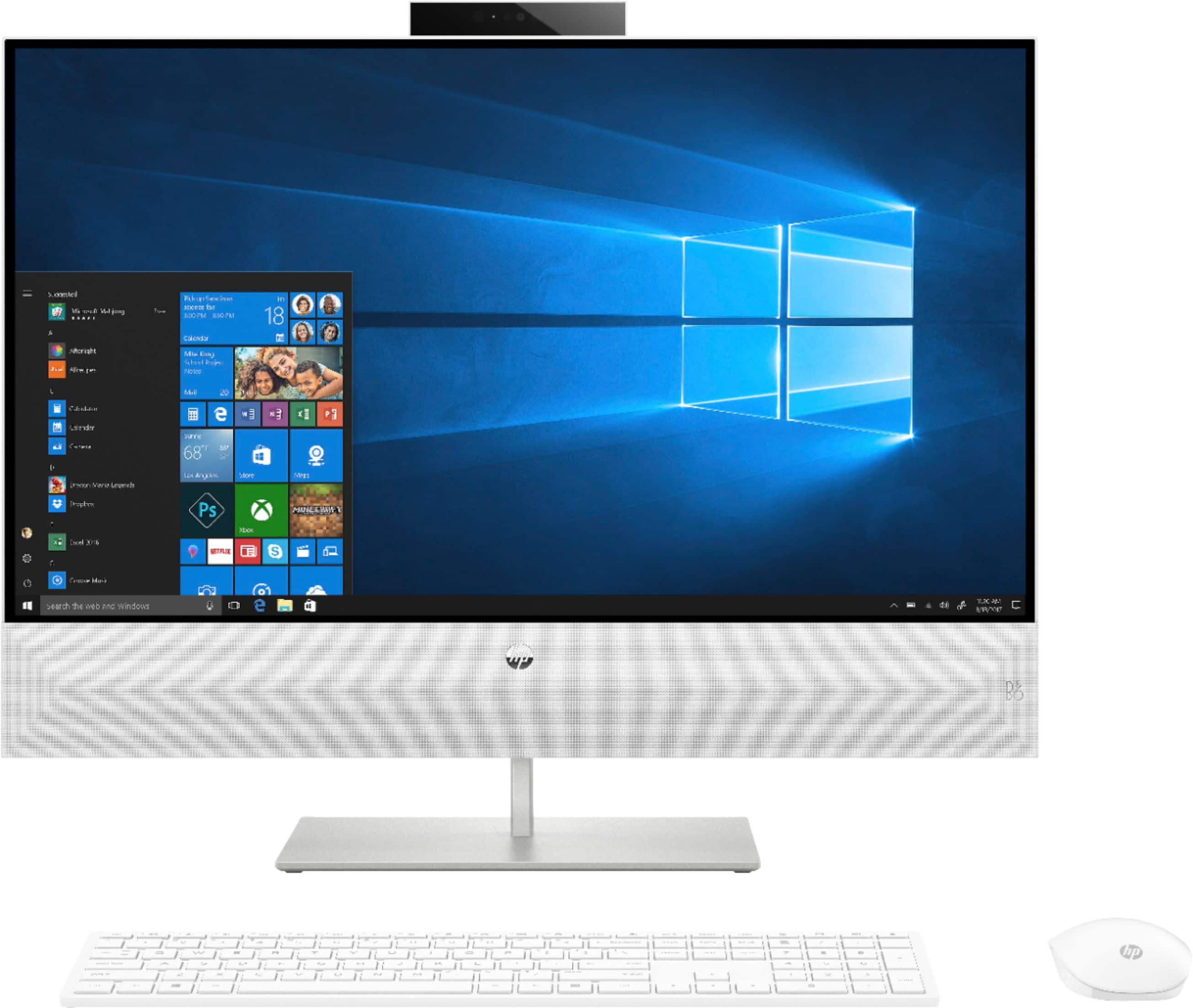
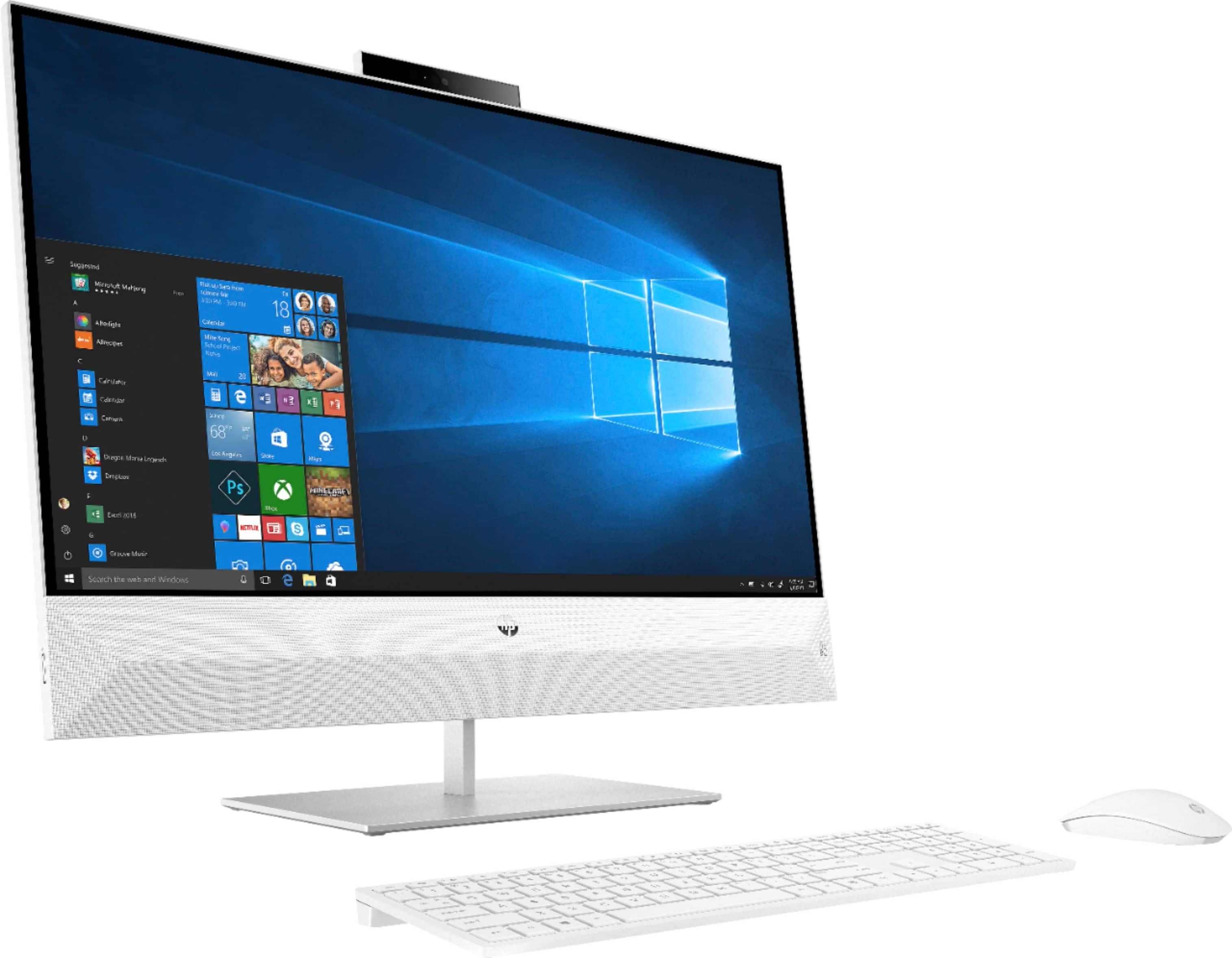
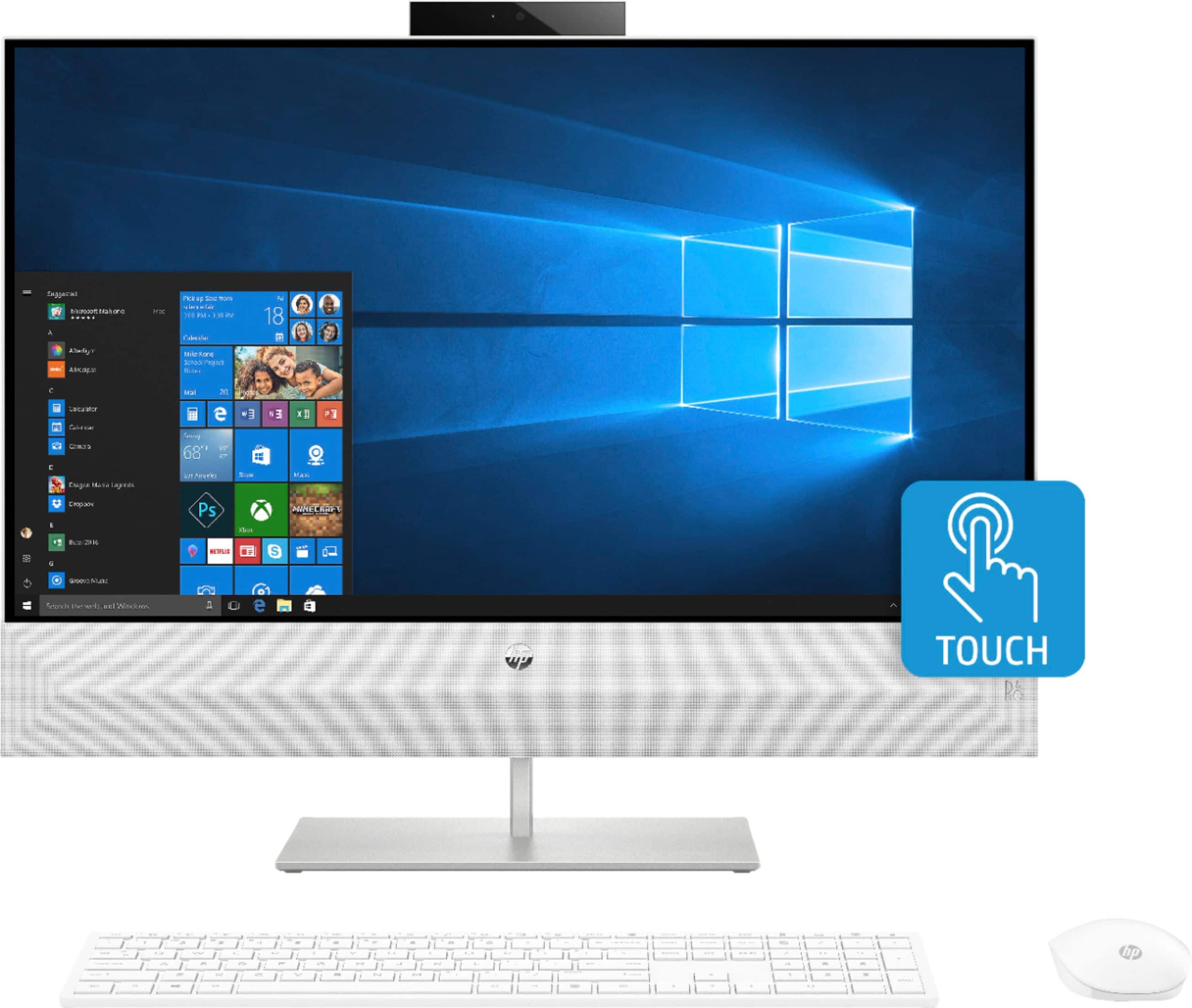
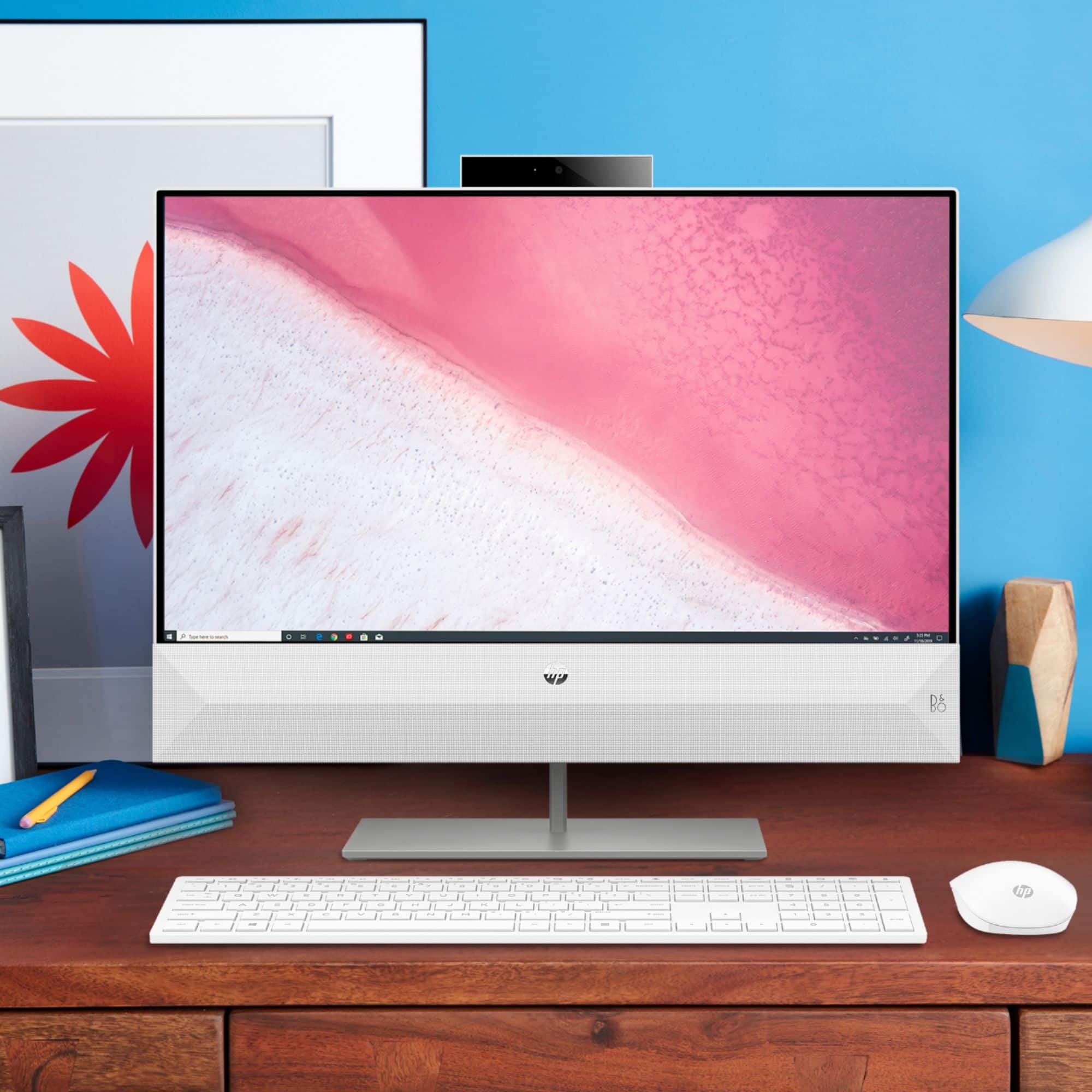
A:AnswerYes HP Pavilion has a great camera. It’s right on top of the screen and can be pushed down to hide. Great computer for work and school, and fast.
A:AnswerThis model has one HDMI IN and one HDMI OUT. You would be able to connect one additional monitor to this all-in-one. The HDMI IN is if you want to use the all-in-one screen as a monitor, for something like a game system.