A:AnswerI'm sorry that you have experienced this issue. I recommend reaching out to HP Support so they can assist you. They have access to more tools to assist you. Here's the link to HP Support: http://support.hp.com/us-en . Click "Contact HP" at the bottom left of the page. Alternatively, you can reach them by phone at 1-800-474-6836.
A:AnswerYou can set the power options by selecting opening the lid or pressing the power button. Here are more details: https://support.microsoft.com/en-us/help/13770
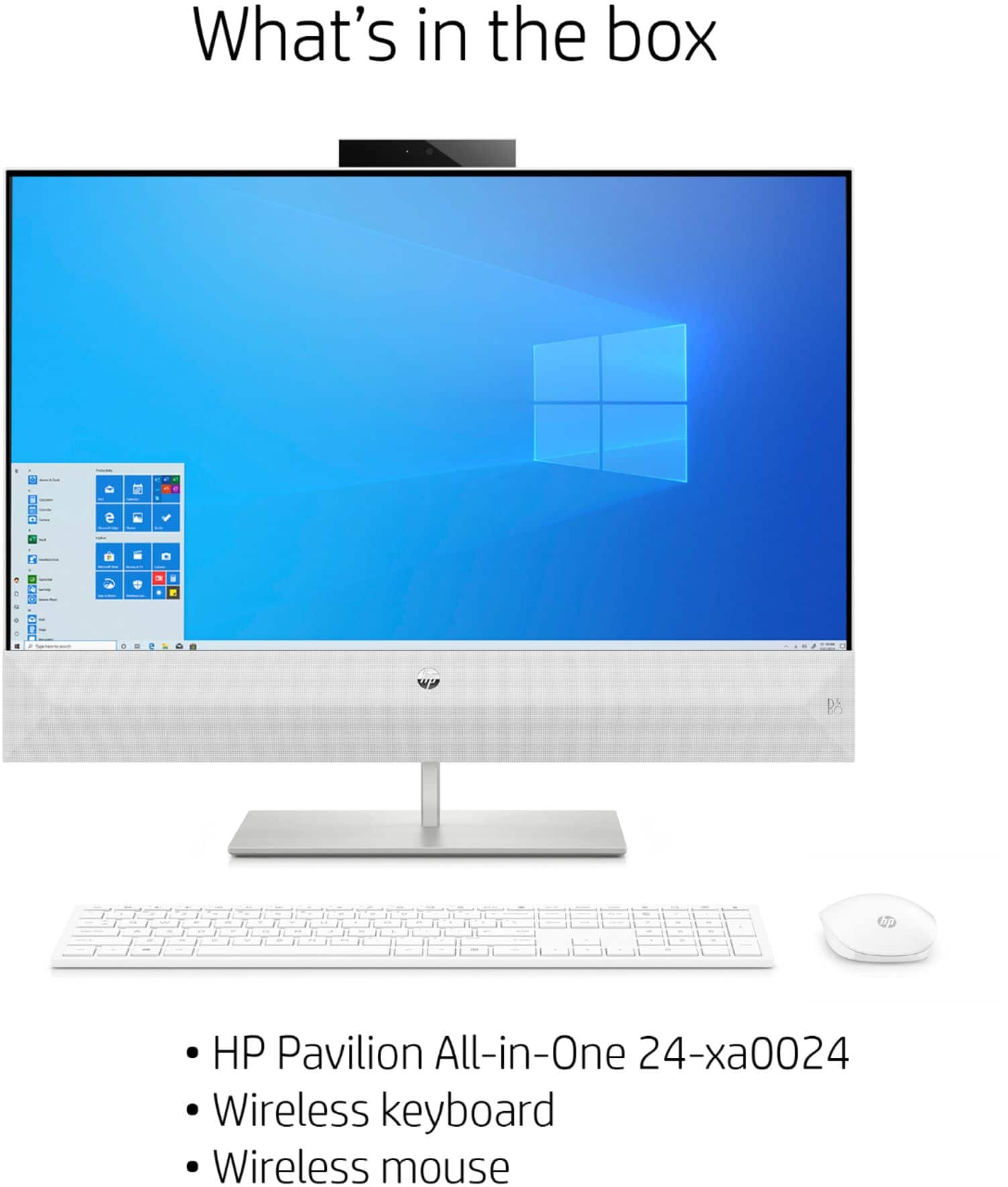
A:AnswerYou would need to see if the Apple keyboard would work with Windows 10. But this all in one computer does come with a wireless keyboard and mouse. If you choose to swap it out, then you need to be sure that the keyboard and mouse are compatible with Windows 10.
A:AnswerYou can check the system requirements for Windows 10 Pro from the Microsoft website. If it only meets the minimum, it might run slow or have problems running other software at the same time.
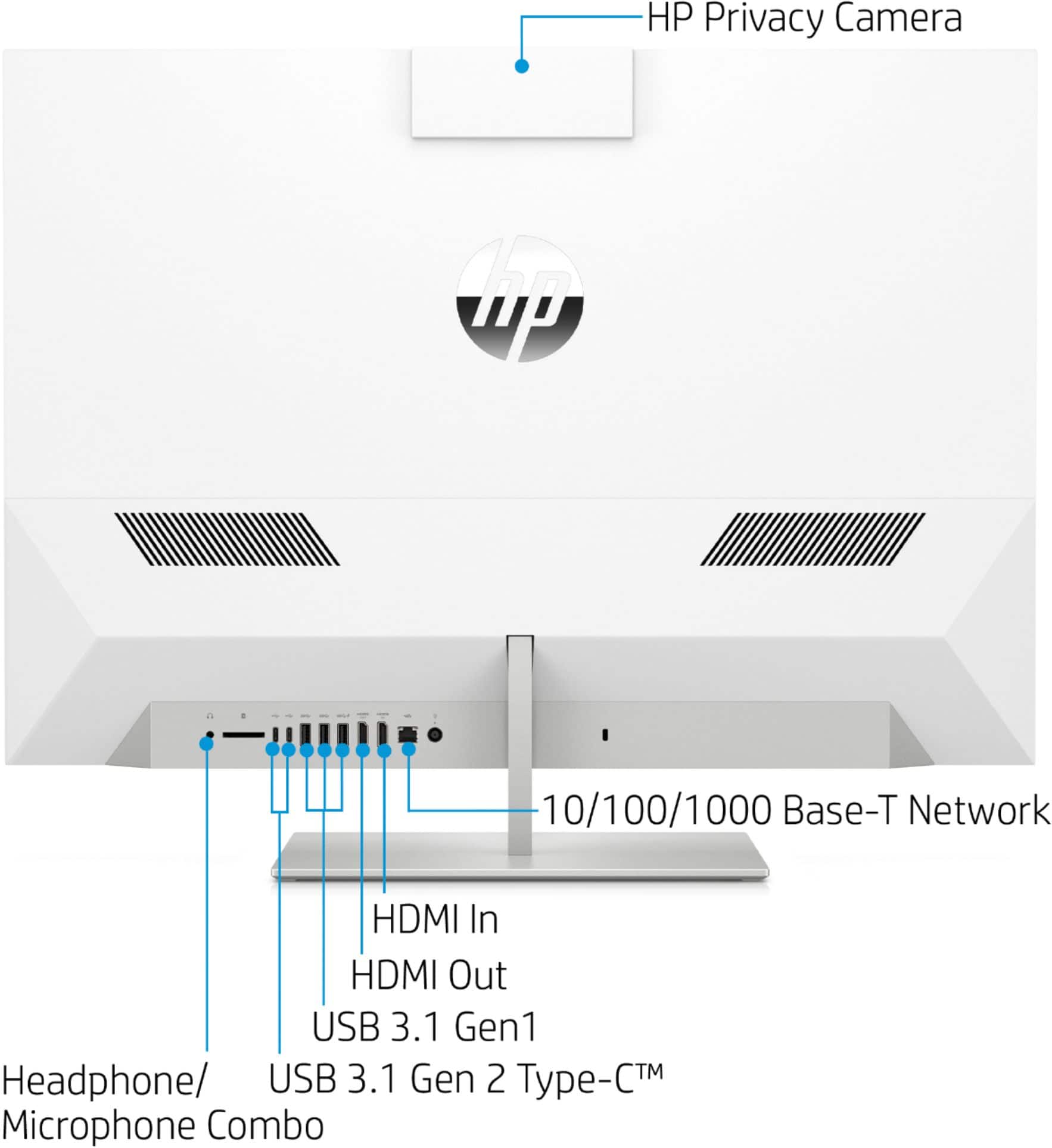
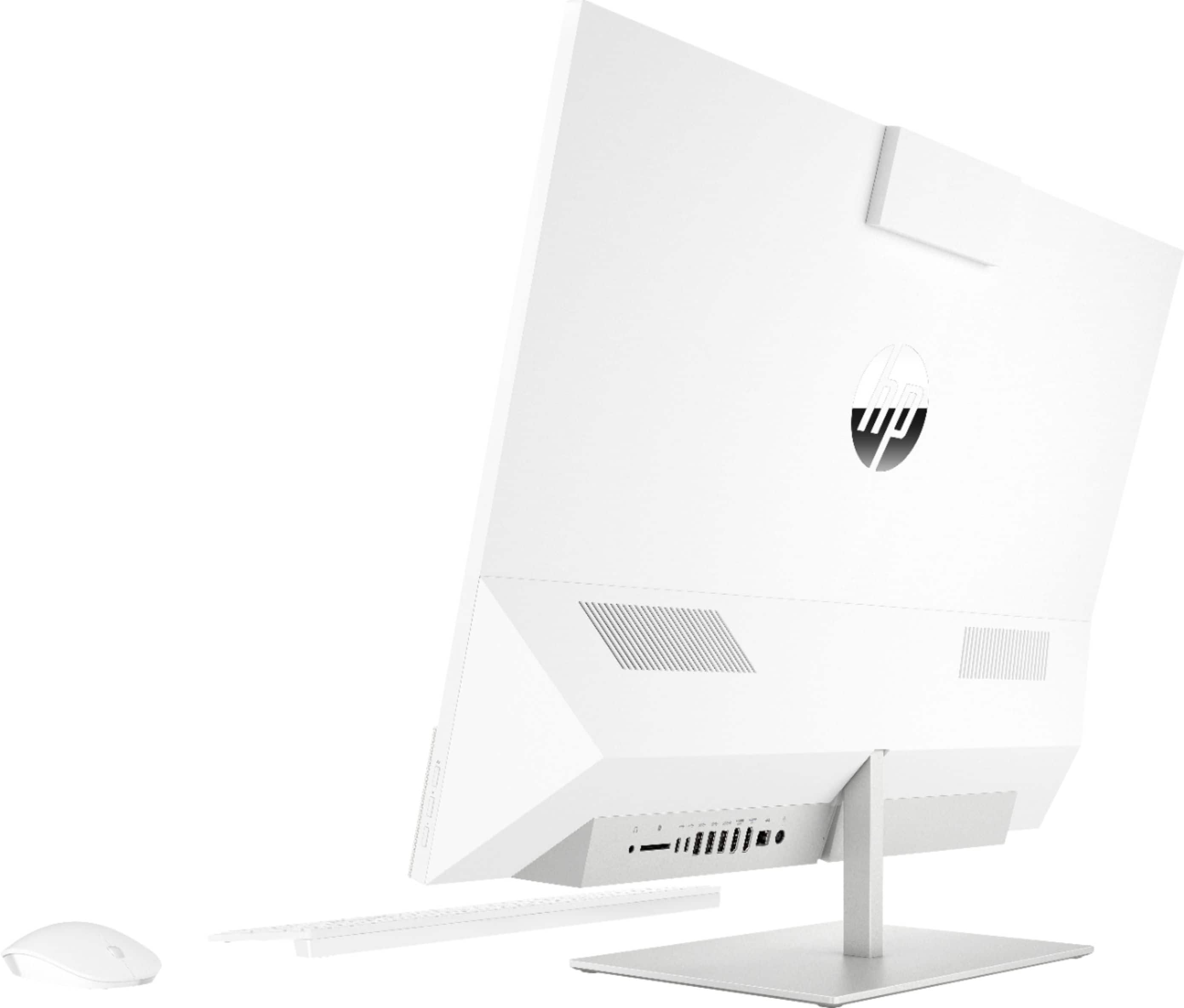
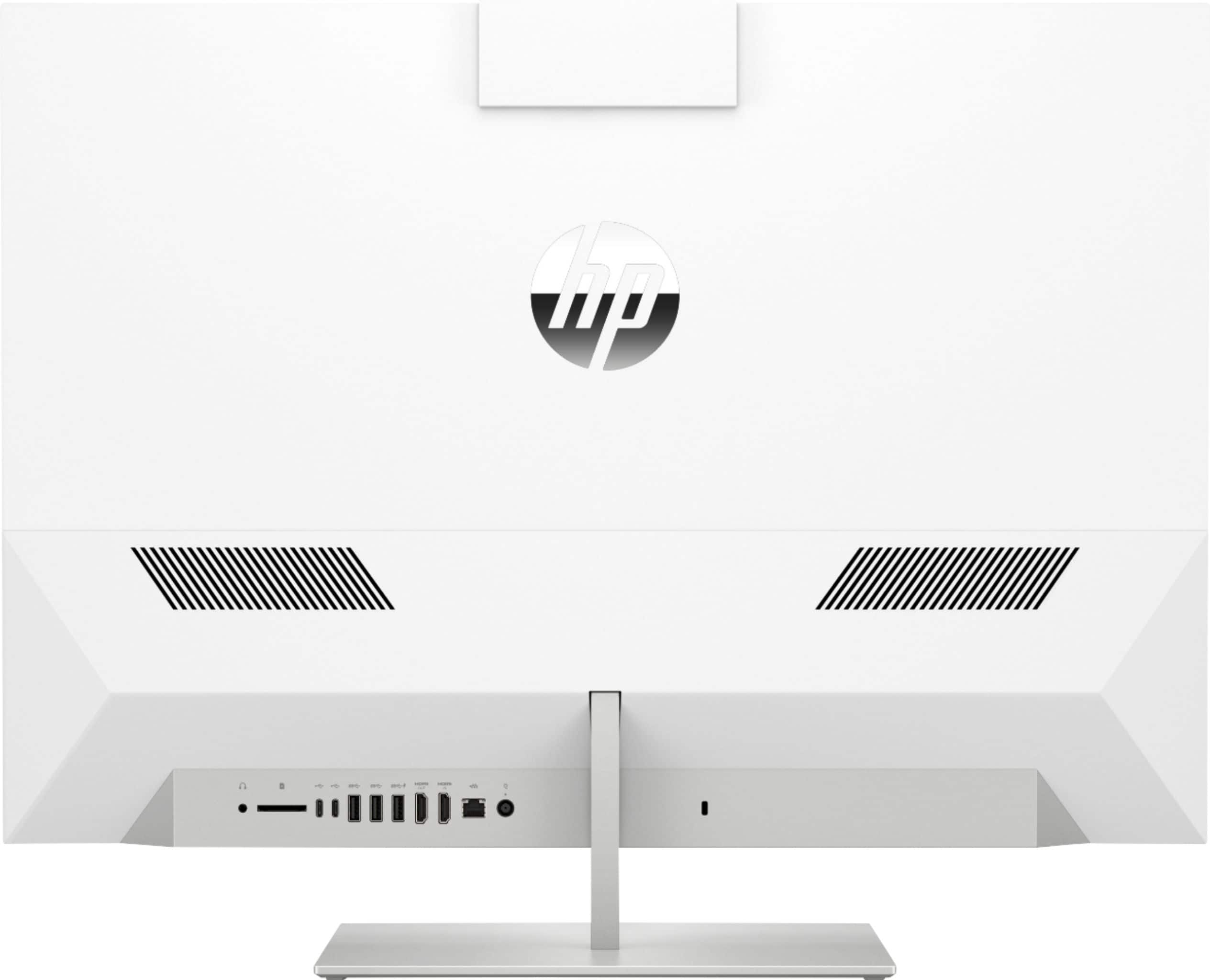
A:AnswerI have been trying to do this as well. The two HDMI ports do not allow you to connect two monitors. Sadly the recommendations by HP, I have attempted to use [like getting a splitter] and I still can only connect one monitor to it.