A:AnswerHi Pegg, thank you for the question. Microsoft 365 (Word, Excel, Outlook, PowerPoint) and Adobe can be downloaded from their respective sites when you subscribe to their services. Best Buy can do this for you if you wish; please reach out to them for assistance and payment options.
A:AnswerI asked that same question. Yes it will take Windows 11 when it is available, I was told long ago that the computer you buy today is old because they are always coming out with newer and better. I don't know about the unwanted junk with the upgrade. You can always call the Geek Squad and ask them.
A:AnswerHi John! Thanks for your question. No, the Oculus and other VR products have requirements for a dedicated graphics processing unit (GPU). This is a very powerful system, but it does not have a discrete graphics card (gaming graphics card).
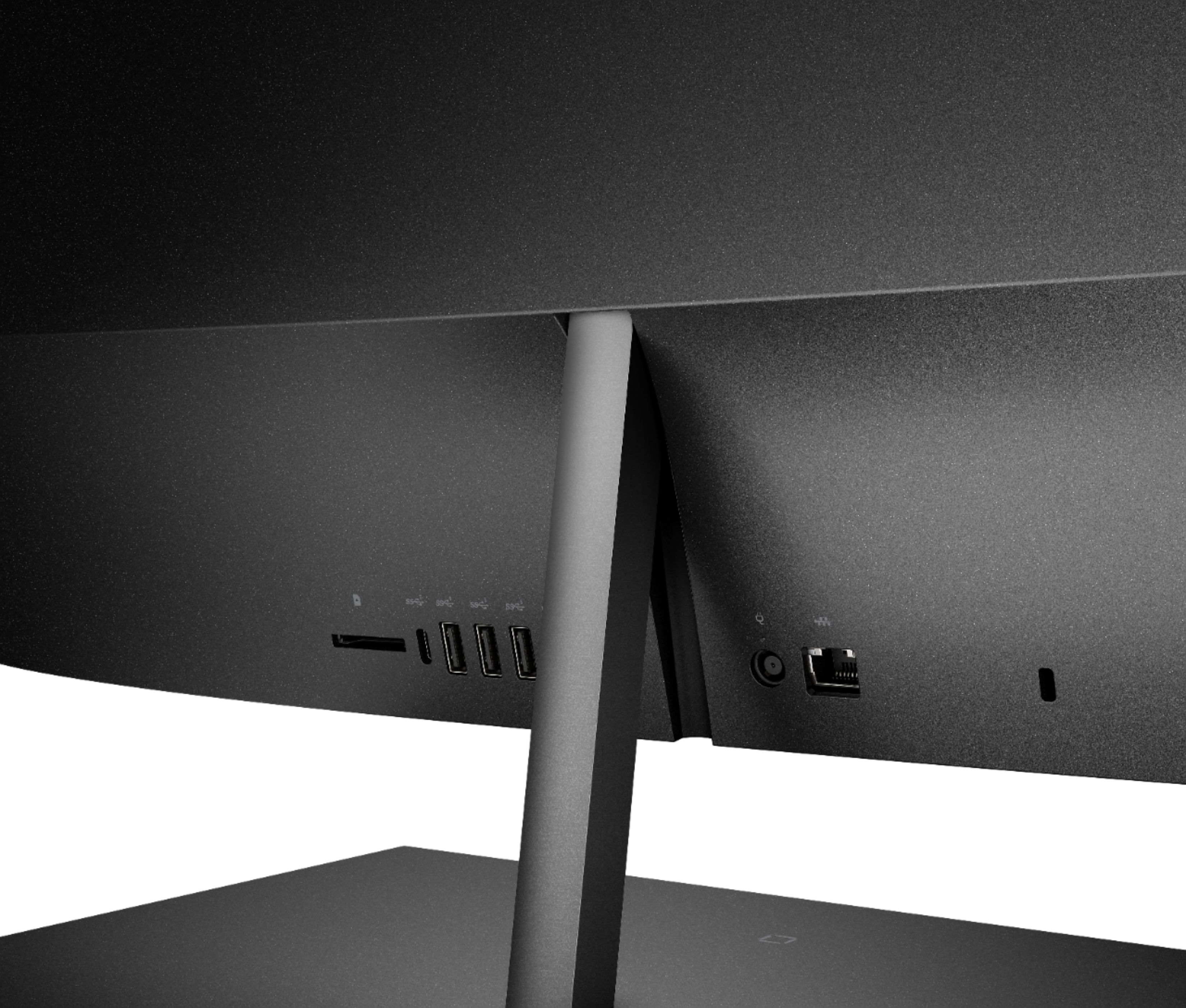
A:AnswerThank you for your question! This computer has multiple USB ports to connect to devices such as printers. If you do not already have a USB printer cable, here is a great choice: https://www.bestbuy.com/site/insignia-6-usb-2-0-a-male-to-b-male-cable-black/5886035.p?skuId=5886035
A:AnswerThank you for your question! This computer has multiple USB ports to connect to devices such as printers. If you do not already have a USB printer cable, here is a great choice: https://www.bestbuy.com/site/insignia-6-usb-2-0-a-male-to-b-male-cable-black/5886035.p?skuId=5886035
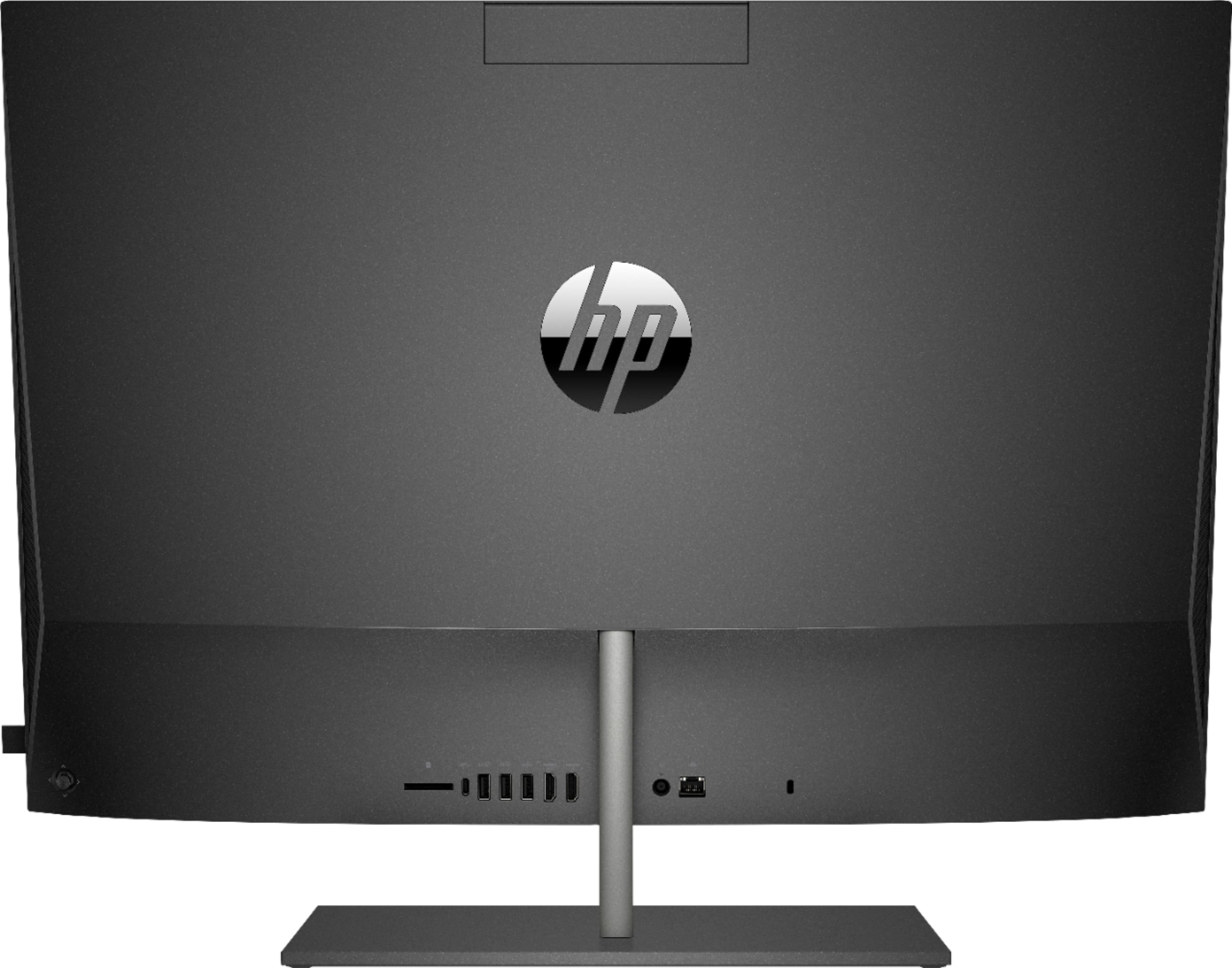
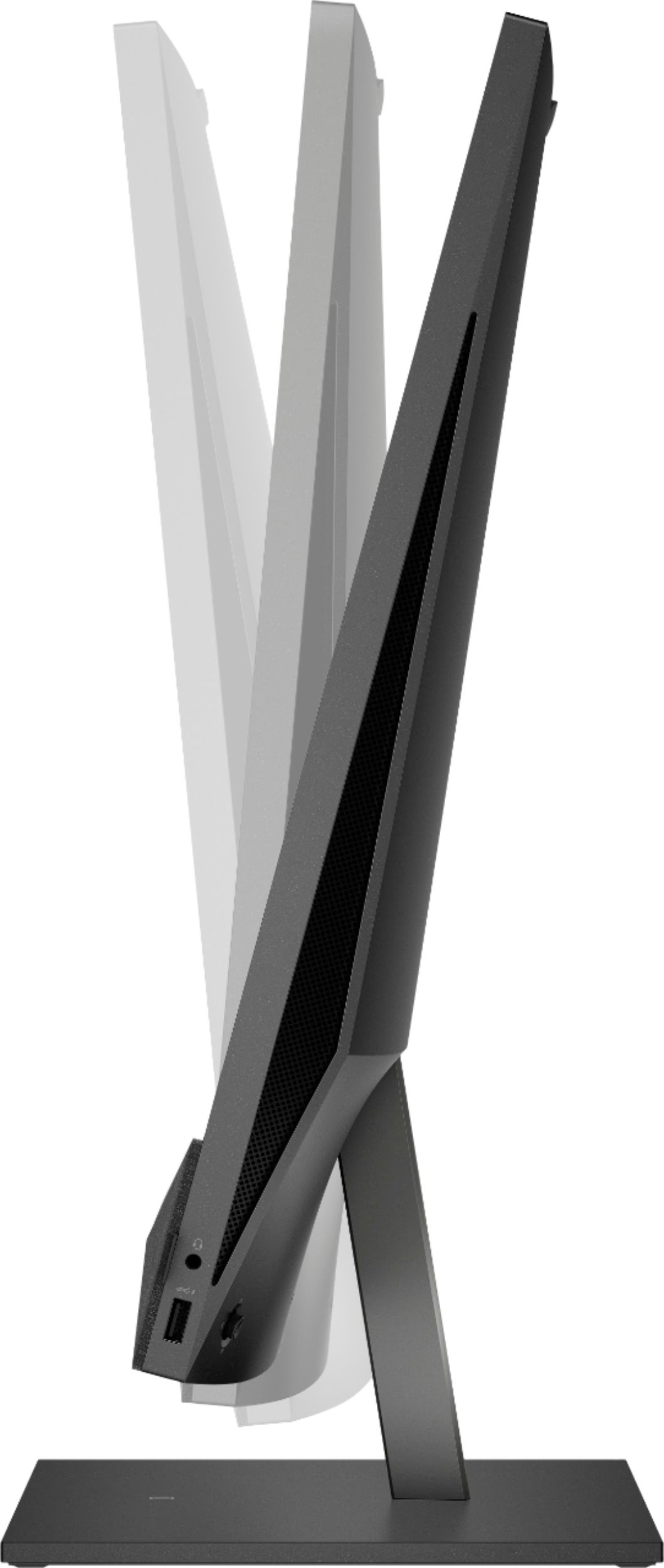
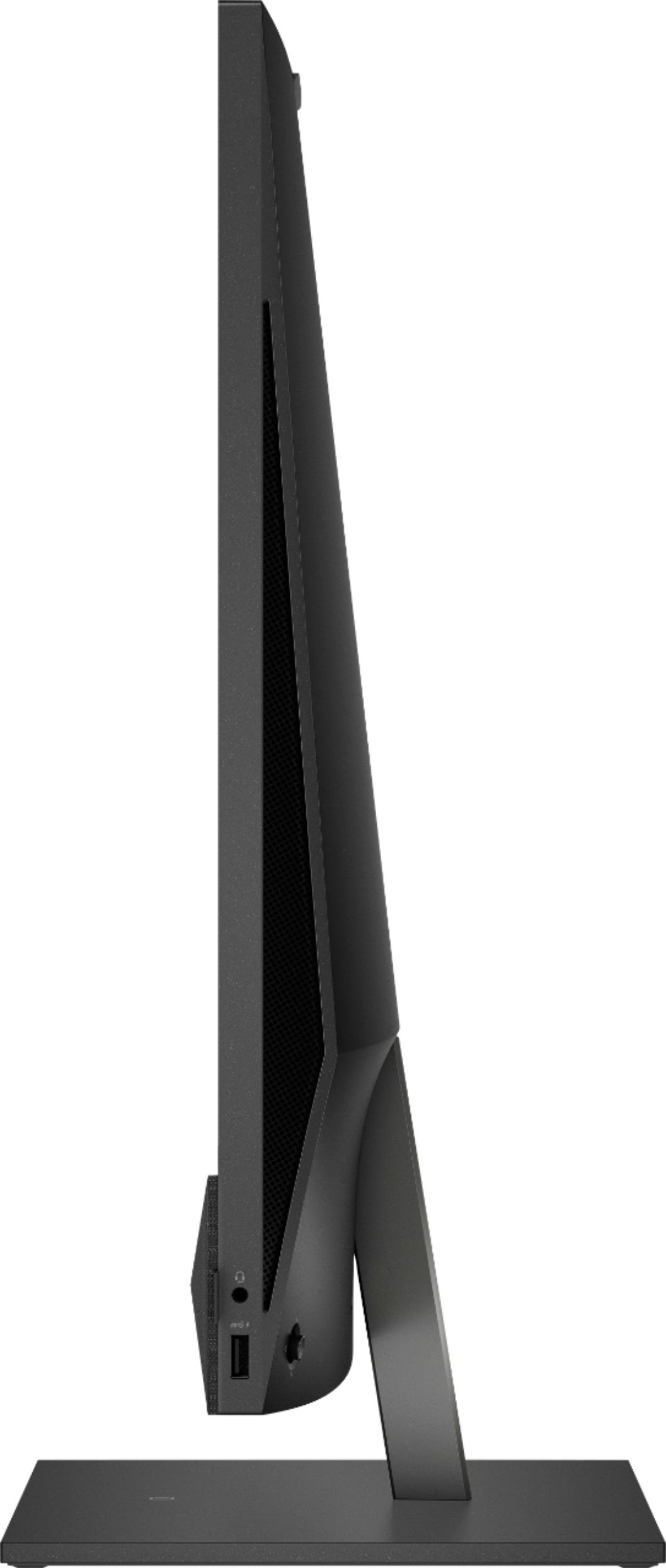
A:AnswerThank you for the question. Please reach out to your internet provider or local Best Buy for router recommendations. This model is a very good choice for your described needs. The Pavilion 27-d0044 has plenty of ports - 1 SuperSpeed USB Type-A 5Gbps signaling rate (Battery Charging 1.2), 1 SuperSpeed USB Type-C® 5Gbps signaling rate; 3 SuperSpeed USB Type-A 5Gbps signaling rate. There are two expansions slots - M.2 (1 for SSD, 1 for WLAN).
A:AnswerHello. Thanks for your question. This HP Pavilion 27-d0044 all in one computer does not have a CD drive. You can use an external USB CD/DVD drive with this all in one computer.
A:AnswerUnfortuantely, no. You'll need a printer with a built in scanner to actually scan the documents I'm not aware of any printer that has a built in scanner.
A:AnswerHello, no this HP Pavilion All in One does not include an optical drive but you can connect an external DVD drive via an open USB port. Thank you for being an HP customer!
A:AnswerIt does have an HDMI input (as well as an HDMI output) so you should have no problem using connecting this all in one computer to your existing one.
A:AnswerHello. Thanks for your question. Yes, you can connect this HP Pavilion all in one computer to your TV with the HDMI cable. Be sure to connect the HDMI cable to the HDMI out port on the computer.
A:AnswerYou need an HDMI cable to connect your work laptop to the HP Envy. From there, there is a button in the back (near the middle) that you can press to switch between screens.
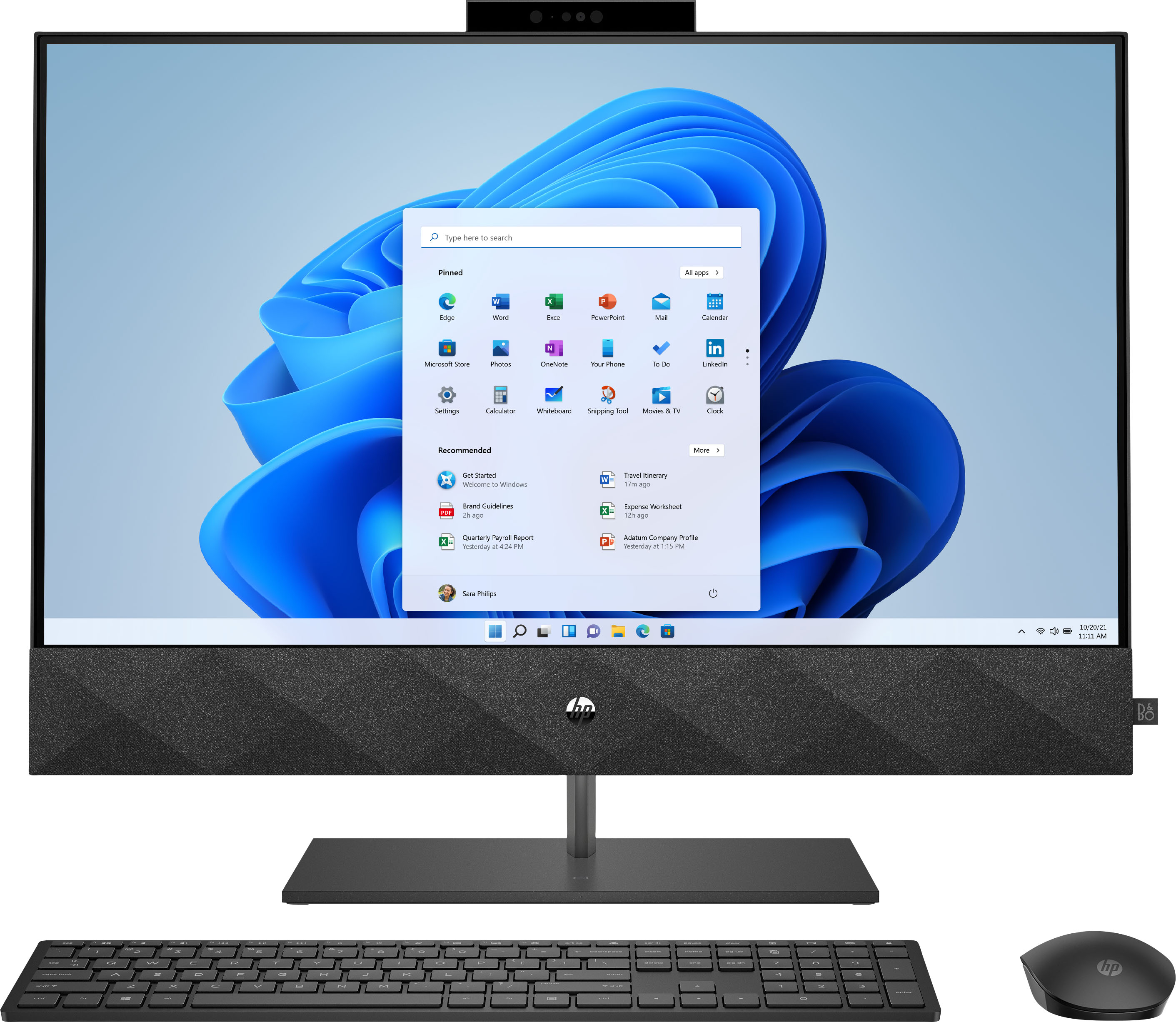
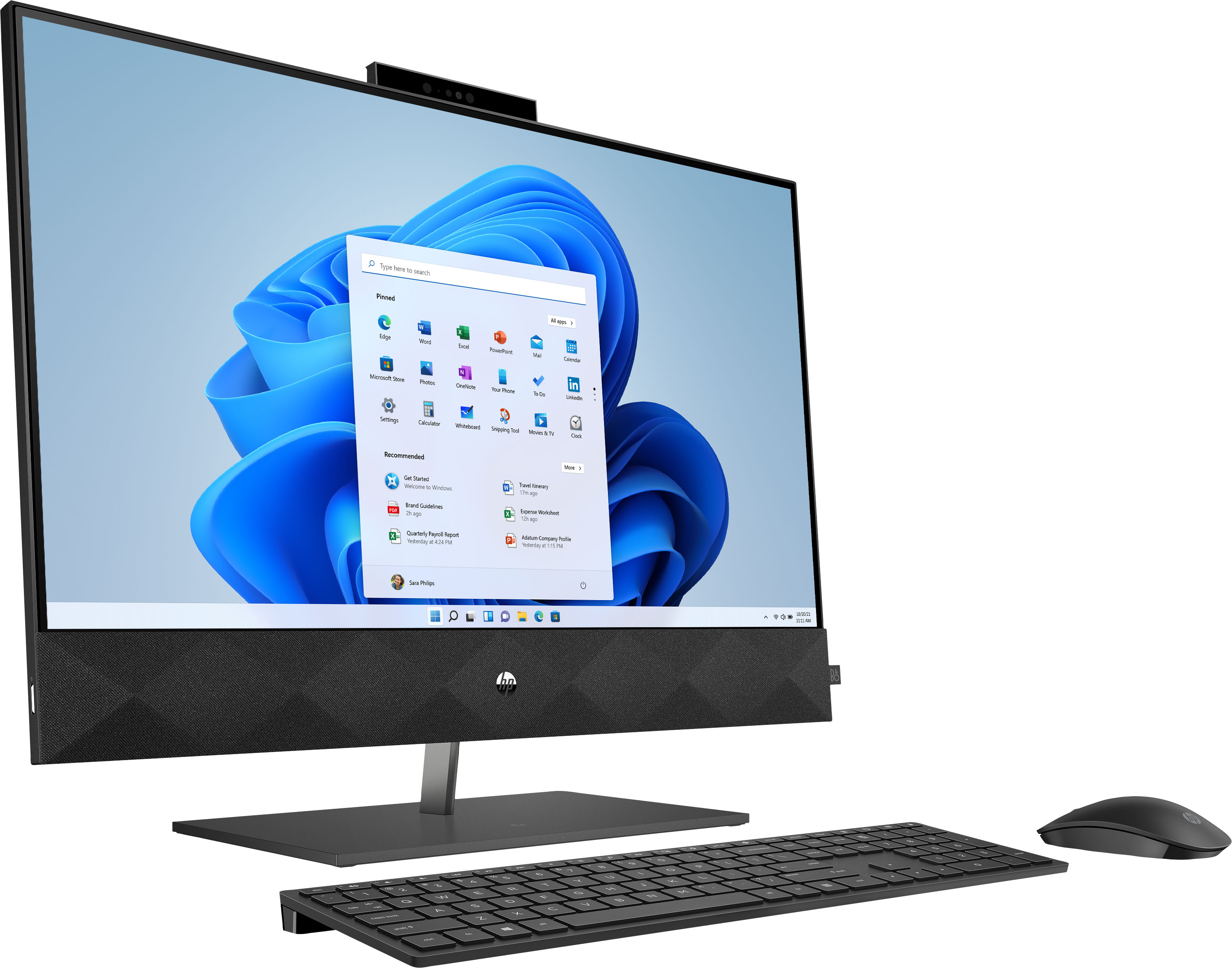
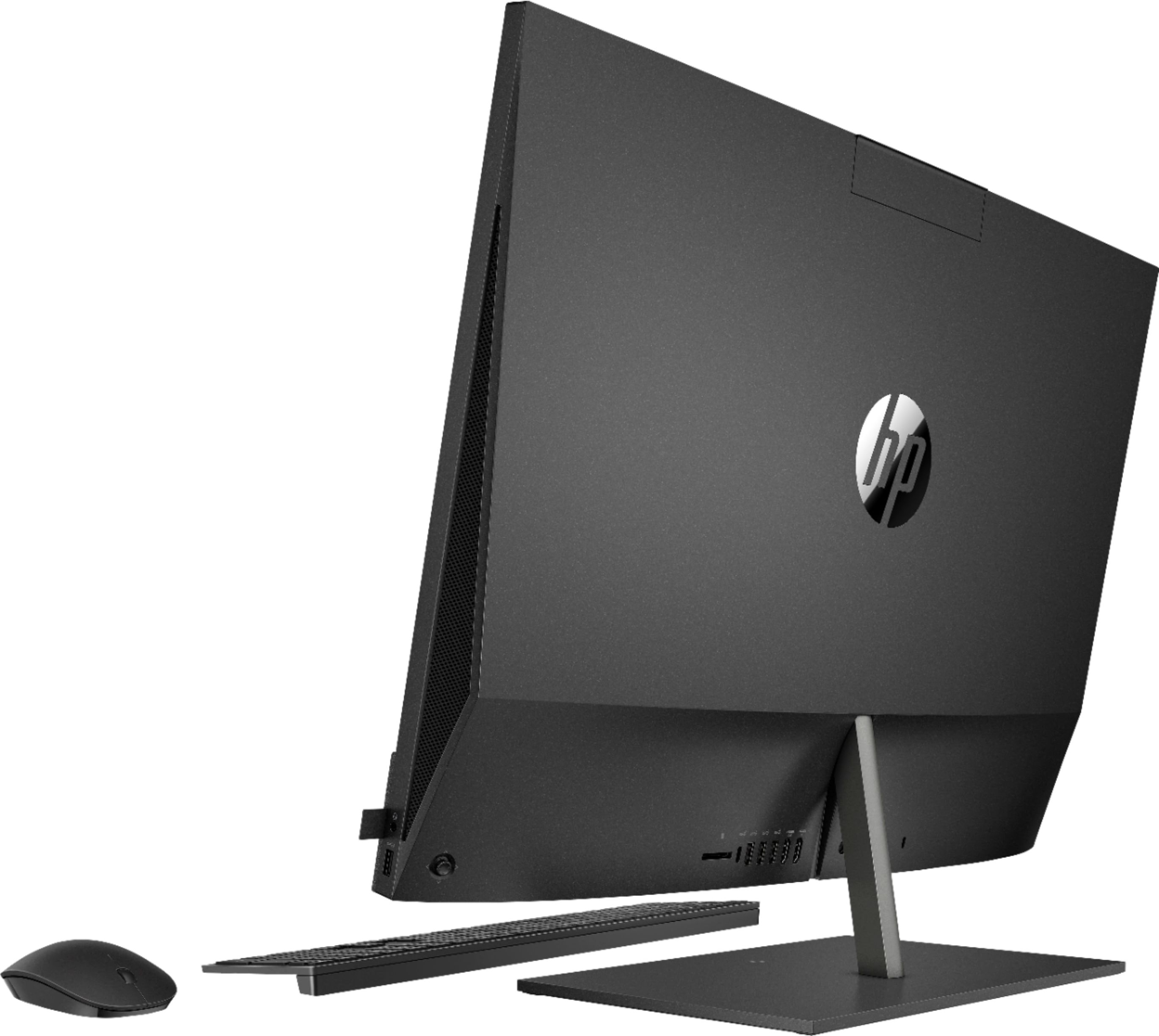
A:AnswerYes, this comes with both keyboard and mouse. Both are wireless. The keyboard, although small, is super easy to use - far better than any laptop keyboard I've ever used.
A:AnswerHello, Steve. An HP all-in-one computer has combined the monitor and computer tower into one with speakers, microphone, and webcam built-in. The only things you would need to do is to plug-in are the keyboard, mouse, and power cord.