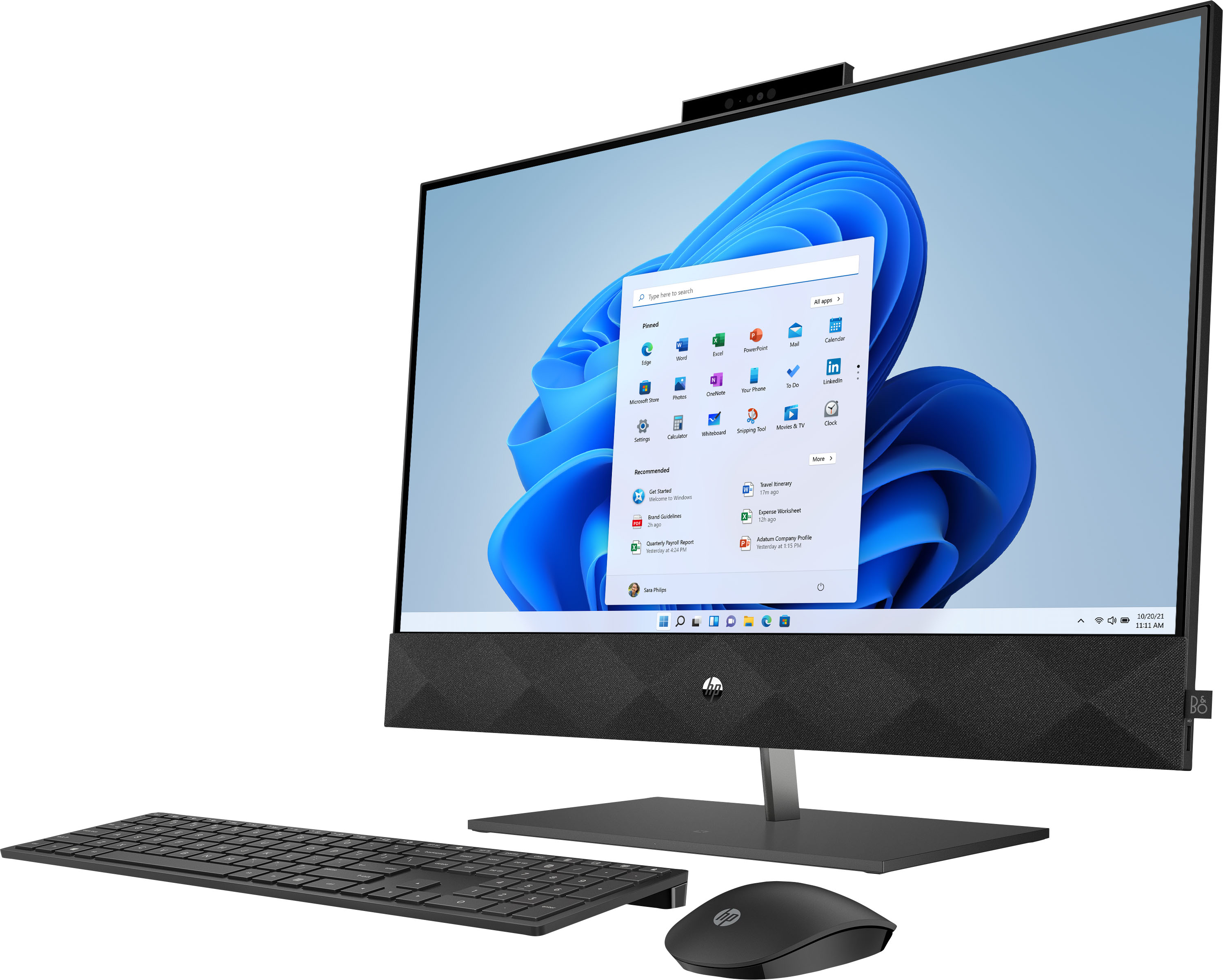
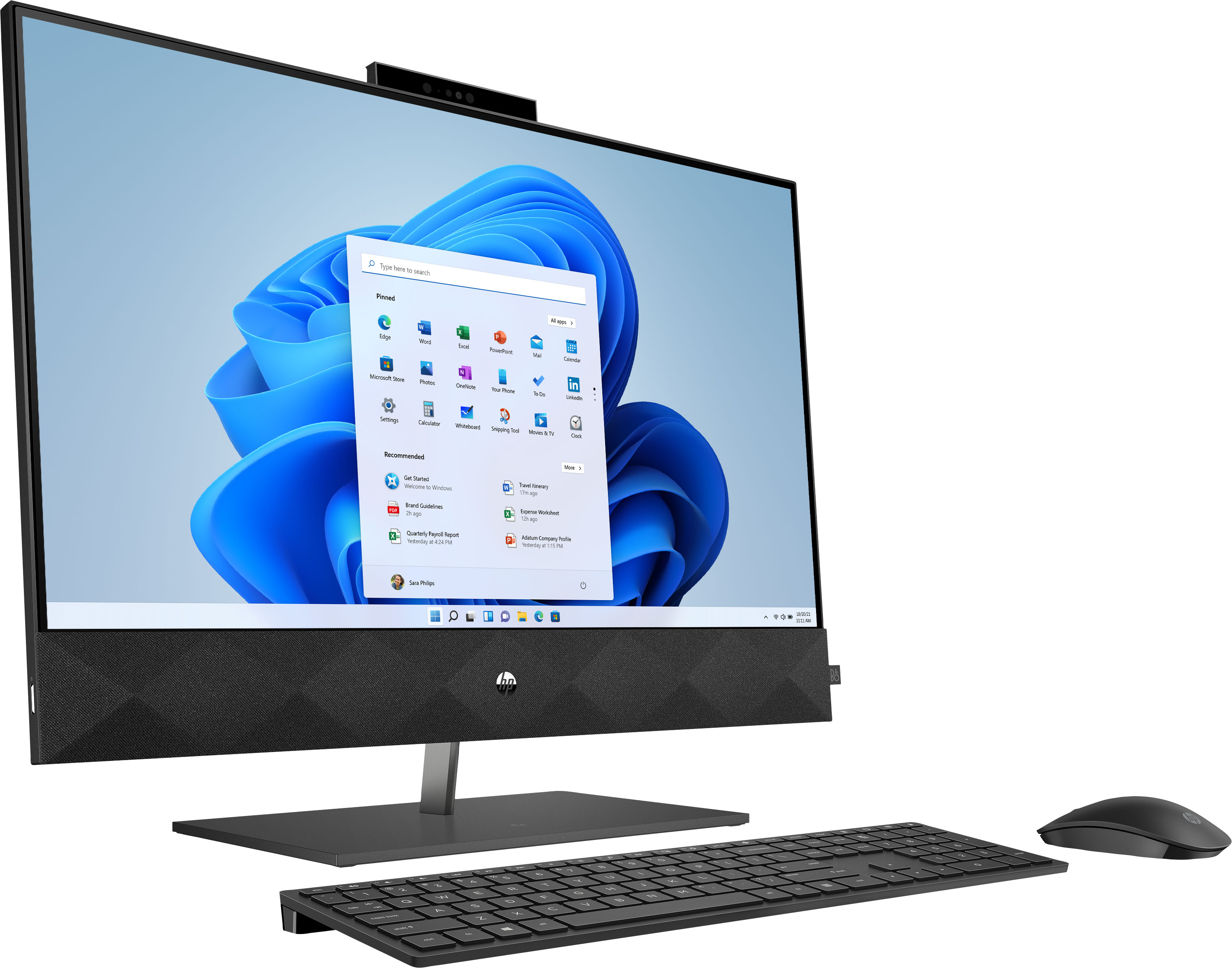
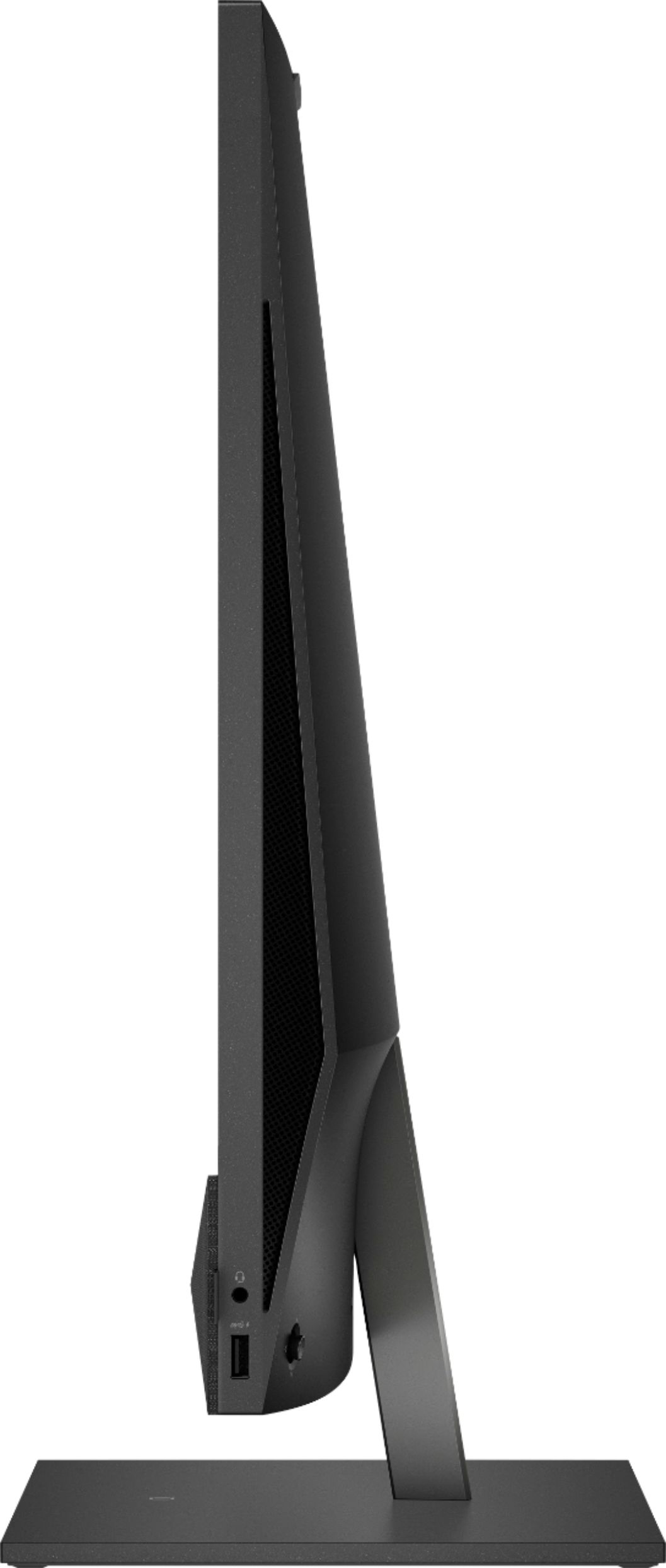
A:AnswerThank you for the question. Aside from the included integrated graphics card (Intel UHD Graphics 630), the Pavilion 27-d0244 All-in-One meets or exceeds the requirements for running Adobe Premiere Pro. For professional editing needs, you might consider a model with a dedicated graphics card, such as you would find on a gaming computer.
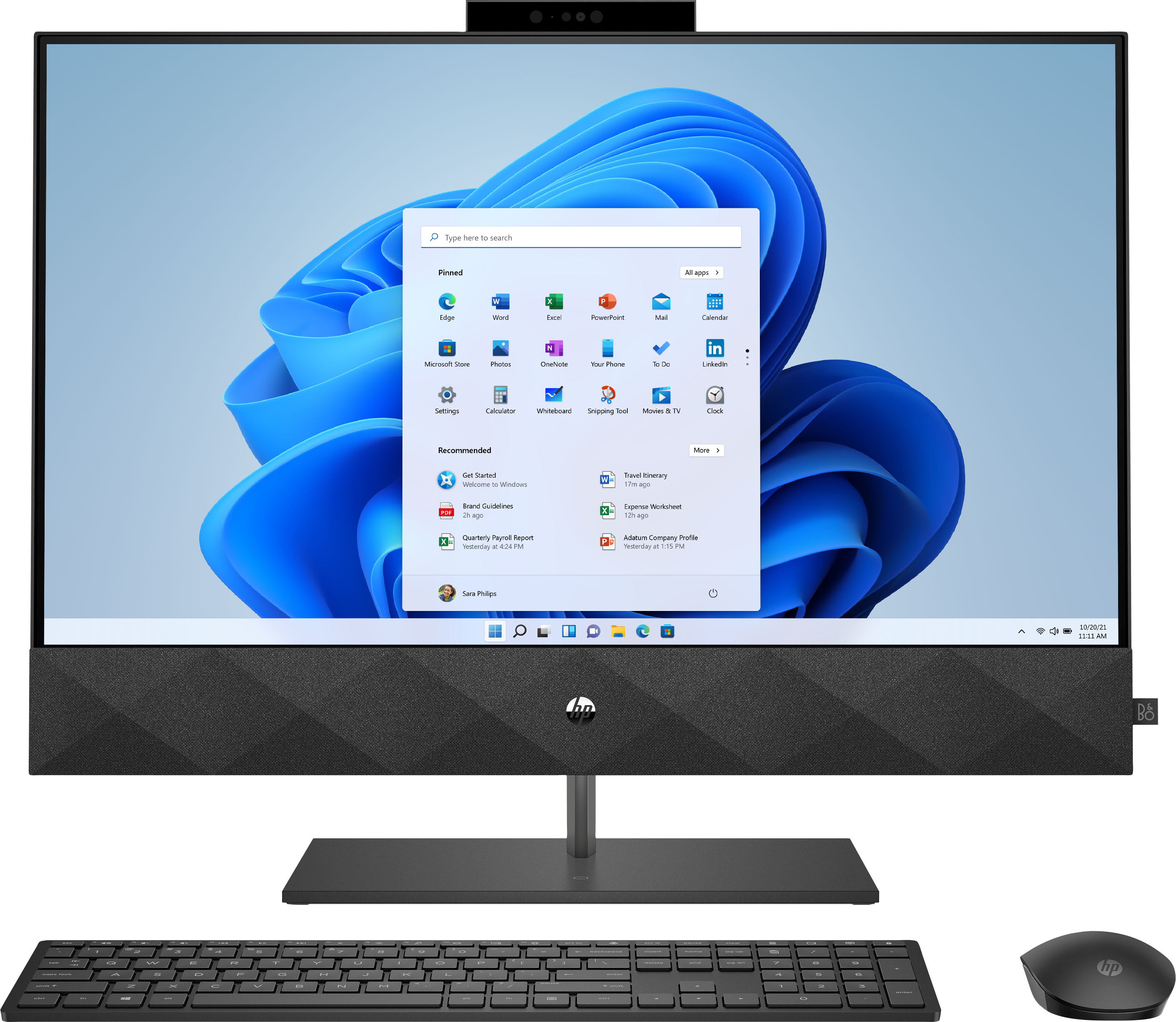
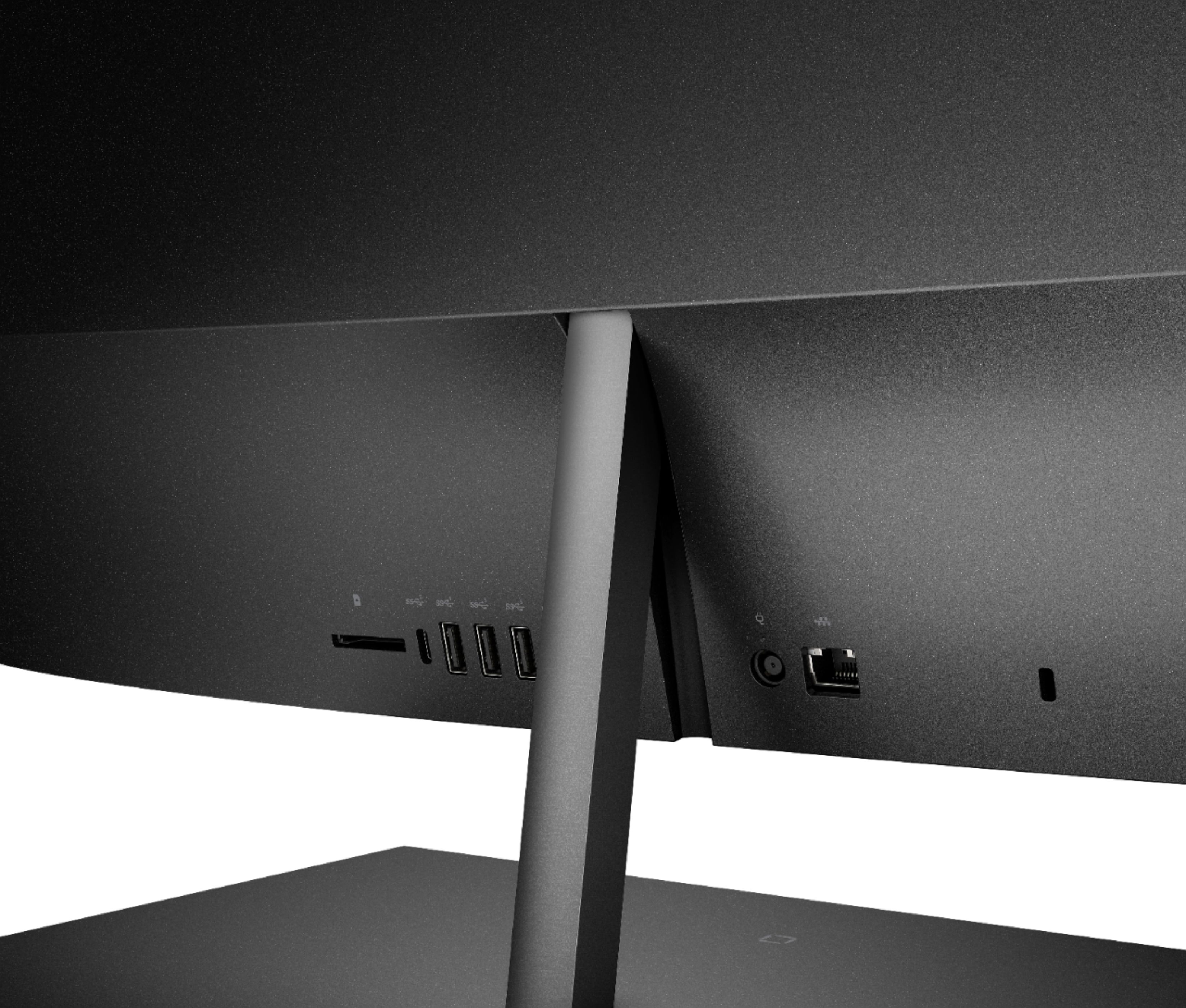
A:AnswerYes, you could add a second 16 gigabyte module to upgrade to 32 gigabytes of RAM. The computer does have two m.2 slots, however one of them is occupied by the Bluetooth/WiFi adapter, so you'd need to remove the existing SSD and and a higher capacity drive in it's place.
A:AnswerThe actual screen does have a diagonal measurement of 27 inches, so you don't lose any screen size due to the speakers. The screen is a "Bright-View" screen, so it has a glossy finish.
A:AnswerHello, Sue. The part number for the keyboard and moues combo is 928925-001. You can register your computer on this website: https://register.hp.com/
A:AnswerThank you for your question! This model is silver but similarly sized: https://www.bestbuy.com/site/hp-27mq-27-ips-led-qhd-monitor-hdmi-vga-silver-black/6426785.p?skuId=6426785
A:AnswerThank you for the question. The Pavilion 27-d0244 desktop does not have inputs to accept mounting bracket hardware. However, there are several third party brackets on the market that might work. Be certain not to obscure the rear ports.
A:AnswerThank you for asking. The HP 27-d0244 has integrated (shared) graphics. If your editing is not for a professional endeavor, this model has the memory and storage to suffice. Most software for editing on a professional level will indicate that discrete (separate) graphics are better for performance and results.
A:AnswerHello, this all in one is no longer being manufactured but there will be a newer model being released soon! Thank you for being an HP customer!
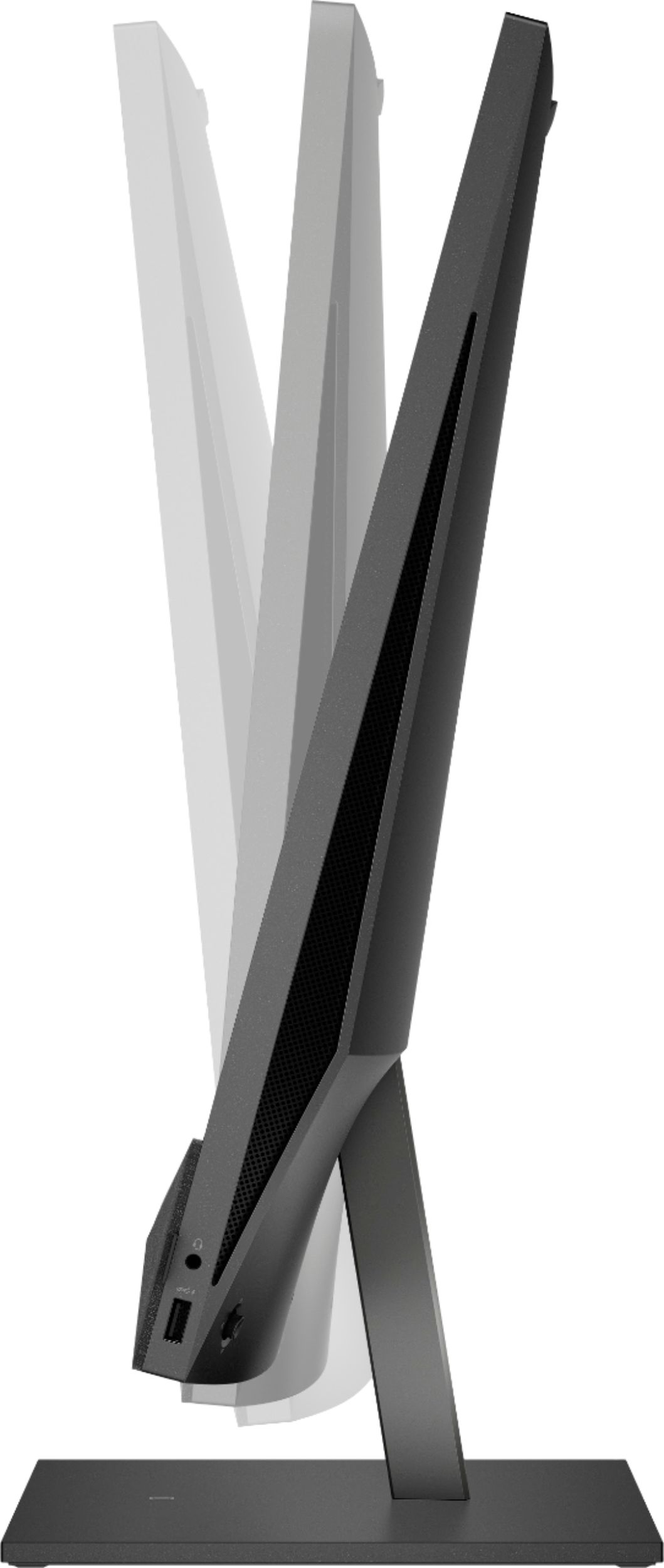
A:AnswerThank you for the question. It primarily depends on the transfer speed capabilities of the SD card. Cards can be rated as Class 2 (minimum write speed of 2MB/s), Class 4 (4MB/s), Class 6 (6MB/s) or Class 10 (10MB/s). It's important to note that these are the minimum, so it's entirely possible a card can achieve faster speeds but these give you an impression of the least you can expect.
A:AnswerThere could be a number of different causes. Your best option is to contact the HP Support team directly so they can troubleshoot it with you in real time.
A:AnswerOn the Base look for a tiny white square.
Place your wireless charging capable phone with the backside down upon the white square and auto wireless charging will begin.
If auto wireless charging does not initiate, then manipulate the button located on backside of unit at bottom right side to navigate to power options and ensure wireless charging is turned on.