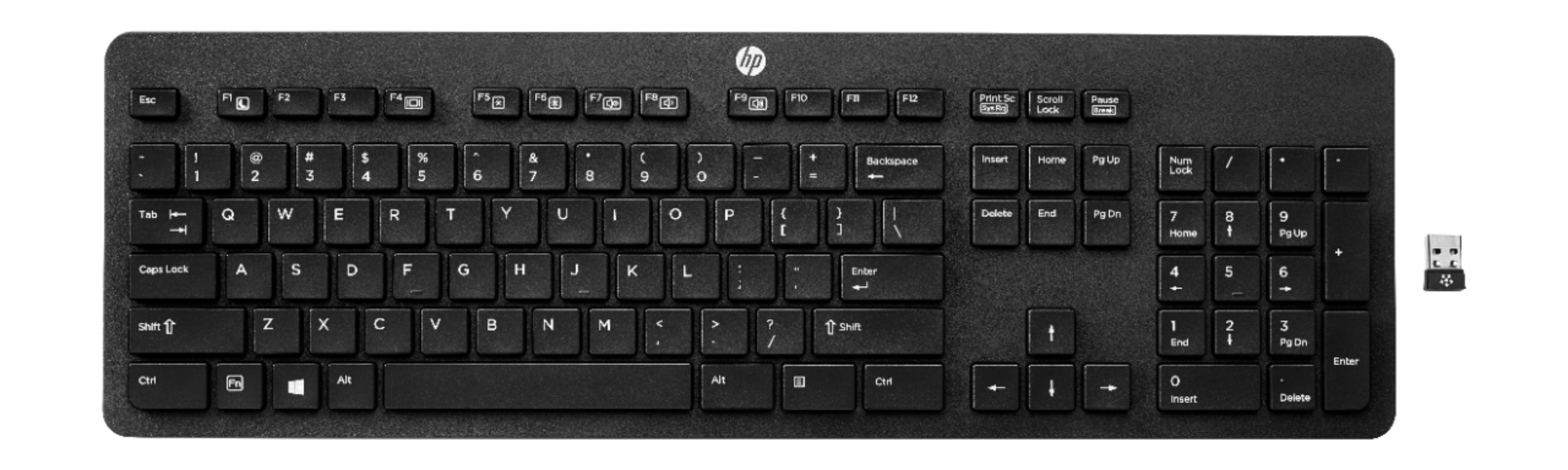
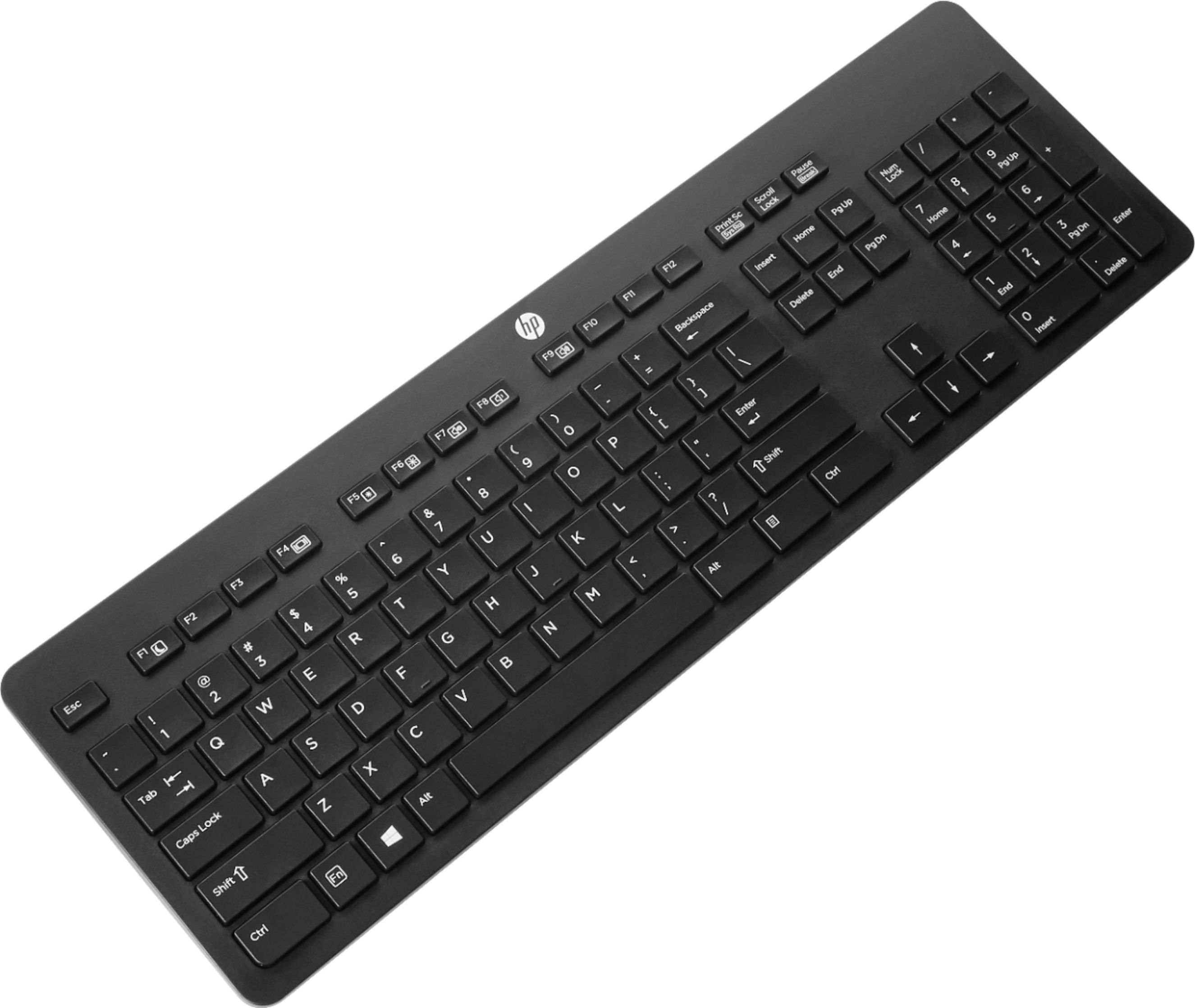
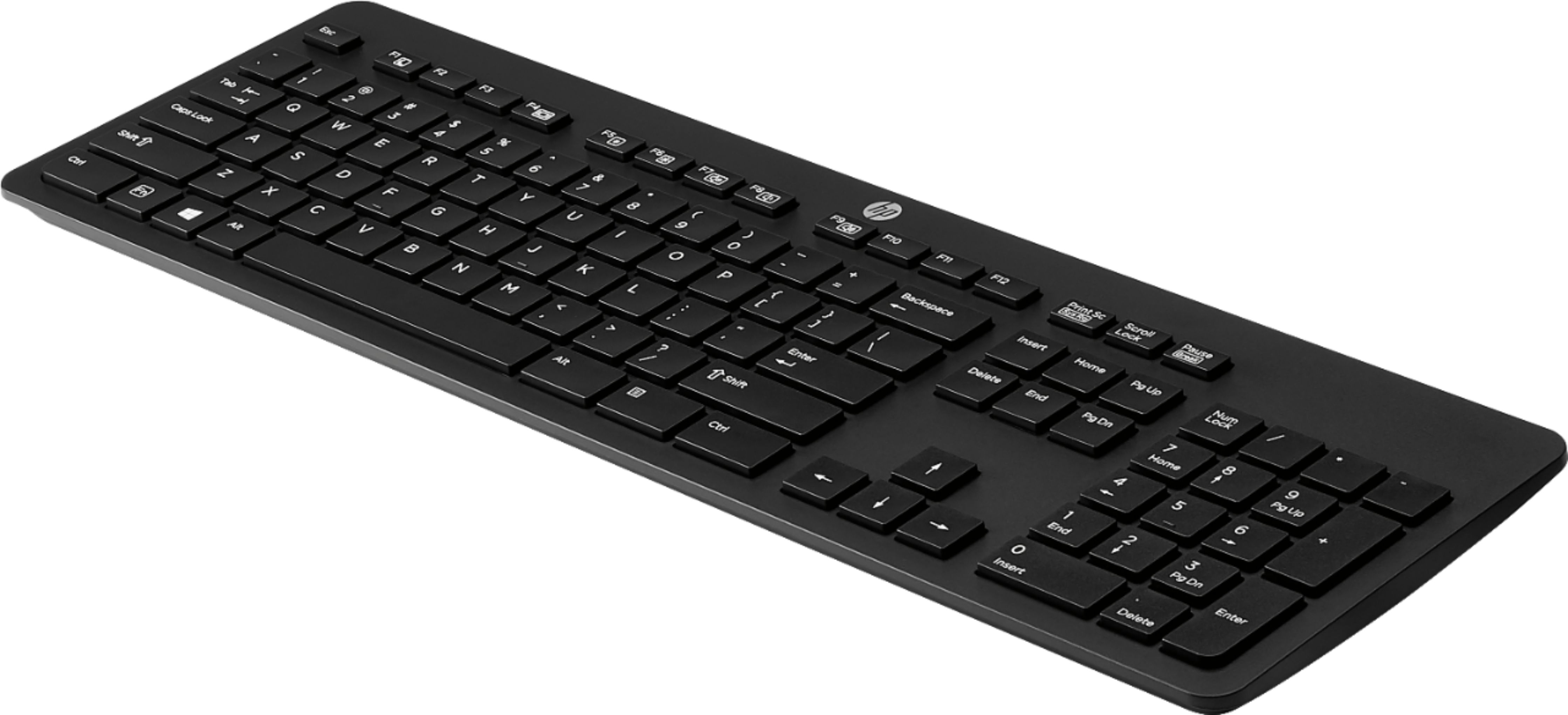
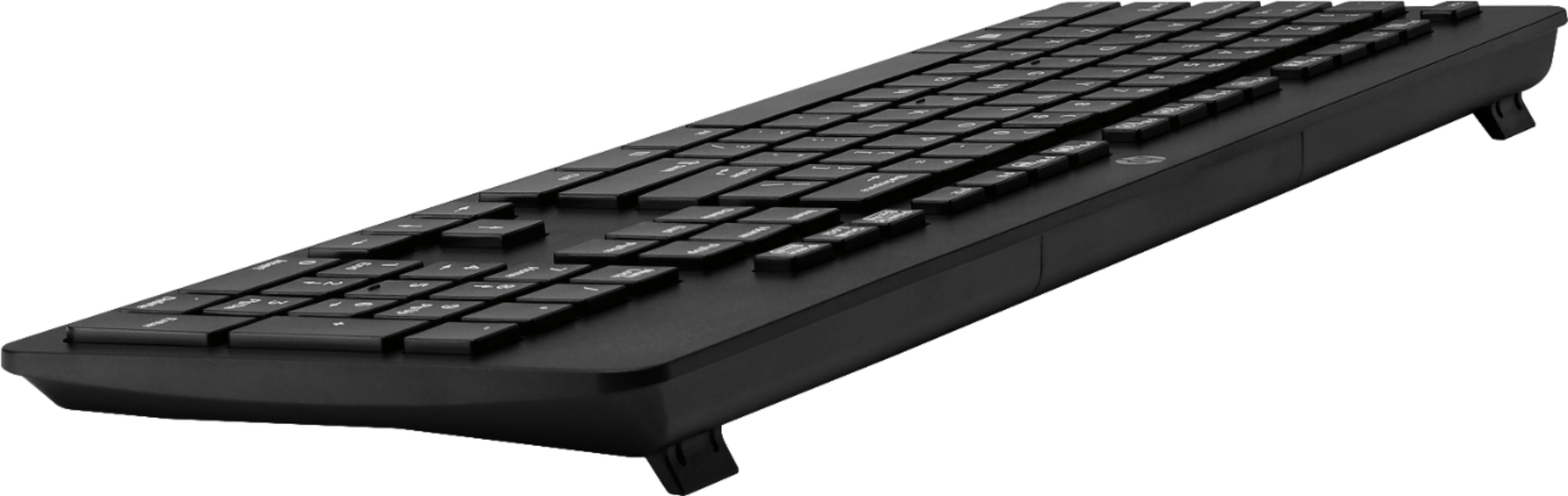
A:AnswerNo. This keyboard requires the USB dongle for the wireless connection. If you want a keyboard and mouse with a Bluetooth connection, I would suggest looking for a Bluetooth keyboard and mouse.
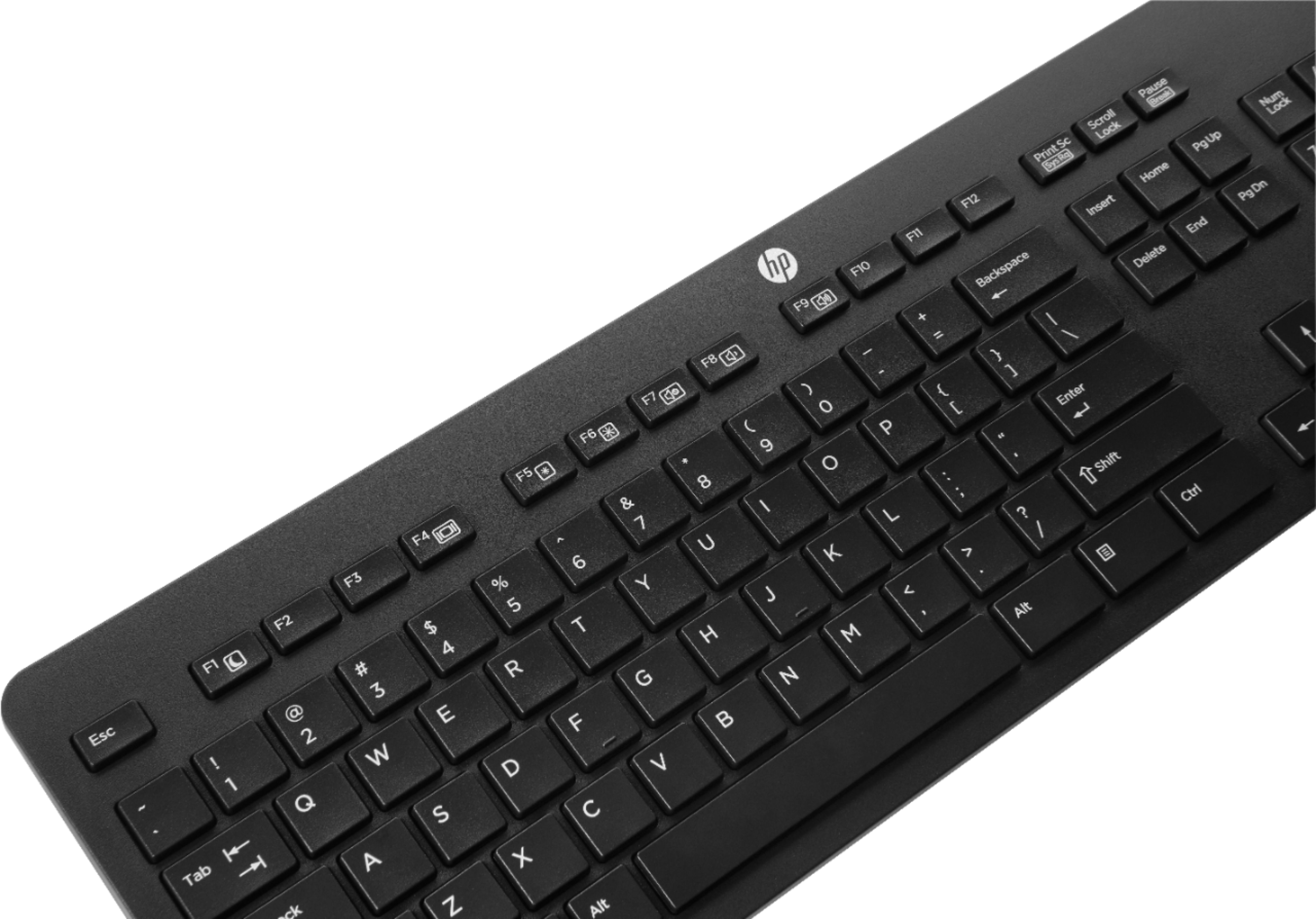
A:AnswerYou need to use the function (FN) key plus the F8 key to put the volume down. Function key plus F9 key to put the volume up and FN key plus F7 key to mute. Use both keys at the same time.
A:AnswerYes, it will work. Because the computer doesn't have Bluetooth built in, you'll need to use the dongle that comes with the keyboard to give the computer Bluetooth capability.