A:AnswerInstalling an SSD into this machine is a pain. You need a bracket that has screw holes on the bottom (not the sides) because this screws on to a piece of metal inside the machine instead of into a bay. I got a Sabrent (sp?) one on Amazon but even with the bracket getting the cables in there wasn't fun. If you go SSD get a Samsung EVO. Can't go wrong with that. If you want to save a little money I've had good experience with WD Blue SSDs too. Also, if you do a clean install on the machine make sure not to update the bios unless you get the latest graphics drivers (from AMD) for the machine as for me it caused a boot loop until I did.
Not a big gamer so not sure what would benefit you better, but thought I'd tell you about my SSD experience.
A:AnswerThis is certainly a money friendly PC but by no means will it play any game competitively. If you’re just looking for casual gaming then sure but there is decent lag in fortnite (and I’ve got gigabit Internet). Games like counter strike run great until someone pops a smoke you’ve got to look thru. If you buy it expect to pick up a graphics card then you’ll be golden, the processor and RAM are solid.
A:AnswerI just tried replacing the PSU but discovered that standard PSUs won't work since this one has a proprietary MB connection. I have not found a compatible PSU upgrade yet.
A:AnswerThe short answer is yes, though reviewing one of the community answers, there's some incredibly valid information we'd like to agree with: best performance will come from like-branded components. An AMD Radeon graphics card will perform better and smoother with an AMD processor, while Intel can more comfortably swap between the two. An AMD Radeon RX 580 would be a great alternative to a 1050, though depending on what you're wanting to be able to do/accomplish, the integrated Vega graphics may be enough!
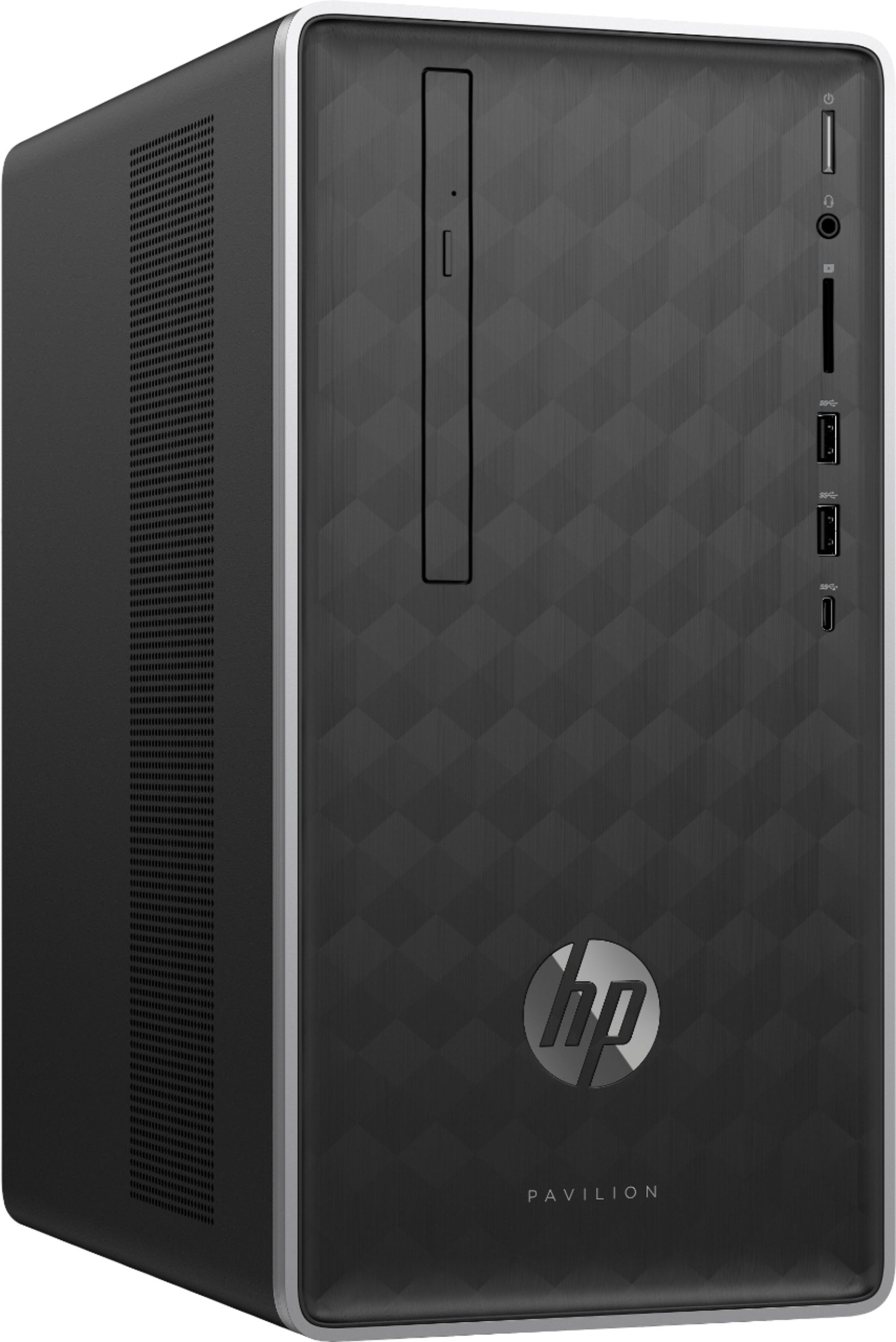
A:AnswerNo, it does not have Lightscribe pre-installed. Yes, you can add memory. However, for 16GB you will want to have two 8GB RAM sticks (not just add 4GB).