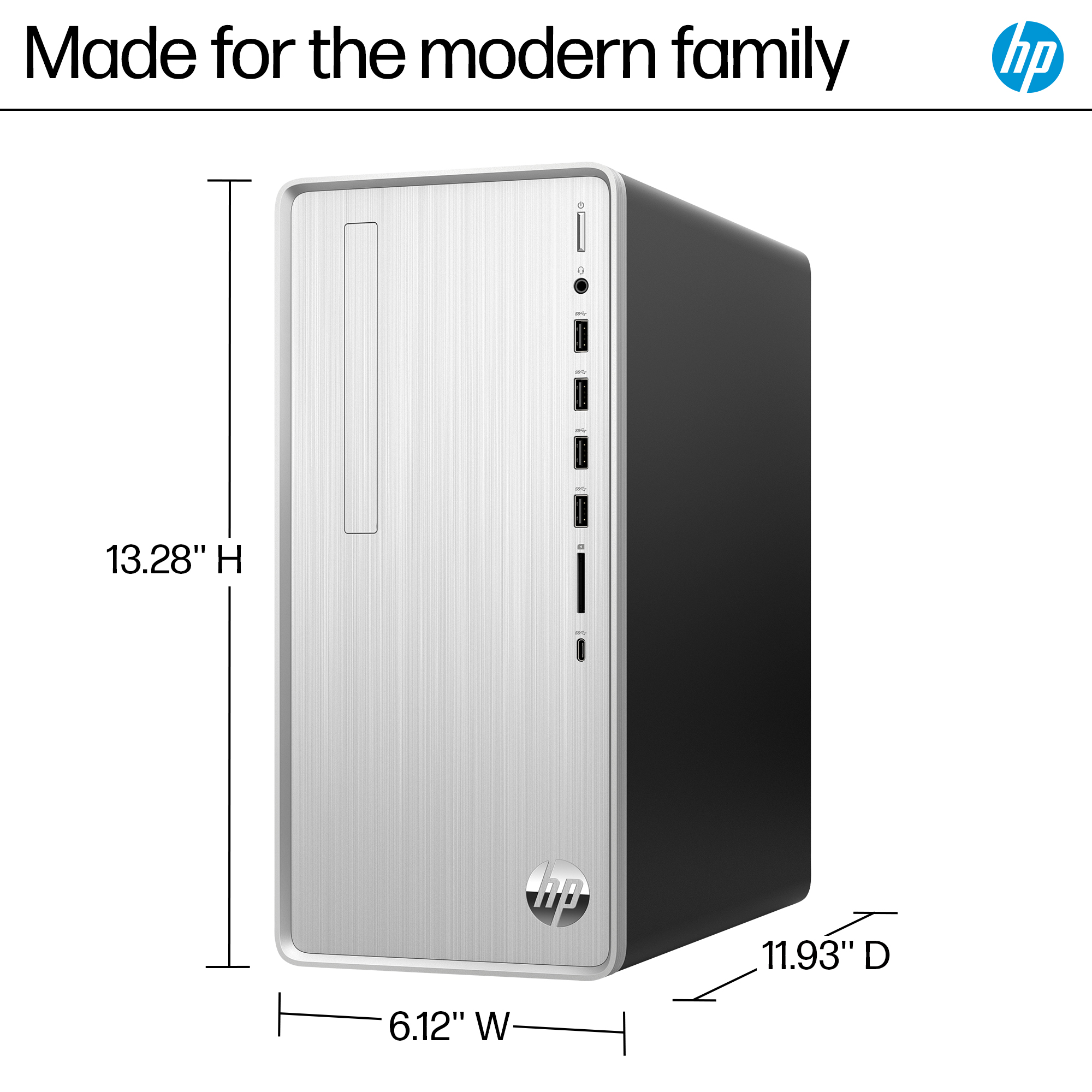
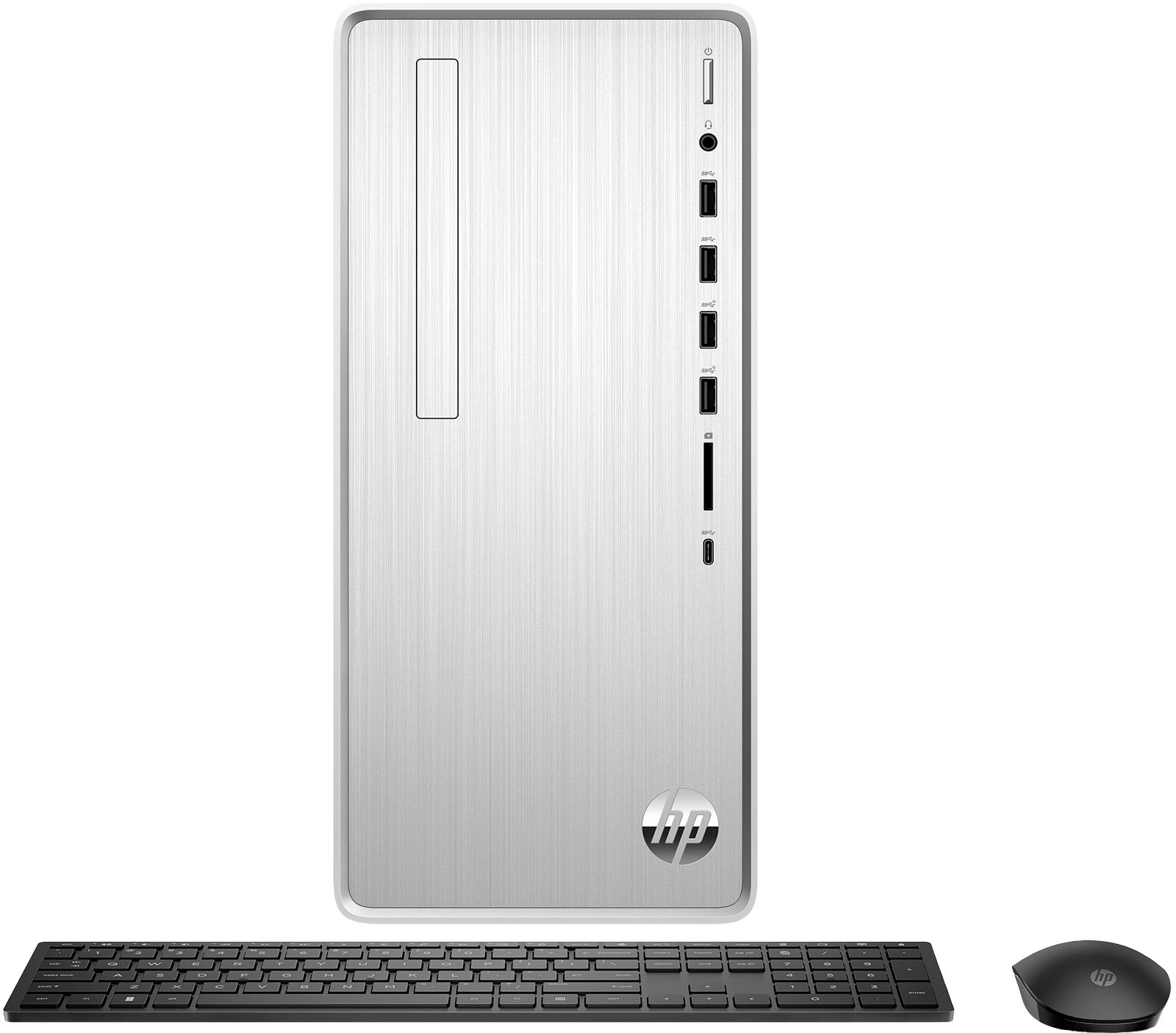
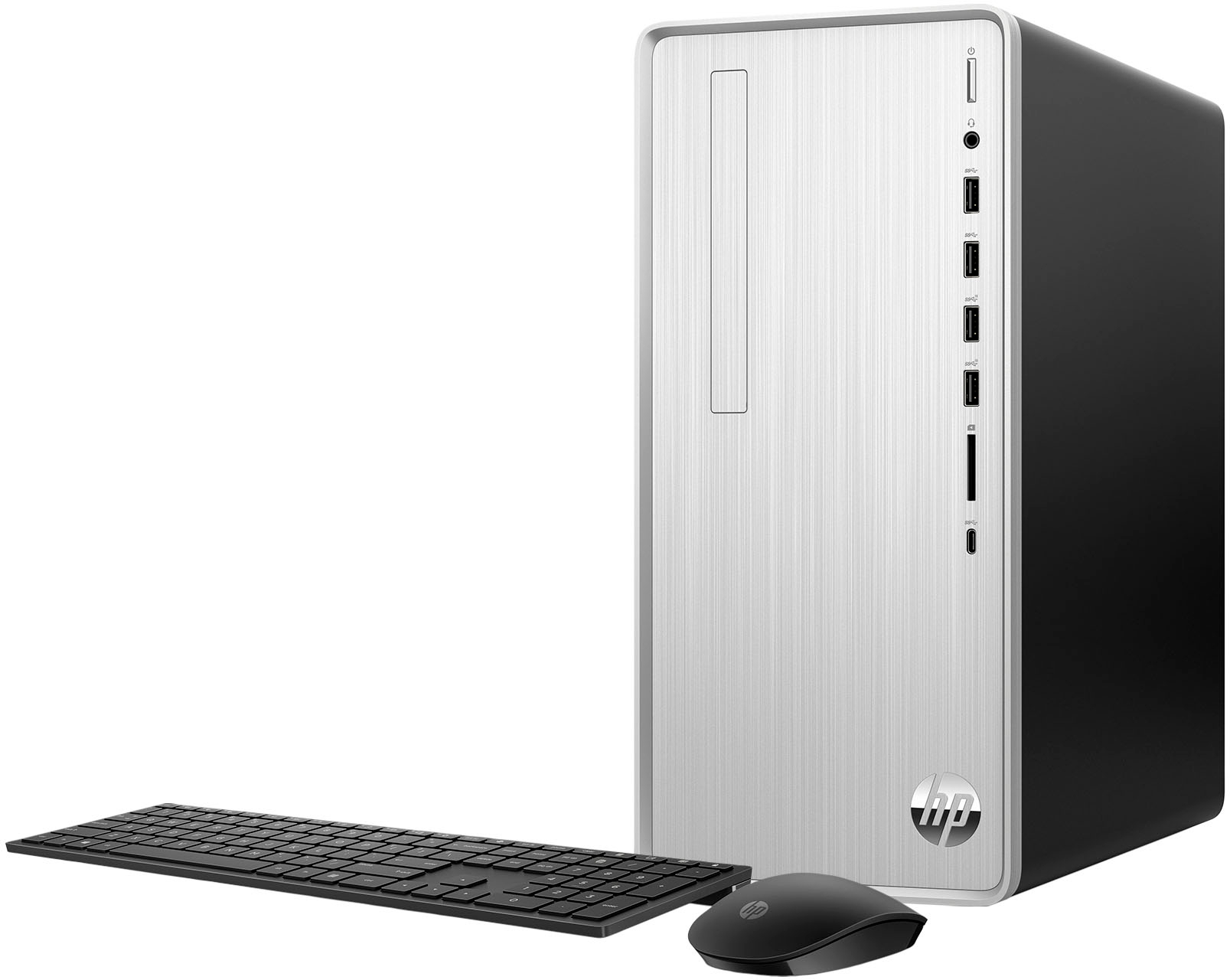
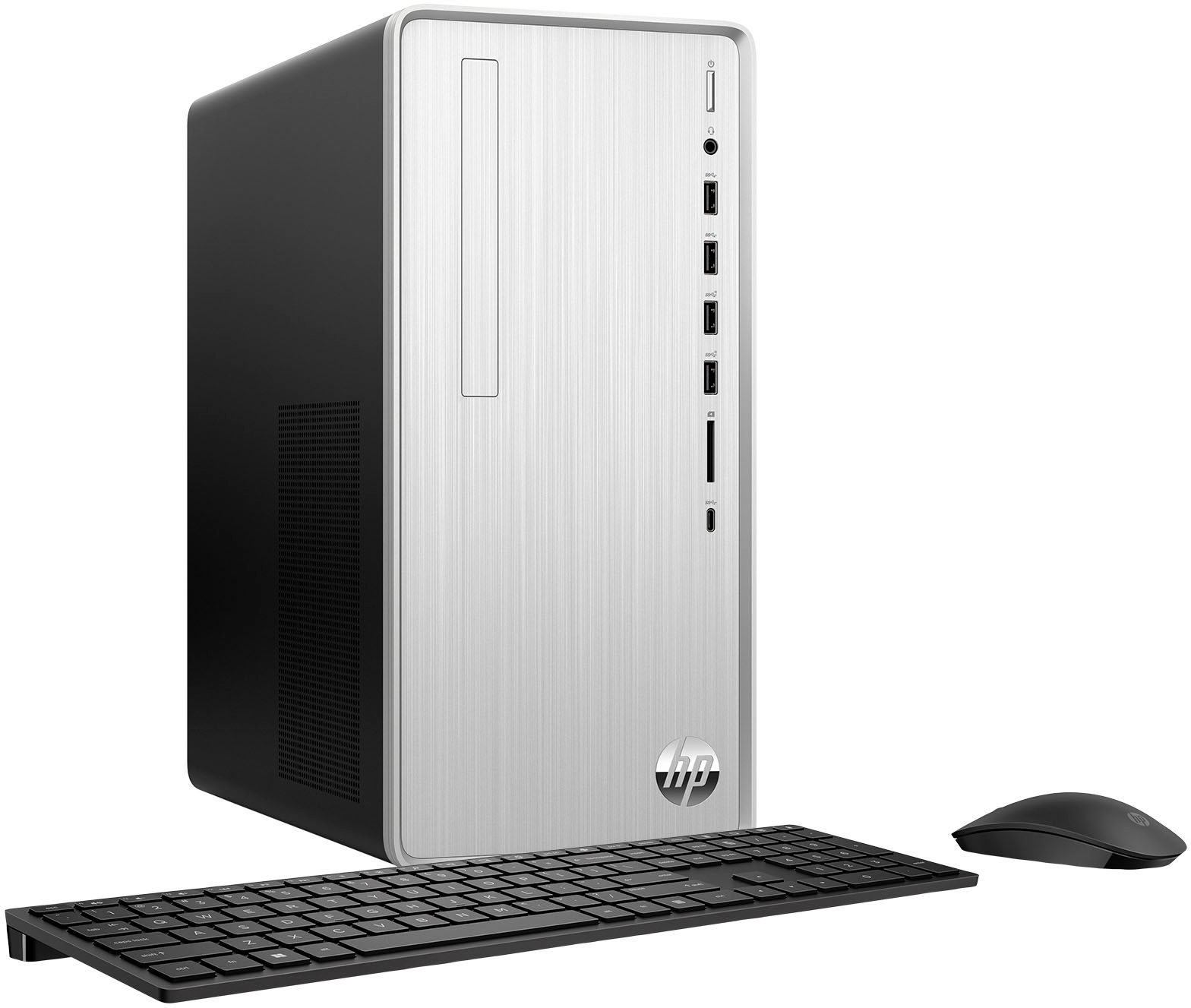
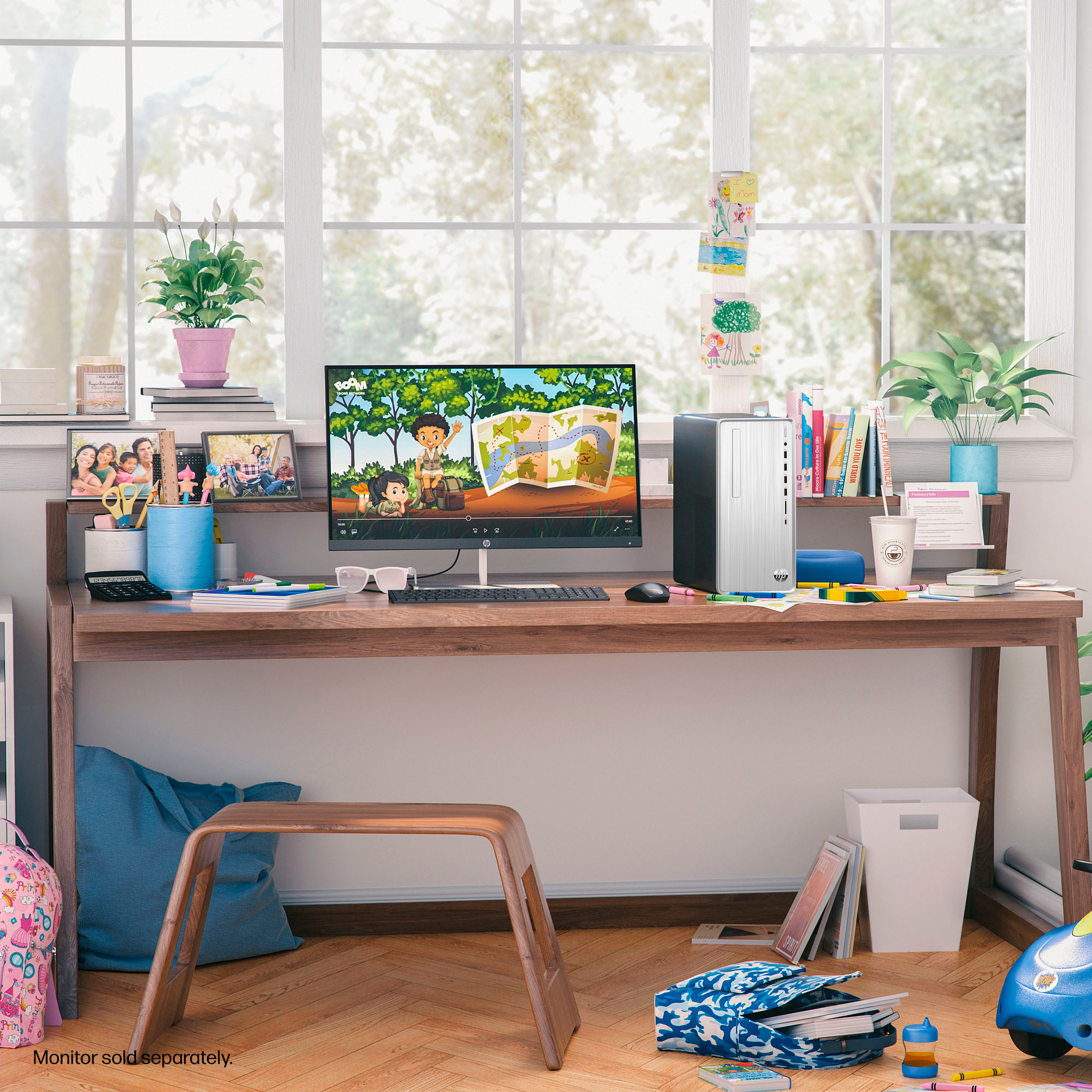
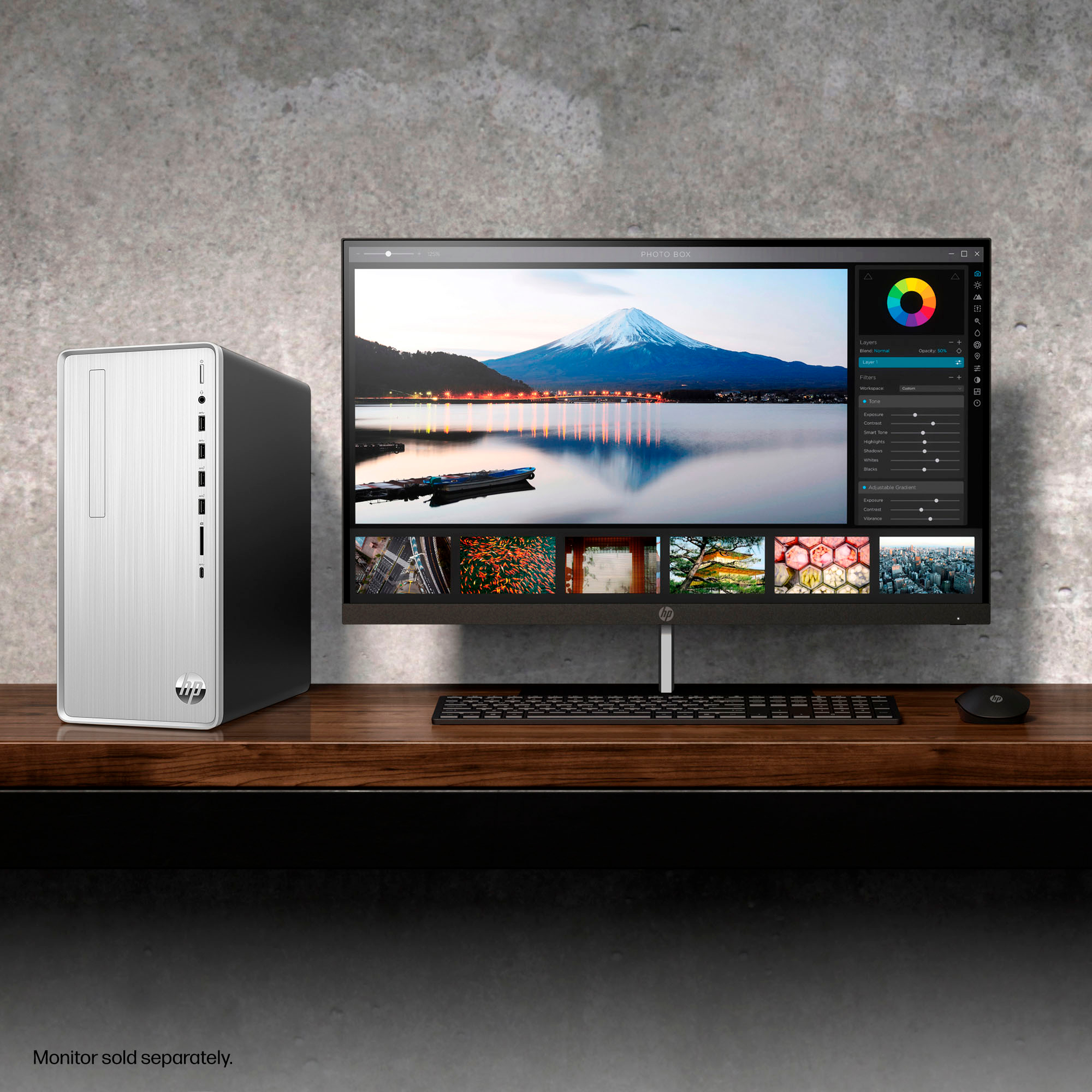
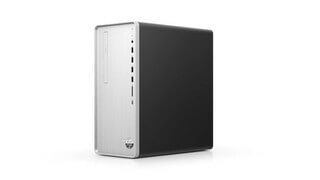
A:AnswerHello and thank you for asking. The HP Pavilion TP01-2234 desktop PC has the following dimensions (W x D x H): 6.12 x 11.93 x 13.28 in. It is a traditional desktop tower computer, not a small form factor computer.
A:AnswerJoe, thank you for your question about this HP Pavilion desktop computer! The system board is equipped with two open SATA ports along with space for 3.5" desktop hard drives.
A:AnswerThank you for your question on this HP Pavilion desktop! The board on this has one PCIe x1 and one PCIe x16 slot. You will be able to put your fax card into this tower as long as it fits in one of those two slots.
A:AnswerHello and thank you for asking. If you need to add a fax modem to the HP Pavilion TP01-2234 desktop computer, you may purchase a USB-to-fax modem adapter to add that capability to the PC.
A:AnswerHello and thank you for asking. The HP Pavilion TP01-2234 desktop computer has two M.2/NVMe slots, both of which are occupied; one for the 1TB SSD and one for the Wi-Fi card. There are also three SATA ports available on the motherboard
A:AnswerHello and thank you for asking. The HP Pavilion TP01-2234 has 5.1 surround sound included. If you are having sound problems, please contact HP Support. They can help you with your problem.
A:AnswerHi, Russ, thanks for the question on this HP Pavilion Desktop! You can check the requirements for the software you would like to use by looking up the system requirements for it from the publisher's website. You will want to make sure that the device you want to use it on meets the minimum requirements. Updates and modifications can impact what settings you can run the software on or if you can use the software at all.
A:AnswerHi Phys, thank you for reaching out. The Pavilion TP01-2234 includes a power cable. It should have been in a niche in the carton/packaging, maybe in a plastic bag. If you have checked all of the packaging and there is no power cable, please contact Best Buy immediately to request a replacement.
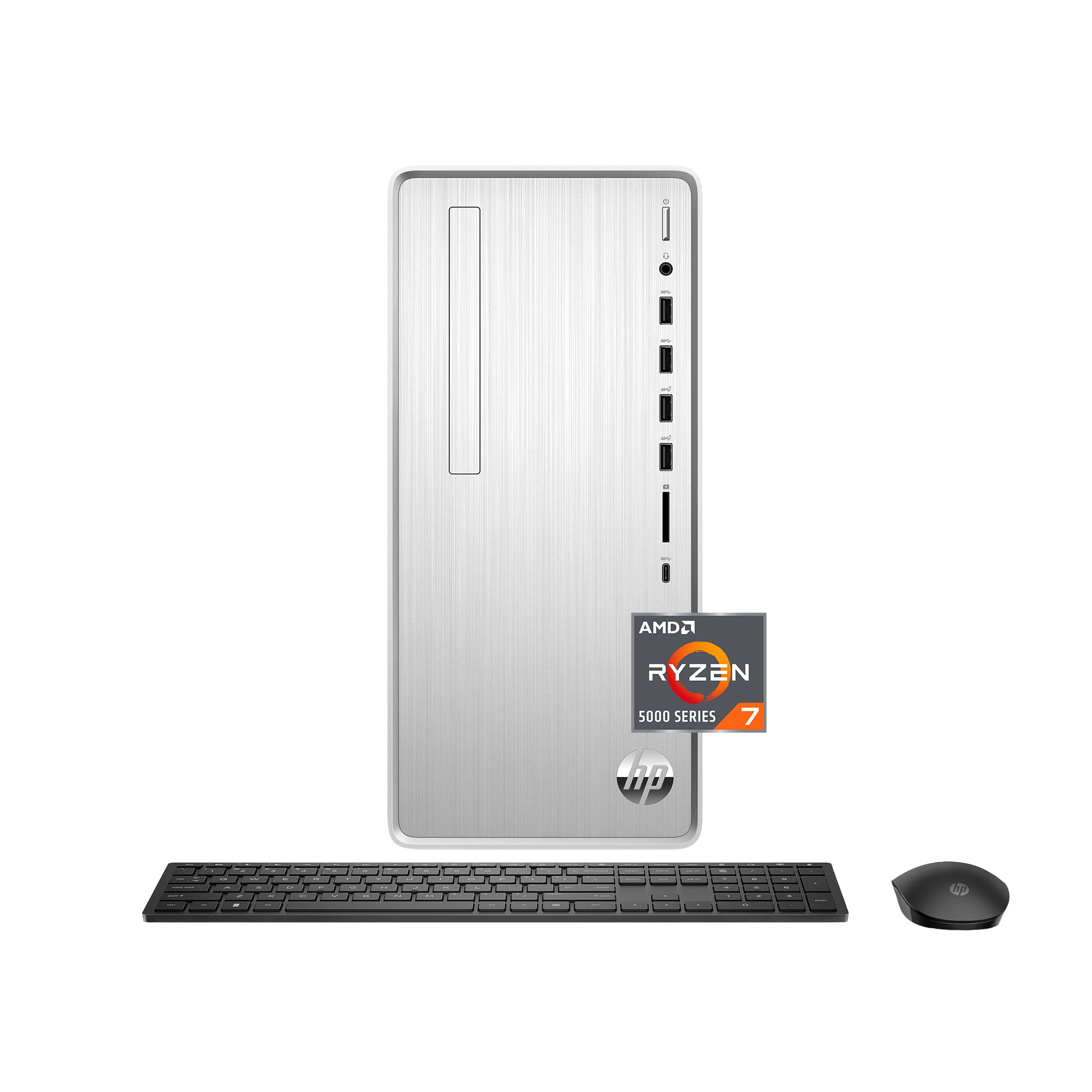
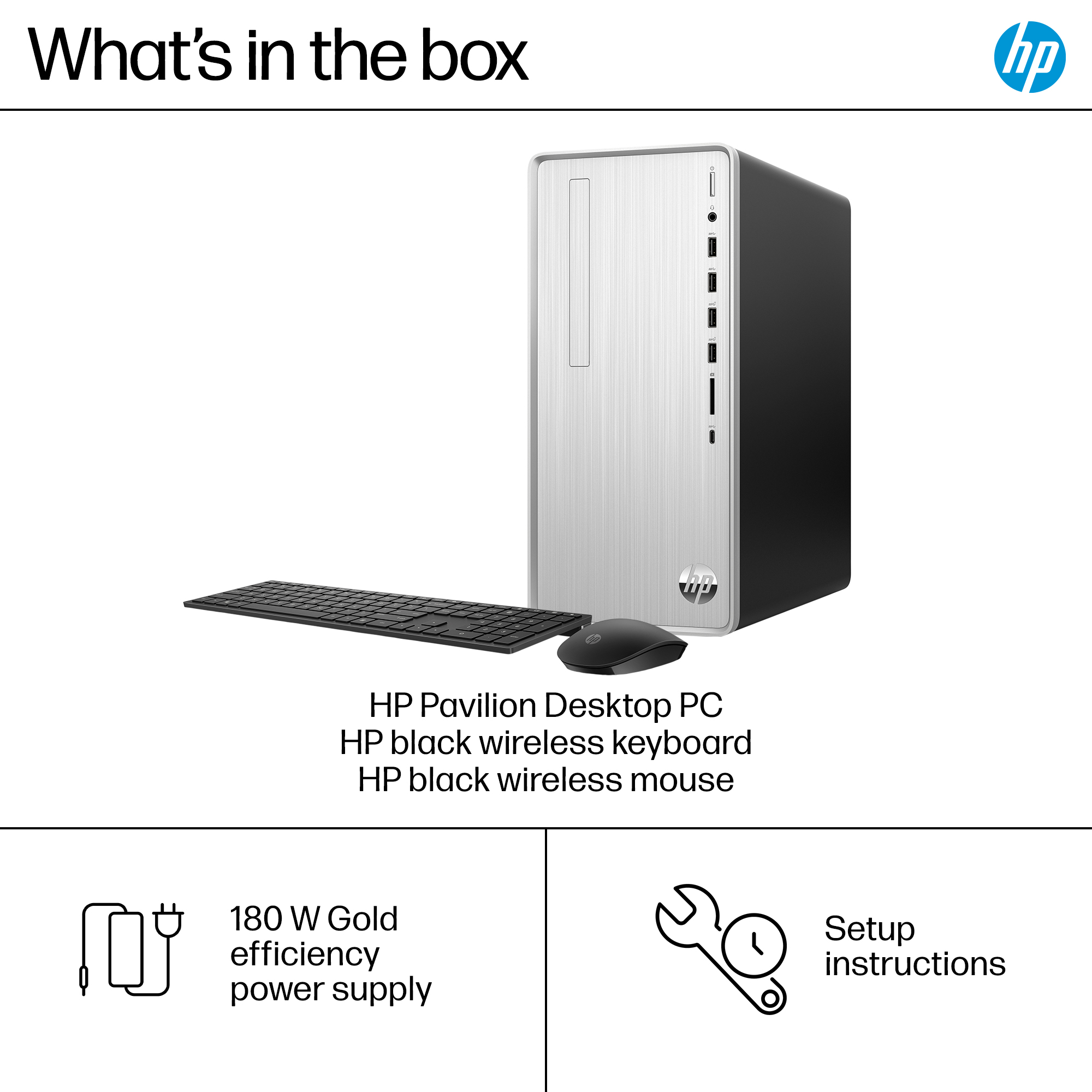
A:AnswerHi Randy, thank you for asking. Yes, the HP TP01-2234 desktop computer can be upgraded to 32GB (16 GB per slot). This desktop PC includes a wireless mouse and keyboard combo.
A:AnswerThank you for the question. HP does not have control of the images Best Buy displays on its site. If you scroll through "customer images" you will see pictures of the rear submitted by customers. Additionally, you can find images in the User Guide available from HP Support.
A:AnswerThank you for your question about transferring your Windows license over. You would not be able to move your SSD from your old system to this one because it will require a Windows re-activation or a new license, and the driver set will be different than that pre-installed on this one. Best Buy offers a data transfer service for your content.