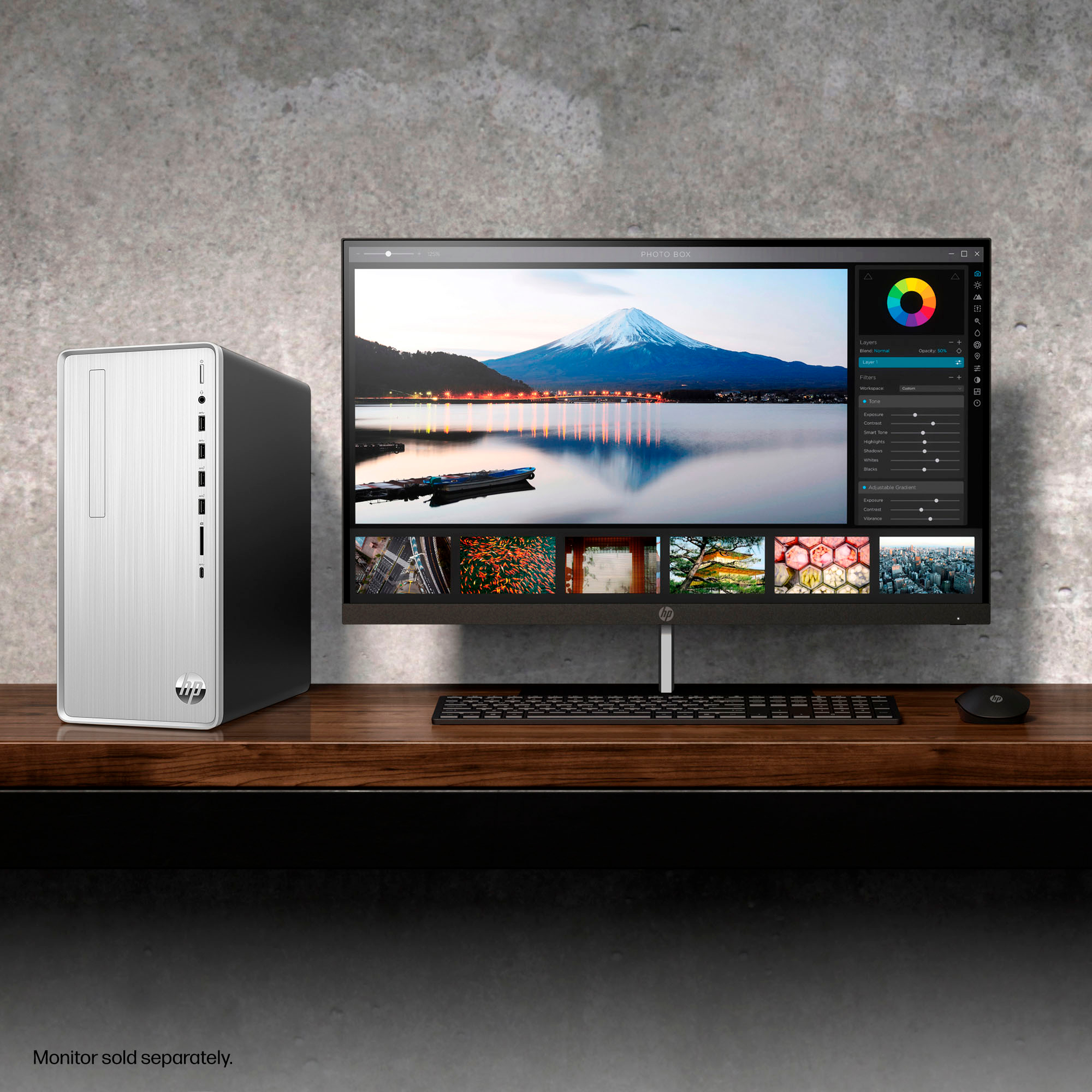
A:AnswerThank you for your question regarding the HP - Pavilion Desktop TP01-2234. For any software, you would want to check the system requirements from the publisher's website and make sure the device you want to run it on meets the requirements for the setting you would like to use. Updates can change the requirements which can impact what settings you run it on or if you can run it at all. For software that always require online or for sections that are online, your connection type and speed can also affect how well it runs.
A:AnswerYou can check the requirements for the software you would like to use by looking up the system requirements for it from the publisher's website. You will want to make sure that the device you want to use it on meets the minimum requirements. Updates and modifications can impact what settings you can run the software on or if you can use the software at all.
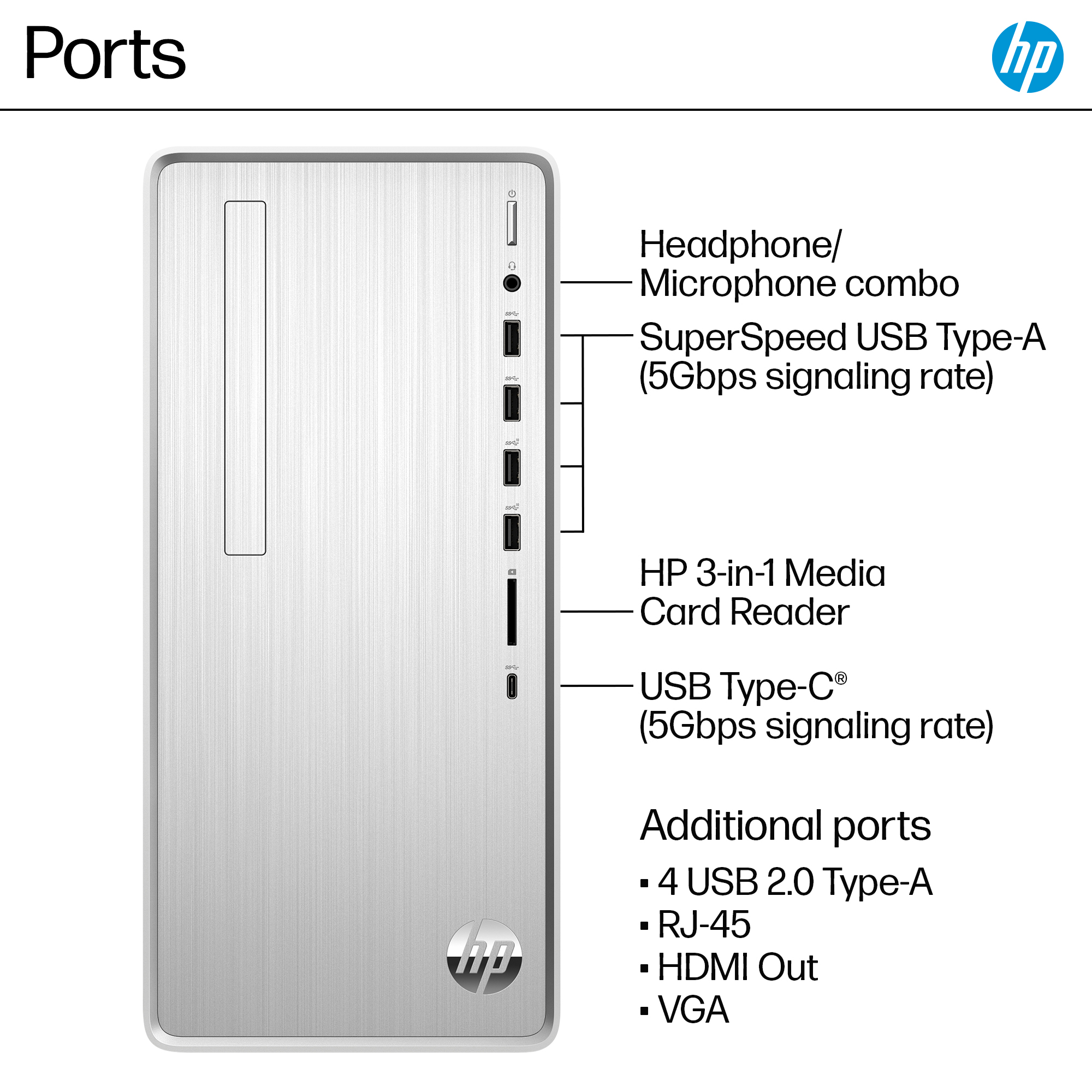
A:AnswerThanks for your question. Most computer models no longer come with a built-in disk drive. Your best option would be to use an external USB disk drive with the computer.
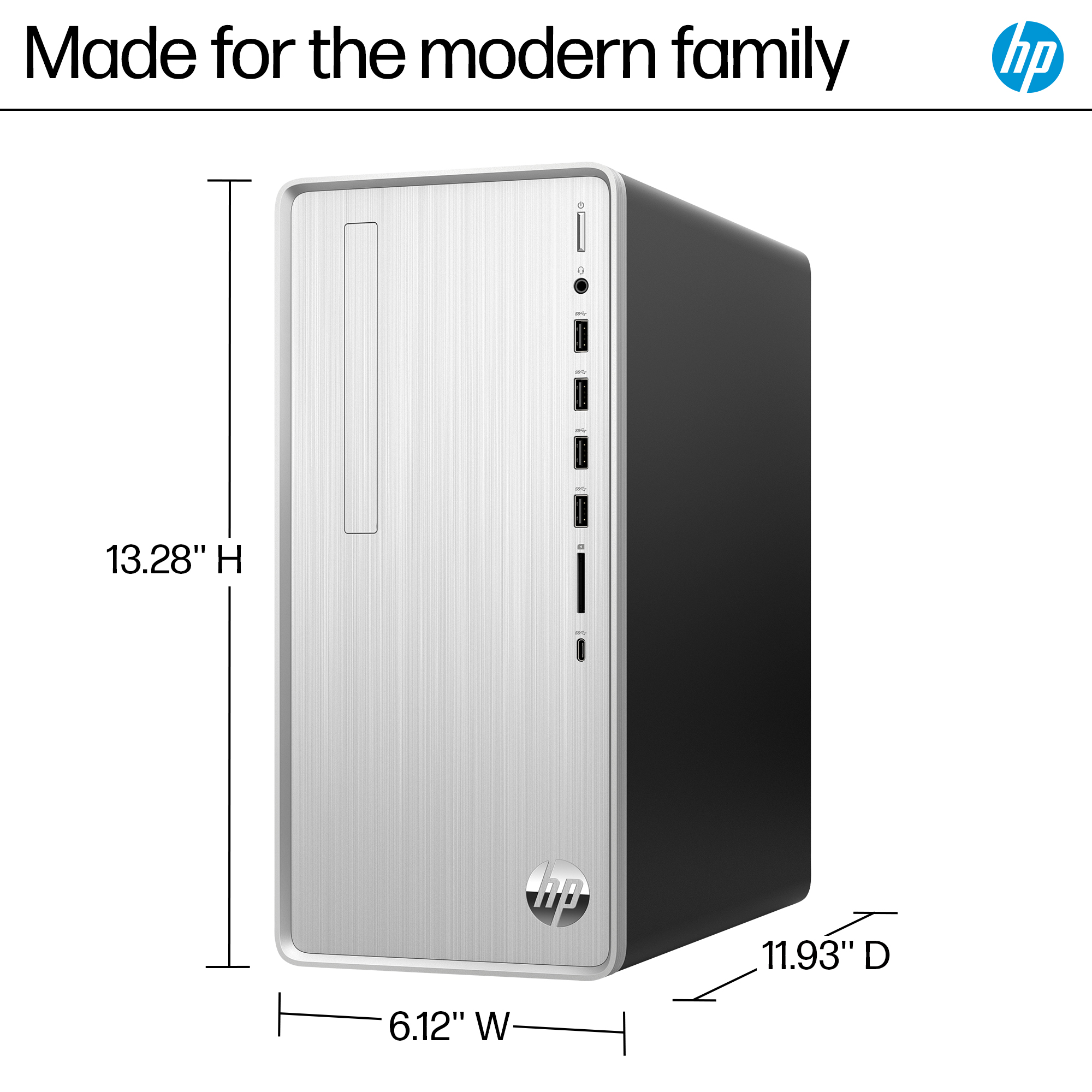
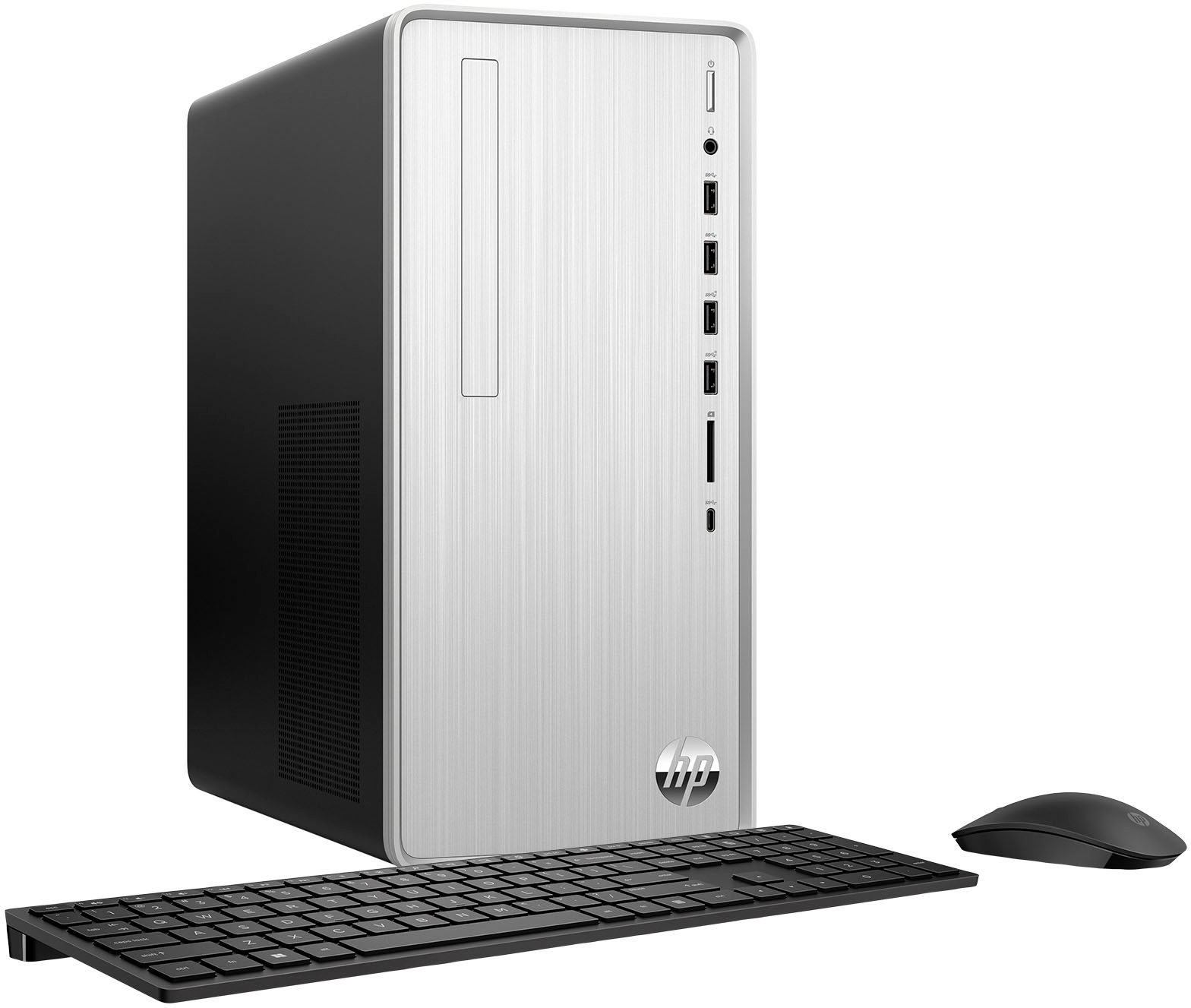
A:AnswerThere isn't much space to add another fan at the back of the case, but I didn't explore this carefully. It might be possible to do something, but I wouldn't count on it.
A:AnswerAt least on the model I purchased, there is an full pci express slot that I was able to use to install a card when windows 11 screwed up using the onboard video. The slot can probably accommodate a higher-end card, but it would be a good idea to check the physical dimensions of the card to be sure it fits in the case. The most critical issue, however, is whether the power supply can support a higher-end video card. I'd suggest you research this thoroughly before buying. This computer comes with a power supply that is, at best, just OK for daily use. Beware would be my suggestion.
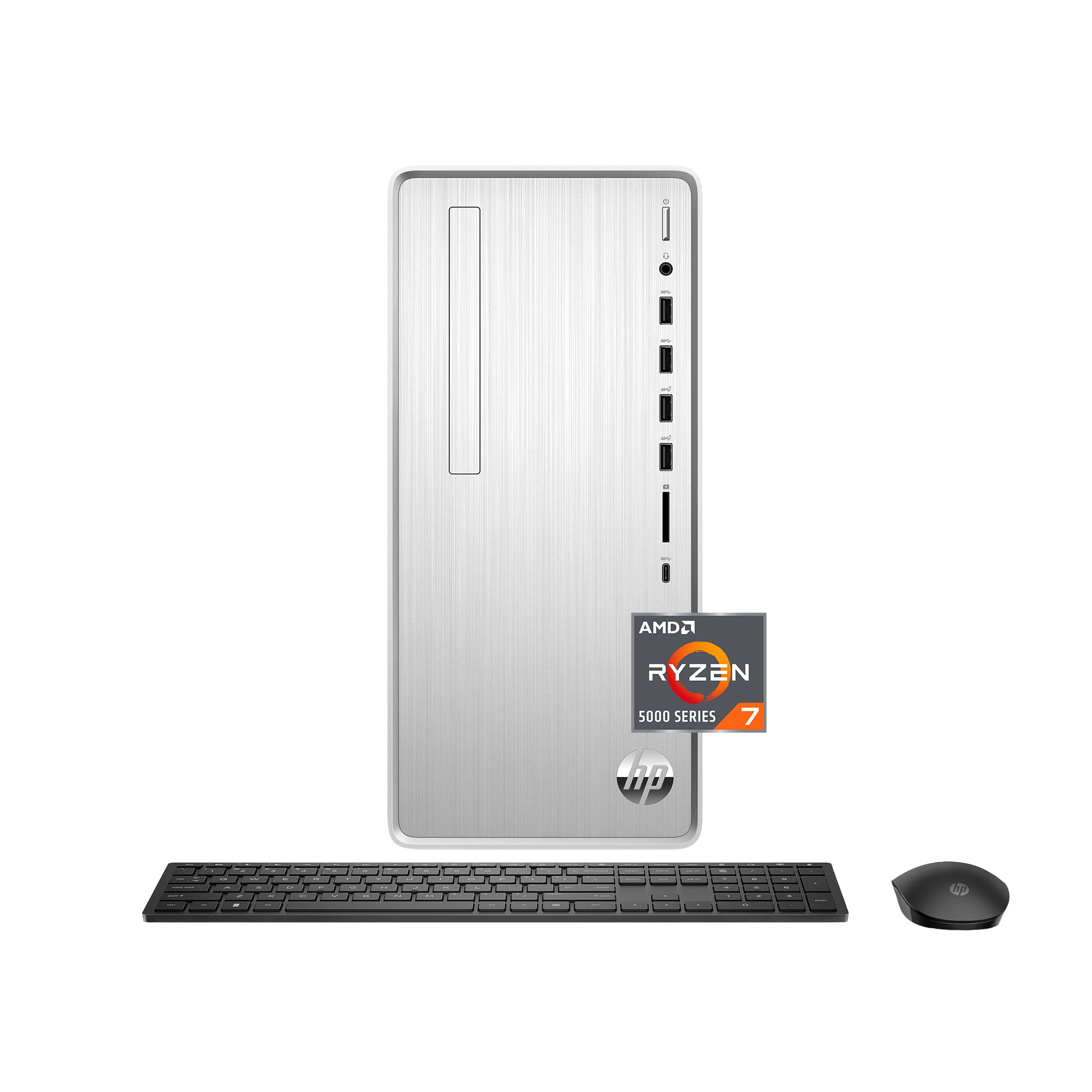
A:AnswerYes, but I would check the dimensions of the card to be sure it will fit and the card's power requirements, because the power supply this computer comes with is just OK at best.