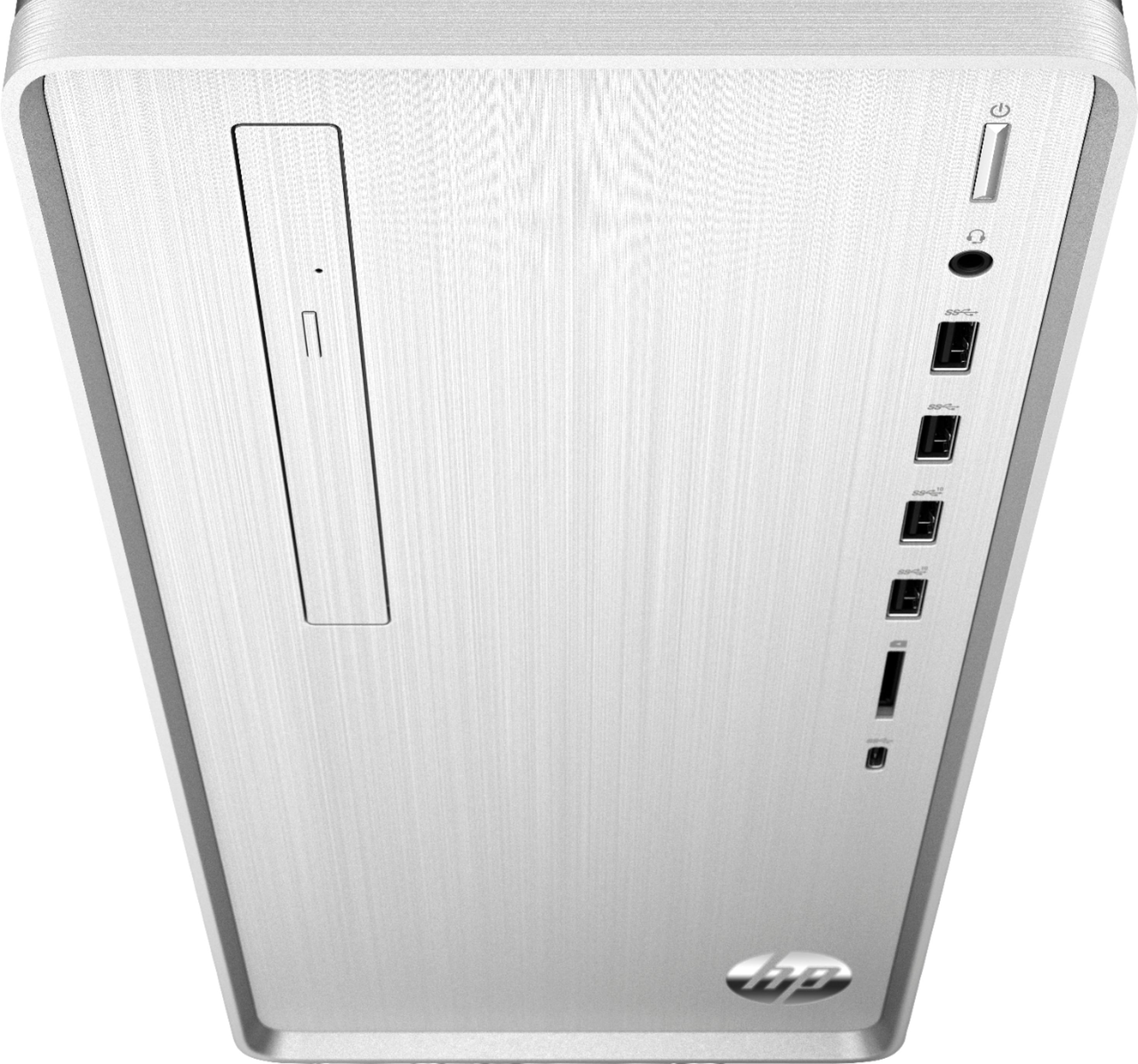
A:Answer There are a variety of microphones available today for computers. You can use a basic microphone that plugs into the computer using the USB cable. Or there are more advanced microphones available that have bidirectional or omnidirectional capabilities. They also can pick up your voice and isolate from other signals. Some microphones are considered to be "hot", otherwise known as condenser microphones. I would recommend doing some research on microphones for computers to find the best one for you. Or if a store is open near you, I would recommend reaching out to a blue shirt at Best Buy.