A:AnswerHello, this device can support up to 2 monitors. The PC can accept one HDMI and one VGA port connection. So you will need to make sure that at least one of your monitors can support VGA and the other HDMI.
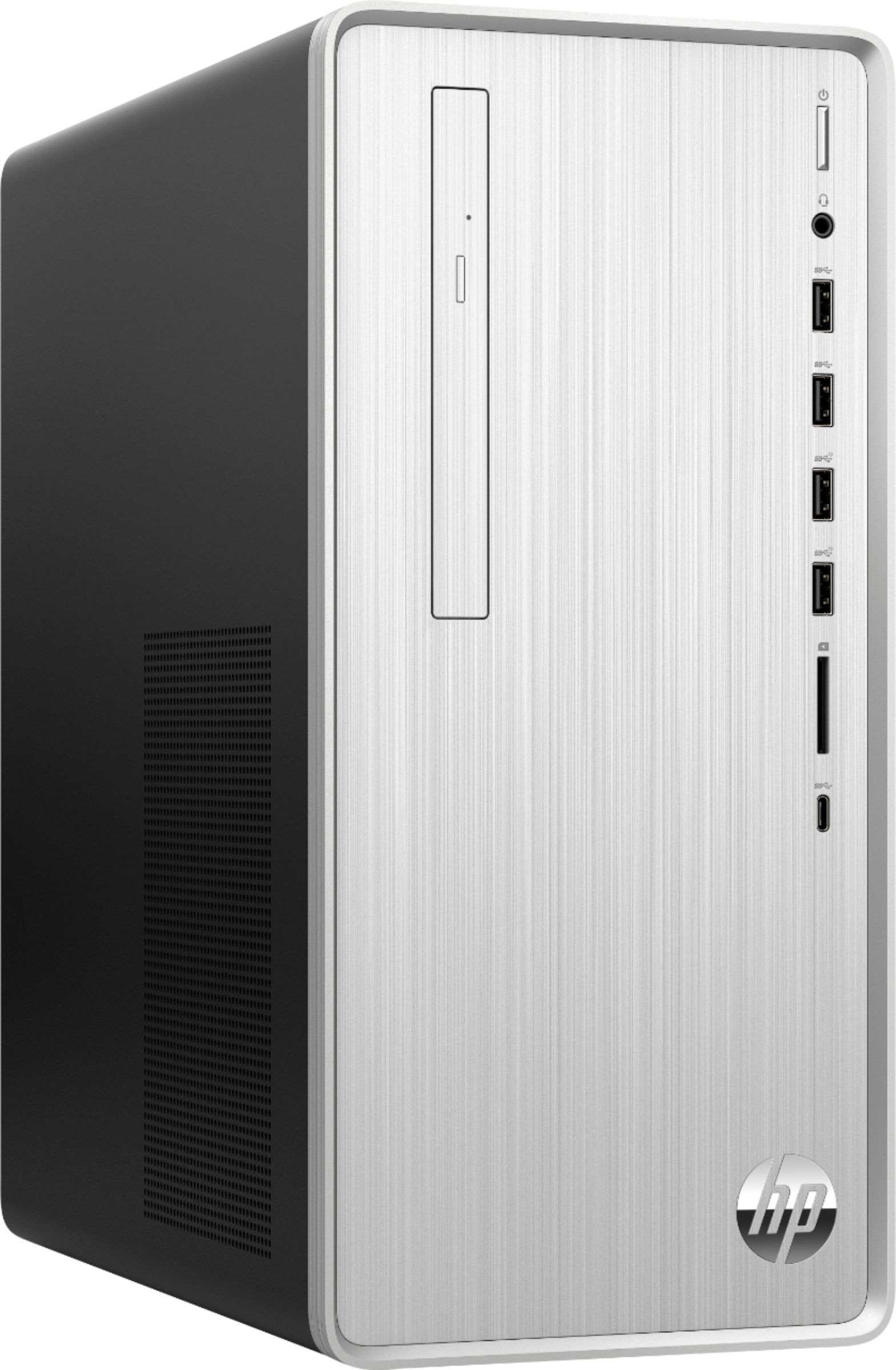
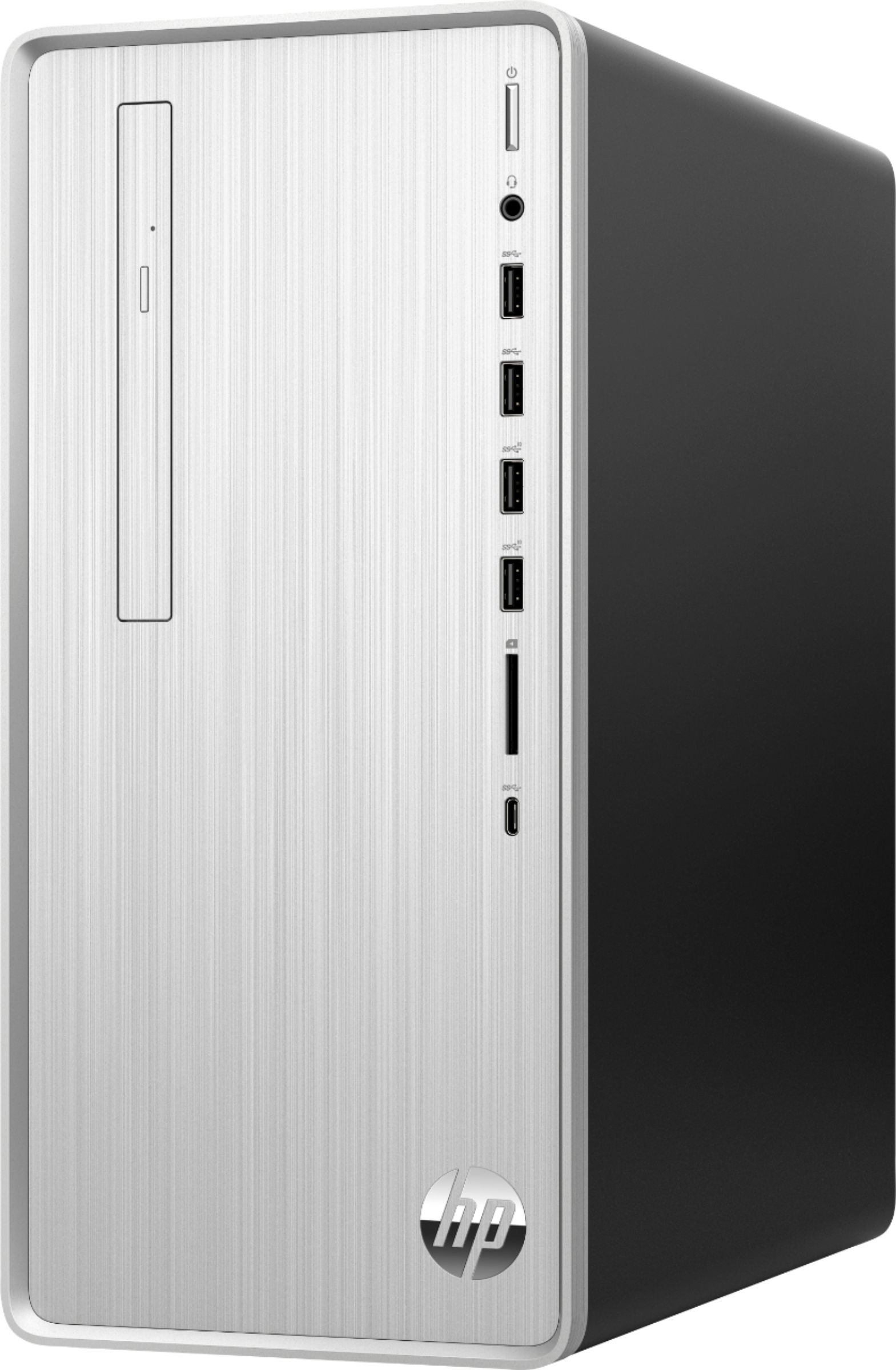
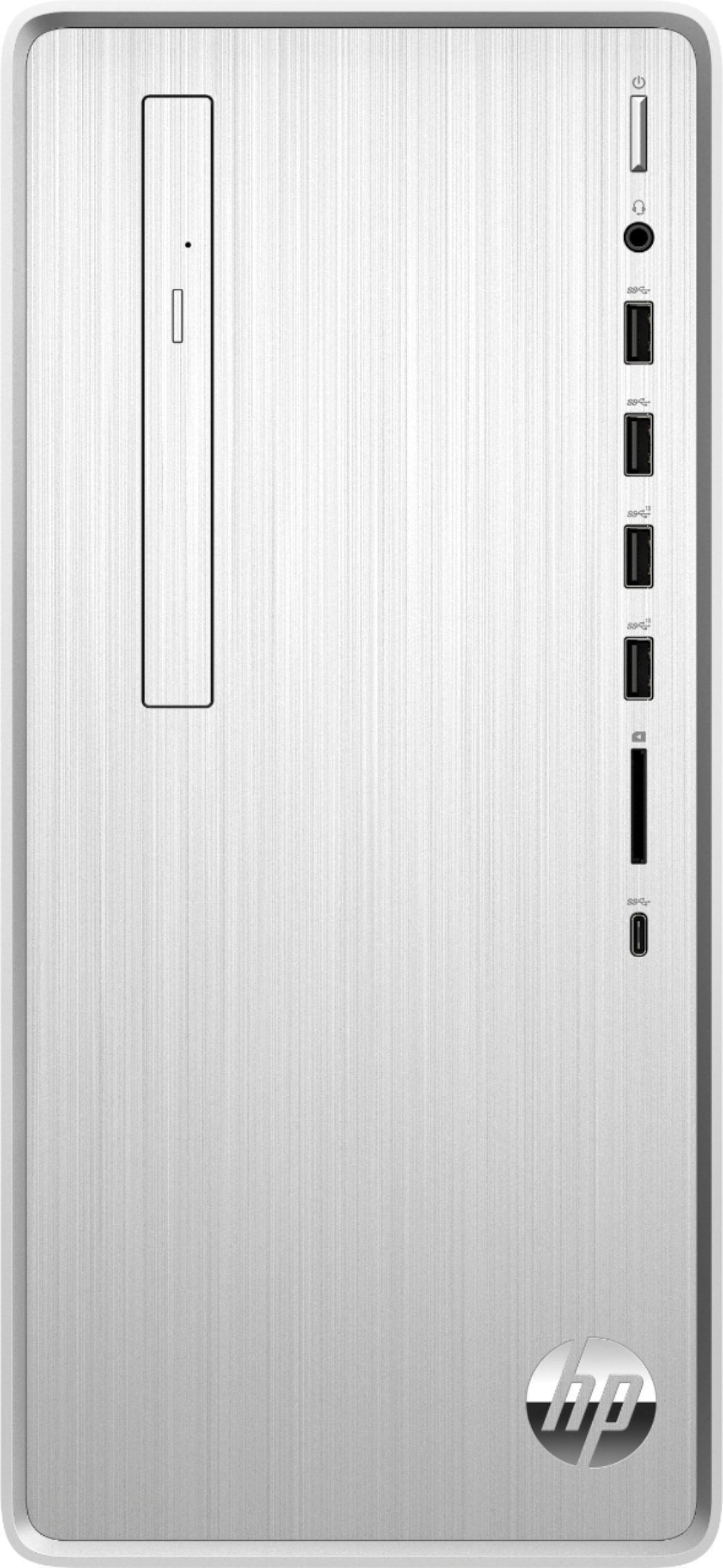
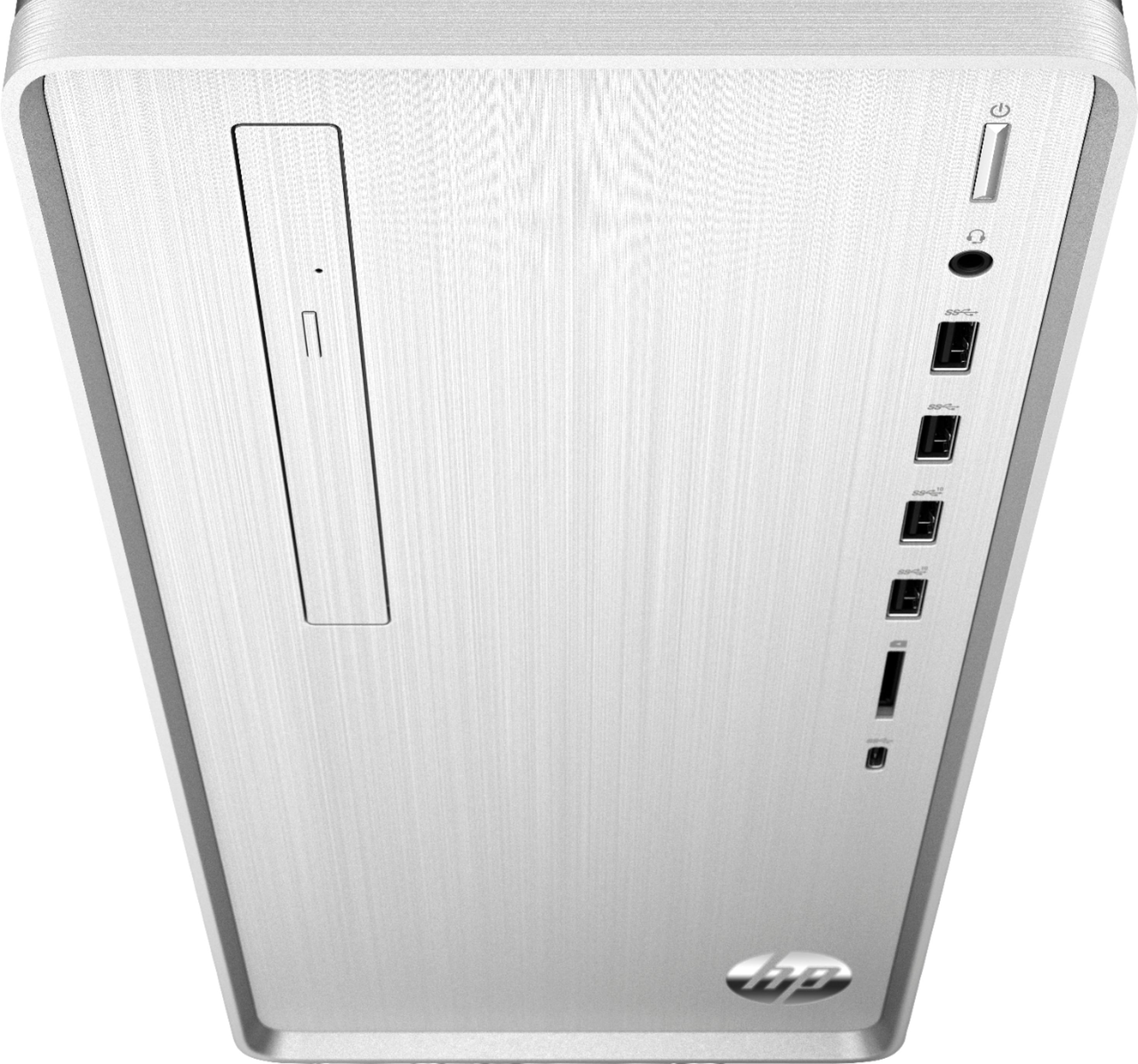
A:AnswerHello! Thank you for asking about the HP Pavilion Desktop computer! I'm happy to report that it does have a DVD-RW already installed! It allows you to read/write CDs and DVDs! I hope this helps!
A:AnswerThanks for the question! From a powered down state, you can access the boot menu by pressing the ESC key immediately after turning on the power. Keep pressing it until you get a boot menu.
A:AnswerYes, you can either replace the existing solid state drive. Or you can install into the available M.2 slot for additional storage on this desktop.