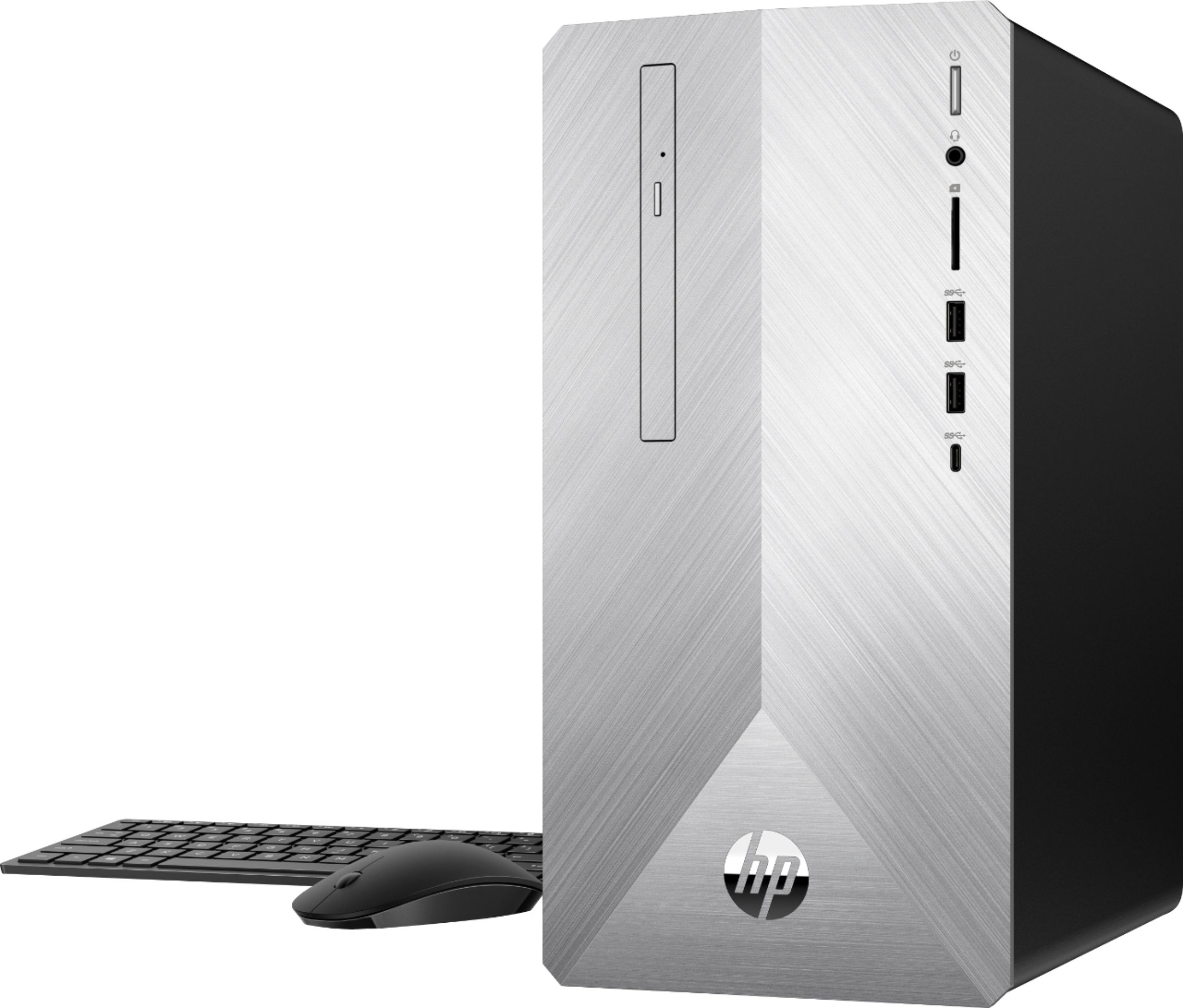
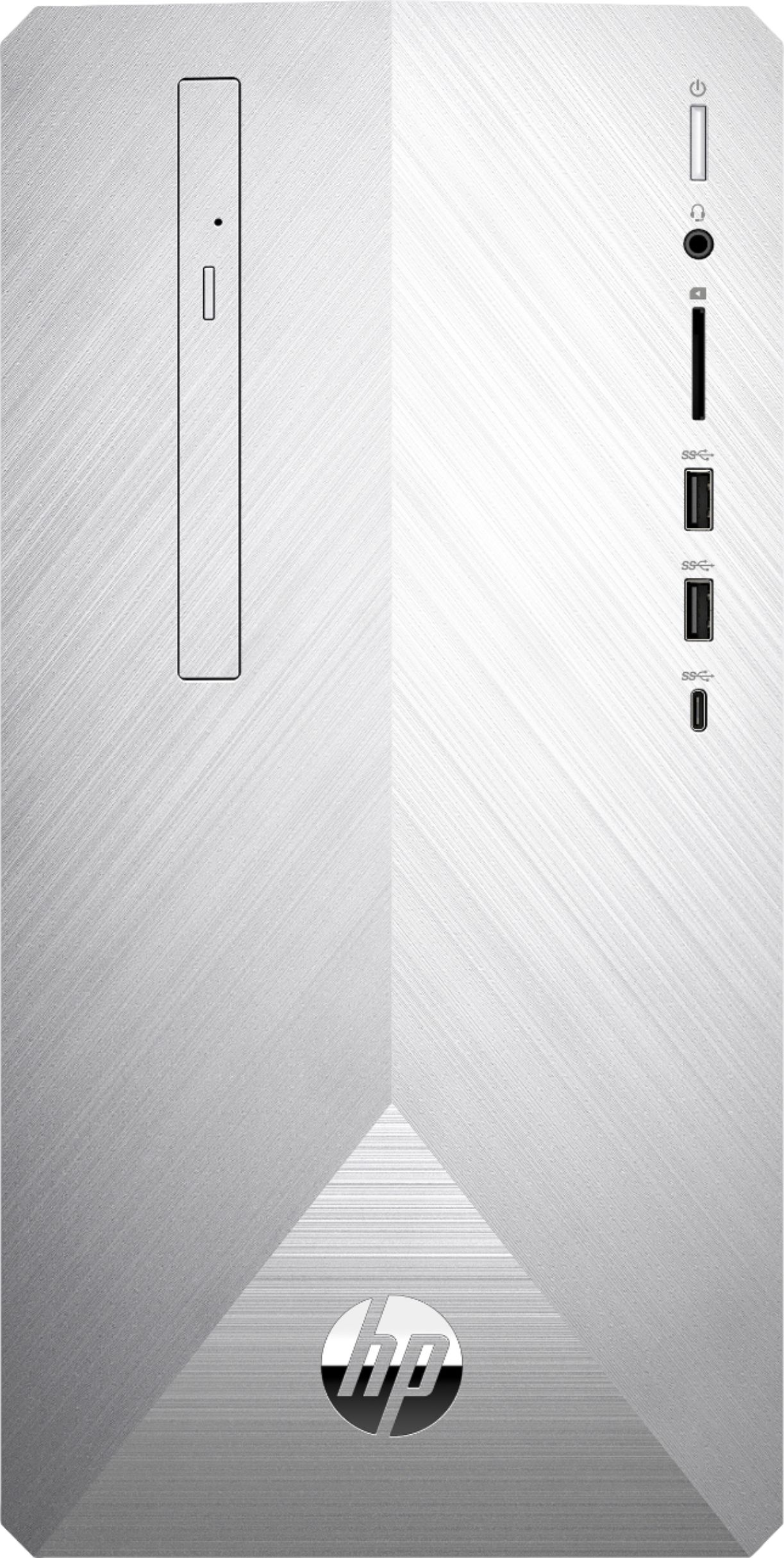
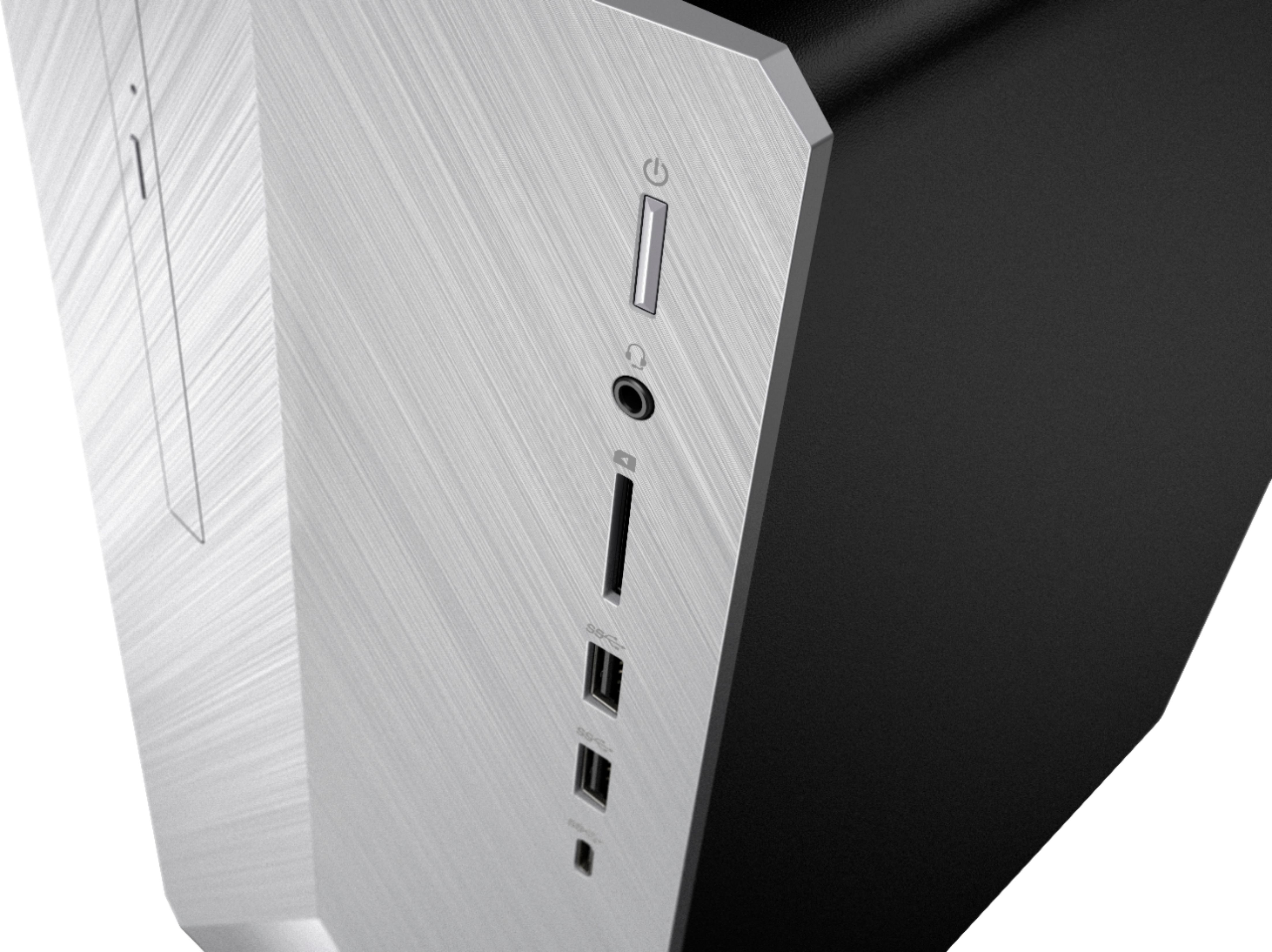
A:AnswerThank you for reaching out. This model has three SATA ports on the board. In theory you could utilize all of those but I imagine two are already in use.
A:AnswerThere are standard 3.5 headphone jacks both in front and in back, the green one in the back sits next to the blue and red 3.5 inputs for mono and stereo.
A:AnswerI asked this question today in the store. Windows office must be purchased separately as either a yearly subscription or a one time non upgradable fee.
A:AnswerYou and me both.
It has an old usb cable connector port, but it looks for power only.
...and there is no audio jack or cable.
...thinking bluetooth?, but then, it does not
register broadcast bluetooth over the computer.
????, beats me,
I guess that is why someone handed it
me and told me to keep it. Lol.
It's pretty, it lights up pretty colors.
Maybe it is looking for drivers???.
But if so, it does not register with windows for any and I can find no information on it of any kind on a googls.
Pass this speaker/turkey by I think. ?? : P
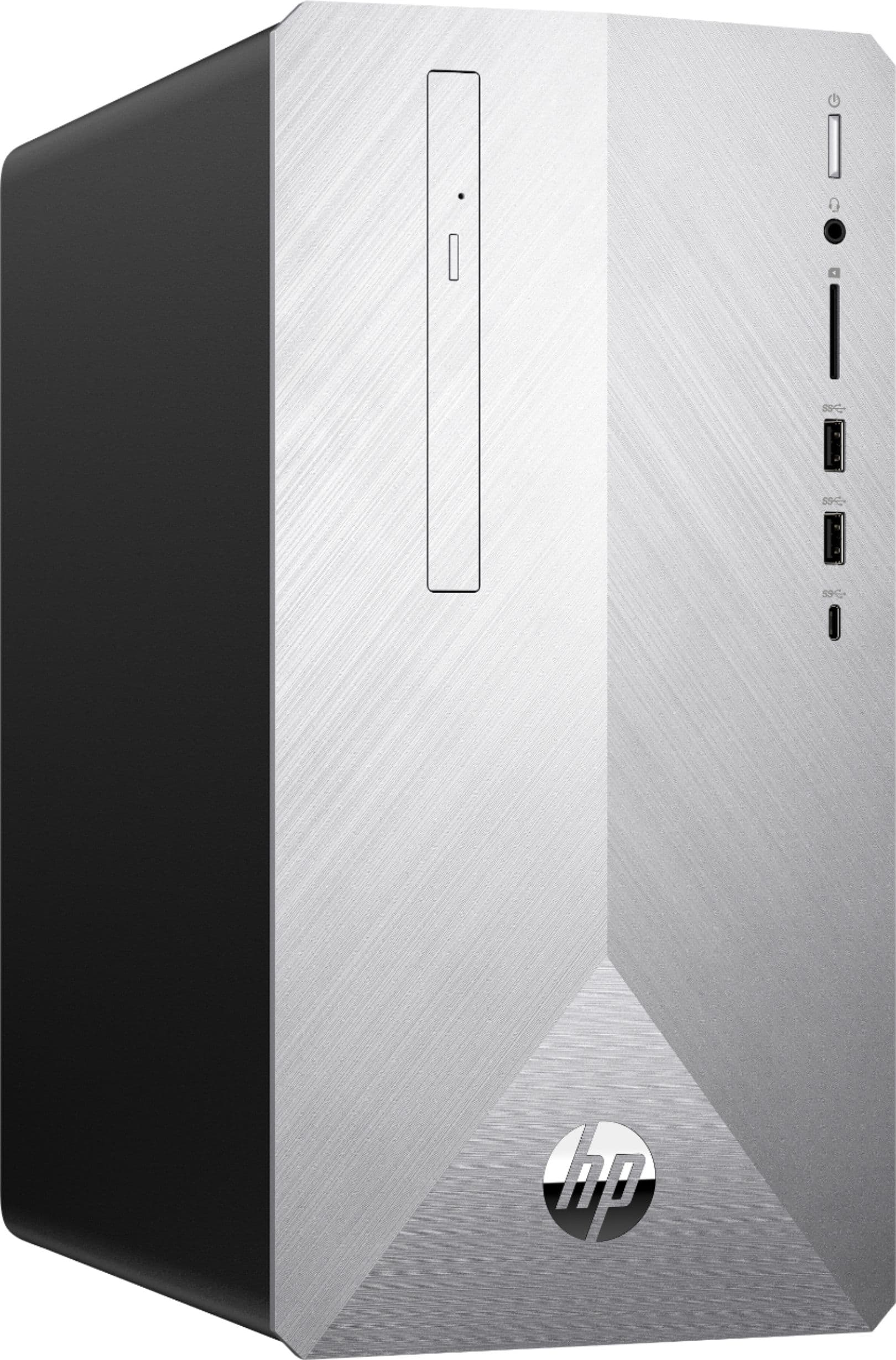
A:AnswerOut of the box, this desktop comes dual monitor ready with 1 HDMI port and 1 VGA port. In order to connect 3 monitors, you may want to consider adding a discrete graphics card. If you install a discrete graphics card, then you may also need to upgrade the power supply. This desktop has a 180 Watt internal power supply.
A:AnswerThis Desktop is a smaller mini-tower system, and it was not designed to have the same expandability as full sized tower systems, Because of this, it comes with a custom 180 watt supply that can be upgraded but only to a 310-watt unit, and the motherboard is also a custom non ATX design. I found this 310w PSU (part L03980-800) that should fit in the case.
A:AnswerThis desktop uses a standard PSU with ATX connections. As for your GPU, I recommend checking the software developers recommended specs and going with that GPU or one higher.
A:AnswerThe computer uses a LINCS motherboard, according to HP. There are two m.2 slots, the first is an M.2 socket 3, next to the memory slots; for the ssd. The second is an m.2 socket 1 for the wlan, that is at the bottom of the board, next to the main power connector.
Here is the information from the HP site, on the LINCS motherboard.
https://support.hp.com/us-en/document/c05991291
A:AnswerI am not sure exactly the question you are asking. Feel free to reach out to the HP Technical team if you believe there is an issue with your computer.