A:AnswerYou can run most any M.2 NVME SSD in this computer, it is up to personal preference. I would check with your local store to see what models they stock and the cost to upgrade and migrate the data.
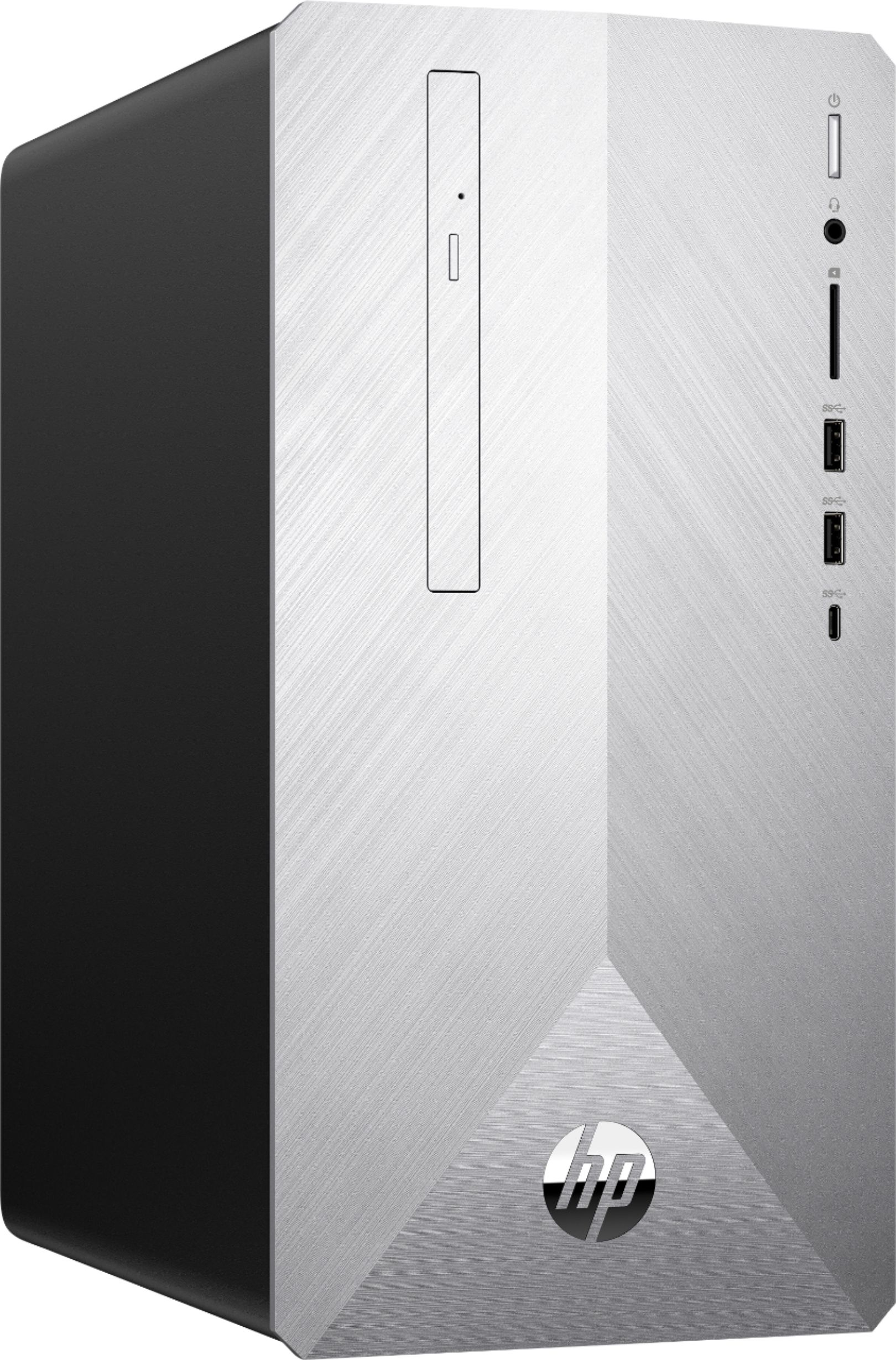
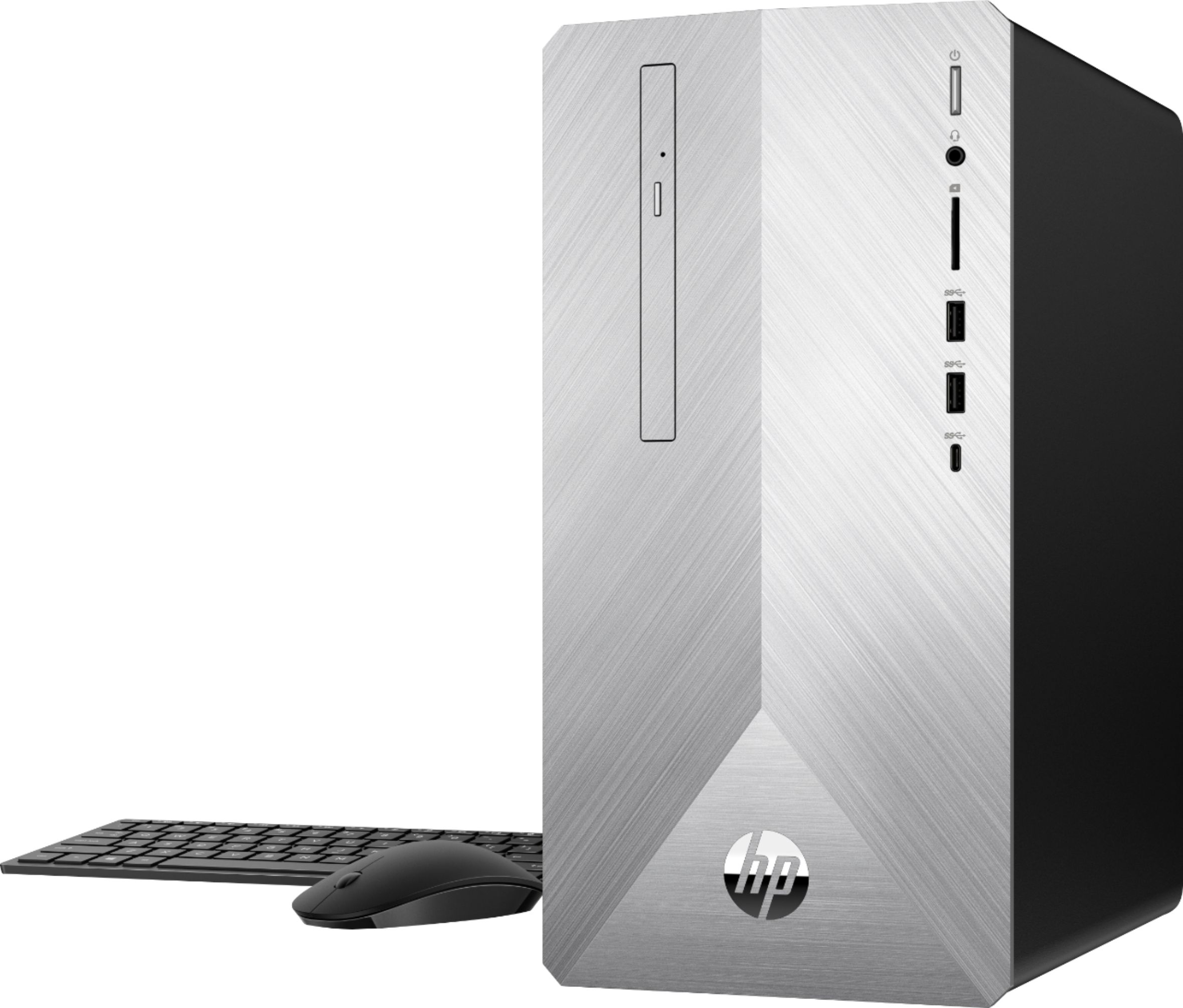
A:AnswerThis computer comes with everything but the monitor.
At the time of this answer this monitor was on sale.
https://www.bestbuy.com/site/lg-24-ips-led-fhd-freesync-monitor-black/5770302.p?skuId=5770302
A:AnswerSince this model does not have a GPU (you should really add one for better gaming experiences) I would run the game on all the lowest settings but put the view distance on high and then adjust the 3d resolution until you get the optimal FPS.
A:AnswerI do not have any information on if this model has a TPM chip, I would reach out directly to the HP Technical team to see if they could track down this information for you.
A:AnswerYou could add another drive but I am not sure there is a bay to hold it. You may want to look into putting your current SATA drive in an enclosure and use it externally with the PC.
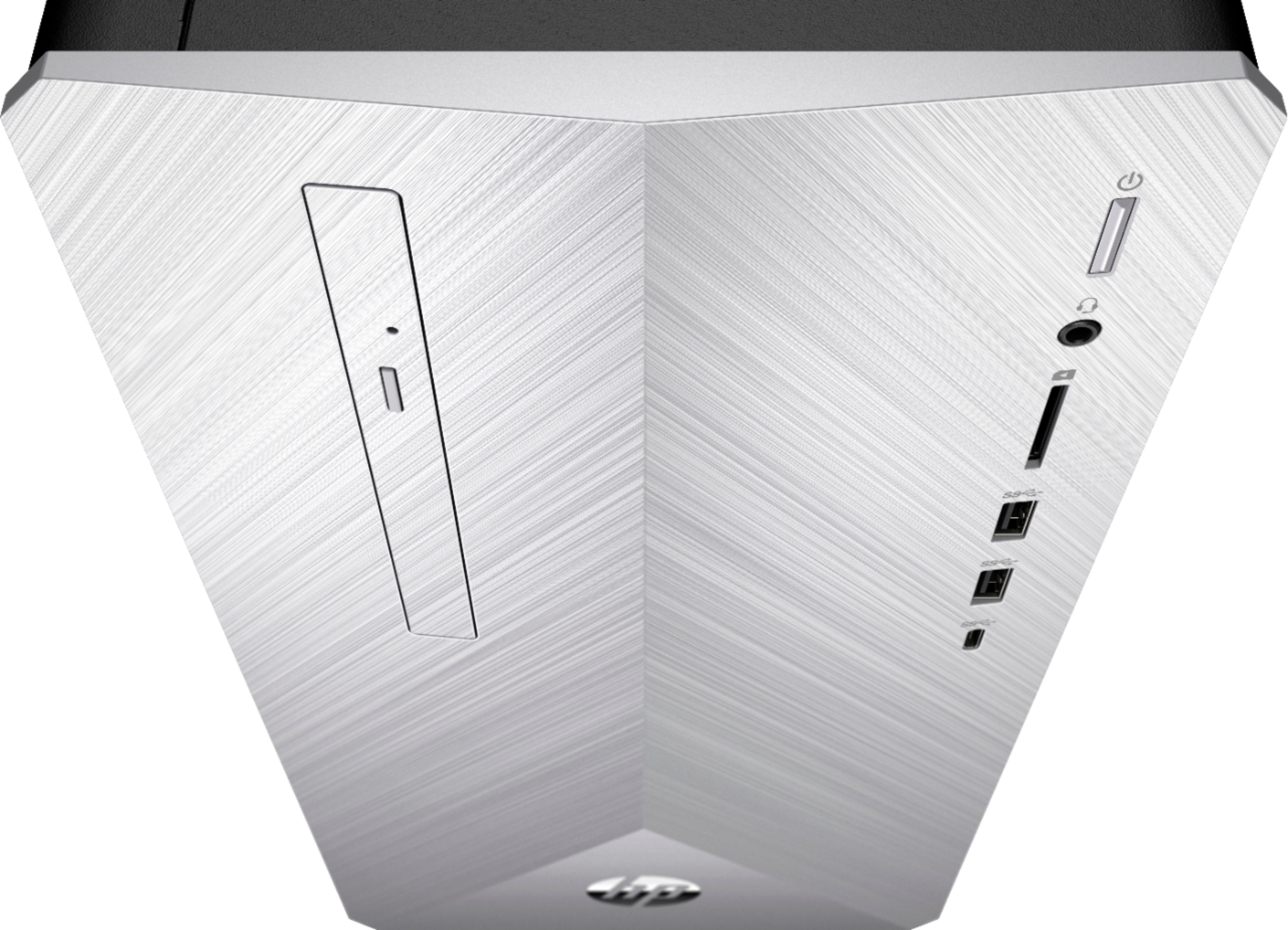
A:AnswerThank you for reaching out. The model number is located on the computer as well as the box. There are no manuals or discs needed, connecting the cables and pushing the power button are all you need as Windows 10 makes the initial start up super simple. If you do want some papers or a restore disk Windows 10 has all this built into the computer. By running the HP support assistant (or going to support.hp.com and searching for your model number) you can pull up all documentation for the computer down to the servicing guide. So all those resources exsist, they are just not in the box but are online.